





Logo Background Remover

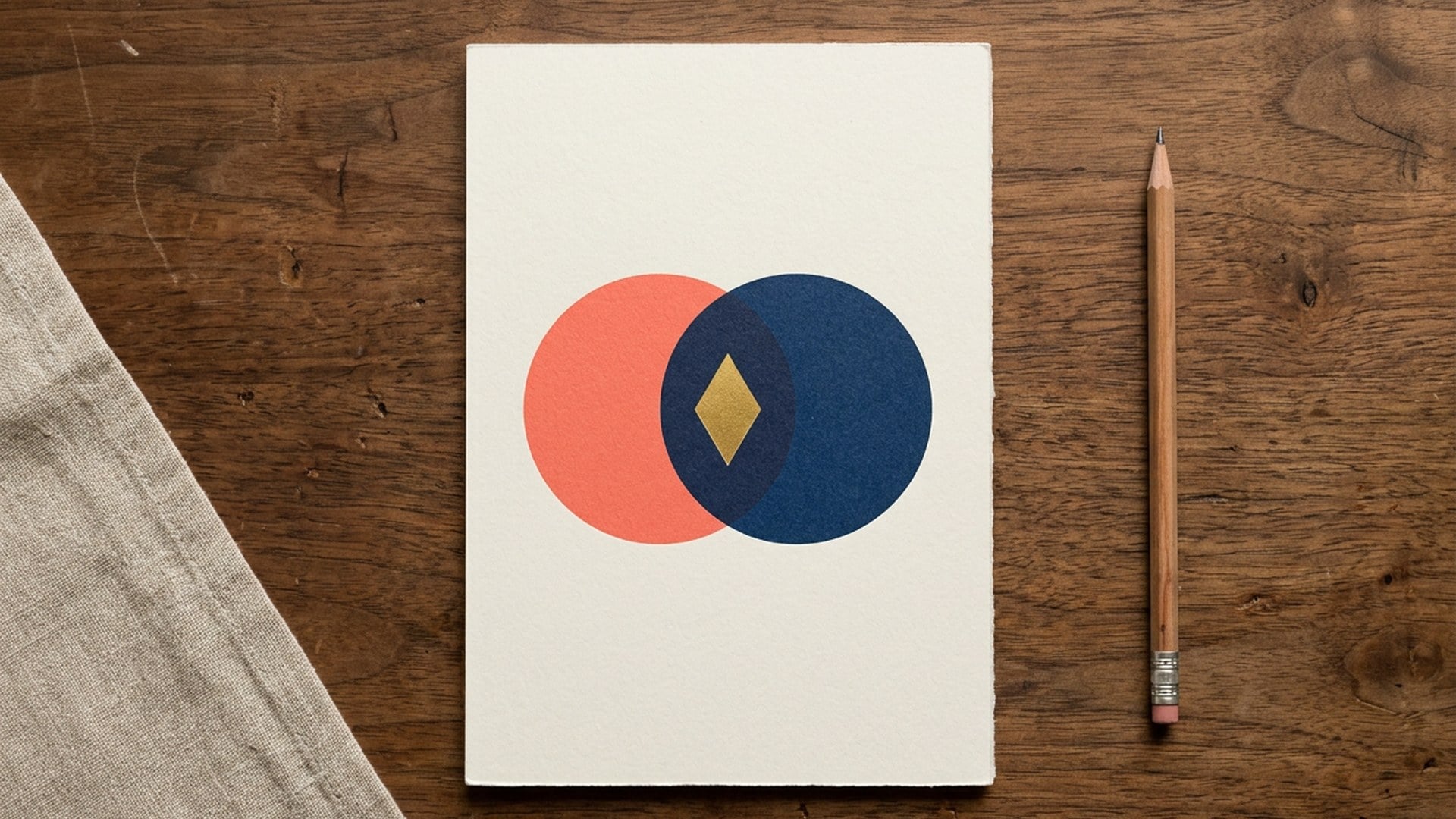
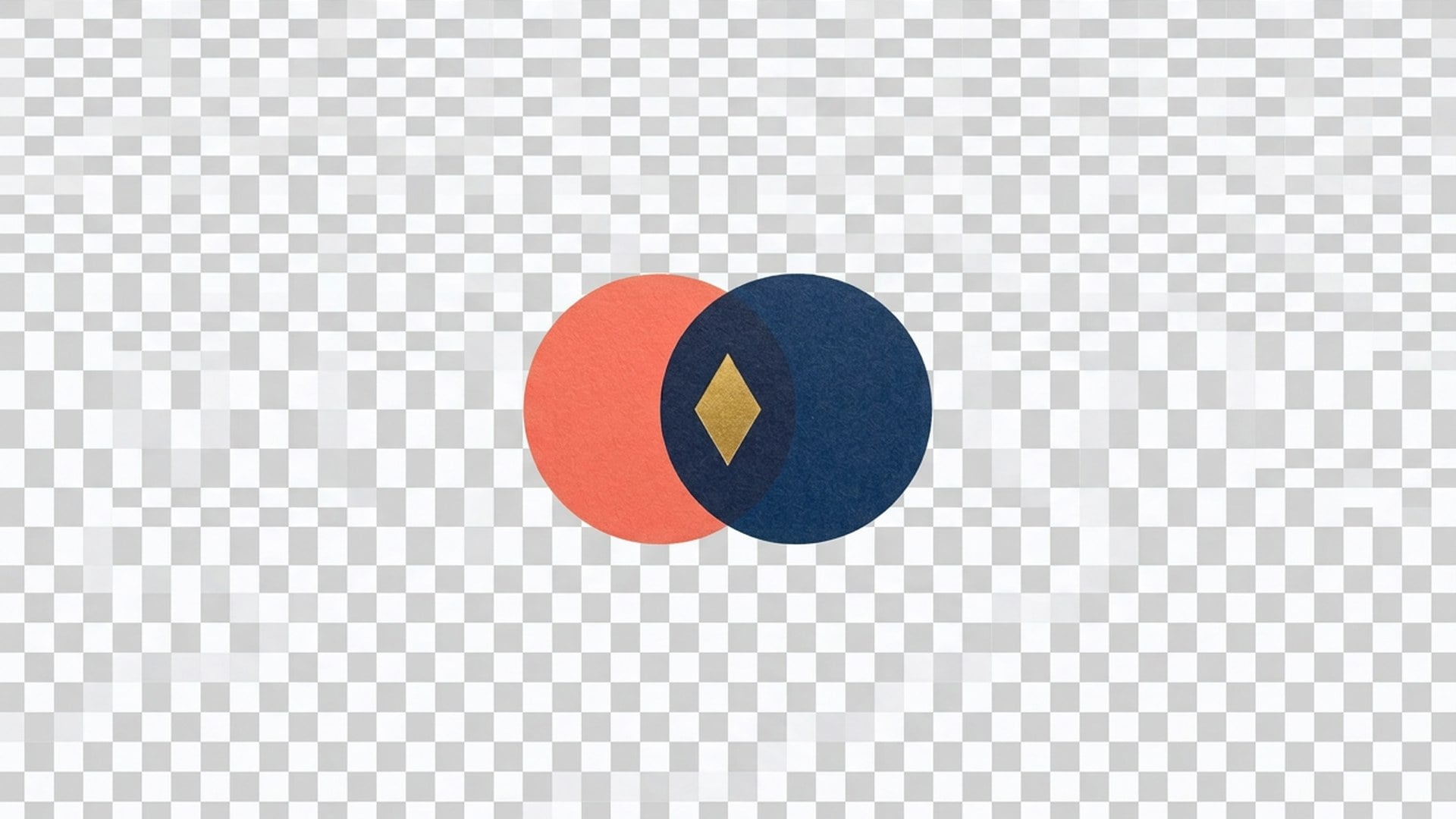
You need the mark, not the desk it was photographed on. This page cuts a lockup onto alpha — no white bake, no invented studio, and no erasing a badge off a jacket.

Logo Background Remover
BeforeAfter

Logo Background Remover

Source logo

Upload one still of a logo or lockup. The mark stays. The backdrop becomes transparent.

Logo Background Remover
BeforeAfter

Logo Background Remover

You need the mark, not the desk it was photographed on. This page cuts a lockup onto alpha — no white bake, no invented studio, and no erasing a badge off a jacket.

The Mark on Alpha. Not a Jacket With a Hole.

You already have a logo — on a desk or a colour field — and need a transparent file for a slide or listing. This page uses the same model and settings as Background Remover; only the guidance focuses on logos. Deleting a badge from a photograph is the Logo chip on Magic Eraser — the opposite job.

Cut Out This Logo
The Mark on Alpha. Not a Jacket With a Hole.
Transparent logo, not a white rectangle.

Transparent logo, not a white rectangle.

Place the result over the layout you already designed. The background is transparent, not a baked white field. Check the edges and the small openings inside letters against both light and dark colours. Fine details depend on the source image and may need a closer crop.

Try Logo Background Remover
Opposite of deleting the badge.

Opposite of deleting the badge.

The Logo chip on Magic Eraser erases a mark sitting on a sleeve and leaves a full photo. This page keeps the badge and throws the desk away. If you searched the wrong one, the test is simple: do you want the mark, or do you want it gone?

Try Logo Background Remover
Logo guidance, the same background removal.

Logo guidance, the same background removal.

This page and Background Remover use the same model and settings. The examples here focus on logos; there is no separate logo mode or page-specific quality difference. Start with a clear scan or export. You do not need to run both pages on the same source.

Try Logo Background Remover
No new brand invented.

No new brand invented.

The pass should not redraw the wordmark into a cousin. If the first take changes letter shapes, the source was too soft or the crop too wide. Recover mush on Image Enhancer first, then isolate. A torn print of a seal belongs on Photo Restoration before you ask for alpha.

Try Logo Background Remover

How to Remove a Logo Background

  1. Step 1

    Upload a JPEG, PNG or WebP of the lockup. Crop in so the mark fills most of the frame. A tiny logo on a wide desk is a weak source.

  2. Step 2

    There is no scene to describe. The artwork is the brief. Generate the transparent result. This cutout requires Pro.

  3. Step 3

    Drop the after on a dark slide. If letters filled in, crop tighter and rerun from the original. If you actually wanted the badge gone from a jacket, switch to Logo on Magic Eraser.

Cut Out This Logo

Who Opens Logo Background Remover

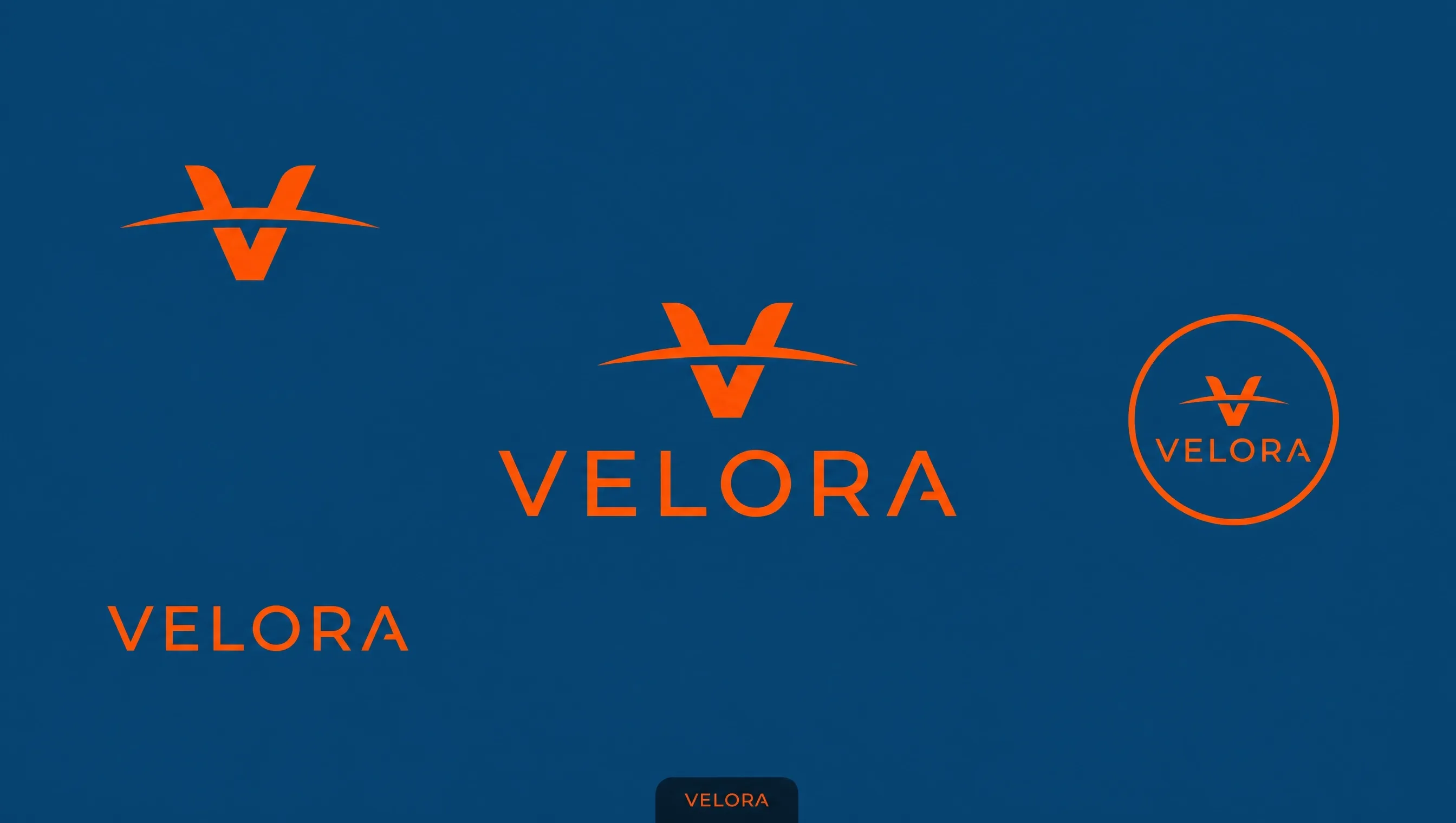
The lockup on alpha

The lockup on alpha

Someone printed the logo and shot it, or exported it on a colour field. You need the mark, not the wood or the red. Crop, isolate, place. A baked white field is a later finish when a form refuses transparency — not this cutout. Soft paint should still look like paint, not a newly traced cousin of the wordmark.


A badge off a jacket

A badge off a jacket

Opposite job. You opened the keep-the-mark page. Deleting a sleeve badge and leaving a full photograph is Logo on Magic Eraser. If that is the leftover you actually have, leave this cutout.

Not a wordmark

Not a wordmark

For examples featuring people, pets, or products, open Background Remover. It uses the same model and settings as this page. There is no quality penalty for using this entrance and no need to generate on both pages for the same background-removal task.

The mark is mush

The mark is mush

Recover the scan on Image Enhancer first, then isolate. A torn print of a seal belongs on Photo Restoration before you ask for alpha. Each of those is its own generate. This page will not trace a new wordmark.

Cut Out This Logo

Notes From People Who Needed the Mark, Not the Desk

Notes from creators who used this tool on real work.

EF

Enzo Fairbanks

Designer

Wordmark off the wood.

Dropped on navy. Counters in the e stayed open.

OP

Omar Pell

Marketer

Opened Logo Remover first and almost deleted the asset.

This page keeps it.

AD

Aitana Delgado

Brand lead

Red field export, now alpha.

Deck colour showed through. That was the brief.

IH

Iker Herrera

PM

Tiny logo on a desk failed.

Cropped in, second take held the letters I actually needed.

ML

Maite Lozano

Ops

Wanted white for a form.

Wrong URL. I needed a baked field, not leftover alpha.

UC

Unai Cabrera

Founder

Not a vector.

Fine. I needed a slide asset by tonight, not a brand pack.

LM

Leire Medina

Creator

I checked the letter edges on a dark slide before placing the logo.

AR

Amaia Rivas

Archivist

Seal on a wall photo.

Isolated the circle. Ring type was mush — cropped it.

VB

Vic Boone

Social lead

Checked on a black slide.

No red halo. Source contrast did the work, not a redraw.

Frequently Asked Questions

It isolates a logo or lockup you already have and returns it on a transparent field. You upload one still of the mark and get a file you can place. The artwork should stay itself. It is not an erase that deletes a badge from a photo. It is not a baked white field. Generation is gated to Pro.

What will you create today?

Turn your ideas into reality with AI. Generate, refine, and innovate — creation starts here.

Create Now