LF
Lincoln Fairbanks
Short-form directorI had the take.
What I did not have was the budget to shoot it again with a different lead. Same footage, different character, done in a minute.
Keep the footage. Change who is in it. Upload your video and one photo of the replacement character — the camera move, the lighting and every beat of the original motion stay exactly where they were.
AI Character Swap
AI Character Swap
Keep the footage. Change who is in it. Upload your video and one photo of the replacement character — the camera move, the lighting and every beat of the original motion stay exactly where they were.

Upload your video
The footage containing the character you want to replace. Its framing, camera movement, lighting and timing are what the result keeps. A still image works here too.

Add the replacement character
One or more photos of who takes their place. More angles hold the face steadier across frames. Add a line of description if there is something the photos do not say.

Pick the scope, then generate
Whole character, face only or outfit only, plus how the result should be rendered. Generate, and the finished clip lands in your library ready to download.
The take is usually fine. The camera move works, the light is right, the performance lands. What has changed is who should be in frame — and that alone sends most productions back to the shoot.
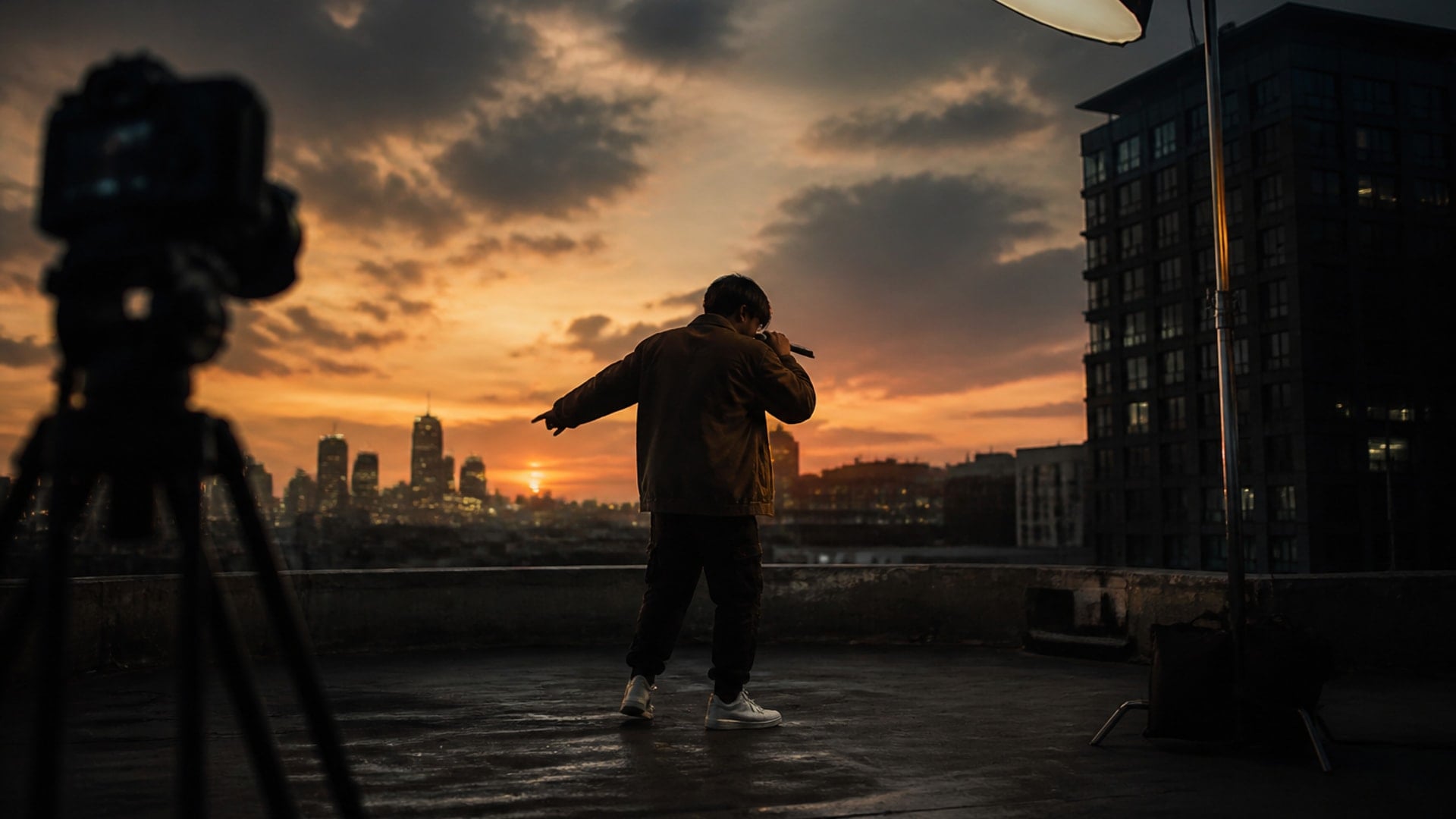
A shot carries a lot of decisions and a lot of hours: where the camera goes, how it moves, how the light falls, how the performance is timed. Generating a new clip from a prompt throws all of that away to change one thing. Replacing the character inside the footage keeps every decision you already made and changes only the one you wanted to change. That is the difference between an edit and a reshoot.
Try it now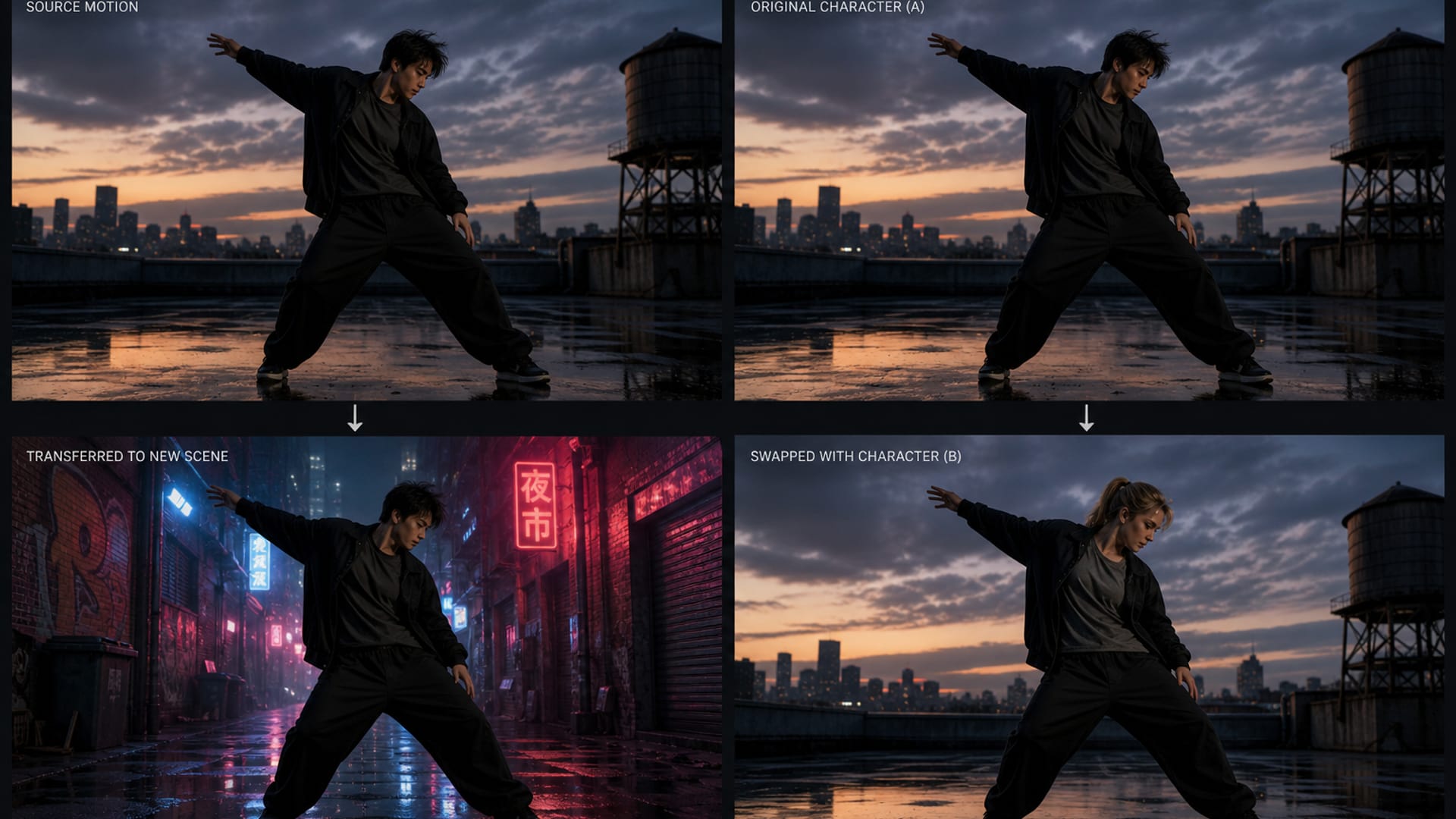
Motion transfer takes the movement out of a reference clip and applies it to a character in a scene the model invents. Character swap does the opposite: the scene is yours and stays untouched, and only the person changes. If you want your character doing someone else's choreography in a new environment, that is a different tool. If you want your existing footage with a different lead in it, this is the one.
Try it nowOne video, one character photo, and a choice about how much of the replacement comes across.
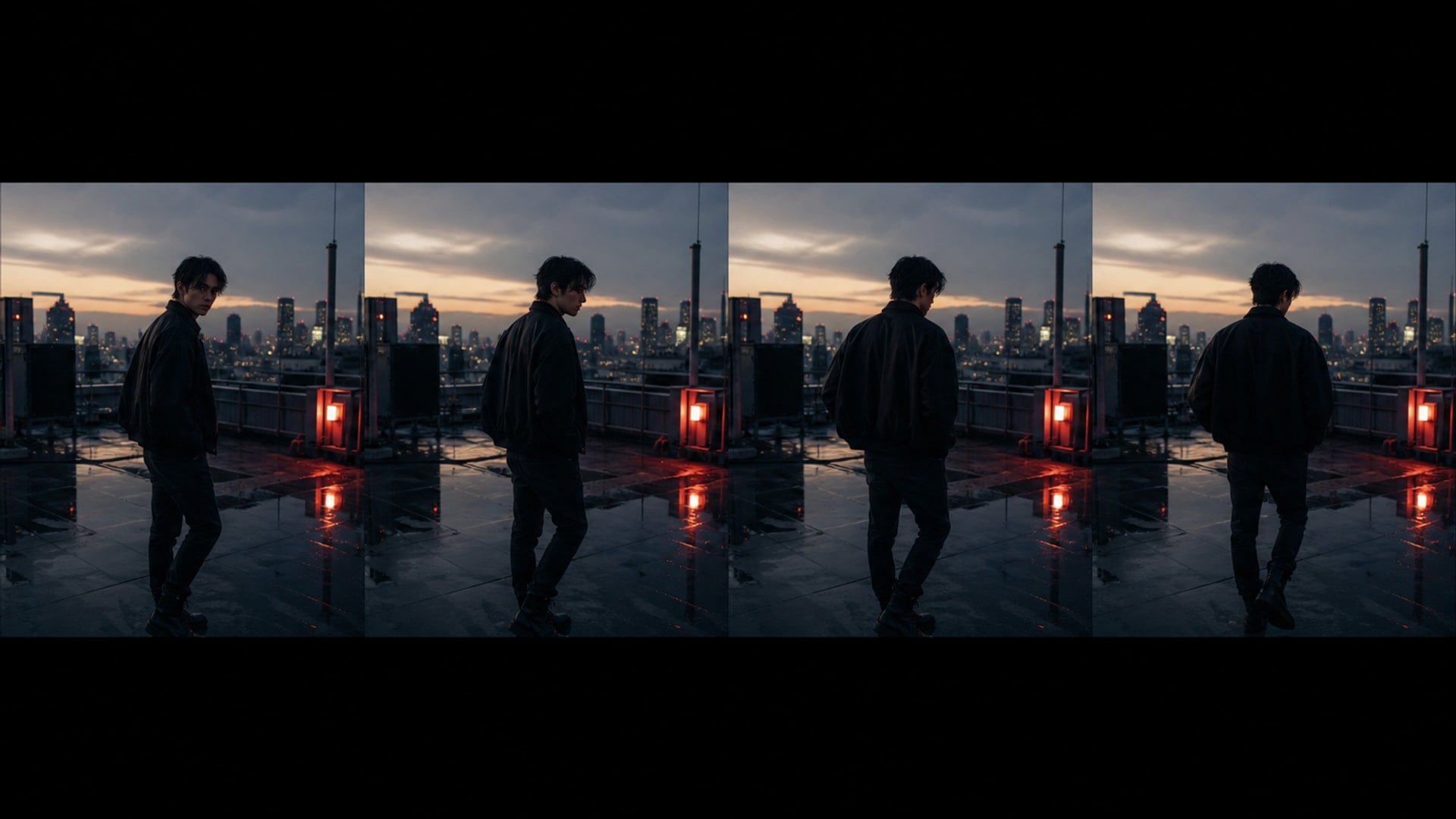
Upload the clip and the result comes back as the same clip with a different person in it. Camera movement, background, lighting, framing and the original performance's timing are all held. The character is tracked frame by frame so the identity does not drift halfway through, which is the failure mode that makes most swapped footage unusable after the first second.
Try it now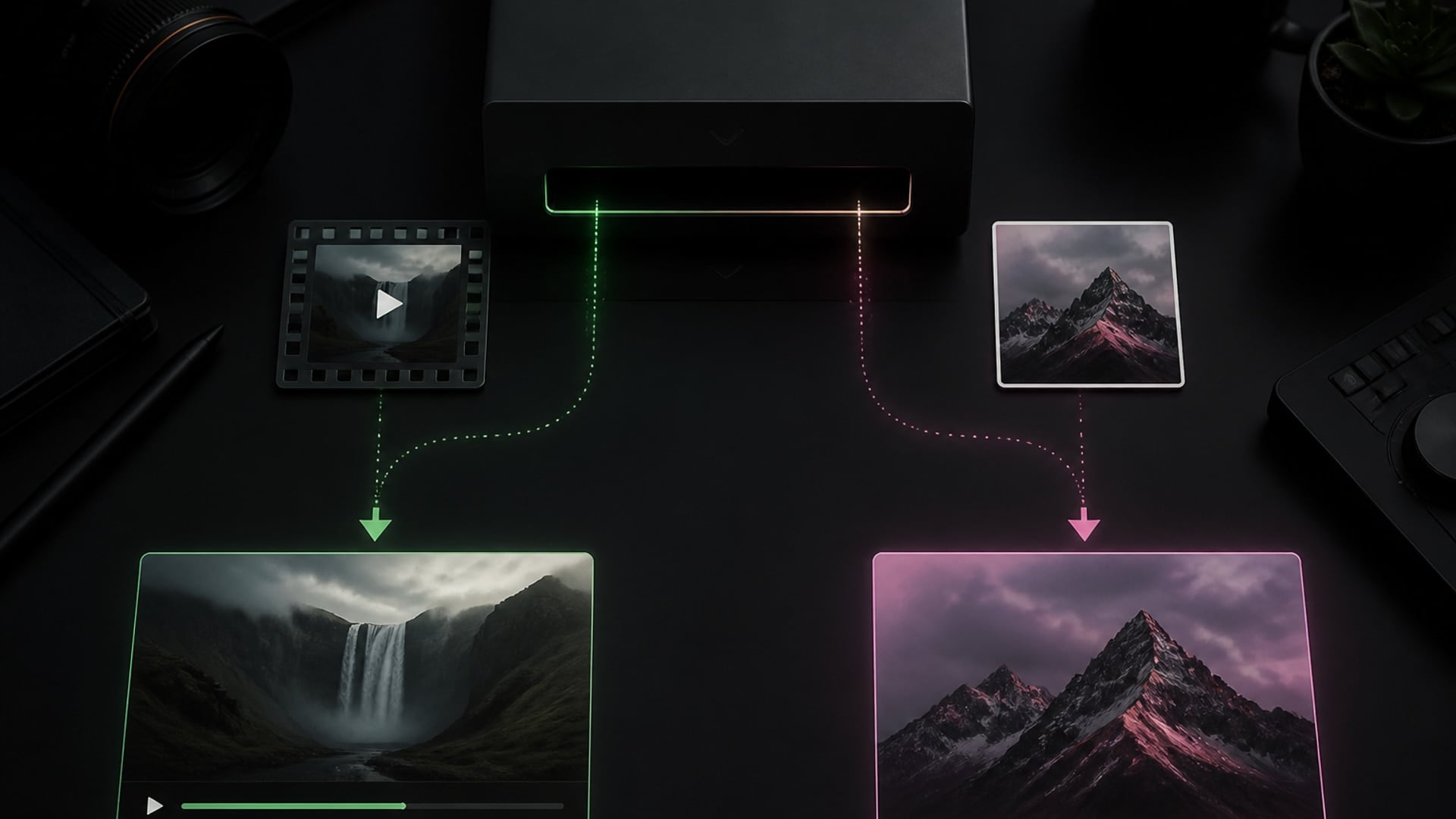
Drop an image into the same slot and you get an image back, edited rather than regenerated. You never pick a mode — what you uploaded already decided it, and the settings panel updates to match. Video scenes run on a video model with their own length and resolution options; still scenes run on an image model at full editing resolution.
Try it now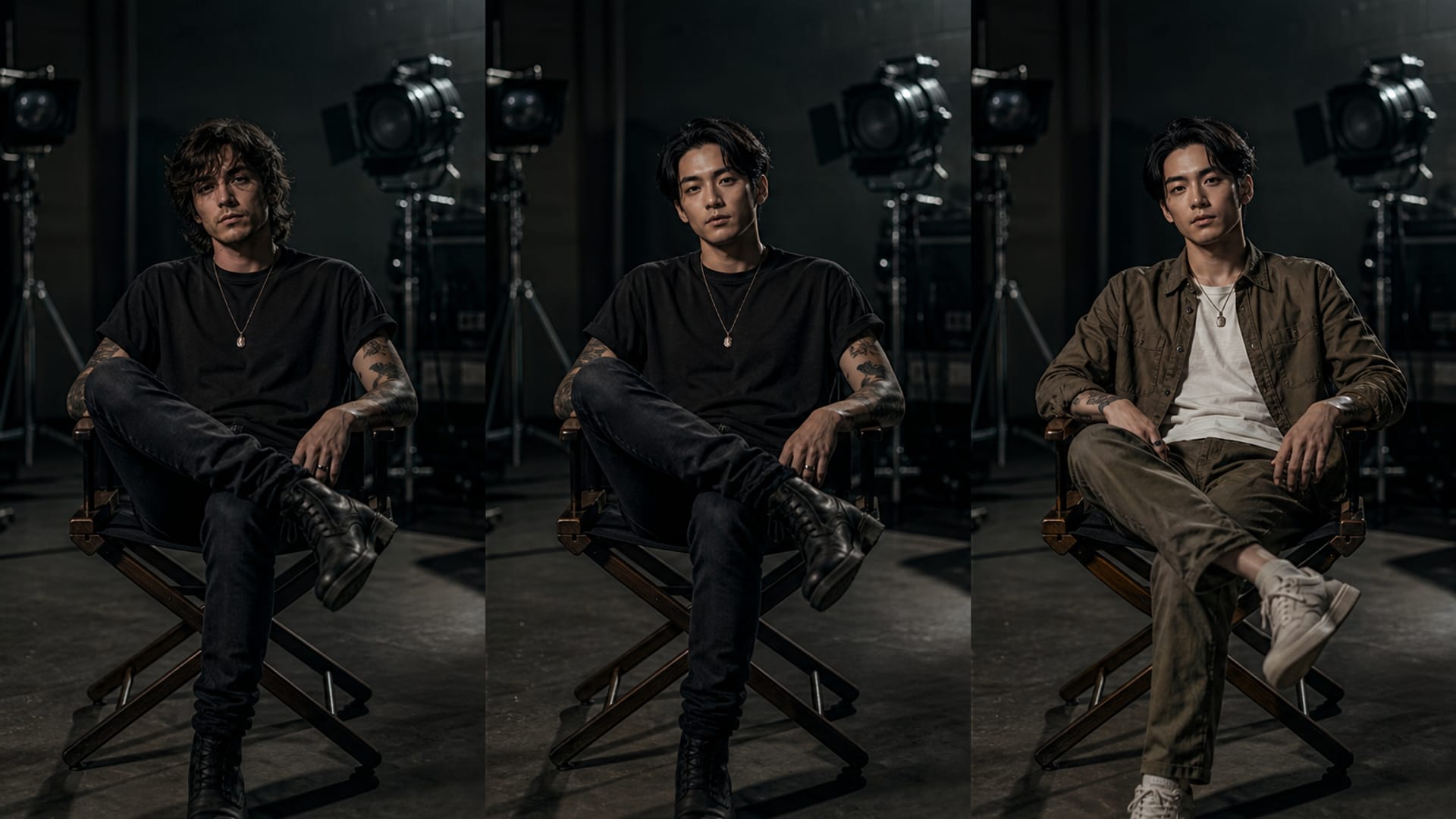
Whole character takes the face, hair, build and clothing from your reference. Face only keeps the original body and everything they were wearing or holding — the right choice when the wardrobe belongs to the shoot. Outfit only goes the other way and dresses the original performer in the reference's clothing. These are genuinely different jobs, and collapsing them into one default does all three badly.
Try it now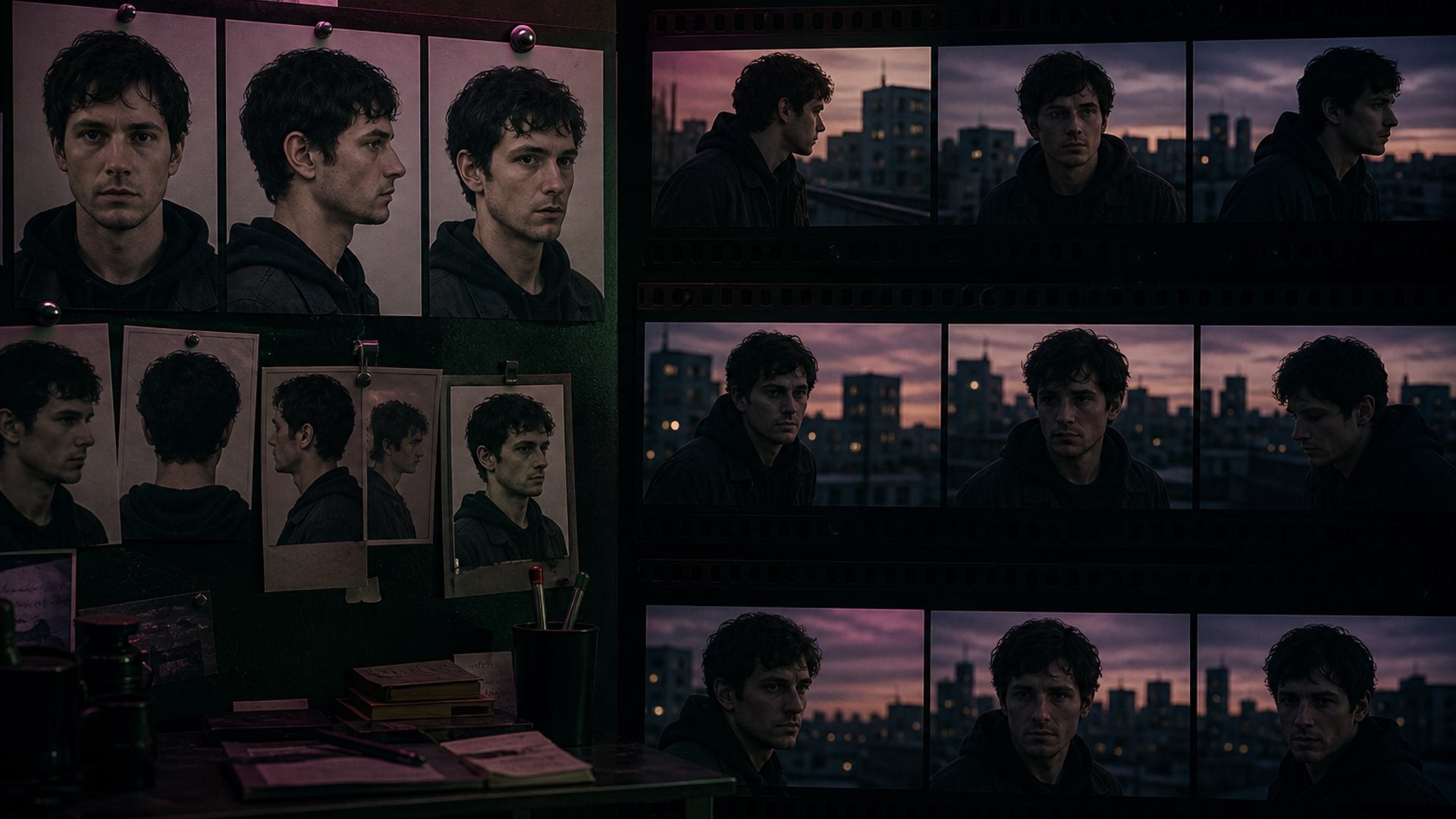
Text can describe a look; it cannot pin a face across two hundred frames. The replacement is built from the photos you upload, and that reference set is what keeps the character recognisable from the first frame to the last. The instruction to hold the face, hair and build is sent alongside the images rather than left implicit, because in practice the pictures alone are not enough.
Try it nowDesign the character first, then put them into any footage you have.

Create looping Spotify Canvas videos.
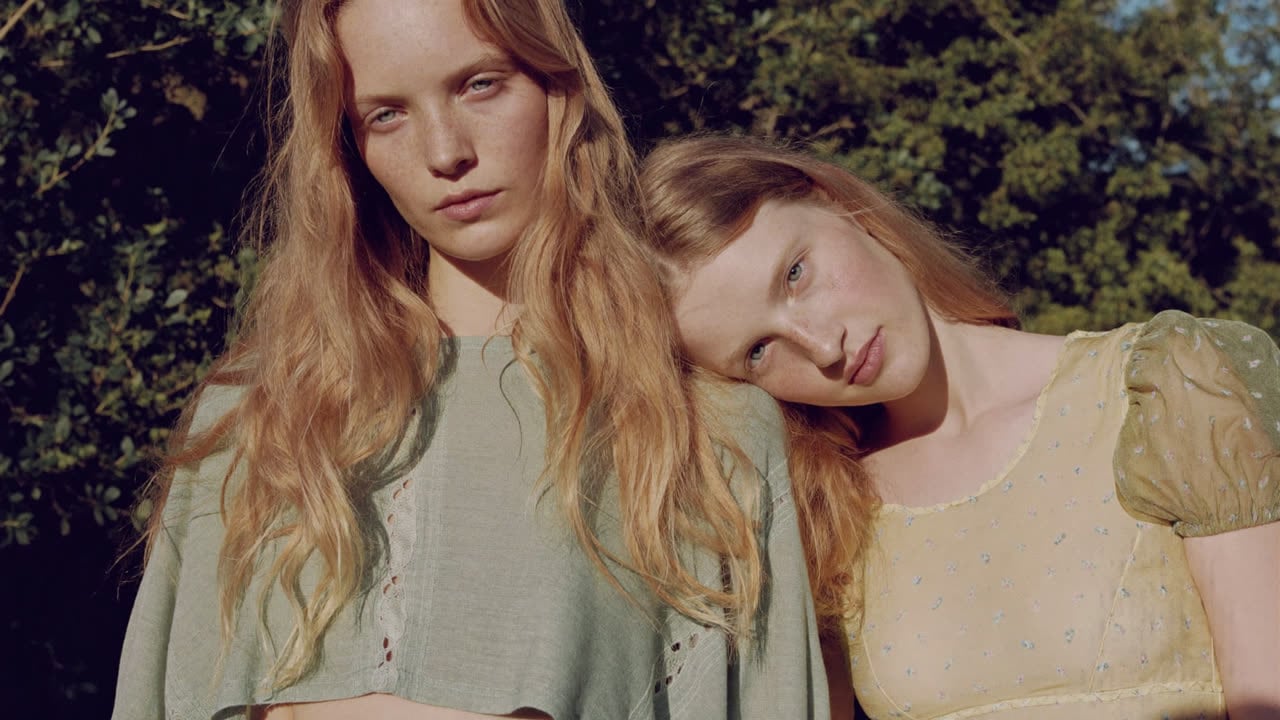
Keep one character consistent across portraits, full-body shots and a four-view sheet.
Remove clothes from photos — pose and background stay put.
Write complete, structured song lyrics in any genre — verses, hooks and bridges included.
Explore leading models for AI video, image generation, editing, and cinematic storytelling.

Create Wan 3.0 clips on Viralkey: native 1080p, 2–30 seconds, start/end frames, up to 20 mixed references, and audio generated with the picture.

Create cinematic MiniMax H3 clips on Viralkey: native 2K, up to 15 seconds, text-to-video, start/end frames, and up to nine reference images.

Generate short HD clips on Viralkey with start/end frame direction and up to 50 reference images. Built for music video scenes and performer shots.

Create cinematic Seedance 2.0 clips on Viralkey: native 4K, start/end frames, up to nine reference images, and built-in audio with lip-sync.
Swapping earns its keep wherever the same character has to appear again, in footage that already exists.
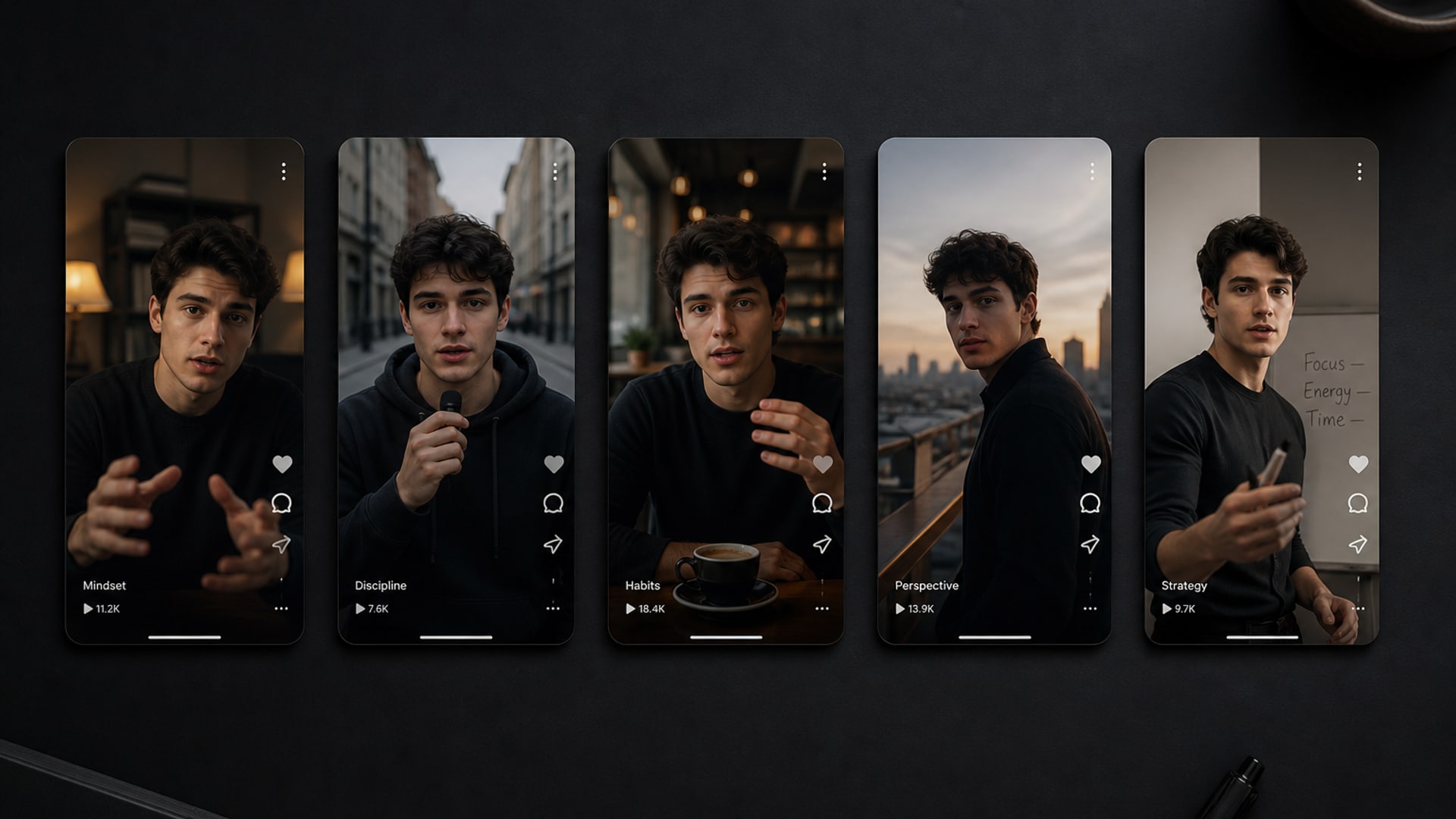
A persona only reads as a persona if it survives the post, the thumbnail and the video and still looks like one person. Shooting each new piece and hoping the face matches is the slow way to lose that. Reusing one reference set across every clip means the character stays anchored to something you decided rather than to whatever came out of the last generation.
Try it now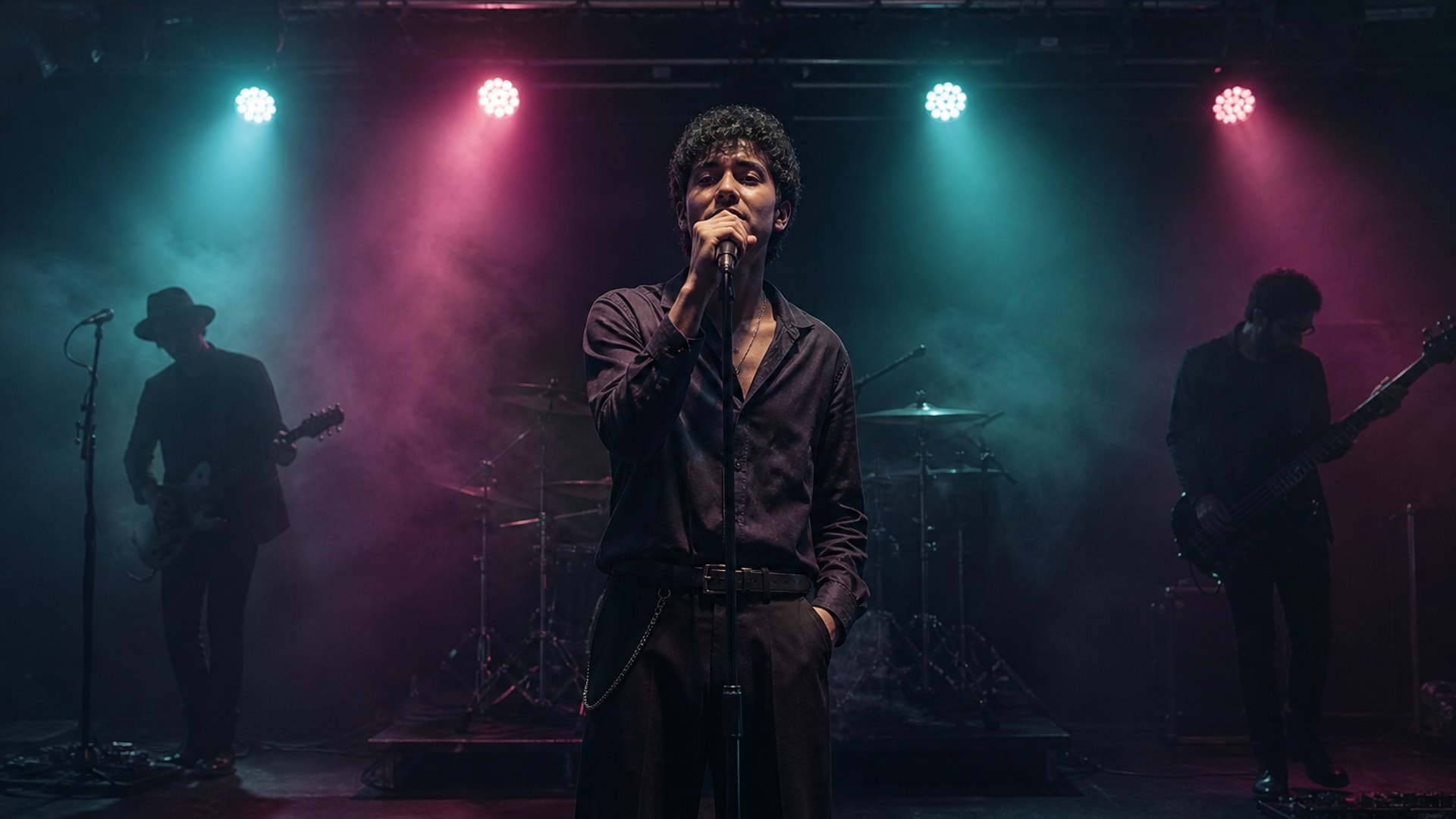
You have a take you like and a lead who is no longer available, or a look that changed between the shoot and the release. Replacing the performer inside the cut keeps the choreography, the edit and the sync you already locked, instead of putting the whole day back on the schedule.
Try it now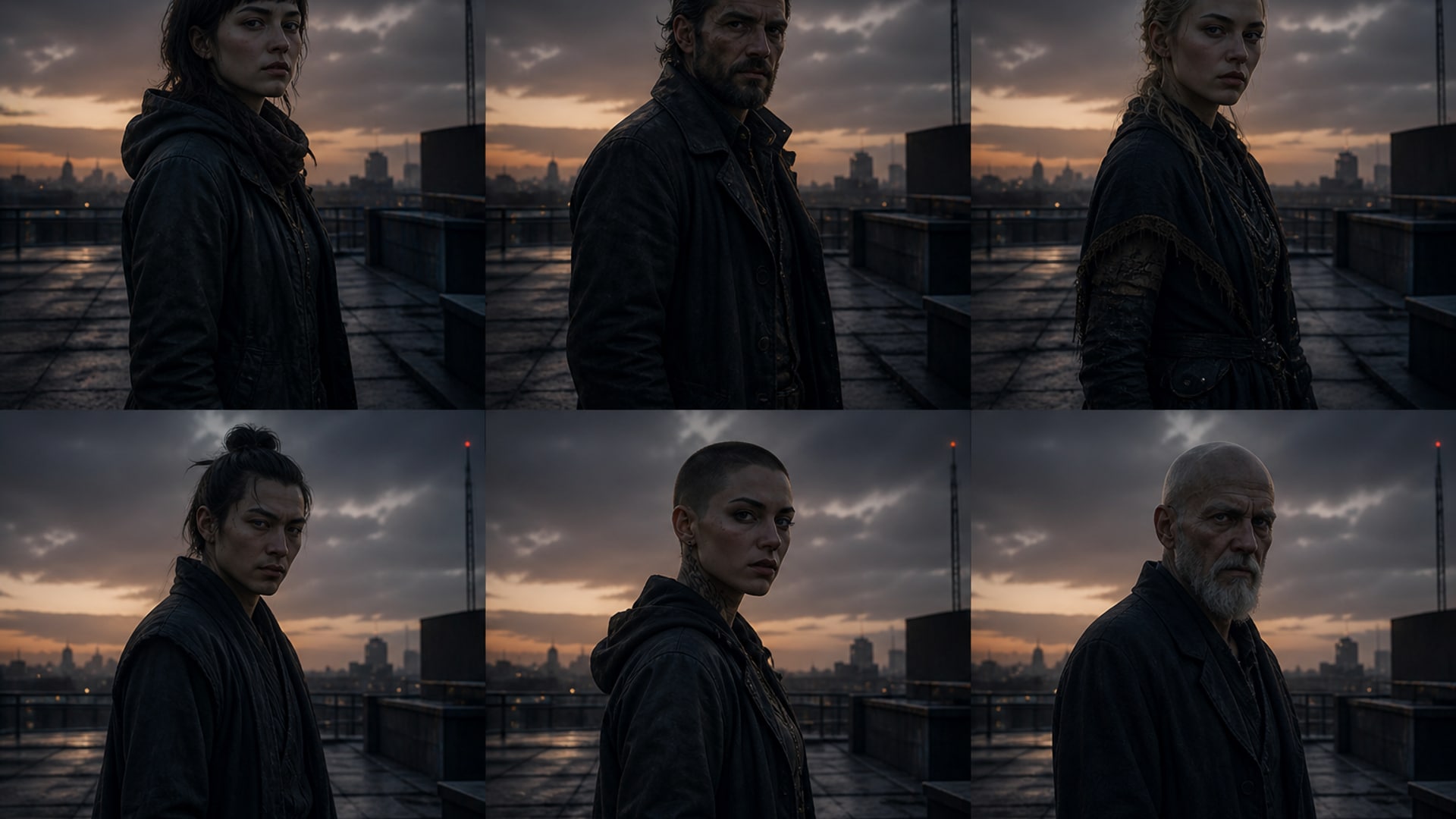
Trying six versions of a character in the same shot is a comparison worth having, and it only works if the shot does not move between versions. Holding the footage constant makes the differences legible: what changed is the character, not the lighting, not the crop, not the camera.
Try it now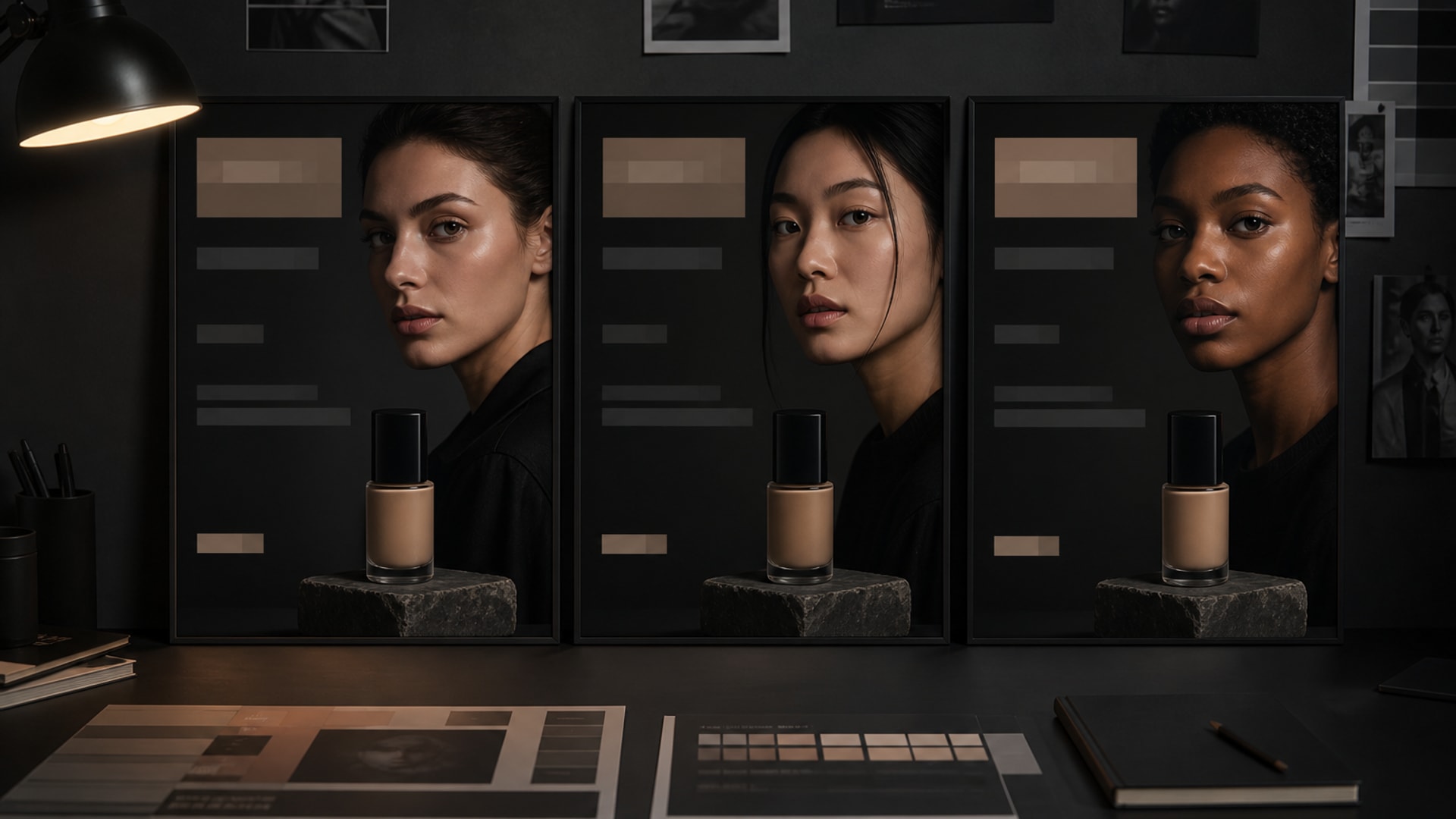
The same spot with a different face is a routine ask and an expensive one when it means a reshoot. Swapping the character keeps the cut that was already approved and changes only the part that needed to change.
Try it nowNotes from creators who used this tool on real work.
Lincoln Fairbanks
Short-form directorI had the take.
What I did not have was the budget to shoot it again with a different lead. Same footage, different character, done in a minute.
Rafaela Jimenez
EditorThe face held for the whole clip.
Everything else I tried drifted after about a second and then it was just noise.
Kenji Tanaka
Content creatorDropping a video in and getting a video back — no mode picker, no second tool — is a smaller thing than it sounds and I noticed it immediately.
Fallon Thatcher
Costume designerFace only was the option I did not know I wanted.
The costume was the point of the shot; the person wearing it was not.
Manuela Barrios
Concept artistSix versions of the same character in the same shot, and because the shot never moved I could actually tell them apart.
Daisuke Kobayashi
Motion designerIt told me a video takes fewer reference photos before I generated, not after it failed.
Small thing, saved me a round.
Clive Vandermeer
RetoucherThe lighting matched.
That is the part everything else got wrong — the new face always looked pasted on top of the footage.
Alden Bramble
Virtual influencerI keep one folder of reference shots for my character and every clip now starts from it.
The face stopped drifting.
Ingram Bradshaw
Agency producerSwapping into an approved cut meant I did not have to get the cut approved twice.
That is the actual saving.
It replaces the character in a video with a different one, taken from reference photos you upload, while the rest of the footage stays as it was — framing, background, lighting, camera movement and the original performance's motion.
Turn your ideas into reality with AI. Generate, refine, and innovate — creation starts here.