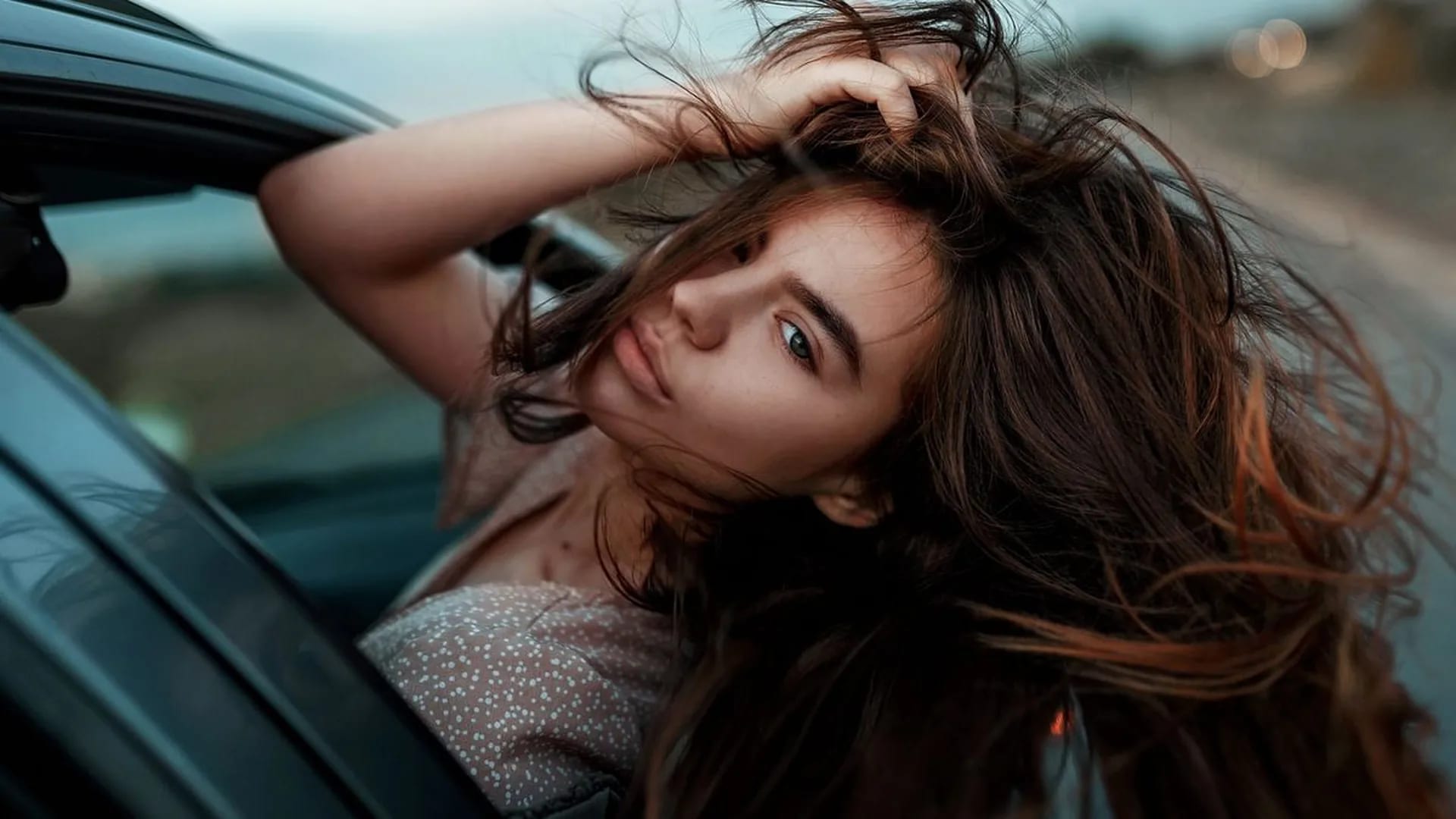
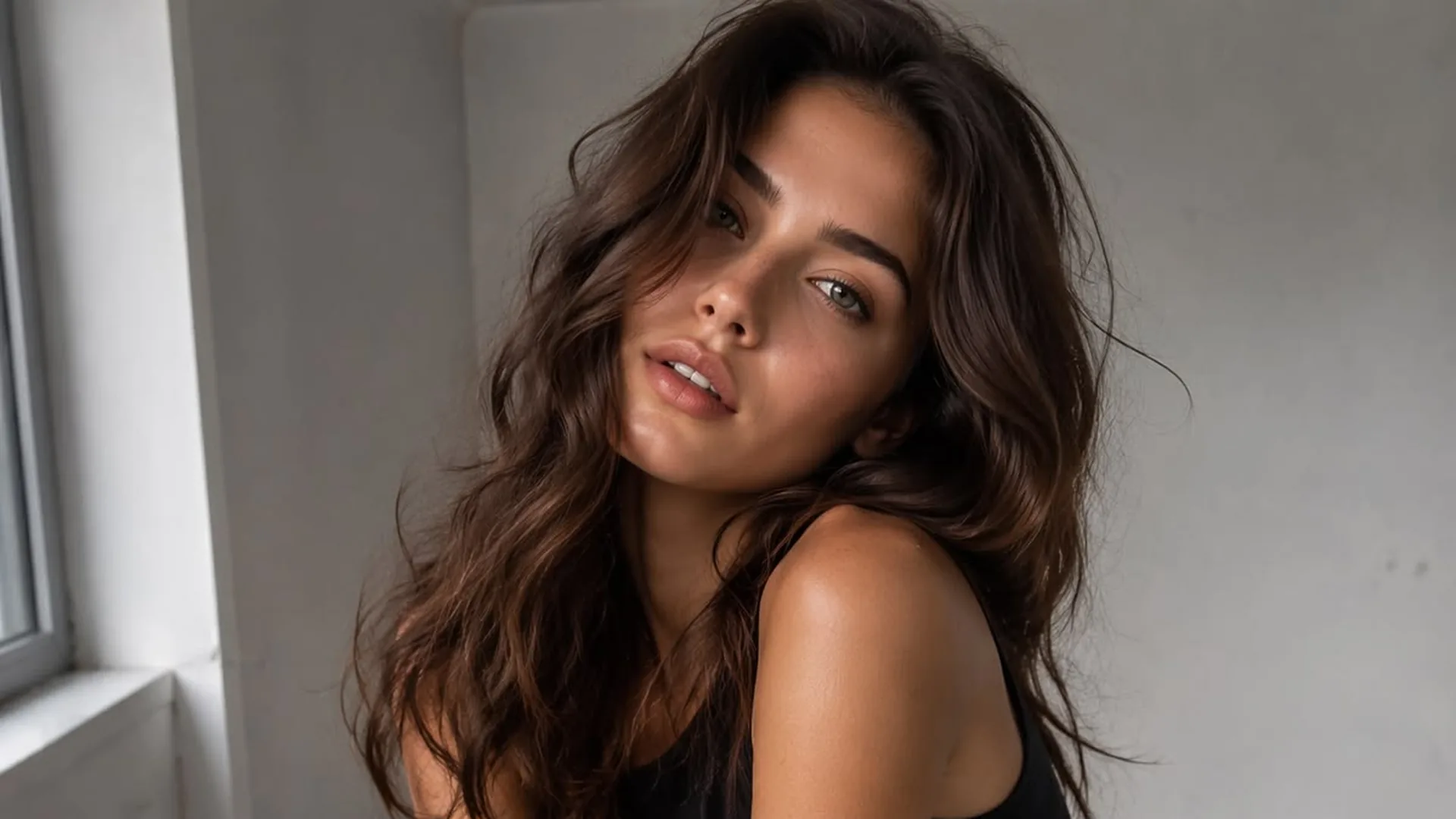
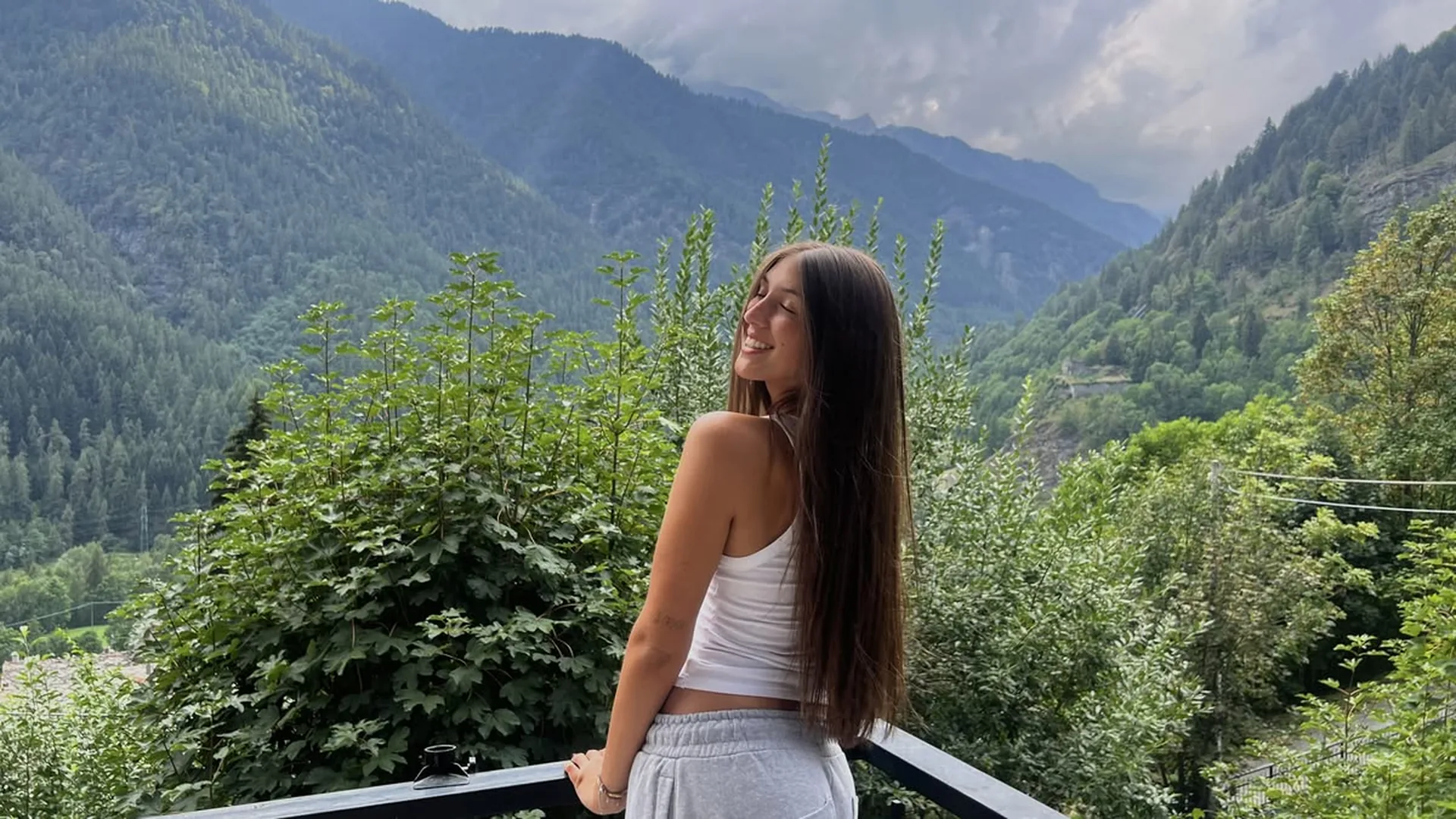
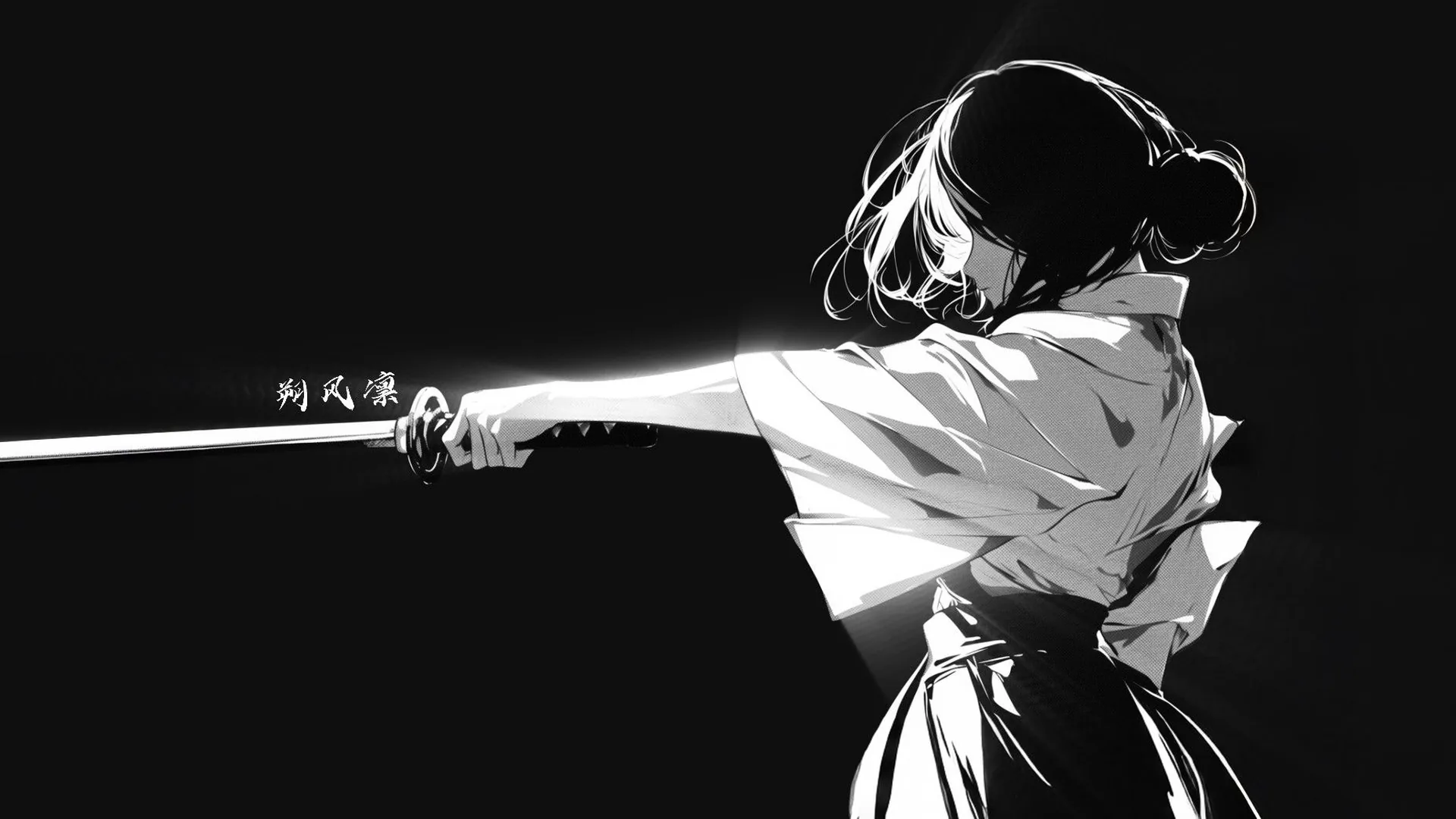
Your input ready for the studio
Before generationPrepare the prompt and optional reference here, then check that both appear in NSFW Studio. Opening the studio from this page does not submit generation.
Start a new adult fictional image online: describe the subject and scene, add a reference if you have one, then generate in the studio. You can also open NSFW Studio, or continue with NSFW Image Generator, NSFW AI Image Generator, and NSFW AI Image Editor.
Viralkey’s NSFW AI generator offers an image workflow for adult fictional portraits, illustrations, and scene ideas. Write the visual request in the browser, add a source if the task depends on one, and open image mode in NSFW Studio. The studio has other modes too, but this page takes you directly to still-image work. Choose the composition and style you want, then inspect the current options before submitting your generation. This page opens a multi mode creative studio and keeps the image workspace for beginners on the image path, separate from video. Continue in NSFW Studio, or open NSFW Image Generator and NSFW AI Image Generator.
Start a new adult fictional image online: describe the subject and scene, add a reference if you have one, then generate in the studio.
You can enter a prompt and upload a reference while exploring the page. Actual generation requires sign-in. Preparing a prompt is useful when you want to decide on the image first and inspect the account and credit requirements before submitting.
Generate Image
The entry carries the text and optional uploaded image into the NSFW image workspace. Review both after continuing. If an upload or input-save error appears, keep the page open and resolve it rather than assuming the studio has received the source.
Generate Image
Use the studio’s current image options to submit your request, then review the generated candidate against the prompt and any source you supplied. Available access and credits depend on the information shown for your account. An input image guides the task without guaranteeing exact preservation.
Generate ImageWhat information do I need before generating an image? A prompt, and a reference only if you want one. Write what should be visible in the final image: the adult fictional subject, scene, framing, and style. If your goal is editing an existing picture, add that picture and identify the change you want.
Wait for any upload to complete, then continue to NSFW Studio. Complete the requested sign-in flow. The destination is image mode, so check that the restored inputs describe a still rather than a video sequence.
Review the image and prompt in the workspace. Read the current membership or credit information and adjust any available options. Submit only after you are satisfied with the inputs; returning from this page has not generated anything.
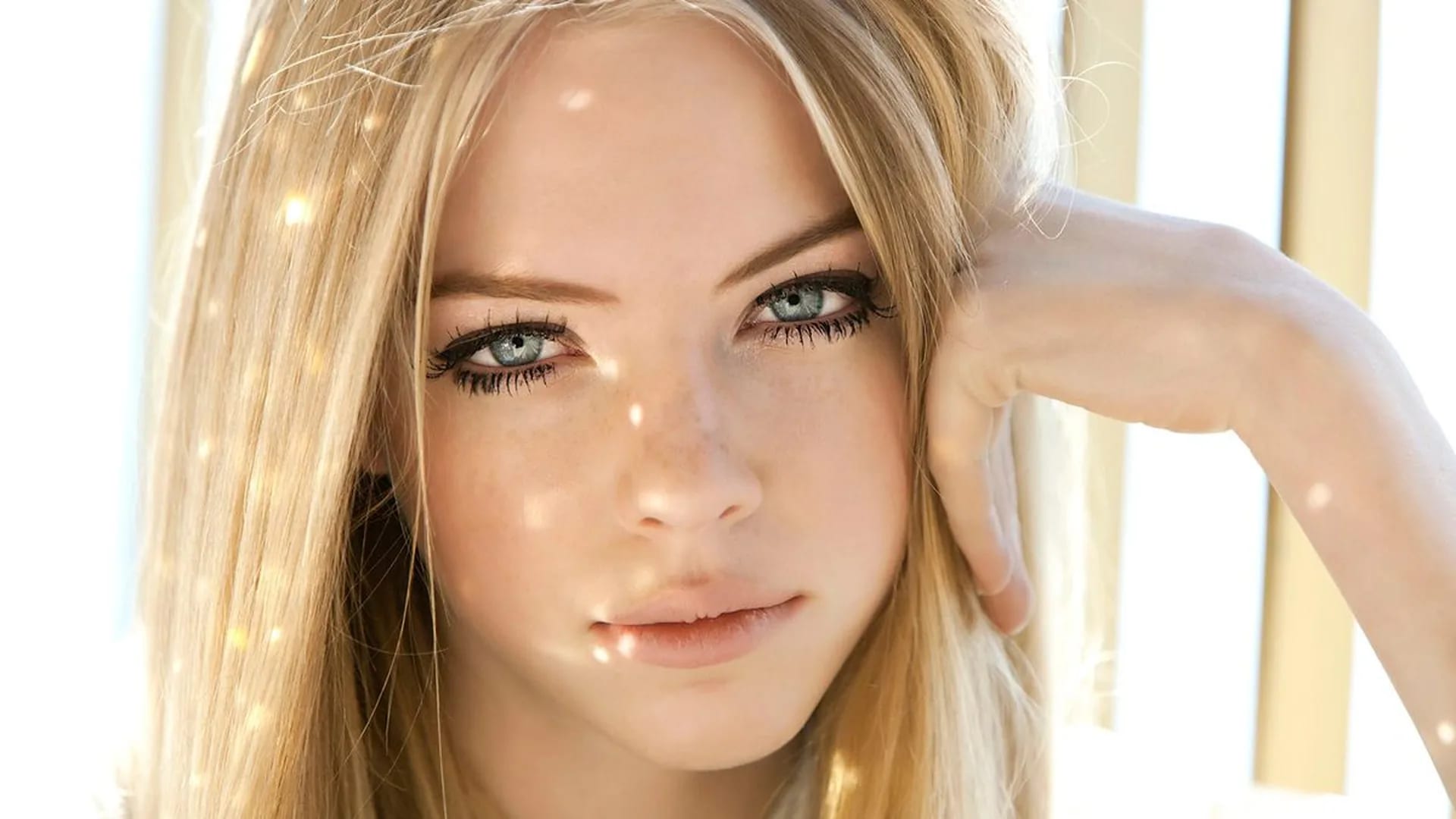
Generate a still image with the composition, lighting, and visual style you choose.
View page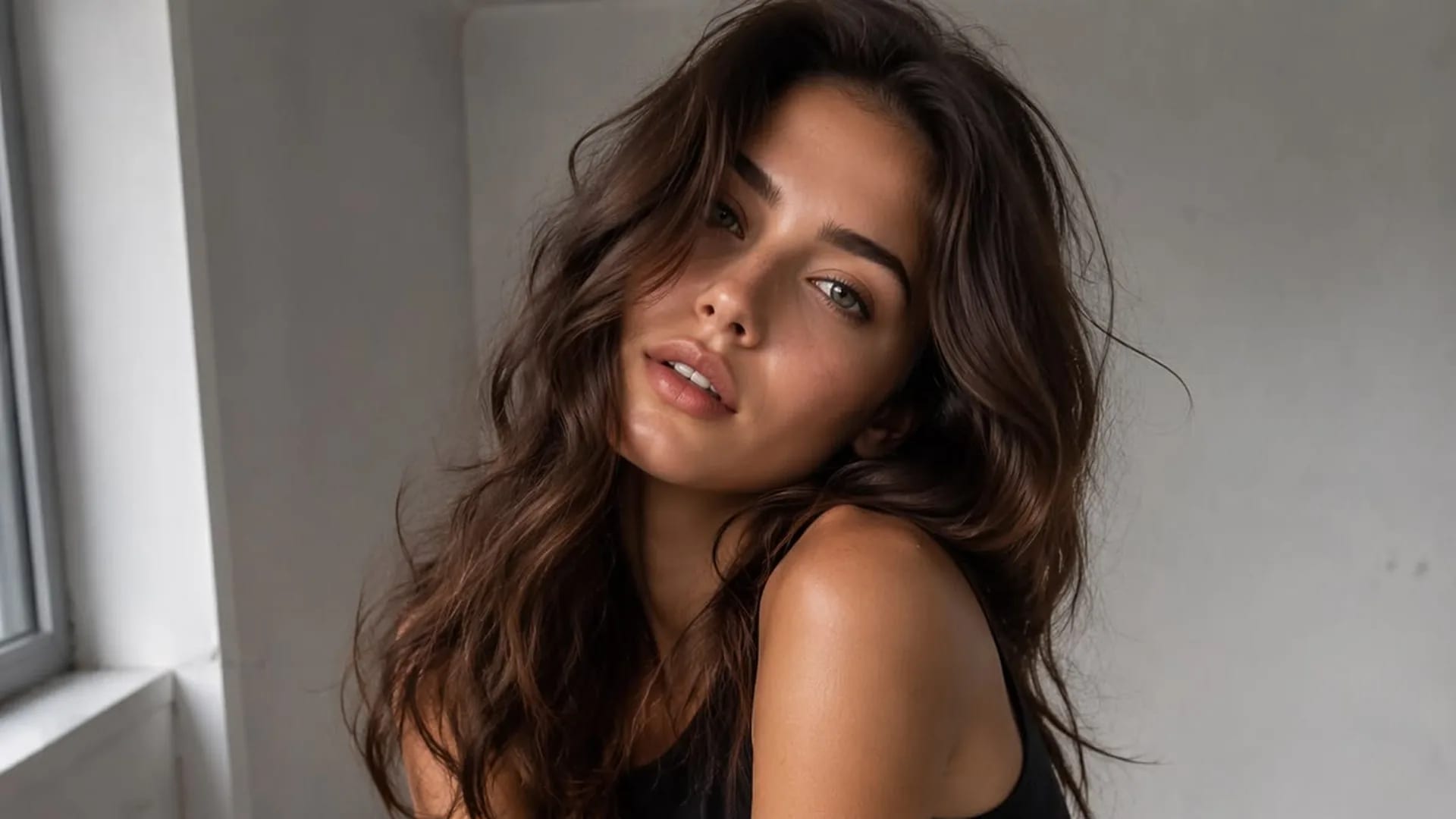
Create adult fictional portraits and illustrations from text, with optional images to guide the result.
View page
Edit a source image with clear instructions for scene, styling, or lighting changes.
View page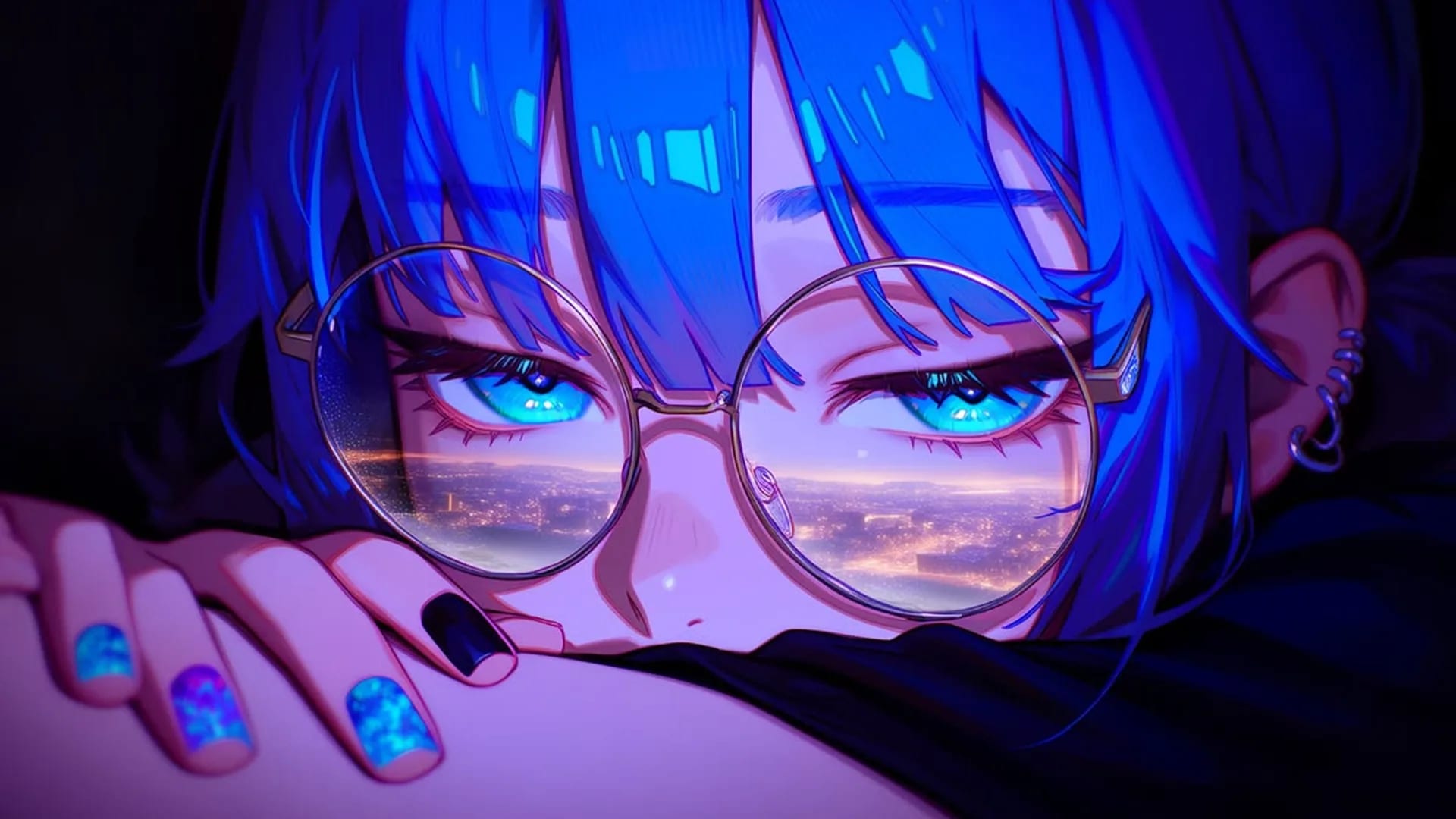
Choose an image generator by reference handling, visual control, costs, and output review.
View page
Explore the image workflow and check the current studio access and credits before generating.
View pageStart with a concrete image goal. These options connect what you describe or upload with what you should check in the result.
Your input ready for the studio
Before generationPrepare the prompt and optional reference here, then check that both appear in NSFW Studio. Opening the studio from this page does not submit generation.
A portrait with a clear mood
New imageDescribe an adult fictional character, the camera distance and one light source. A plain background keeps the expression and silhouette easy to review.
New image or existing image?
Pick an inputUse text when the composition can start fresh. Use a permitted image when the visible source matters, then describe the changes you want.
Check before moving to the studio
Input handoffWait for the upload to finish and read any error on this page. If saving or uploading fails, keep the current input and retry before continuing.
The cost of another attempt
CreditsRead the current access and credit information in NSFW Studio before submitting. A new attempt may use more credits, so include revisions when comparing costs.
A result you can judge
Result reviewCompare the candidate with your prompt and reference. Check framing, anatomy and unwanted changes before deciding to keep it or request another version.
Use a text prompt to create a new static image, such as an adult fictional portrait, illustration or scene. Add a permitted reference when it helps explain the subject or style. Your prompt and image continue into Viralkey NSFW Studio, where you review the available options and submit generation.
Use your prompt and optional reference to create or edit a still image. Check the current studio options and credits before submitting.