MH
Maren Halvorsen
Family memberUsed White feathered on a quiet portrait we already loved.
Small add, face untouched. That was the brief.
Wings should look photographed, not dropped on. Add angel wings to photo portraits that already exist: pick a look such as White feathered, sit them on the shoulders, and leave face, clothes and room alone.
Angel Wings Photo Editor
Angel Wings Photo Editor
Wings should look photographed, not dropped on. Add angel wings to photo portraits that already exist: pick a look such as White feathered, sit them on the shoulders, and leave face, clothes and room alone.
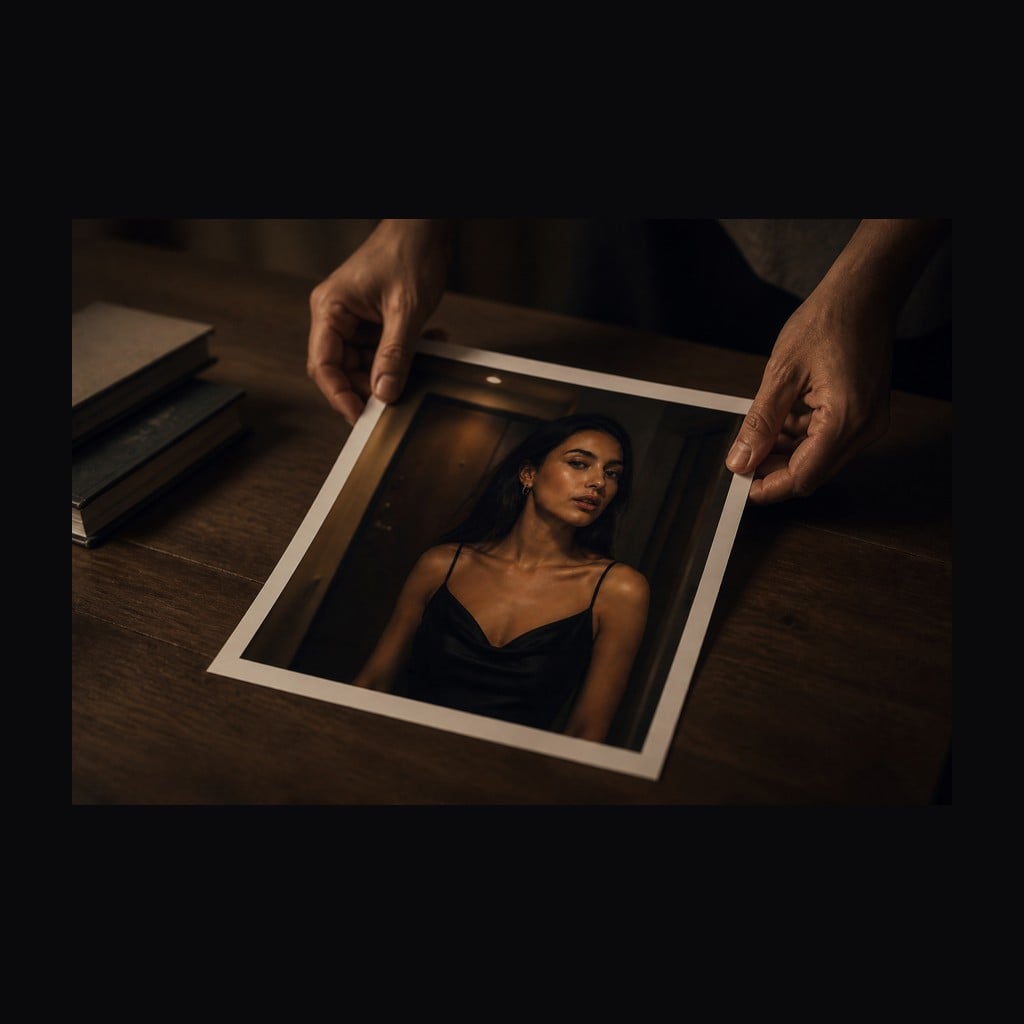
Upload the Photo
Portraits and full-body shots both work. Face, pose, clothing and background in this file are what stay put, so start with a still you already want to keep besides the wings.
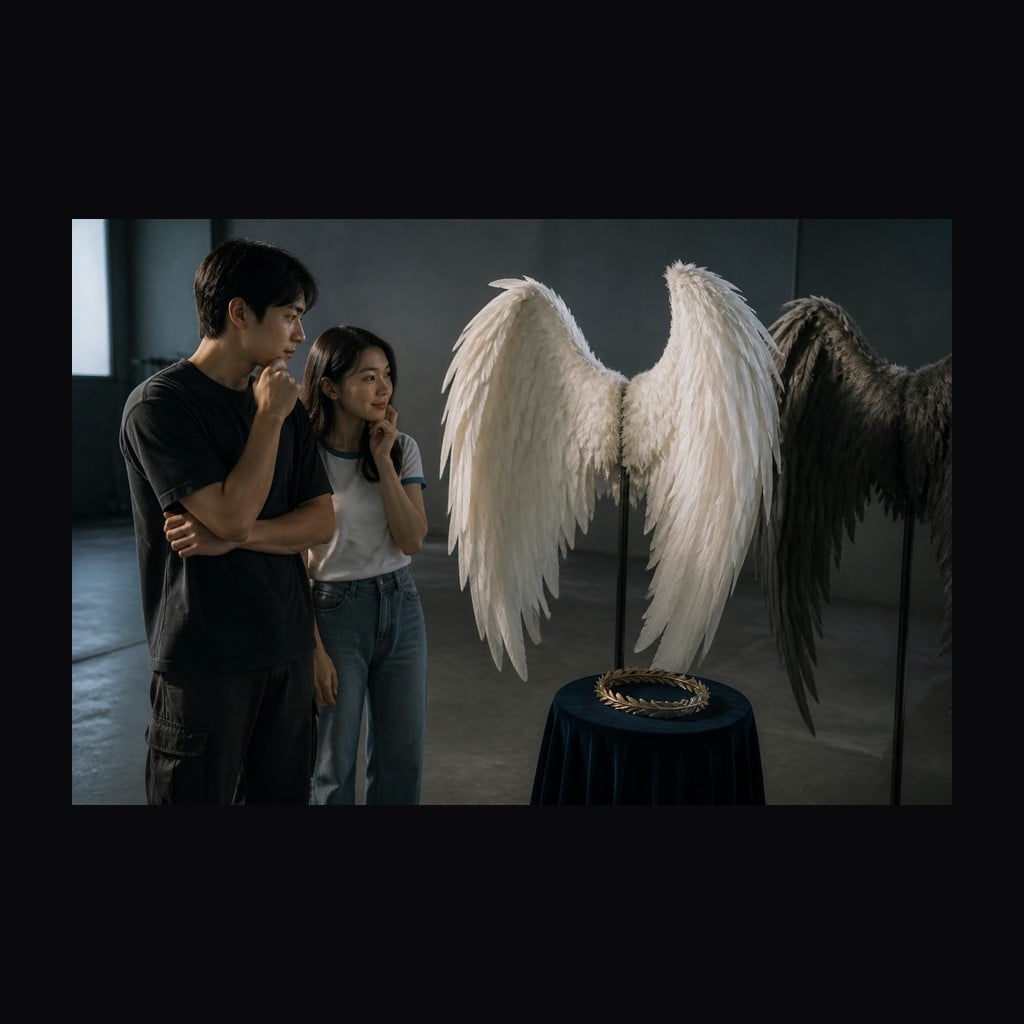
Pick a Wing Look
Choose White feathered for the classic add, Golden glow for warmer vanes, or Wings with halo when you want the ring. Add a short note if the wings should fold or stay clear of a dress.
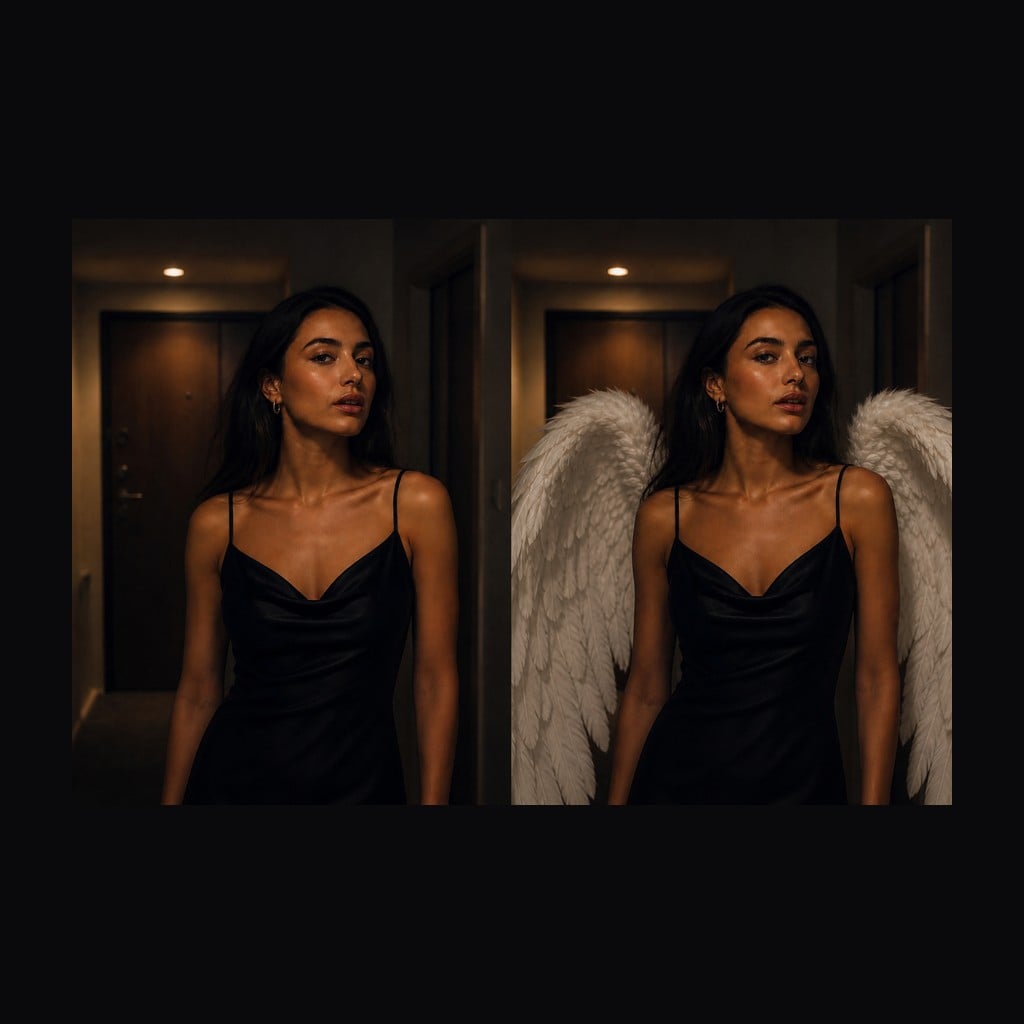
Generate and Compare
Run the edit, check shoulder anchors and whether the face is still clear, then download. Rerun with another look when you want a second finish on the same portrait.
Most angel wings picture tools dump a sticker on the back and call it done. This editor treats add angel wings to photo as a local edit: the wings attach at the shoulders, follow the pose, and pick up the light already in the room. Face, clothes and background stay as shot. You are adding one element, not generating a new person.
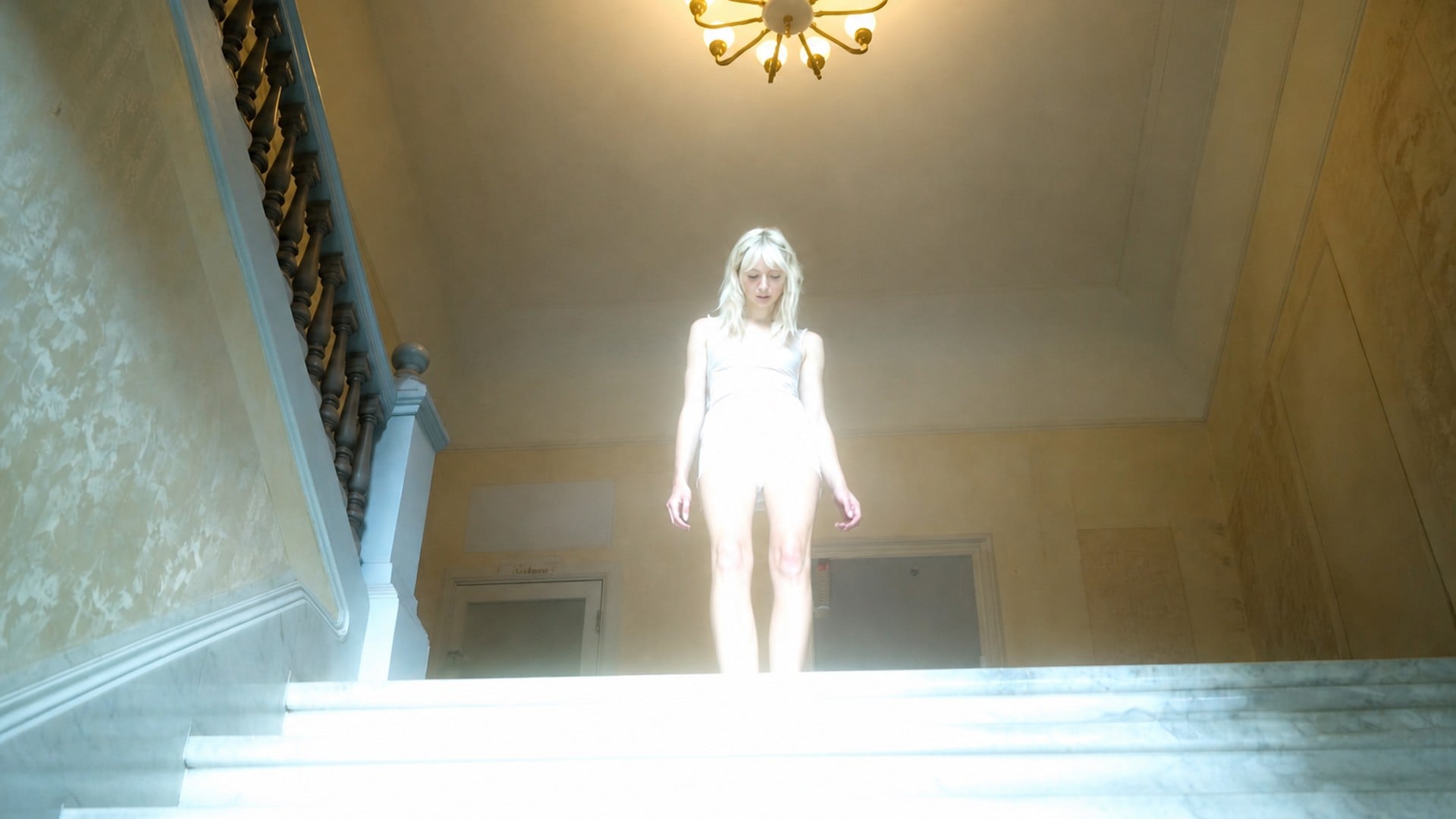
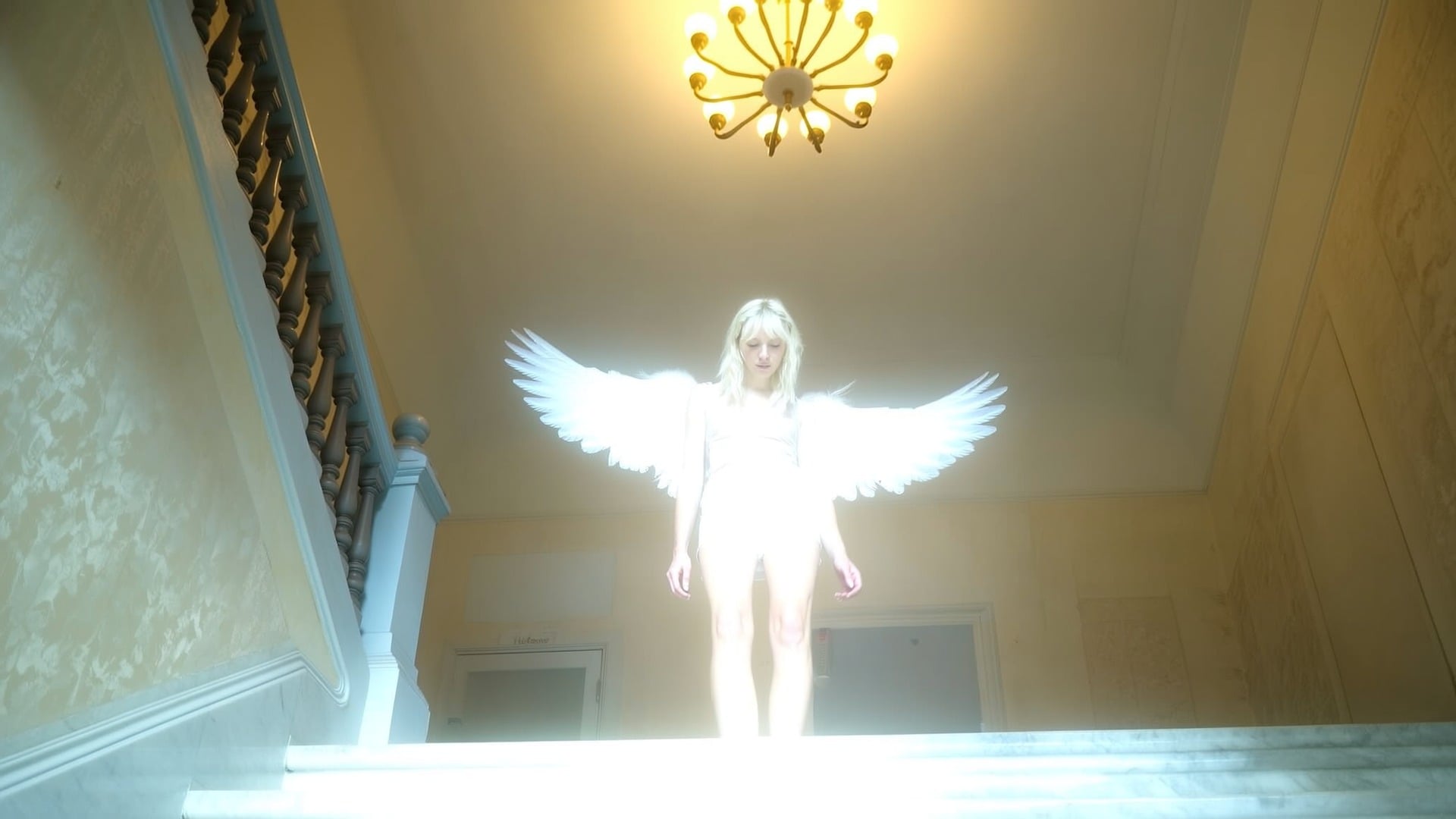
White feathered is the classic still. Golden glow warms the vanes. Wings with halo adds a soft ring above the head when the brief asks for both. You pick a look, not a pile of layers. The rest of the angel wings photo stays the photograph you already had — same face, same clothes, same room — with one extra element that is supposed to belong there.
Try it now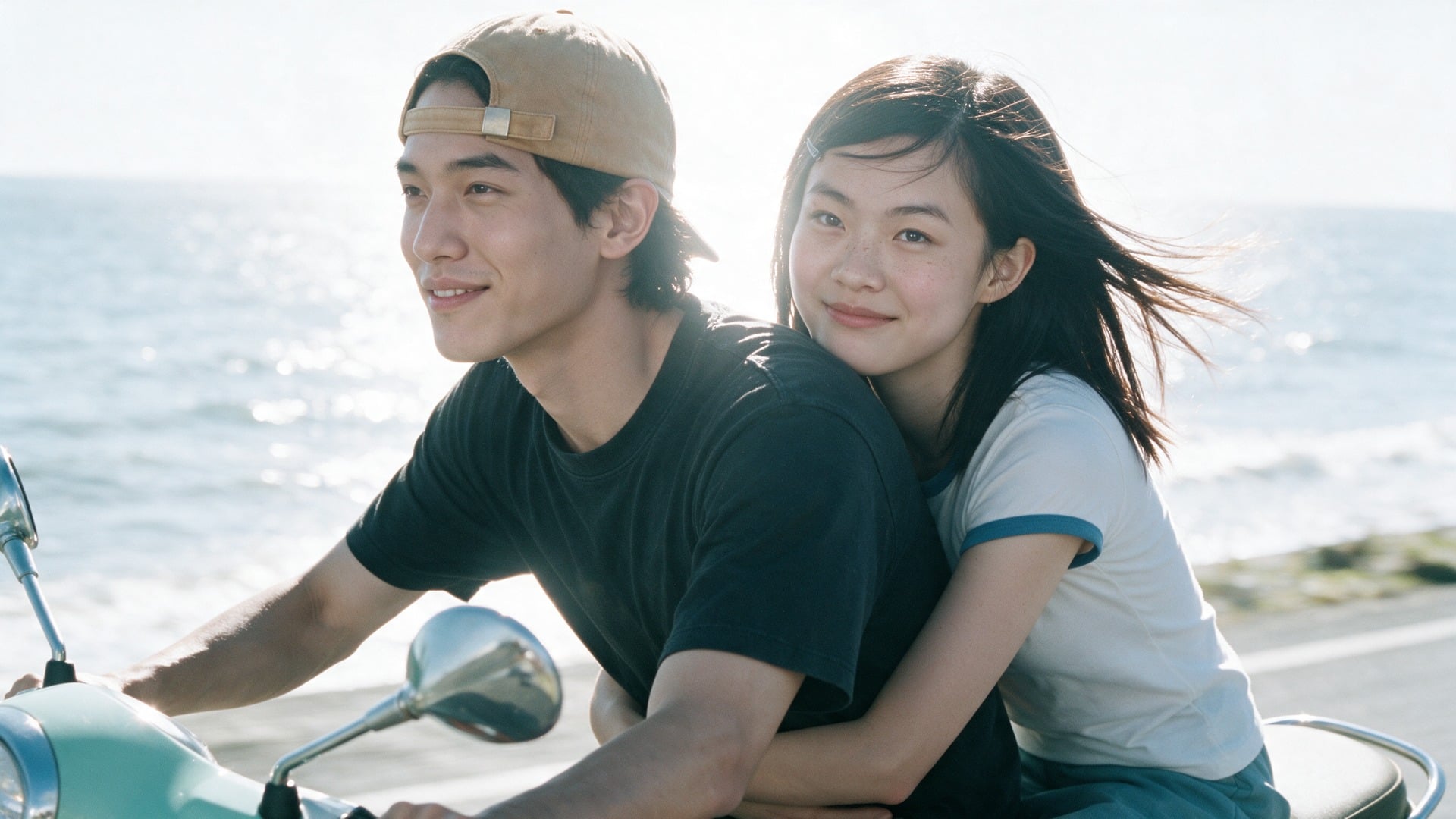
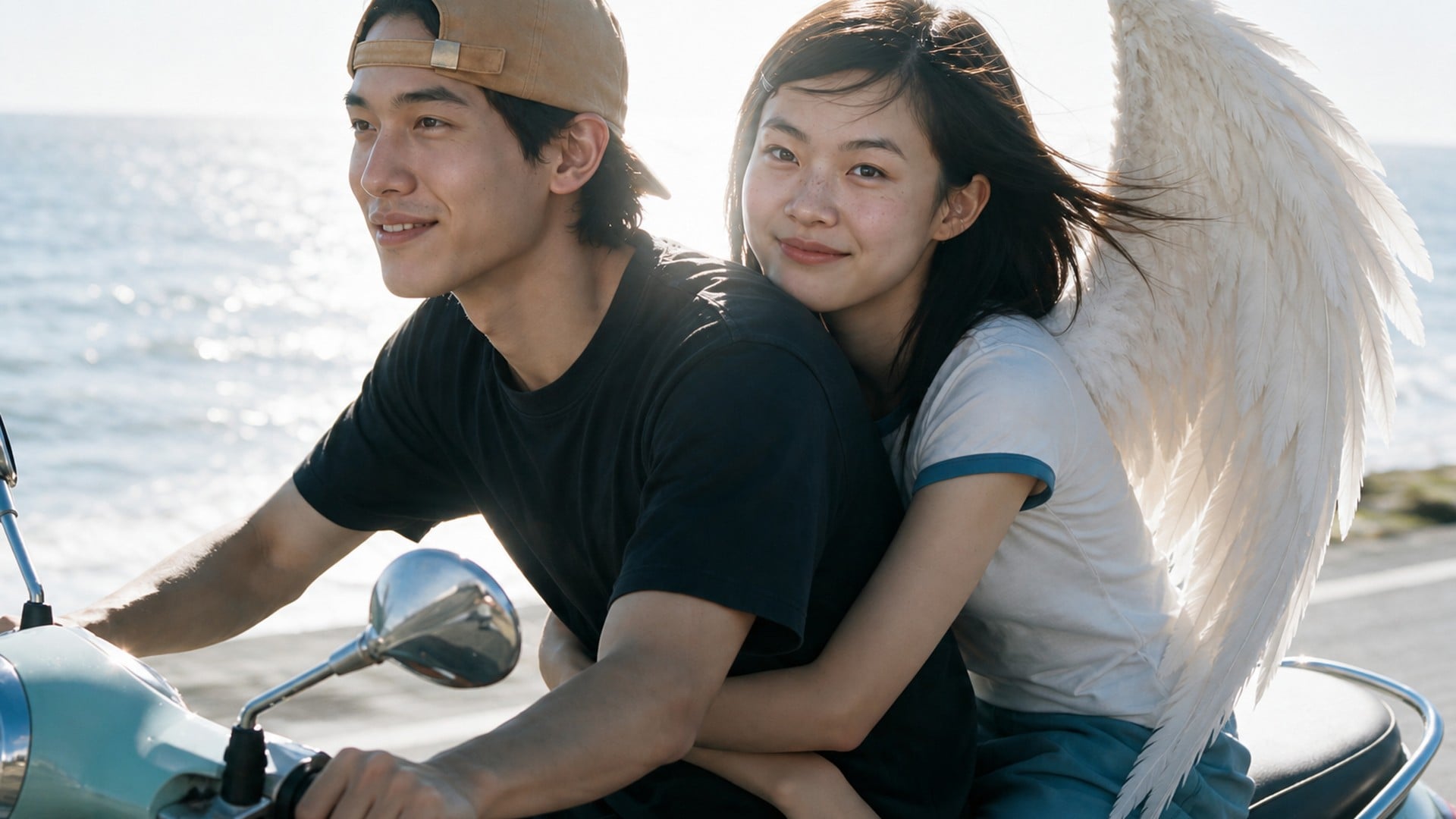
Wings that ignore the pose are the first tell. The edit is meant to sit at the shoulder blades with a perspective that matches standing, sitting or a turn away from camera. Scale should follow the body instead of a one-size overlay. If the person is hunched, the wings should hunch with them — that is how an angel wings photo editor earns a second look.
Try it now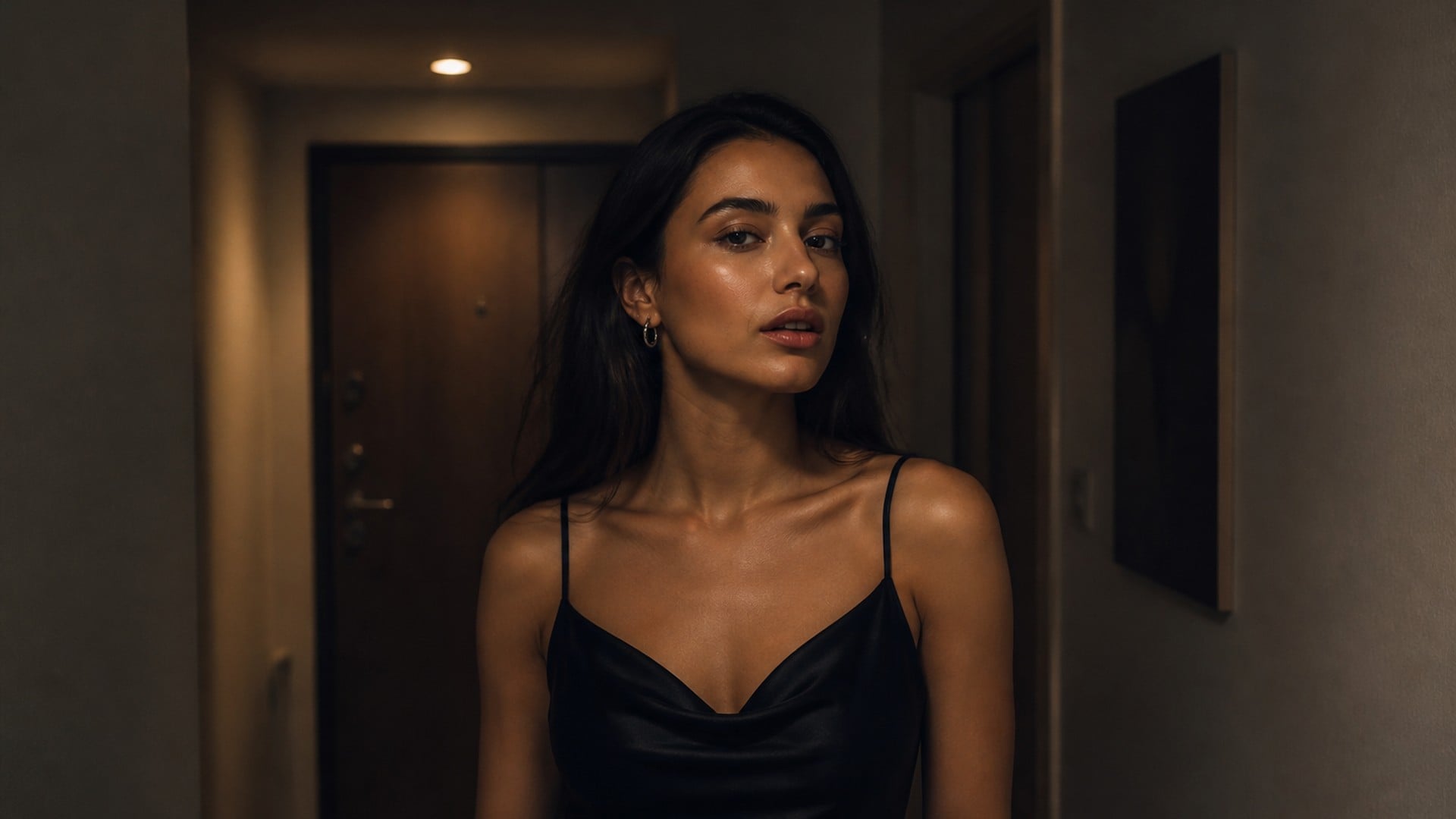
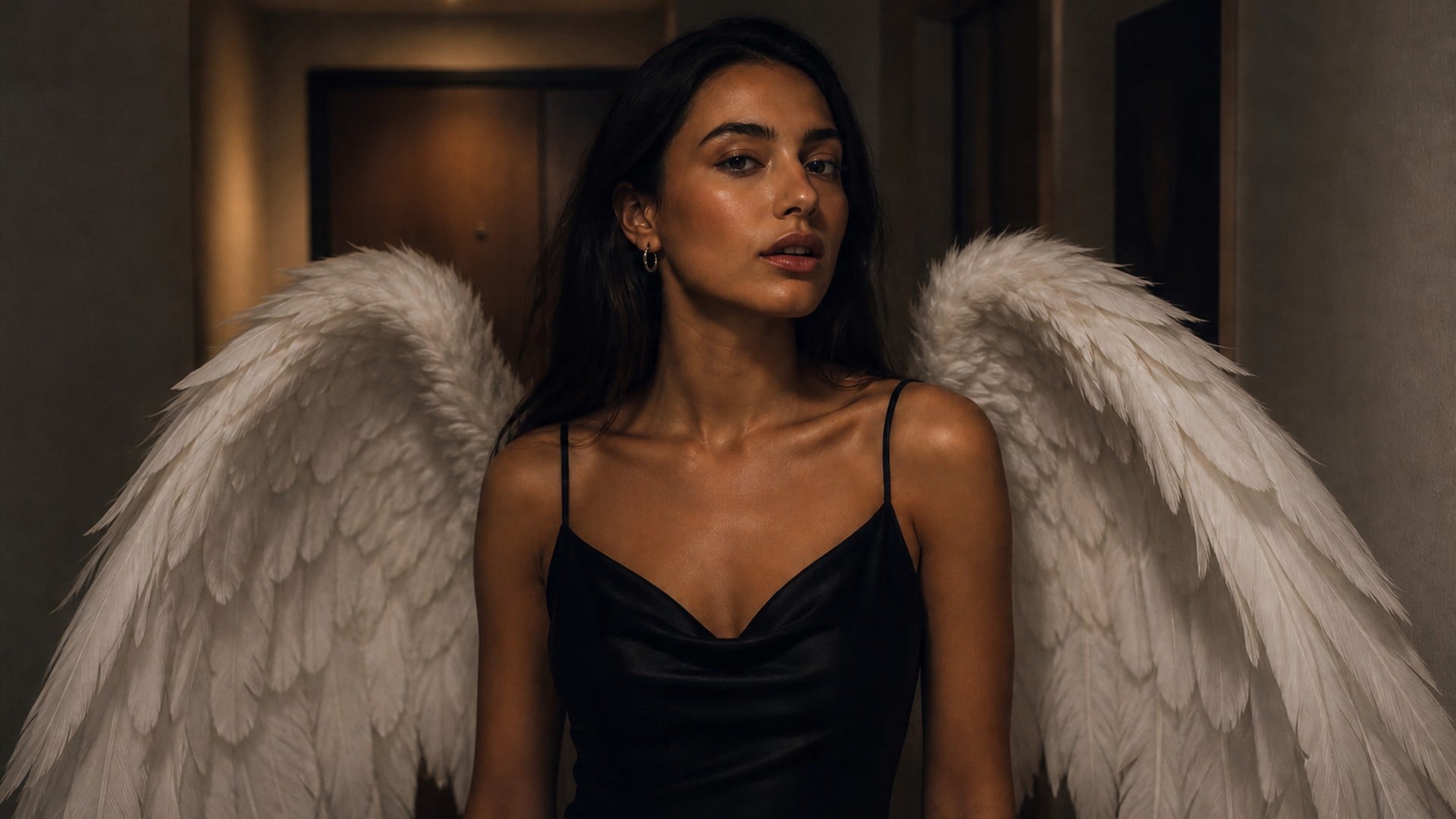
Feathers that ignore the key light look pasted. The wings should pick up the colour of the room and throw a soft shade that belongs on the wall or the dress. A sunset still gets warm vanes; a cool interior stays cool. That is the difference between a sticker and a photograph with one extra element.
Try it nowThe job is a believable add, not a new portrait. Each capability below is about anatomy, face clearance and light, so the still still reads as the person you uploaded — including when the use is quiet rather than theatrical.
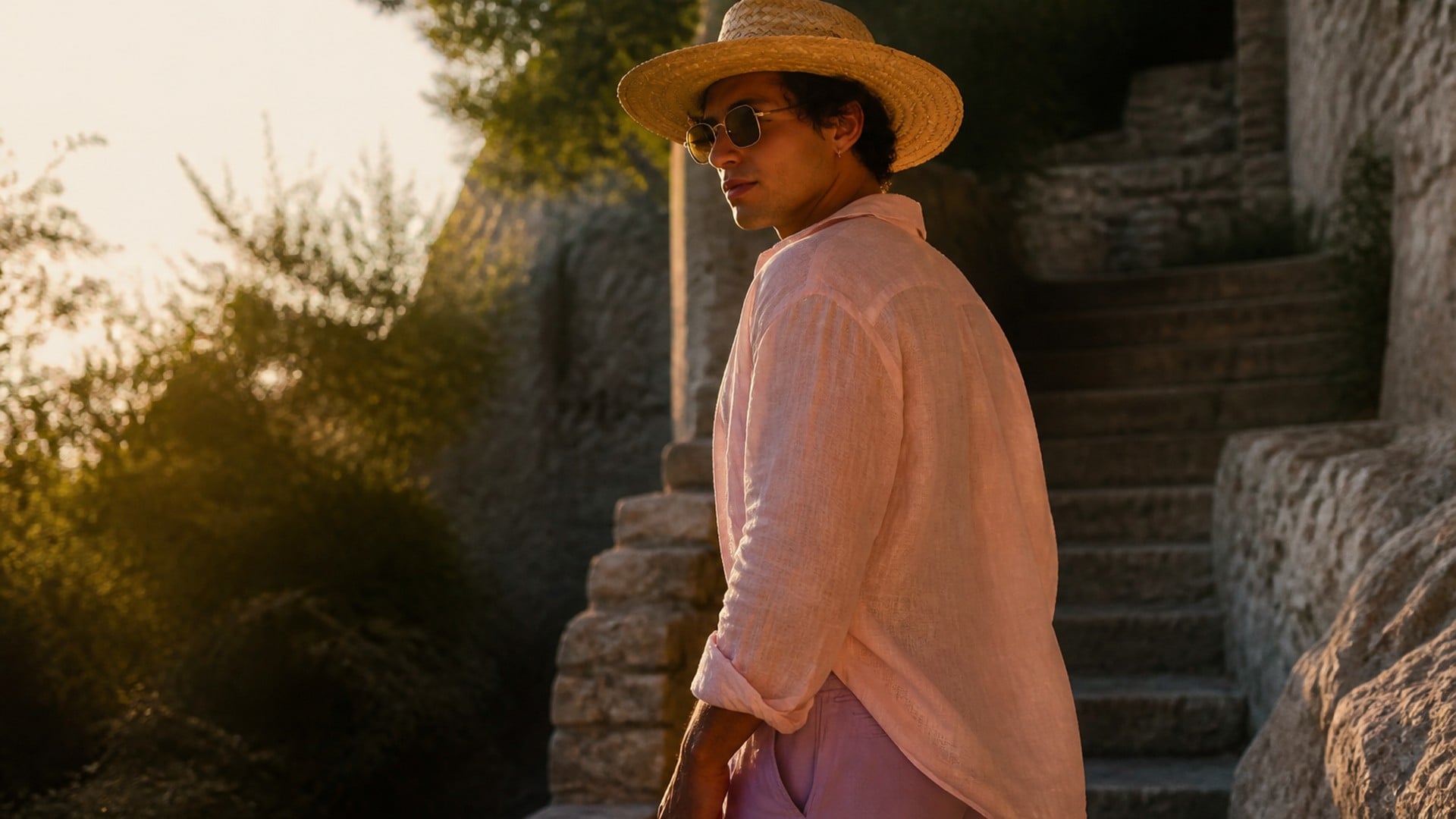
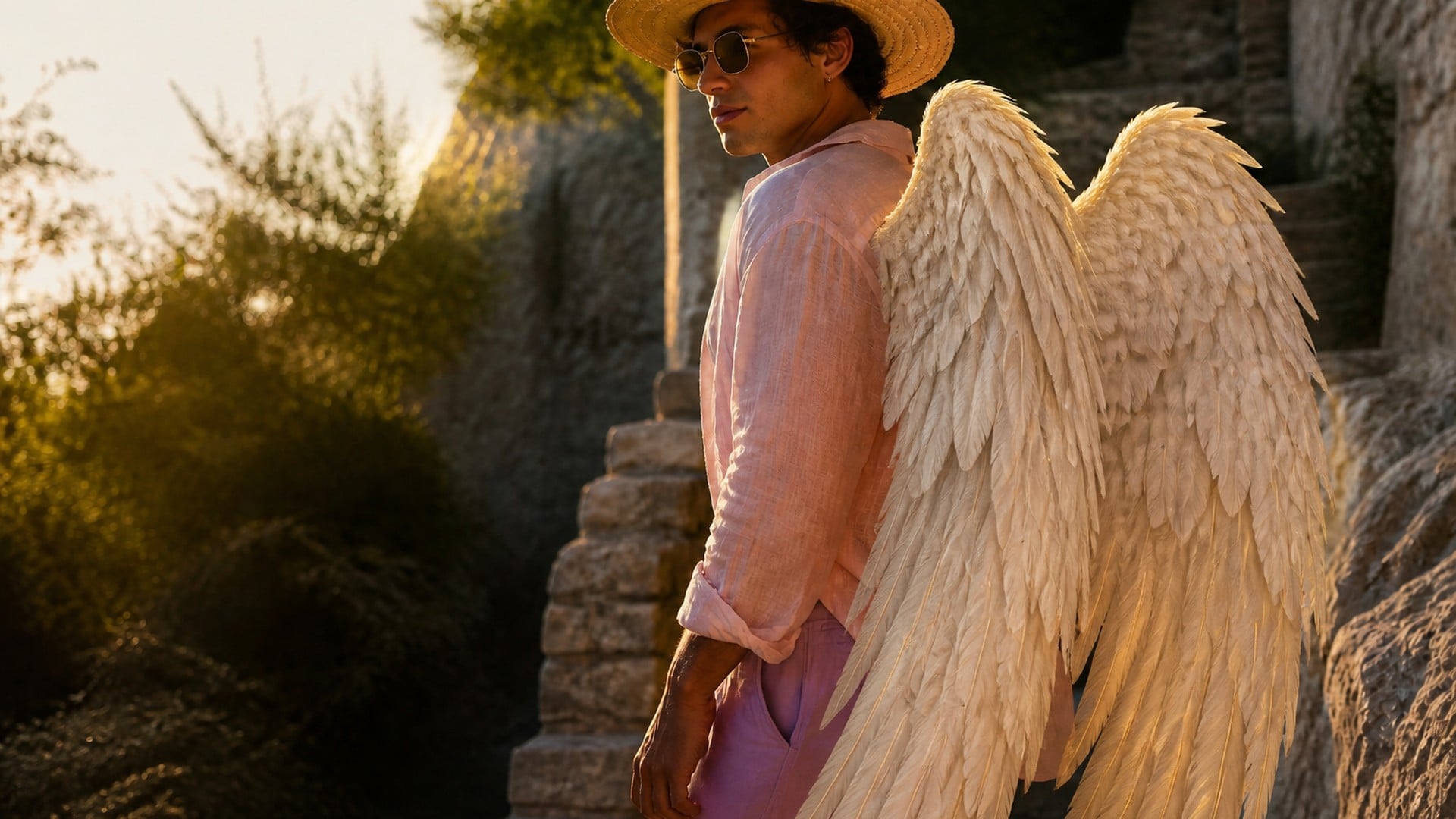
Standing, sitting or turned away, the wing roots should track the back you actually see. A seated portrait is the hard case: vanes have to fold instead of exploding through a chair. Add angel wings to photo work fails when the extra geometry fights the body. This editor is aiming at the case where scale and angle agree with the skeleton already in the frame.
Try it now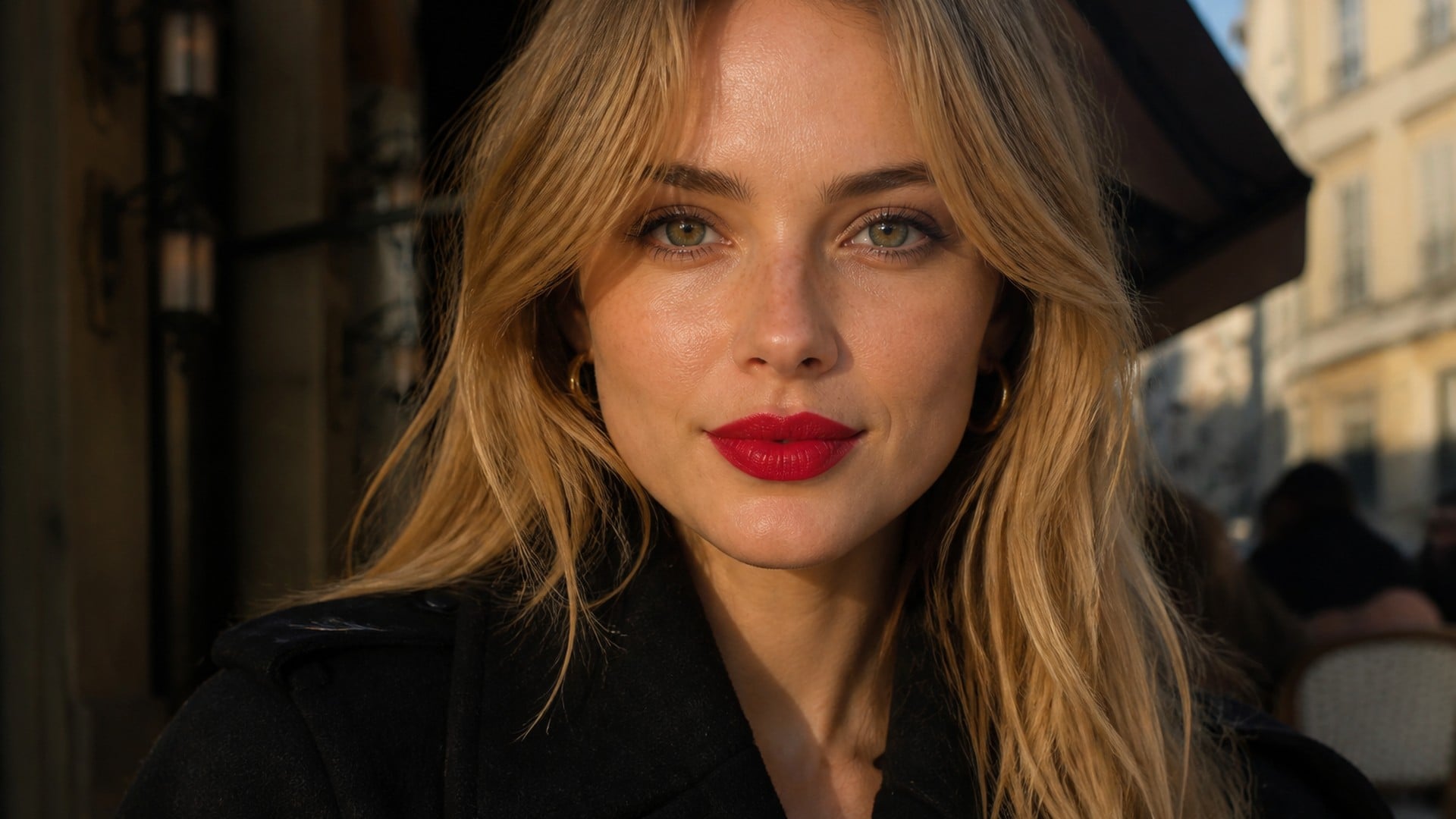
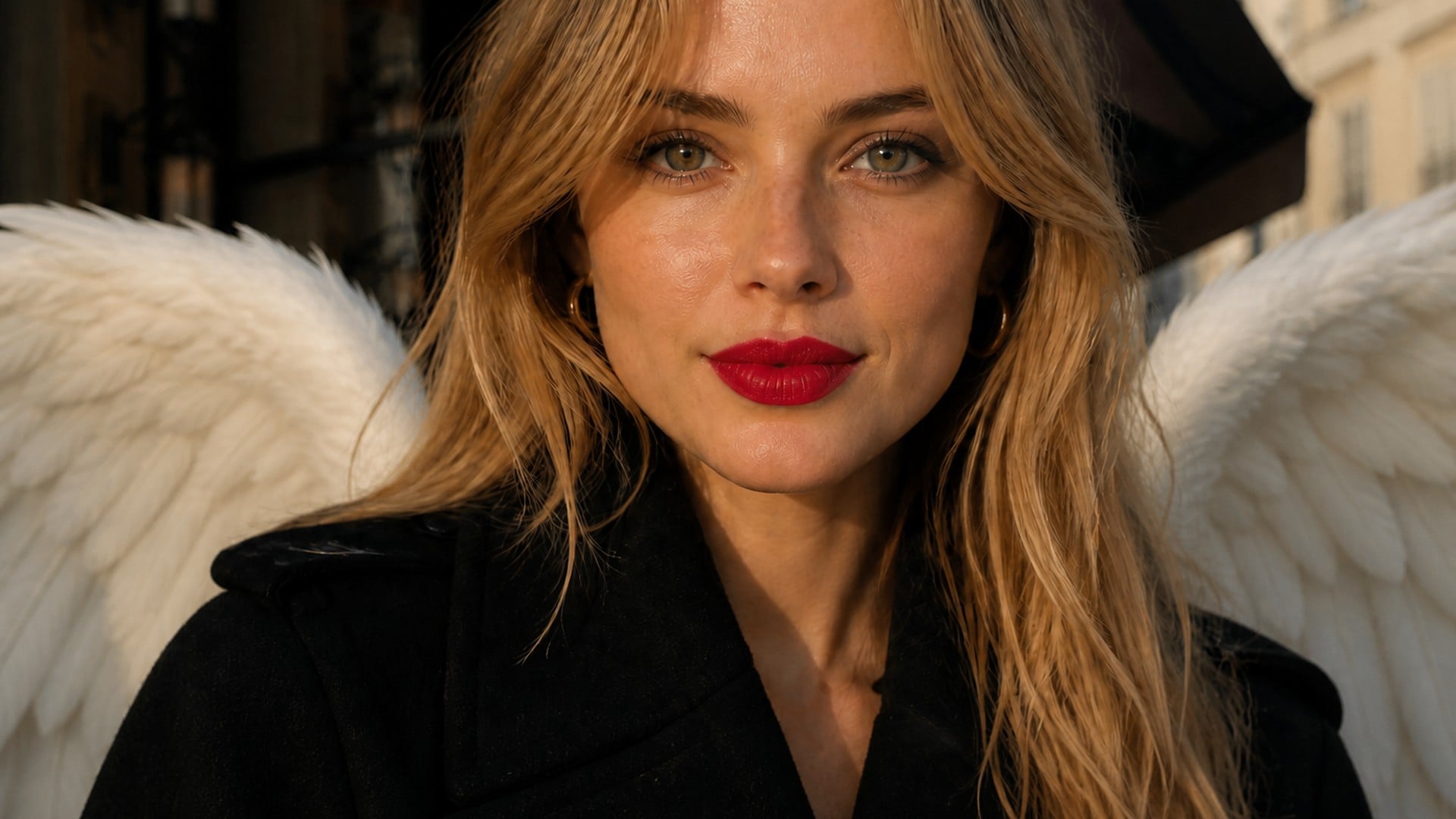
Wings should frame the subject, not hide the person you came to see. Primary feathers can rise beside the head; they should not cover eyes, glasses or a mouth. That rule matters twice as much on a remembrance still, where the face is the whole point. If a crop is tight, the wings need to sit smaller rather than chew the portrait.
Try it now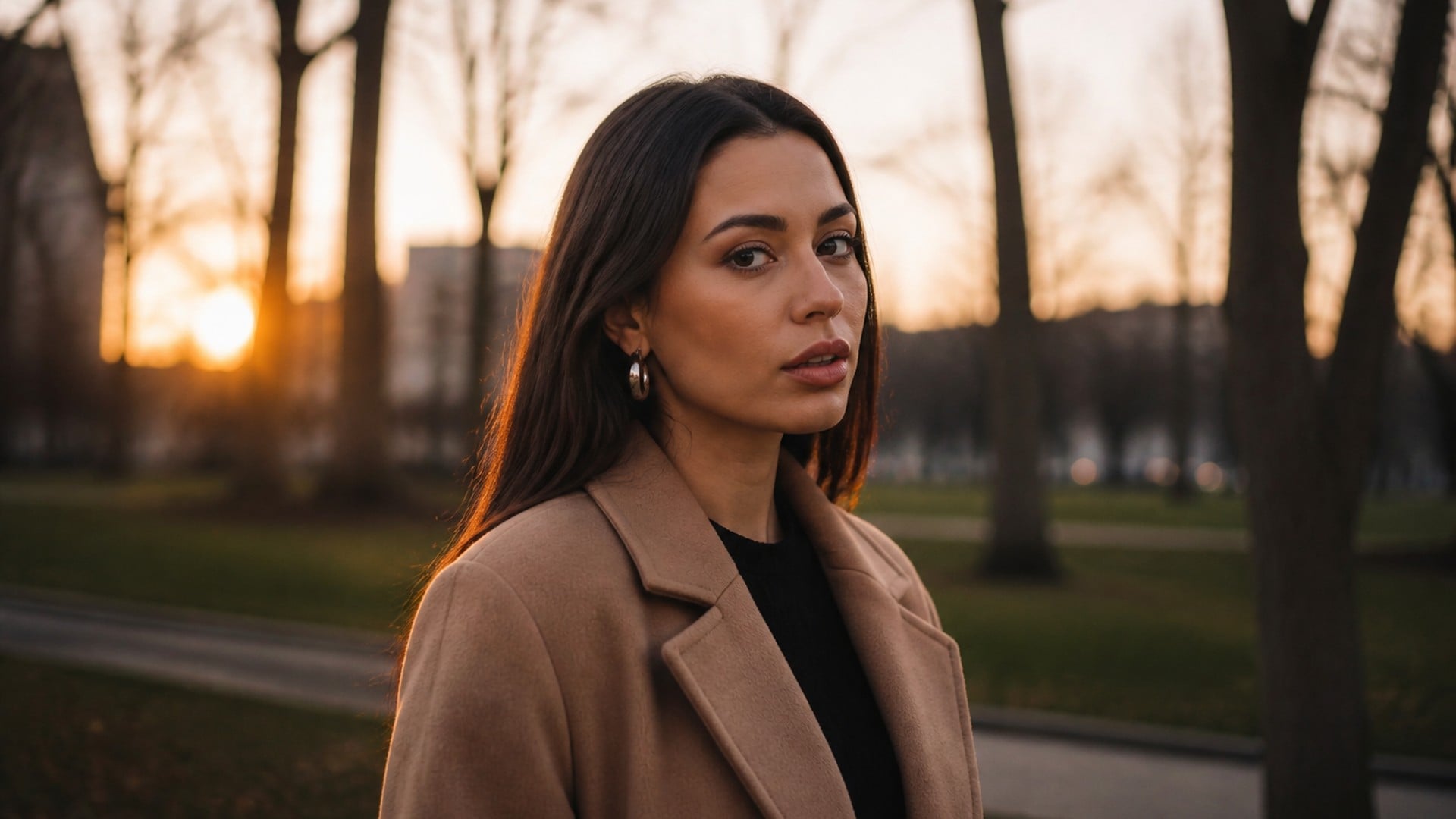
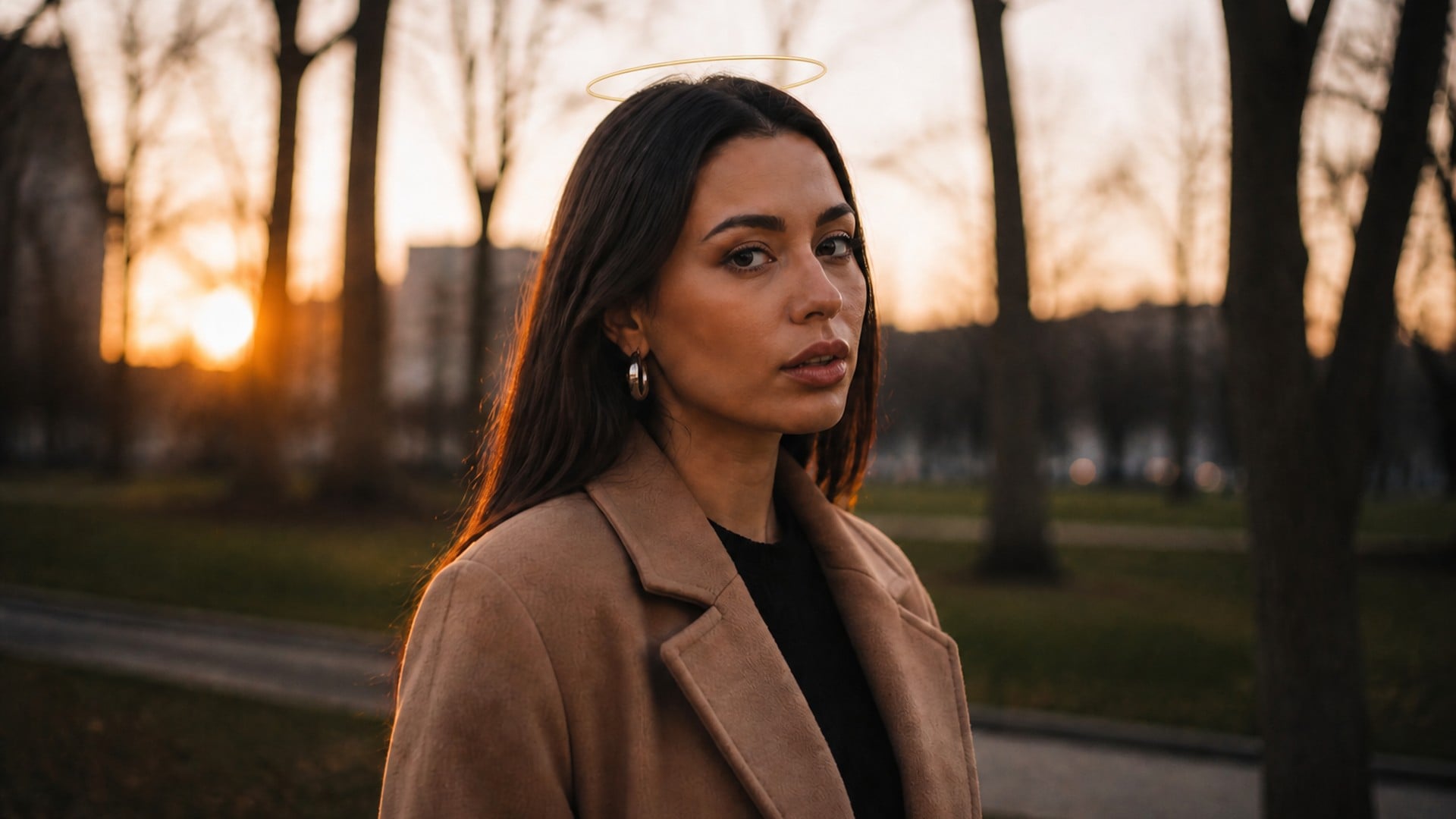
Wings with halo is the look that adds a soft ring above the head. Leave it off when you only wanted feathers. The halo should glow with the same scene light as the wings, not arrive as a separate sticker. Use it for a celestial portrait; skip it when the brief is quieter. One control, one extra element — not a stack of symbols.
Try it now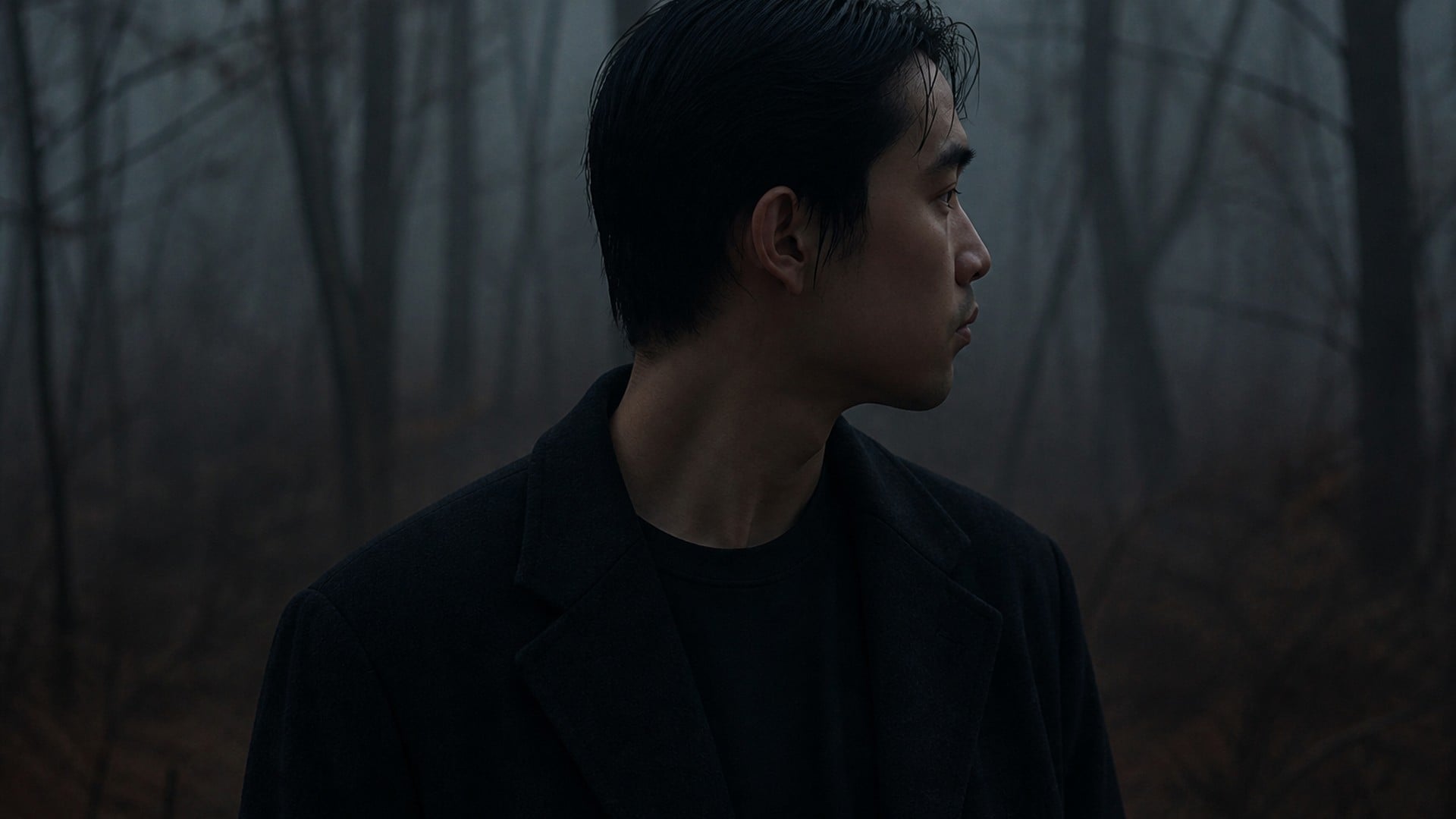
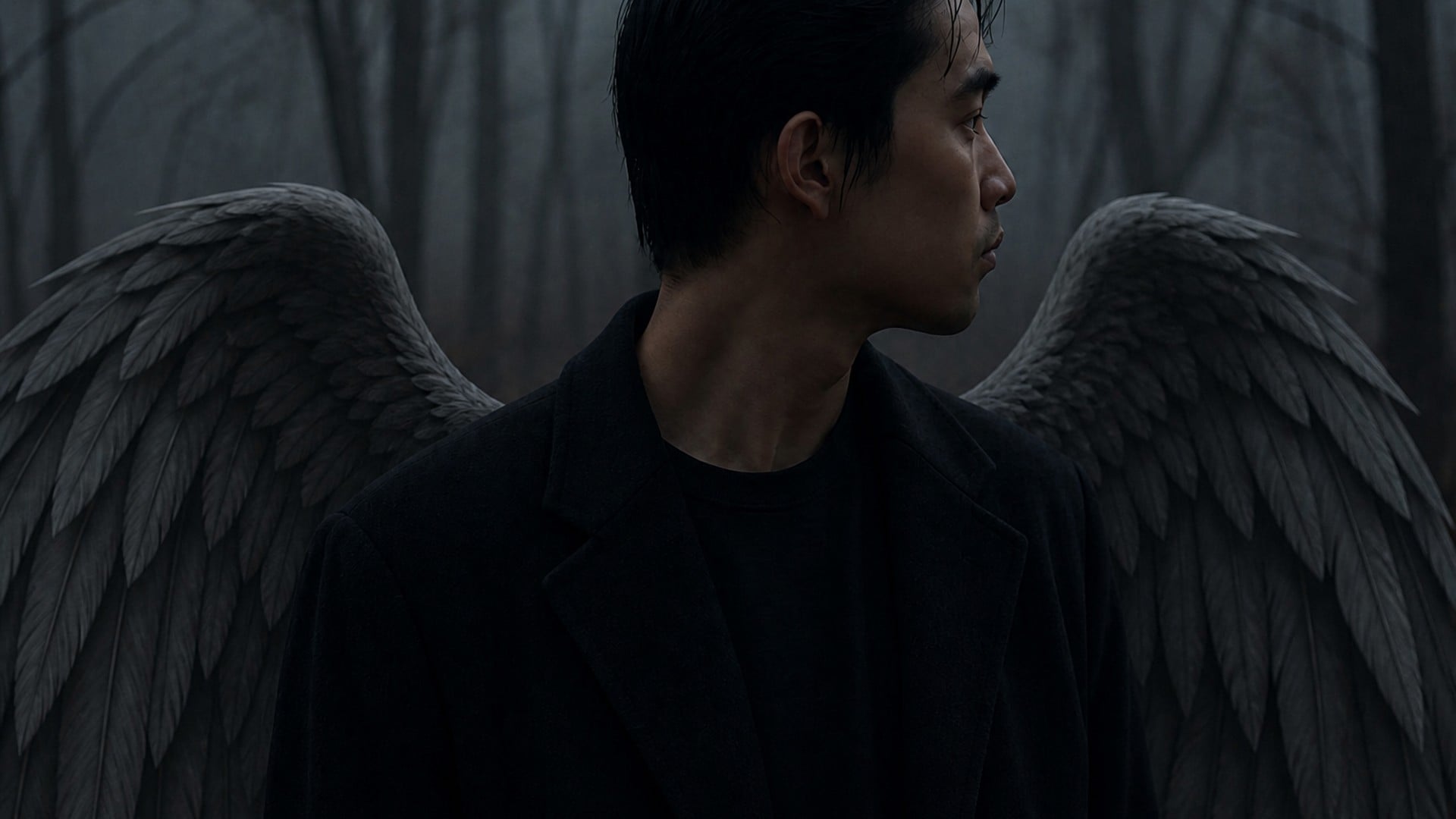
The add stays on the photo you uploaded. Face, clothes and room should survive; only the wings — and a halo if you asked — arrive. There is no separate style control: the finish is meant to read as the same photograph with one extra element, not as a restyled illustration of someone who merely resembles you.
Try it nowWings are one extra element on a still you may keep using. Stay in Viralkey Studio to try another look on the same portrait, or take that frame into a different visual pass.
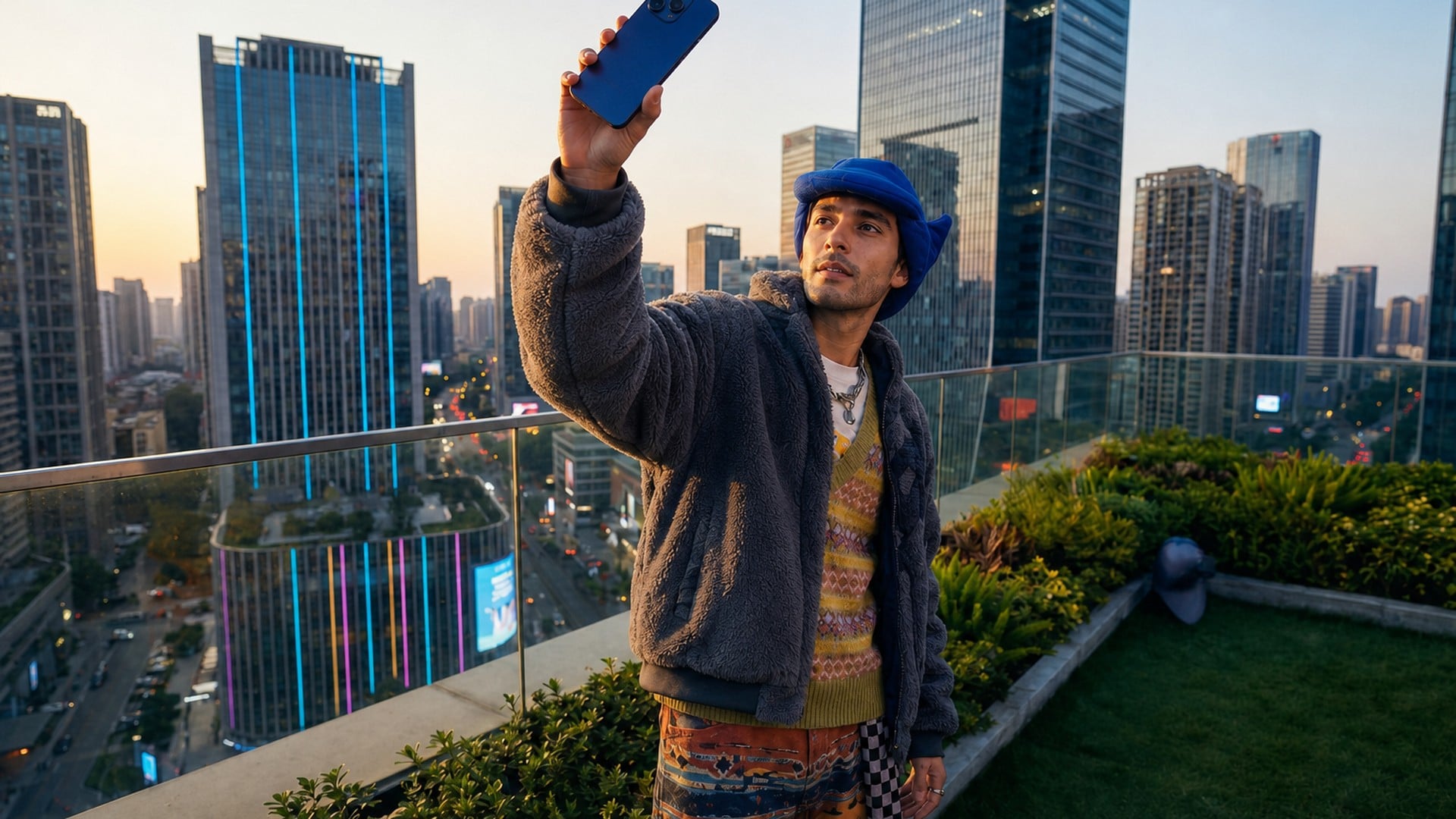
Move the light on any photo — shadows follow, nothing else changes.
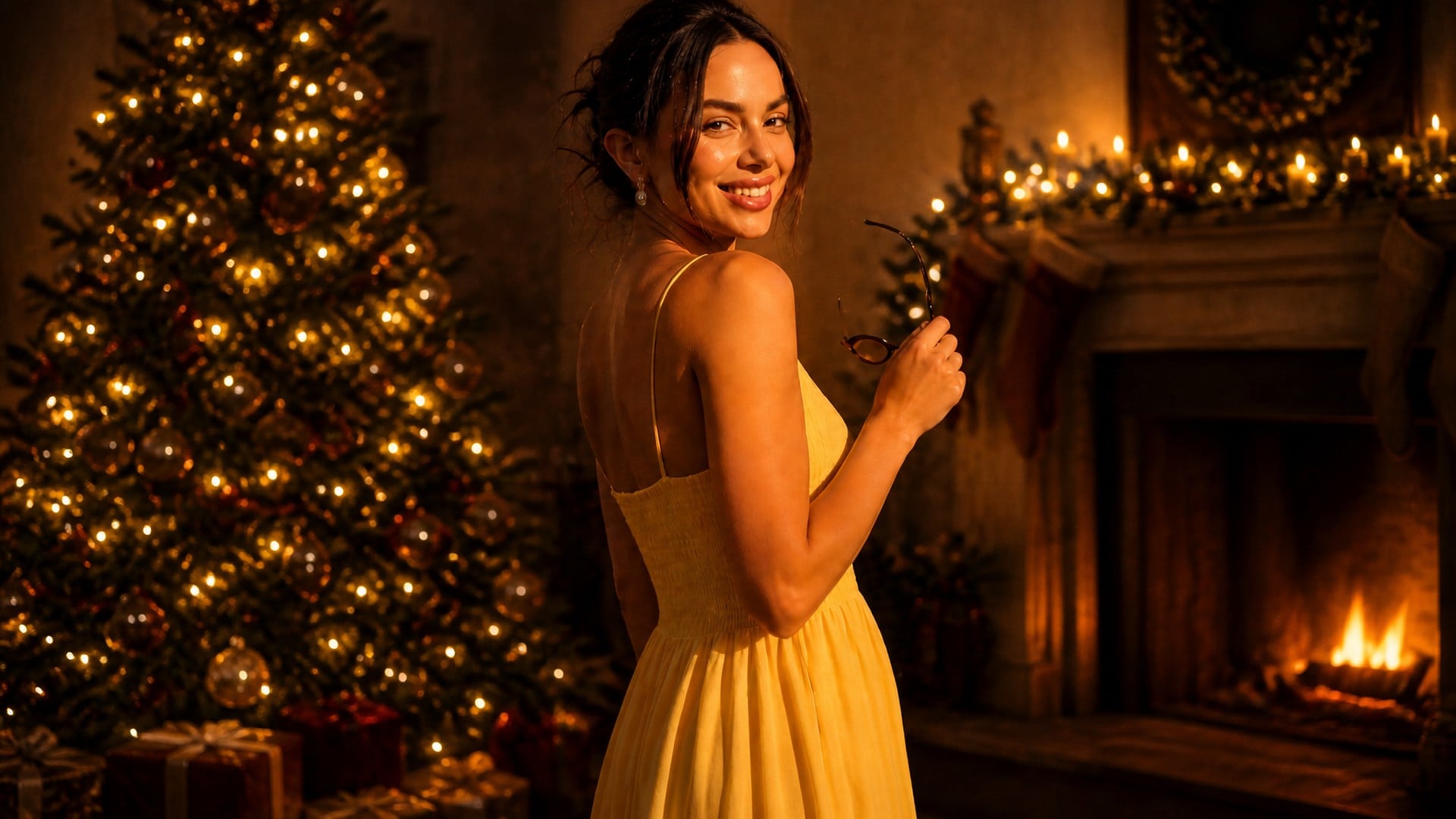
Festive backgrounds, Santa outfits and holiday makeovers — you stay you.
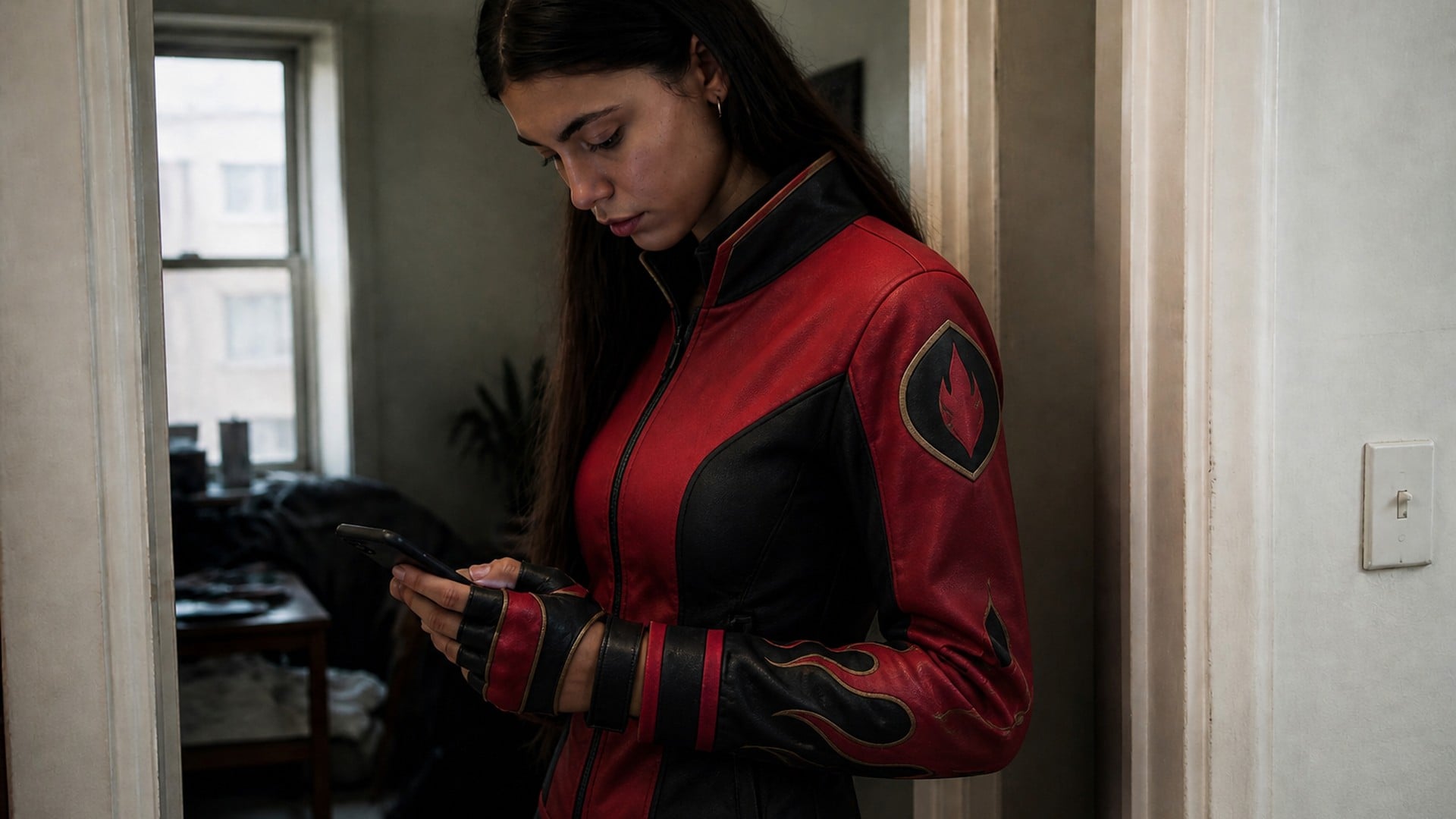
Your selfie as an original trainer — pick a type, view and style.
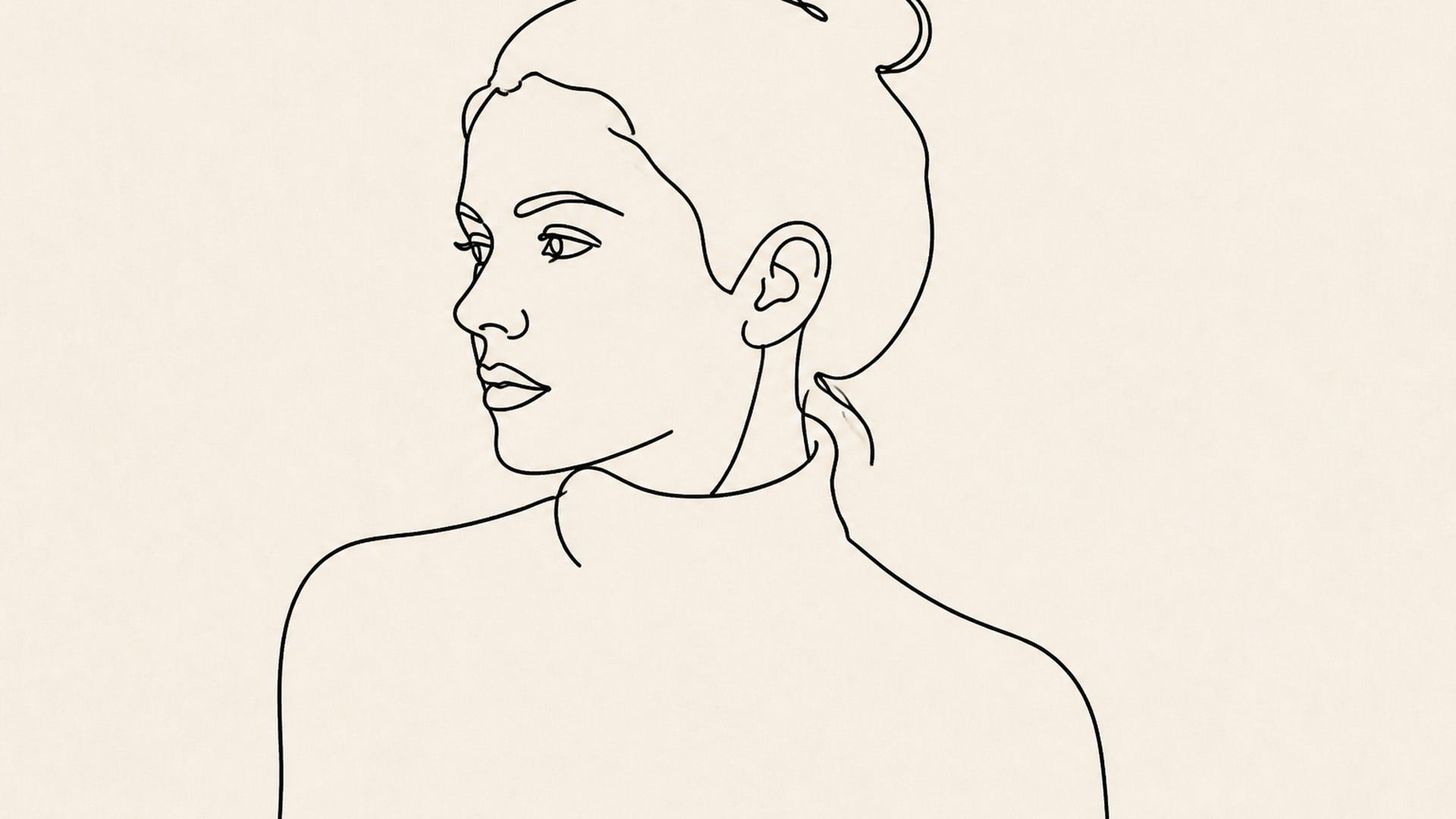
Photos or ideas as minimal one-line drawings, print-ready.
Explore leading models for AI video, image generation, editing, and cinematic storytelling.

Create Wan 3.0 clips on Viralkey: native 1080p, 2–30 seconds, start/end frames, up to 20 mixed references, and audio generated with the picture.

Create cinematic MiniMax H3 clips on Viralkey: native 2K, up to 15 seconds, text-to-video, start/end frames, and up to nine reference images.

Generate short HD clips on Viralkey with start/end frame direction and up to 50 reference images. Built for music video scenes and performer shots.

Create cinematic Seedance 2.0 clips on Viralkey: native 4K, start/end frames, up to nine reference images, and built-in audio with lip-sync.
People open this page for a portrait that needs one celestial element and nothing else rewritten. Fantasy profiles, event graphics, social stills and quieter remembrance photos all start from the same add: wings that fit, on a person who stays themselves.
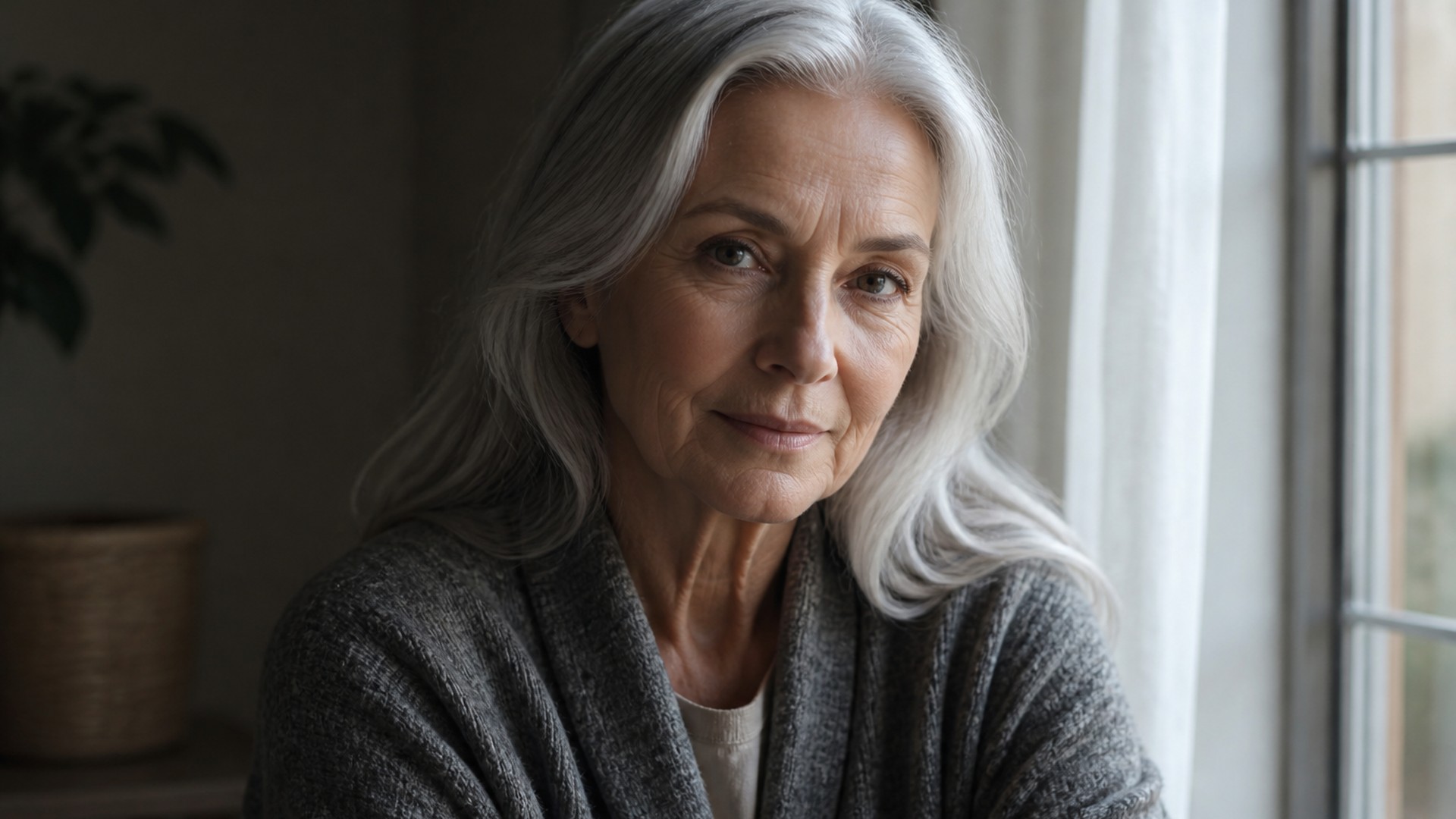
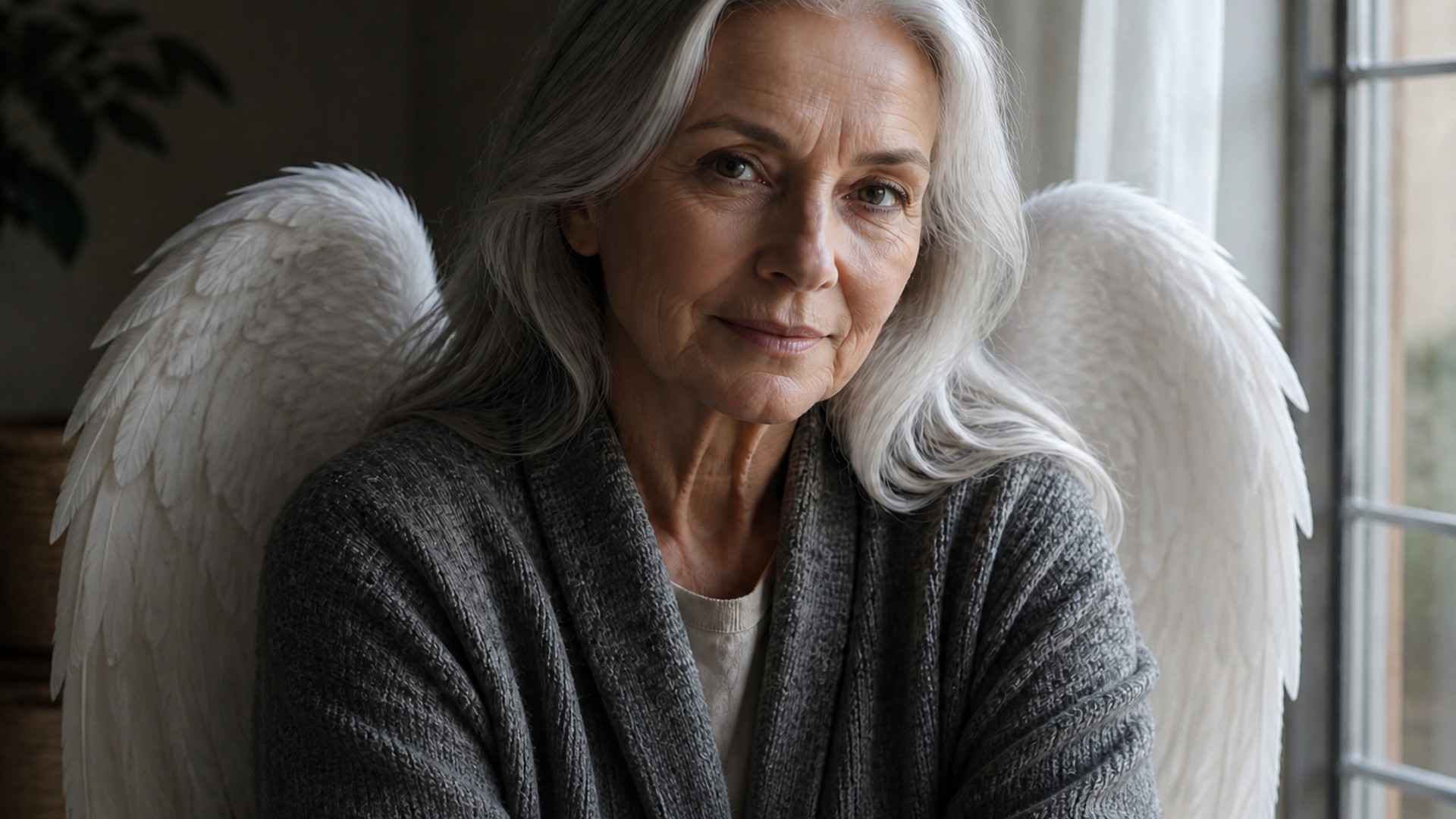
Some families want a still that feels gentle rather than theatrical. A restrained White feathered add on a photo they already love can be that — the face stays the person, the rest of the room stays the room. Keep the treatment small. This is not a promise about anyone's story; it is an optional edit on a photograph you have the right to use.
Try it now
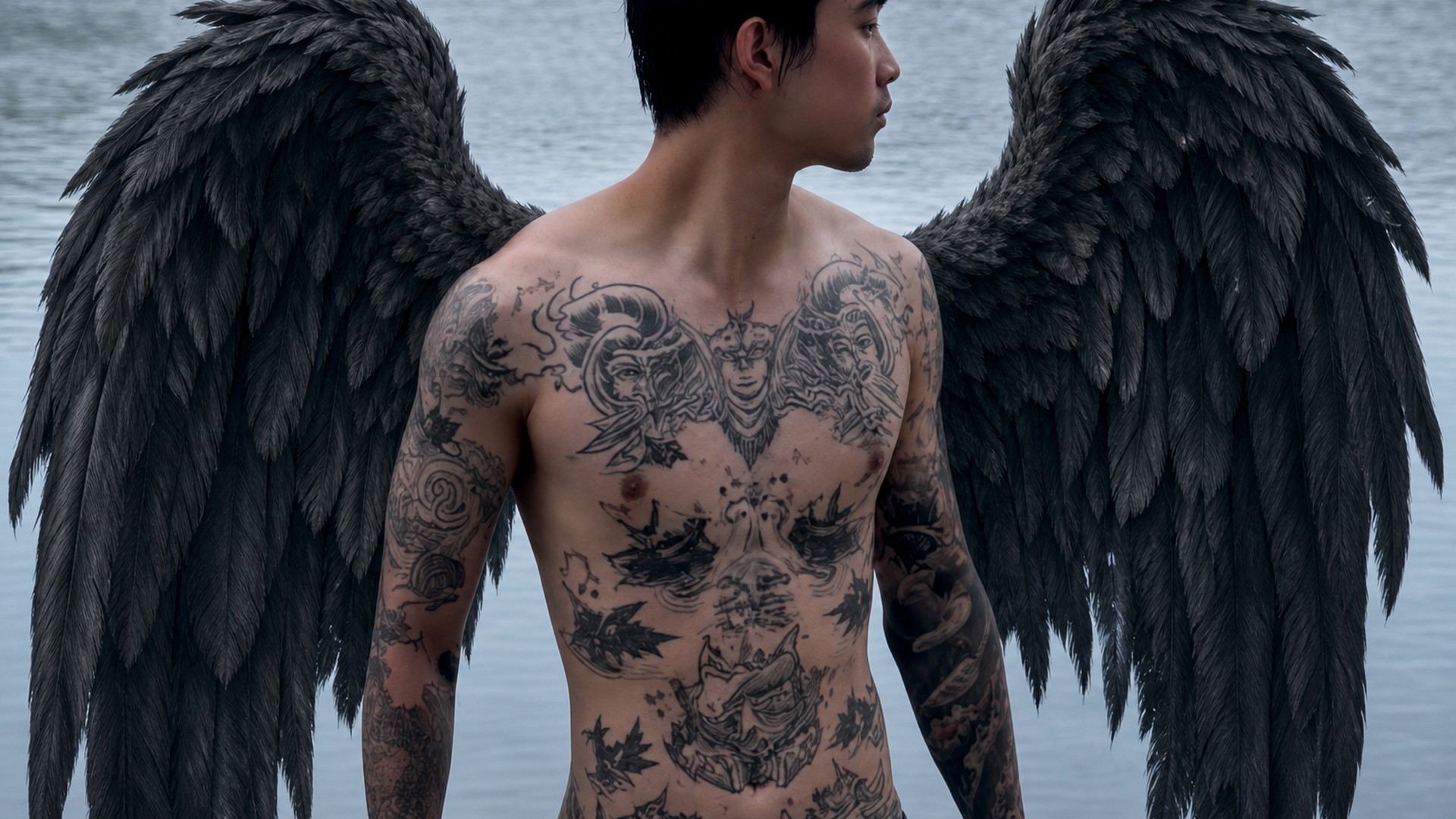
Creative profiles often need White feathered or Dark feathered on a shoot that never had a costume budget. Add angel wings to photo portraits you already took, keep the outfit and the location, and let the wings pick up the existing key. The still should still look like you in that place, not like a stock angel.
Try it now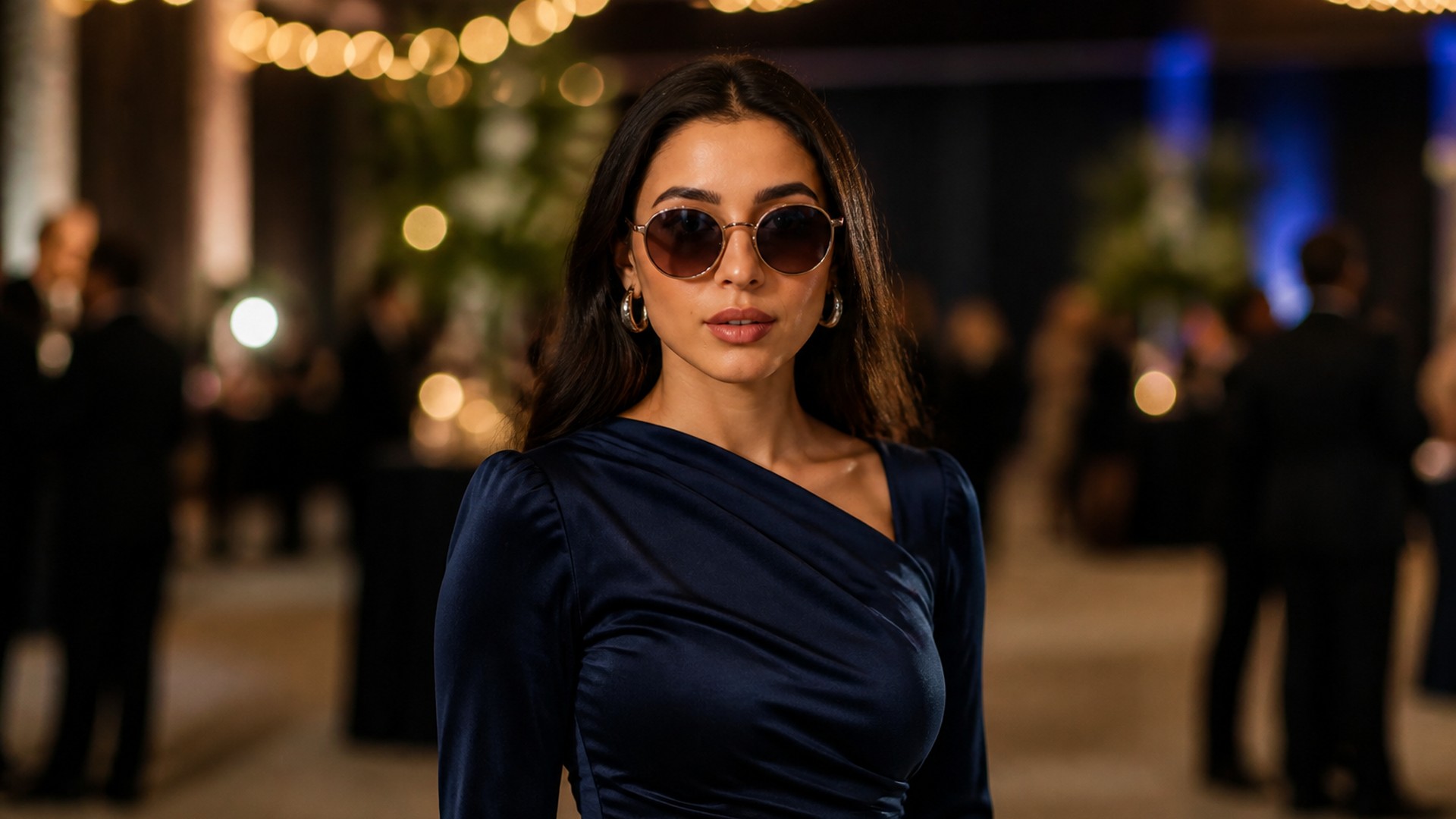
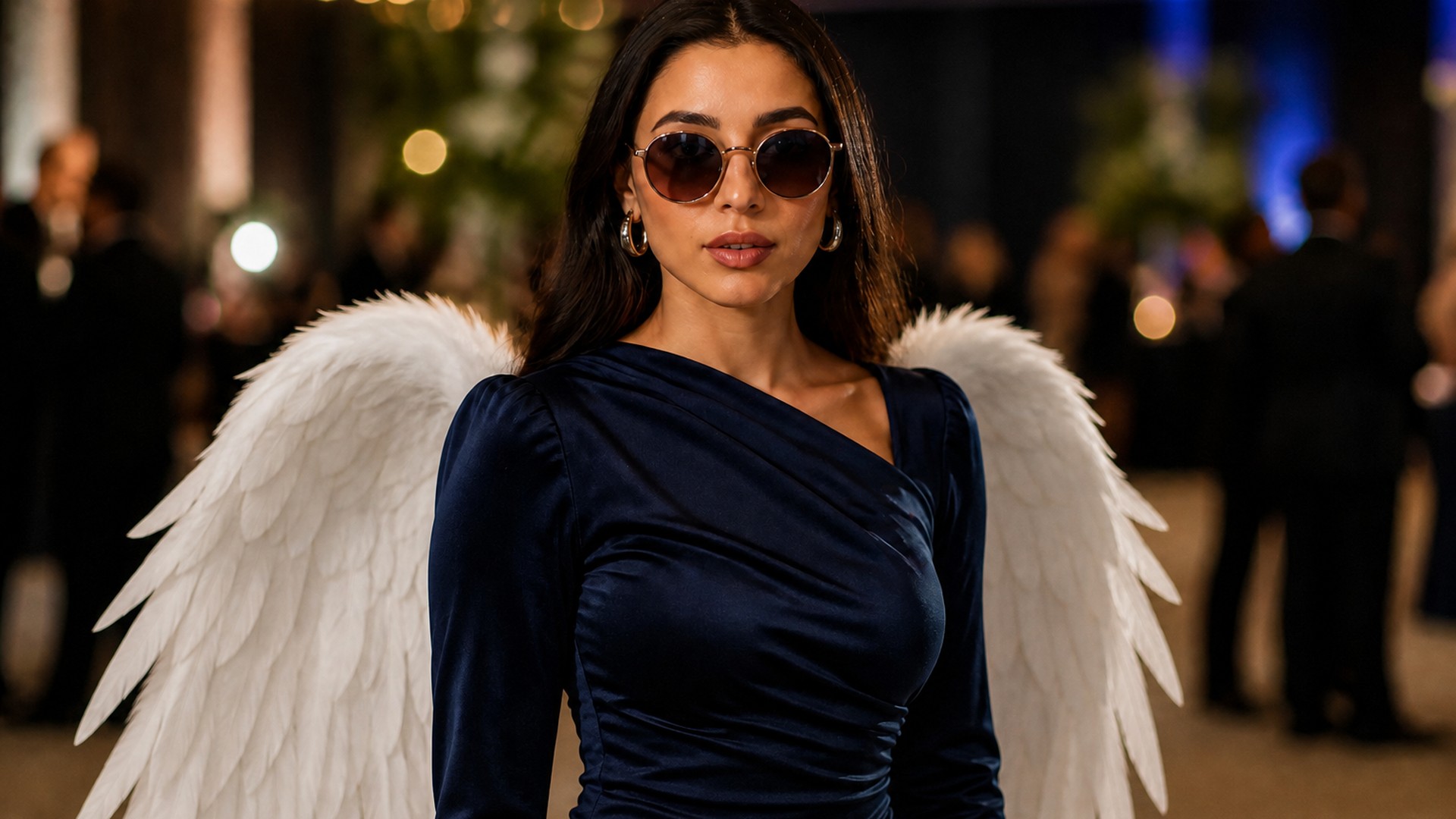
Posters and invitations fail when the extra effect covers the person. An angel wings photo with a clear face and a fitted pose is usable as a hero still. Check the crop before you send it to print: wings should frame, not collide with type. You still do layout in the tools you already use — this page only returns the still.
Try it now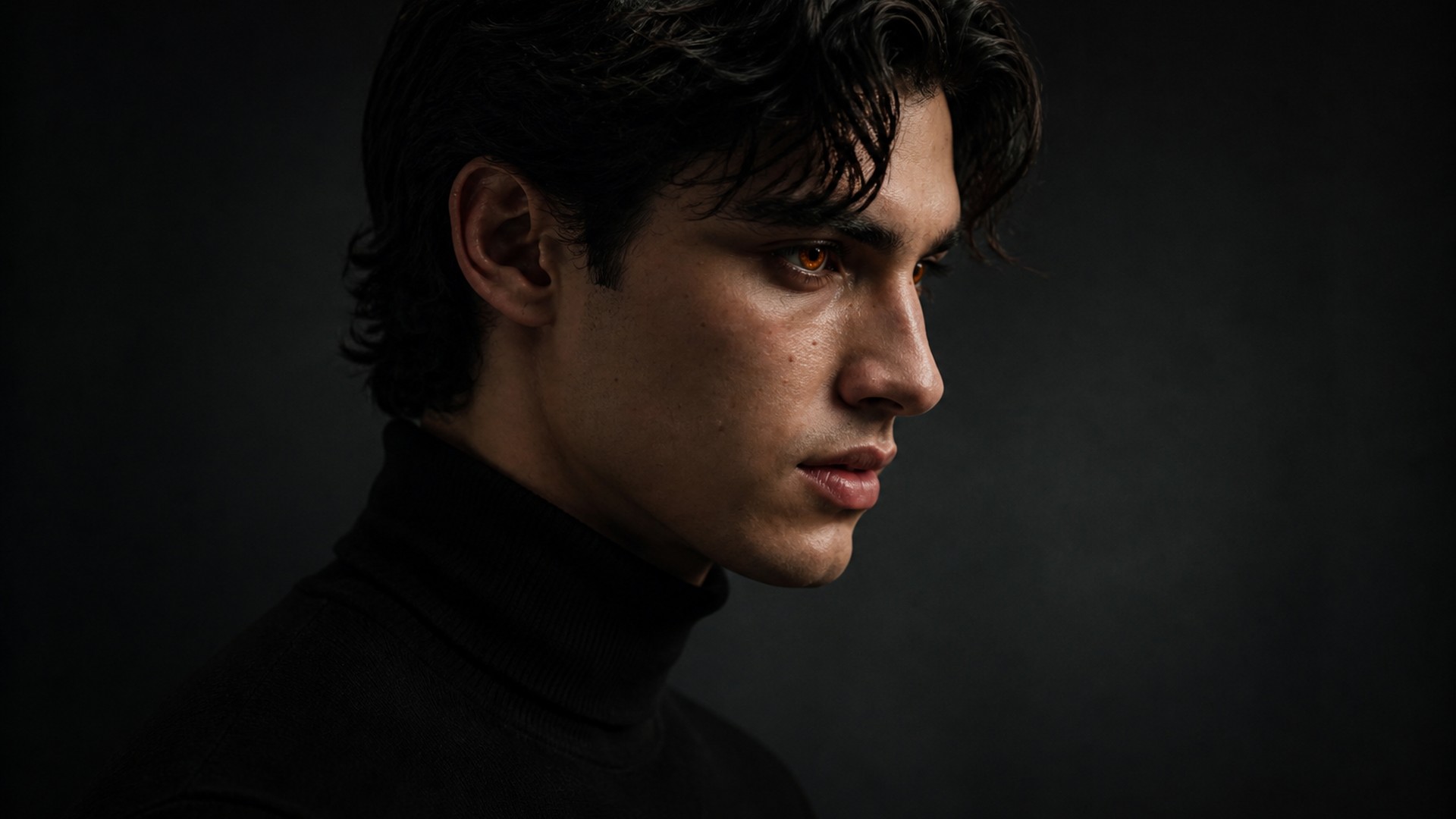
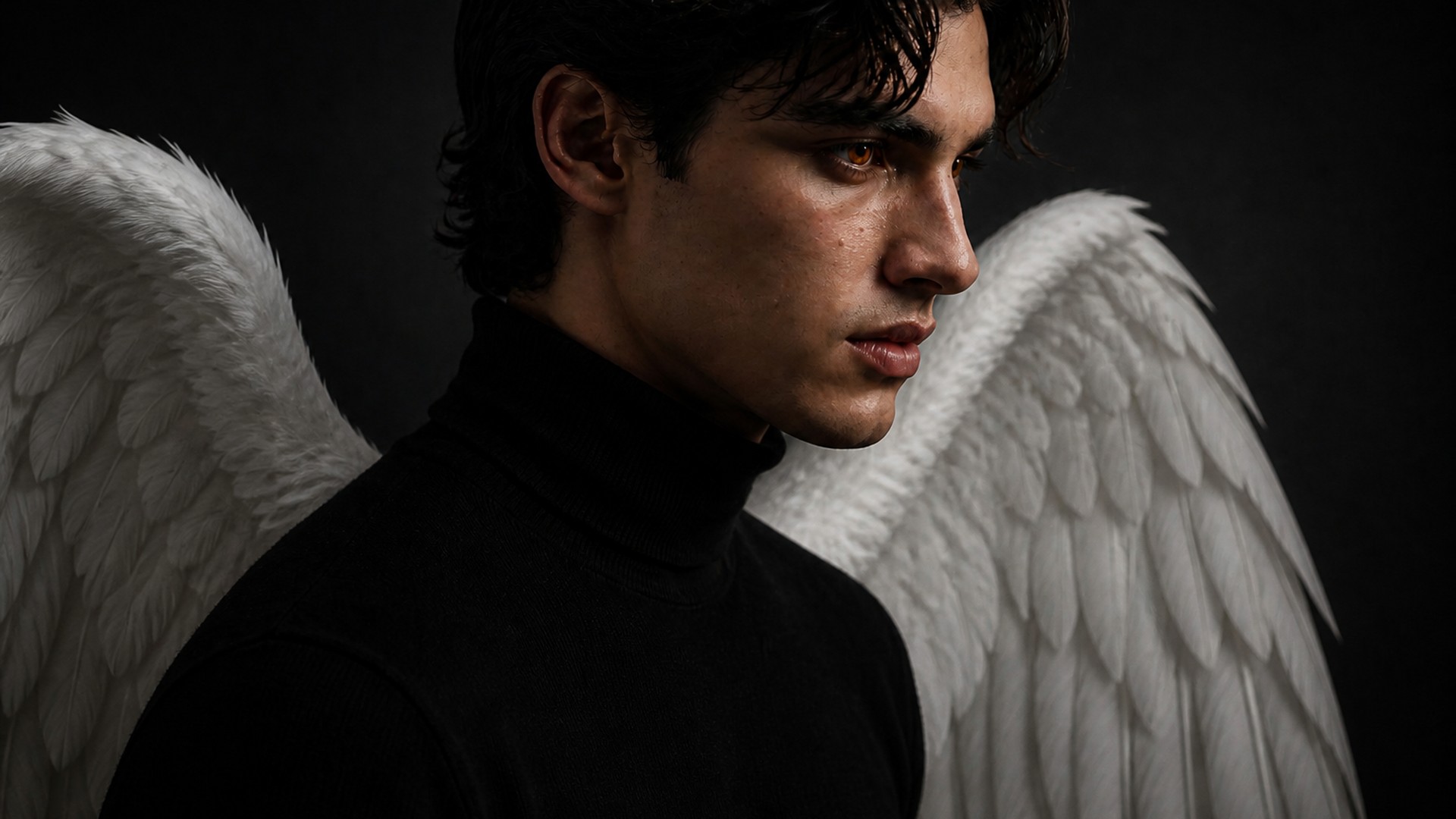
Feeds are full of stickers. A photographed add — wings that share the room's light — is the version that survives a second look. Run a portrait you already like, pick a look, and keep clothes and background honest. Swap it back whenever the joke or the season is over. The face should still be the first thing people read.
Try it nowNotes from creators who used this tool on real work.
Maren Halvorsen
Family memberUsed White feathered on a quiet portrait we already loved.
Small add, face untouched. That was the brief.
Isidoro Pellham
CosplayerThe wings threw a shade on the wall behind me.
That was the moment it stopped looking pasted.
Jocelyn Voss
VocalistDark feathered made the teaser still.
Same jacket, same alley, one extra element.
Kasper Delaunay
PhotographerEthereal light on a long-exposure beach still.
The vanes matched the existing glow.
Liora Moreau
StreamerI was sitting.
The wings folded instead of exploding through the chair. Rare, and appreciated.
Noam Solberg
DesignerWings with halo became the avatar.
Face still clear, which is why I kept it.
Ophelia Whitacre
BrideDress and beach stayed exactly as shot.
Only the wings arrived. That was the whole ask.
Pascal Iversen
Event organiserPoster still for a charity night.
Face readable, wings in the light, layout still possible.
Quin Keene
TravelerGolden glow over a sunset frame.
Warm vanes, same sky. I did not have to relight the person.
An angel wings photo edit on Viralkey is the add angel wings to a photo job: wings on a portrait you upload, without rewriting the rest of the frame. You pick a look such as White feathered, Golden glow or Wings with halo, and receive an image that keeps face, pose, clothing and background from the original. The wings should anchor at the shoulders and pick up the scene light. It is a local add — not a new person generated from scratch.
Turn your ideas into reality with AI. Generate, refine, and innovate — creation starts here.