



Stay Inside 1546x423
Safe ZoneKeep every letter, subtitle, and logo inside the central 1546x423 band so phones and desktops never slice edges.
Create a 2560x1440 white screen YouTube banner and minimalist white YouTube channel art with 1546x423 mobile-safe framing and subtle surface textures inside Viralkey Agent. Powered by Viralkey Agent · Explore Blank White Twitter Header · Banner Maker · YouTube Thumbnail Resizer
Enter your centered channel name, subtitle, or white surface notes
Uploading an undersized white image often triggers YouTube resolution rejections, while off-center text gets clipped across mobile, desktop, and TV crops. Configure a plain white YouTube banner 2560x1440 canvas below, choose your matte or paper texture, type a centered channel name or drop a logo in Reference, and let this clean white YouTube header maker send your brief directly to Viralkey Agent. Run tailored briefs inside Viralkey Agent or explore model-based creation in the AI Image Generator · Related workflows: Blank White Twitter Header · Banner Maker · YouTube Thumbnail Resizer
Create a 2560x1440 white screen YouTube banner and minimalist white YouTube channel art with 1546x423 mobile-safe framing and subtle surface textures inside Viralkey Agent.
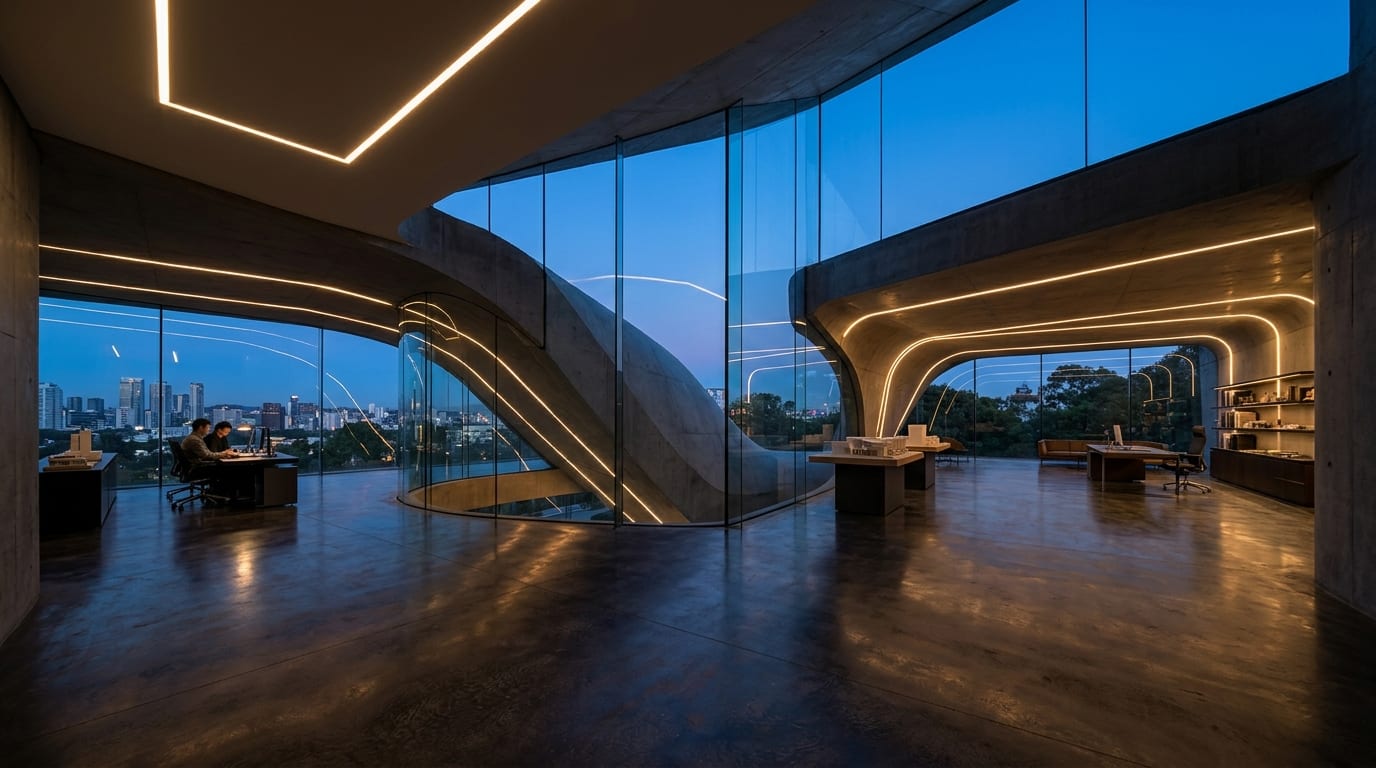
Formatted natively at YouTube's standard 16:9 2560x1440 banner dimensions so your file clears YouTube Studio's minimum size rules on the first upload.
Generate
Locks channel names, taglines, and logos inside the central 1546x423 safe area so nothing clips across phones, desktops, or smart TVs.
Generate
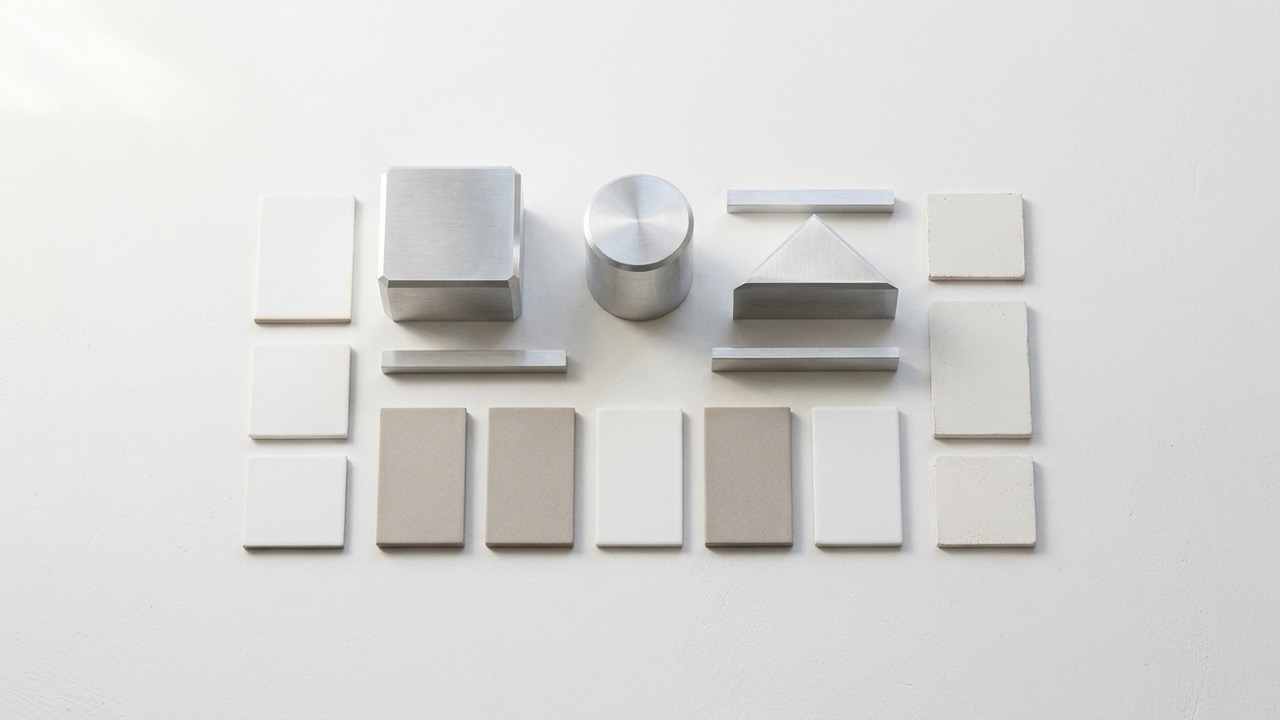
Select Pure Matte White, Fine Paper Grain, or Subtle Light Gradient to avoid flat JPEG compression banding while preserving a clean minimal look.
GeneratePick Pure Matte White, Fine Paper Grain, or Subtle Light Gradient, then choose Pure Blank, Centered Channel Name, or Centered Name & Subtitle.
Type your centered channel name or tagline in the prompt box, or upload a transparent PNG/SVG brand mark into the Reference slot.
Viralkey Agent launches with your 2560x1440 safe-zone brief prefilled and outputs an upload-ready YouTube banner you can refine in chat.
YouTube requires channel art to be at least 2048x1152 and recommends 2560x1440 pixels for sharp TV playback. Starting from a blank white YouTube banner template formatted at full 2560x1440 prevents blurry upscaling and instant upload rejections.
Generate
While smart TVs display the entire 2560x1440 frame, phones and desktop browsers only guarantee the center 1546x423 strip. A YouTube banner safe zone white layout locks titles and logos inside that core band while leaving outer margins airy.
Generate
Once your minimalist white YouTube channel art is ready, continue in the same Viralkey Agent thread to generate a matching light-mode profile avatar, clean video end screen, or minimal studio thumbnail.
GenerateEnsure crisp 2560x1440 uploads and safe 1546x423 framing across TV, desktop, and mobile.
Stay Inside 1546x423
Safe ZoneKeep every letter, subtitle, and logo inside the central 1546x423 band so phones and desktops never slice edges.
Export at Full 2560x1440
ResolutionAlways upload at 2560x1440 pixels (16:9) to clear YouTube's 2048x1152 minimum and look sharp on 4K TVs.
Prevent Flat White Banding
TextureChoose fine paper grain or a whisper-soft gradient so YouTube compression does not turn solid white blotchy.
Leave Outer Margins Empty
TV & DesktopKeep the upper, lower, and far side edges completely blank so responsive crops feel intentional on every screen.
Pair With a Dark Avatar
ContrastA bright white channel header makes dark, monochrome, or high-contrast channel avatars stand out cleanly.
Keep Copy Under Six Words
ReadabilityUse a crisp channel name plus an optional short tagline or upload schedule so mobile viewers read it at a glance.
YouTube recommends 2560x1440 pixels (16:9 aspect ratio) with a minimum upload size of 2048x1152 and a 6 MB file cap. This preset targets the full 2560x1440 canvas for crisp display on TV, desktop, and mobile.
Choose your options above, optionally attach reference media, and send your formatted prompt directly to Viralkey Agent.