Veo 3.1 AI Video Generator
Google DeepMind's Veo 3.1 on Viralkey — text to video, image to video, start and end frame control, and sound-on clips built for short films, ads, and music visuals.
Veo 3.1 AI Video Generator
Google DeepMind's Veo 3.1 on Viralkey — text to video, image to video, start and end frame control, and sound-on clips built for short films, ads, and music visuals.
Community Creations
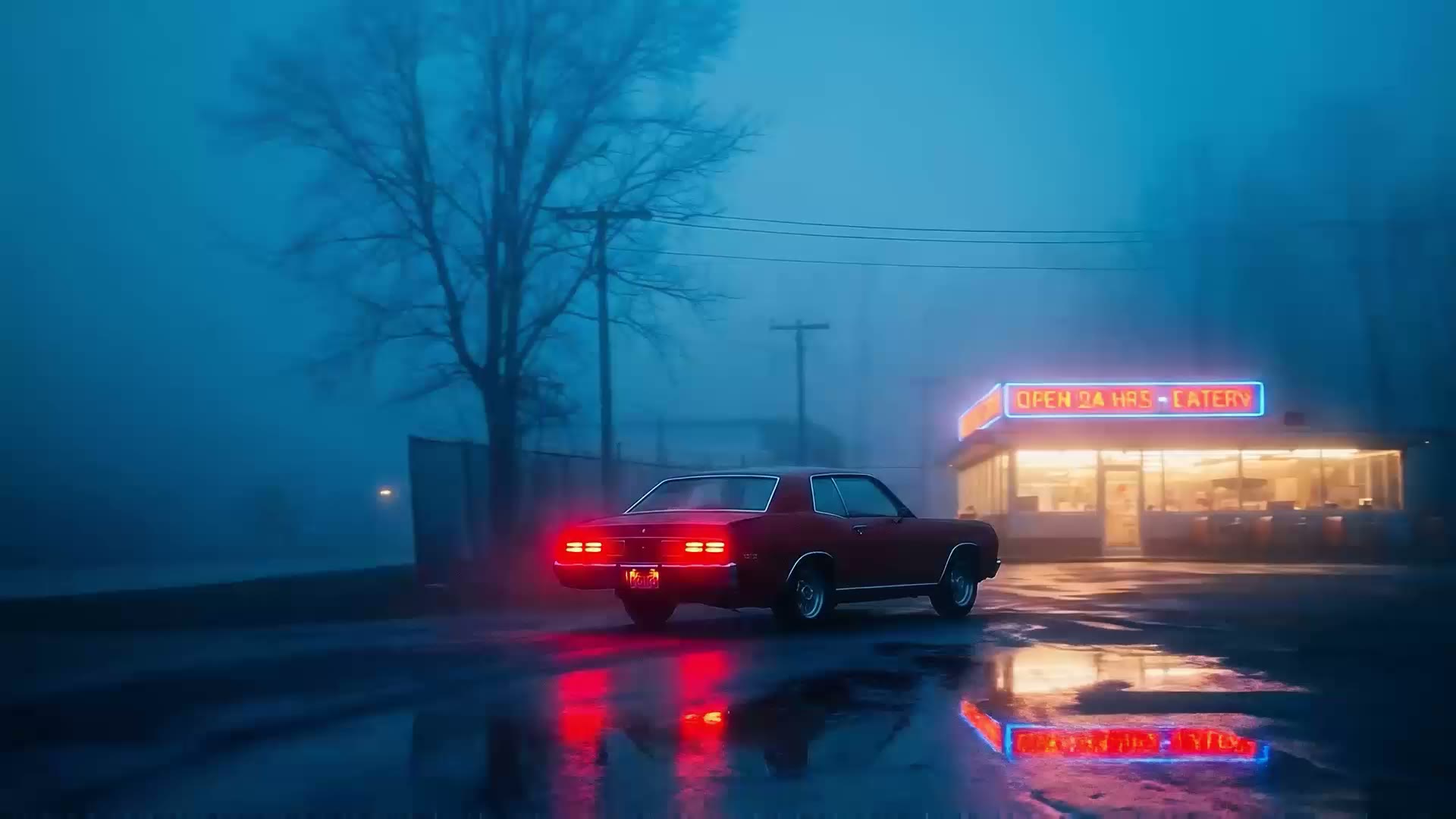
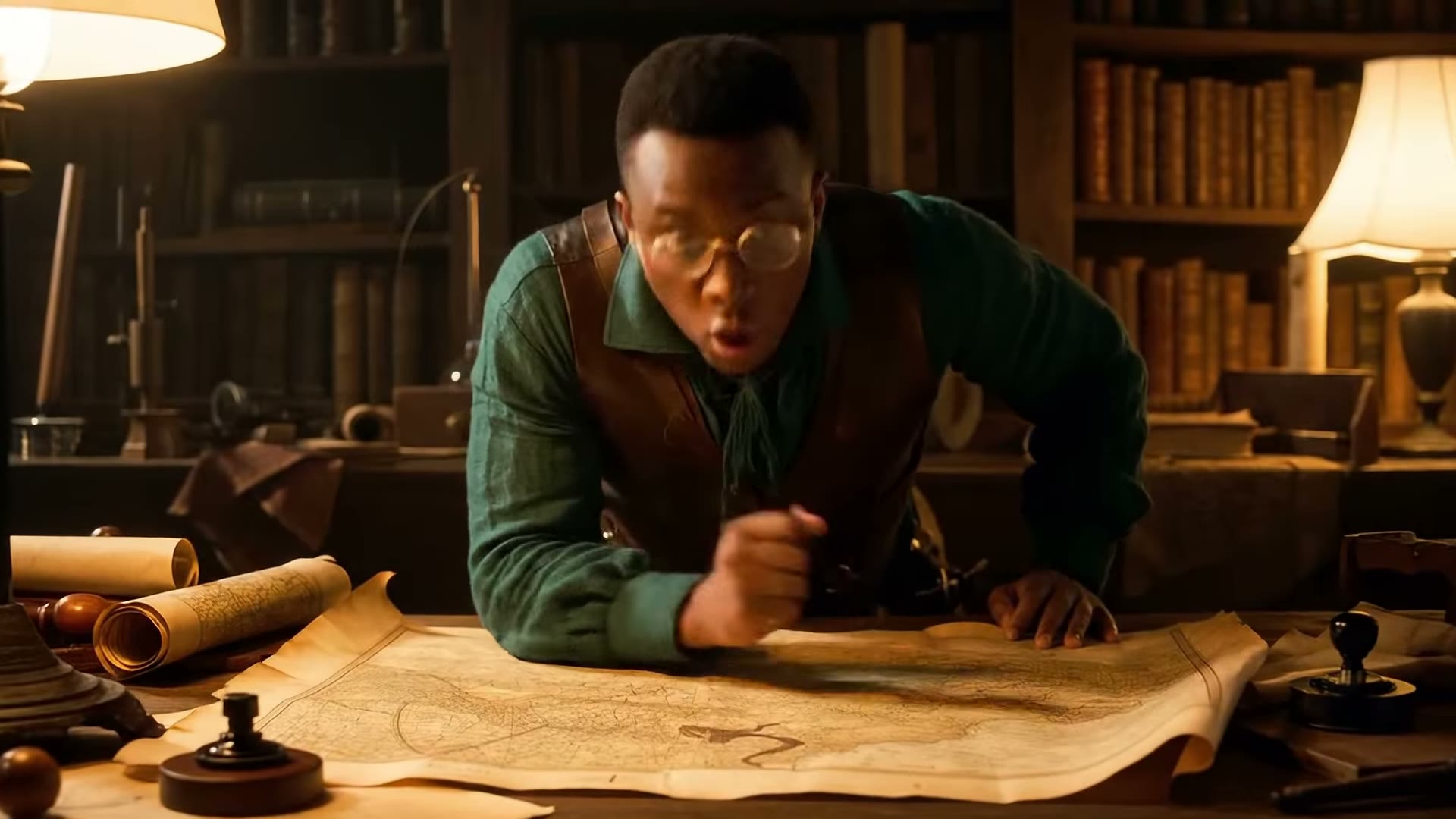
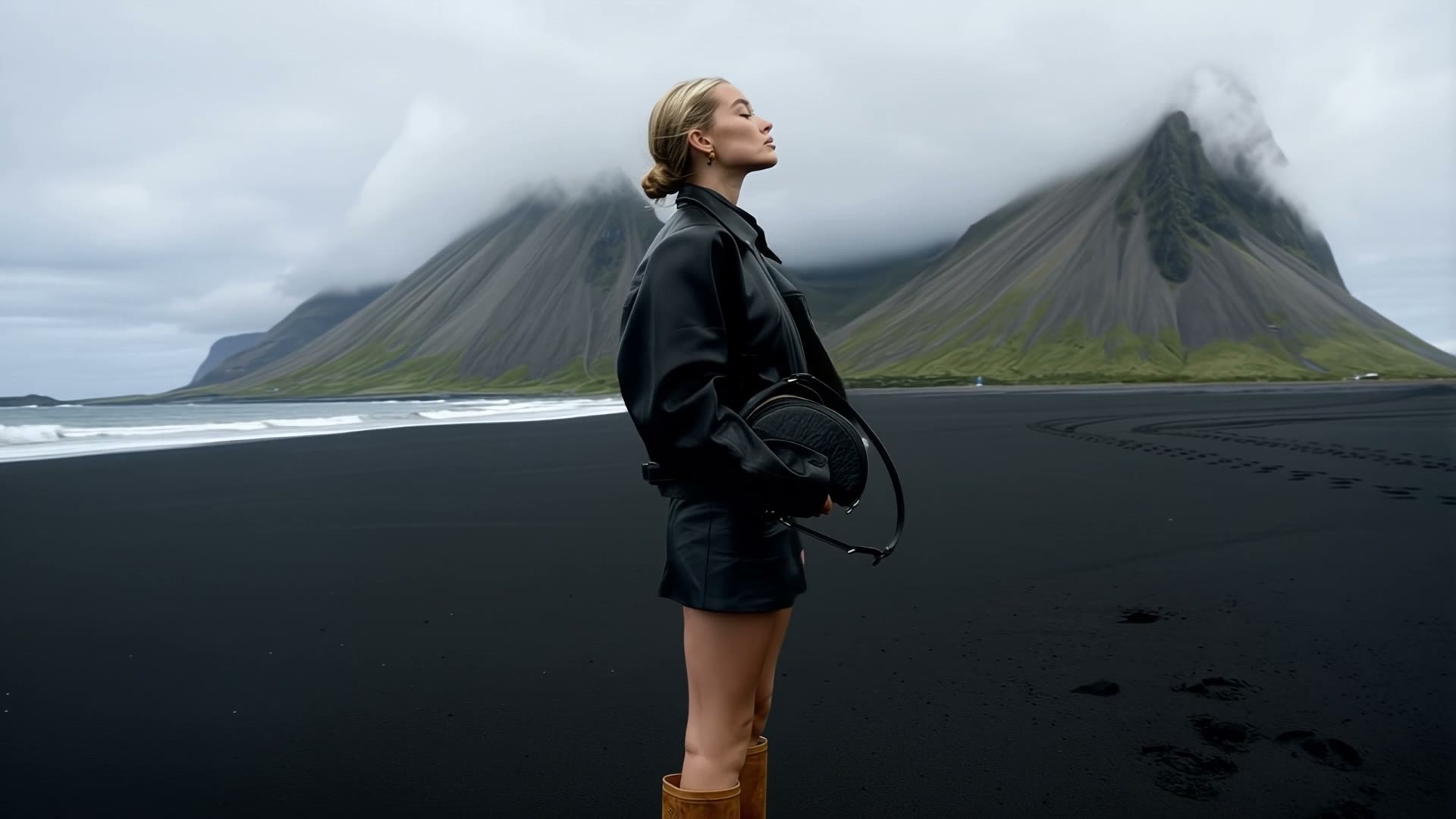
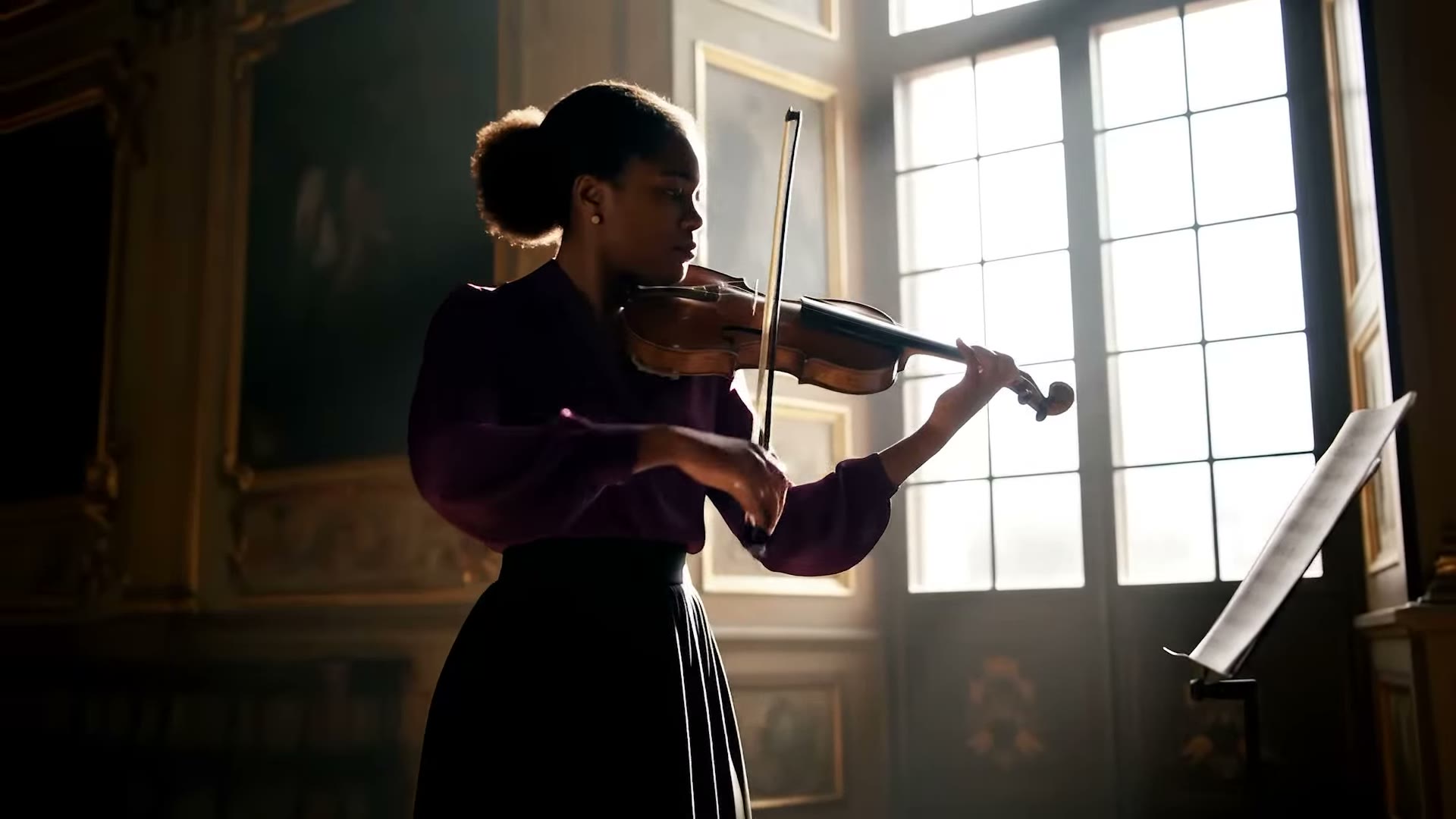
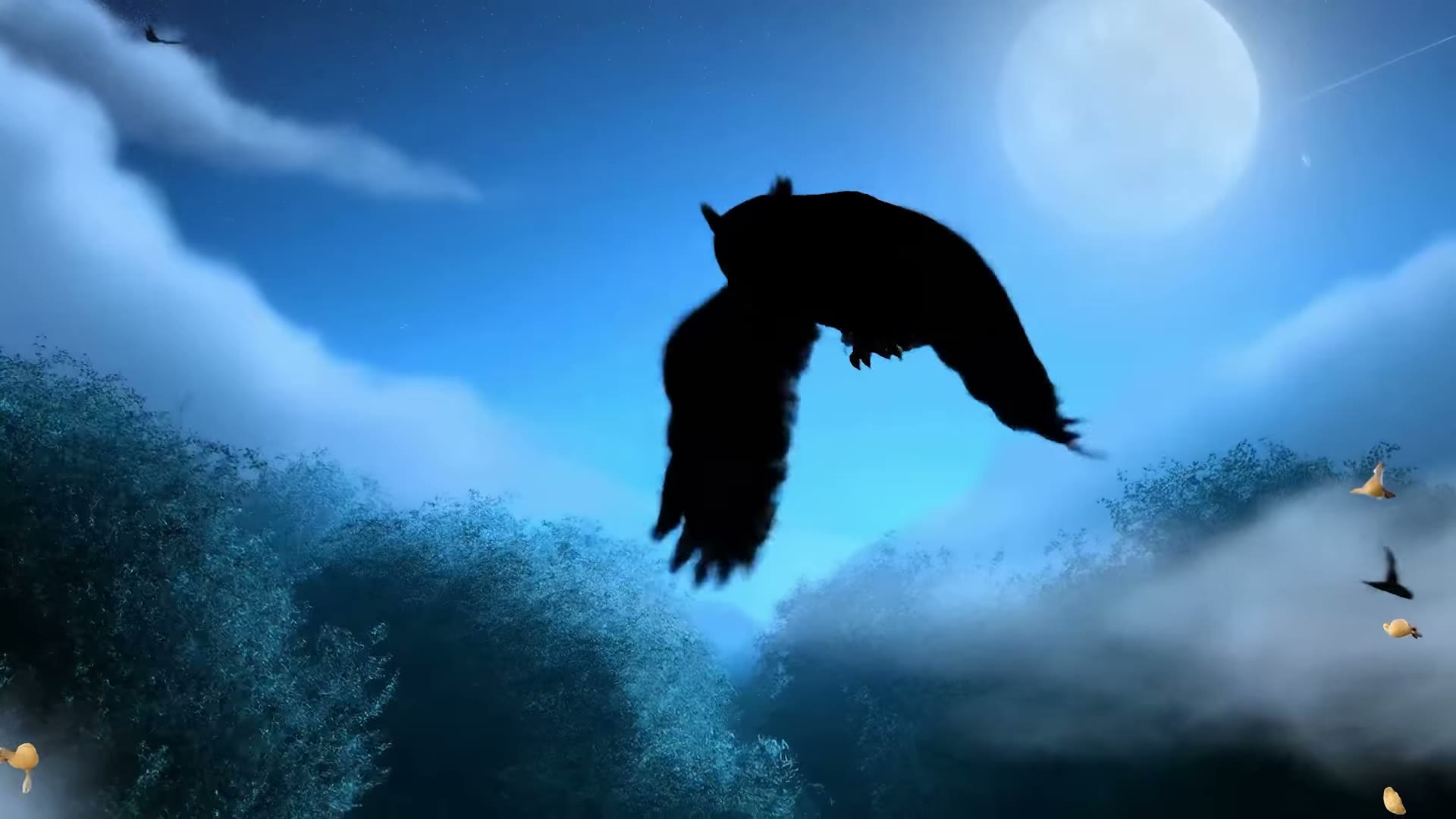
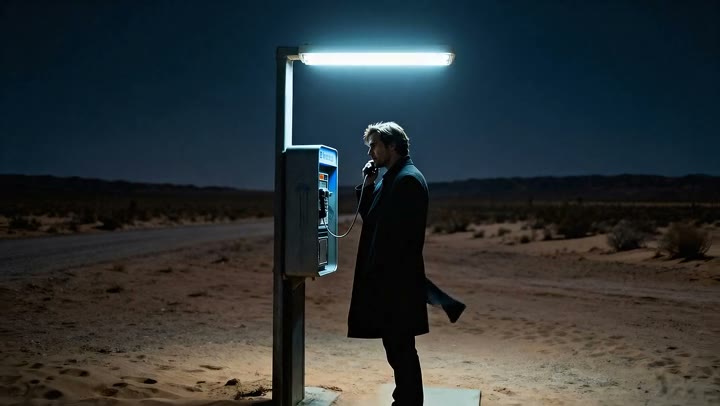
See how creators make short films, product ads, music videos, and social clips with synchronized dialogue, cinematic lighting, and true-to-life motion.
Key Features of Veo 3.1
Veo 3.1 is built for full-scene storytelling on Viralkey: picture and sound together, native 4K, start/end frame control, and short clips you iterate by regenerating — not by editing a timeline.
Native 4K Resolution
Generate up to native 4K with accurate depth of field, lighting, and motion blur. Use 720p or 1080p when you want a faster draft, then step up to 4K for the final cut that needs camera-like detail.
Try it Now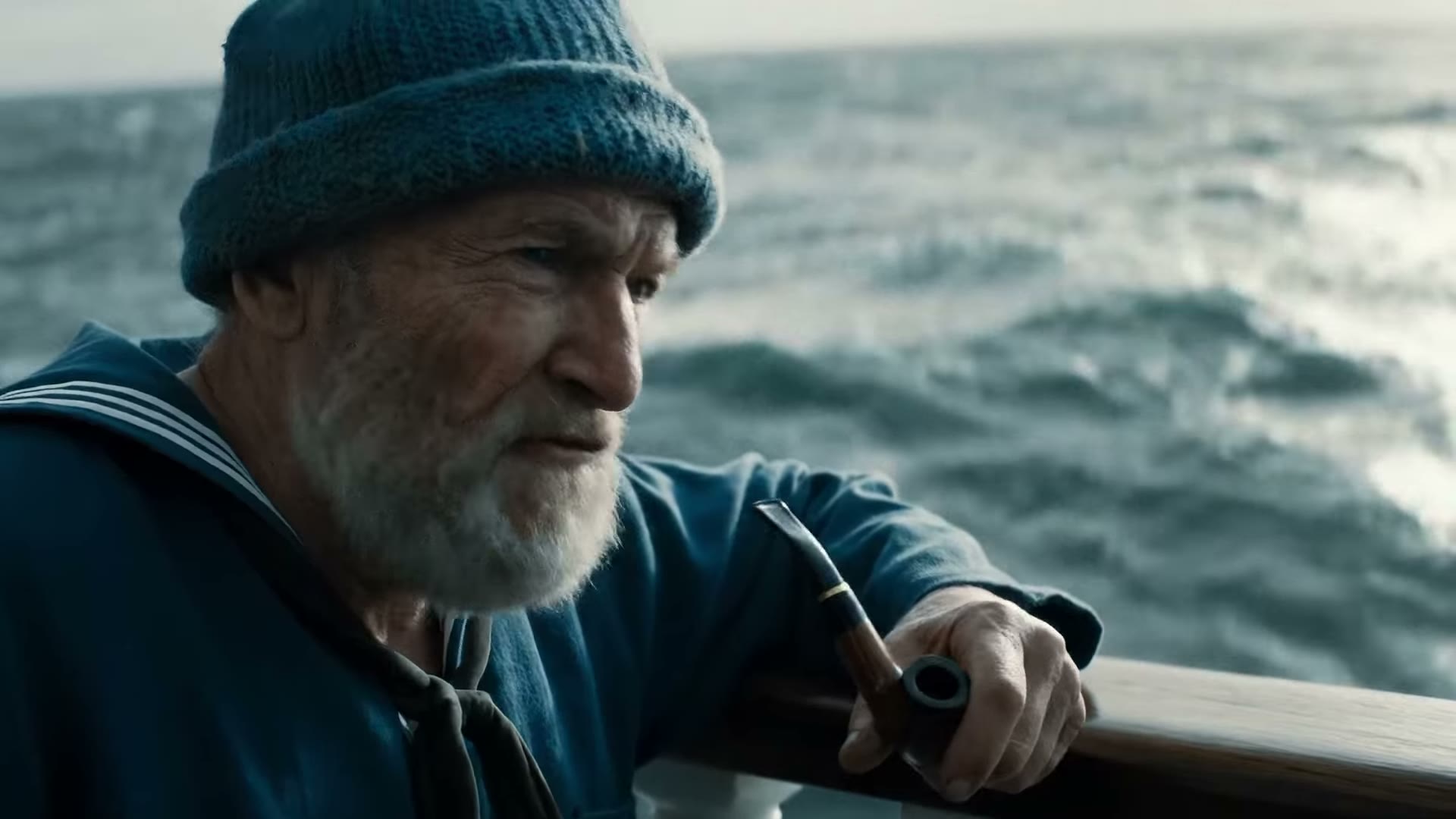
Synchronized Audio
Veo 3.1 produces video and sound in one pass — dialogue, effects, and ambience timed to the picture. Footsteps land with the step and speech tracks the mouth, so the clip is watchable the moment it finishes.
Try it NowLifelike Motion and Physics
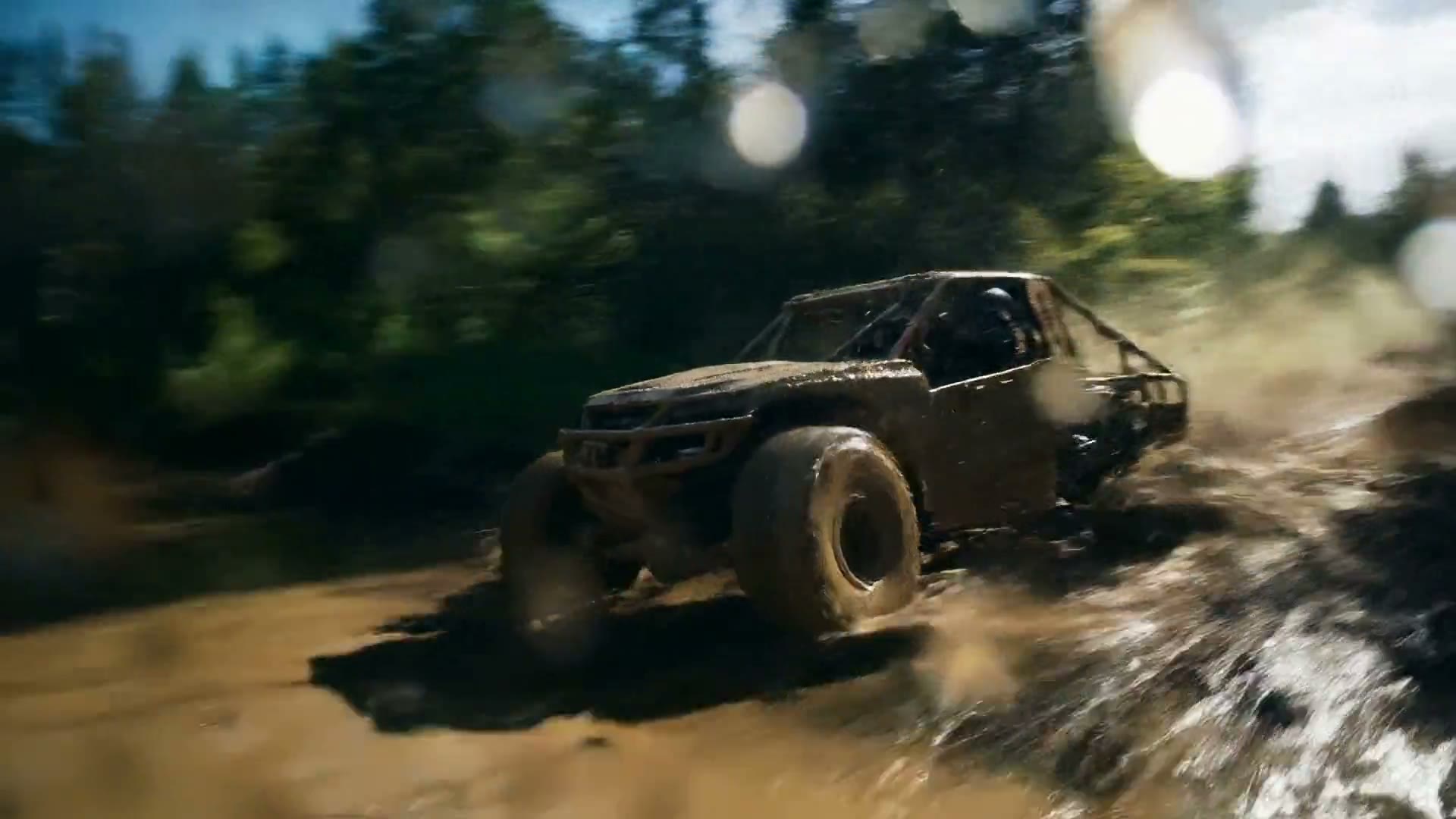
Prompt weight, momentum, and collisions so motion reads as physically believable instead of floaty. High-action music teasers and product moves hold together when the physics in the brief stay concrete.
Try it Now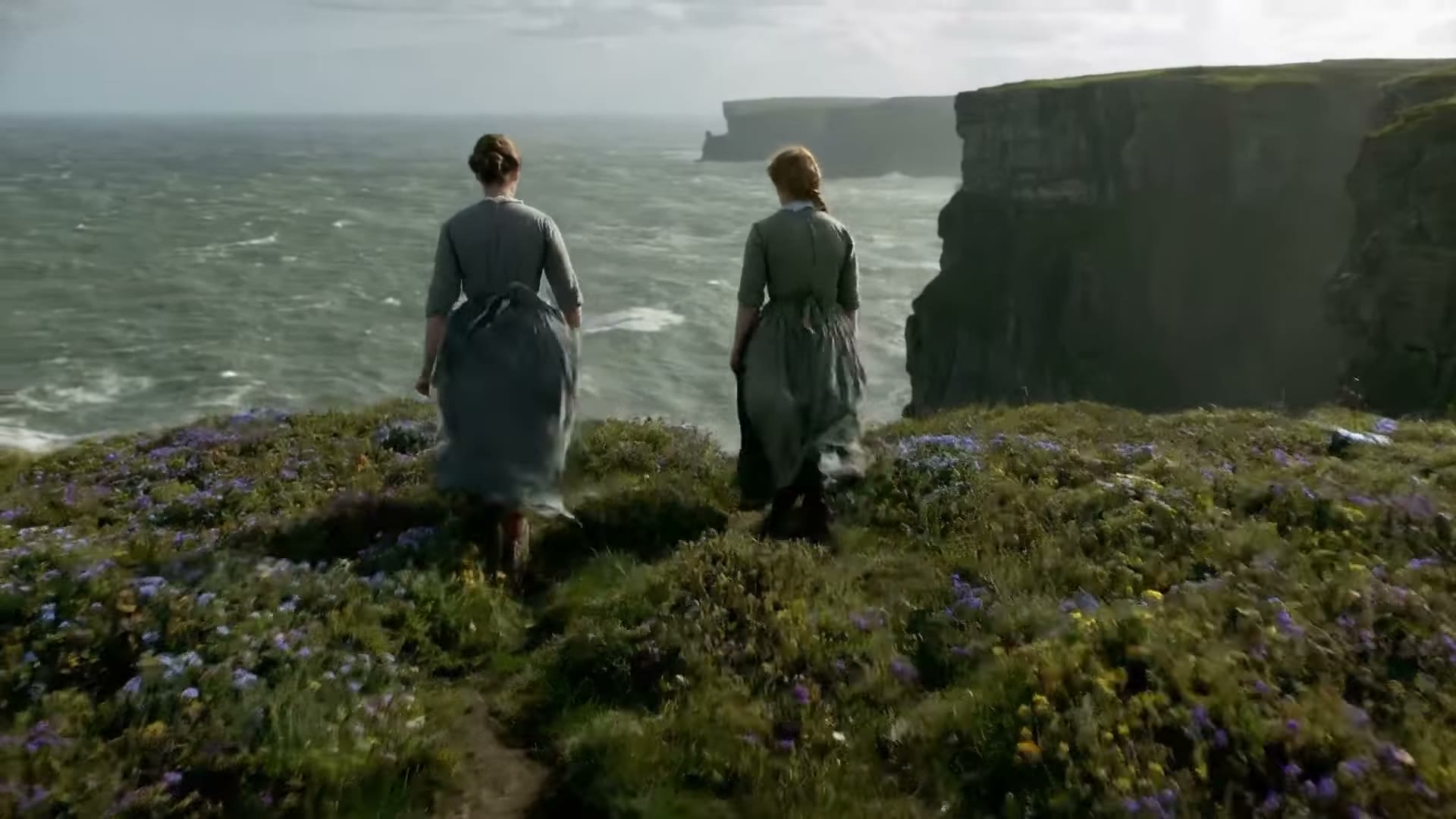
Start and End Frame Support
Set the first and last frame, then generate the transition with natural motion, camera movement, and synchronized audio. Define where a shot begins and ends; the prompt steers the path in between.
Try it Now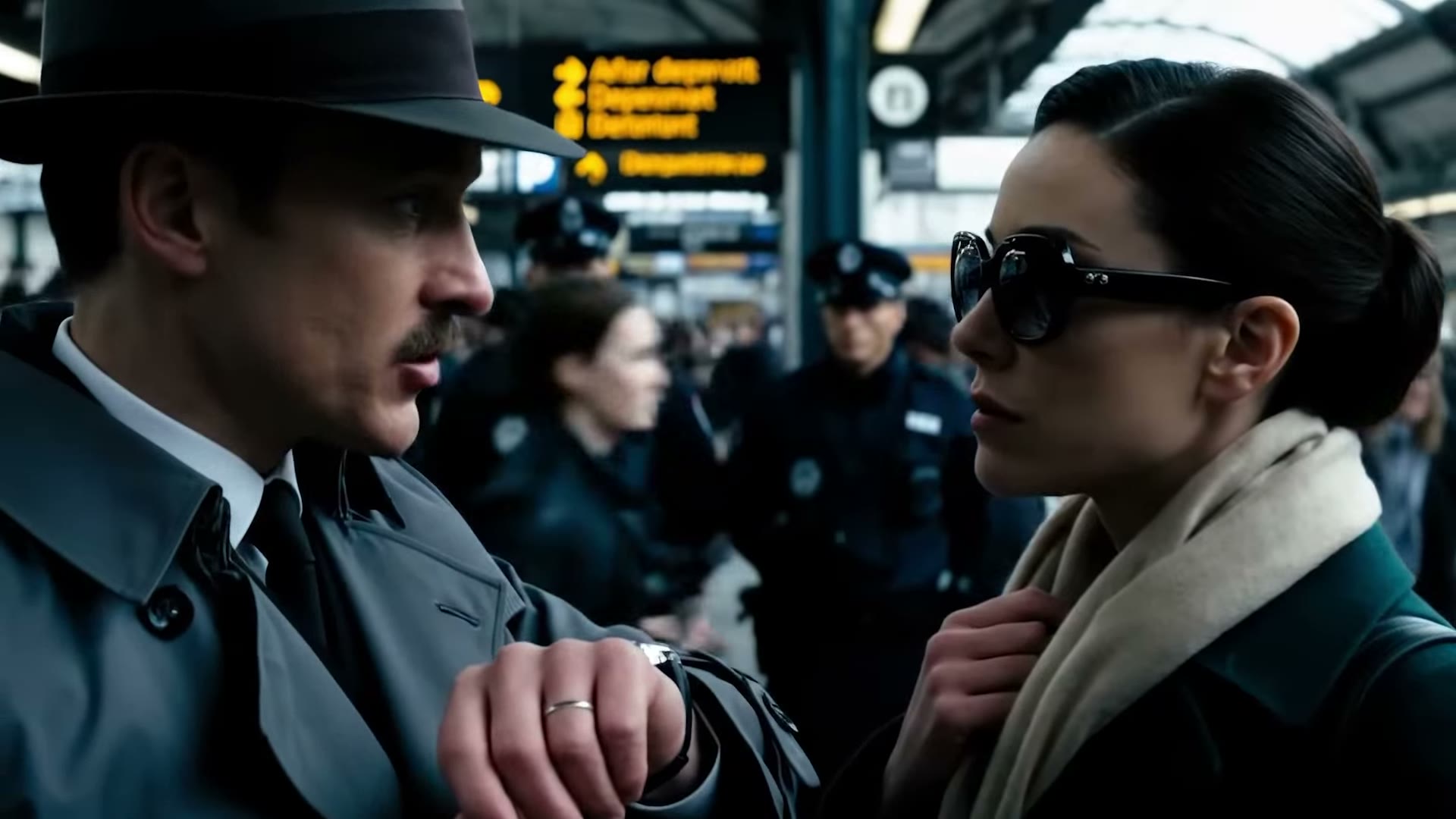
Reference-Led Character Consistency
Add up to three reference images when likeness or product look must carry across the clip. Soft consistency from references helps keep a face or brand item recognizable from beat to beat.
Try it NowHow to Use Veo 3.1 on Viralkey
Three steps from idea to a finished sound-on clip.
Choose Veo 3.1
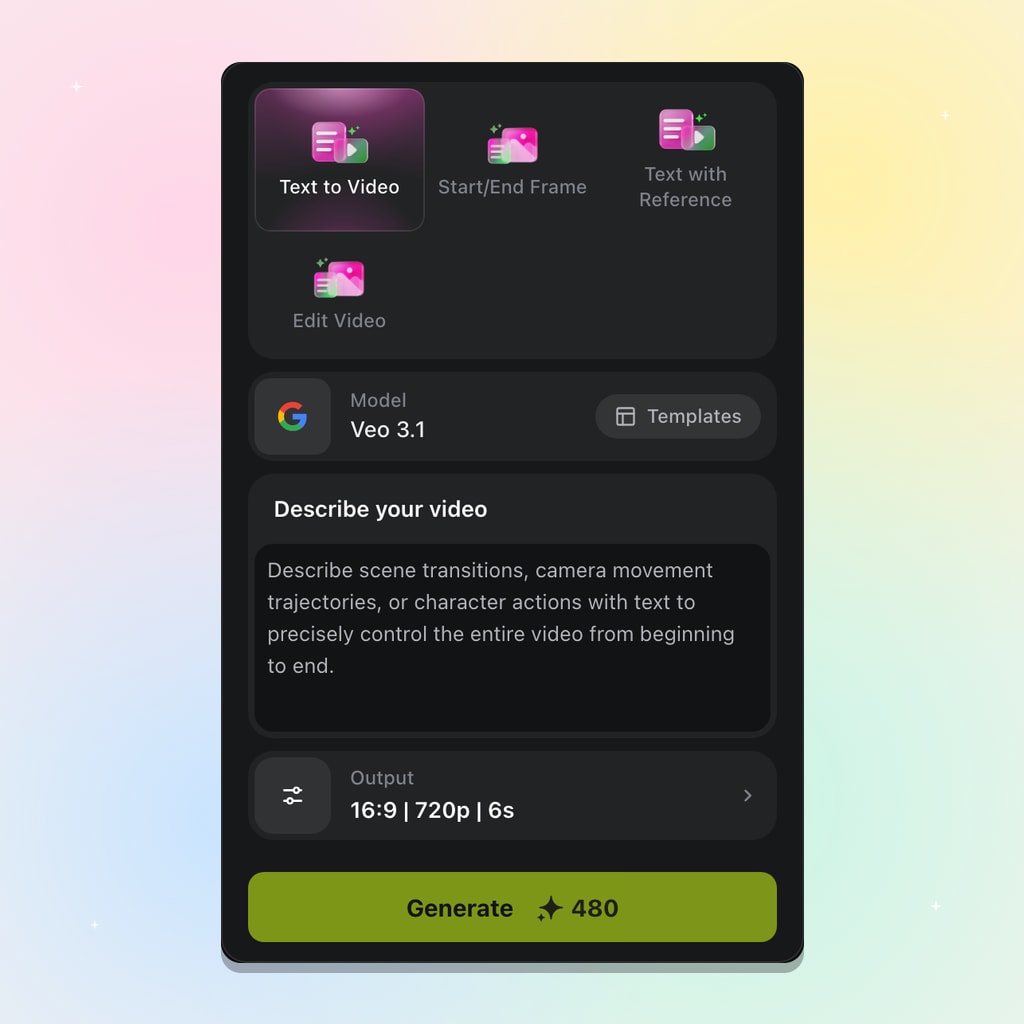
Open Viralkey video tools, select Veo 3.1, then pick text to video, start/end frames, text with references, or Edit Video to extend a clip.
Prompt and Add Frames or References
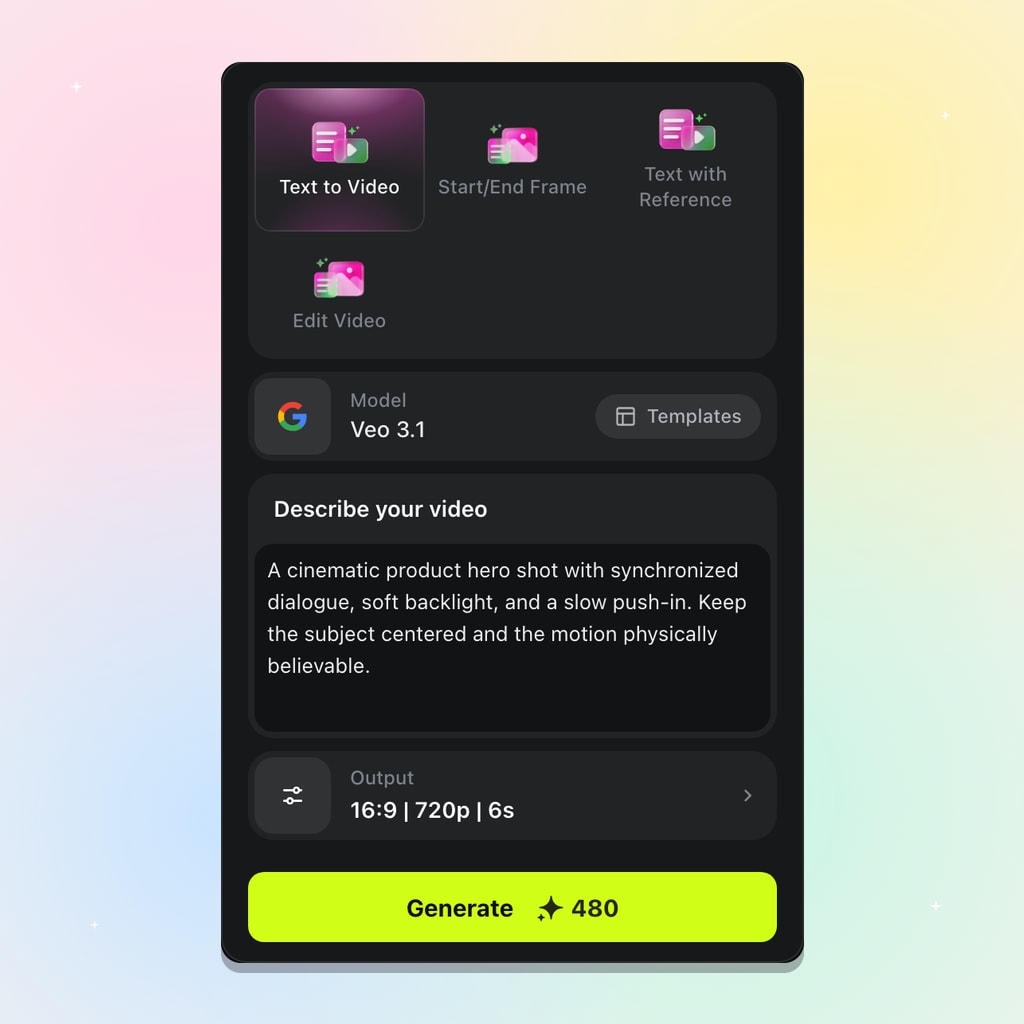
Describe subject, action, camera, and sound. Add a start frame, optional end frame, or up to three references.
Generate and Iterate
Set 16:9 or 9:16, duration 4/6/8s, and resolution up to 4K, then Generate. Refine by editing inputs and re-running.
Best Uses for Veo 3.1 Video Generator
Veo 3.1 delivers the most value when a project needs picture and sound together in one generation — short films, ads, music clips, and social cuts.
Short Films and Narrative Scenes
Pair synchronized dialogue with start/end frame control so a scene plays as a finished moment. Lock the opening and closing stills when the beat must open and resolve exactly as planned.
Try it NowCinematic Ads and Product Spots
Produce sound-on hero shots with cinematic lighting and clean motion in a single pass. A product spot can open wide, push in as the item moves, and carry voiceover without a separate audio edit.
Try it NowMusic Videos and Stylized Clips
High-motion, effects-heavy shots hold together with stronger physics and native 4K. Chase a mood through lighting and color while beat-driven motion stays believable enough for a polished teaser.
Try it NowSocial Content and UGC
Generate vertical 9:16 video natively with sound built in for TikTok, Reels, and Shorts. Spin sound-on variants for different hooks without turning a posting schedule into a full production cycle.
Try it NowLoved by Creators
“Veo 3.1 gives me sound-on teasers I can drop on a beat without a separate audio pass.”
“Start and end frames let me lock the product open and close, then fill the motion in between.”
“Native 4K with believable motion is the difference between a draft and something I can show a client.”
“Veo 3.1 gives me sound-on teasers I can drop on a beat without a separate audio pass.”
“Start and end frames let me lock the product open and close, then fill the motion in between.”
“Native 4K with believable motion is the difference between a draft and something I can show a client.”
“Veo 3.1 gives me sound-on teasers I can drop on a beat without a separate audio pass.”
“Start and end frames let me lock the product open and close, then fill the motion in between.”
“Native 4K with believable motion is the difference between a draft and something I can show a client.”
“Veo 3.1 gives me sound-on teasers I can drop on a beat without a separate audio pass.”
“Start and end frames let me lock the product open and close, then fill the motion in between.”
“Native 4K with believable motion is the difference between a draft and something I can show a client.”
“I run the same prompt in 9:16 and 16:9 and ship both cuts the same afternoon.”
“Dialogue that lands with the lips saves us a whole ADR round on short spots.”
“Reference images keep the artist recognizable across hook variants without rebuilding the look each time.”
“I run the same prompt in 9:16 and 16:9 and ship both cuts the same afternoon.”
“Dialogue that lands with the lips saves us a whole ADR round on short spots.”
“Reference images keep the artist recognizable across hook variants without rebuilding the look each time.”
“I run the same prompt in 9:16 and 16:9 and ship both cuts the same afternoon.”
“Dialogue that lands with the lips saves us a whole ADR round on short spots.”
“Reference images keep the artist recognizable across hook variants without rebuilding the look each time.”
“I run the same prompt in 9:16 and 16:9 and ship both cuts the same afternoon.”
“Dialogue that lands with the lips saves us a whole ADR round on short spots.”
“Reference images keep the artist recognizable across hook variants without rebuilding the look each time.”
“Four to eight seconds is the right length for testing hooks before we commit a longer edit.”
“Cinematic lighting and physics hold up in high-action product shots better than floaty models.”
“I describe the sound I want with the picture, and the clip comes back ready to preview against the track.”
“Four to eight seconds is the right length for testing hooks before we commit a longer edit.”
“Cinematic lighting and physics hold up in high-action product shots better than floaty models.”
“I describe the sound I want with the picture, and the clip comes back ready to preview against the track.”
“Four to eight seconds is the right length for testing hooks before we commit a longer edit.”
“Cinematic lighting and physics hold up in high-action product shots better than floaty models.”
“I describe the sound I want with the picture, and the clip comes back ready to preview against the track.”
“Four to eight seconds is the right length for testing hooks before we commit a longer edit.”
“Cinematic lighting and physics hold up in high-action product shots better than floaty models.”
“I describe the sound I want with the picture, and the clip comes back ready to preview against the track.”
Frequently Asked Questions
Veo 3.1 is Google DeepMind's AI video model on Viralkey. It turns text prompts or images into cinematic clips with synchronized sound, native 4K, and start/end frame control for short music-ready scenes.
What will you create today?
Turn your ideas into reality with AI. Generate, refine, and innovate — creation starts here.