GPT Image 2.6 AI Image Generator
Pick Flare for quick drafts, Sunburst for a refined pass, or Economy for 1K concepts. Write the prompt, add up to 16 references, and choose from 16 aspect ratios.
Create Image
GPT Image 2.6 AI Image Generator
Pick Flare for quick drafts, Sunburst for a refined pass, or Economy for 1K concepts. Write the prompt, add up to 16 references, and choose from 16 aspect ratios.
What's New in GPT Image 2.6
GPT Image 2.6 builds on the 2.5 line with a third tier, wider frames, and the same 16-reference limit. Here is what changes when you generate on Viralkey.
Flare, Sunburst, or Economy
Set how much polish a run gets. Flare for quick drafts, Sunburst for layouts and busy scenes, Economy for 1K concept rounds at a lower credit cost.
Try it Now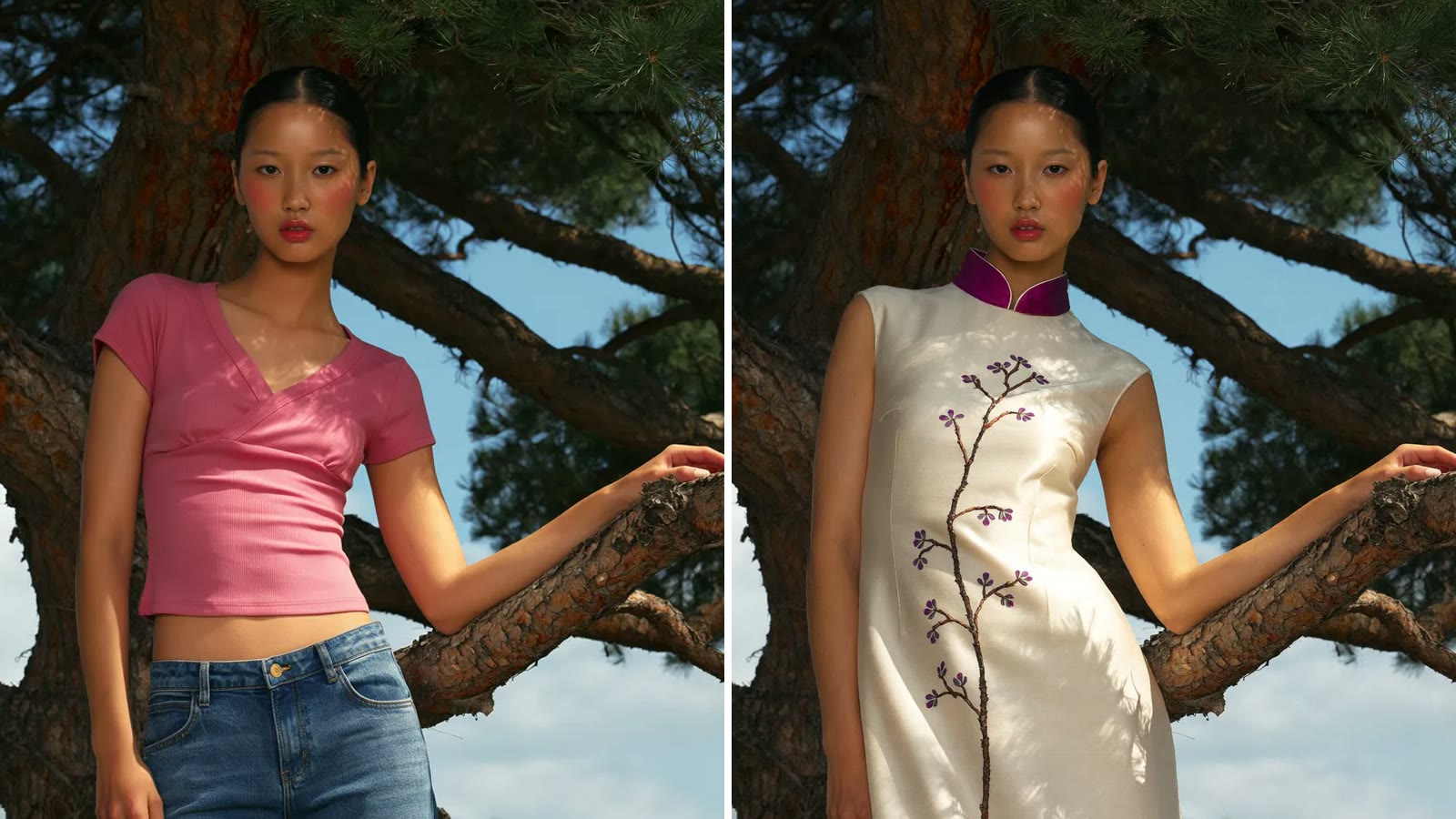
Edit From Your Own Image
Upload a photo, a render, or a flat export and describe the change. Your references guide the edit and the prompt explains the rest, with up to 16 images per run.
Try it Now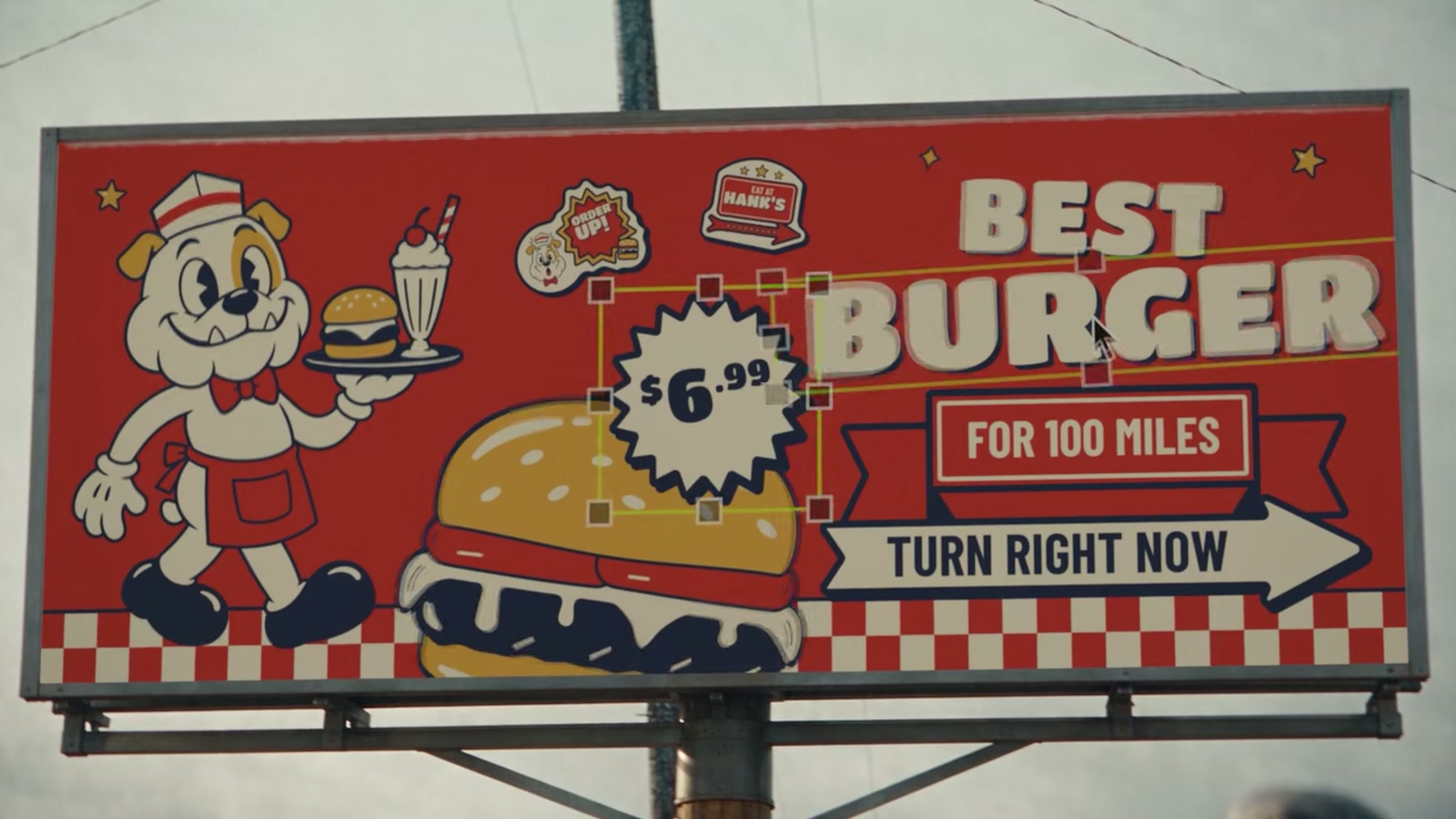
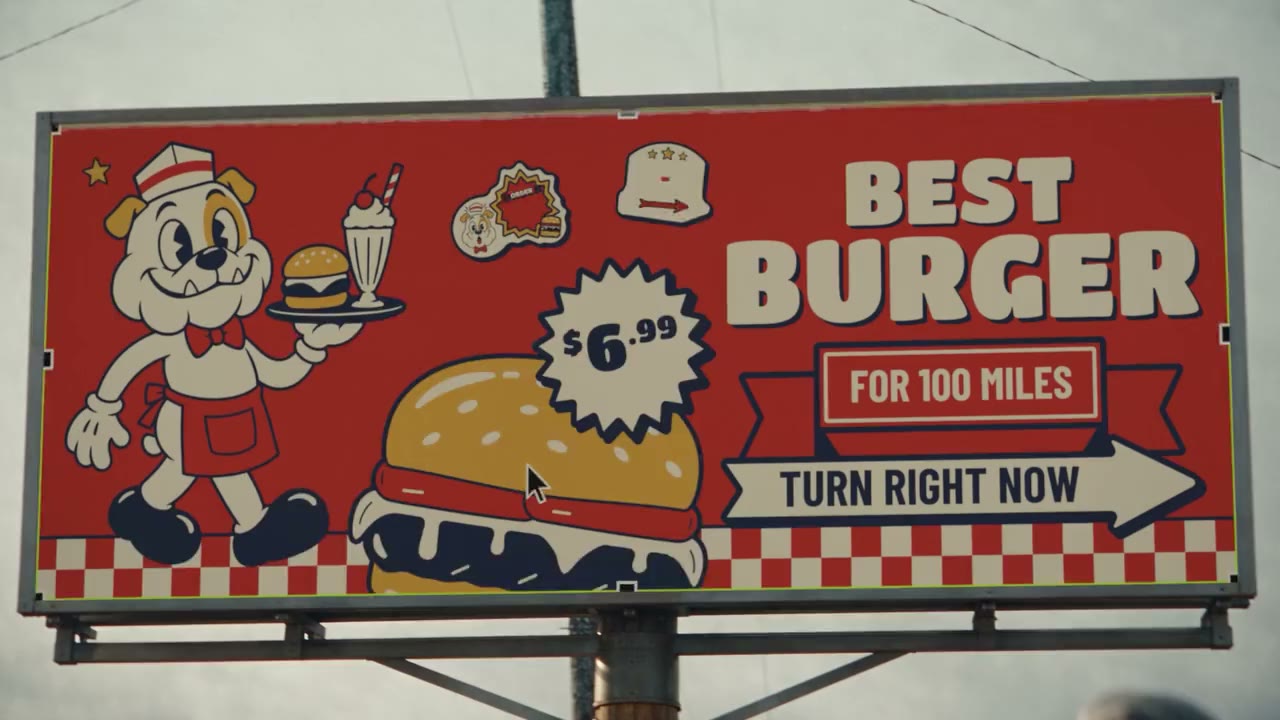
Text That Lands
Headlines, name tags, menus, and signs come out readable. Put the exact words in quotes and say where they sit on the frame.
Try it Now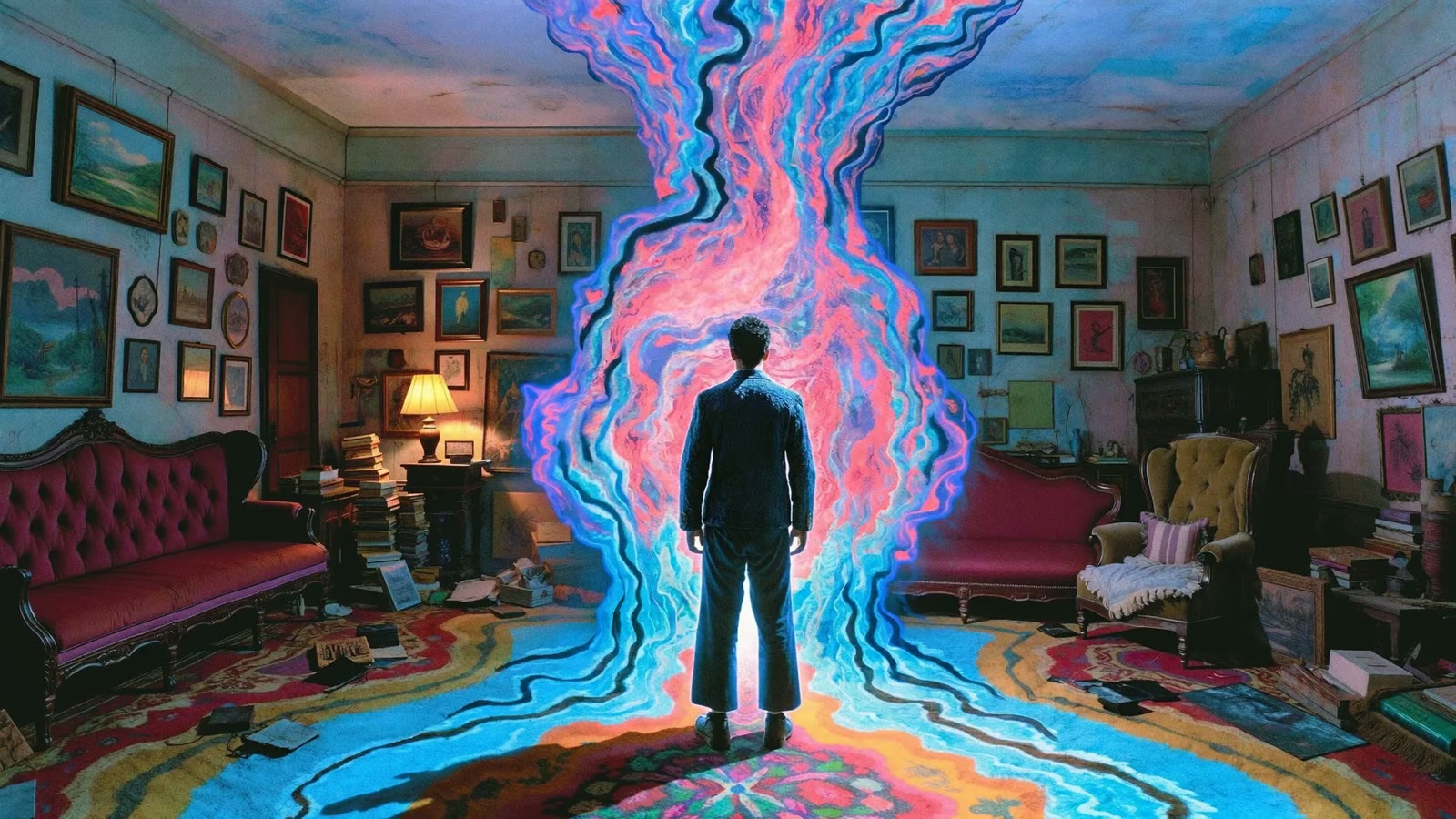
Sixteen Aspect Ratios, Up to 4K
On Flare and Sunburst, pick auto or a fixed frame from square to 3:1 banners, 21:9 panoramas, and 9:21 vertical stories, then render at 1K, 2K, or 4K.
Try it Now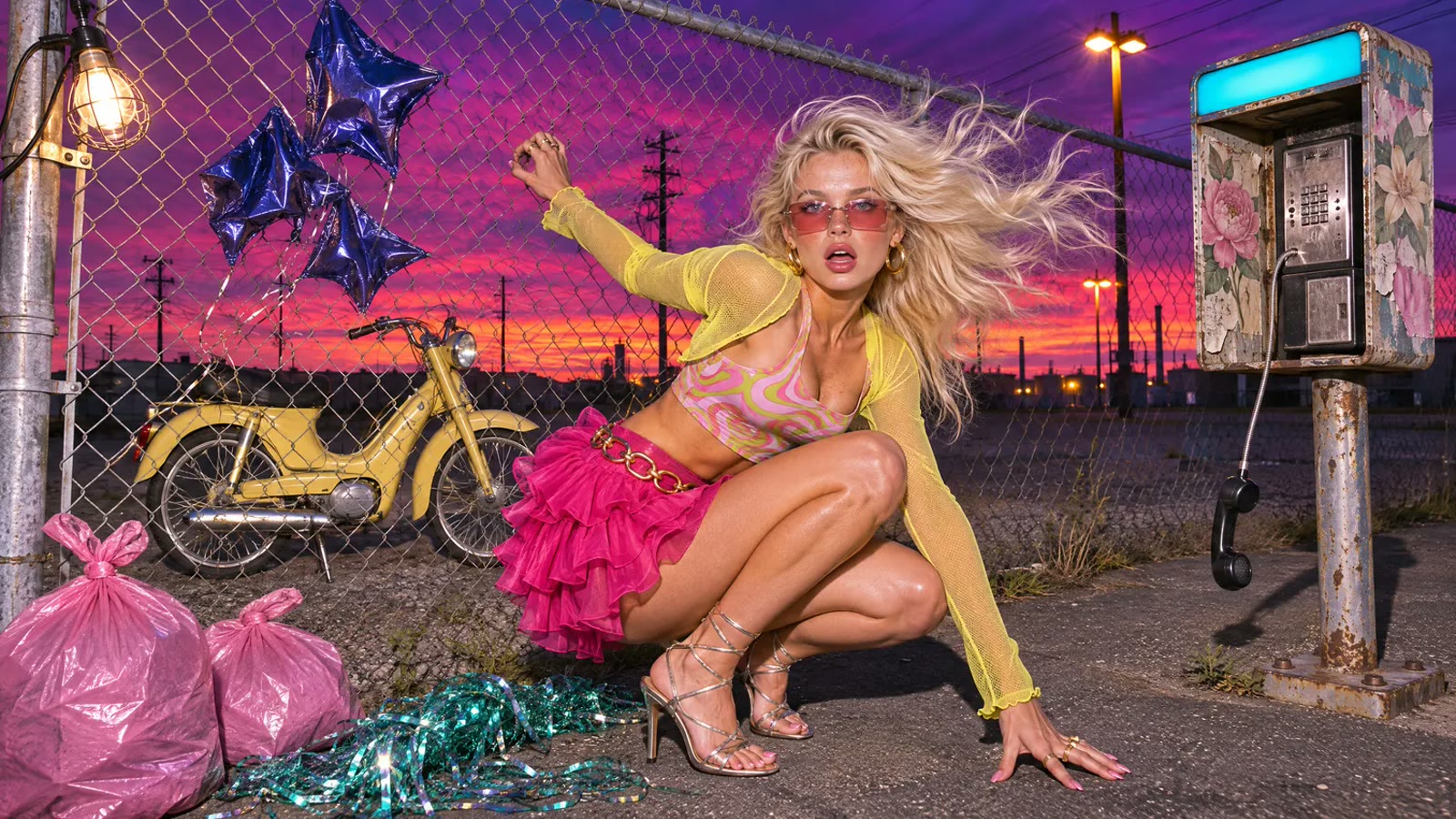
Drop Subjects Into New Scenes
Keep a product or character from your references and place it on a new set: a street corner, a store shelf, a campaign backdrop. Say what must stay the same.
Try it NowHow to Use GPT Image 2.6 on Viralkey
From prompt to picture in three steps.
Upload an Image
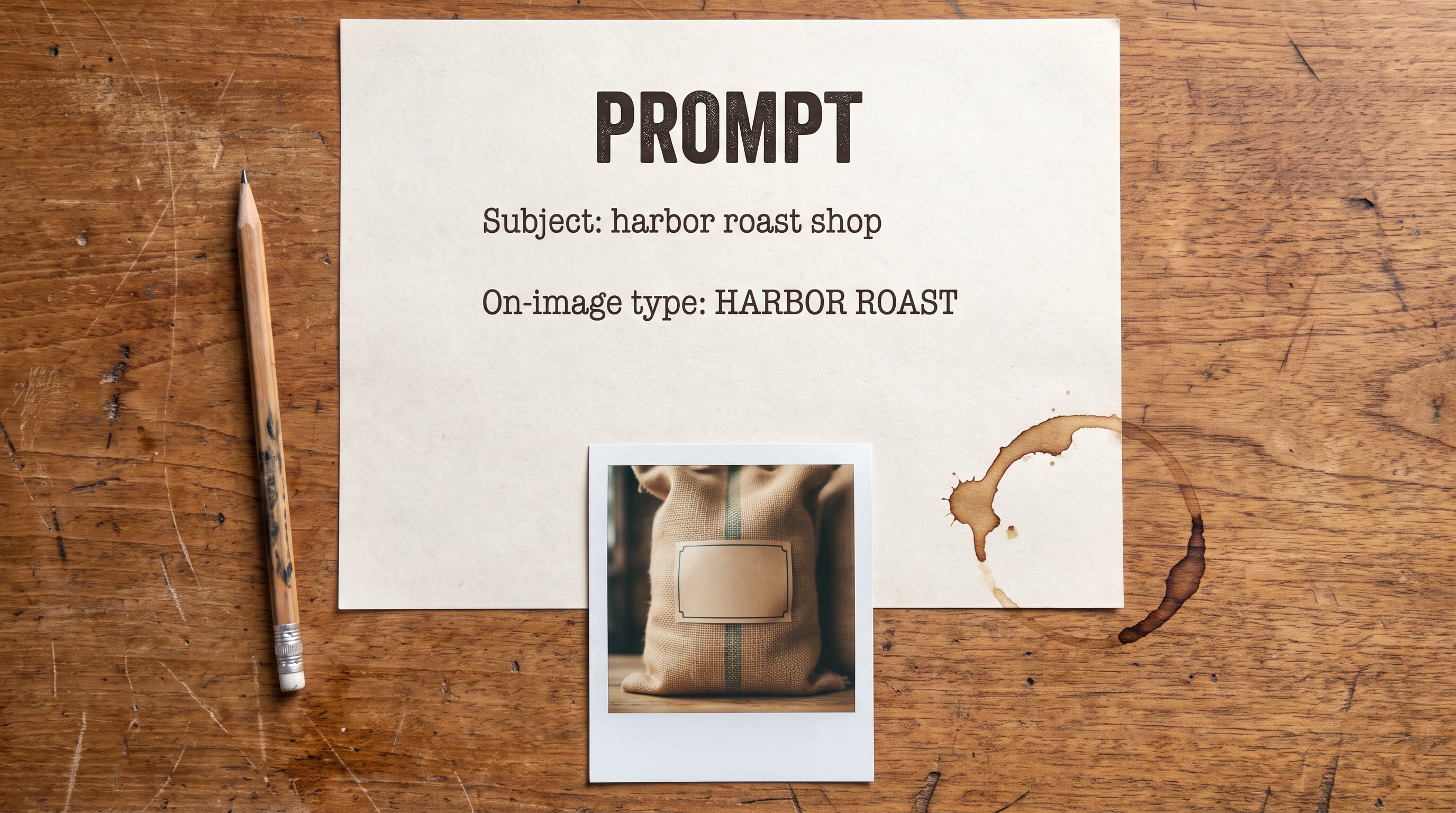
Drop in any image, from a photo to a render or a flat export, or skip it and start from text.
Write the Prompt, Pick a Tier
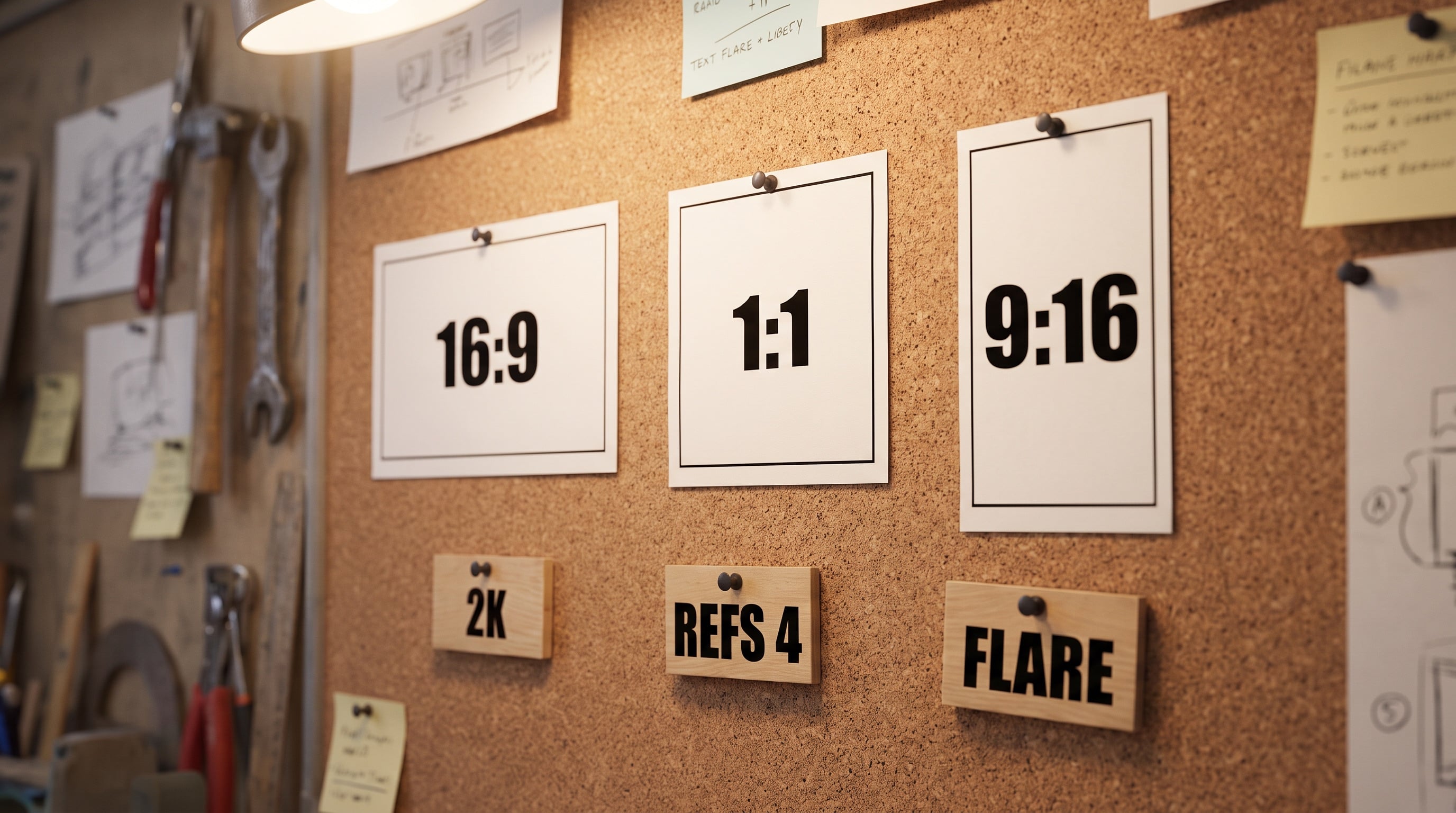
Select GPT Image 2.6, choose Flare, Sunburst, or Economy, and set the aspect ratio and size.

Generate and Export
Click Generate and download the PNG in full resolution.
Playful Stories on Imaginative Sets
Fashion portraits, studio lookbooks, concept scenes, and beauty close-ups: the stills creators build first with GPT Image 2.6.
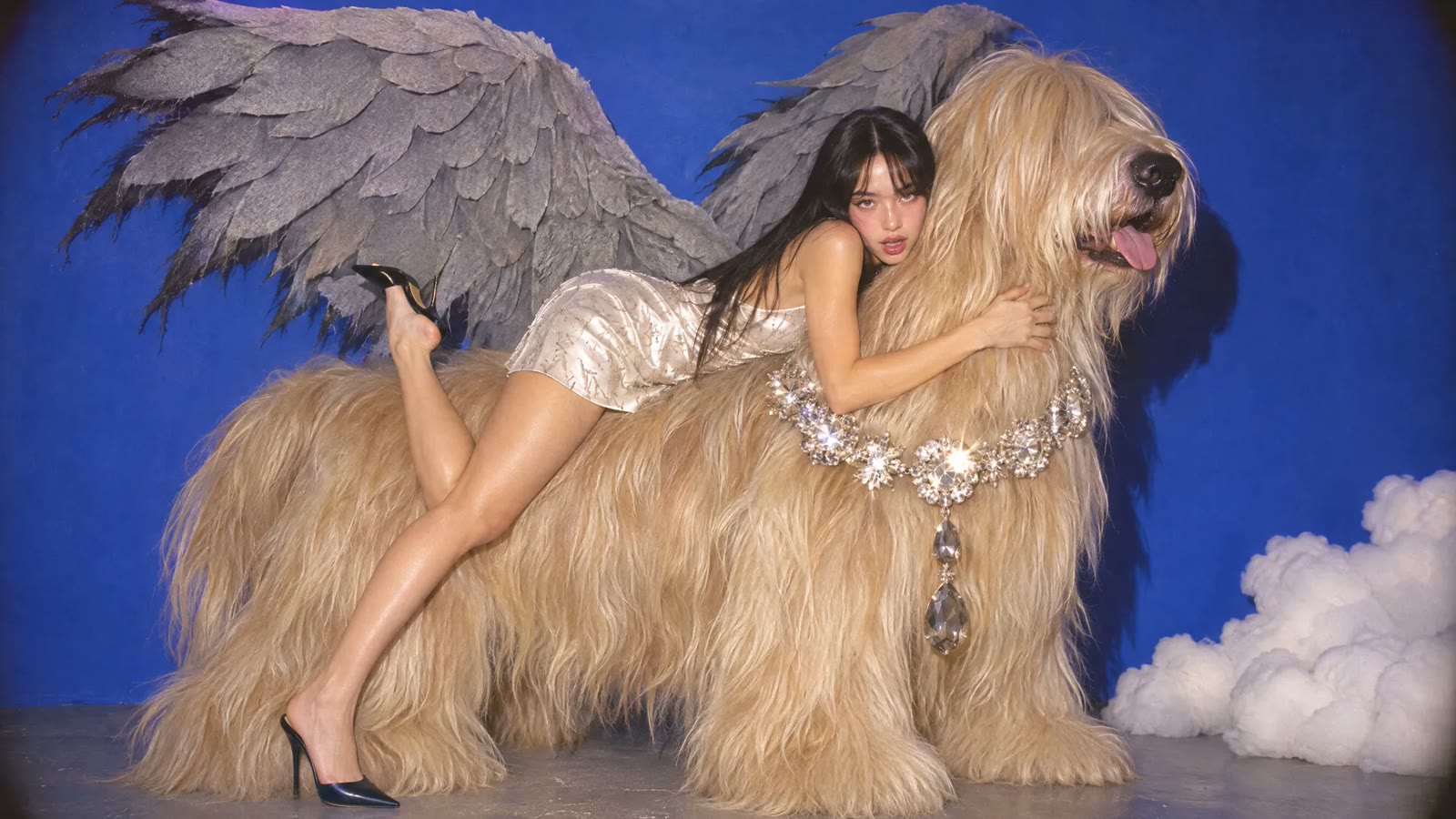
Fashion Portraits With Surreal Props
Pose a model with a giant winged dog or an oversized prop and keep the styling believable. Describe the set, the wardrobe, and the light in one prompt.
Try it Now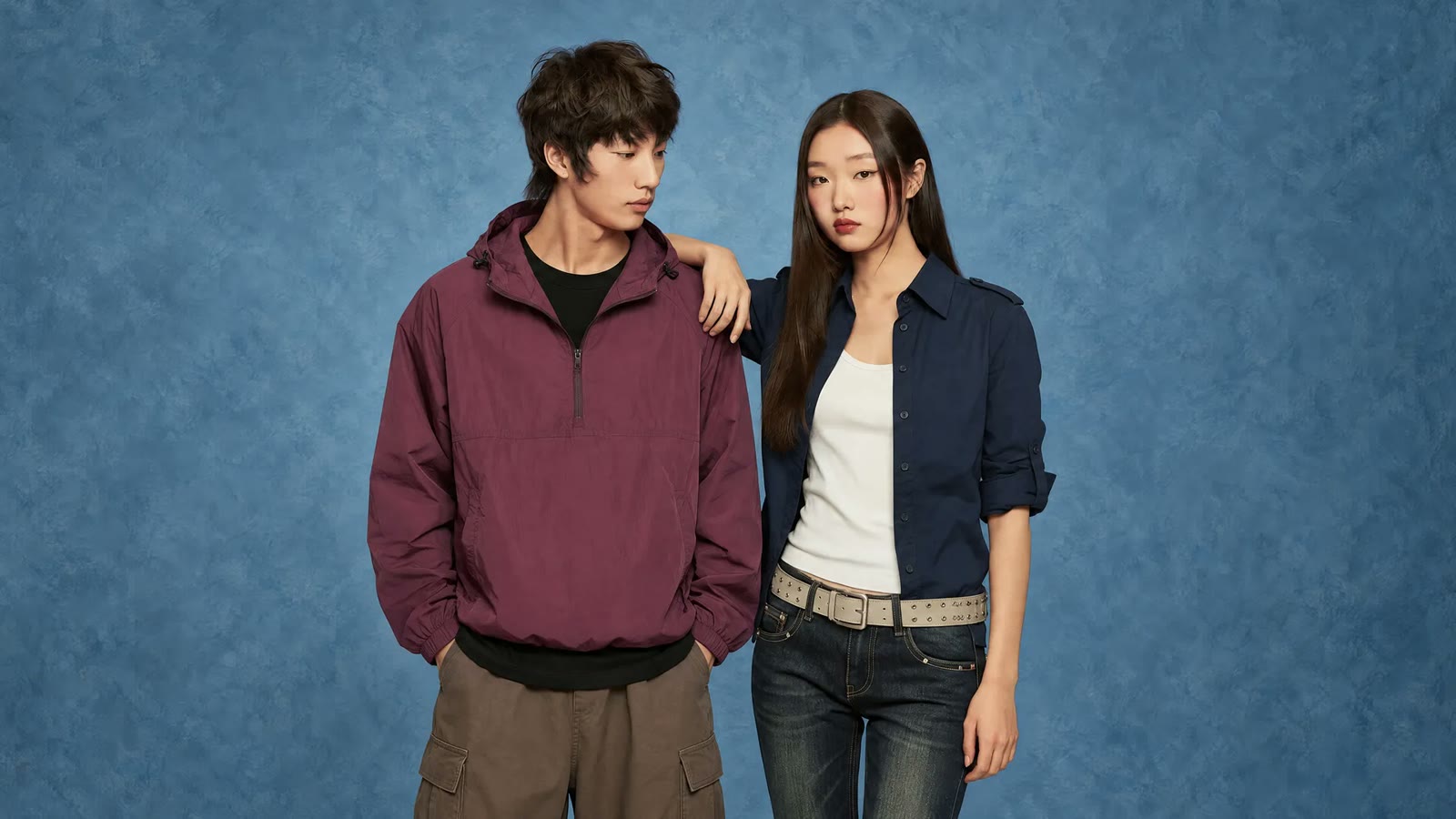
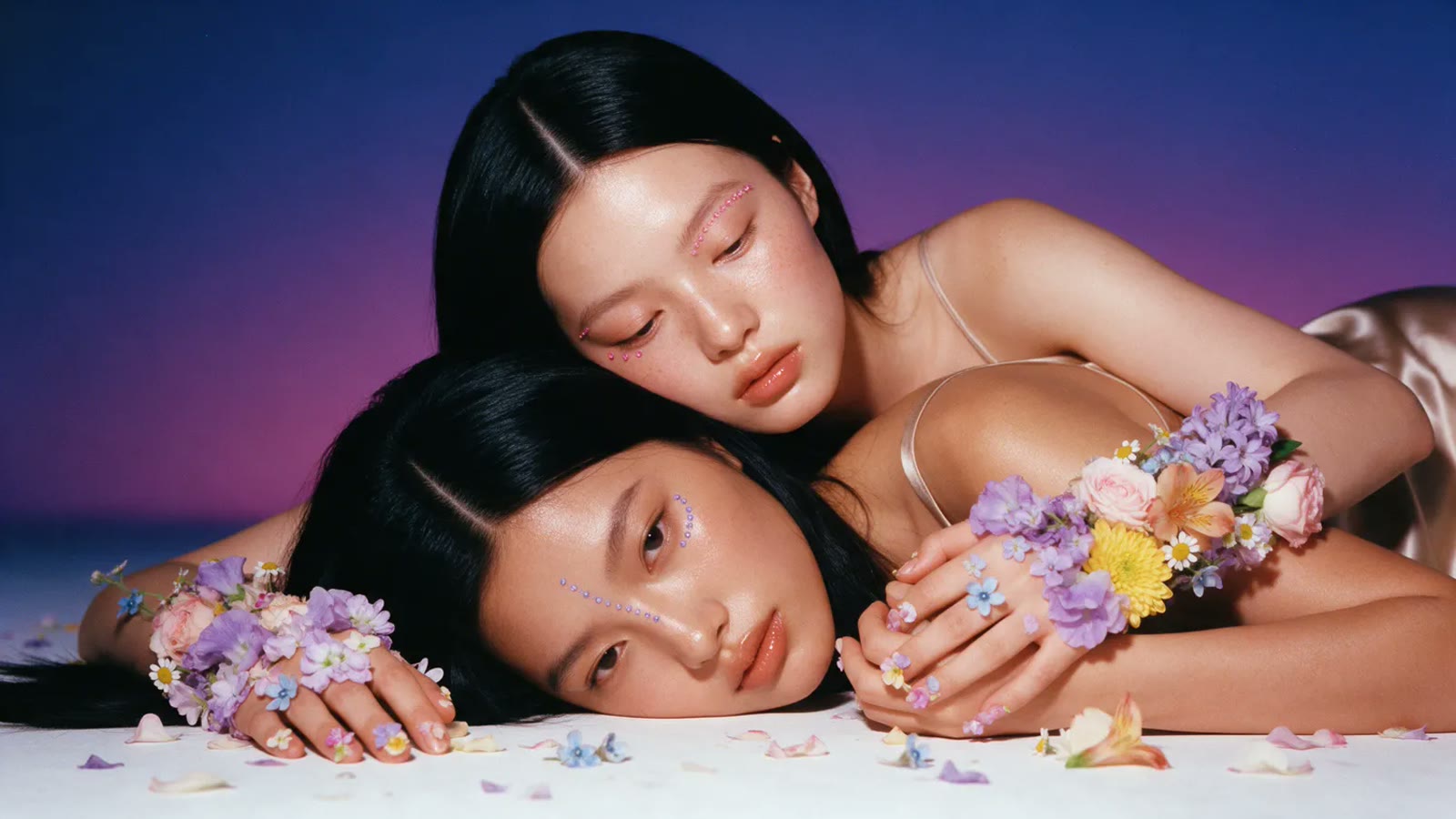
Studio Lookbooks for Apparel Drops
Stage two models against a blue studio backdrop and keep each outfit on model by attaching a reference photo of every look.
Try it Now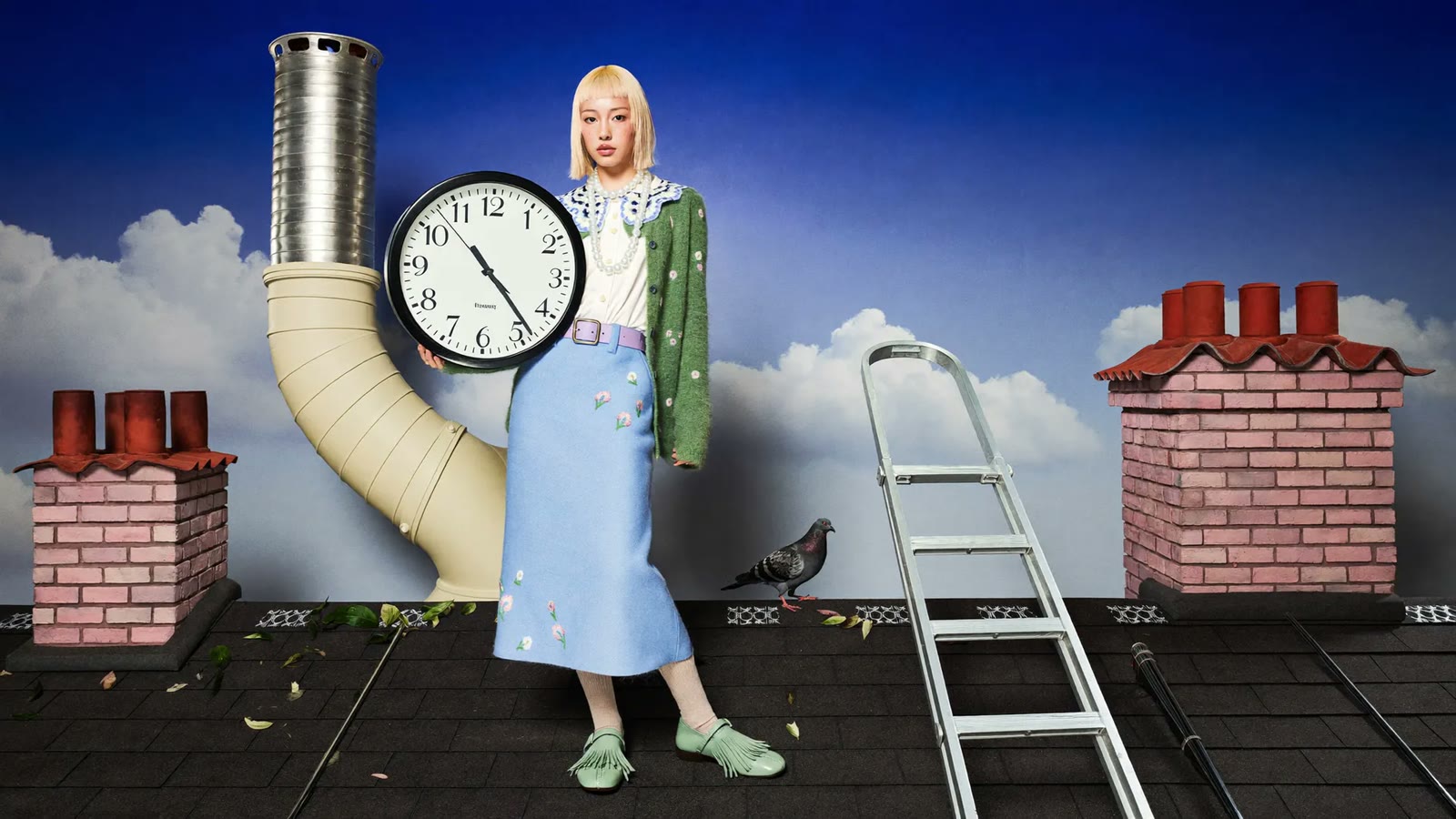
Concept Scenes for Campaigns
Sketch a rooftop with an oversized clock or a figure facing a colorful portal, then rerun the approved concept on Sunburst.
Try it Now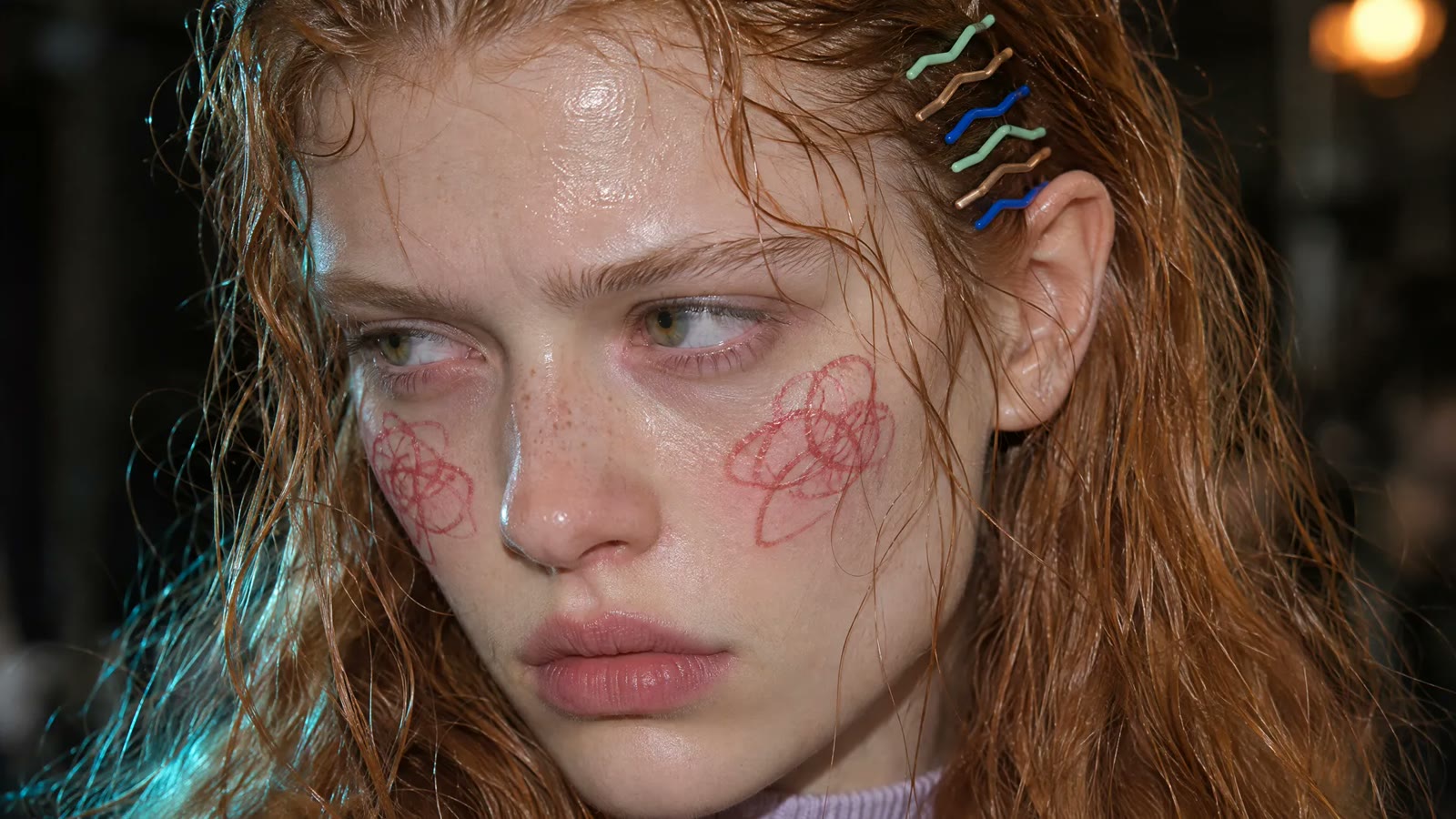
Beauty Close-Ups at 2K or 4K
Go tight on skin, hair clips, and makeup details, then render at 2K or 4K so the close-up holds up on large screens and in print.
Try it NowChoosing the Right GPT Image Model
| Model | Best For |
|---|---|
| GPT Image 2.6 | Flare, Sunburst, or Economy, 16 aspect ratios, and output up to 4K. |
| GPT Image 2.5 | The proven previous generation for high-volume production runs. |
| GPT Image 2 | The base model that brought reasoning to the line, for everyday drafts. |
| Nano Banana 2.1 | Google's fast image model for prompt-led stills with up to 14 references. |
Loved by Creators
“I keep the model's face from two references and swap only the jacket, so the lookbook reads like one shoot.”
“Economy is where I test layout ideas at 1K, then I rerun the keeper on Sunburst.”
“The 3:1 frame fits our site banner without me extending the background by hand.”
“I keep the model's face from two references and swap only the jacket, so the lookbook reads like one shoot.”
“Economy is where I test layout ideas at 1K, then I rerun the keeper on Sunburst.”
“The 3:1 frame fits our site banner without me extending the background by hand.”
“I keep the model's face from two references and swap only the jacket, so the lookbook reads like one shoot.”
“Economy is where I test layout ideas at 1K, then I rerun the keeper on Sunburst.”
“The 3:1 frame fits our site banner without me extending the background by hand.”
“I keep the model's face from two references and swap only the jacket, so the lookbook reads like one shoot.”
“Economy is where I test layout ideas at 1K, then I rerun the keeper on Sunburst.”
“The 3:1 frame fits our site banner without me extending the background by hand.”
“Putting the headline in quotes gets me a story graphic I can post without redrawing the type.”
“I attach my cover sketch as a reference and describe the mood, and the 4K render prints cleanly.”
“Flare gives me the first round, and Sunburst cleans up the busy scenes once the client picks one.”
“Putting the headline in quotes gets me a story graphic I can post without redrawing the type.”
“I attach my cover sketch as a reference and describe the mood, and the 4K render prints cleanly.”
“Flare gives me the first round, and Sunburst cleans up the busy scenes once the client picks one.”
“Putting the headline in quotes gets me a story graphic I can post without redrawing the type.”
“I attach my cover sketch as a reference and describe the mood, and the 4K render prints cleanly.”
“Flare gives me the first round, and Sunburst cleans up the busy scenes once the client picks one.”
“Putting the headline in quotes gets me a story graphic I can post without redrawing the type.”
“I attach my cover sketch as a reference and describe the mood, and the 4K render prints cleanly.”
“Flare gives me the first round, and Sunburst cleans up the busy scenes once the client picks one.”
“I upload my own portrait and ask for a new backdrop, and the light still matches my shot.”
“The 9:21 frame gives me vertical stories composed for the full screen instead of a cropped square.”
“I place the same bottle on a shelf, a street corner, and a studio set by reusing one reference.”
“I upload my own portrait and ask for a new backdrop, and the light still matches my shot.”
“The 9:21 frame gives me vertical stories composed for the full screen instead of a cropped square.”
“I place the same bottle on a shelf, a street corner, and a studio set by reusing one reference.”
“I upload my own portrait and ask for a new backdrop, and the light still matches my shot.”
“The 9:21 frame gives me vertical stories composed for the full screen instead of a cropped square.”
“I place the same bottle on a shelf, a street corner, and a studio set by reusing one reference.”
“I upload my own portrait and ask for a new backdrop, and the light still matches my shot.”
“The 9:21 frame gives me vertical stories composed for the full screen instead of a cropped square.”
“I place the same bottle on a shelf, a street corner, and a studio set by reusing one reference.”
Frequently Asked Questions
GPT Image 2.6 is OpenAI's latest image generation and editing model, ready on Viralkey. It builds on the 2.5 line with three tiers (Flare, Sunburst, and Economy), 16 aspect ratios, up to 16 reference images, and output up to 4K.
Bring your idea to life with GPT Image 2.6
Start with a thought, a photo, or a few words. Pick Flare, Sunburst, or Economy in the GPT Image 2.6 workspace and generate your first still.