Gemini Omni 1.2 Flash AI Video
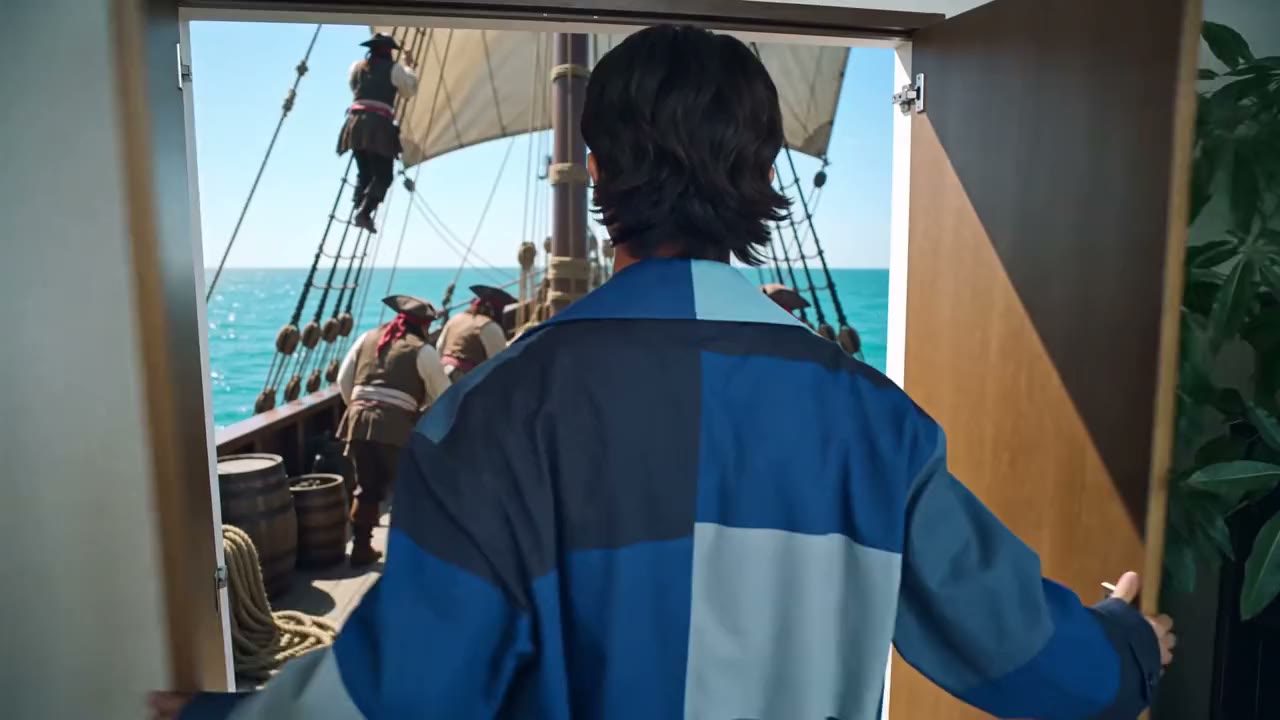
Google's newest Omni video model on Viralkey. Generate 3–15 second clips, pin start and end frames, add image and video references, or restyle a source clip, from 360p drafts to 4K.
Gemini Omni 1.2 Flash AI Video
Google's newest Omni video model on Viralkey. Generate 3–15 second clips, pin start and end frames, add image and video references, or restyle a source clip, from 360p drafts to 4K.
Community Creations
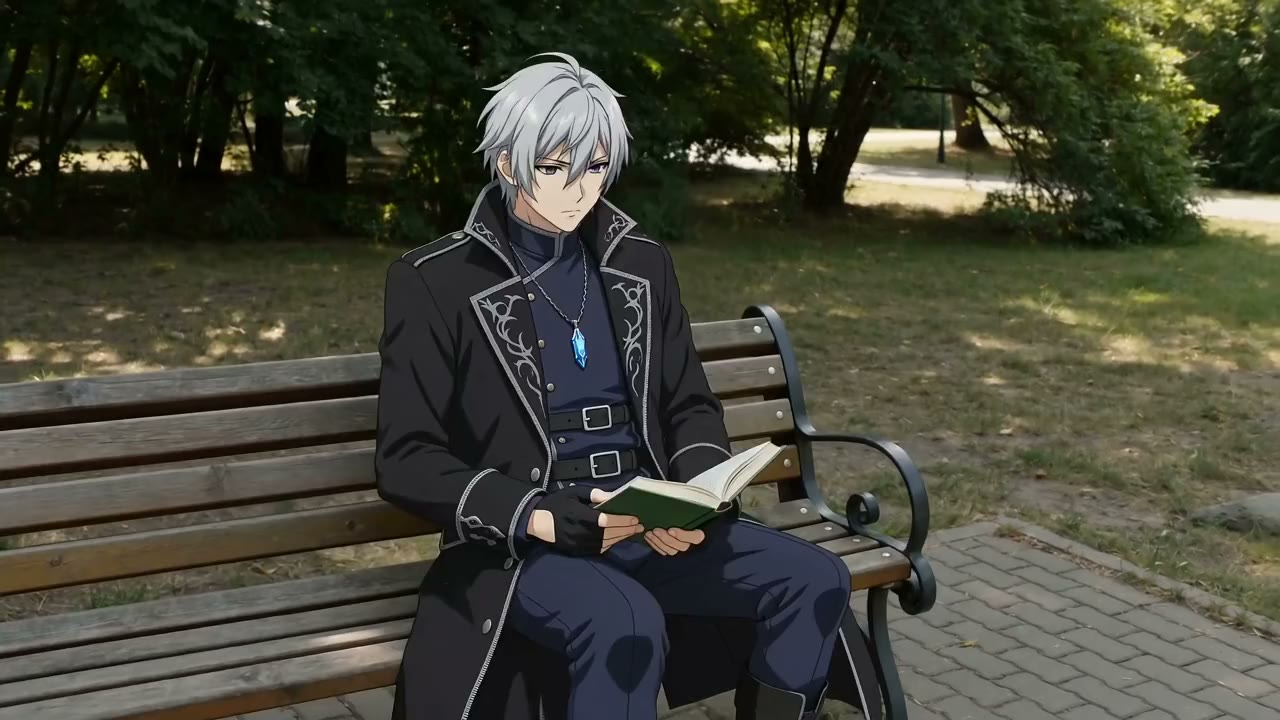
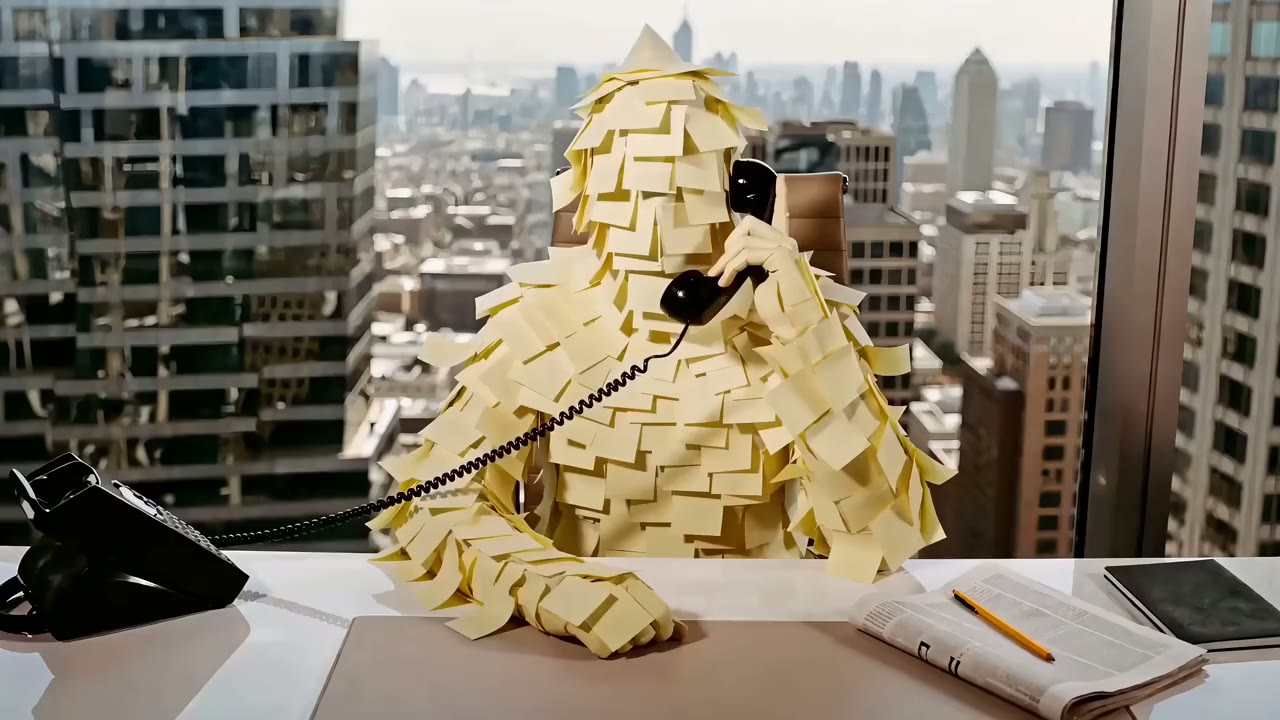
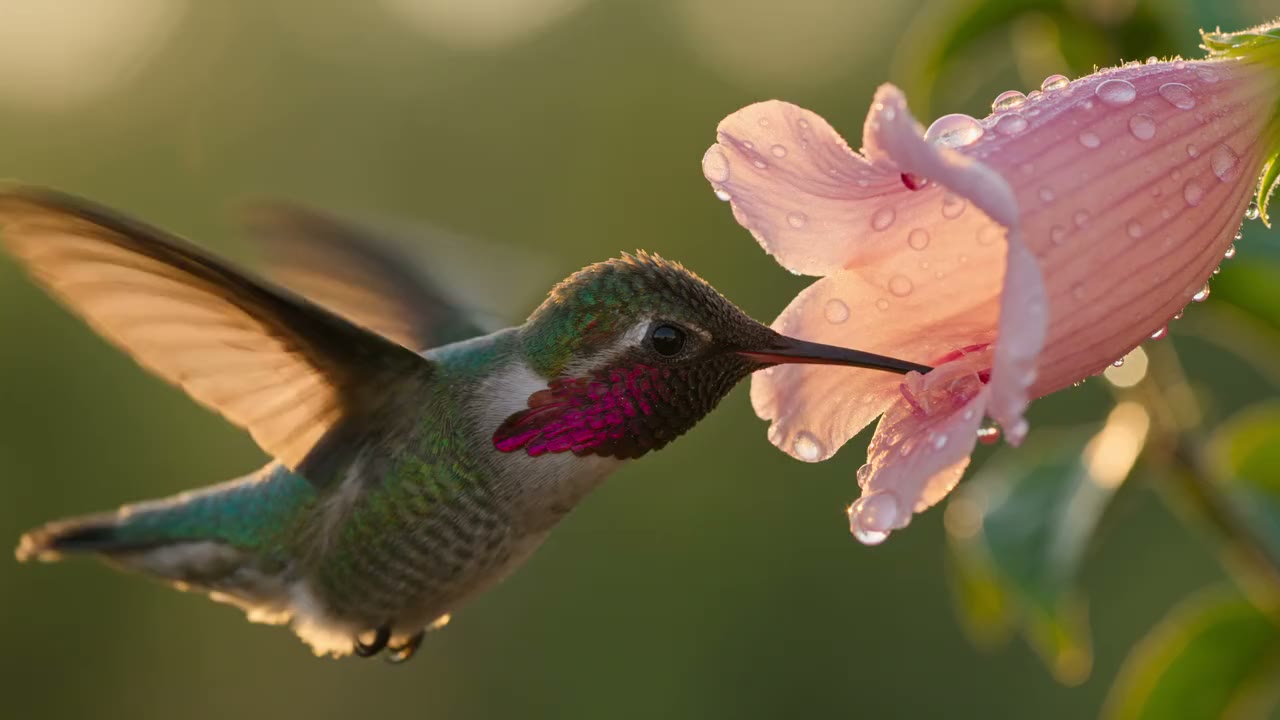
How creators use Gemini Omni 1.2 Flash to recut footage, restyle scenes, and turn references into short clips.
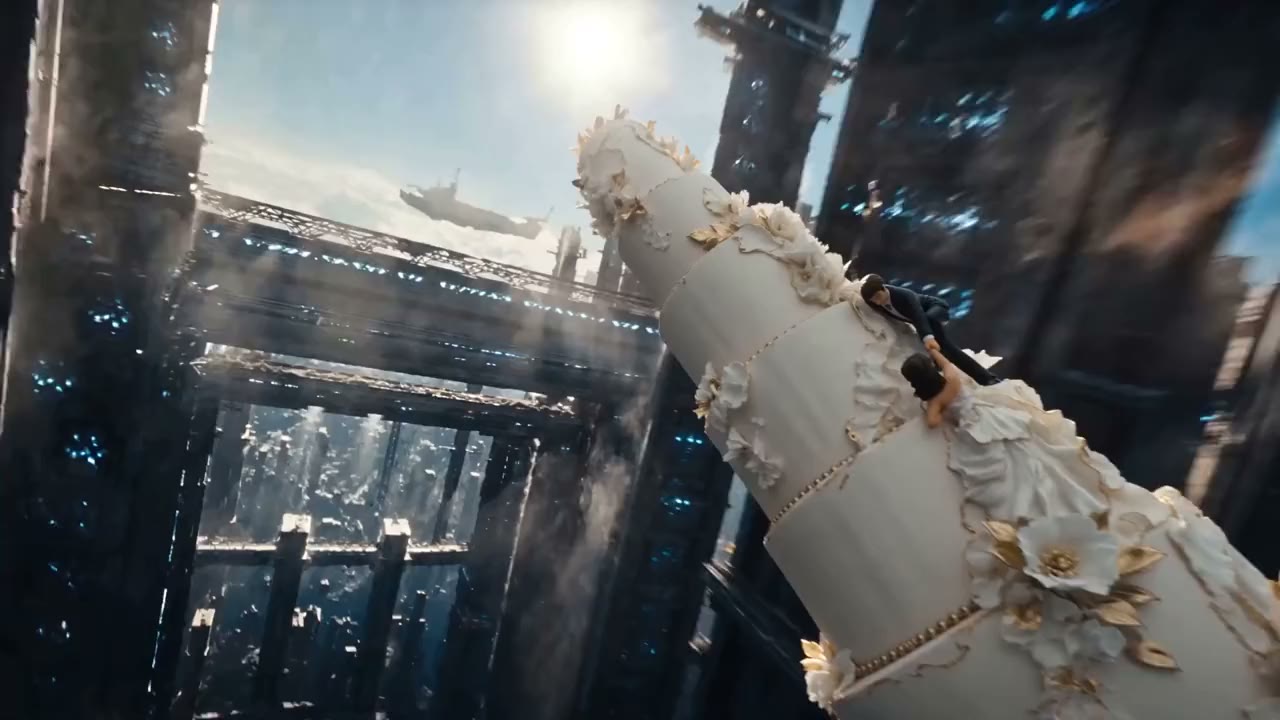
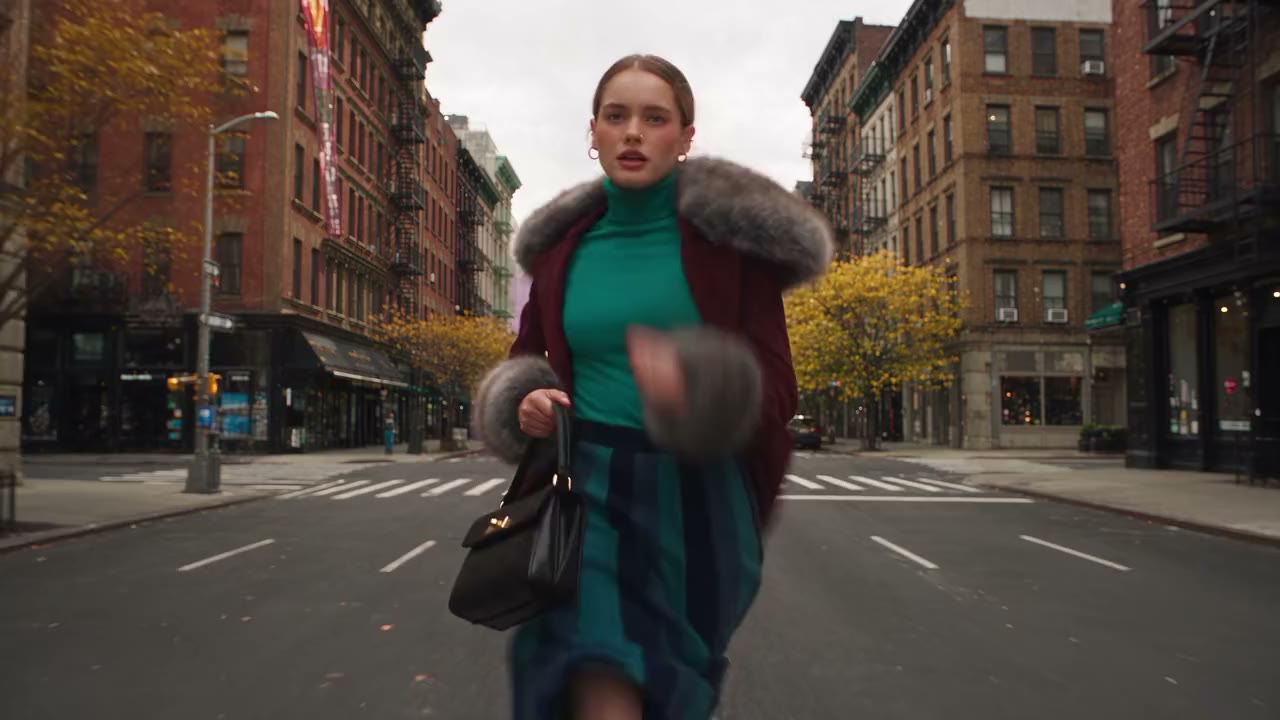
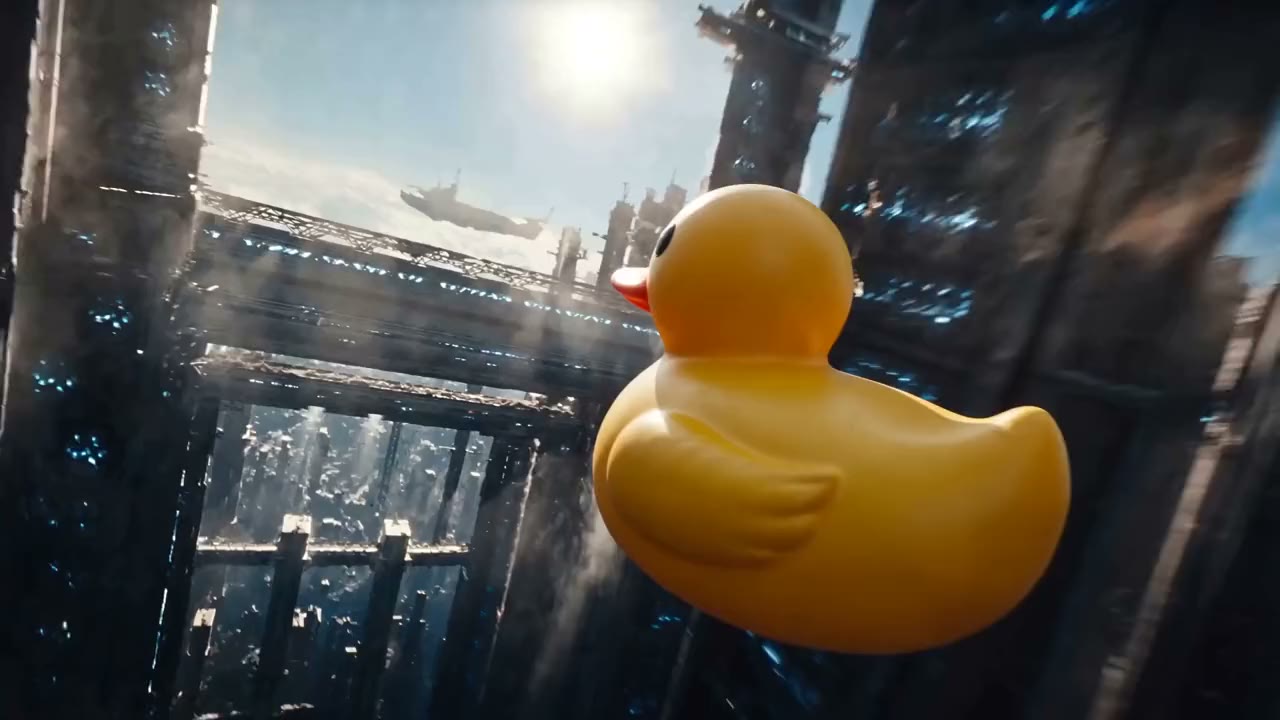
Tighter Control in Every Take
Gemini Omni 1.2 Flash generates and edits video from text, images, and a reference clip. Here is how each control works on Viralkey.
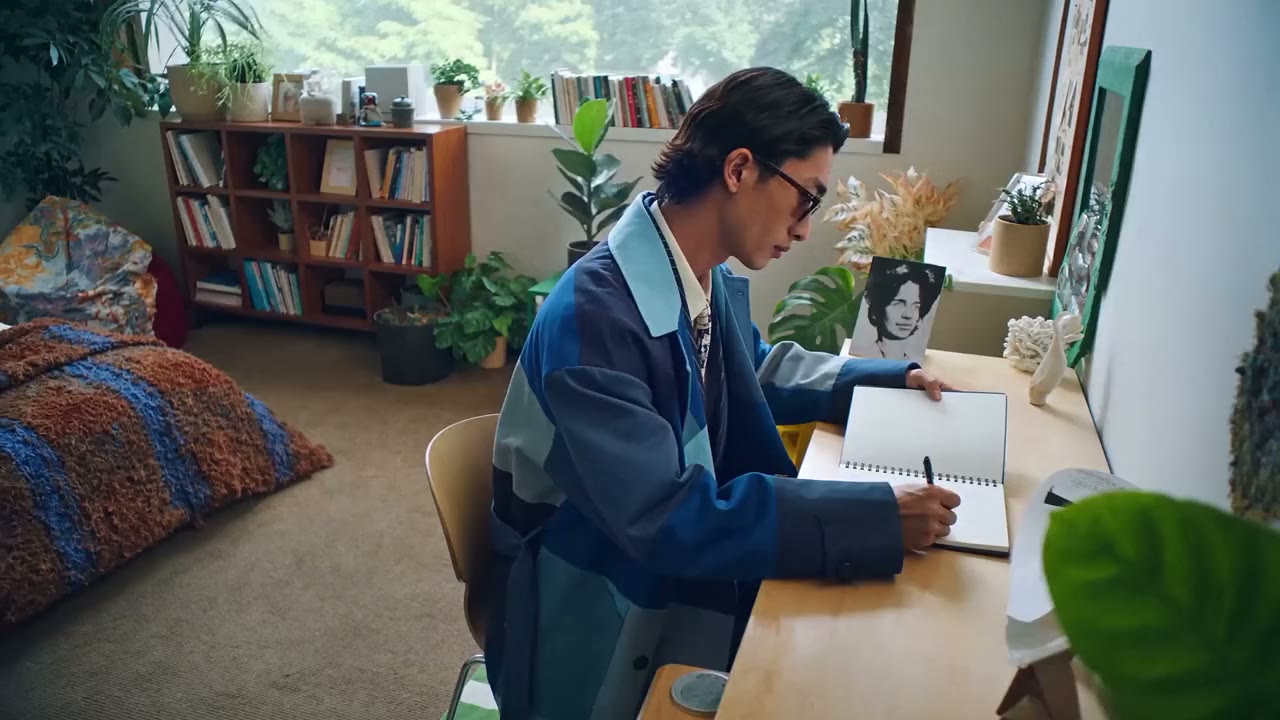
Longer Takes for Storytelling
Generate up to 15 seconds in a single take from text, references, or a source clip, so the motion, light, and story hold together for longer.
Try it NowDirect It From Both Ends
Pin the opening frame and the closing frame, and 1.2 builds the move between them: camera pushes, zoom transitions, seamless loops. Frame-to-frame takes run 3–10 seconds.
Try it Now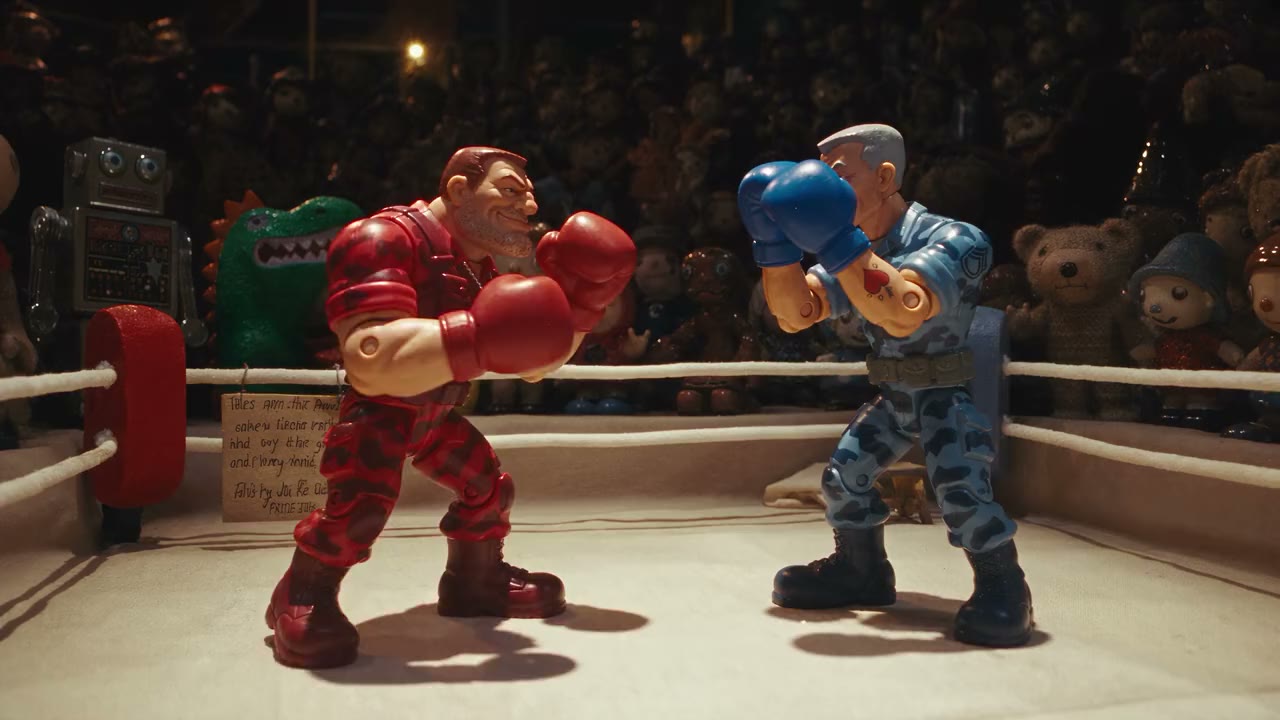
References Drive the Shot
Add up to five images and one short video as references. Omni lifts characters, objects, and motion from them and carries them through the clip.
Try it NowRecut Without Reshooting
Load real footage and direct changes in plain language: swap the subject, shift the mood, restyle the scene. Each edit is a new render, and your source clip stays untouched.
Try it Now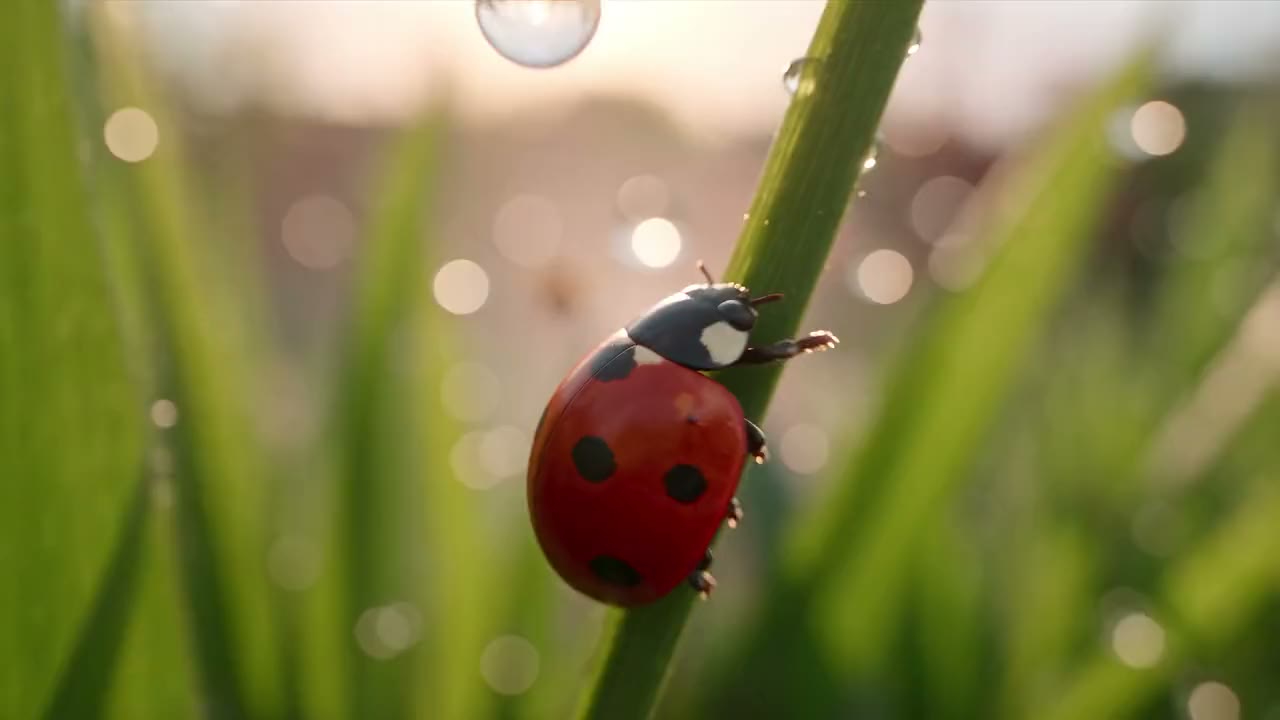
Physics That Holds at 4K
Gravity, momentum, and fluid motion stay believable through the take, and the 4K render keeps every gear and jewel sharp. Draft at 360p while the idea is still loose.
Try it NowHow to Use Gemini Omni 1.2 Flash on Viralkey
Three steps from references to a finished clip.
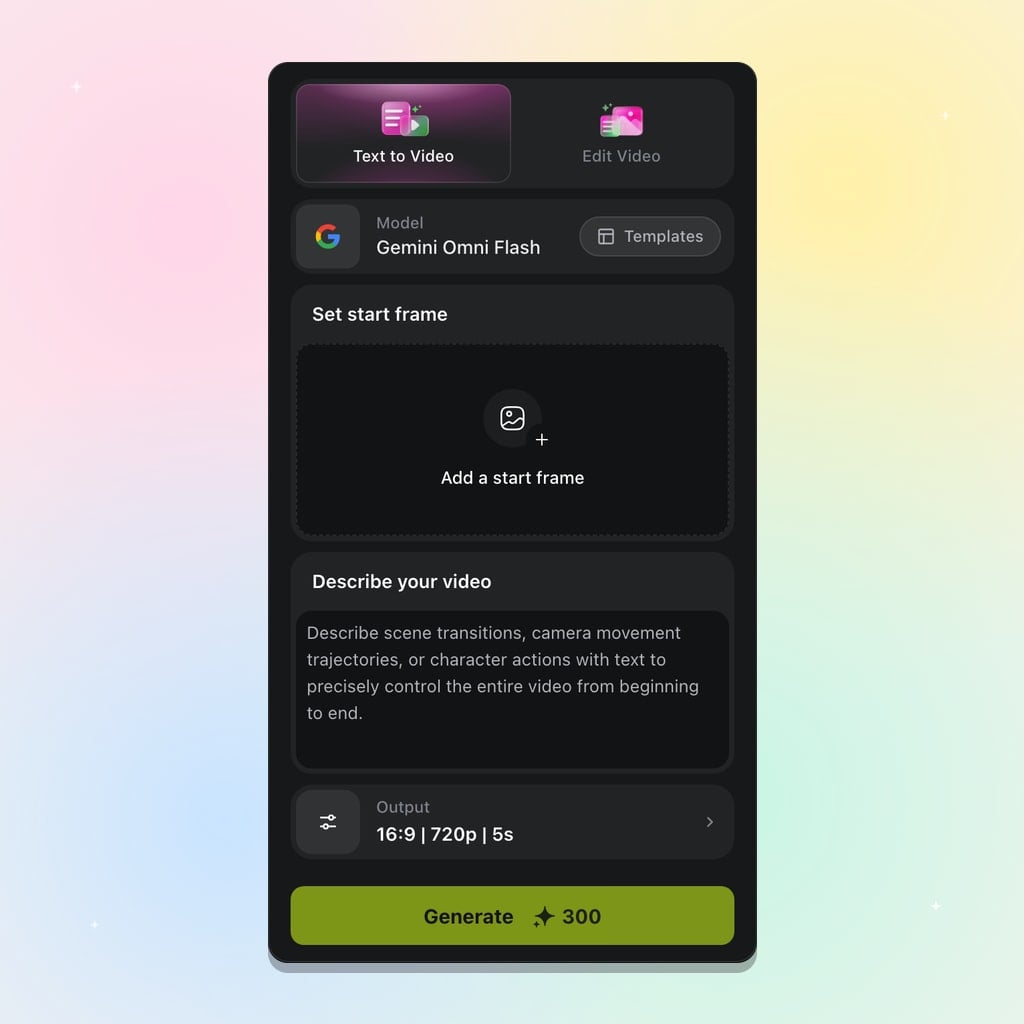
Add Your References
Upload reference images or a short clip to guide your vision, or start from text alone.
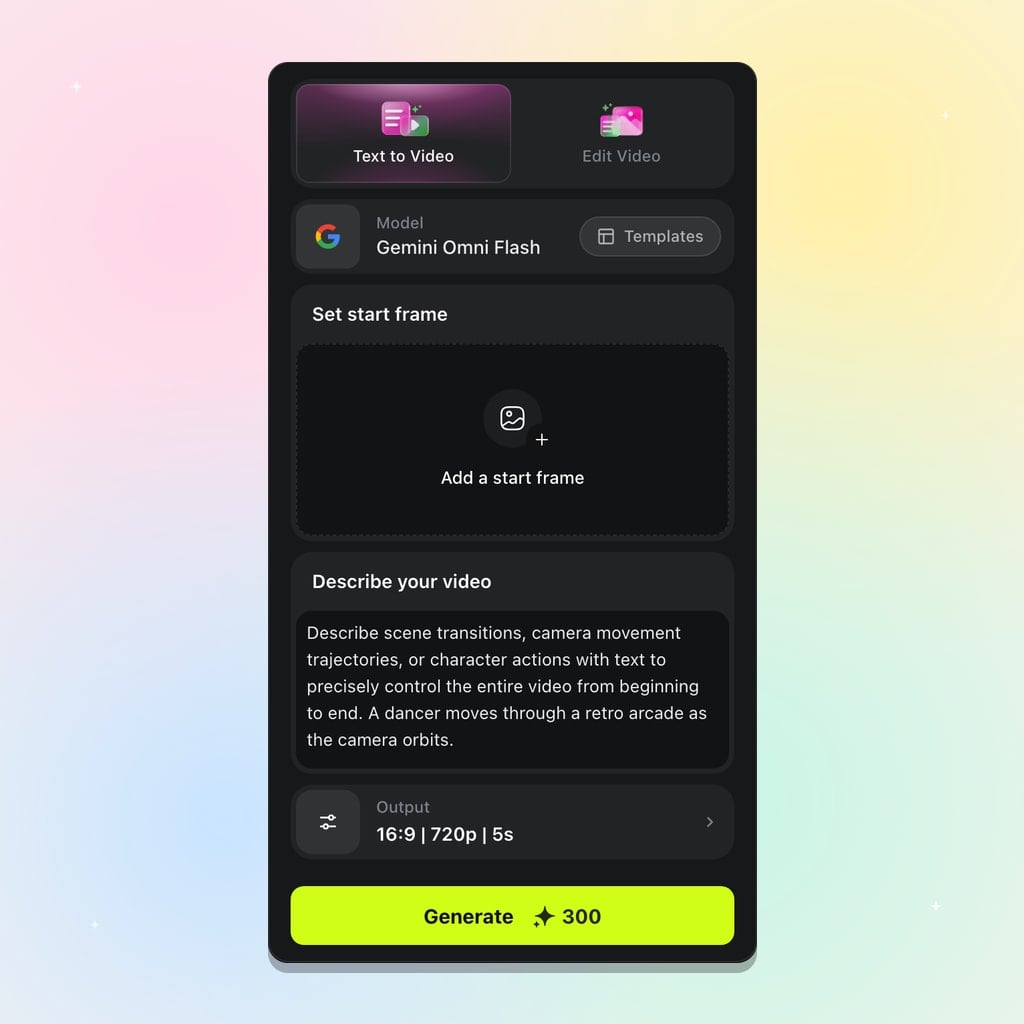
Write the Prompt
Use natural language to describe the scenario, the camera, and the mood, then set length and resolution.
Generate With Gemini Omni 1.2 Flash
Click Generate and receive a 16:9 or 9:16 clip you can download or restyle again.
Create From Anything
Start from text, stills, sketches, or a clip you already shot, and turn it into a new scene on Viralkey.
Transfer Motion and Styles
Lift the movement from one clip and the look from a reference image, and Omni applies both to your output in a single pass.
Try it NowSwap Characters or Objects
Drop in a reference image alongside your video, and the new character or object takes over the motion without missing a beat.
Try it NowTranslate Drawings Into Video
Turn rough sketches into real footage, and use your doodles to direct how each element should move.
Try it NowCombine Multiple Inputs
Feed Omni a mix of clips, stills, and references, and let it weave them into one coherent story instead of a collage.
Try it NowLoved by Creators
“Pinning the first and last frame let me land the camera push right where the chorus starts.”
“Fifteen seconds is enough to hold one continuous shot instead of stitching two short clips together.”
“I restyle the same product clip three ways on Video Edit and the original footage stays as it was.”
“Pinning the first and last frame let me land the camera push right where the chorus starts.”
“Fifteen seconds is enough to hold one continuous shot instead of stitching two short clips together.”
“I restyle the same product clip three ways on Video Edit and the original footage stays as it was.”
“Pinning the first and last frame let me land the camera push right where the chorus starts.”
“Fifteen seconds is enough to hold one continuous shot instead of stitching two short clips together.”
“I restyle the same product clip three ways on Video Edit and the original footage stays as it was.”
“Pinning the first and last frame let me land the camera push right where the chorus starts.”
“Fifteen seconds is enough to hold one continuous shot instead of stitching two short clips together.”
“I restyle the same product clip three ways on Video Edit and the original footage stays as it was.”
“My rough sketch went in as a reference and the motion followed the doodle closely.”
“I draft at 360p while the idea is loose, then render the approved take at 1080p.”
“A short clip of my actor plus a character image was enough to recast the scene without a reshoot.”
“My rough sketch went in as a reference and the motion followed the doodle closely.”
“I draft at 360p while the idea is loose, then render the approved take at 1080p.”
“A short clip of my actor plus a character image was enough to recast the scene without a reshoot.”
“My rough sketch went in as a reference and the motion followed the doodle closely.”
“I draft at 360p while the idea is loose, then render the approved take at 1080p.”
“A short clip of my actor plus a character image was enough to recast the scene without a reshoot.”
“My rough sketch went in as a reference and the motion followed the doodle closely.”
“I draft at 360p while the idea is loose, then render the approved take at 1080p.”
“A short clip of my actor plus a character image was enough to recast the scene without a reshoot.”
“I run the teaser in 9:16 and the YouTube cut in 16:9 from the same prompt.”
“Two product stills and a reference video gave me one coherent spot instead of a collage.”
“When the physics looked off, I changed one line of the prompt and ran it again at 4K.”
“I run the teaser in 9:16 and the YouTube cut in 16:9 from the same prompt.”
“Two product stills and a reference video gave me one coherent spot instead of a collage.”
“When the physics looked off, I changed one line of the prompt and ran it again at 4K.”
“I run the teaser in 9:16 and the YouTube cut in 16:9 from the same prompt.”
“Two product stills and a reference video gave me one coherent spot instead of a collage.”
“When the physics looked off, I changed one line of the prompt and ran it again at 4K.”
“I run the teaser in 9:16 and the YouTube cut in 16:9 from the same prompt.”
“Two product stills and a reference video gave me one coherent spot instead of a collage.”
“When the physics looked off, I changed one line of the prompt and ran it again at 4K.”
Frequently Asked Questions
Gemini Omni 1.2 Flash is the newest version of Google DeepMind's Omni video model, ready on Viralkey. It combines Gemini's reasoning and world knowledge with the ability to create and edit video from text, images, and a reference clip.
Create from anything with Gemini Omni 1.2 Flash
Start from text, images, or a clip you already shot, then hold the take for up to 15 seconds. Open the Gemini Omni 1.2 Flash workspace to begin.