

Ship listings faster from raw product shots
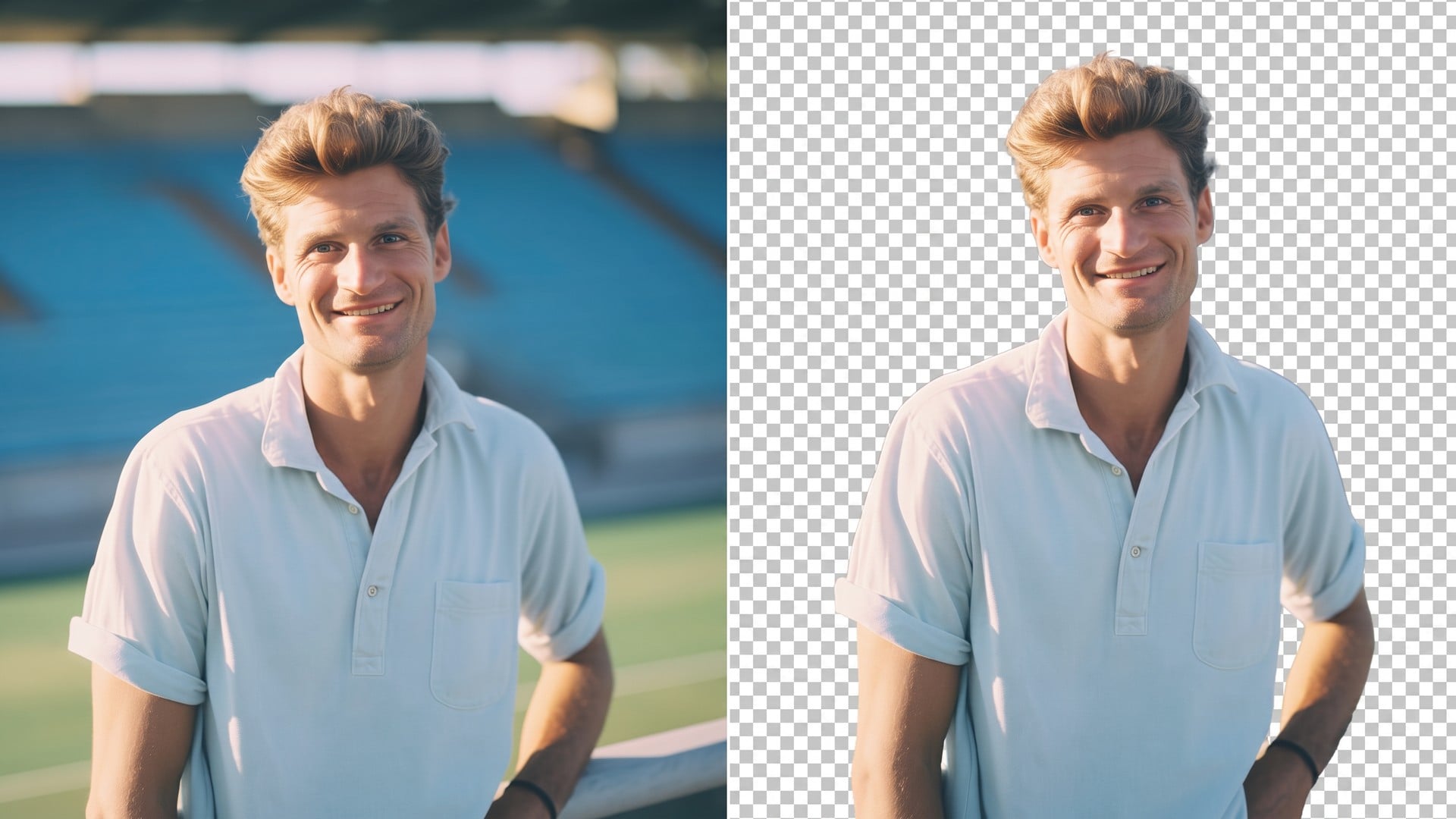
Turn a phone photo into a cleaner listing. Cut clutter with the background remover, then lift light and detail with the image enhancer before you publish.
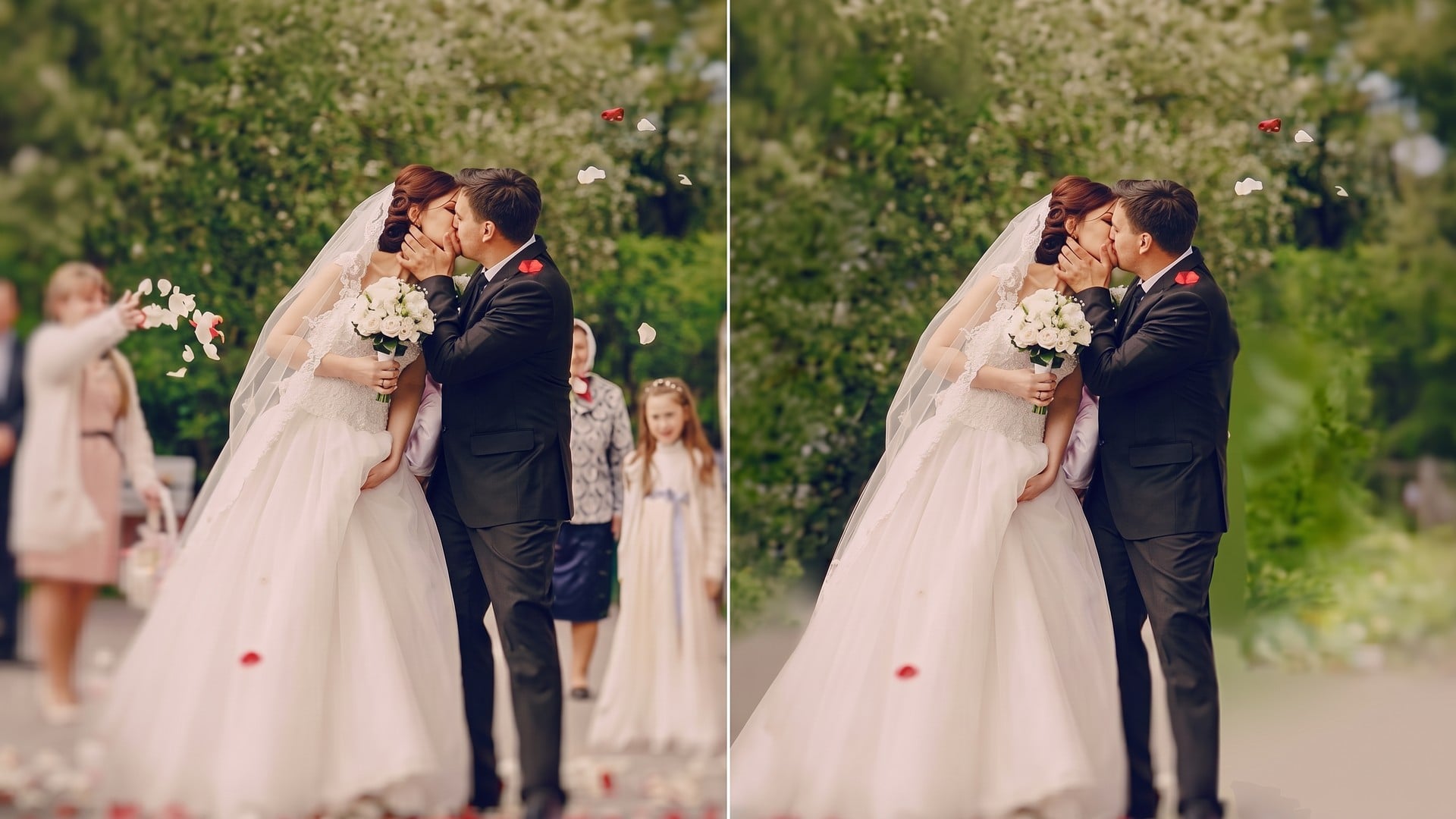
Edit any image with a text prompt. This AI photo editor is free to start and helps you enhance product shots, social posts, and ads without sliders or layers.
Turn a rough still into a usable visual. Viralkey's AI photo editor reads a short instruction — remove the background, warm the light, clean a product shot — and applies it on Nano Banana Pro, GPT Image 2.5 Flare, Seedream 5.0 Pro, FLUX.2 Pro, and Wan 2.7 Image, and more image models.
Describe the change instead of hunting menus. This AI image editor can clear a backdrop, erase a distraction, relight a face, or sharpen a listing still. You stay in one prompt box — not a stack of sliders.
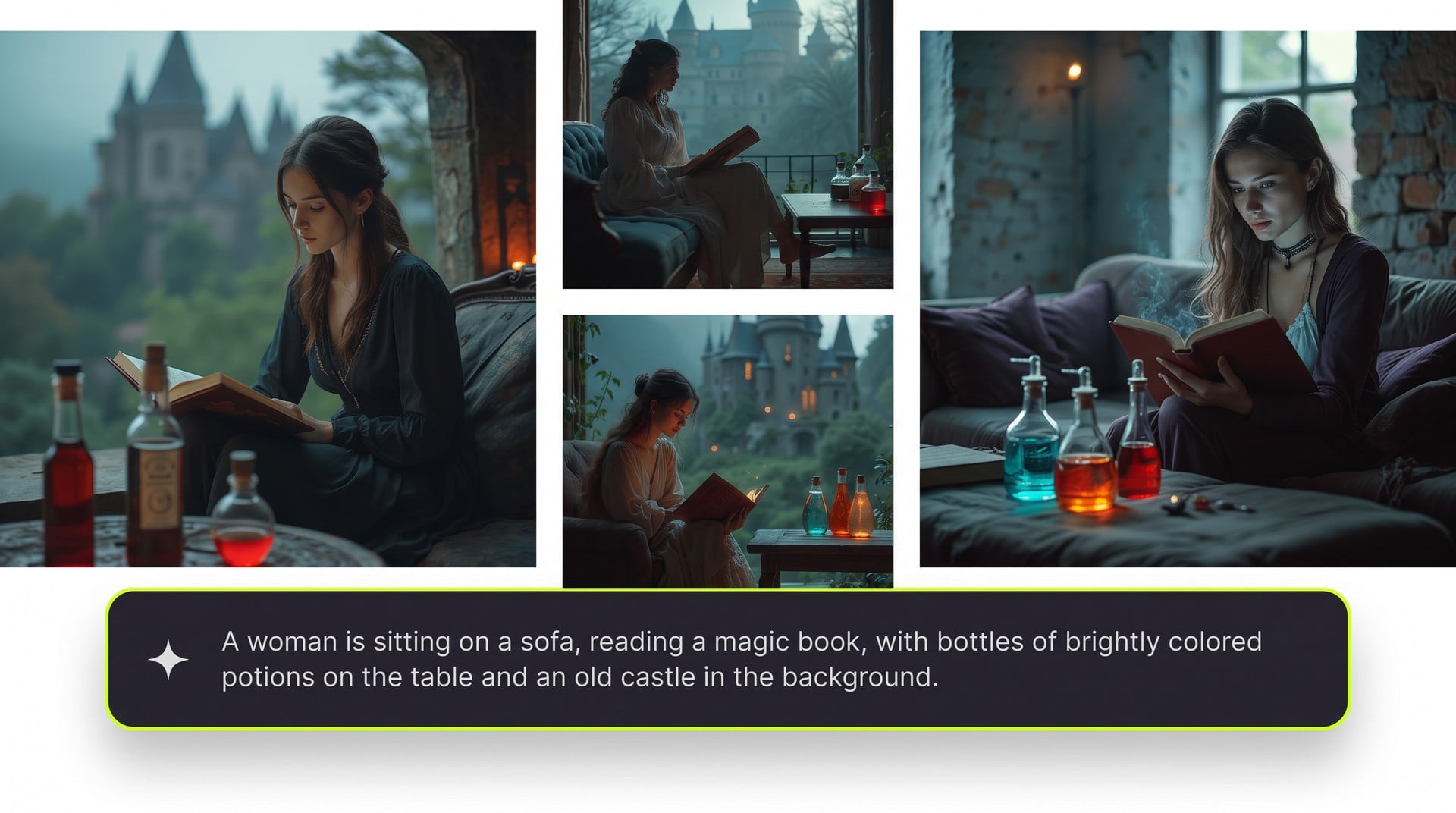
Keep one instruction and reuse it on the next product shot or portrait. The AI photo editor does not ingest a whole folder at once; you upload, apply the same prompt, and keep backgrounds, light, and style aligned.
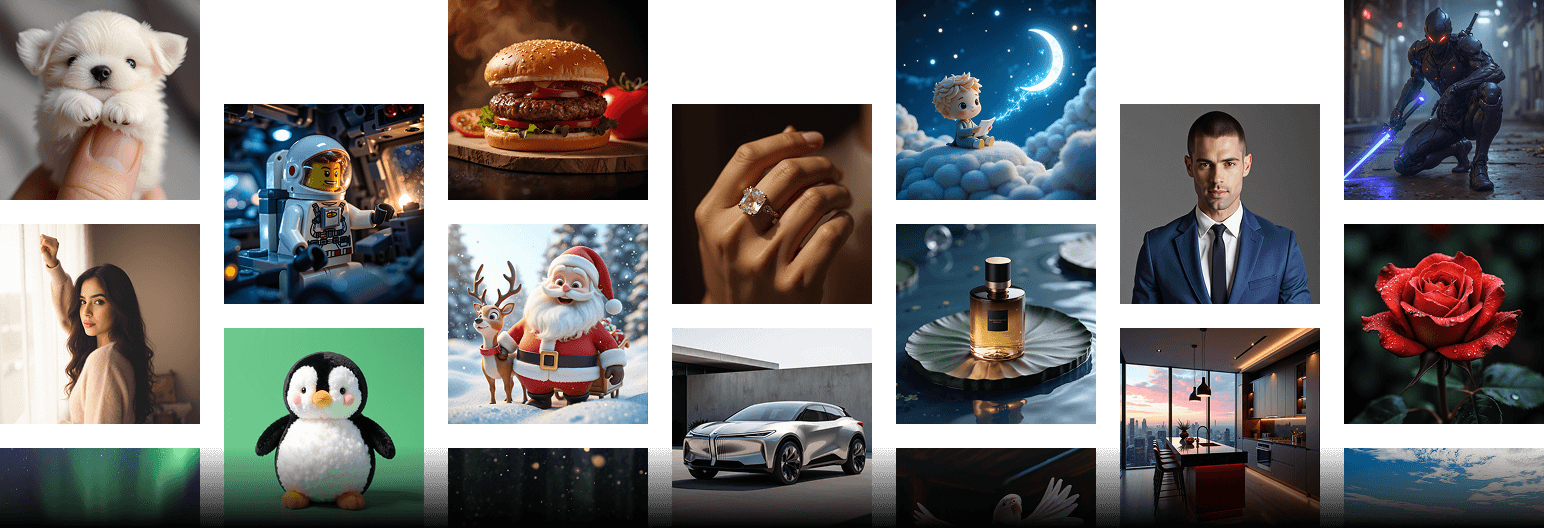
Name the backdrop, light, and color you want to keep. The next run follows that brief so a listing row or a campaign set does not drift into a new look each time.
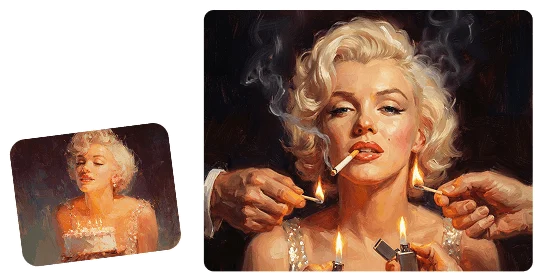
Use this AI photo editor for any prompt. When the job is one locked task — cutout, erase, enhance, upscale, relight, or beauty — open the dedicated tool instead of forcing a generic edit.
Turn a phone photo into a cleaner listing. Cut clutter with the background remover, then lift light and detail with the image enhancer before you publish.
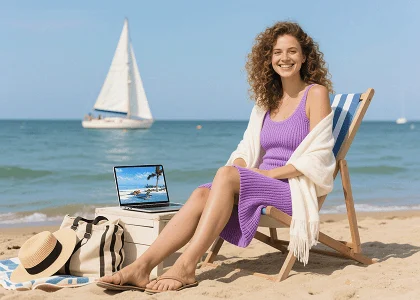
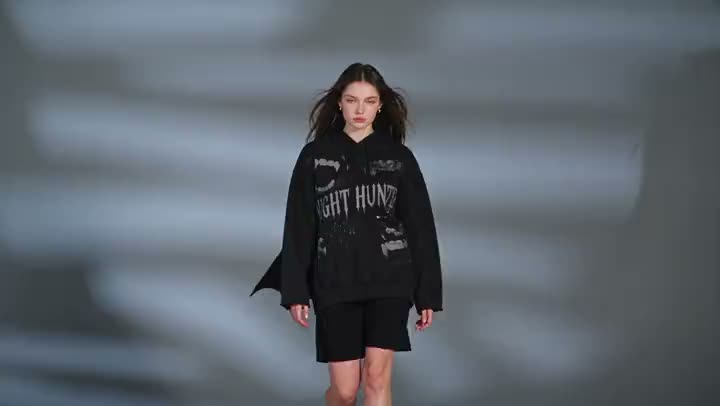
Type the look you want on a casual phone shot. For a locked meme or filter, jump to photo effects instead of rewriting the same prompt.
Edit ad stills and banners from a brief, not a ticket queue. When the job is a full campaign, start in Marketing Studio.
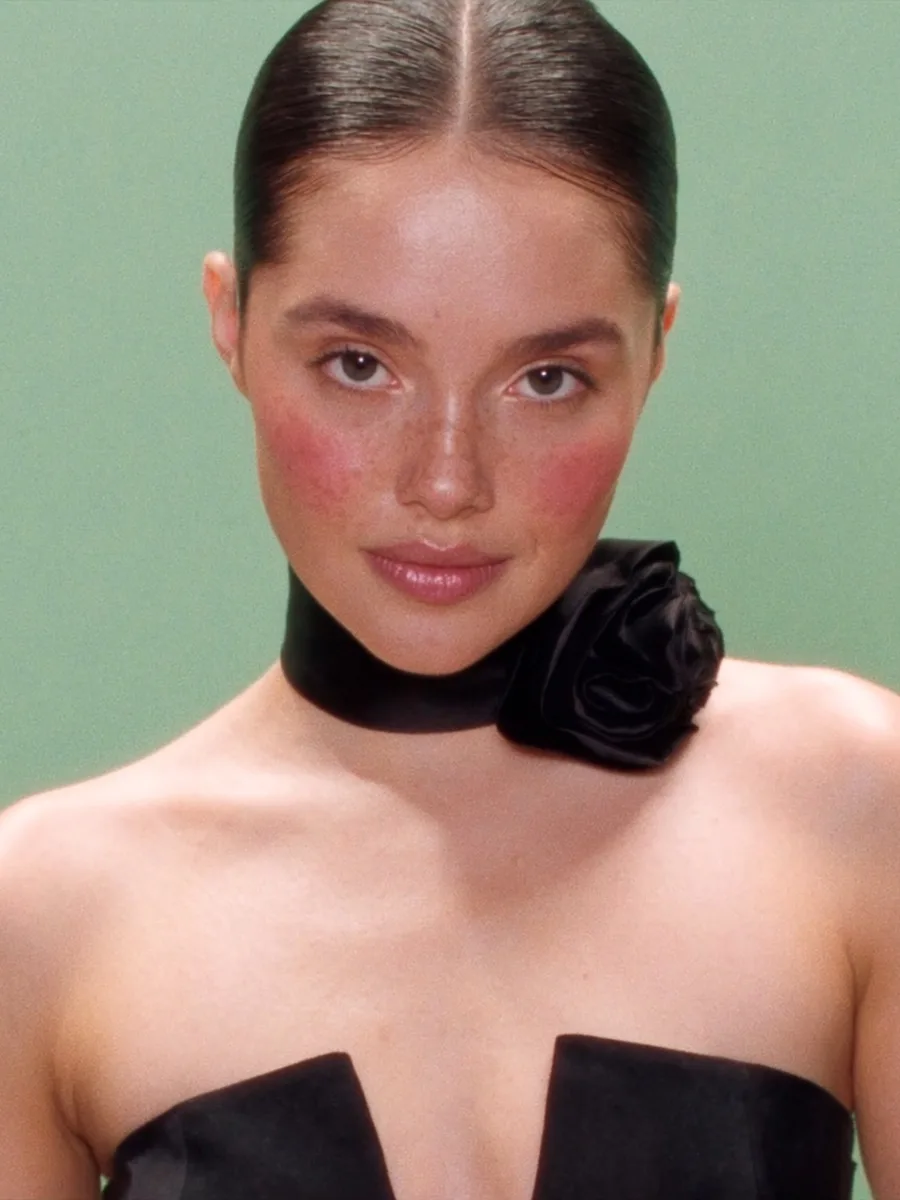
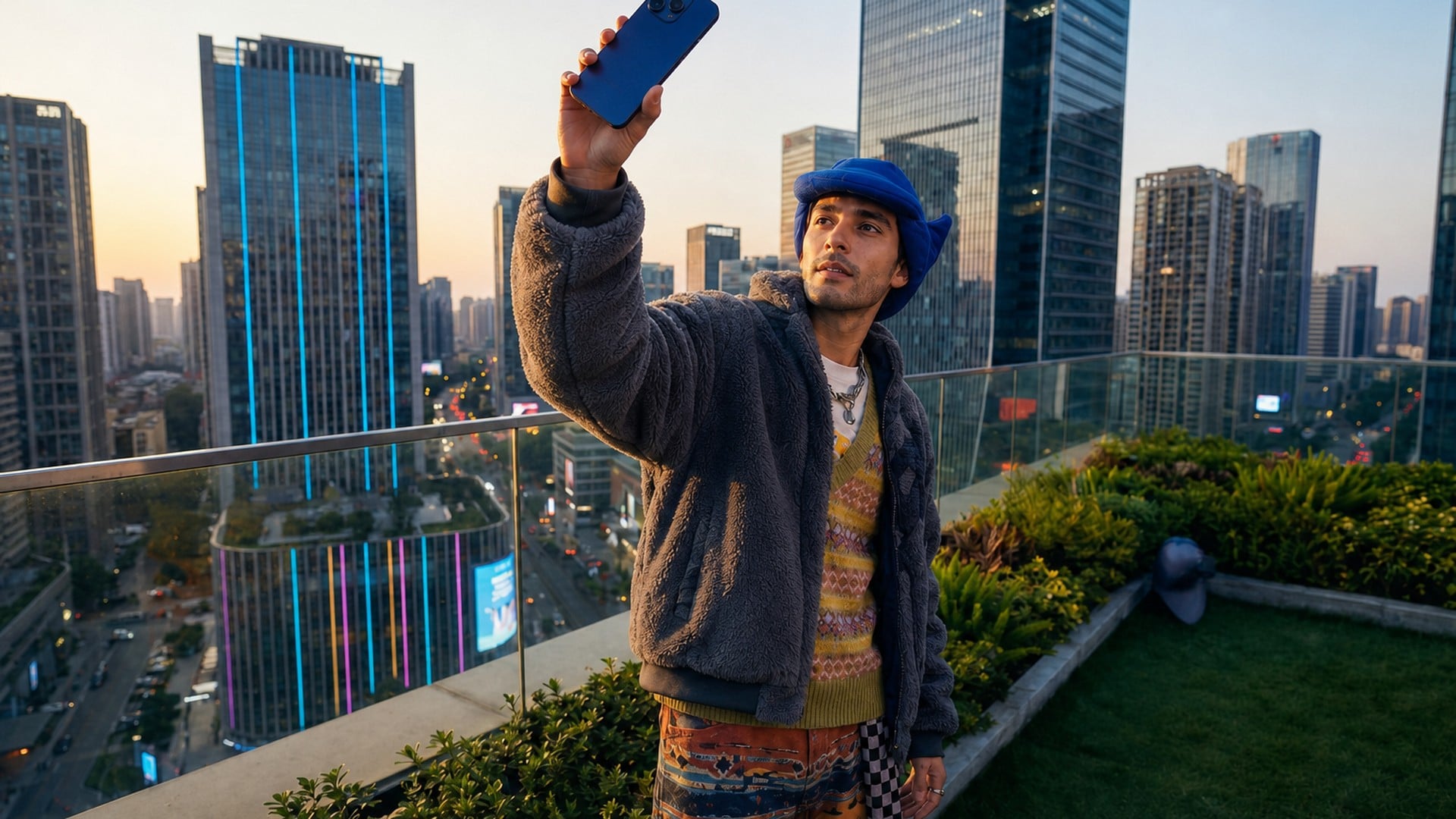
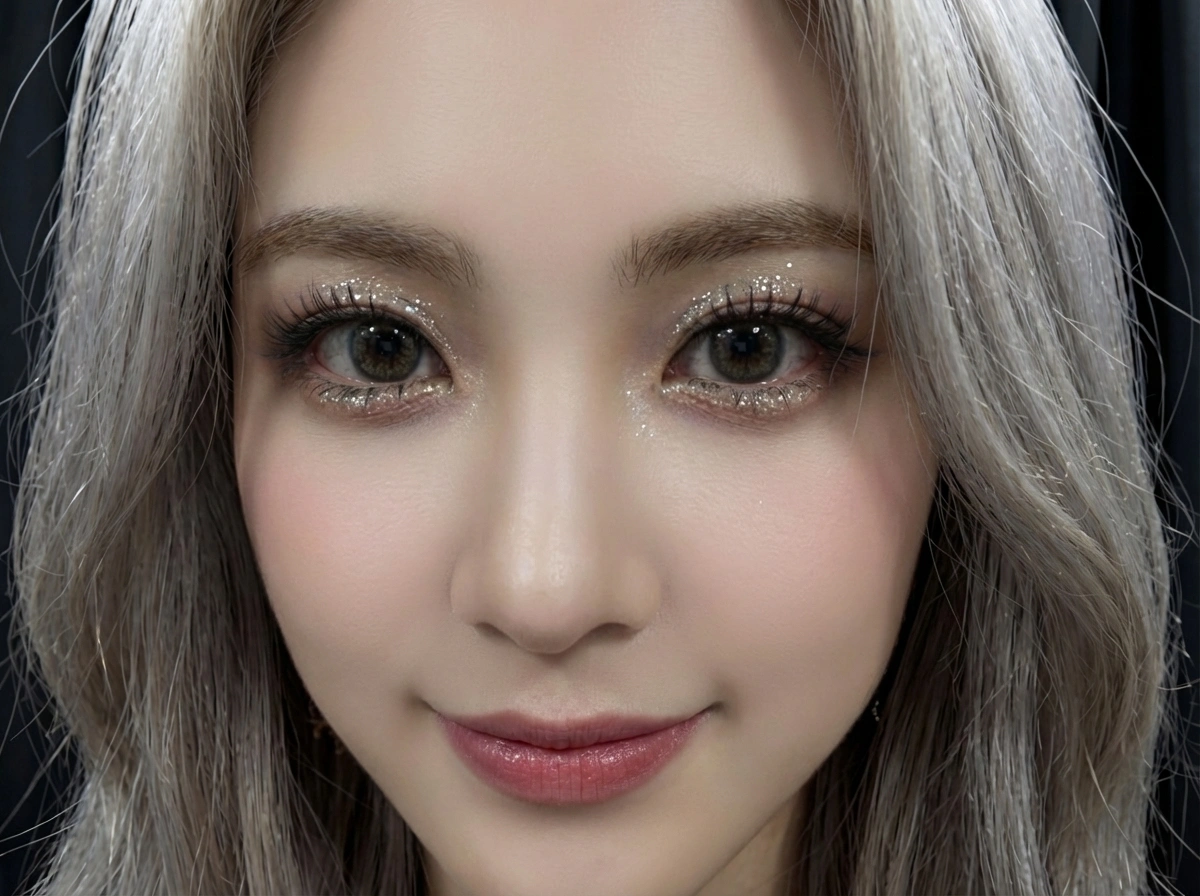
Retouch a portrait or warm a travel still without rebuilding the face. For a fashion lock, use AI photoshoot; for a full restyle, use image to image AI.
Turn a phone photo into a cleaner listing. Cut clutter with the background remover, then lift light and detail with the image enhancer before you publish.
Type the look you want on a casual phone shot. For a locked meme or filter, jump to photo effects instead of rewriting the same prompt.
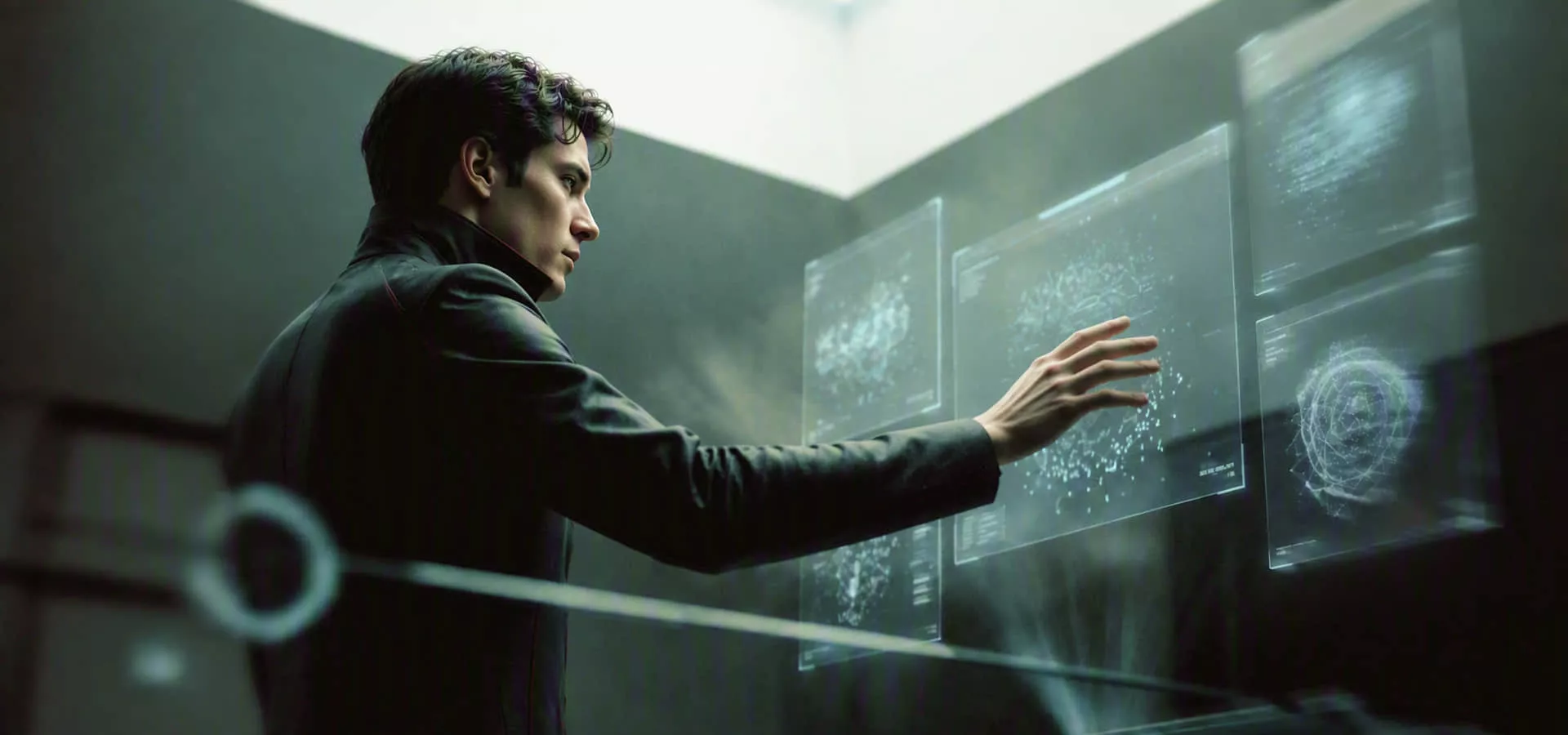
Edit ad stills and banners from a brief, not a ticket queue. When the job is a full campaign, start in Marketing Studio.
Retouch a portrait or warm a travel still without rebuilding the face. For a fashion lock, use AI photoshoot; for a full restyle, use image to image AI.
Three steps from an upload to a downloadable edit.
Drop the photo and type what should change — background, light, clutter, or a cleaner product look.
Choose an image model and run the AI photo editor. Switch models if the first still misses the brief.
Save the result and use it in listings, posts, or ads, subject to your Viralkey plan.
Sellers and marketers use this AI photo editor when the picture already exists. Here is how they talk about text-to-edit on Viralkey.
Listing still without a studio day
I typed remove the kitchen clutter and add window light. The AI photo editor gave me a shop-ready pack shot from a phone photo.
Same prompt on eight SKUs
I reused white backdrop, soft side light. Each run stayed in the same catalog look. No layer file, no intern pass.
Stories without opening a canvas app
I asked for warmer skin and a cleaner wall. Close enough to post. I did not touch a slider.
Ad draft before design hours
The banner needed a quieter background. One sentence, one generate. We sent the still to media the same morning.
Portrait kept the face
I only asked to lift the shadows. Relatives still looked like themselves. That is the bar I use for an AI image editor.
Faster than explaining layers
I can type erase the cable. I cannot teach someone Photoshop before a drop. This AI photo editor is the shortcut.
An AI photo editor changes a picture you already have from a text description. Instead of sliders and layers, you type the edit — remove the background, add warm lighting — and the model applies it. Viralkey runs that on Nano Banana Pro and GPT Image 2.5 Flare, Seedream 5.0 Pro, FLUX.2 Pro, and Wan 2.7 Image.
Upload a photo and describe the edit. Refresh backgrounds, lighting, and details for portraits, product photos, and everyday visuals.