Produce Campaign Visuals Faster
Upgrade your rough images for banners, ads, emails, and landing pages, helping your campaigns look sharper, move faster, and win more attention.
Upload a still that is soft, noisy or too small. Viralkey's image enhancer restores clarity at the same size, or enlarges the longest edge 2× or 4×, without inventing a new scene or a new face.


Image Enhancer
Image Enhancer Online
Upload a still that is soft, noisy or too small. Viralkey's image enhancer restores clarity at the same size, or enlarges the longest edge 2× or 4×, without inventing a new scene or a new face.
Bring weak photos back to life with sharper details and better color. Try our AI image enhancer, an easy-to-use AI photo editor, to improve your photo quality in seconds. Eliminate blurriness and adjust color, brightness, contrast, saturation, and more to bring out every little detail.
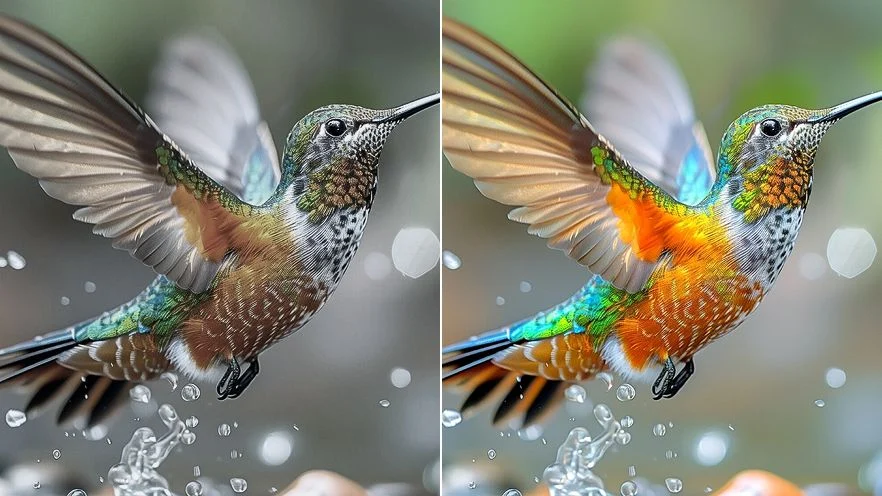
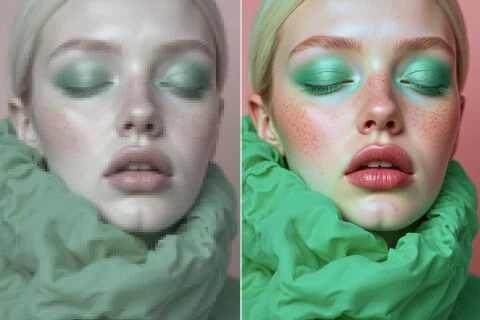
Enhance image quality with our AI photo enhancer to transform low-res photos into HD images with exceptional sharpness and detail for design or marketing projects. You can now boost pixel count to achieve professional-grade results without settling for pixelated imagery.
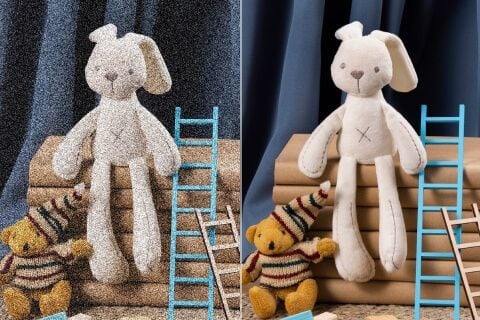
With our AI image enhancer, you can reintroduce clarity back into any blurry or grainy photos. This makes it possible to restore any details that may be lost due to poor lighting or a lack of focus without employing any complex image editing.
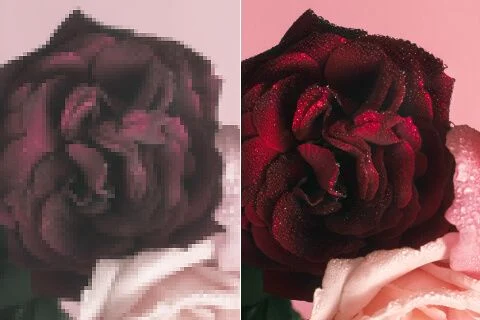
Polish your photos using our AI image enhancer tool that can help you to instantly strengthen the color intensity. Fine-tune your images by increasing brightness and depth in one click to give them a much-needed quality boost.
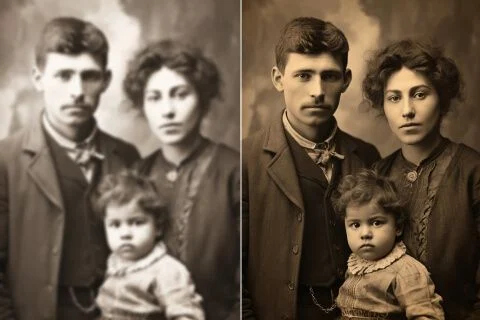
Bring old cherished photos to life that may appear faded or blurry using our AI photo enhancer. In mere seconds, you can restore clarity and detail to give any vintage image an improved visual appeal that makes old memories feel recent.
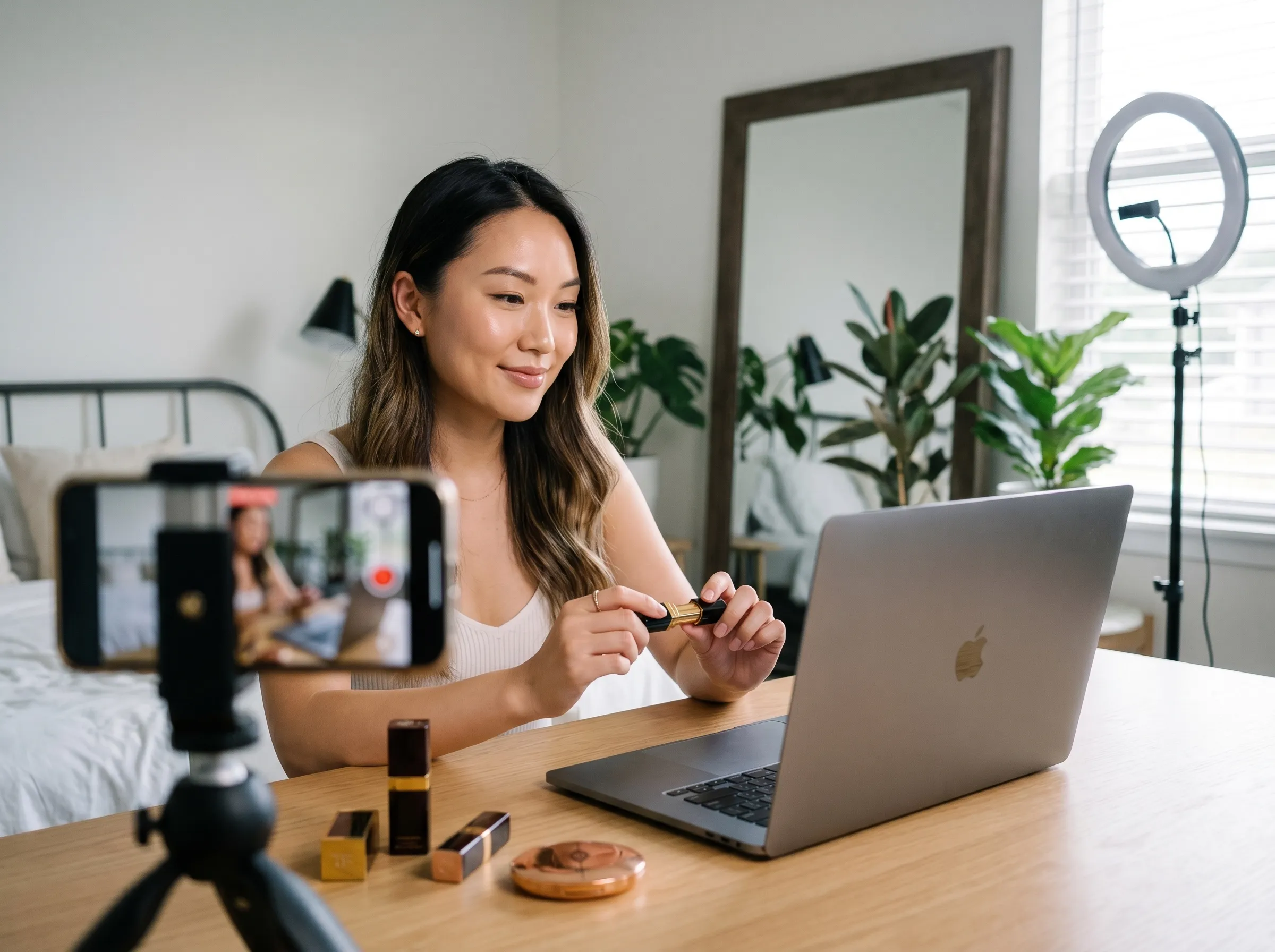
Upgrade your rough images for banners, ads, emails, and landing pages, helping your campaigns look sharper, move faster, and win more attention.
Restore blur, color, and detail in movie posters, fan posters, concept art, and promotional visuals, making your visuals more cinematic, collectable, and promotion-worthy.
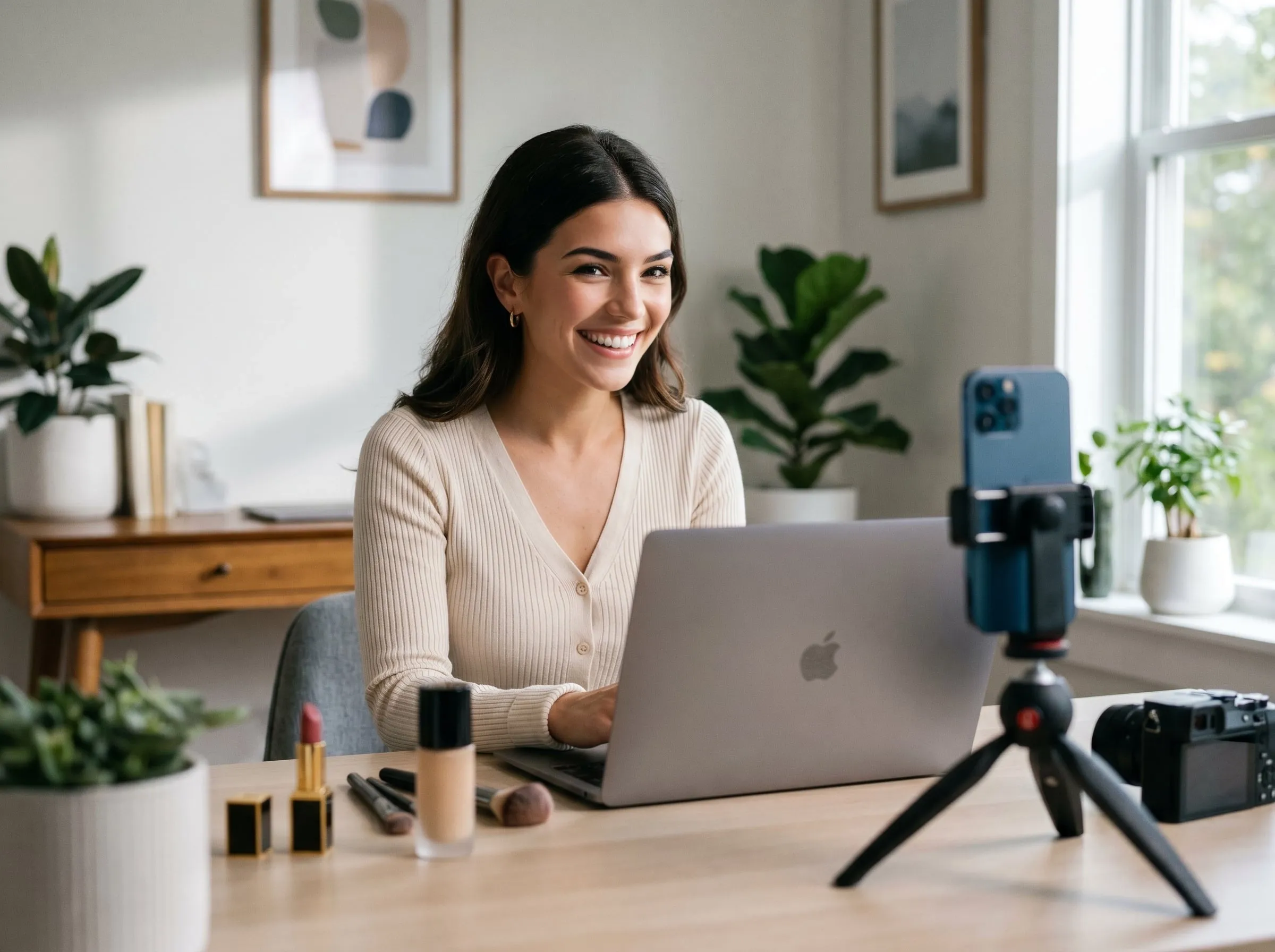
Clean up your product photos with sharper edges and clearer textures, so shoppers can judge quality faster and feel more confident before checkout.
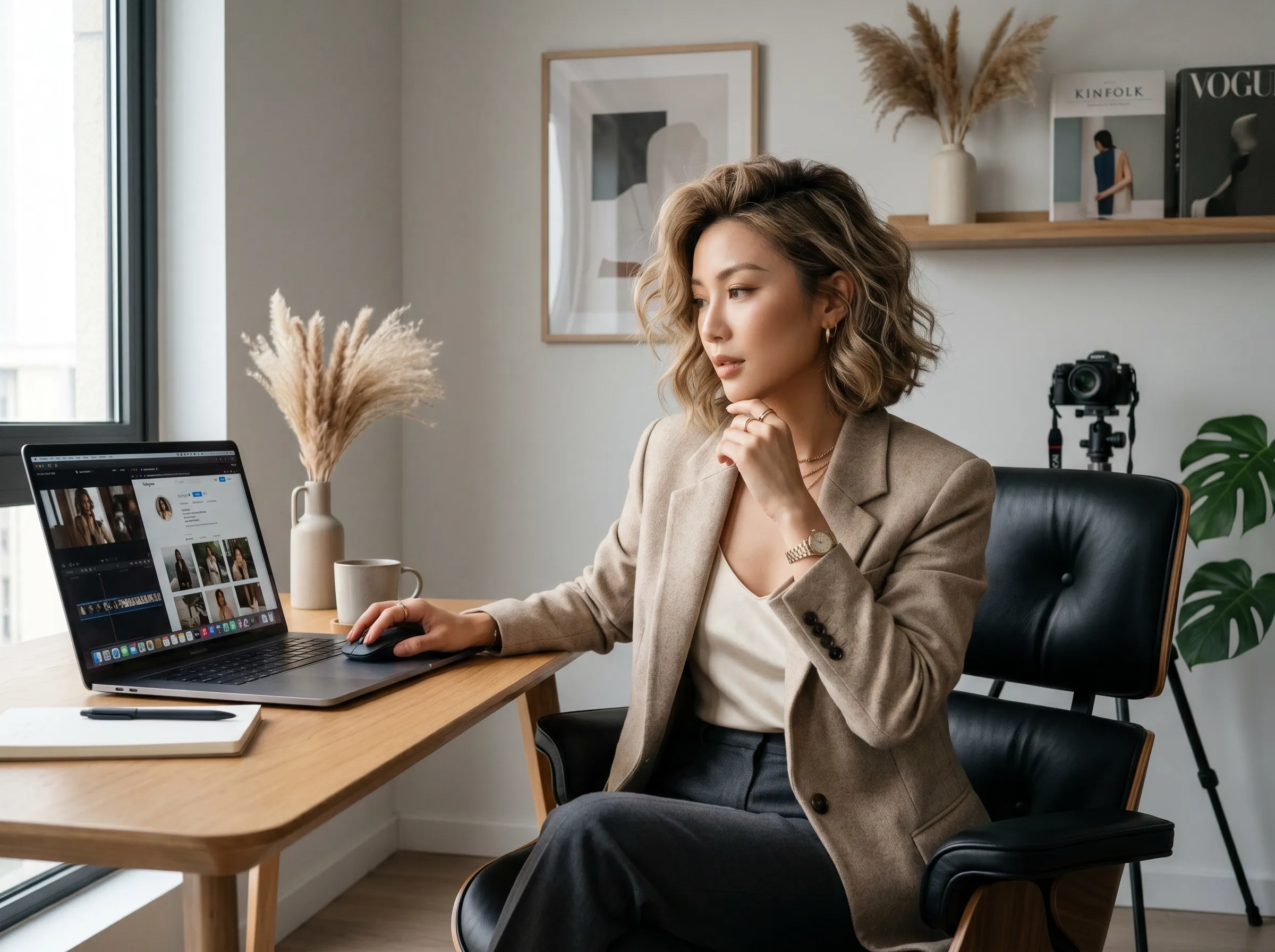
Enhance tattoo sketches, reference images, and design previews with better clarity and detail. Prepare cleaner visuals for client approval, portfolios, or stencil planning faster.
Upgrade your rough images for banners, ads, emails, and landing pages, helping your campaigns look sharper, move faster, and win more attention.
Restore blur, color, and detail in movie posters, fan posters, concept art, and promotional visuals, making your visuals more cinematic, collectable, and promotion-worthy.
Clean up your product photos with sharper edges and clearer textures, so shoppers can judge quality faster and feel more confident before checkout.
Enhance tattoo sketches, reference images, and design previews with better clarity and detail. Prepare cleaner visuals for client approval, portfolios, or stencil planning faster.
Upload the low-res image onto the Viralkey interface.
Our AI image enhancer will process your request in a matter of seconds.
Once done, feel free to download or share the higher-quality image online.
A quality pass is rarely the only question. Stay in Viralkey Studio to enlarge the same still, cut it onto a transparent background, or try a portrait finish on the same face.

Enlarge a photo 2× or 4× and recover edge detail instead of stretching pixels.

Recover sharpness from a soft or motion-blurred photo without redrawing the scene.
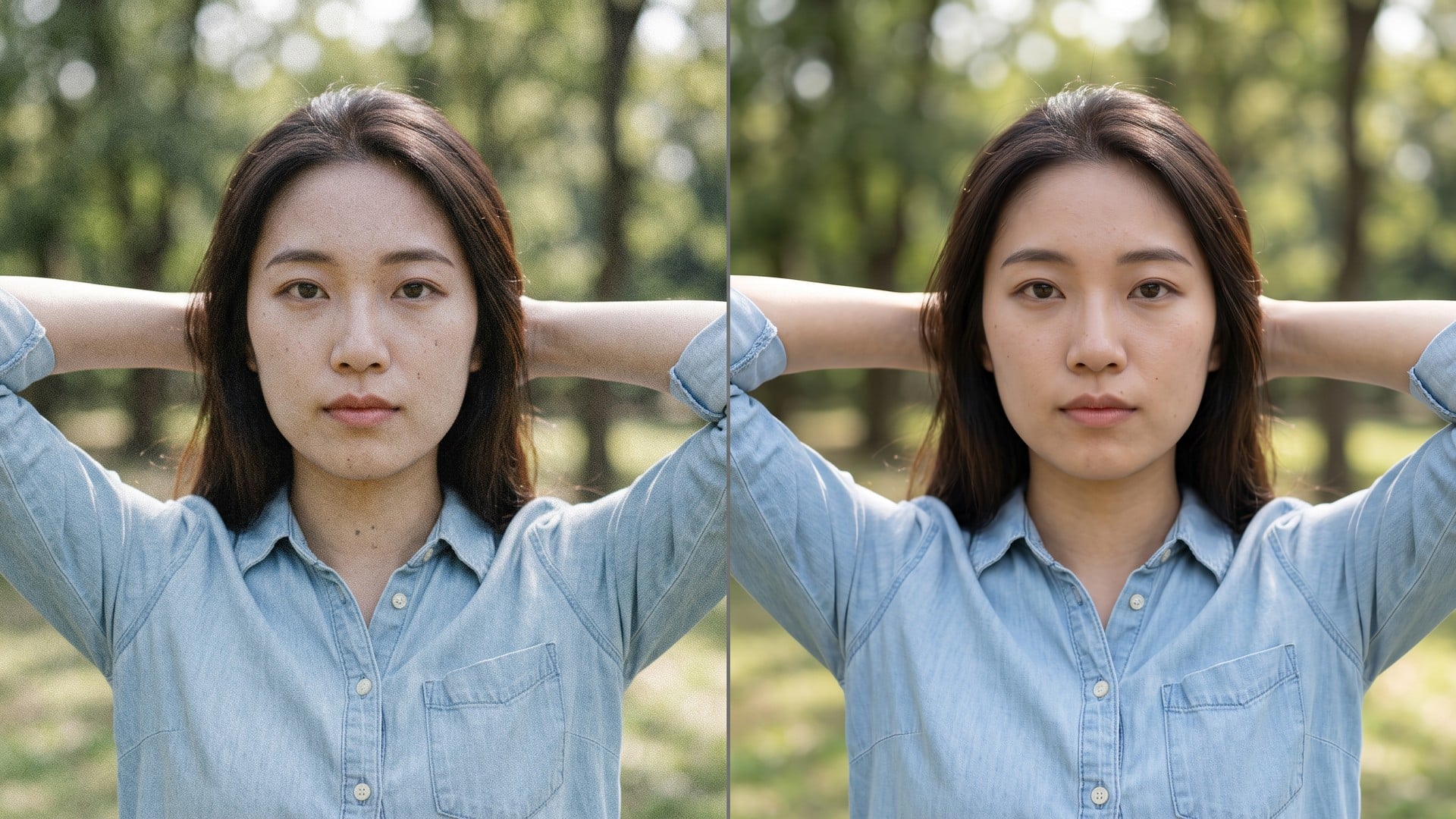
Clean grain and compression noise while keeping the real texture in the frame.
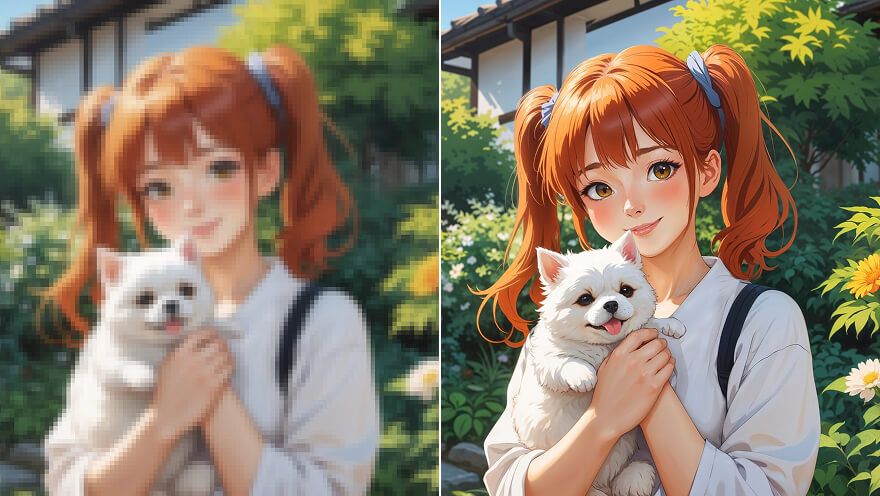
Enlarge an anime still 2× or 4× and recover line work — same pass as Image Upscaler.
Explore leading models for AI video, image generation, editing, and cinematic storytelling.

Create Wan 3.0 clips on Viralkey: native 1080p, 2–30 seconds, start/end frames, up to 20 mixed references, and audio generated with the picture.

Create cinematic MiniMax H3 clips on Viralkey: native 2K, up to 15 seconds, text-to-video, start/end frames, and up to nine reference images.

Generate short HD clips on Viralkey with start/end frame direction and up to 50 reference images. Built for music video scenes and performer shots.

Create cinematic Seedance 2.0 clips on Viralkey: native 4K, start/end frames, up to nine reference images, and built-in audio with lip-sync.
Notes from creators who used this tool on real work.
Nyla Voss
CreatorI needed the product shot sharper, not a new photo.
1× kept the crop and cleaned the edges.
Orin Hale
Product managerRan the same selfie at 2× for a poster.
It got larger without turning into plastic skin.
Paget Crowe
PhotographerUnblur was the search I used, but the 1× chip is what I actually needed.
Remy Calder
YouTuberDenoise cleaned the night grain and left the brick texture.
That was the whole brief.
Sena Whitlock
Social leadTransparent PNG from the remover dropped straight onto a black thumbnail.
Taryn Moss
Designer4× on a small archive scan.
Faces stayed the same people. I just got more pixels.
Udo Kessler
IllustratorI stopped paying a retoucher for 'make this less mushy'.
This is that job.
Veda Lang
ConsultantChanged the chip from 1× to 2× on the enhancer page.
Same engine, bigger file.
Wynn Adler
InfluencerBackground came off clean around hair.
No white halo I had to mask by hand.
Viralkey's image enhancer is a dedicated quality pass for a photo you already have. You upload one still, pick 1× to keep the same pixel size, or 2× / 4× to enlarge the longest edge, and get a clearer file back. It is not a generative rewrite: the scene, pose and identity stay the ones in the source. Use it when a frame is soft, noisy or too small for a post, a print, or a deck — not when you want a new picture invented from a prompt.
Upload a still that is soft, noisy or too small. Viralkey's image enhancer restores clarity at the same size, or enlarges the longest edge 2× or 4×, without inventing a new scene or a new face.