JH
Juniper Hale
Sticker shop ownerI built a mascot sheet from separate takes in one night.
The white borders stayed even enough to print.
You want a sticker that reads from across the desk, not a muddy illustration. Describe the subject — or add a photo — run this sticker generator, and take home a bold die-cut you can save, print, or slap on a mockup.
Sticker Generator
Sticker Generator
You want a sticker that reads from across the desk, not a muddy illustration. Describe the subject — or add a photo — run this sticker generator, and take home a bold die-cut you can save, print, or slap on a mockup.

Describe the Subject
Name one character, animal, or mascot in plain words. Add an optional photo when the sticker should look like a real pet or person. A single clear subject beats a crowded scene.

Pick a Sticker Style
Style is required. Try Glossy die-cut for the classic cut-out, Hand-drawn for a marker feel, or Holographic when you want a foil energy. The style sets outline, palette, and finish together.

Generate and Download
Run the sticker generator, preview the cut-out in your assets, and download the keeper. Sharpen the subject or switch style when the silhouette still feels weak.
A sticker has one job: one subject, a hard outline, and enough contrast to survive a laptop lid. This sticker generator turns a brief — or a photo — into die-cut artwork with a white border and a strong silhouette. People who searched for an ai sticker maker land on the same page: describe, pick a style, generate one cut-out, and keep the take that still pops at a small size.
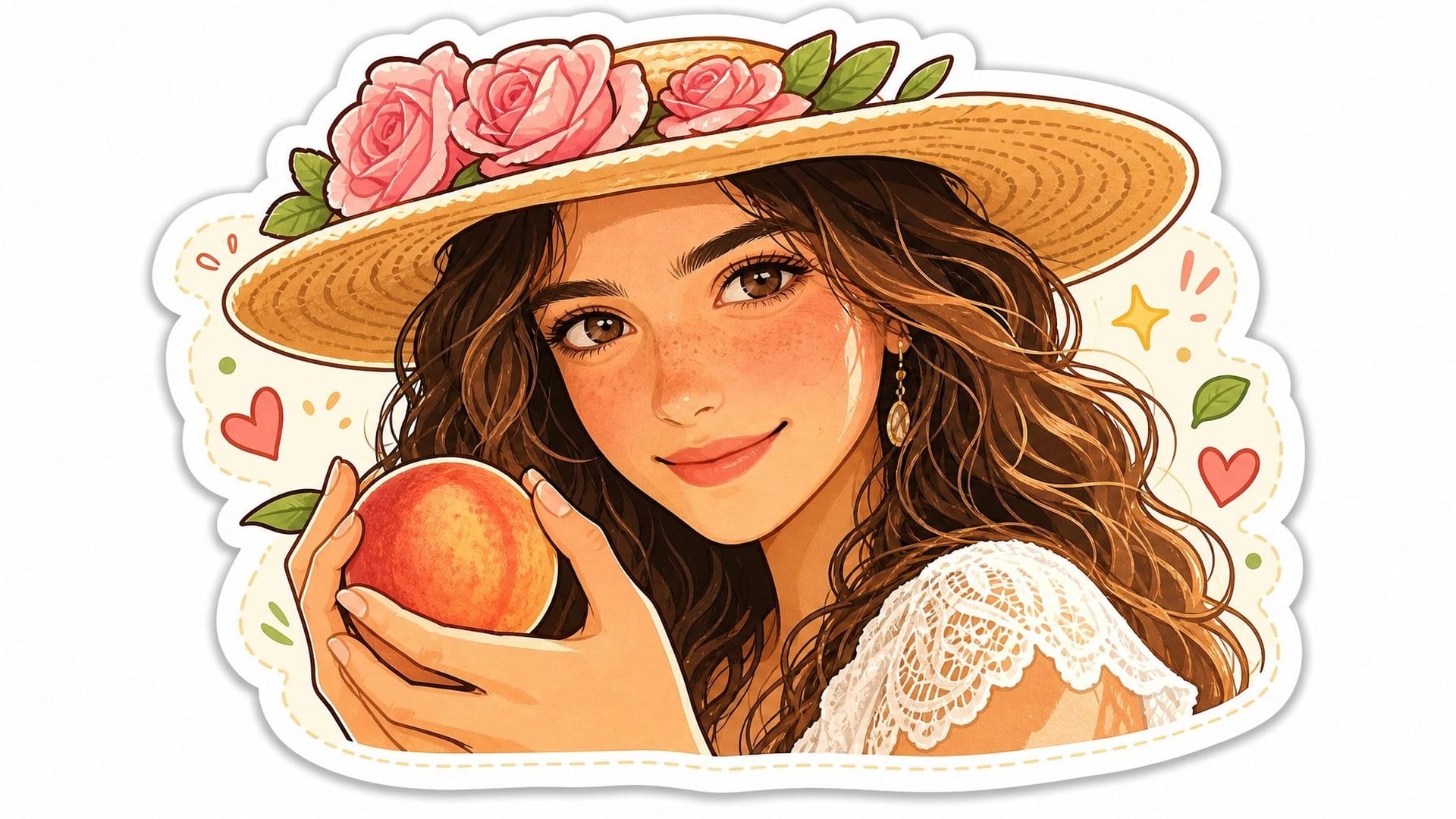
The result is meant to look like a peelable die-cut: thick white edge, saturated fill, nothing competing in the corners. You are not getting a transparent-file promise or a cutting-path export — you are getting sticker-looking artwork you can place on a mockup or send to a printer you already use. If the silhouette feels weak, name one subject and drop the extra props. A sticker that tries to be a scene usually fails the small-size test.
Try it now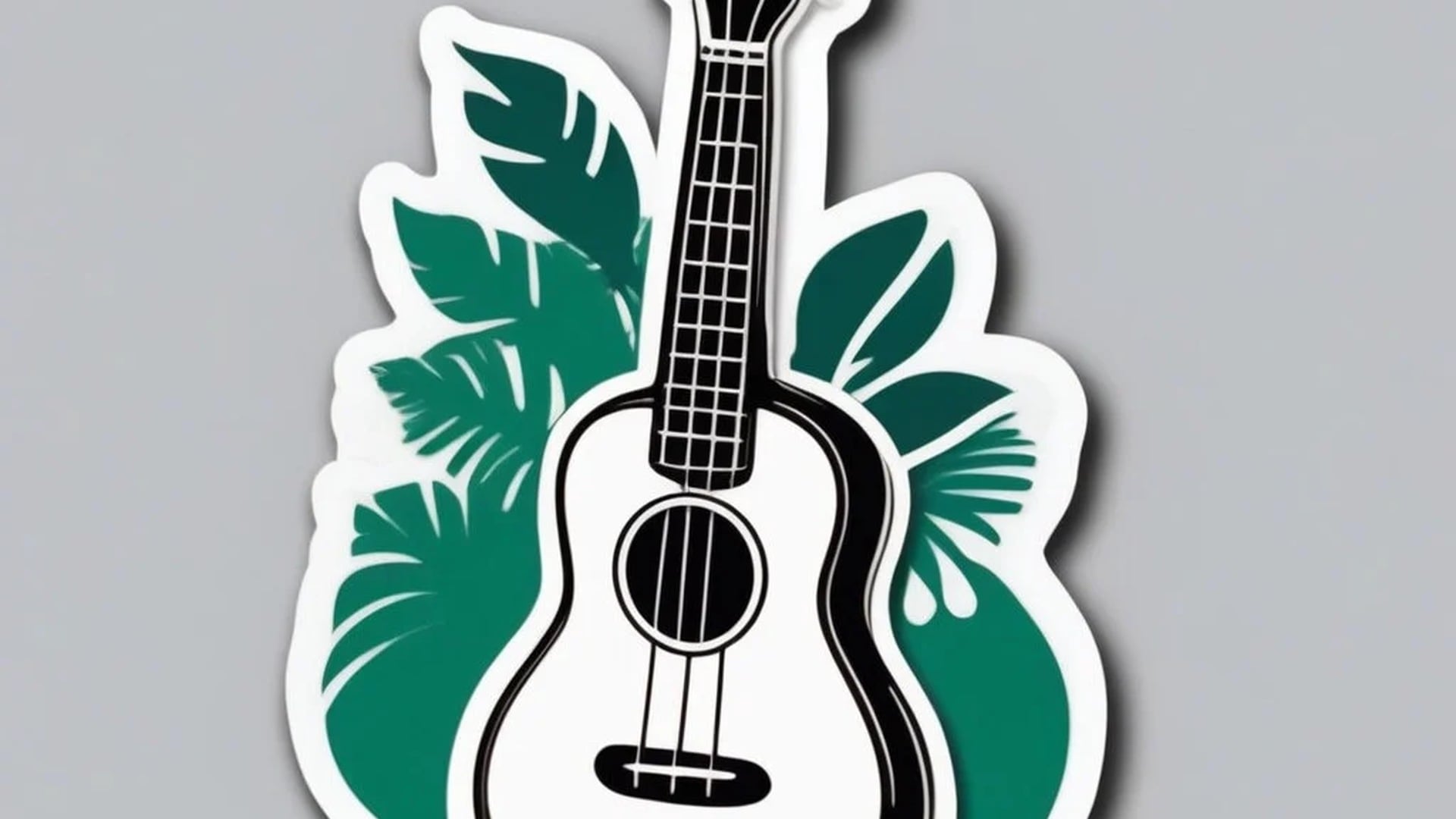
Upload a pet, a face, or a product and the generator redraws that subject in sticker language. The recognizable bits should survive — the ear set, the glasses, the label shape — while the photography drops away. Style still decides the finish, so the same dog can come back glossy or hand-drawn. A short note helps when a collar colour or a scar must stay. This is a redraw, not a filter laid over the pixels.
Try it now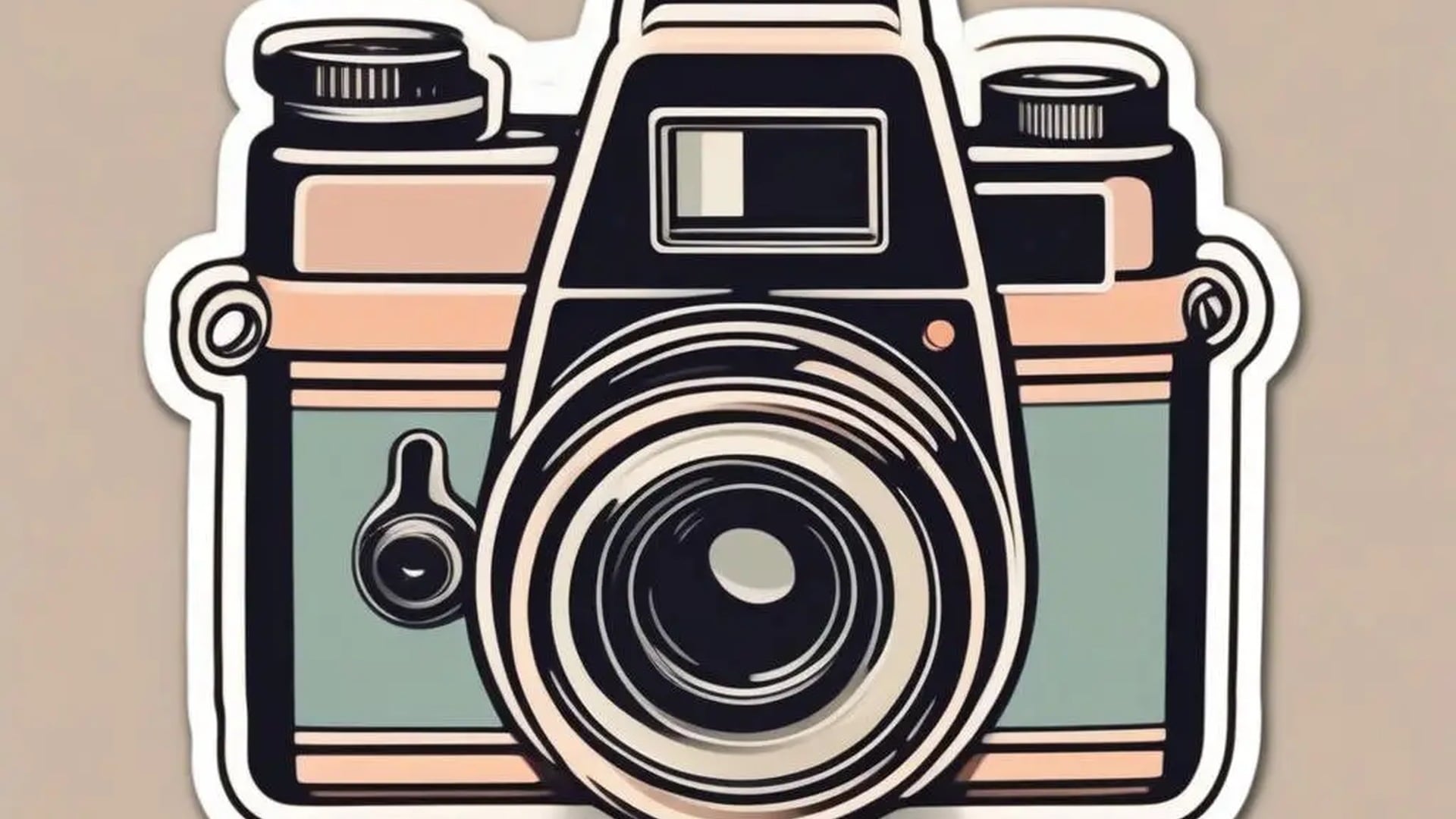
Stickers live small. The generator pushes simple shapes and high contrast so the mark still reads on a bottle, a laptop, or a chat tile. Judge a take by whether you can name the subject at a glance, not by how many details survived. If the face turns to mush, ask for a simpler pose and generate again. Small-size clarity is the brief; decoration is optional.
Try it nowAn ai sticker maker is only useful if the cut-out still looks like a sticker after you shrink it. Each capability below is about that job: a style that changes the finish, an optional photo that becomes the subject, and a square frame you can drop onto a sheet you assemble yourself.
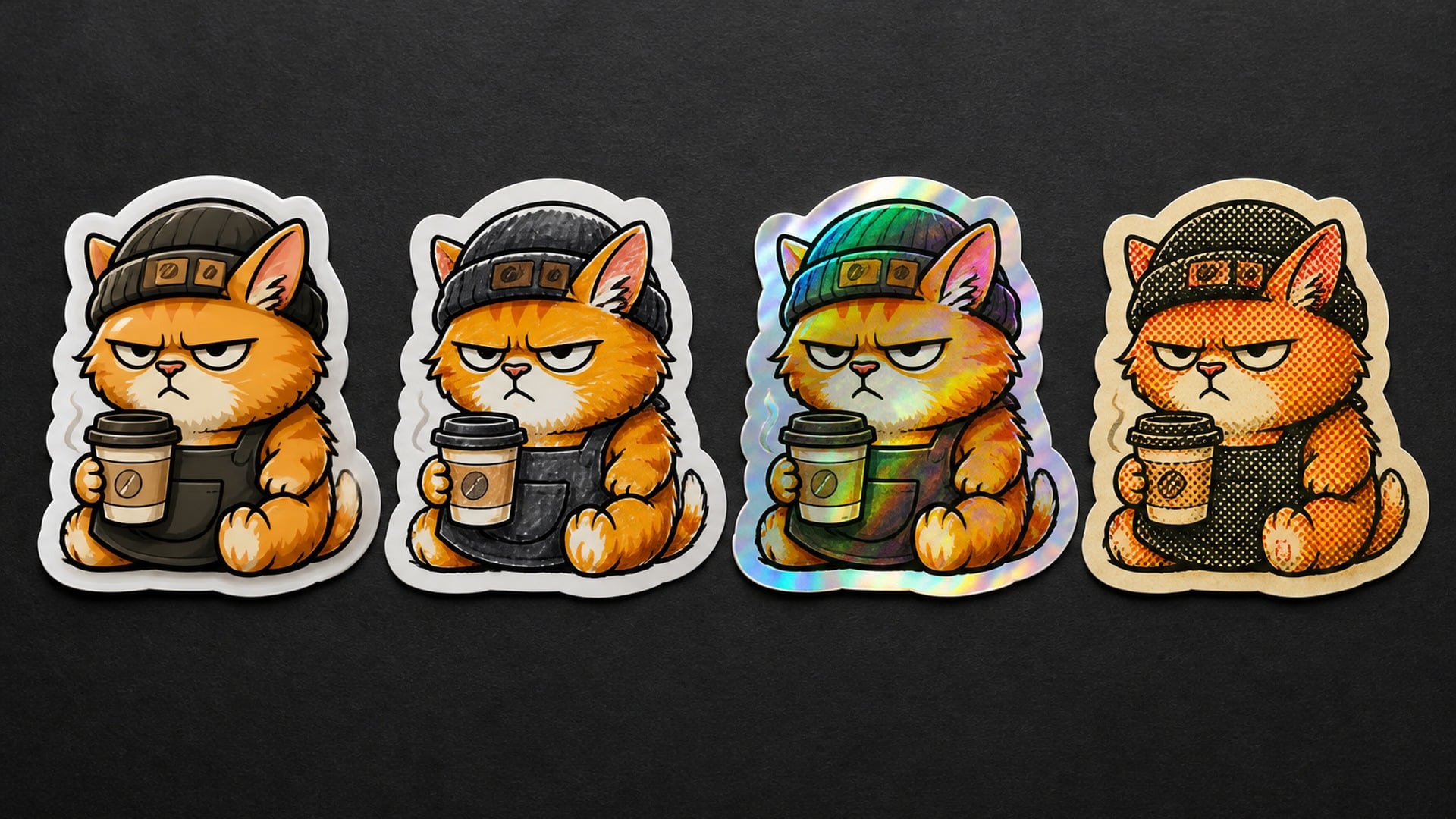
Style is required and it rewrites outline, palette, and surface. Glossy die-cut is the default sticker look; Hand-drawn leans marker; Holographic pushes a foil energy. Name one subject, switch the style, and you get a different object rather than a colour grade. That is faster than rewriting the brief when you only needed a new finish for the same mascot.
Try it now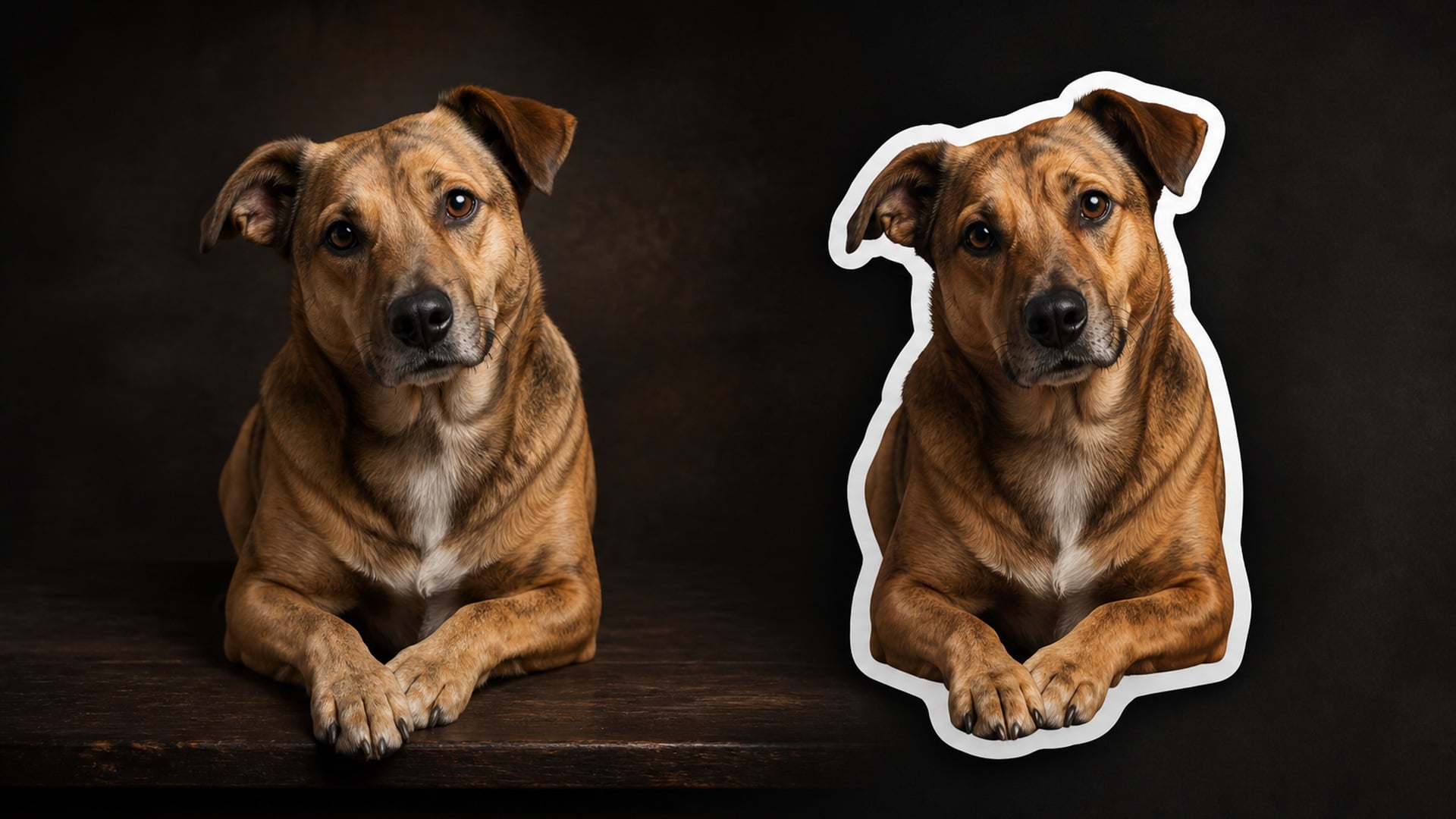
Optional photos carry a real subject into the sticker. Faces, pets, and products keep the features that make them recognizable while being fully redrawn. Nothing is copied pixel for pixel, and you only use files you have the right to turn into a mark. The written description still matters for pose, props, and everything the photo does not show.
Try it now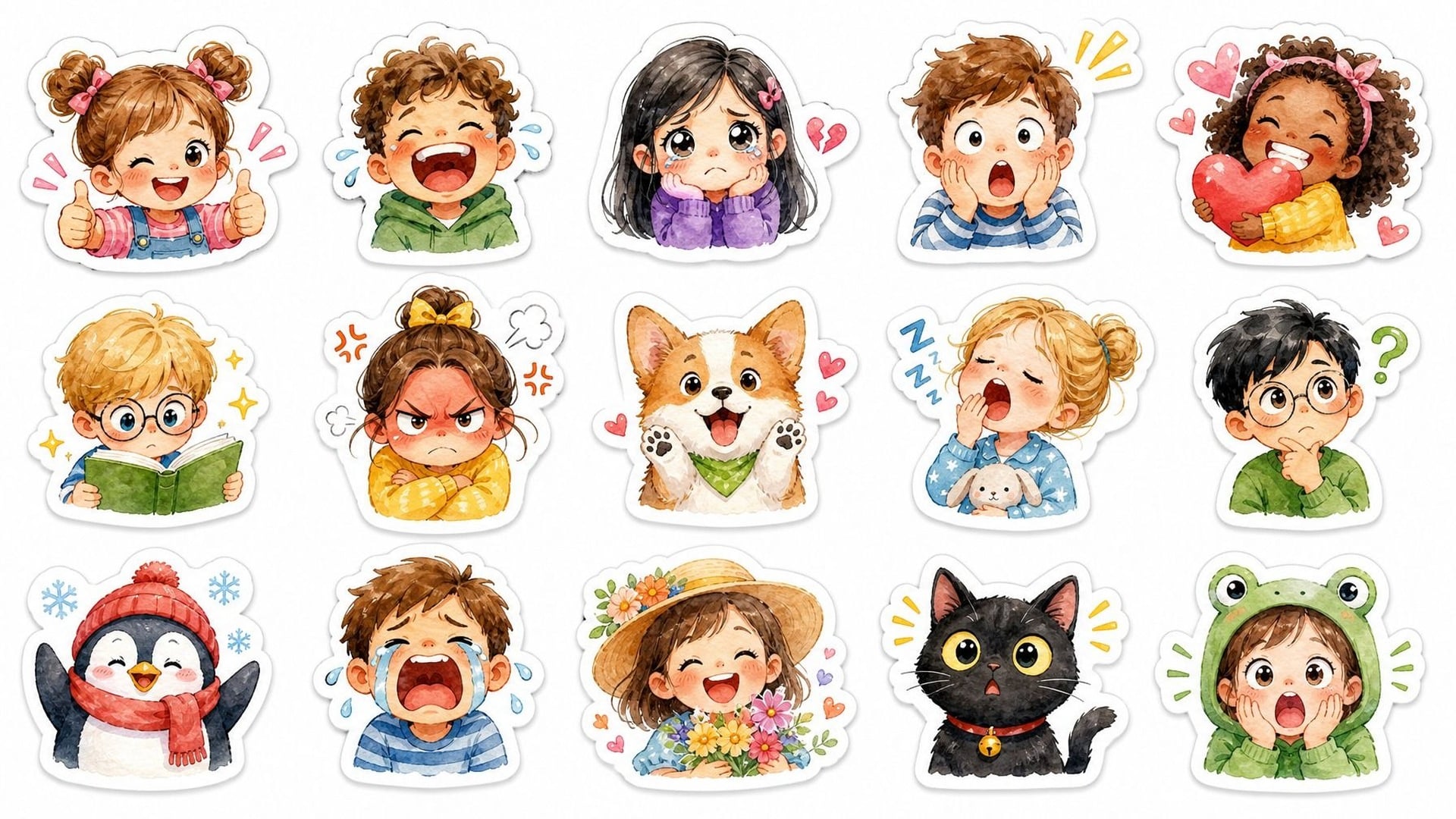
Each run returns one sticker on a square canvas, with the die-cut look inside the frame. That is a single piece of artwork — not a promised sheet of many stickers and not a transparent PNG. You can assemble a sheet later in any layout tool you already use. If you need another pose of the same mascot, change the description and run again.
Try it now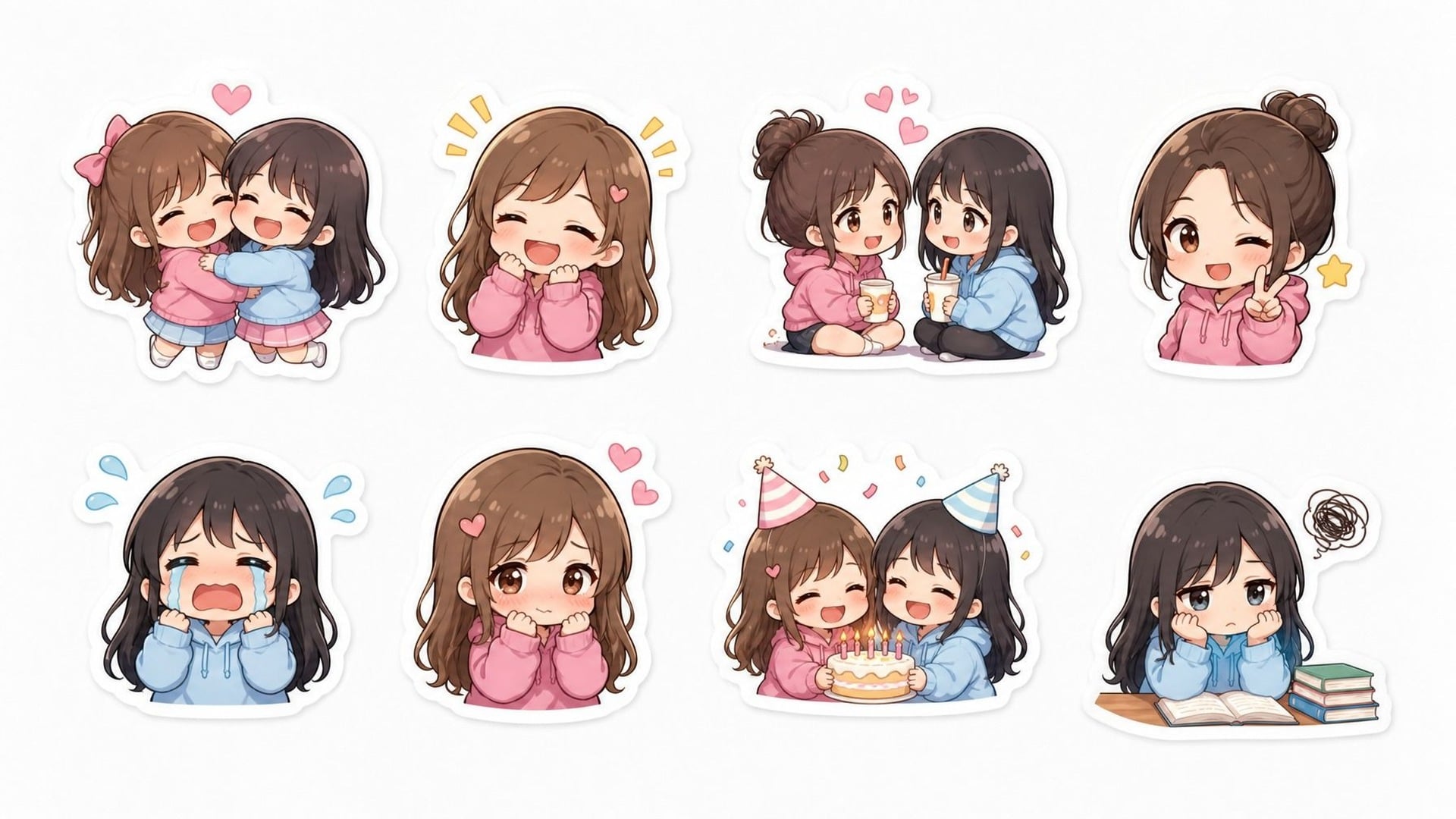
Every generation is a new take on the same brief. Finished stickers land in your asset library so you can compare a glossy cut-out next to a hand-drawn one. Nudge the wording to change a pose or an expression, then generate again. Earlier files stay put. More ideas means another run, and each run spends credits — there is no free reroll.
Try it nowA sticker is often the first physical-looking mark, not the whole kit. Stay in Viralkey Studio to try another finish on the same subject, or take that mascot into a different visual pass.
Generate square, typography-ready album artwork in ten visual styles.
Design a bold, print-ready band logo — wordmarks, emblems, mascots and more.
Turn your family's symbols and story into a heraldic coat of arms.
Design clean, meaningful flags for teams, events and fictional nations.
Explore leading models for AI video, image generation, editing, and cinematic storytelling.

Create Wan 3.0 clips on Viralkey: native 1080p, 2–30 seconds, start/end frames, up to 20 mixed references, and audio generated with the picture.

Create cinematic MiniMax H3 clips on Viralkey: native 2K, up to 15 seconds, text-to-video, start/end frames, and up to nine reference images.

Generate short HD clips on Viralkey with start/end frame direction and up to 50 reference images. Built for music video scenes and performer shots.

Create cinematic Seedance 2.0 clips on Viralkey: native 4K, start/end frames, up to nine reference images, and built-in audio with lip-sync.
People open this sticker generator when an idea needs a physical-looking mark. Shops, channels, pets, and packaging all start from the same move: one subject, one style, one cut-out you can place. A sheet, if you want one, is something you assemble from the takes you keep.
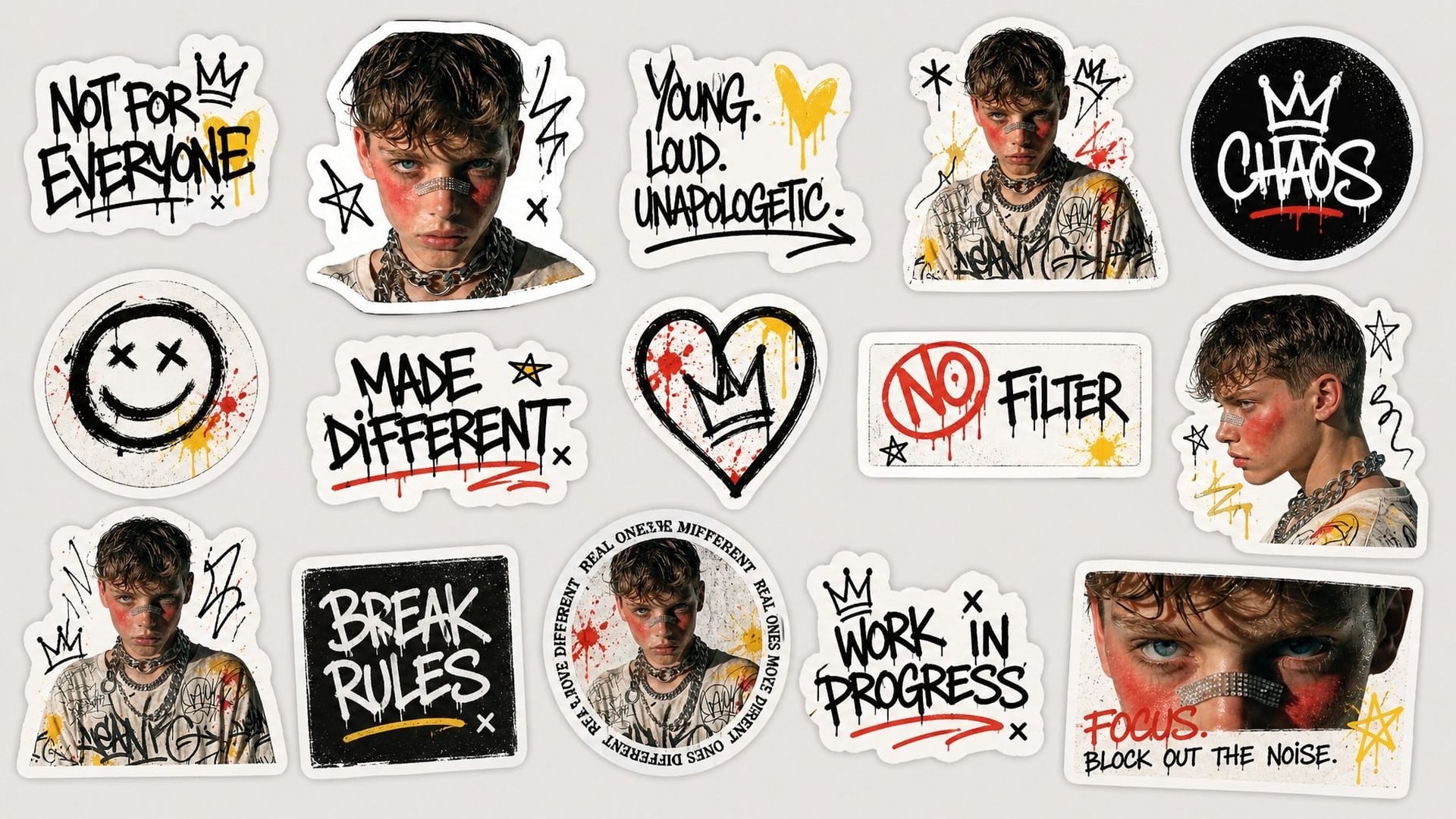
Sellers need matching cut-outs, not a random illustration dump. Describe a mascot, pick one style, and generate several takes across separate runs so a sheet you build later still looks like one drop. You are not promised a multi-sticker export from a single generate. Keep the outline language consistent and the subjects simple enough to print. The test is whether the set still reads as one shop.
Try it now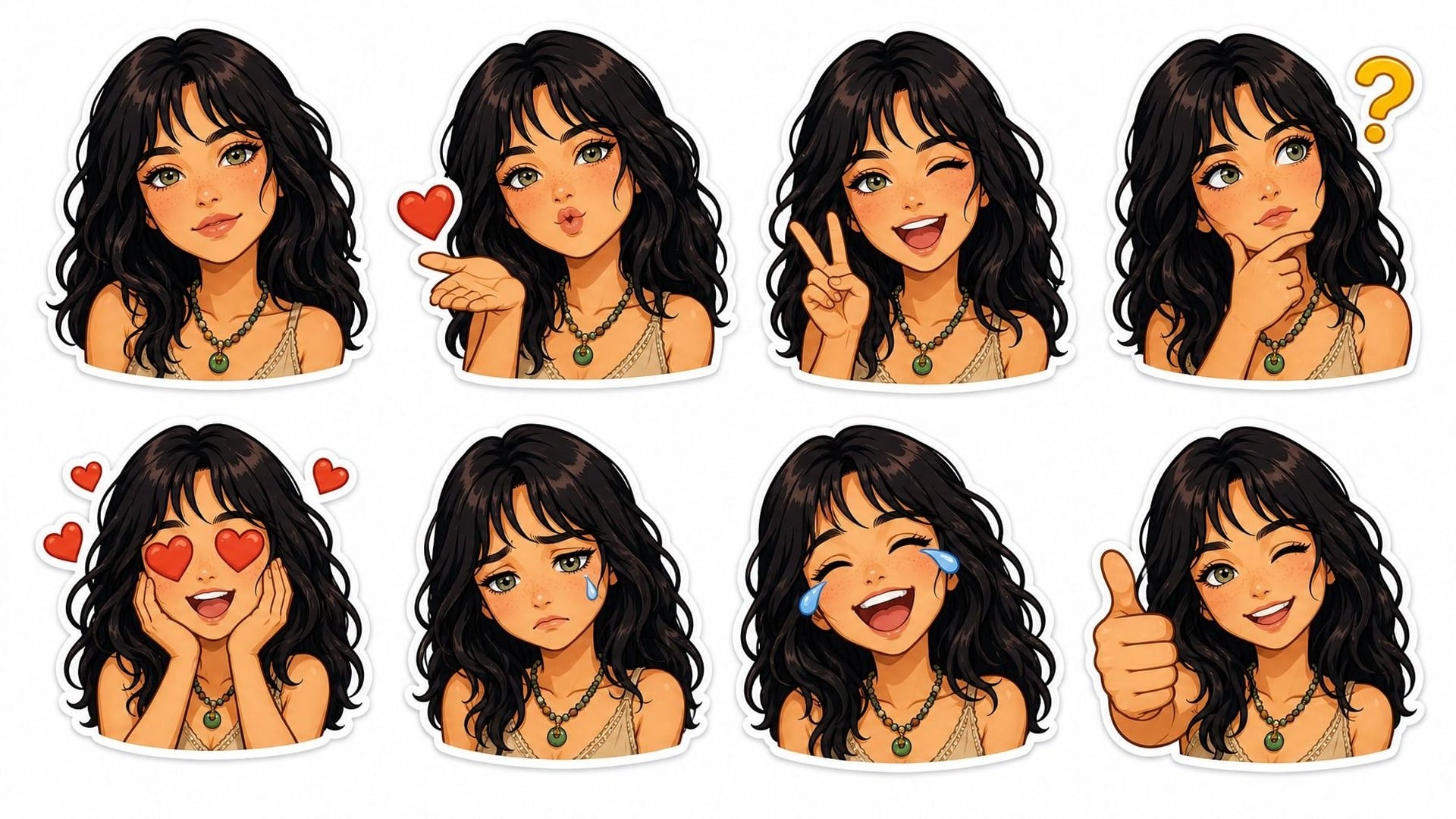
Communities want a reaction mark that belongs to them, not a generic smile. Write the inside-joke character or upload the face the room already uses, then generate a sticker in one finish. Drop the file on a merch mockup or a welcome post. This is artwork for a mark you already have the right to use — not a claim that the joke is exclusive to your channel.
Try it now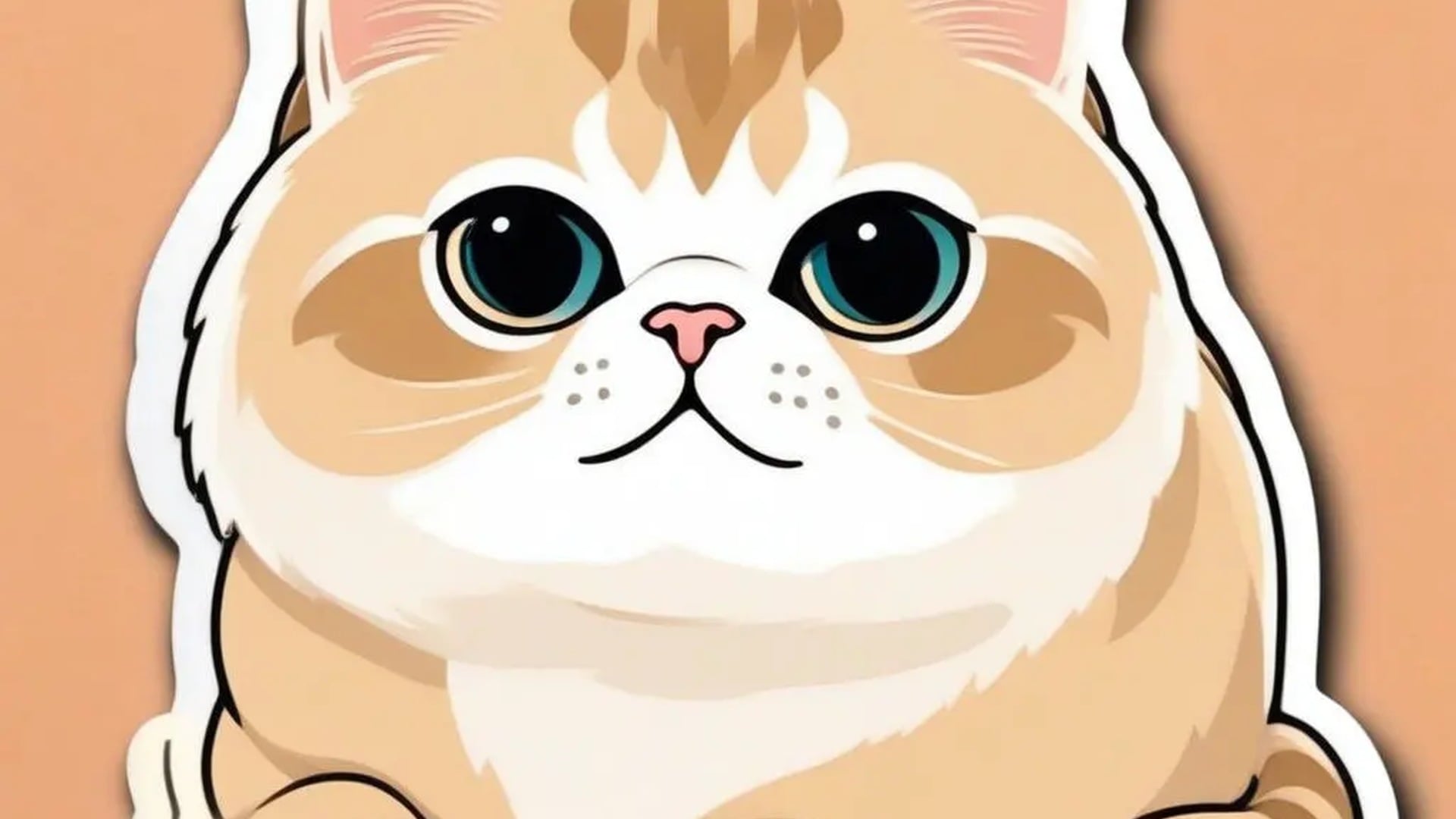
The classic brief: a photo of a dog, a cat, or a friend becomes a die-cut that still looks like them. Keep the note short — the ear set, the glasses, the spot on the nose — and let the style do the redraw. Print it for a bottle or a laptop if you want a physical copy. Likeness is the job; extra scenery usually gets in the way.
Try it now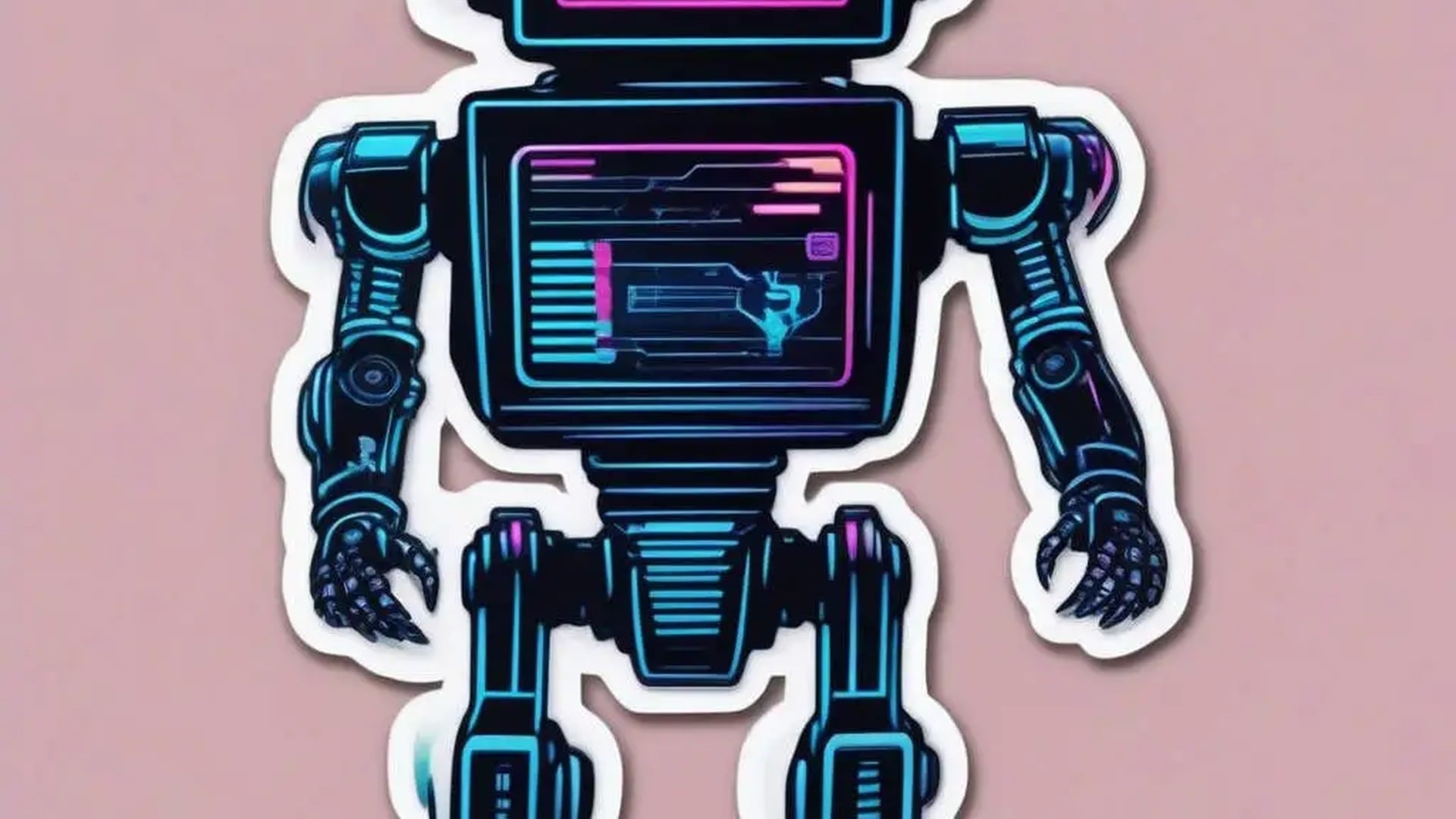
A launch box or a product wrap often wants one loud sticker, not a second logo system. Describe the promo mascot, pick a finish that matches the box, and generate a cut-out you can place on a mockup. Keep the subject singular so it survives a small print. Rights stay with whatever you uploaded; do not run someone else's character unless you may use it.
Try it nowNotes from creators who used this tool on real work.
Juniper Hale
Sticker shop ownerI built a mascot sheet from separate takes in one night.
The white borders stayed even enough to print.
Mika Sorensen
StreamerOur community in-joke is now a holographic sticker.
Chat recognized it before I even named the drop.
Dario Benedetti
IllustratorI still sketch by hand, then use this for colour and finish.
The hand-drawn take matched my line weight.
Sunita Rao
Community managerMade welcome-pack stickers for our server.
The retro comic take gives them a real print-shop feel.
Colin Marchbank
TeacherMy students designed their own class stickers.
The cute finish was exactly the energy they asked for.
Yui Nakagawa
Bullet journalerTurned my dog's photo into a sticker and it is unmistakably her, just drawn.
I printed a small batch.
Petros Vlahos
Pet ownerThe pixel take nailed the retro look without me pushing pixels for a whole afternoon.
Annika Melander
Marketing designerProduct mascot stickers for our launch box took a coffee break instead of a contractor thread.
Rafael Quintero
Content creatorThe cut-out still reads when I drop it on a tiny chat tile.
That is the whole game for reaction marks.
It is a sticker generator for people who need die-cut-looking artwork from a short brief. Describe one subject, pick a required style such as Glossy die-cut or Hand-drawn, and optionally add a photo so a real pet or person can be redrawn. Each run returns one sticker saved to your Viralkey asset library — ready to view, download, and place. It is a drawing tool, not a transparent-PNG exporter and not a batch sheet maker.
You want a sticker that reads from across the desk, not a muddy illustration. Describe the subject — or add a photo — run this sticker generator, and take home a bold die-cut you can save, print, or slap on a mockup.