Gemini Omni Flash
Generate video fast, then recast characters, restyle scenes, and refine any detail just by chatting. Create and edit affordably in one workflow with the Gemini Omni Flash AI video generator on Viralkey.
Gemini Omni Flash
Generate video fast, then recast characters, restyle scenes, and refine any detail just by chatting. Create and edit affordably in one workflow with the Gemini Omni Flash AI video generator on Viralkey.
Community Creations
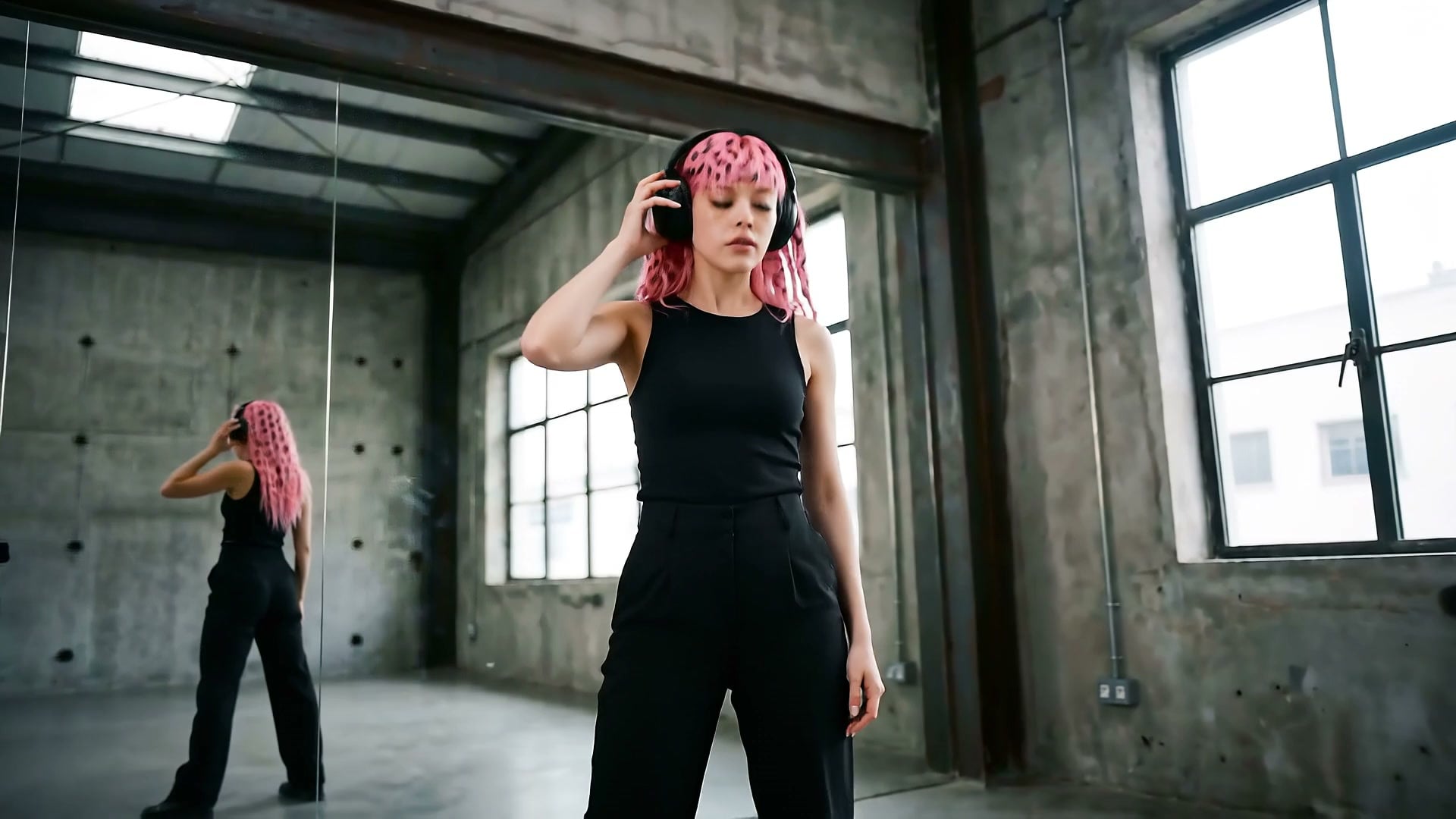
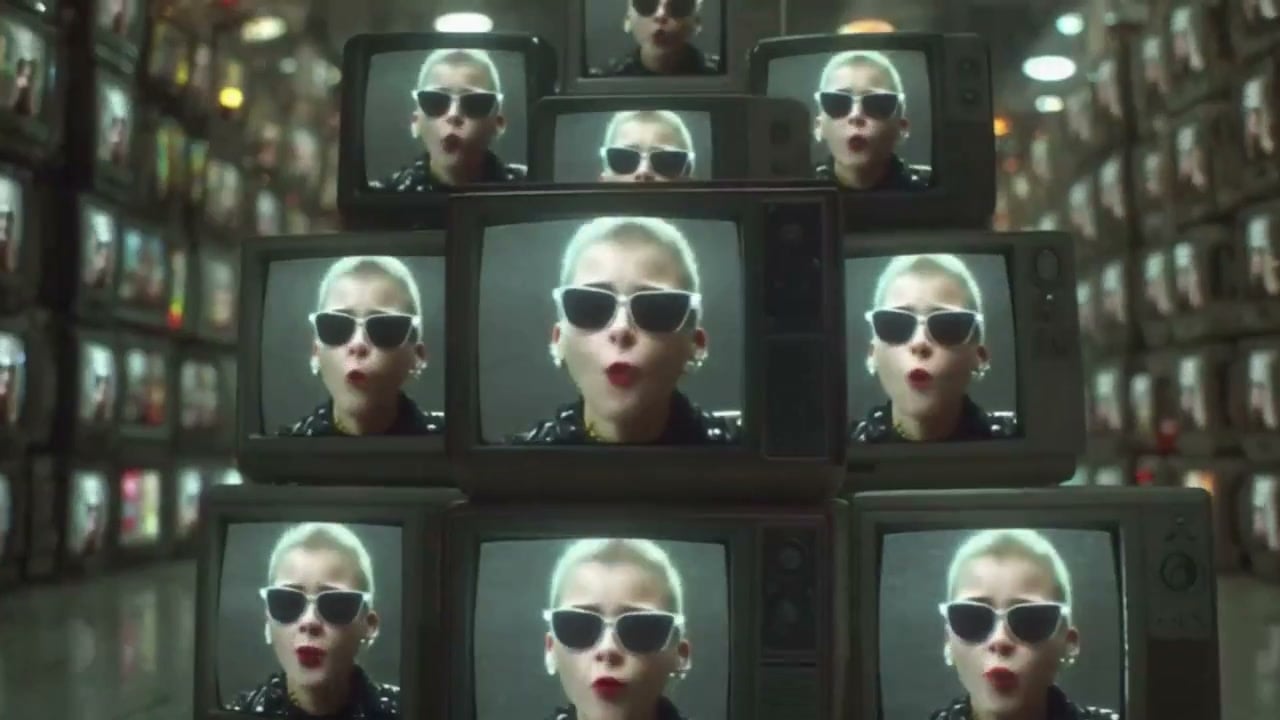
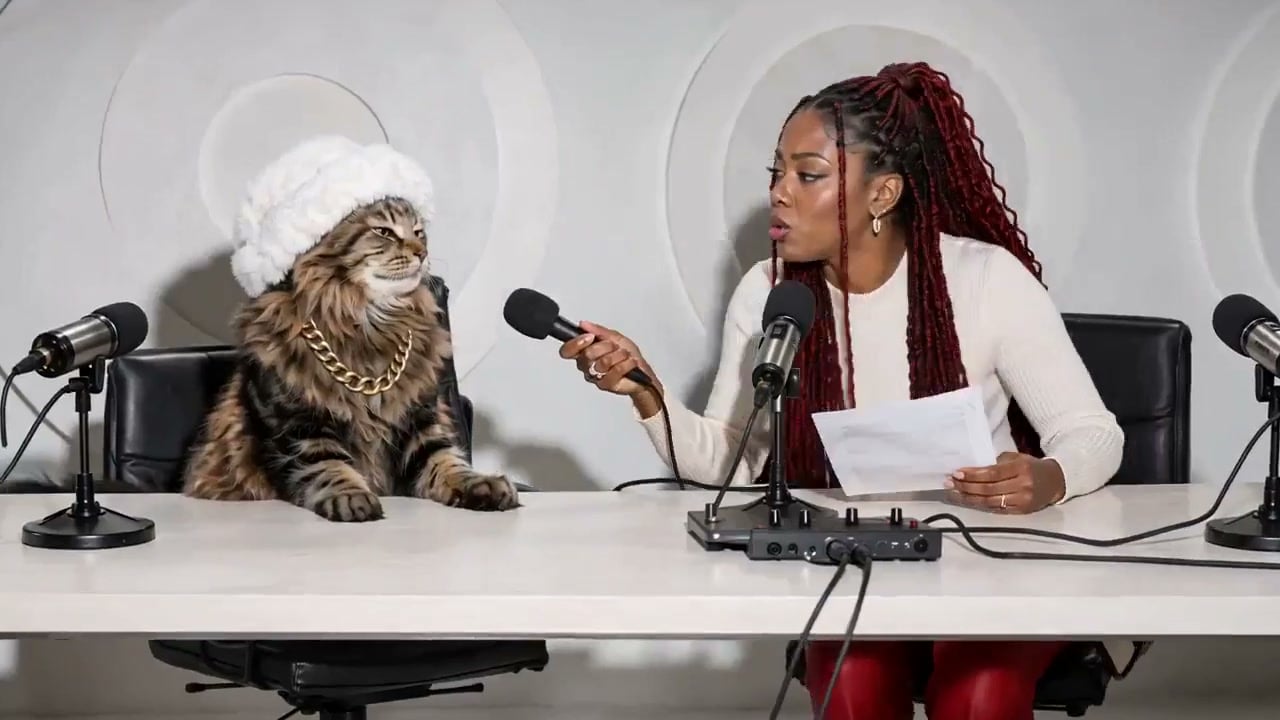
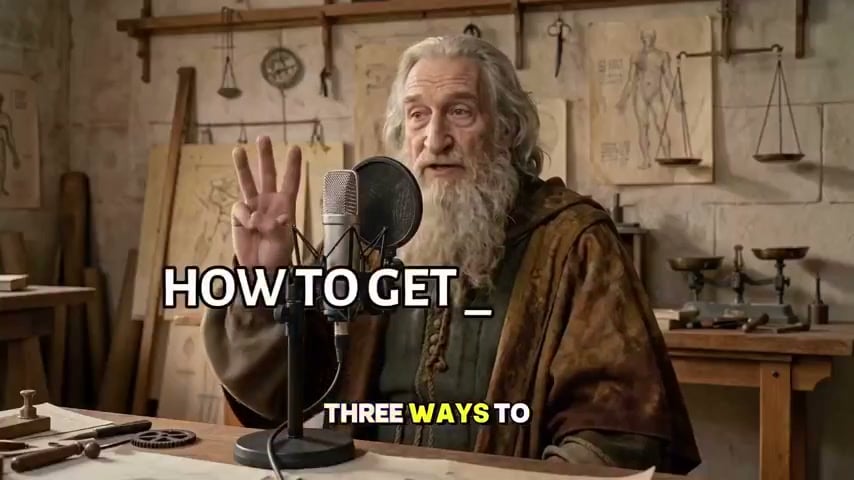
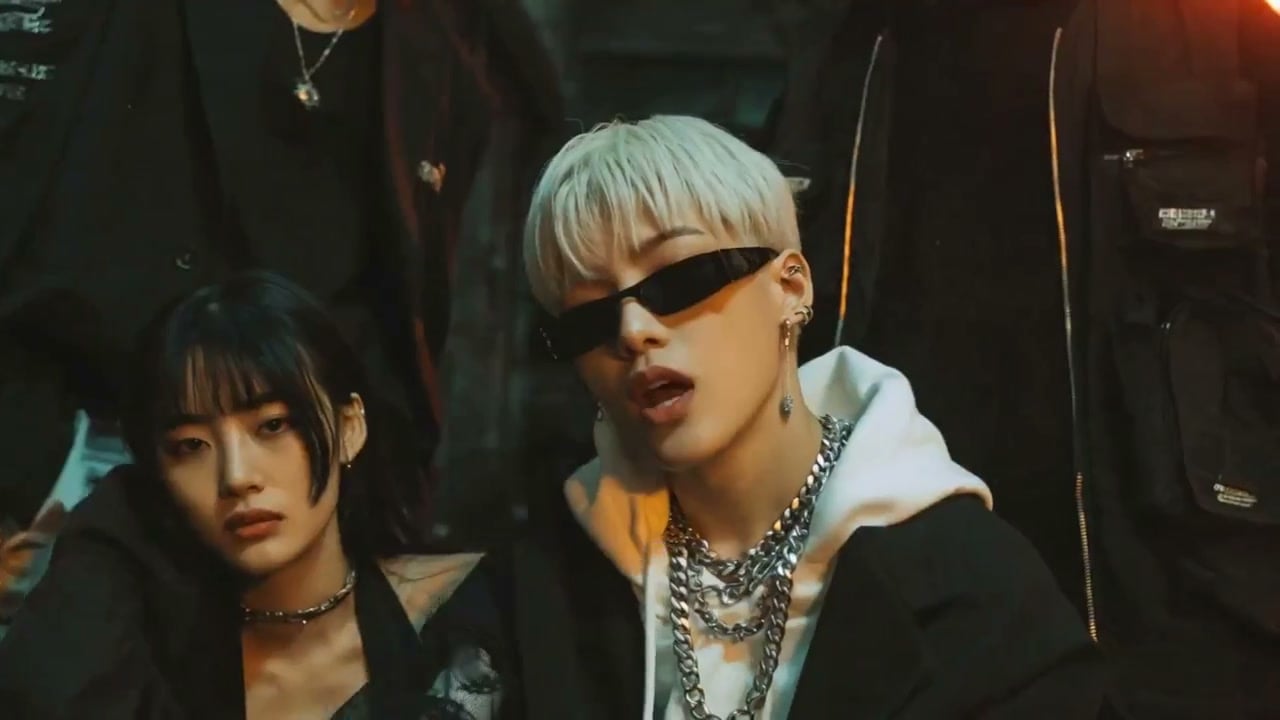
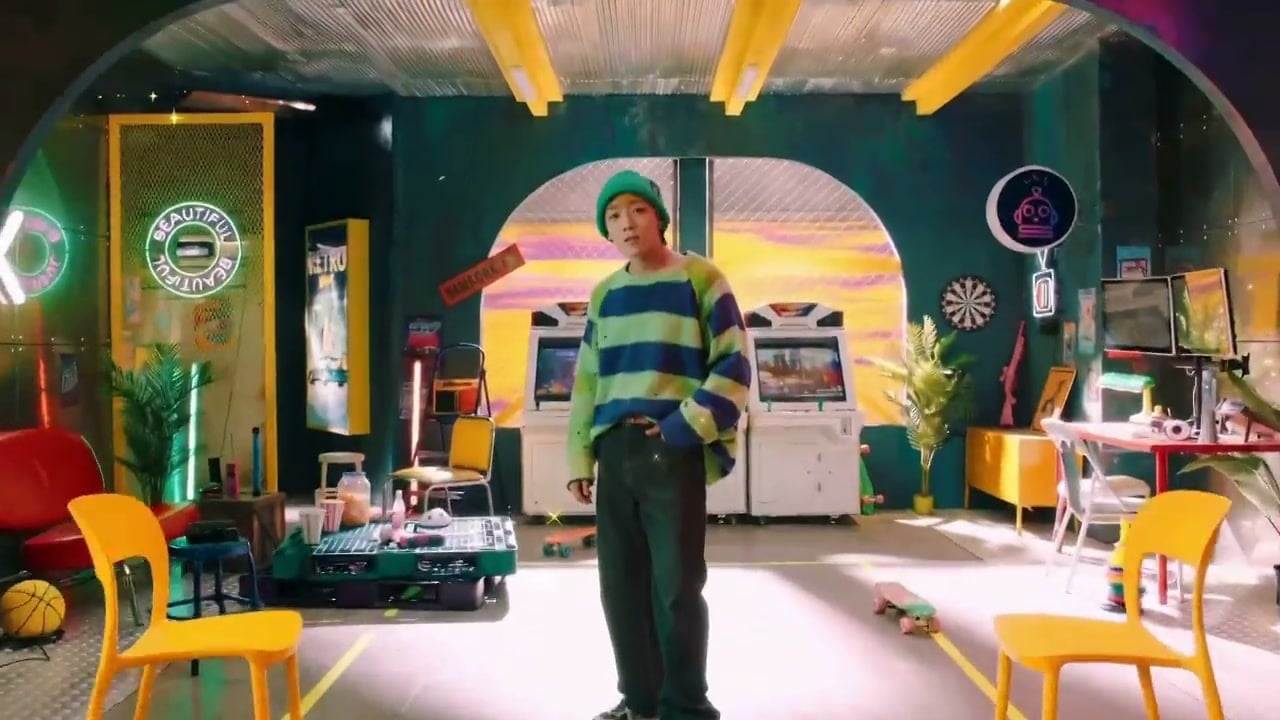
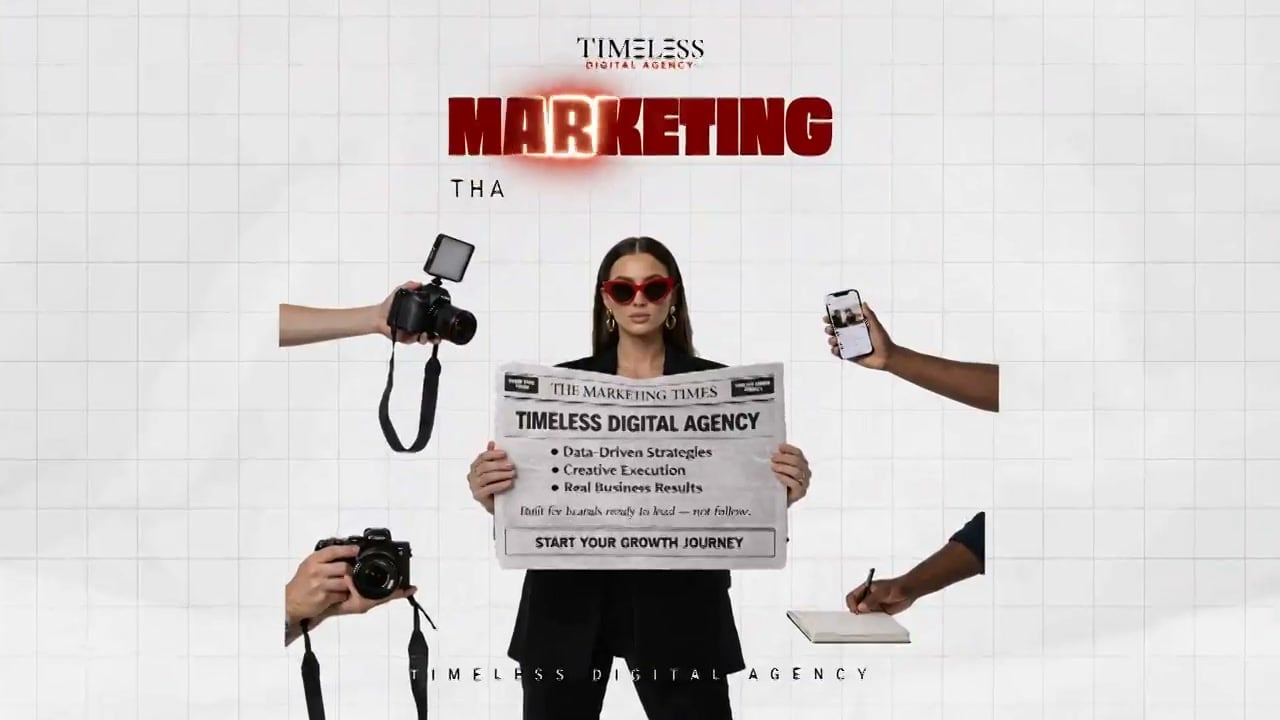
See how creators use Gemini Omni Flash on Viralkey for prompt-led teasers, start-frame guided openings, and short music-ready clips from a text to video generator workflow.
Key Features of Gemini Omni Flash
Gemini Omni Flash keeps Gemini video generation simple on Viralkey: one text to video AI path, an optional start frame, and clear duration and aspect controls — built for short music teasers you iterate by regenerating, not by editing a timeline.
Text to Video From a Clear Prompt
Describe subject, action, setting, camera feel, and mood. Gemini Omni Flash turns that brief into a short clip on a single text to video path — a practical Gemini video generator when you have a sentence about the hook and need a first visual take without juggling modes.
Try it Now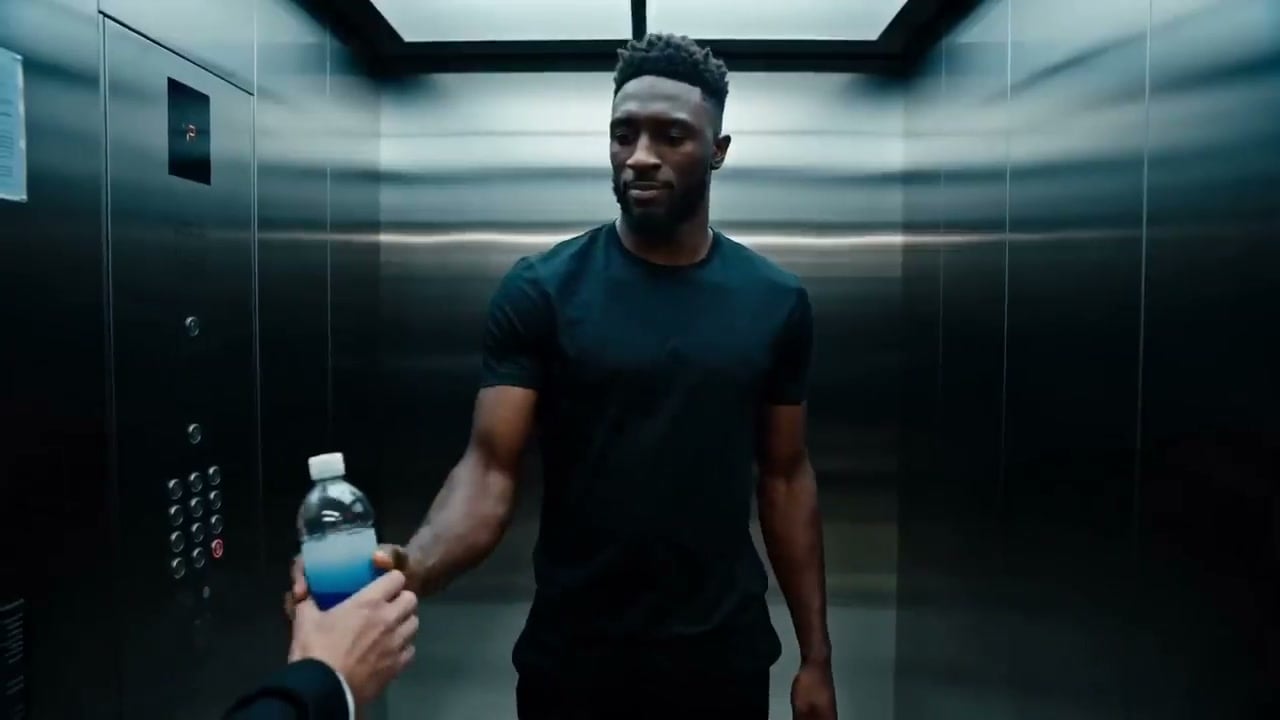
Optional Start Frame Guidance
Add one opening image when composition or likeness matters for the first beat. Leave it empty when a pure prompt is enough. This is not a pool of multiple reference images — the supported image control on Gemini Omni Flash is a single optional start frame on text to video.
Try it NowShort Clips Built for Iteration
Generate between three and ten seconds, review the take against the track, then adjust the prompt or start frame and run again. Gemini video generation here means each improvement is a new clip — regenerate to iterate, do not expect conversational chat edits on the finished video.
Try it Now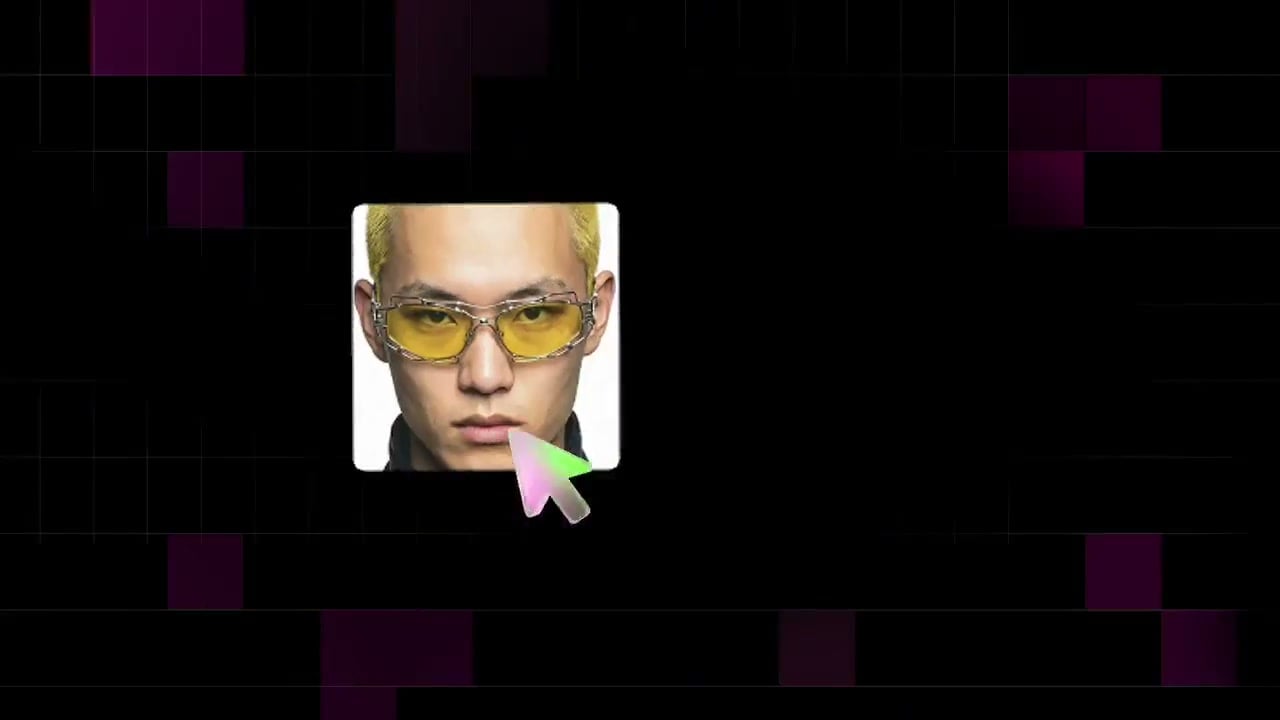
Landscape and Vertical Framing
Choose 16:9 or 9:16 at 720p so the same idea can fit a wide teaser or a vertical social cut. Run the Gemini AI video generator twice from one brief when you need both a landscape preview and a Stories-ready frame.
Try it NowMusic-Ready Scene Drafts
Use Omni for verse energy, hook moments, and visual ideas you can later pair with Viralkey music video templates. Treat the text to video generator as a concept and teaser engine before a fuller MV assembly — short clips first, longer edit elsewhere.
Try it NowHow to Use Gemini Omni Flash on Viralkey
Three steps from a text prompt to a short music-ready clip.
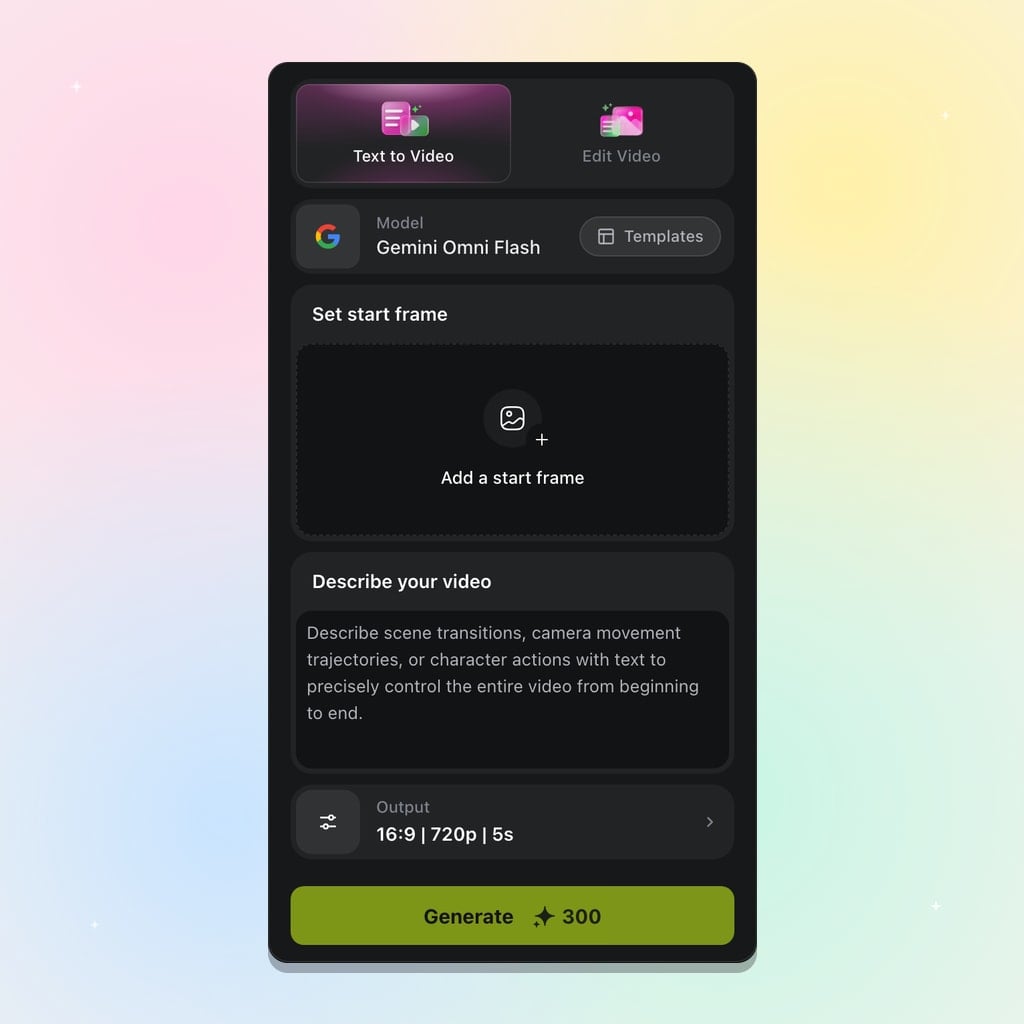
Choose Gemini Omni Flash
Open Viralkey's video tools and select Gemini Omni Flash. One tab covers text to video AI, with an optional start frame when you need image guidance for the opening look — no Google Cloud setup required.
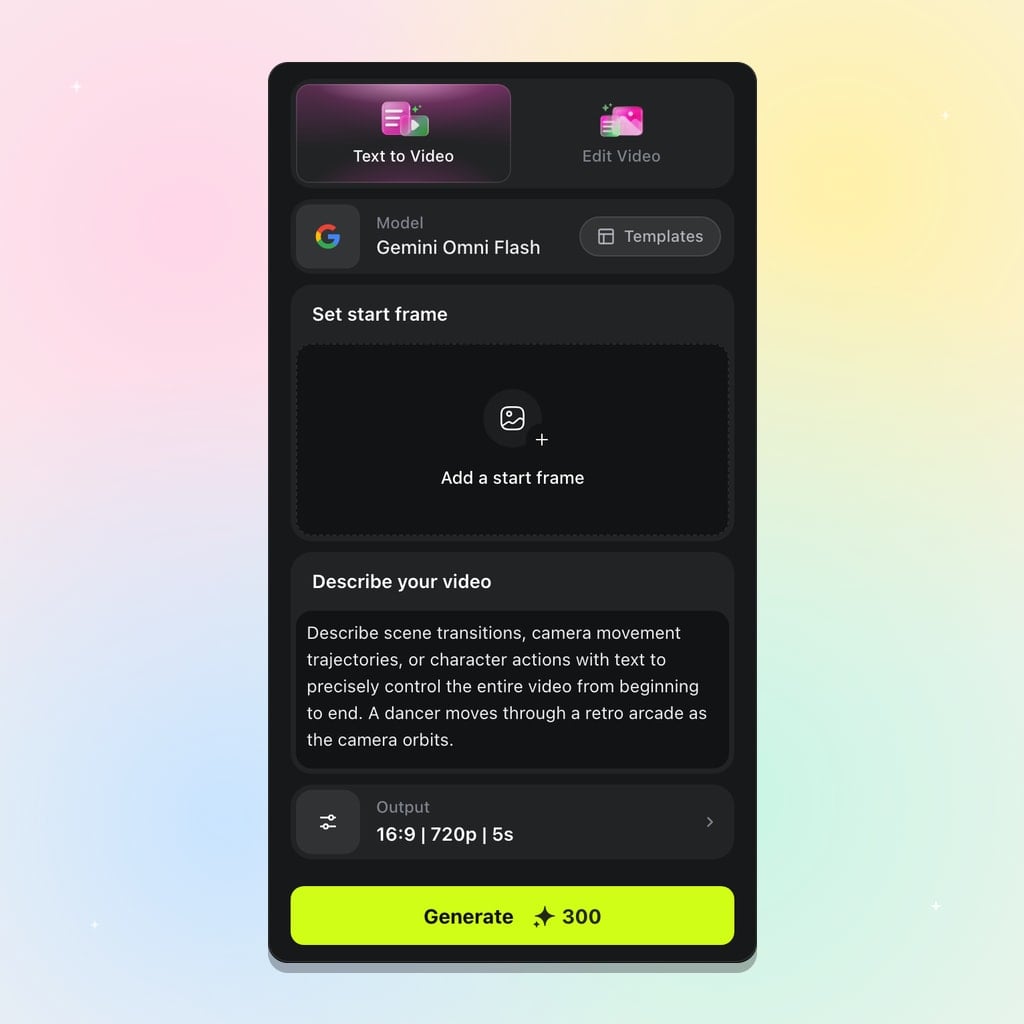
Write a Prompt and Optional Start Frame
Describe subject, action, setting, and any on-screen words. Add a start frame only when the opening image should stay fixed. Keep the brief focused on one beat so this Gemini video generator can land a clear short take.
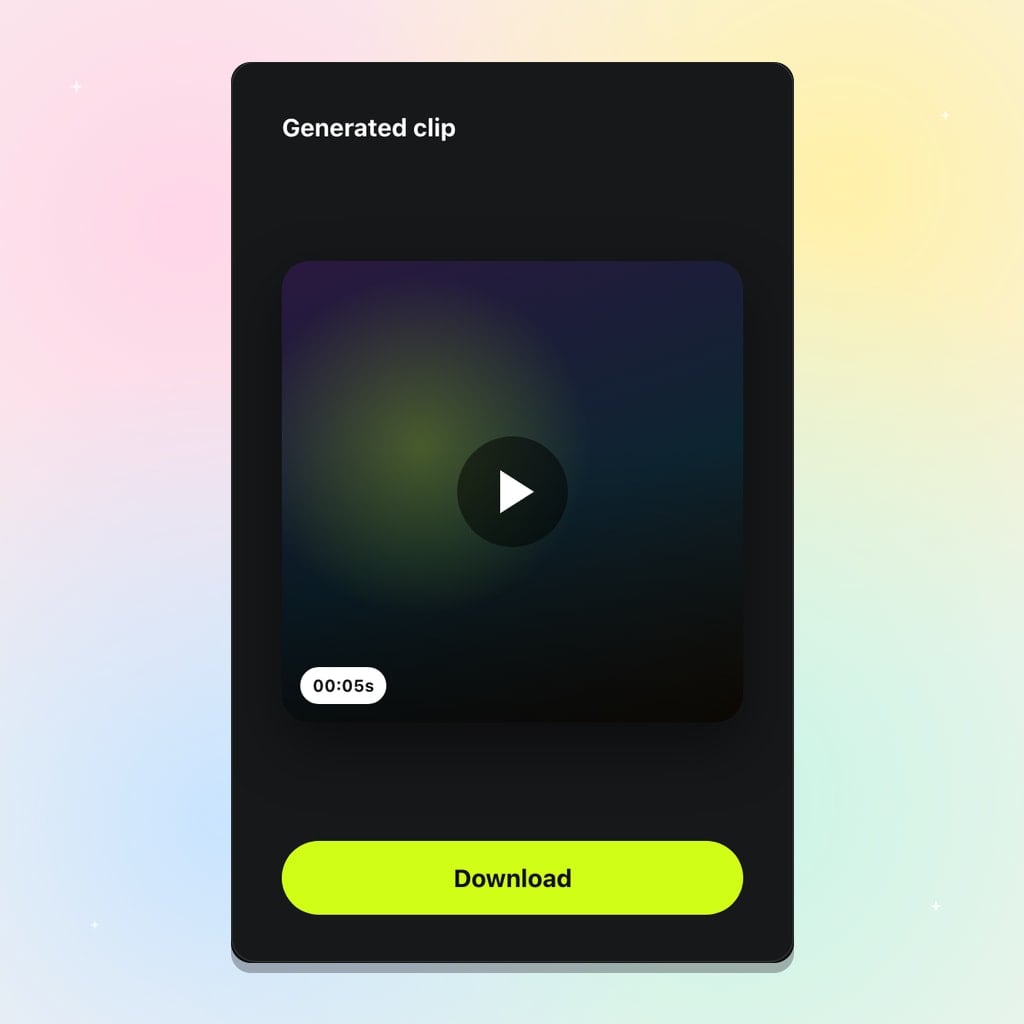
Generate and Iterate
Set aspect (16:9 or 9:16), duration (3–10s), and press Generate at 720p. Refine by changing the prompt or start frame and running again — that is how Gemini video generation iterates on Viralkey.
Built for Prompt-Led Music Clips
Gemini Omni Flash fits creators who want a text to video generator path for short ideas — teasers, start-frame openings, aspect variants, and concept drafts — before a fuller music video edit.
Song Teasers and Hooks
Draft a short visual for the hook, then regenerate with tighter wording until the energy matches the track. A Gemini AI video generator at 3–10 seconds is the right size for testing a teaser beat without committing a full MV.
Try it NowStart-Frame Character Openings
Lock a face or stage look with one start frame, then prompt the motion that follows for a recognizable opening. Useful when a promo still already exists and you want Gemini Omni Flash to carry that first image into motion.
Try it NowVertical and Landscape Cuts
Run the same brief in 9:16 and 16:9 when you need both a Stories-ready cut and a wide preview. Same prompt, two aspect runs — the text to video AI path stays simple while the deliverable surfaces differ.
Try it Now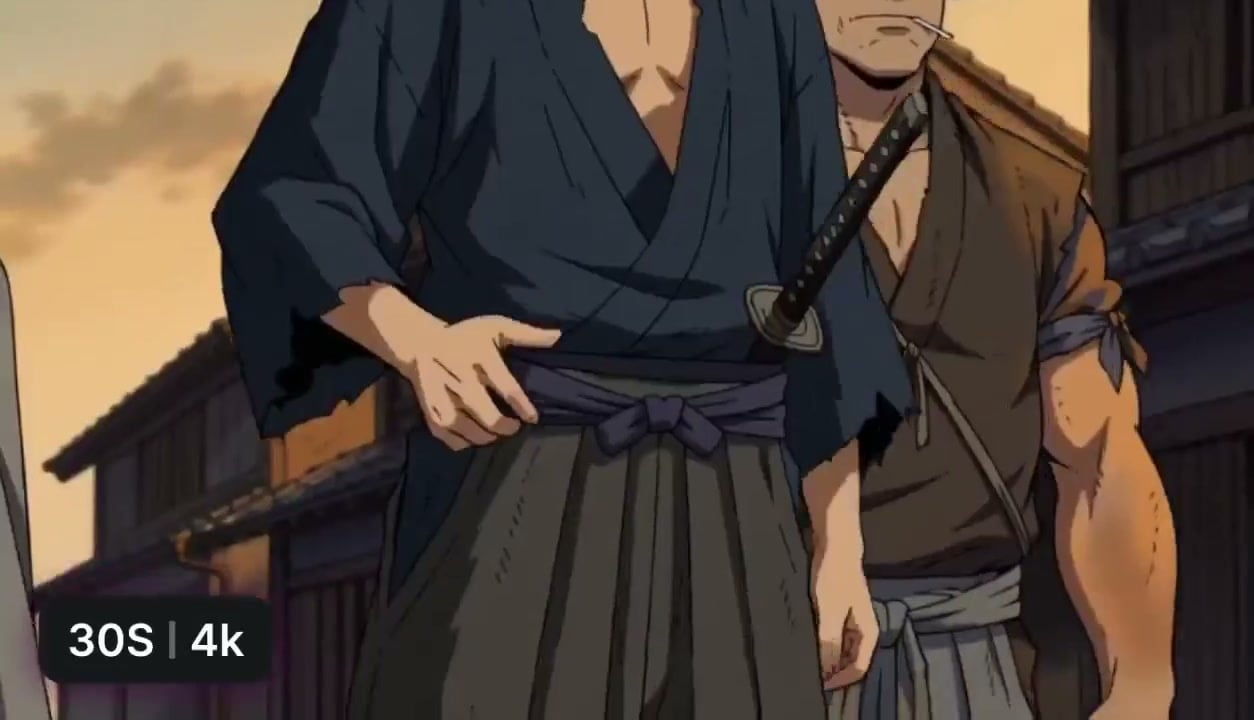
Concept Exploration Before Templates
Explore look and motion with Gemini video generation, then move strong takes into Viralkey music video templates. Omni is for short concept clips; templates and longer assembly come after you like a direction.
Try it NowLoved by Creators
“I write the hook moment in plain language and let Gemini Omni Flash draft the first short clip before I overthink the shot list.”
“An optional start frame is enough when I need the opening face to match my promo still — one opening image, not a pile of references.”
“Three-to-ten-second takes are the right size for testing a visual idea against the beat with a Gemini video generator.”
“I write the hook moment in plain language and let Gemini Omni Flash draft the first short clip before I overthink the shot list.”
“An optional start frame is enough when I need the opening face to match my promo still — one opening image, not a pile of references.”
“Three-to-ten-second takes are the right size for testing a visual idea against the beat with a Gemini video generator.”
“I write the hook moment in plain language and let Gemini Omni Flash draft the first short clip before I overthink the shot list.”
“An optional start frame is enough when I need the opening face to match my promo still — one opening image, not a pile of references.”
“Three-to-ten-second takes are the right size for testing a visual idea against the beat with a Gemini video generator.”
“I write the hook moment in plain language and let Gemini Omni Flash draft the first short clip before I overthink the shot list.”
“An optional start frame is enough when I need the opening face to match my promo still — one opening image, not a pile of references.”
“Three-to-ten-second takes are the right size for testing a visual idea against the beat with a Gemini video generator.”
“I keep 9:16 for social cuts and regenerate the same prompt in 16:9 when I need a wider teaser from this text to video AI.”
“Iteration means a new run with a clearer prompt — not chatting the finished clip into a different edit like a fake AI video editor.”
“Omni is my Gemini AI video generator default on Viralkey when I only have a sentence and a deadline.”
“I keep 9:16 for social cuts and regenerate the same prompt in 16:9 when I need a wider teaser from this text to video AI.”
“Iteration means a new run with a clearer prompt — not chatting the finished clip into a different edit like a fake AI video editor.”
“Omni is my Gemini AI video generator default on Viralkey when I only have a sentence and a deadline.”
“I keep 9:16 for social cuts and regenerate the same prompt in 16:9 when I need a wider teaser from this text to video AI.”
“Iteration means a new run with a clearer prompt — not chatting the finished clip into a different edit like a fake AI video editor.”
“Omni is my Gemini AI video generator default on Viralkey when I only have a sentence and a deadline.”
“I keep 9:16 for social cuts and regenerate the same prompt in 16:9 when I need a wider teaser from this text to video AI.”
“Iteration means a new run with a clearer prompt — not chatting the finished clip into a different edit like a fake AI video editor.”
“Omni is my Gemini AI video generator default on Viralkey when I only have a sentence and a deadline.”
“A start frame of the booth plus a short prompt is enough to sketch drop visuals without building a timeline.”
“I use Gemini video generation here to explore looks before I pick a Viralkey template for the fuller cut.”
“When a take misses, I change one clause in the prompt and generate again — that is my text to video generator loop.”
“A start frame of the booth plus a short prompt is enough to sketch drop visuals without building a timeline.”
“I use Gemini video generation here to explore looks before I pick a Viralkey template for the fuller cut.”
“When a take misses, I change one clause in the prompt and generate again — that is my text to video generator loop.”
“A start frame of the booth plus a short prompt is enough to sketch drop visuals without building a timeline.”
“I use Gemini video generation here to explore looks before I pick a Viralkey template for the fuller cut.”
“When a take misses, I change one clause in the prompt and generate again — that is my text to video generator loop.”
“A start frame of the booth plus a short prompt is enough to sketch drop visuals without building a timeline.”
“I use Gemini video generation here to explore looks before I pick a Viralkey template for the fuller cut.”
“When a take misses, I change one clause in the prompt and generate again — that is my text to video generator loop.”
Frequently Asked Questions
Gemini Omni Flash is Viralkey's prompt-led text to video AI model for short clips. Write a text prompt, optionally add a start frame, choose 16:9 or 9:16 at 720p, and generate between three and ten seconds. It is a Gemini video generator for music teasers and concepts — iterate by regenerating.
What will you create today?
Turn your ideas into reality with AI. Generate, refine, and innovate — creation starts here.