A deliberate camera distance
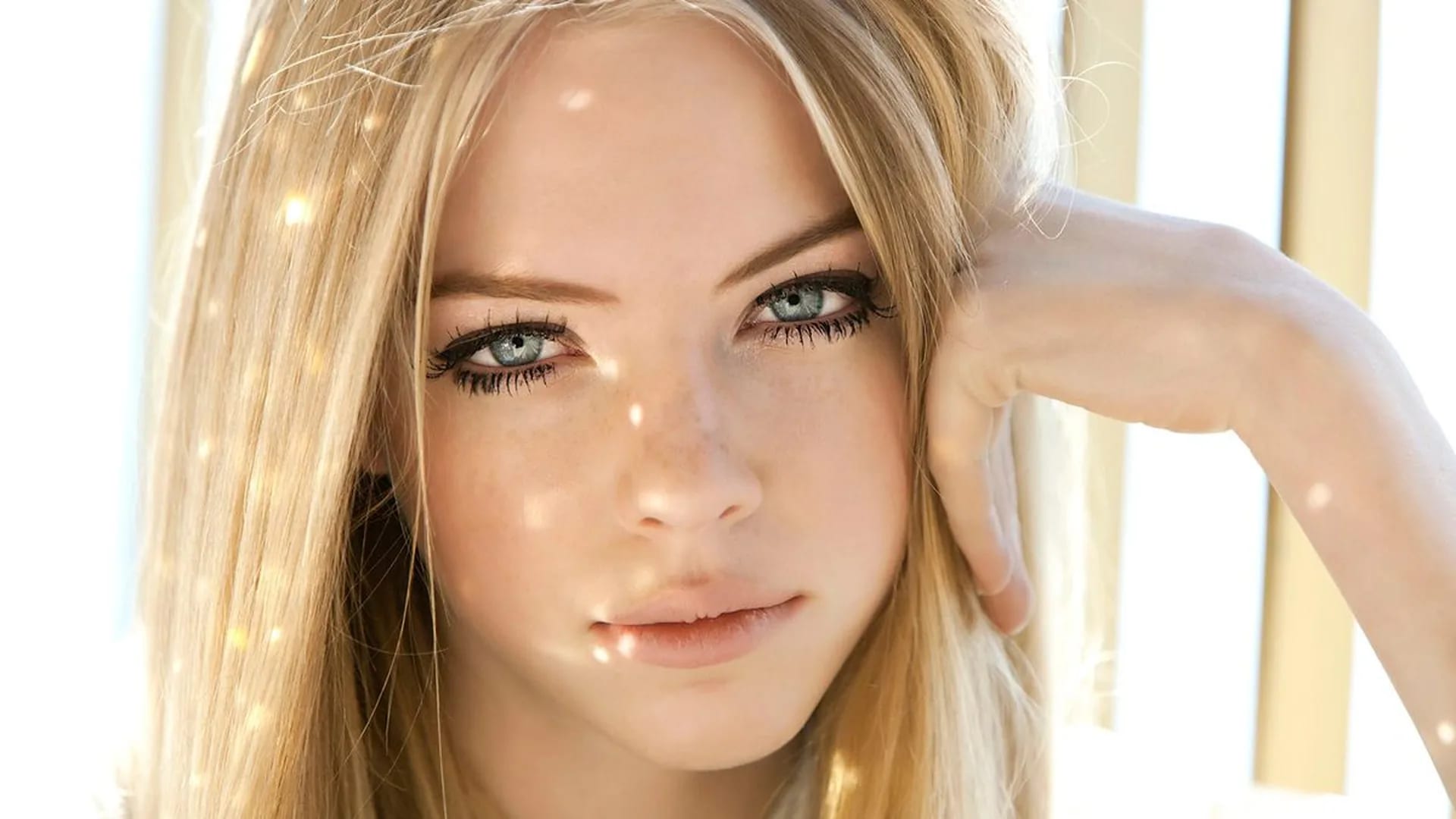
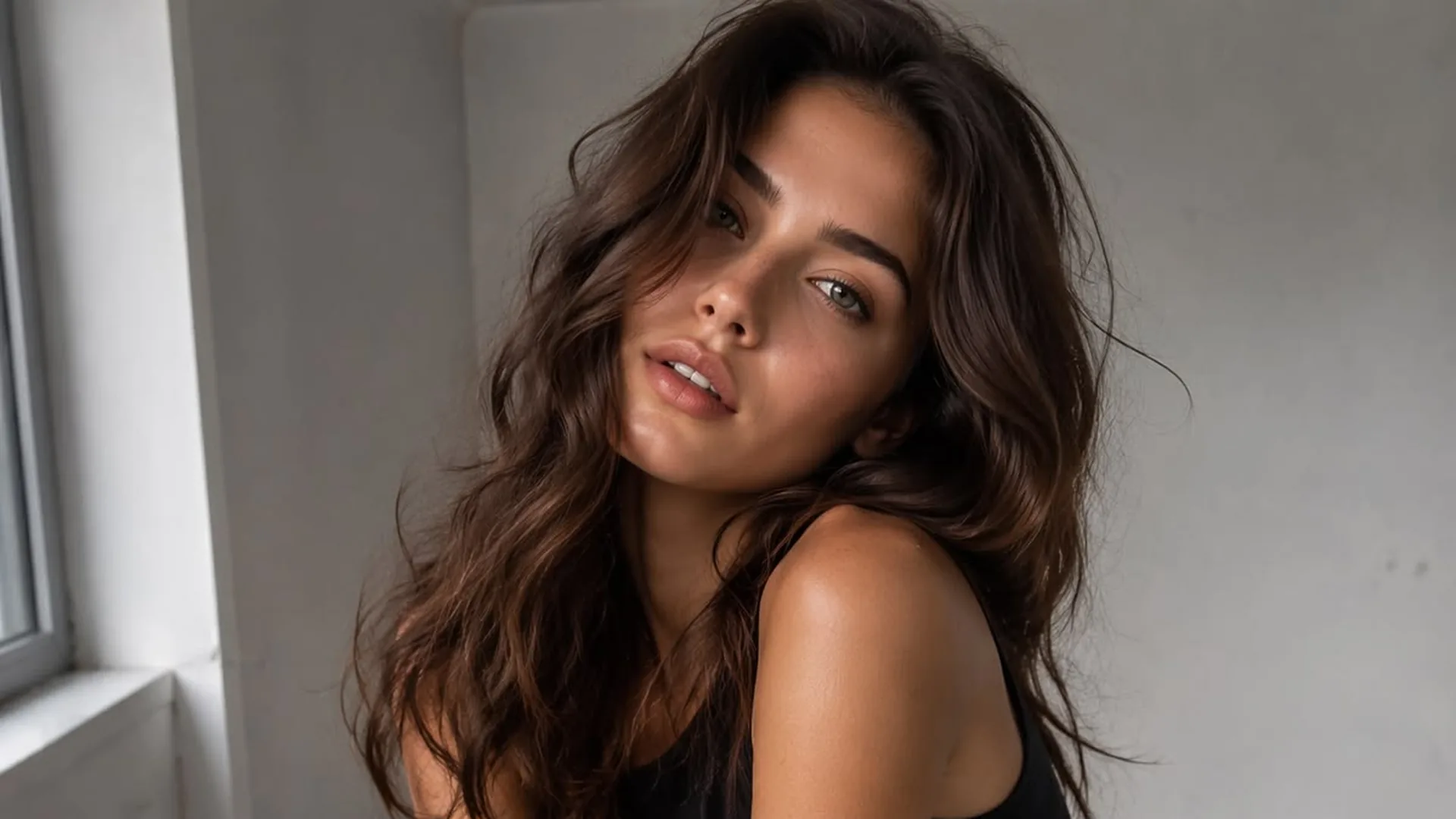
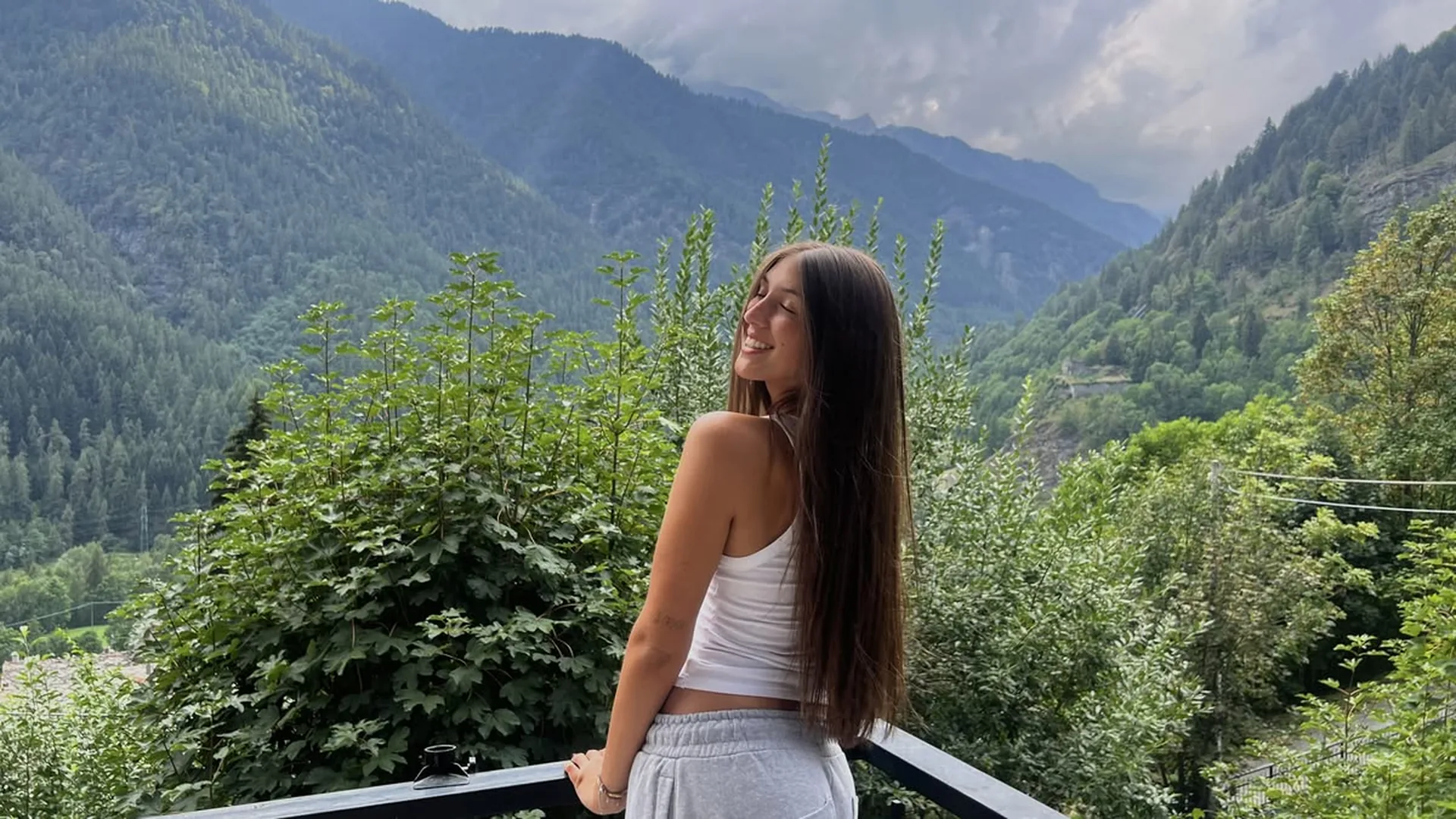
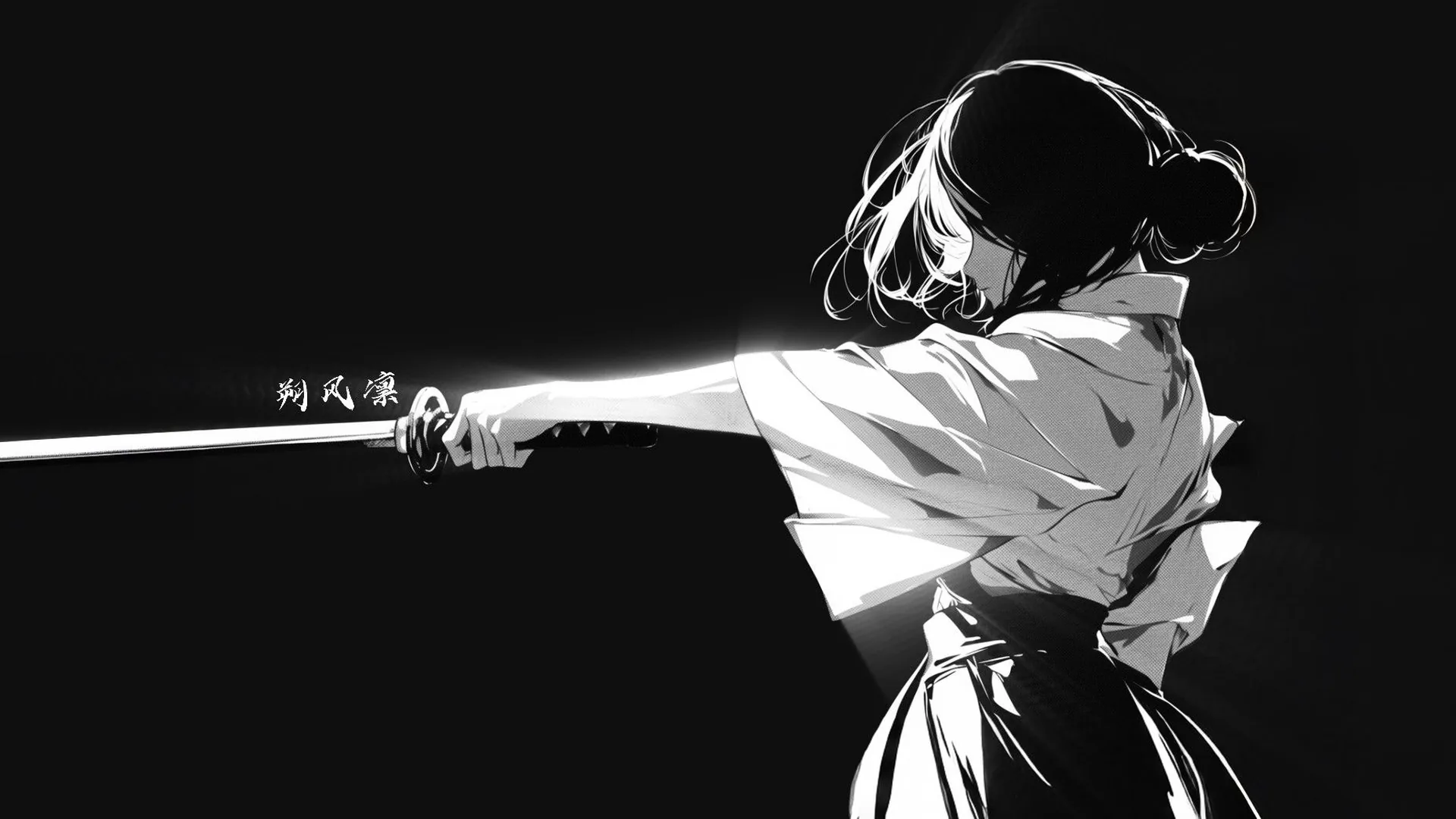
FramingChoose a close-up, a waist-up portrait or a wider composition before adding fine details. The crop changes which parts of the scene need to be described.
Generate a still image with the composition, lighting, and visual style you choose. You can also open NSFW Studio, or continue with NSFW AI Image, NSFW AI Generator, and NSFW AI Image Generator.
The NSFW image generator takes a written visual request and produces an image candidate in the studio. Use it for an adult fictional character portrait, a graphic illustration, or a scene study with a clear focal subject. Choose a close crop or a wider environment and describe a few visual priorities. An optional source can help explain an image-led task. Review the generated result against your chosen frame rather than assuming every instruction will be followed exactly. Treat it as a portrait composition generator when the person should fill the frame, or use scene framing from text when the setting has to stay readable. Continue in NSFW Studio, or open NSFW AI Image and NSFW AI Generator.
Generate a still image with the composition, lighting, and visual style you choose.
Decide whether the focal subject fills the frame or sits within a visible environment. That choice helps you prioritize details. A crowded scene and a tightly cropped portrait cannot show the same information, even if they share the same character.
Generate Image
Describe a photographic, painted, or graphic look with a few concrete cues. Lighting, texture, and color are more useful than a string of unrelated style names. The request guides a candidate image; it does not guarantee every visual detail.
Generate Image
Use the studio’s current image options to submit your request, then review the generated candidate against the prompt and any source you supplied. Available access and credits depend on the information shown for your account. An input image guides the task without guaranteeing exact preservation.
Generate ImageWhich details should I describe before generating? The adult fictional subject, the crop, the setting, and one light direction. Name an adult fictional subject and describe its surroundings, camera distance, and lighting. Keep the brief to one visible scene. If you have a useful reference, upload it and inspect the preview.
After the upload is ready, bring the prompt into NSFW Studio. You may enter inputs before signing in, but generation needs an account. Continuing transfers the brief rather than generating an output.
Confirm the restored text and image. Check the options and credits available in the workspace, then submit there when you want a candidate. Inspect the result before deciding whether another generation is worthwhile.
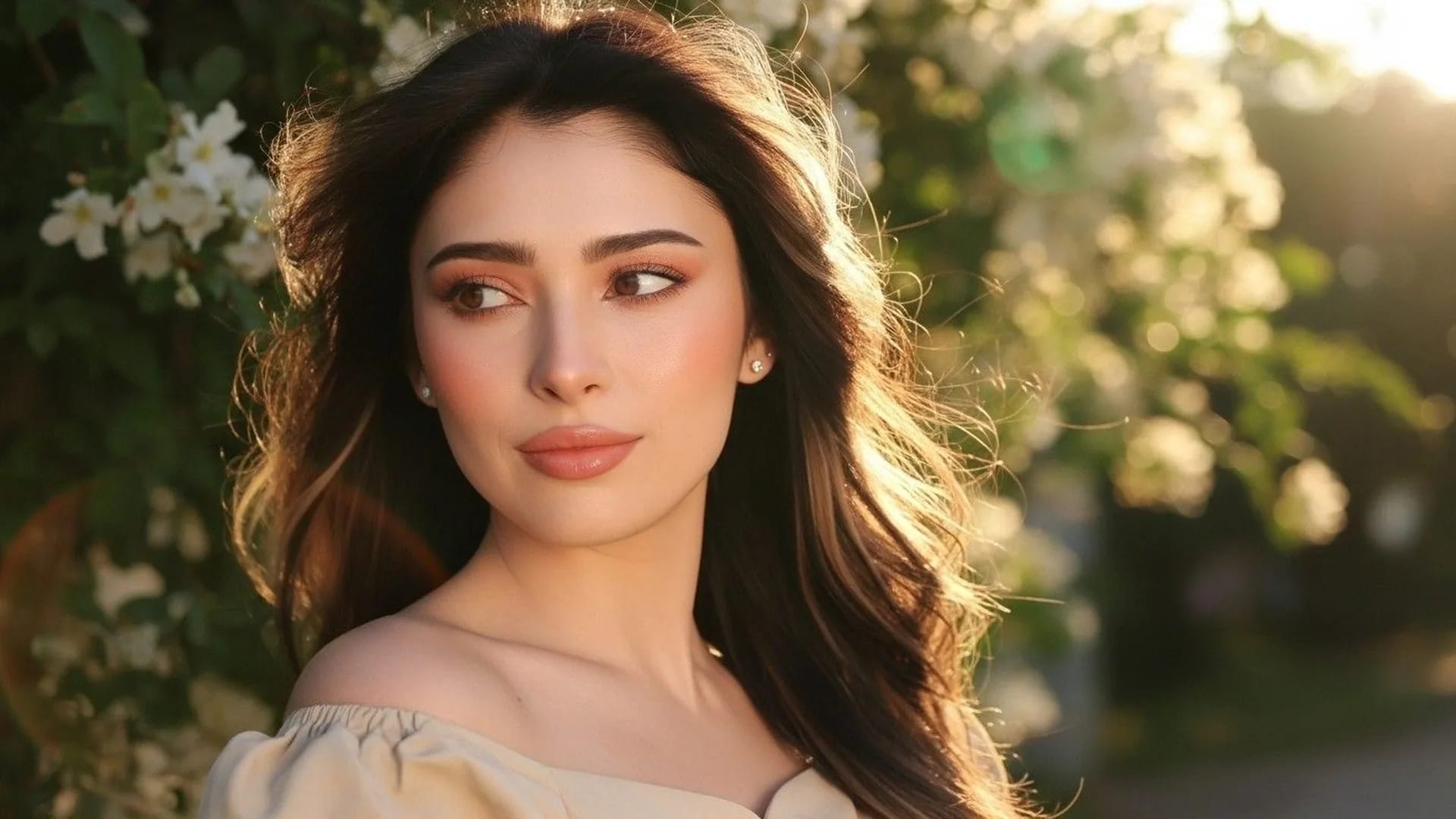
Create an adult fictional AI image with a clear subject, composition, and visual mood.
View page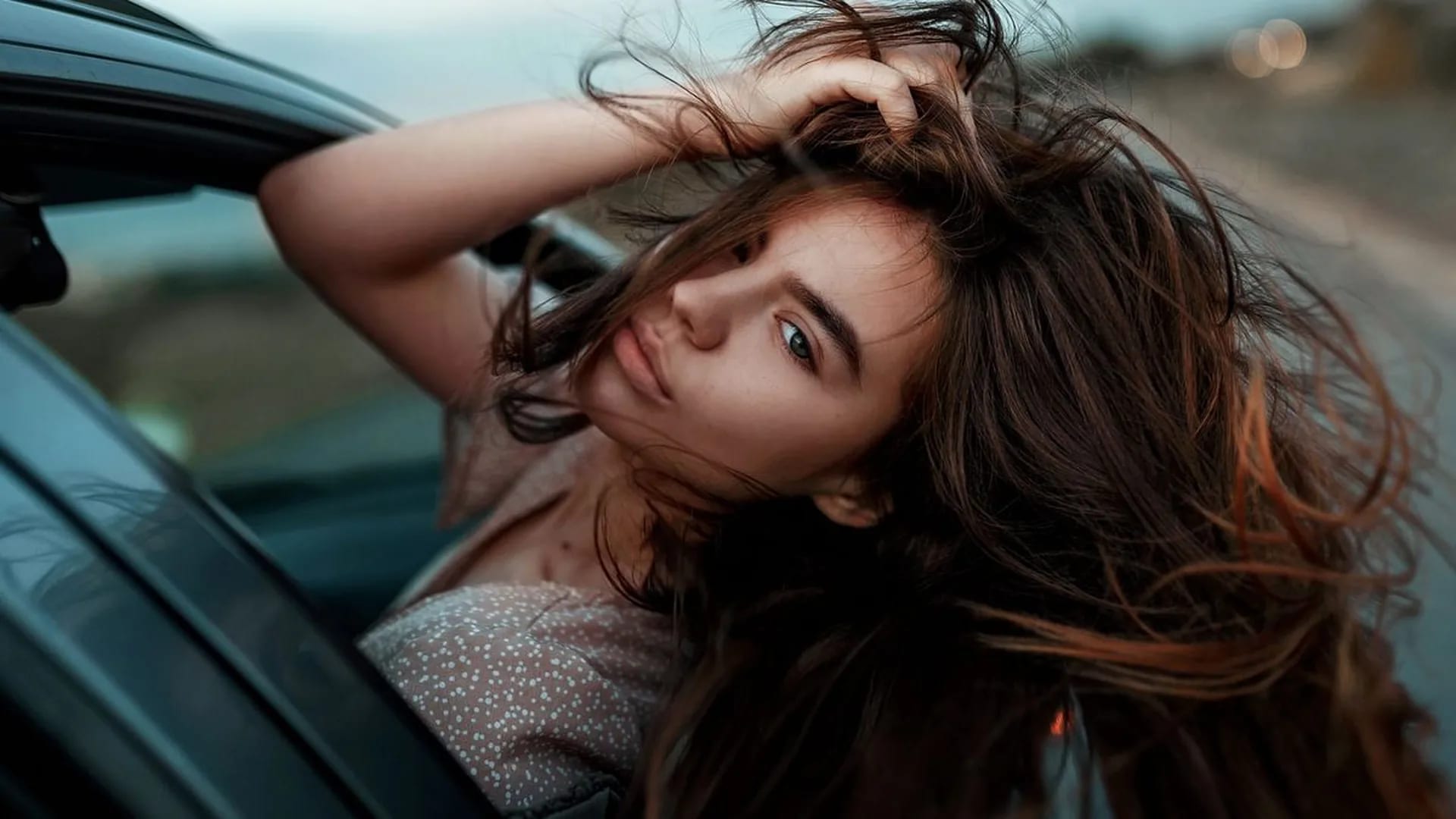
Start a new adult fictional image online: describe the subject and scene, add a reference if you have one, then generate in the studio.
View page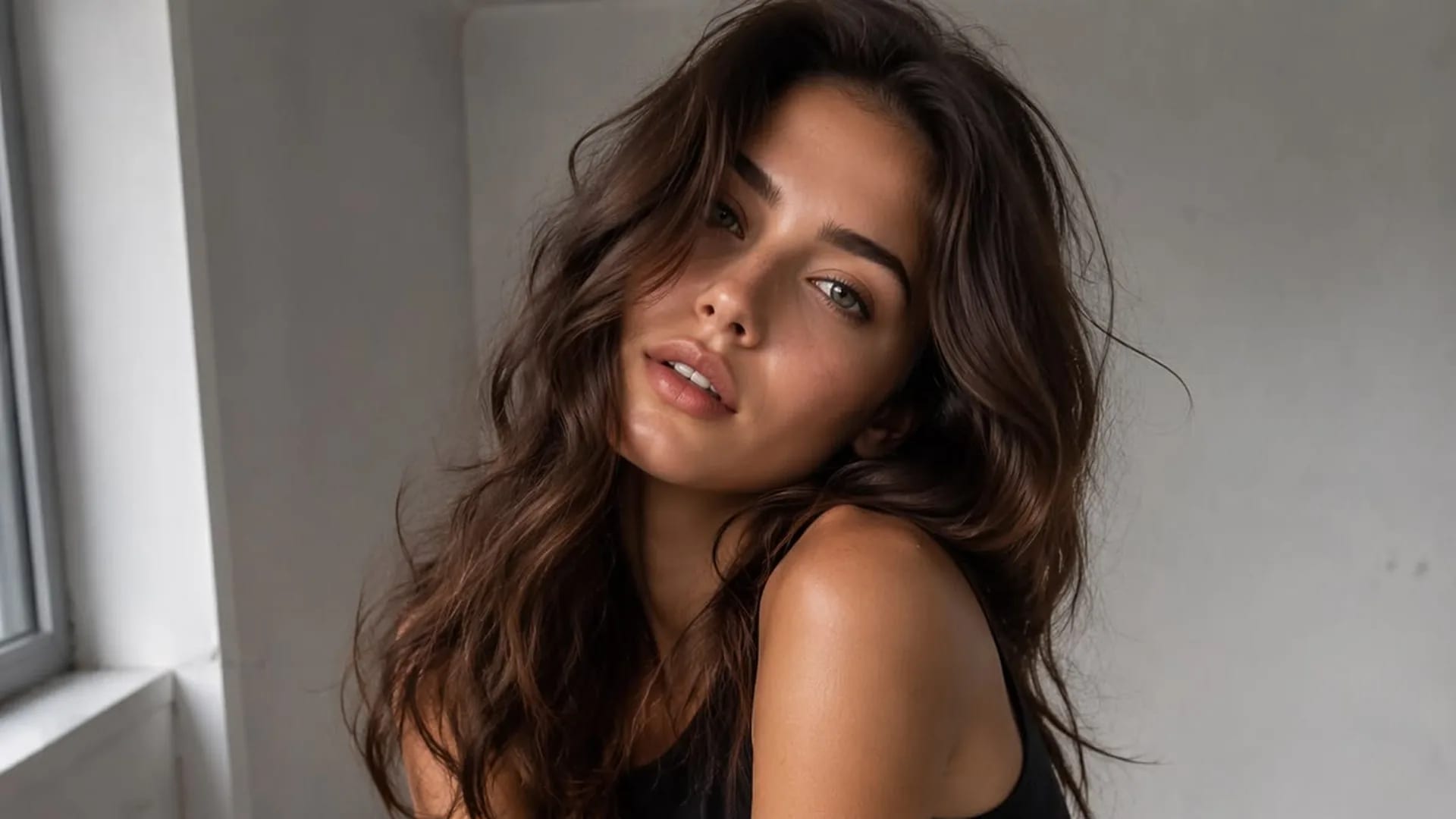
Create adult fictional portraits and illustrations from text, with optional images to guide the result.
View page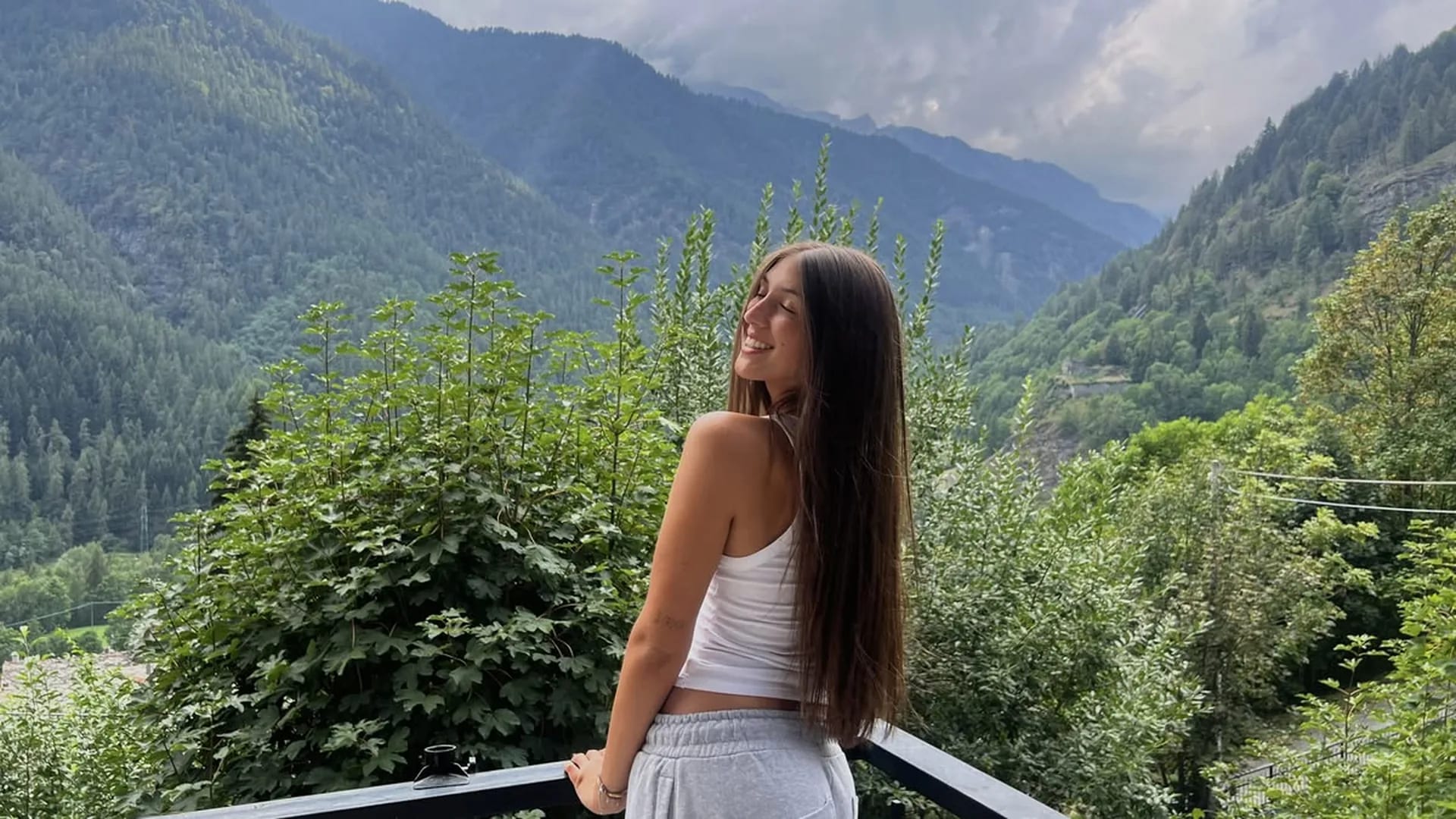
Edit a source image with clear instructions for scene, styling, or lighting changes.
View page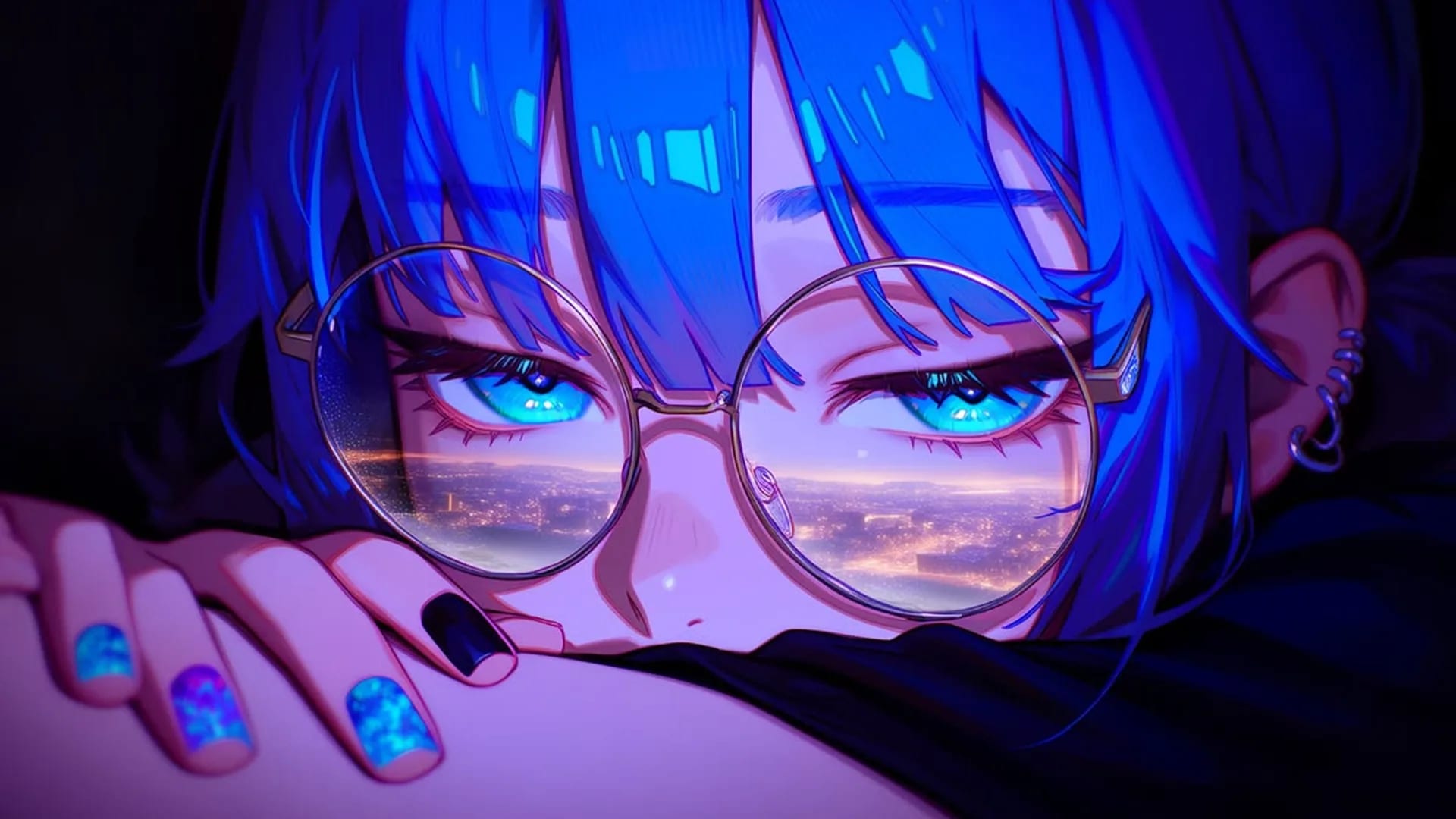
Choose an image generator by reference handling, visual control, costs, and output review.
View page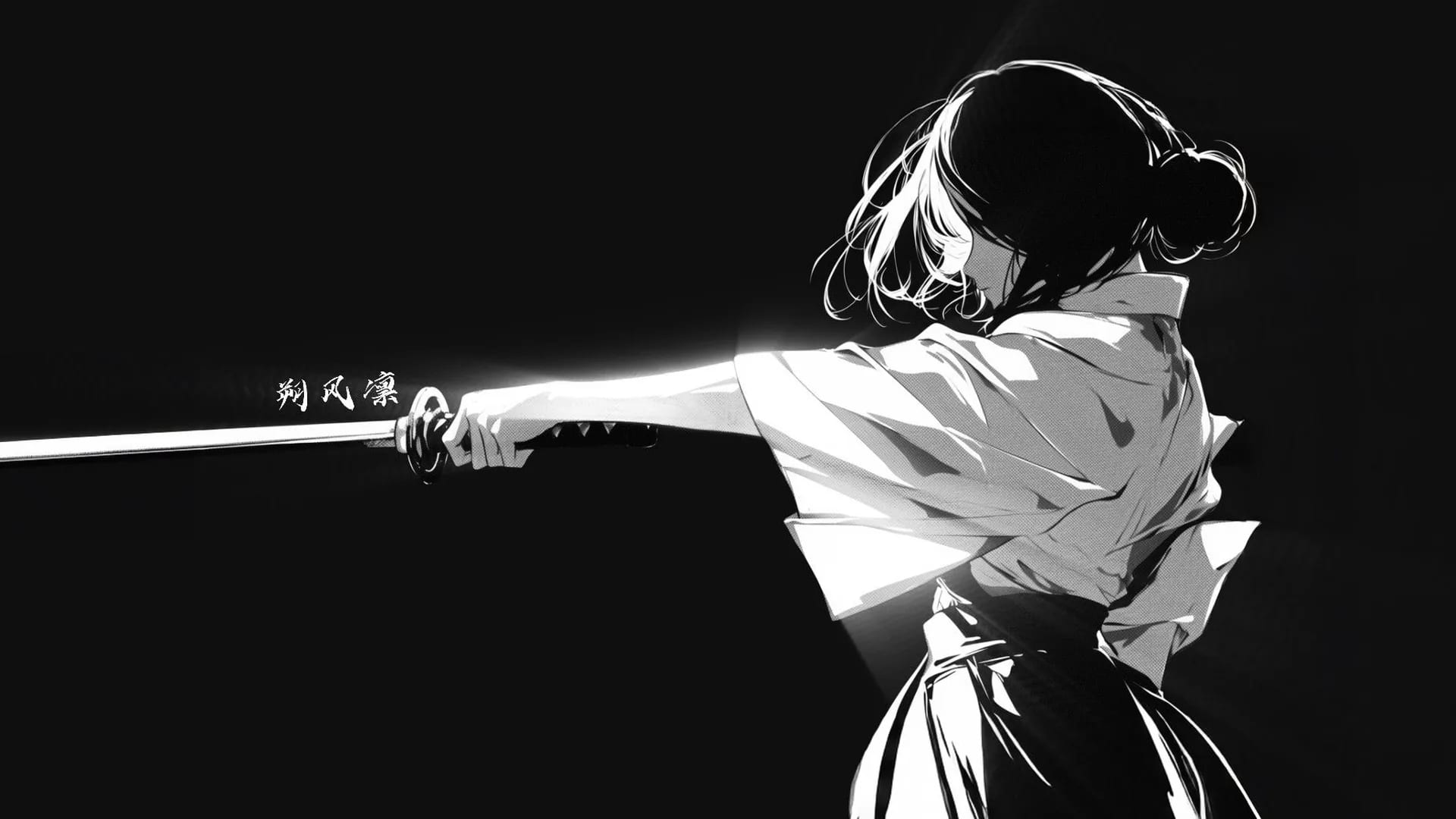
Explore the image workflow and check the current studio access and credits before generating.
View pageStart with a concrete image goal. These options connect what you describe or upload with what you should check in the result.
A deliberate camera distance
FramingChoose a close-up, a waist-up portrait or a wider composition before adding fine details. The crop changes which parts of the scene need to be described.
A different lighting direction
Photo-based editUse a permitted reference and describe soft window light or a warmer evening tone. Compare the subject as well as the background afterward.
A character in an environment
Scene compositionPlace the character in a room or outdoor setting and explain what should be visible around them. Decide whether the scene or the person is the main focus.
A short prompt with priorities
Text inputStart with the subject and composition, then add the setting and light. Put the most important visible requirement before optional details.
One useful reference
Reference inputState whether your image is there for the subject, the setting or the style. Include only references you may use, and avoid images that contradict the prompt.
A result you can judge
Result reviewCompare the candidate with your prompt and reference. Check framing, anatomy and unwanted changes before deciding to keep it or request another version.
Use a text prompt to create a new static image, such as an adult fictional portrait, illustration or scene. Add a permitted reference when it helps explain the subject or style. Your prompt and image continue into Viralkey NSFW Studio, where you review the available options and submit generation.
Use your prompt and optional reference to create or edit a still image. Check the current studio options and credits before submitting.