GPT Image 2
OpenAI’s latest image model on Viralkey: readable in-image copy, structured layouts, and prompt-led stills for ads, product shots, UI mockups, and music campaign art.
Create Image
GPT Image 2
OpenAI’s latest image model on Viralkey: readable in-image copy, structured layouts, and prompt-led stills for ads, product shots, UI mockups, and music campaign art.
Key Features of GPT Image 2
OpenAI’s GPT Image 2 is available on Viralkey for fast generations and instruction-based image work — built for marketing creatives, product visuals, and structured layouts where text and hierarchy have to stay readable.
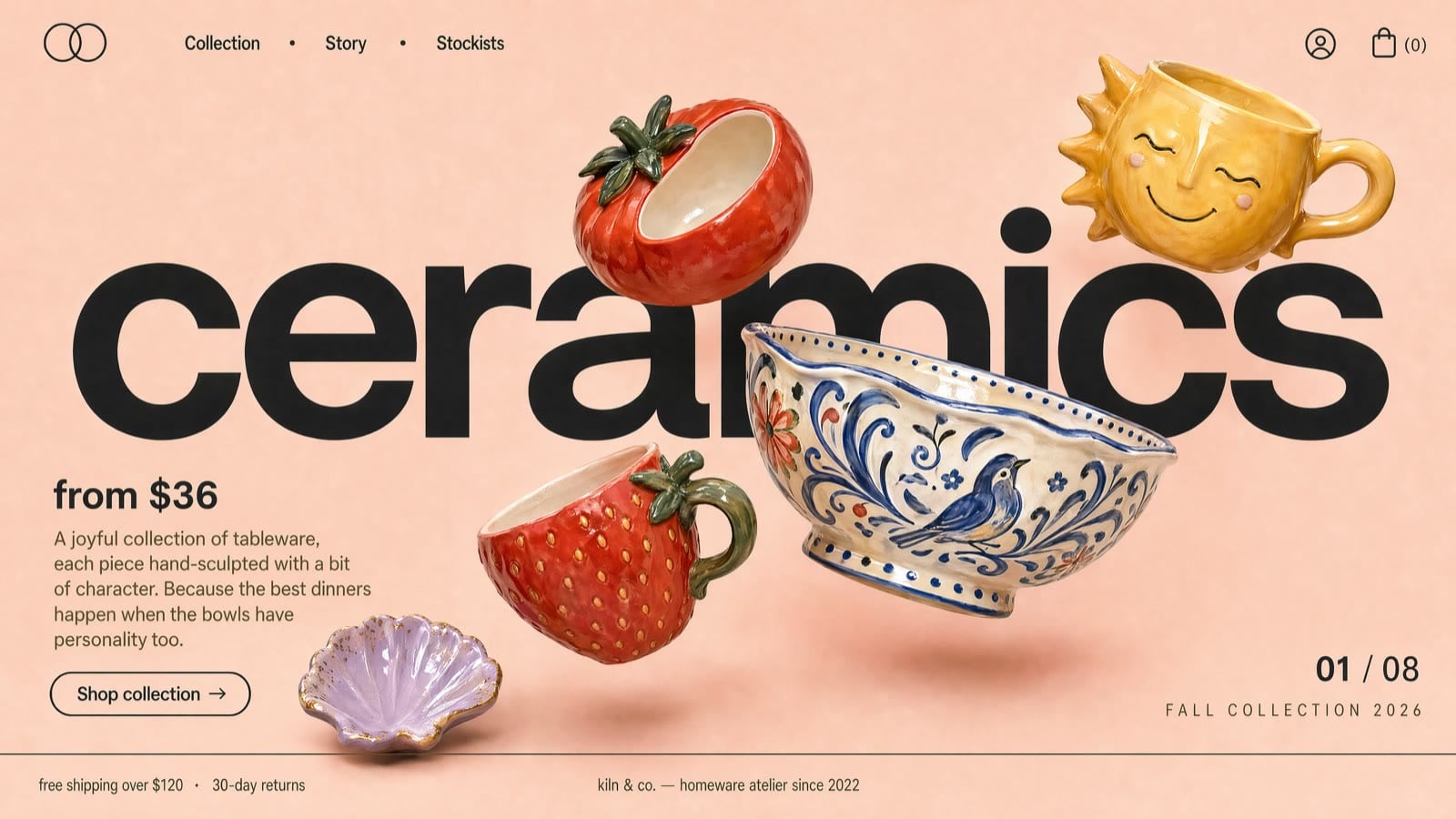
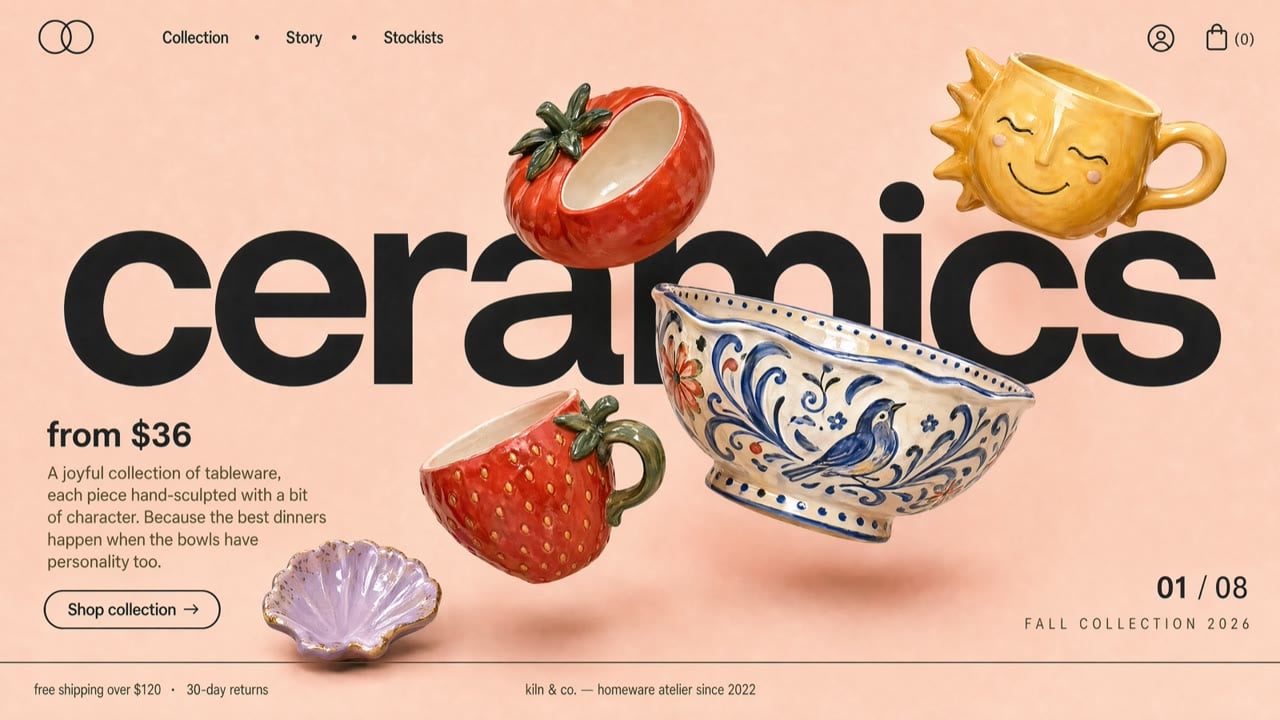
Near-Perfect Text Rendering
GPT Image 2 generates visuals with text that stays legible instead of mutating into gibberish. In common scenarios it reaches near-perfect text rendering accuracy, which makes it highly effective for advertising, product marketing, branded content, and UI/UX design. You spend less time fixing type after generation — and when you do iterate, short clear copy in the prompt keeps letters sharp and consistent.
Try it Now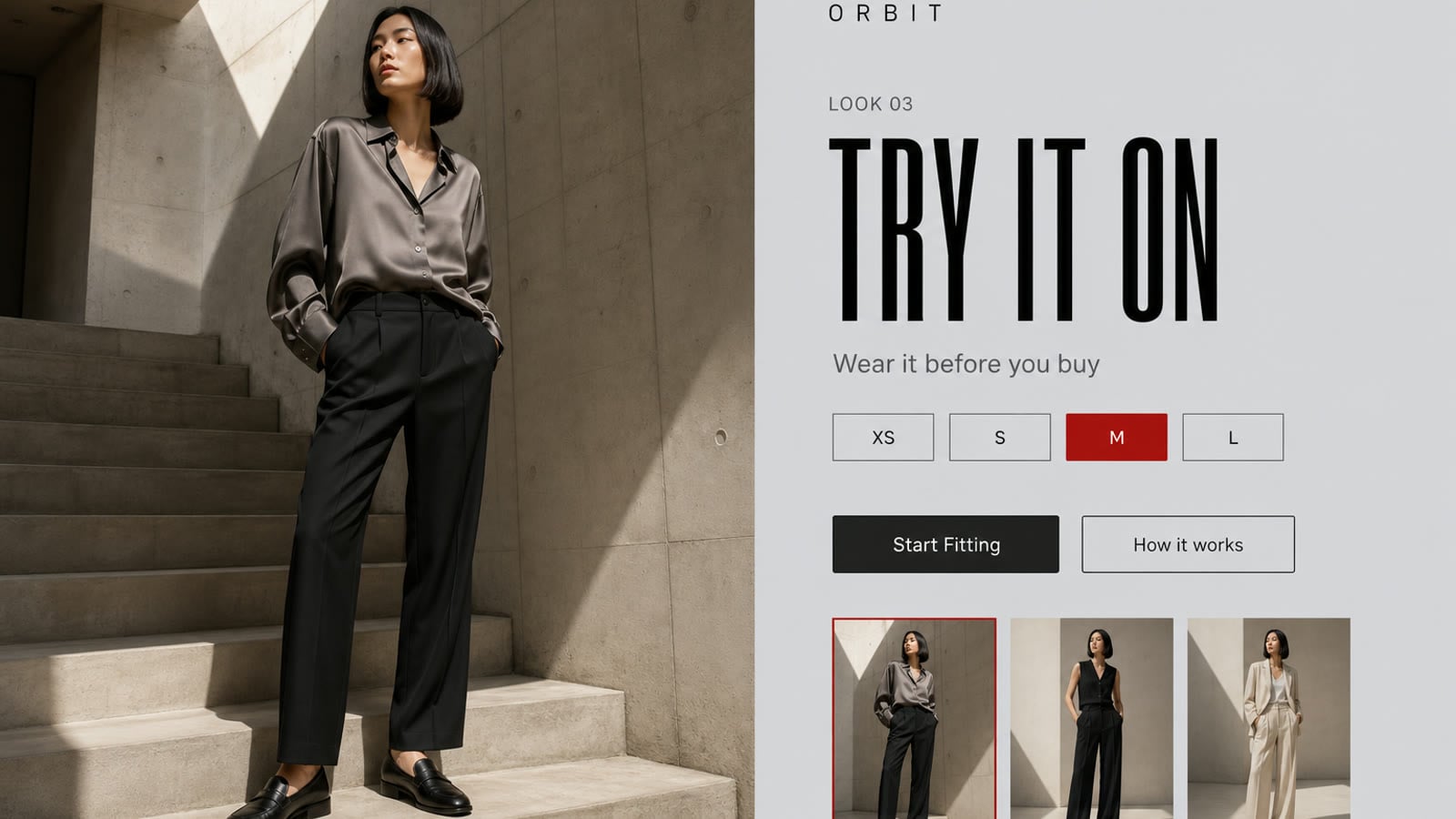
Up to 4× Faster Generation & Iteration
Standard generations with GPT Image 2 are up to 4× faster than GPT Image 1.5, so you can explore options without waiting on every draft. Faster speed does not mean lower quality — you get stronger detail and quicker turns at the same time. That pace also helps when you refine a look: change the prompt or references and regenerate in seconds instead of rebuilding the whole brief.
Try it Now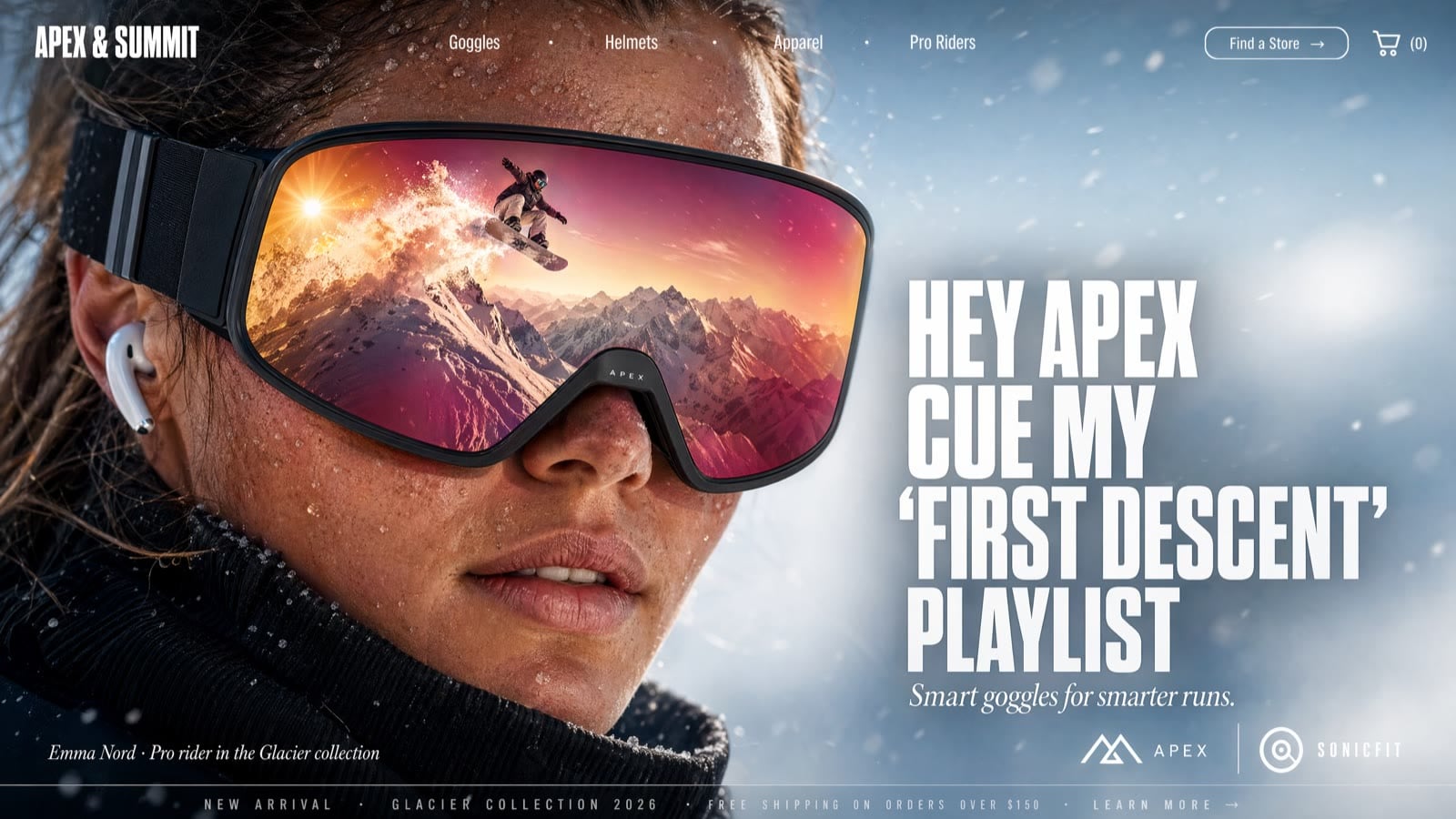
Precision Edits Without Starting Over
Older image models often rewrite large parts of a frame when you ask for a small change. With GPT Image 2 on Viralkey, keep the subject and layout stable while you adjust lighting, wardrobe, background, or on-image copy through clear instructions and optional reference images. Multi-step refinement stays coherent so you can improve one region of the brief without discarding the whole still.
Try it Now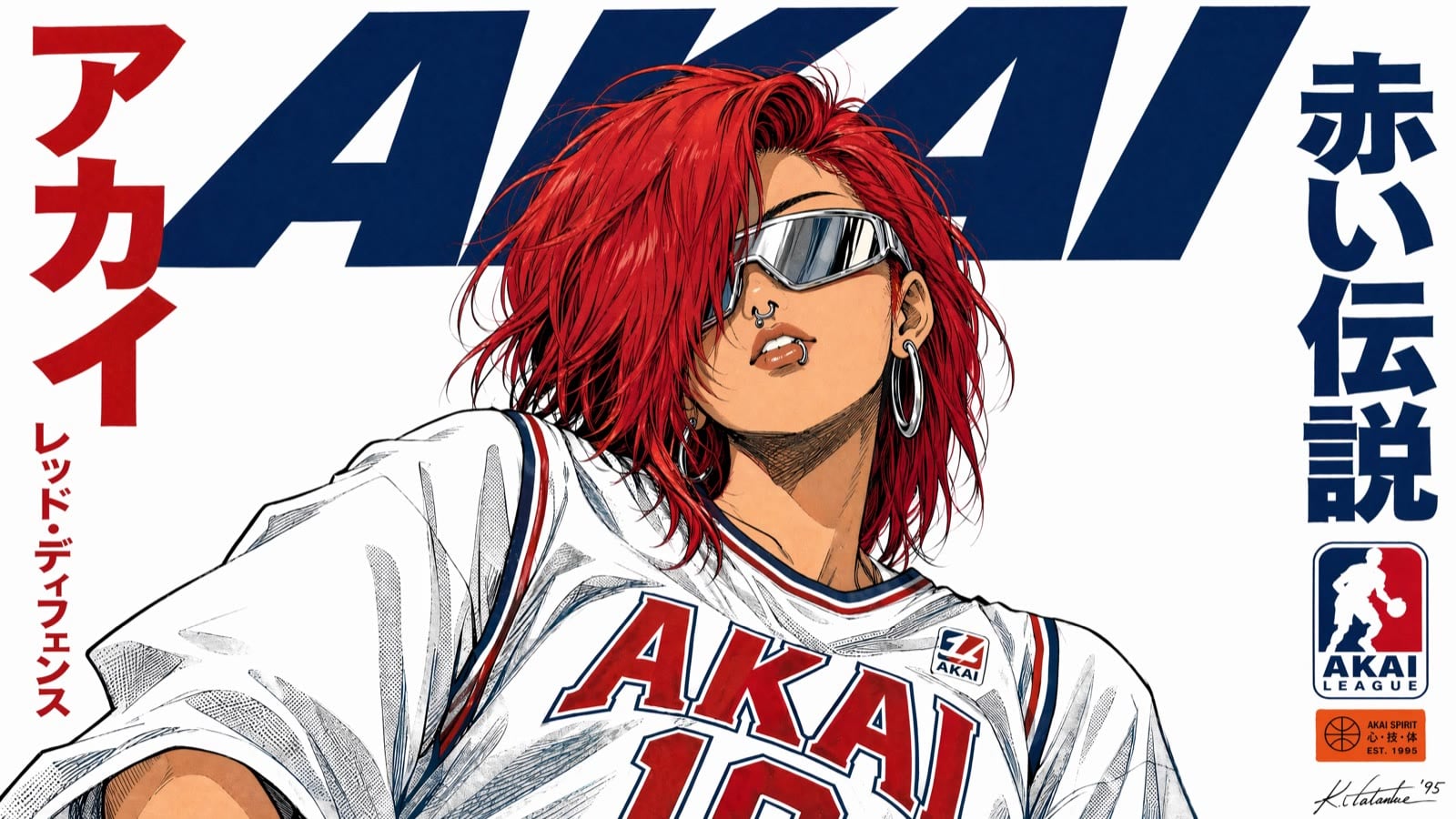
Layout-Aware Marketing Visuals
Ask for a headline, supporting line, product hero, and CTA in a logical order — GPT Image 2 places structured elements more reliably than diffusion-only tools. That makes ad banners, social posts, and promo cards easier to draft with usable copy already in the image, then vary only the headline or button text while keeping the rest of the composition.
Try it Now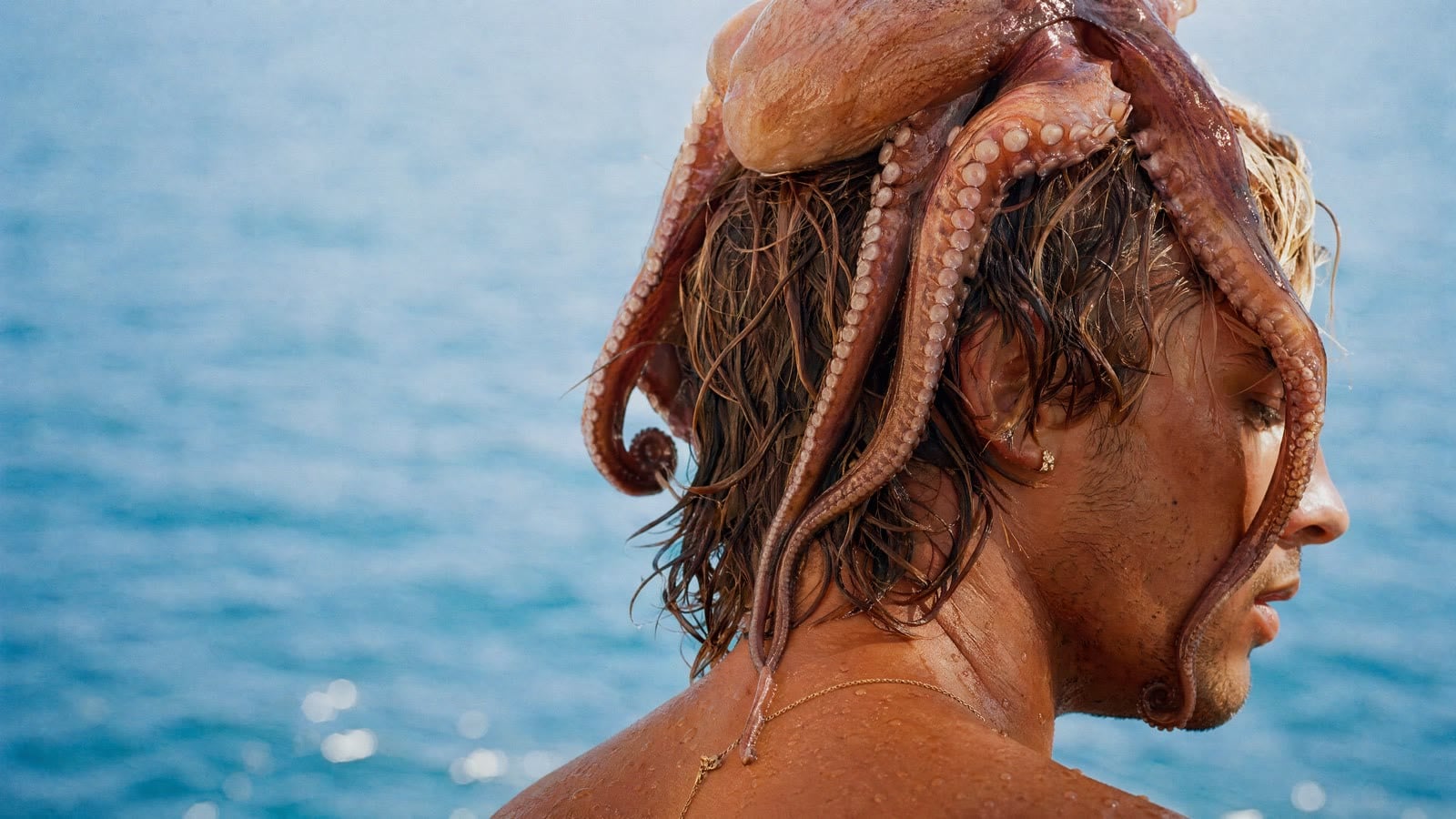
Aspect and Resolution Controls
Choose framing and output size for the surface you ship to: 1:1, 16:9, 9:16, and other common ratios, with 1K / 2K / 4K where the aspect allows. Note that 1:1 tops out at 2K on GPT Image 2 — pick a wider or taller ratio when you need 4K. Attach up to sixteen reference images to guide products, faces, or style across iterations.
Try it NowHow to Use GPT Image 2
Generate or refine images with GPT Image 2 on Viralkey in three simple steps.
Choose GPT Image 2
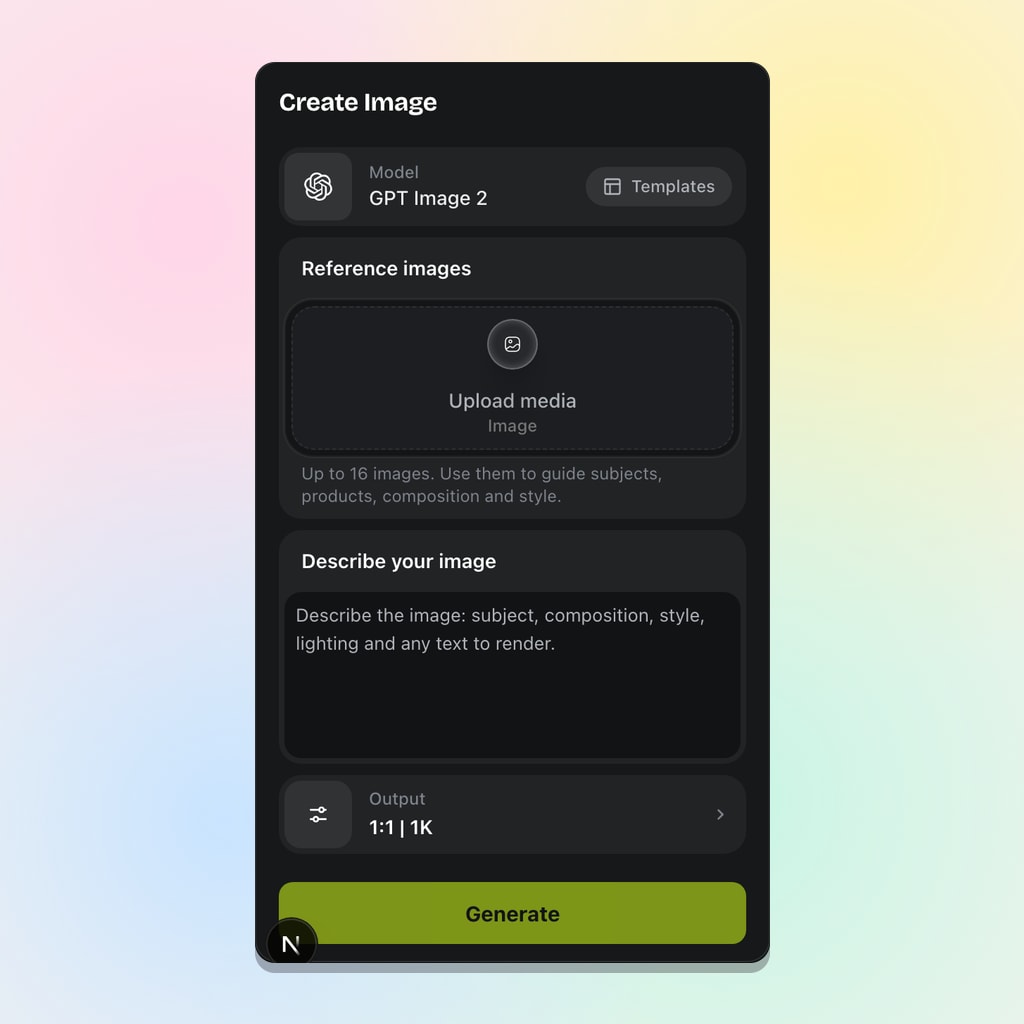
Open Viralkey’s image workspace and select GPT Image 2. The catalog routes OpenAI’s latest image model for prompt-led stills with strong text and layout control.
Write Your Prompt
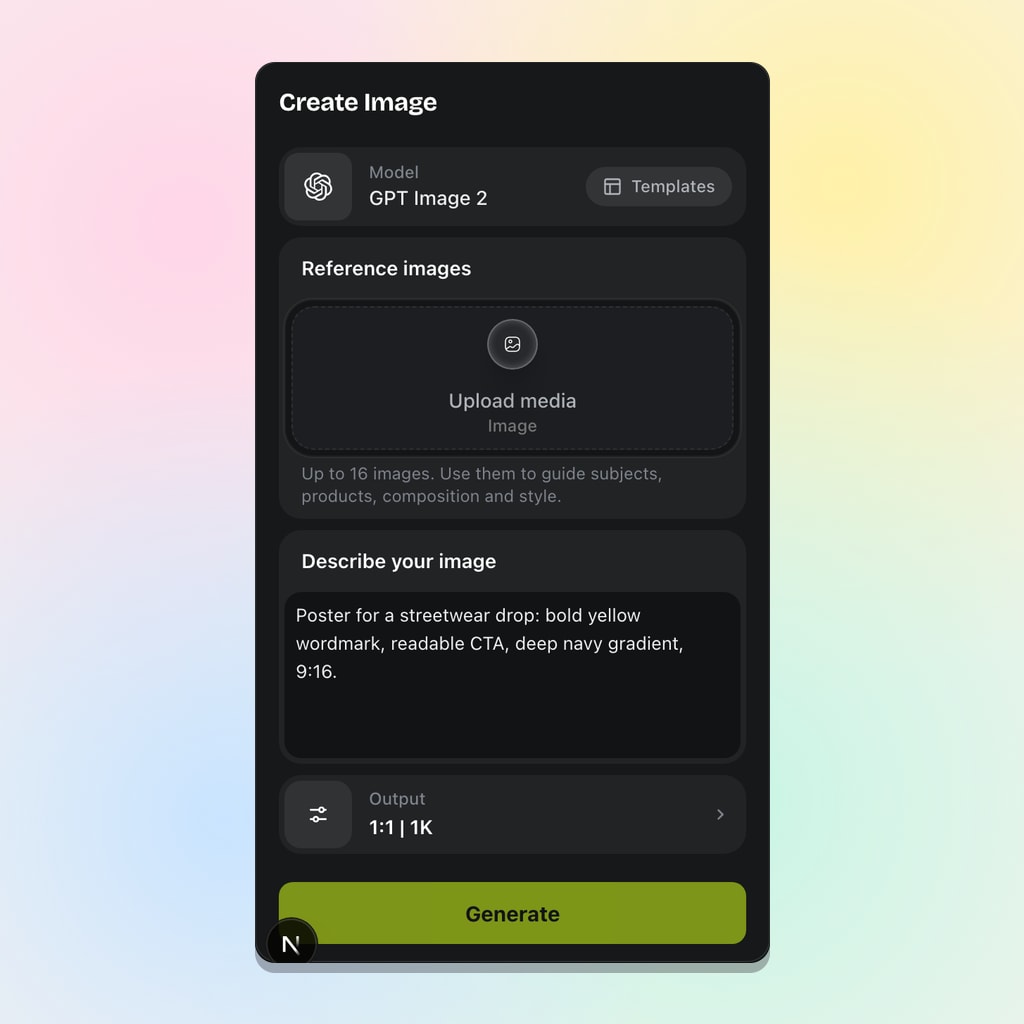
Describe the image with clear details: subject, composition, lighting, and any text or layout blocks you want included. Optionally upload reference images when product likeness or style continuity matters.
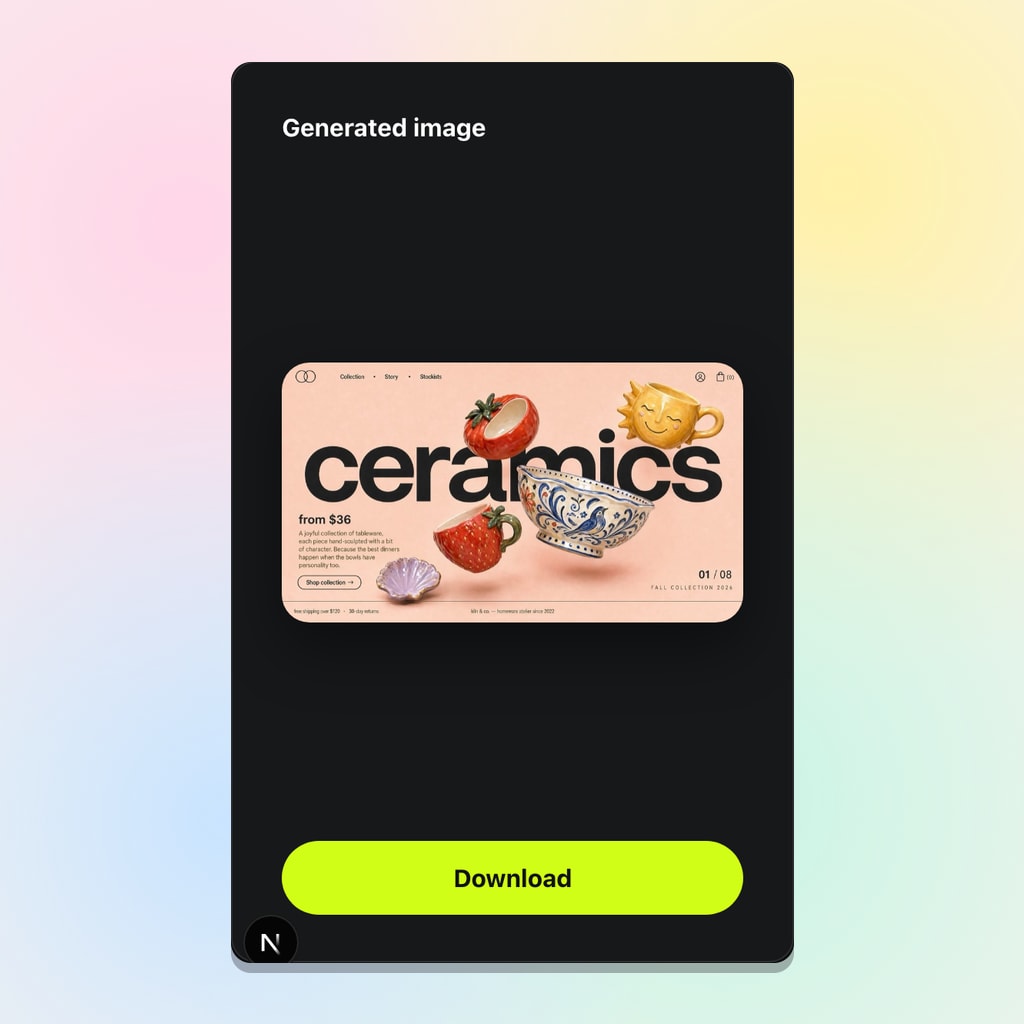
Generate and Iterate
Select aspect ratio and resolution, then generate. Refine with small prompt adjustments or new references while preserving consistency — each run is a controlled iteration, not a full creative reset.
GPT Image 2 Is Built for High-Quality Outputs — Faster
Create marketing visuals, product images, UX mockups, and creative edits with accurate text, consistent visuals, and fast, controlled iterations on Viralkey.
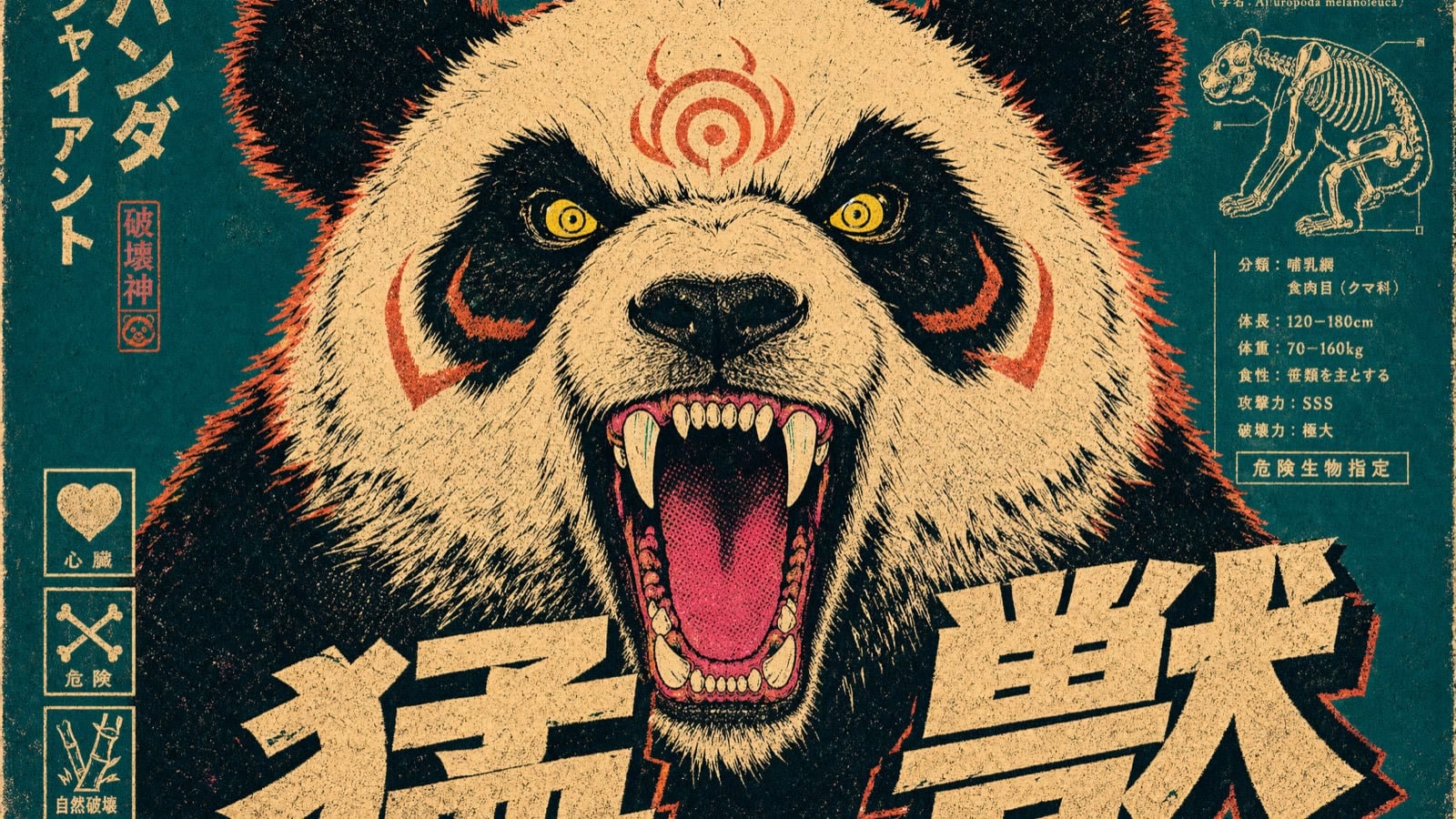
Marketing Creatives with Real Copy
Create ad banners and social posts that already include usable text instead of placeholder gibberish. Ask for a clear headline, short supporting line, and a button, and the model places them in a logical order. Test variations by changing only the headline or CTA while keeping the product and layout stable — ideal for campaign A/B drafts without rebuilding the frame each time.
Try it Now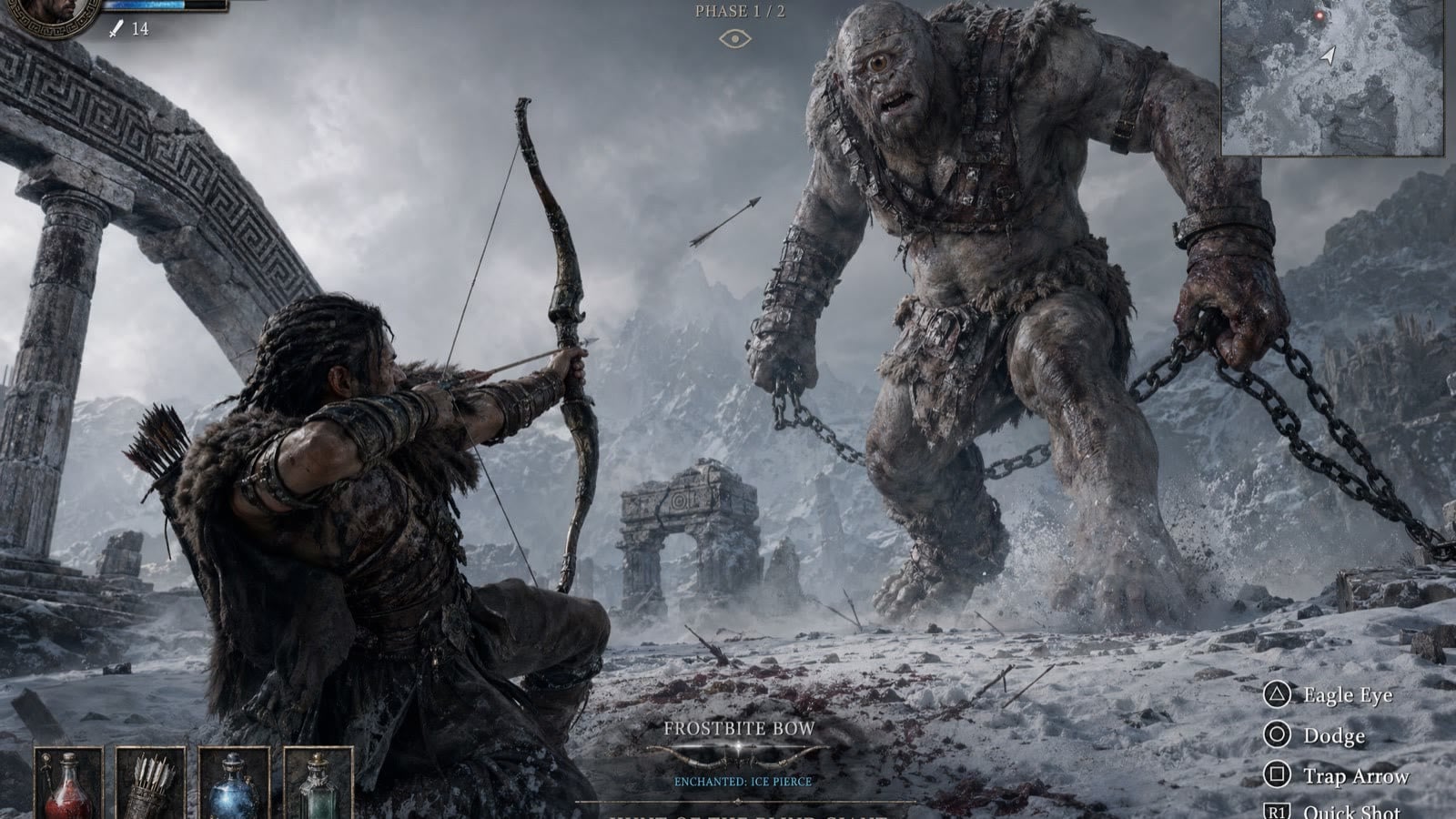
Personal Edits and Fun Transformations
Upload a photo and ask for a new background, different lighting, or a themed look while keeping face and key details consistent. Turn a casual selfie into a cinematic portrait or studio-style headshot, then keep refining the same direction with small prompt changes instead of starting over every run.
Try it Now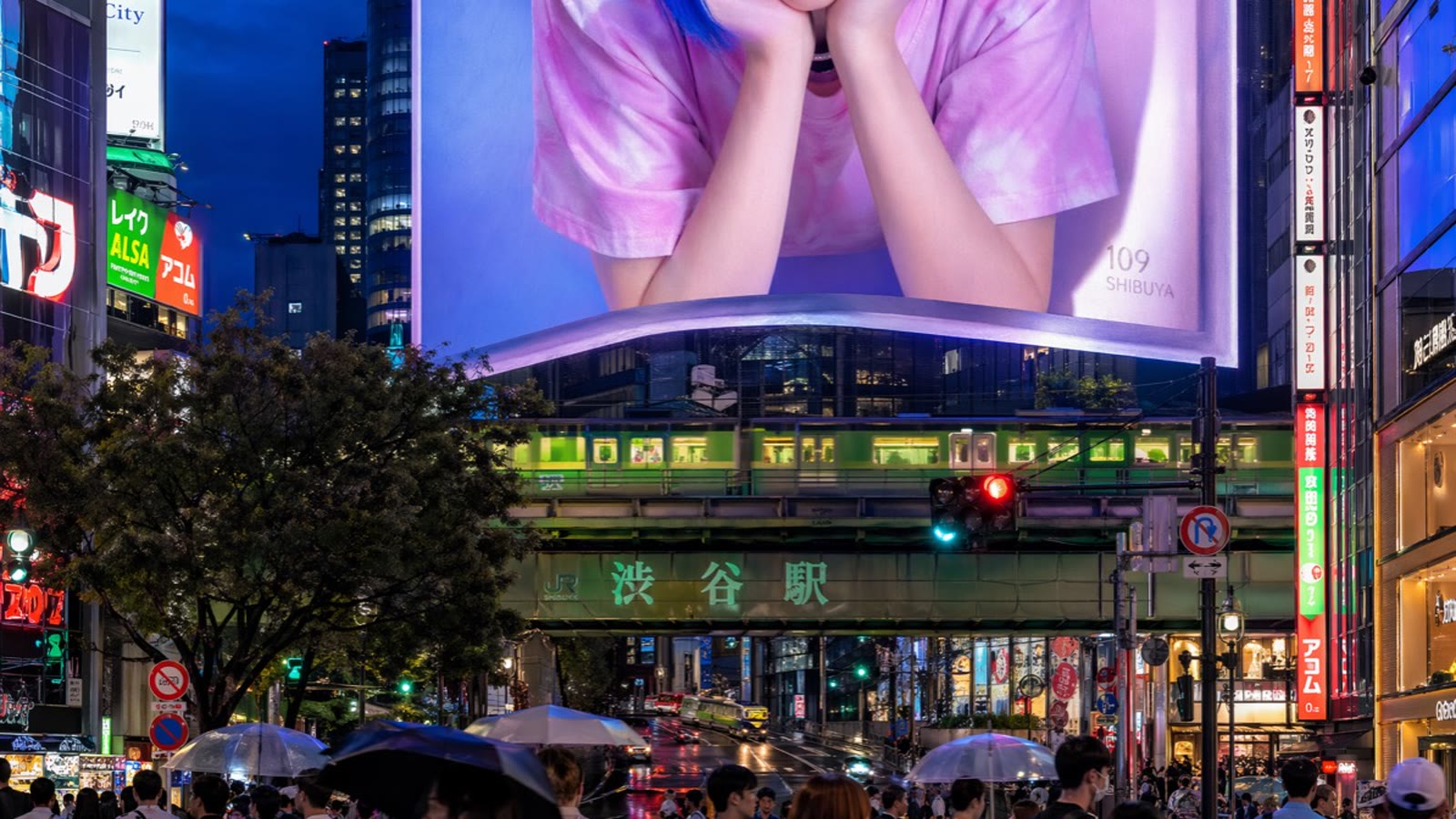
Product Marketing Visuals at Scale
Create product images in different settings while keeping the product itself consistent. Start with a clean studio shot, then place the same product in a kitchen, outdoors, or lifestyle scene. Shape, color, and branding stay stable across changes so you can fill a product page or campaign set without a full photoshoot.
Try it Now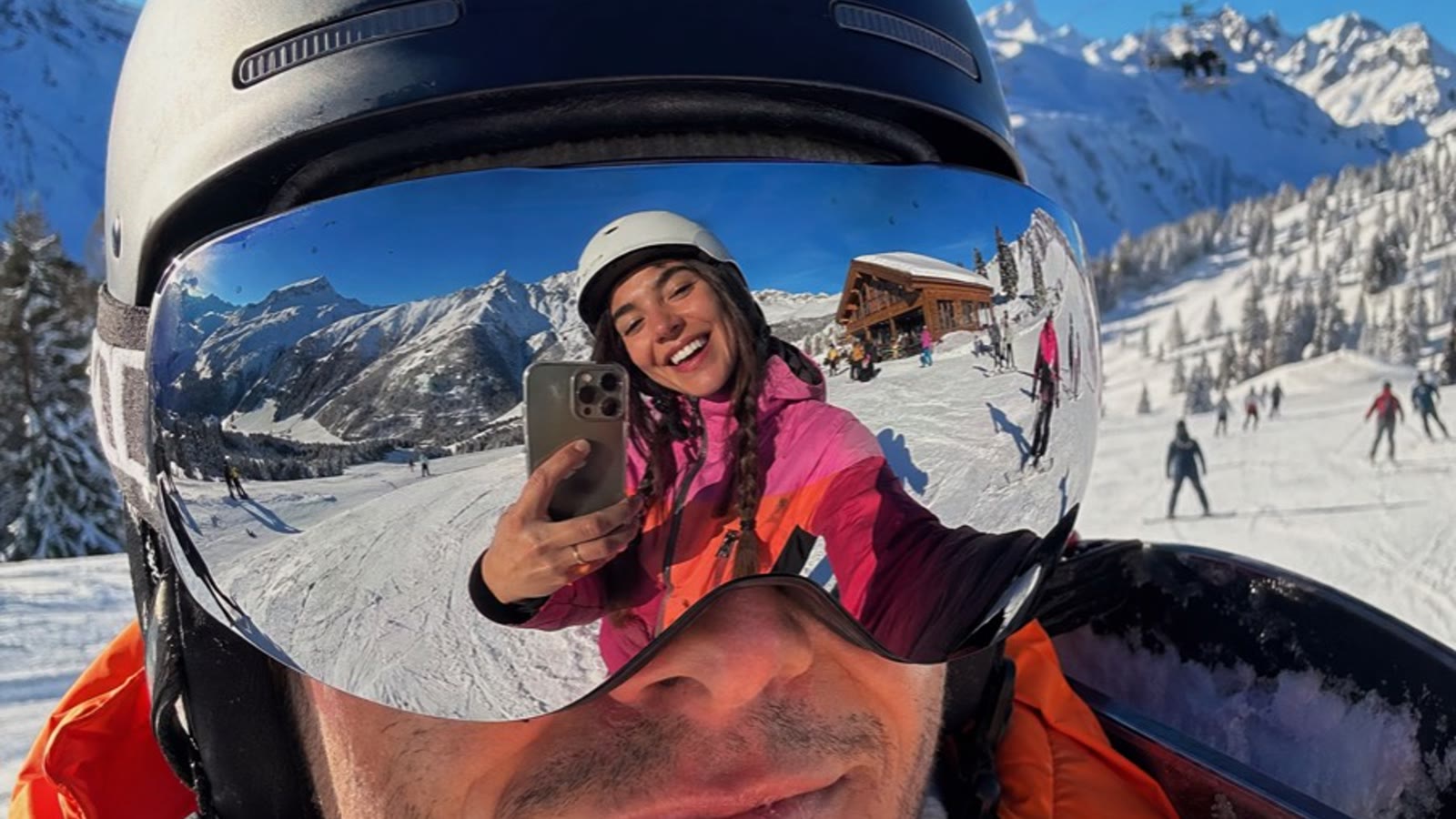
UI/UX Screens and Structured Imagery
Generate simple app screens and layouts with readable labels and clear structure. Describe a title at the top, content in the middle, and a button at the bottom — GPT Image 2 follows that hierarchy instead of scattering elements randomly. Useful for quick concept visuals before you move into a design tool.
Try it NowChoosing the Right Image Model on Viralkey
| Model | Best For |
|---|---|
| GPT Image 2 | Near-perfect in-image text, structured ad/UI layouts, and fast prompt-led stills with up to 16 references. |
| Nano Banana Pro | Pro-tier Gemini fidelity, text-in-image, and reference-guided character likeness across stills. |
| Seedream 5.0 Pro | Album covers, lyric posters, and dense campaign layouts with text rendered in the image. |
| Nano Banana 2 | Flash-tier exploration volume and multi-subject music visual drafts. |
Loved by Creators
“GPT Image 2 finally puts readable headlines in my ad drafts — I stop redrawing type in Figma for every variant.”
“UI mockups with labels that actually say Balance and Send Money save me a round of stakeholder confusion.”
“I keep the same product across lifestyle scenes and the branding doesn’t melt — that is the whole job for PDP sets.”
“GPT Image 2 finally puts readable headlines in my ad drafts — I stop redrawing type in Figma for every variant.”
“UI mockups with labels that actually say Balance and Send Money save me a round of stakeholder confusion.”
“I keep the same product across lifestyle scenes and the branding doesn’t melt — that is the whole job for PDP sets.”
“GPT Image 2 finally puts readable headlines in my ad drafts — I stop redrawing type in Figma for every variant.”
“UI mockups with labels that actually say Balance and Send Money save me a round of stakeholder confusion.”
“I keep the same product across lifestyle scenes and the branding doesn’t melt — that is the whole job for PDP sets.”
“GPT Image 2 finally puts readable headlines in my ad drafts — I stop redrawing type in Figma for every variant.”
“UI mockups with labels that actually say Balance and Send Money save me a round of stakeholder confusion.”
“I keep the same product across lifestyle scenes and the branding doesn’t melt — that is the whole job for PDP sets.”
“Faster iterations mean I can try five CTA lines before lunch and still ship the winner the same day.”
“Structured prompts with header + product + CTA land more reliably than dumping a mood paragraph into the box.”
“Cover concepts with real title text are good enough to show the label before we commit to a final shoot.”
“Faster iterations mean I can try five CTA lines before lunch and still ship the winner the same day.”
“Structured prompts with header + product + CTA land more reliably than dumping a mood paragraph into the box.”
“Cover concepts with real title text are good enough to show the label before we commit to a final shoot.”
“Faster iterations mean I can try five CTA lines before lunch and still ship the winner the same day.”
“Structured prompts with header + product + CTA land more reliably than dumping a mood paragraph into the box.”
“Cover concepts with real title text are good enough to show the label before we commit to a final shoot.”
“Faster iterations mean I can try five CTA lines before lunch and still ship the winner the same day.”
“Structured prompts with header + product + CTA land more reliably than dumping a mood paragraph into the box.”
“Cover concepts with real title text are good enough to show the label before we commit to a final shoot.”
“Reference images plus short copy instructions keep the hero product stable while I swap backgrounds.”
“On Viralkey, GPT Image 2 is my default when the brief needs on-image type, not just pretty vibes.”
“I iterate in small steps — change one line of copy, regenerate — and the rest of the layout stays usable.”
“Reference images plus short copy instructions keep the hero product stable while I swap backgrounds.”
“On Viralkey, GPT Image 2 is my default when the brief needs on-image type, not just pretty vibes.”
“I iterate in small steps — change one line of copy, regenerate — and the rest of the layout stays usable.”
“Reference images plus short copy instructions keep the hero product stable while I swap backgrounds.”
“On Viralkey, GPT Image 2 is my default when the brief needs on-image type, not just pretty vibes.”
“I iterate in small steps — change one line of copy, regenerate — and the rest of the layout stays usable.”
“Reference images plus short copy instructions keep the hero product stable while I swap backgrounds.”
“On Viralkey, GPT Image 2 is my default when the brief needs on-image type, not just pretty vibes.”
“I iterate in small steps — change one line of copy, regenerate — and the rest of the layout stays usable.”
Frequently Asked Questions
GPT Image 2 delivers up to 4× faster image generation than GPT Image 1.5 in common workflows, with even quicker turnaround when you iterate by adjusting prompts or references instead of rebuilding the entire brief.
What will you create today?
Turn your ideas into reality with AI. Generate, refine, and innovate — creation starts here.