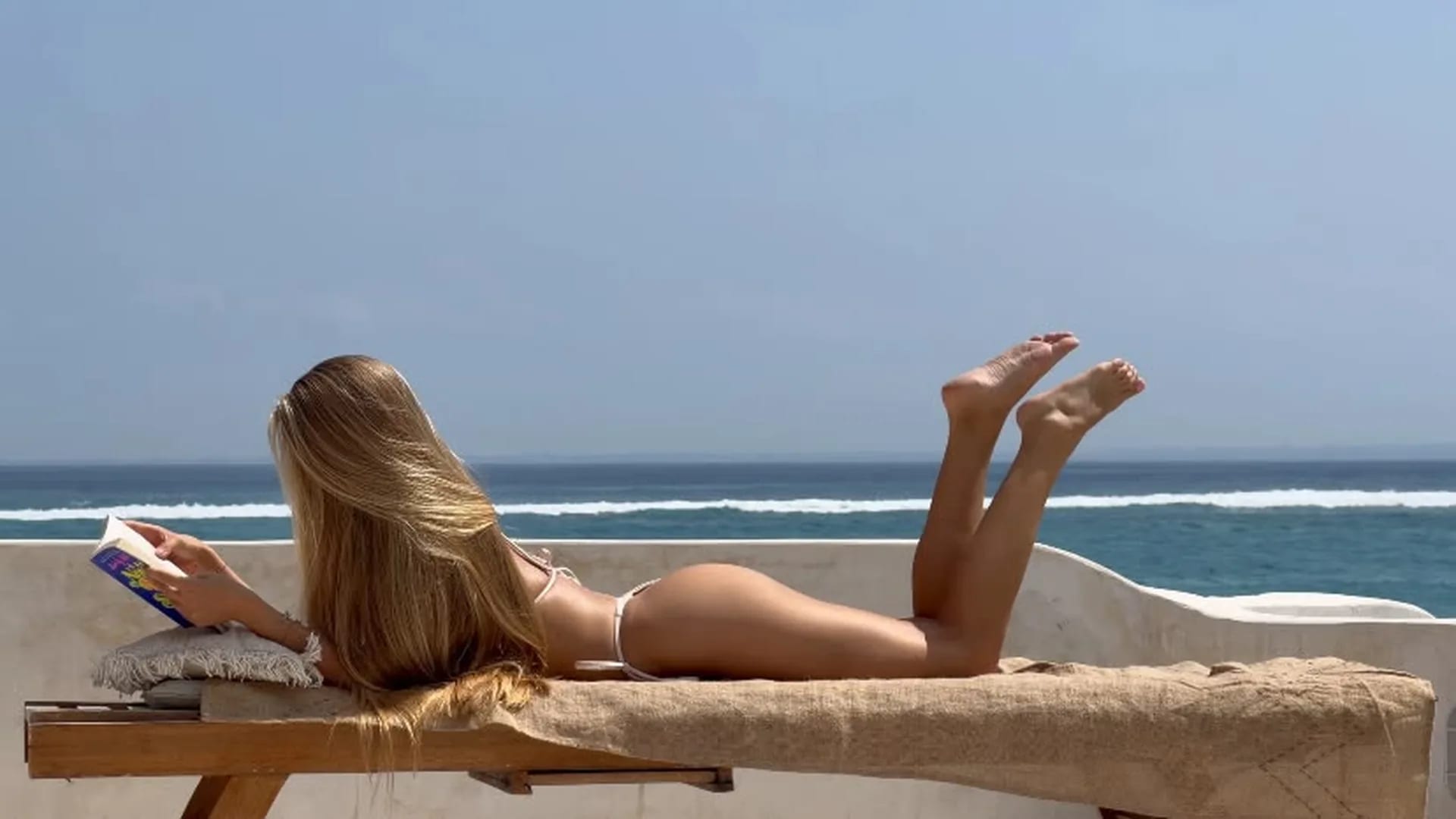
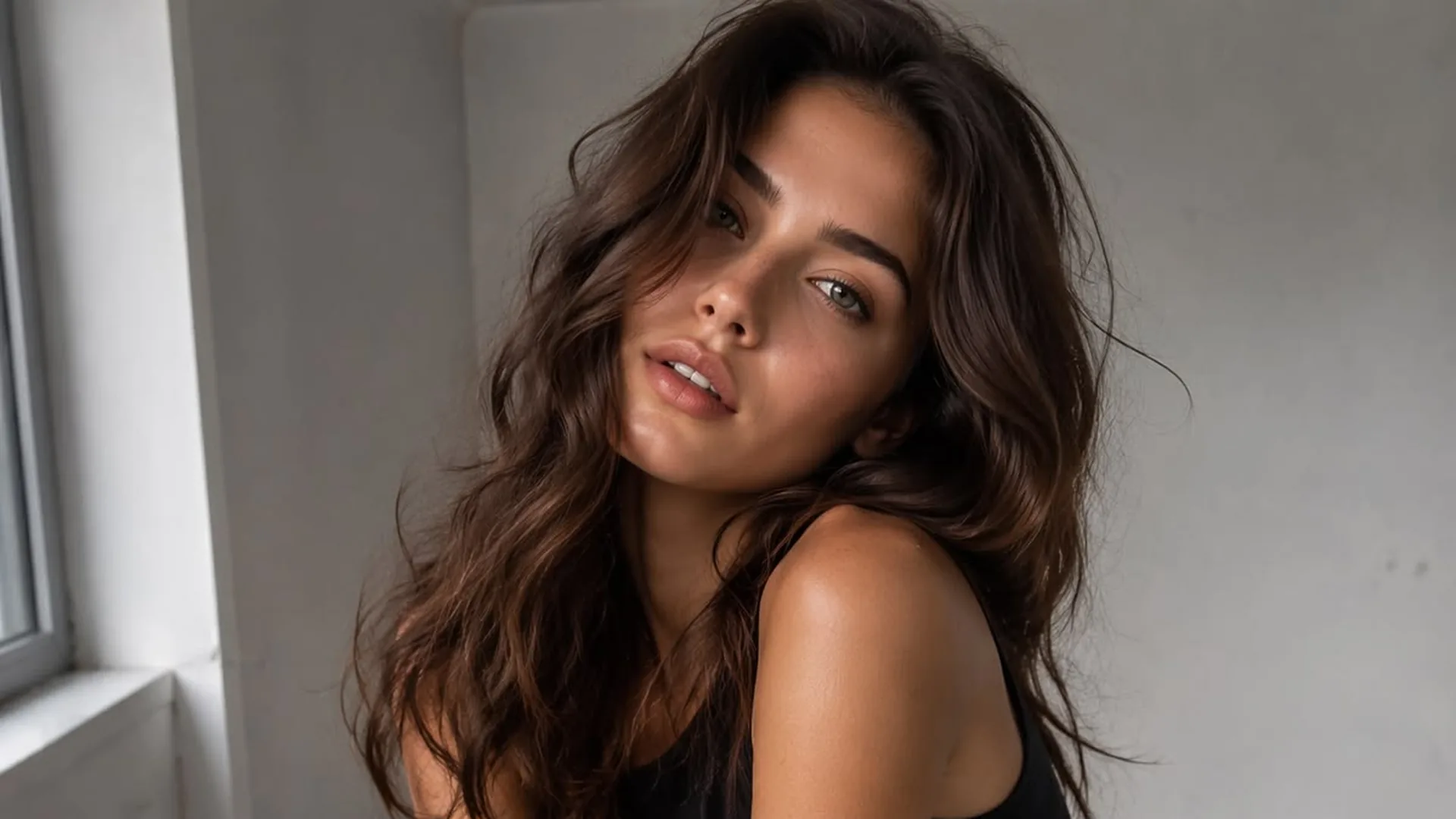
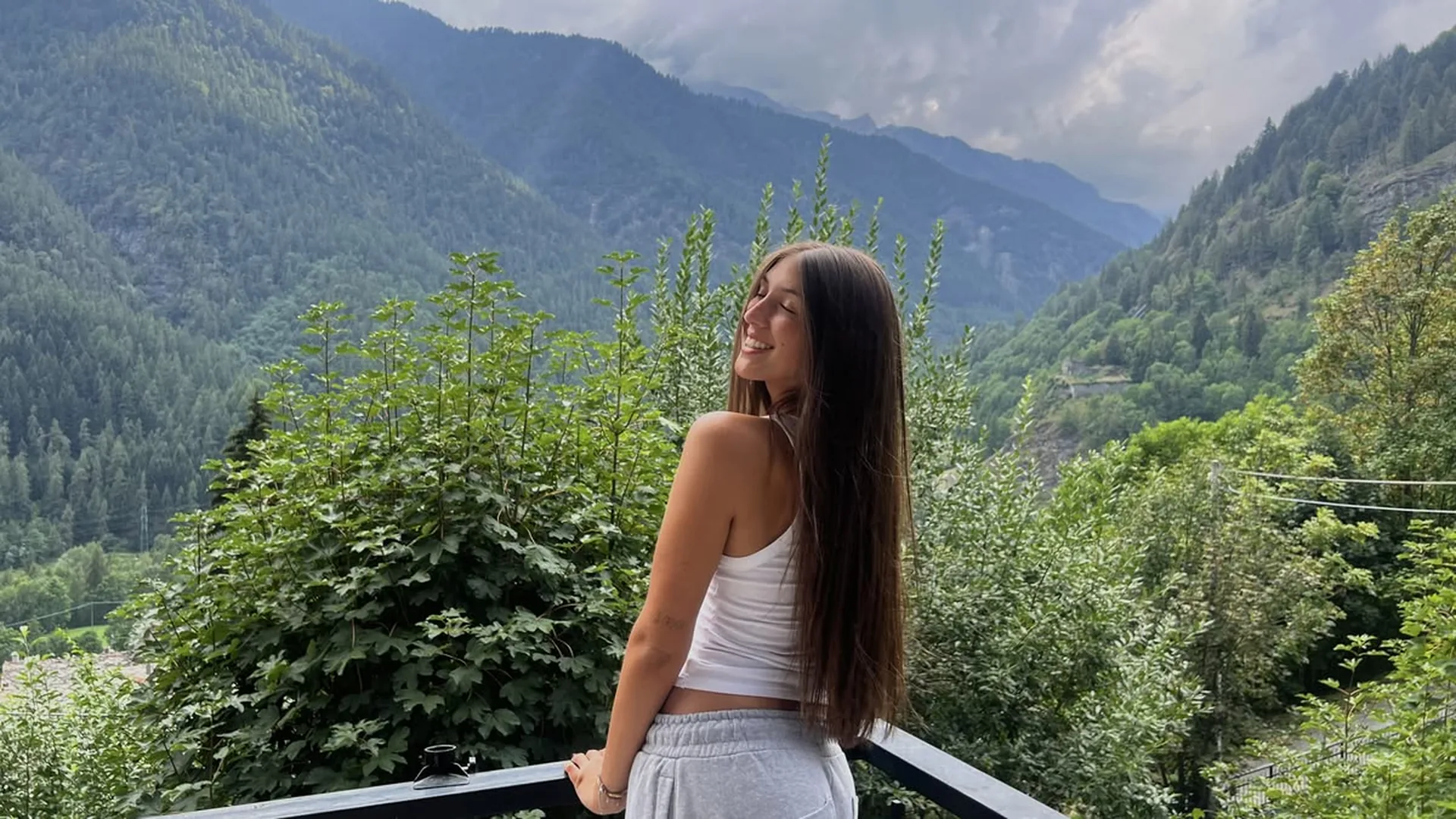
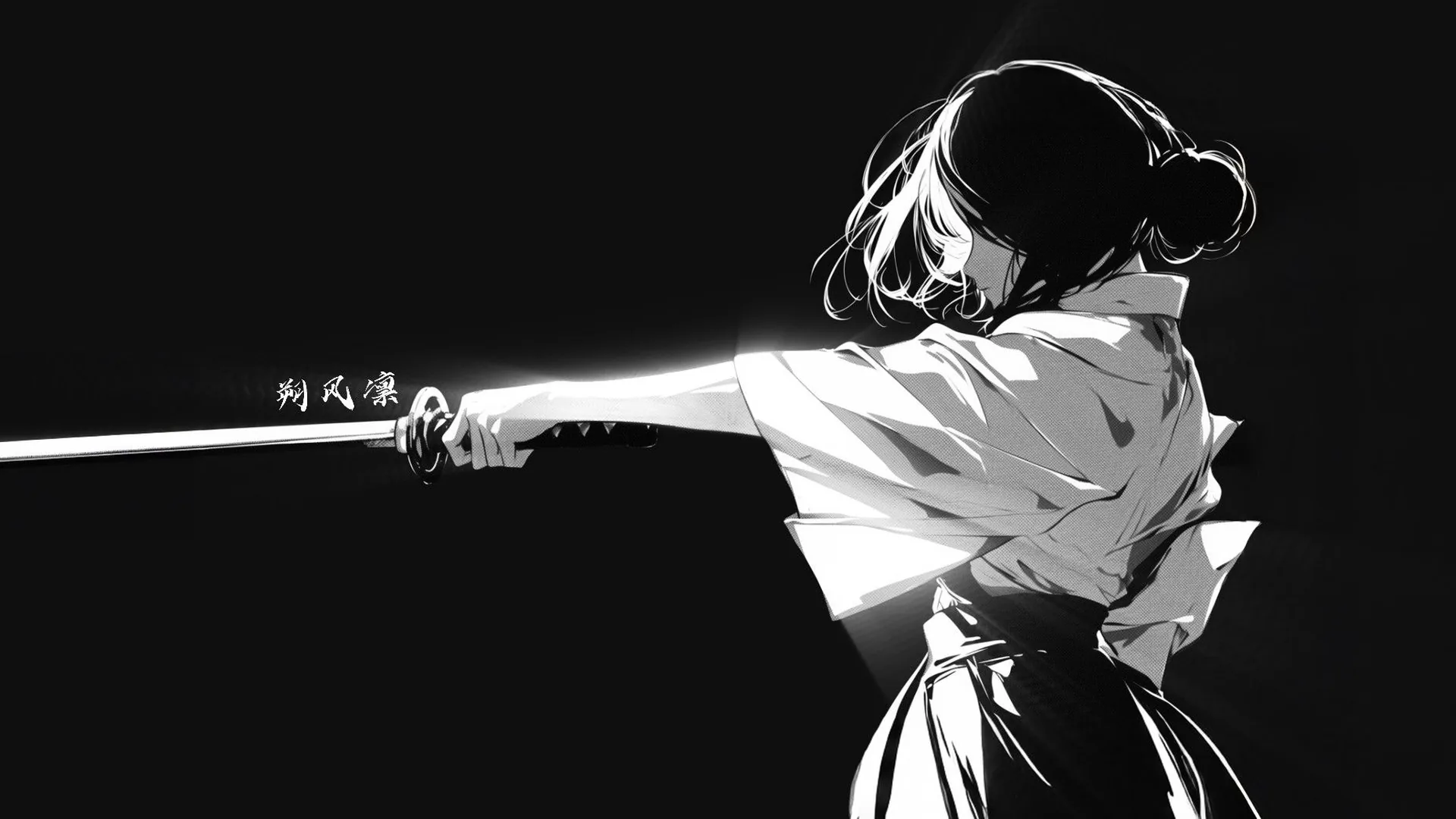
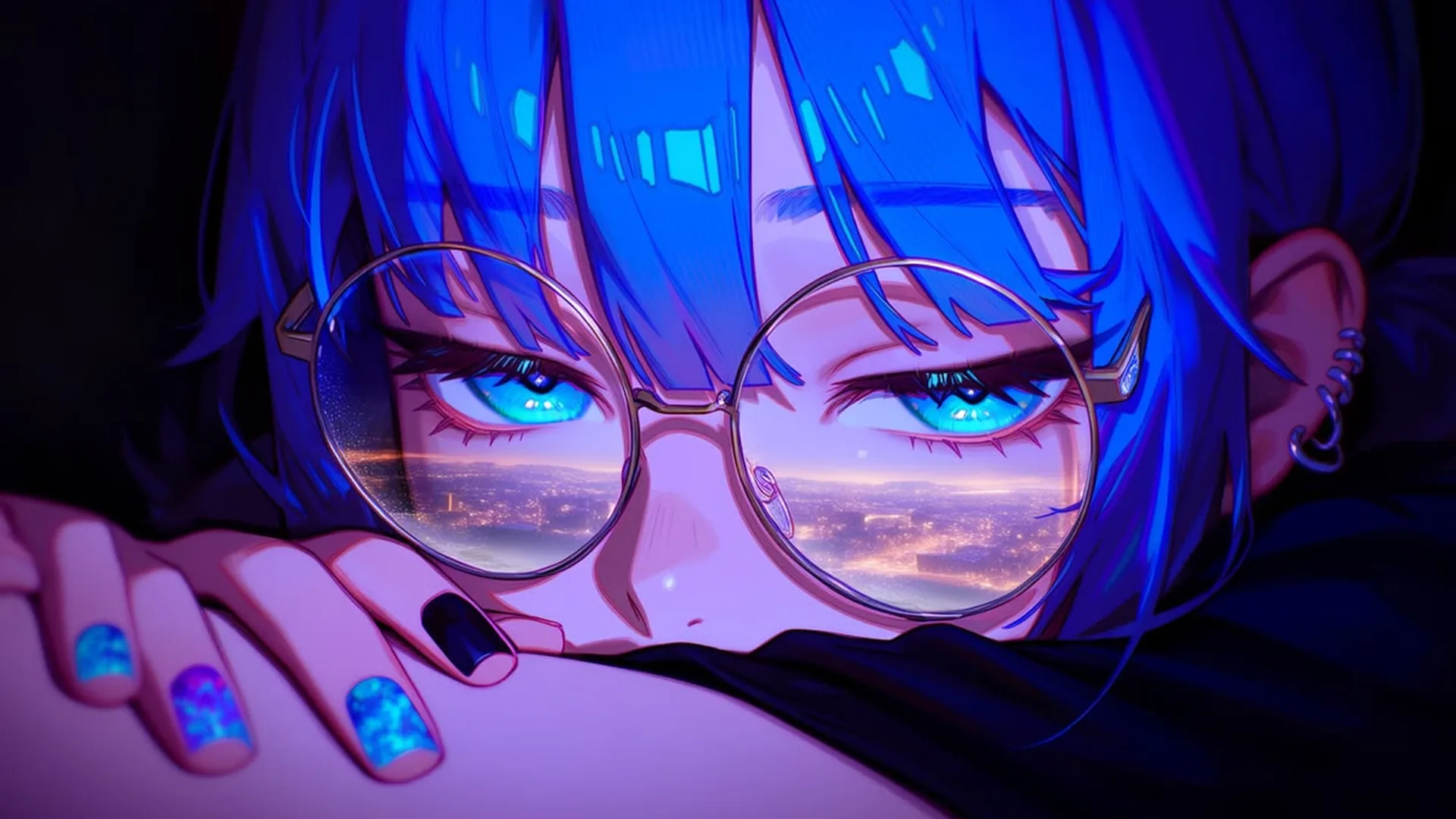
A new visual style
Image variationUse the source as a starting point and choose a drawn, photographic or cinematic direction. Compare how colors, texture and recognizable character details change.
Restyle an existing image or request a focused visual change with a source and prompt. You can also open NSFW Studio, or continue with NSFW Image Editor, NSFW AI Photo Editor, and NSFW AI Image Generator.
An AI image editor NSFW workflow can be used for a broad visual treatment or a smaller revision of an existing picture. Choose the scope before generating. Upload a permitted adult fictional source, identify the change, and name the original qualities that matter to your review. Viralkey NSFW Studio produces an image candidate from the request. Compare both the intended edit and unexpected differences before treating the result as a finished asset. An edit can try to preserve visual details in image edits, but subject consistency in photo changes is something you check afterward, not something the upload promises. Continue in NSFW Studio, or open NSFW Image Editor and NSFW AI Photo Editor.
Restyle an existing image or request a focused visual change with a source and prompt.
If you want a new visual style, say which source details still matter. If you want a narrow change, keep the rest of the brief restrained. Treating every detail as both fixed and freely restyled makes the request difficult to evaluate.
Generate Image
Name the part of the image and the change in ordinary terms, such as a quieter background or warmer scene light. Avoid vague requests for a perfect image. A measurable visual goal gives you a reason to accept or reject a candidate.
Generate Image
Use the studio’s current image options to submit your request, then review the generated candidate against the prompt and any source you supplied. Available access and credits depend on the information shown for your account. An input image guides the task without guaranteeing exact preservation.
Generate ImageWhy can generated edits change details I wanted to keep? The model follows the whole instruction and can still repaint nearby pixels. Review the result before you rely on it. Upload the image you intend to work from. Identify the main change, the source details you would like to keep, and any areas where you are open to variation. Wait for the upload to finish.
Continue to NSFW Studio with your prompt. Preparation is available before sign-in, but generation requires an account. Review the restored source and prompt; continuing is not an automatic paid submission.
Check the available settings and displayed credits before submitting in the studio. Once a candidate is ready, look for the requested change and any unexpected differences. Revise the next brief only after that review.
Create a revised image from your source and a specific visual change request.
View page
Use a photo reference to explore lighting, background, and styling changes.
View page
Create adult fictional portraits and illustrations from text, with optional images to guide the result.
View page
Edit a source image with clear instructions for scene, styling, or lighting changes.
View page
Choose an image generator by reference handling, visual control, costs, and output review.
View page
Explore the image workflow and check the current studio access and credits before generating.
View pageChoose an edit that is easy to describe, then compare the requested change and the details you wanted to keep.
A new visual style
Image variationUse the source as a starting point and choose a drawn, photographic or cinematic direction. Compare how colors, texture and recognizable character details change.
One edit at a time
Focused revisionWrite one main change and separate it from the details you want to keep. Afterward, check both the requested edit and any unintended changes.
One useful reference
Reference inputState whether your image is there for the subject, the setting or the style. Include only references you may use, and avoid images that contradict the prompt.
Versions with one difference
Image iterationKeep the subject and framing fixed in your prompt while changing one visible detail. The versions become easier to compare, though precise preservation is not guaranteed.
What the tool actually offers
Capability checkInspect the current studio controls rather than inferring features from a keyword. A name does not promise masks, layers, unrestricted requests or exact identity preservation.
A result you can judge
Result reviewCompare the candidate with your prompt and reference. Check framing, anatomy and unwanted changes before deciding to keep it or request another version.
Start with an image you may use and describe the change you want in the setting, light, colors or character styling. The studio generates a candidate from that input. Review the whole image afterward; a requested edit does not guarantee that every other detail stays unchanged.
Use your prompt and optional reference to create or edit a still image. Check the current studio options and credits before submitting.