BL
Bess Lang
CreatorWatermark chip, same table, stamp gone.
I did not get a new catalog scene.
Upload a still and name what should disappear. Viralkey's magic eraser removes that object, watermark, caption or extra person and rebuilds the patch from the same photograph — not a new backdrop and not a transparent cutout.


Magic Eraser
Magic Eraser Online
Upload a still and name what should disappear. Viralkey's magic eraser removes that object, watermark, caption or extra person and rebuilds the patch from the same photograph — not a new backdrop and not a transparent cutout.
Remove unwanted objects with our Magic Eraser. It fills erased areas for realistic results, improving picture focus. Keep your memories intact by removing photobombers without altering the scene, and boost social engagement with clean visuals. Delete undesirable objects now!
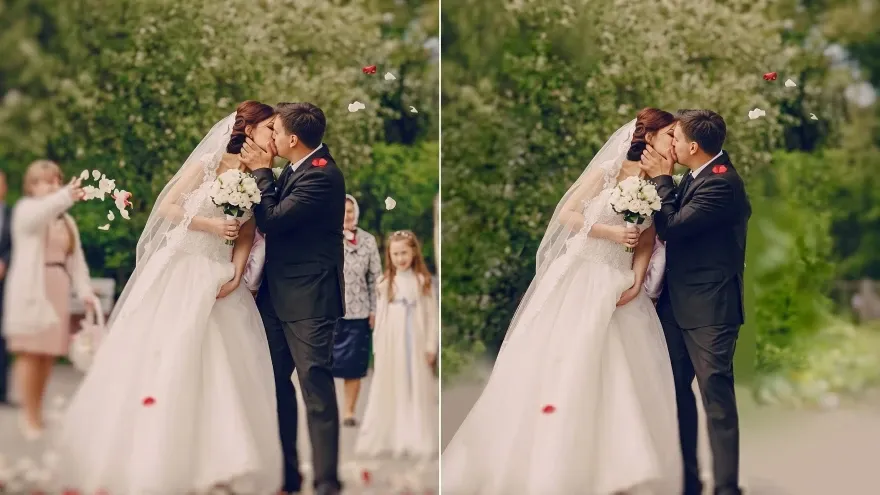
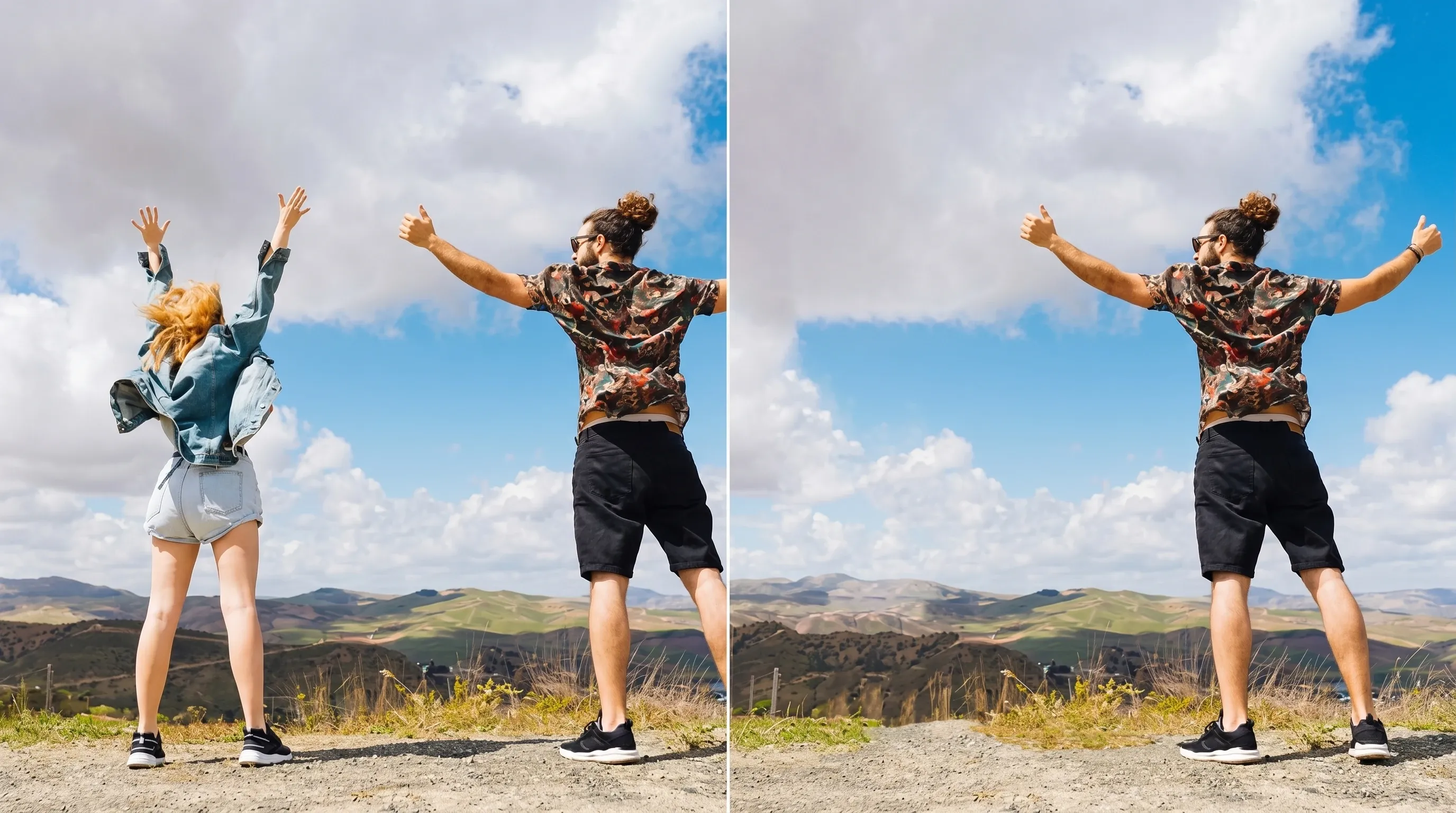
Remove hikers, passersby, or crowds so your main subject stands out. Ideal for travel shots, landscapes, and portraits that feel too busy.
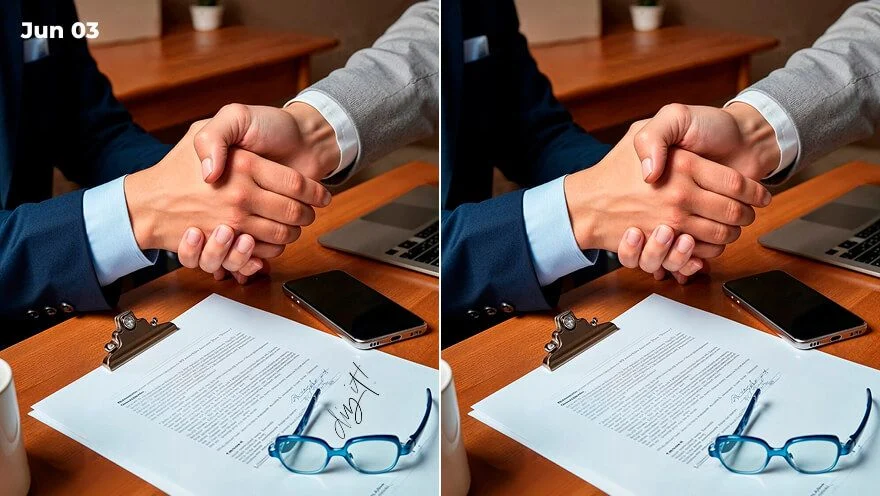
Erase unwanted text and logos from your photos, creating a cleaner look. Use it for product images, social media posts, or personal pictures that need fewer distractions.

Use our AI eraser to clean up messy backgrounds and improve image focus, creating more professional-looking images for sharing, editing, or personal use.
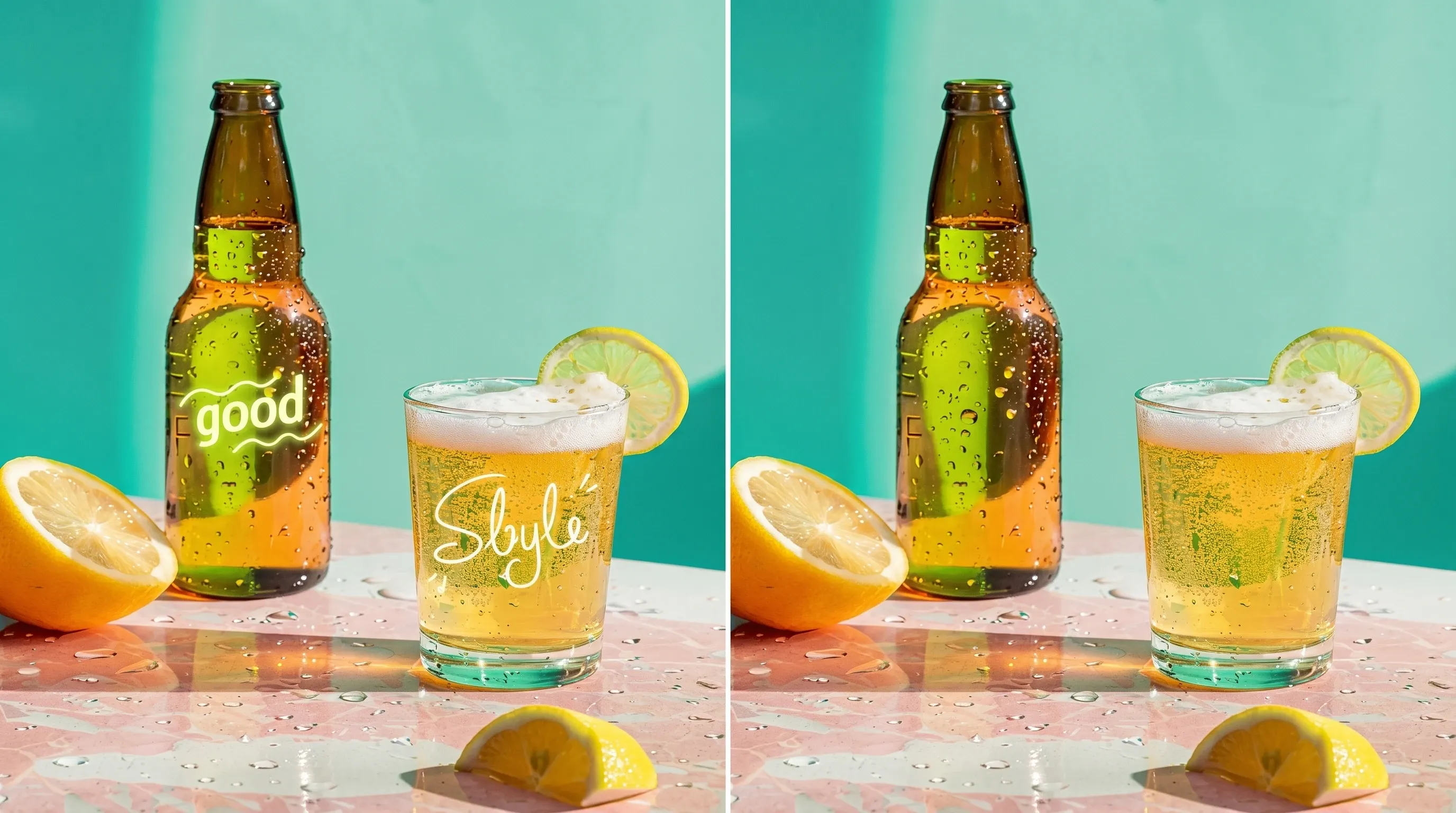
Use the magic eraser to delete watermarks, date stamps, and other unwanted marks from your photos. Your pictures will be cleaner while keeping their natural visual quality.
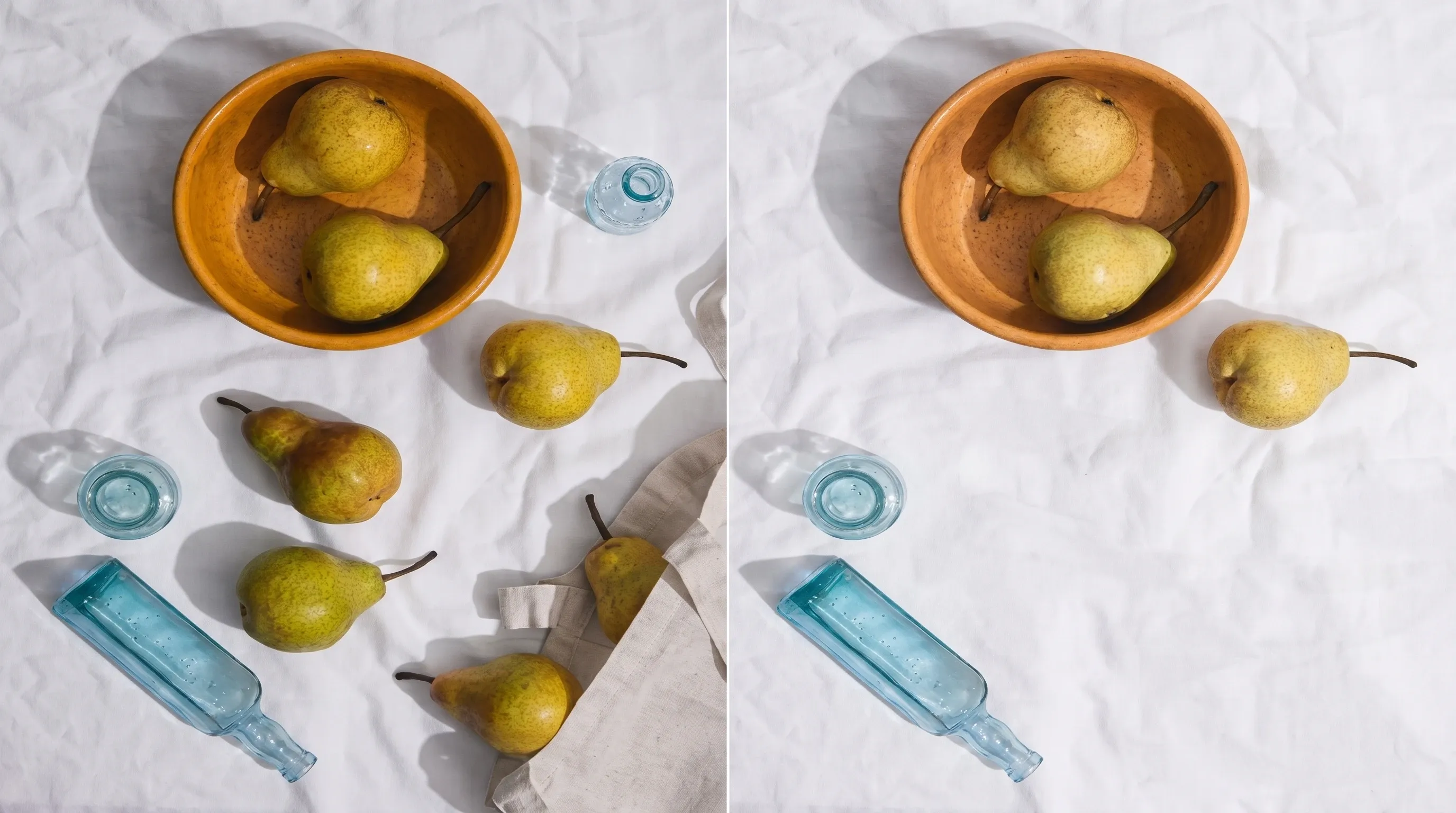
Delete objects from your photos like trash, signs, or undesired shadows. After eliminating visual clutter, your pictures appear sharper and more visually balanced.

Repair tiny imperfections, like marks, spots, dust, and scratches effortlessly. Your neater images will be ready to impress.
Upload the picture you want to edit in formats like JPG, PNG, TIFF, etc.
Select the object you want to delete. The tool will erase it and fill the area automatically.
Preview the result, make any adjustments if needed, and download the image.
Erasing one mark is rarely the only question. Stay in Viralkey Studio to sharpen the same still, cut it onto a transparent background, or enlarge the file you kept.

Erase one named prop and fill the gap from the same photograph.
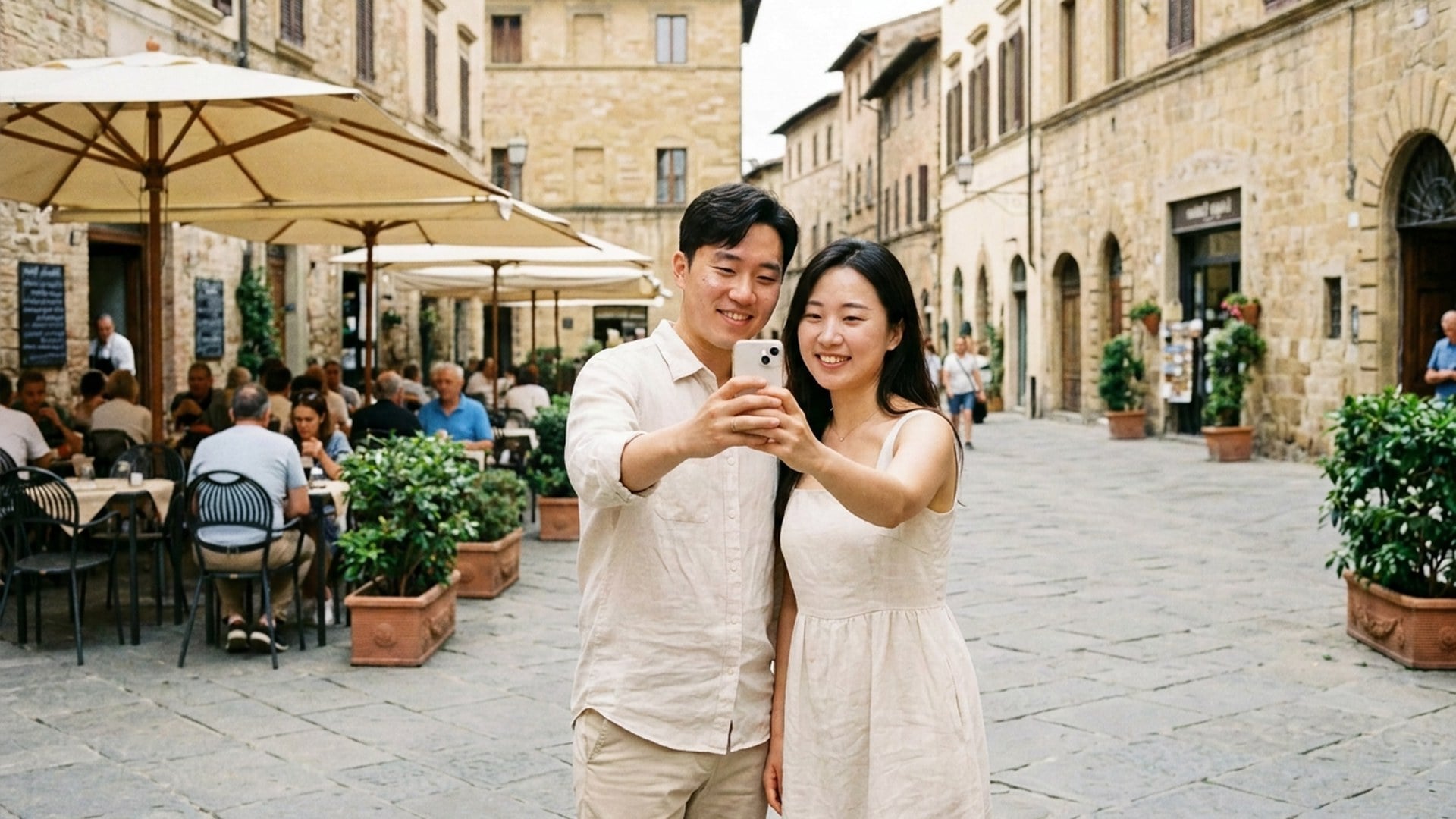
Delete one extra person and rebuild the gap from the same still.
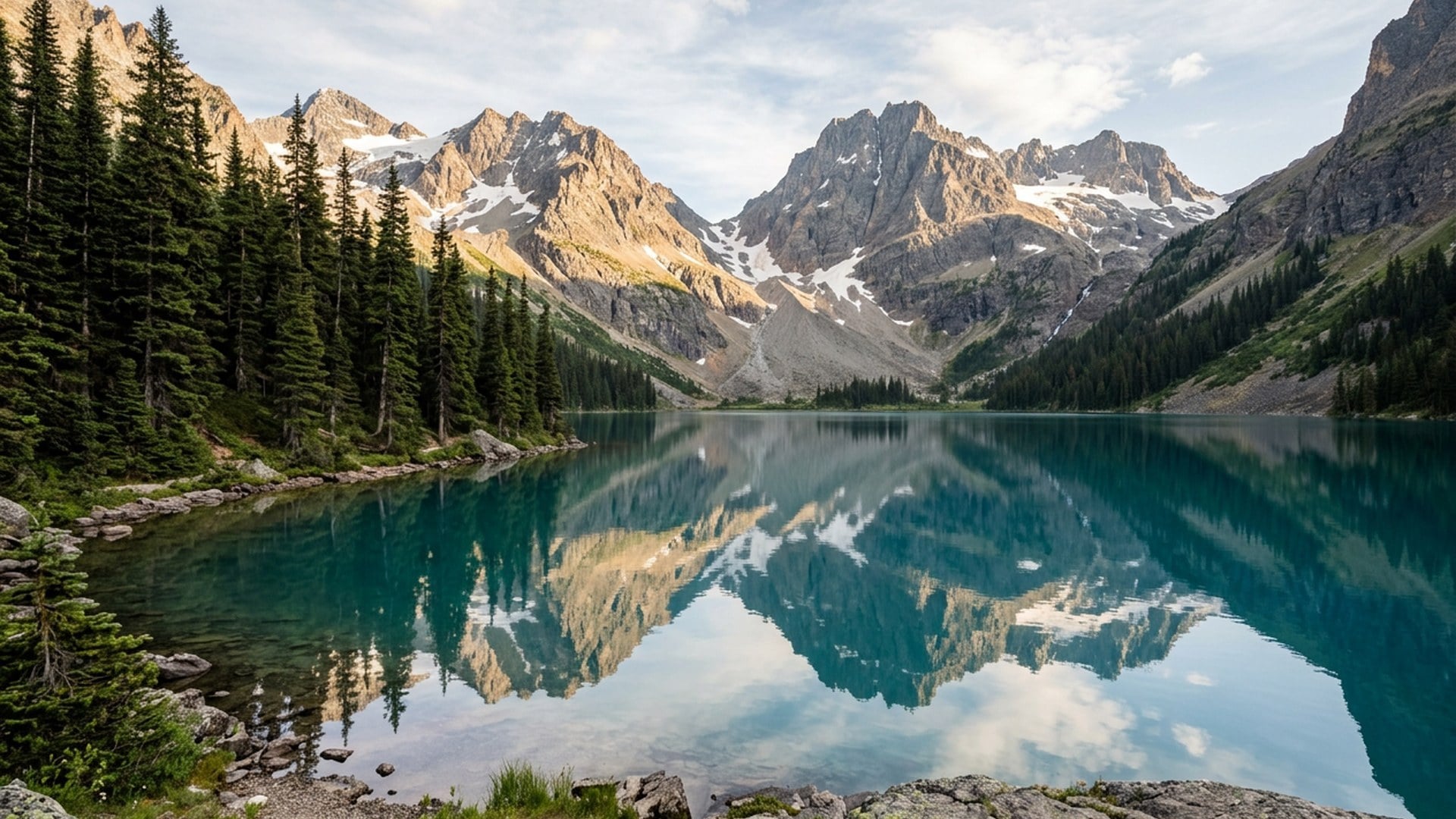
Delete a stamp overlay and rebuild the patch from the photograph.

Erase burned-in type and fill the gap from neighbouring pixels.
Notes from creators who used this tool on real work.
Bess Lang
CreatorWatermark chip, same table, stamp gone.
I did not get a new catalog scene.
Cyra Holt
Product managerWrote 'person on the left'.
The street stayed the street. That was the brief.
Dell Ames
PhotographerTimestamp vanished from the corner.
The sky fill looked like the same afternoon.
Etta Voss
YouTuberLogo on the mug disappeared.
The ceramic still matched the handle beside it.
Gia Pell
Social leadI used remover for the cutout and eraser for the stamp.
Two jobs, two pages.
Hope Crowe
DesignerNo brush to learn.
Chip plus one sentence. The photobomber was the whole problem.
Ivy Quinn
IllustratorTried enhancer first by mistake.
This page is the one that deletes, not sharpens.
Joy Calder
ConsultantCropped tighter, then Extra person.
Second take left my friend alone in the frame.
Kade Whitlock
InfluencerText chip on a story still.
Date gone, brick wall still the same wall.
Viralkey's magic eraser removes one named element from a photo you already have and fills the gap from the surrounding picture. You upload one still, pick Object, Watermark, Text, Extra person or Logo, and optionally write which instance. The rest of the frame — pose, crop, light and the people you meant to keep — should stay. It is not a transparent cutout and not the Image Enhancer quality pass.
Upload a still and name what should disappear. Viralkey's magic eraser removes that object, watermark, caption or extra person and rebuilds the patch from the same photograph — not a new backdrop and not a transparent cutout.