ER
Edmund Radcliffe
Account executiveI had been putting off growing one for a year.
Saw Full beard on my own jaw and booked the clippers the same week.
Curious how facial hair would look on you? Upload one portrait and add beard to photo previews that change only the facial hair while your face, expression and lighting stay untouched.
Add Beard to Photo
Add Beard to Photo
Curious how facial hair would look on you? Upload one portrait and add beard to photo previews that change only the facial hair while your face, expression and lighting stay untouched.

Upload Your Photo
Add a clear portrait where the jaw and chin are visible. Front-facing or three-quarter angles work best, and even lighting gives the most believable beard edges on the first run.

Pick Your Beard Look
Choose Full beard or Stubble for the classic preview, or Goatee when you want a narrower shape. Then add length or colour notes if a detail matters.

Generate and Compare
Run the edit and compare the new jawline with your clean-shaven original in the asset library. Download keepers, then test a second beard shape on the same photo before you commit.
Growing a beard takes weeks before you know whether it suits you, and shaving a bad guess is one rough morning. Viralkey lets you add beard to photo previews on your own jawline: upload a portrait you already like, choose a look, and study the result without rewriting the rest of the frame.
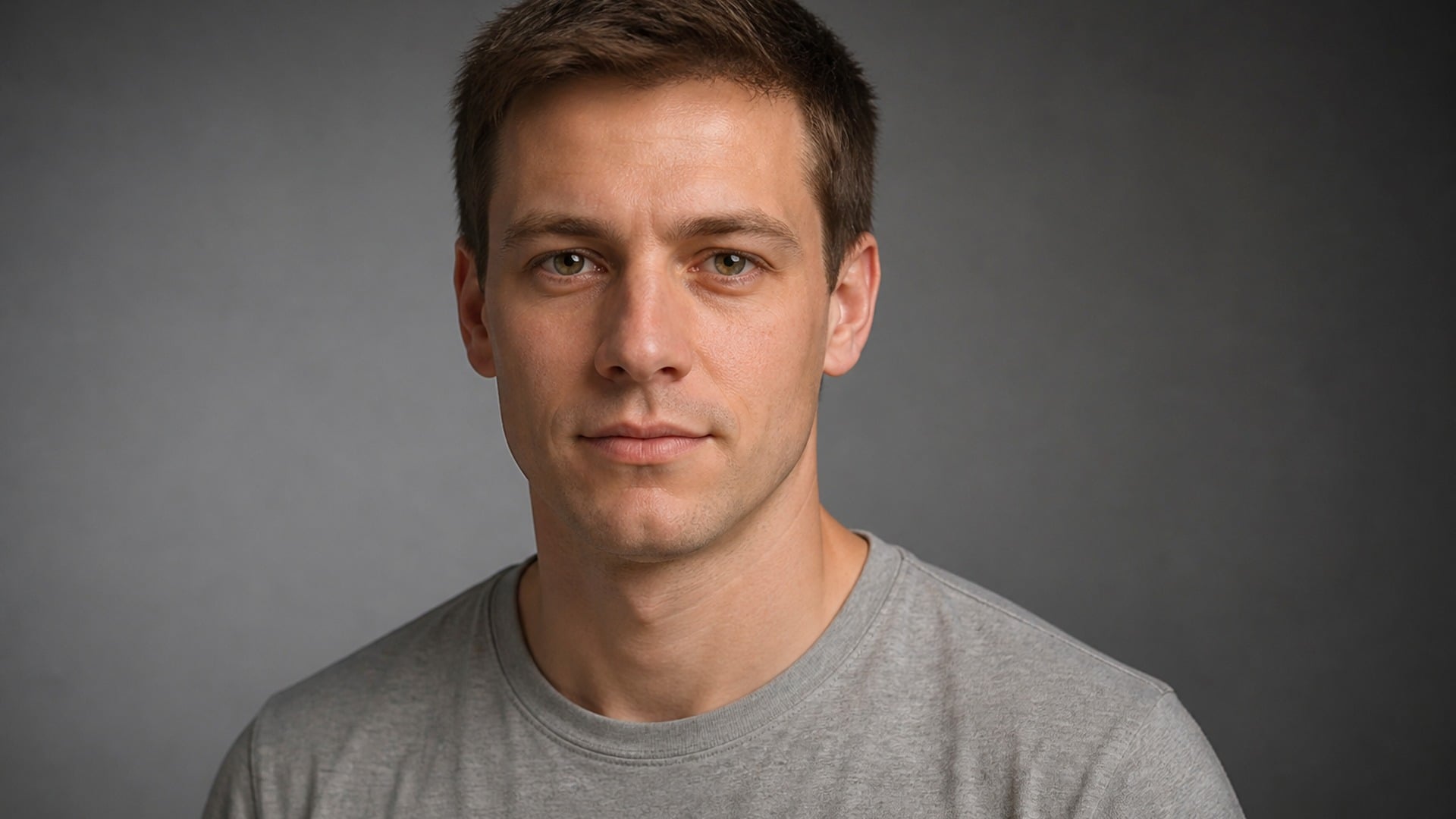
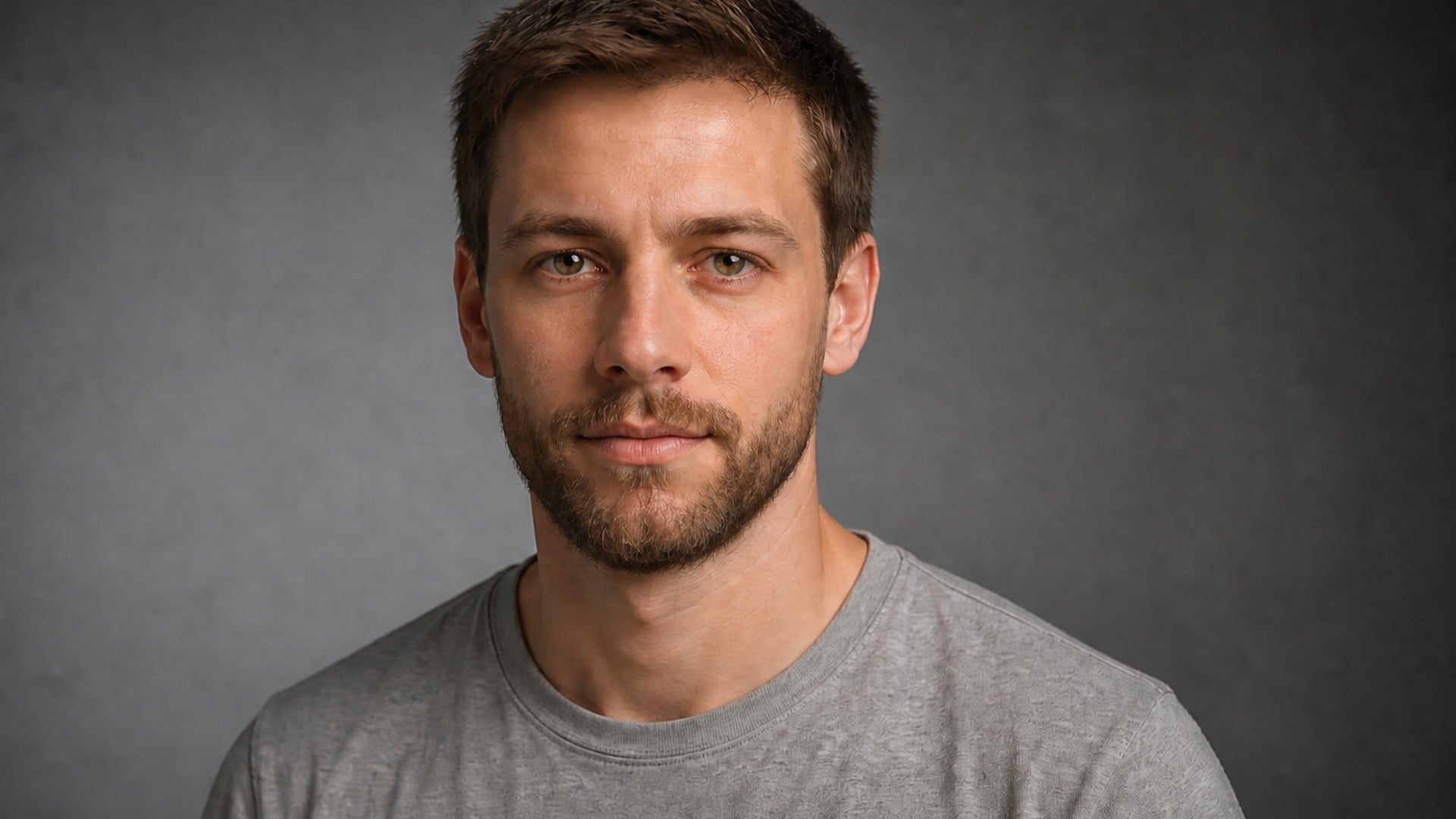
Choose Full beard when you want the full mirror check, or Stubble when a softer finish feels closer to everyday life. Try Goatee on the same portrait when you need a narrower shape. Running more than one look on your own bone structure is far more useful than guessing from a barbershop poster of someone else.
Try it now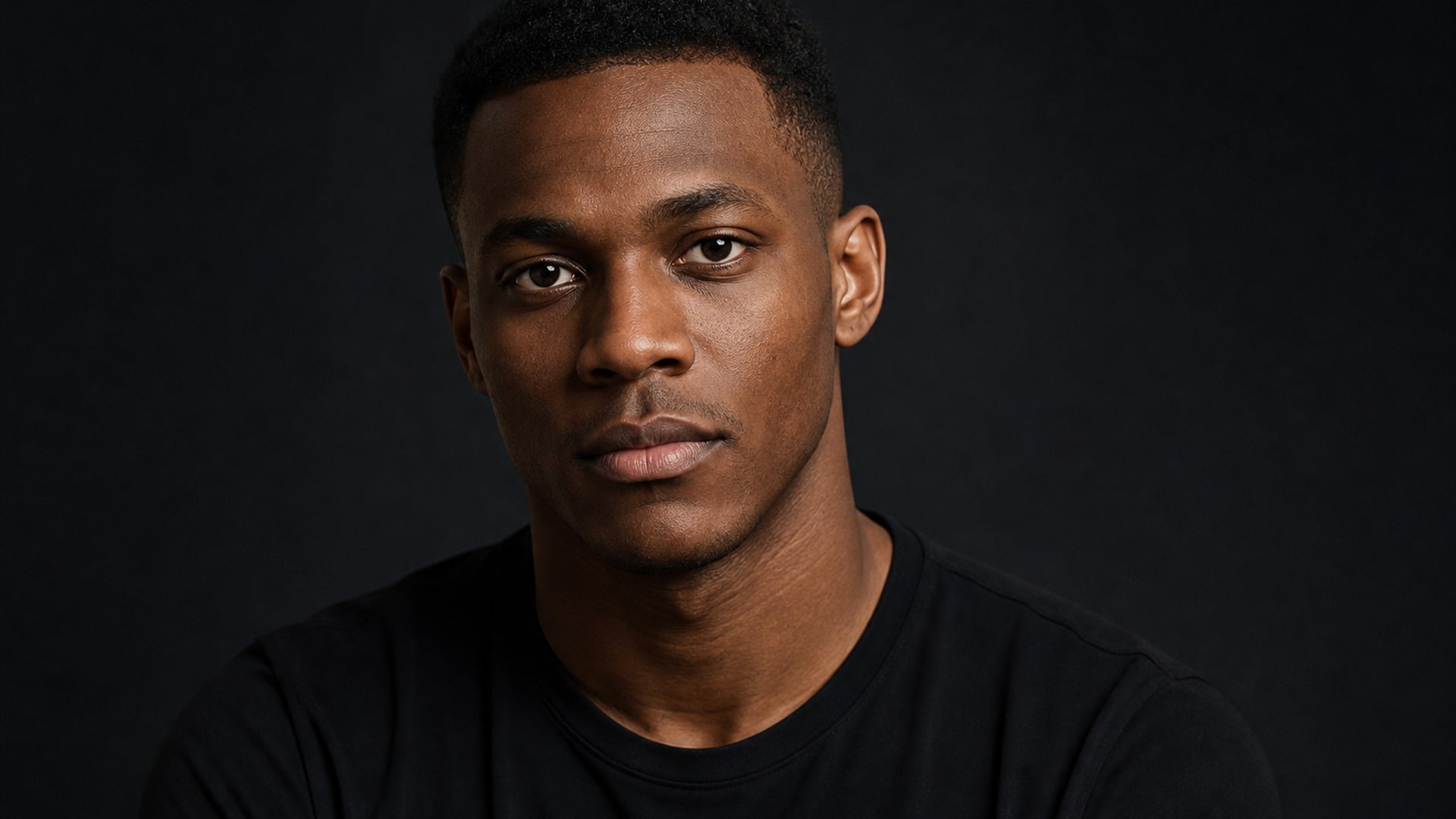
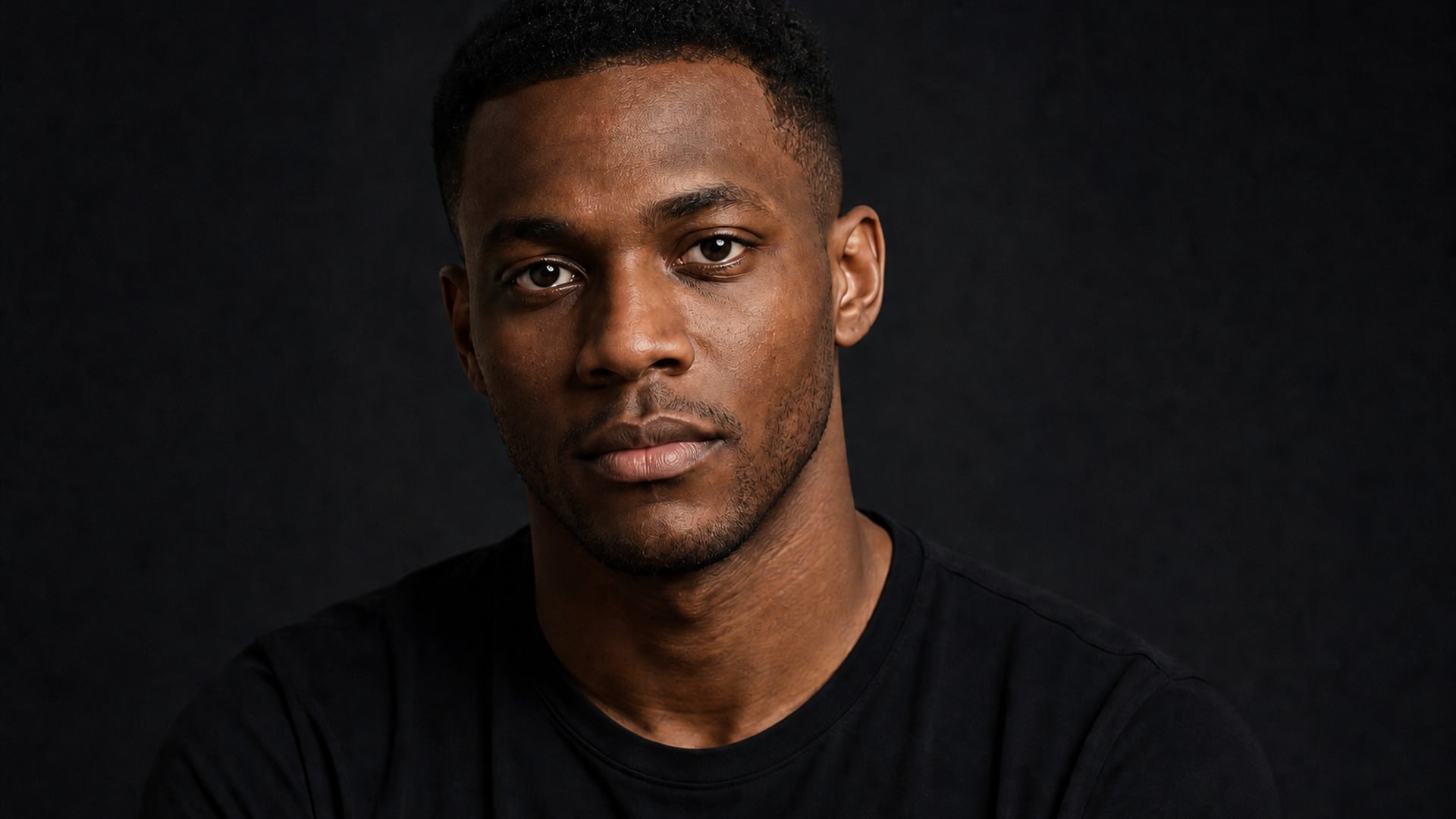
Facial hair follows the jaw and cheek lines, respects the natural beard boundary under the cheekbones and along the neck, and thins toward the edges instead of stopping on a hard cut. It picks up contact shadow from the light already in your photo, and the lips, teeth and chin stay readable underneath so the result survives a second look.
Try it now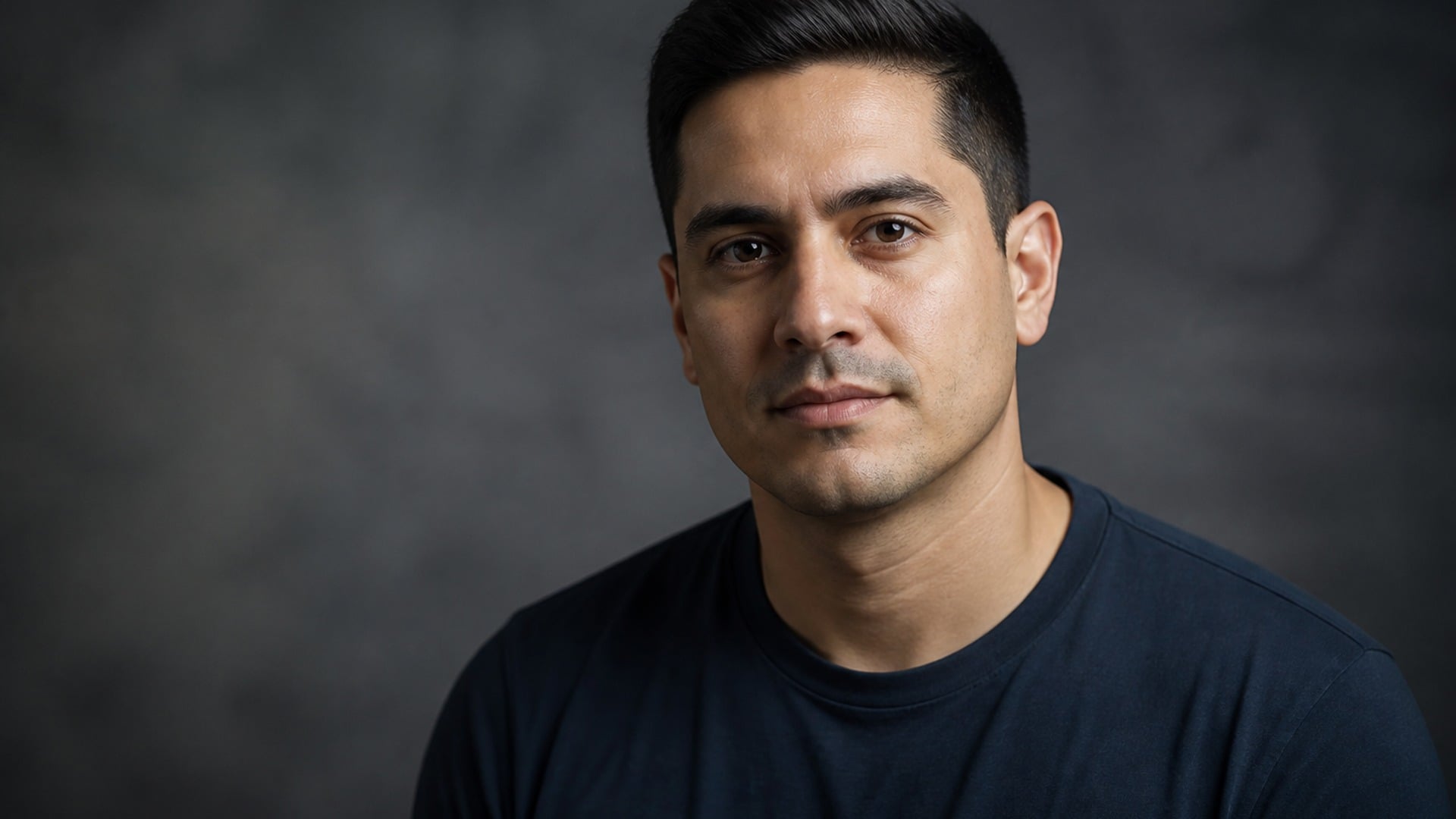
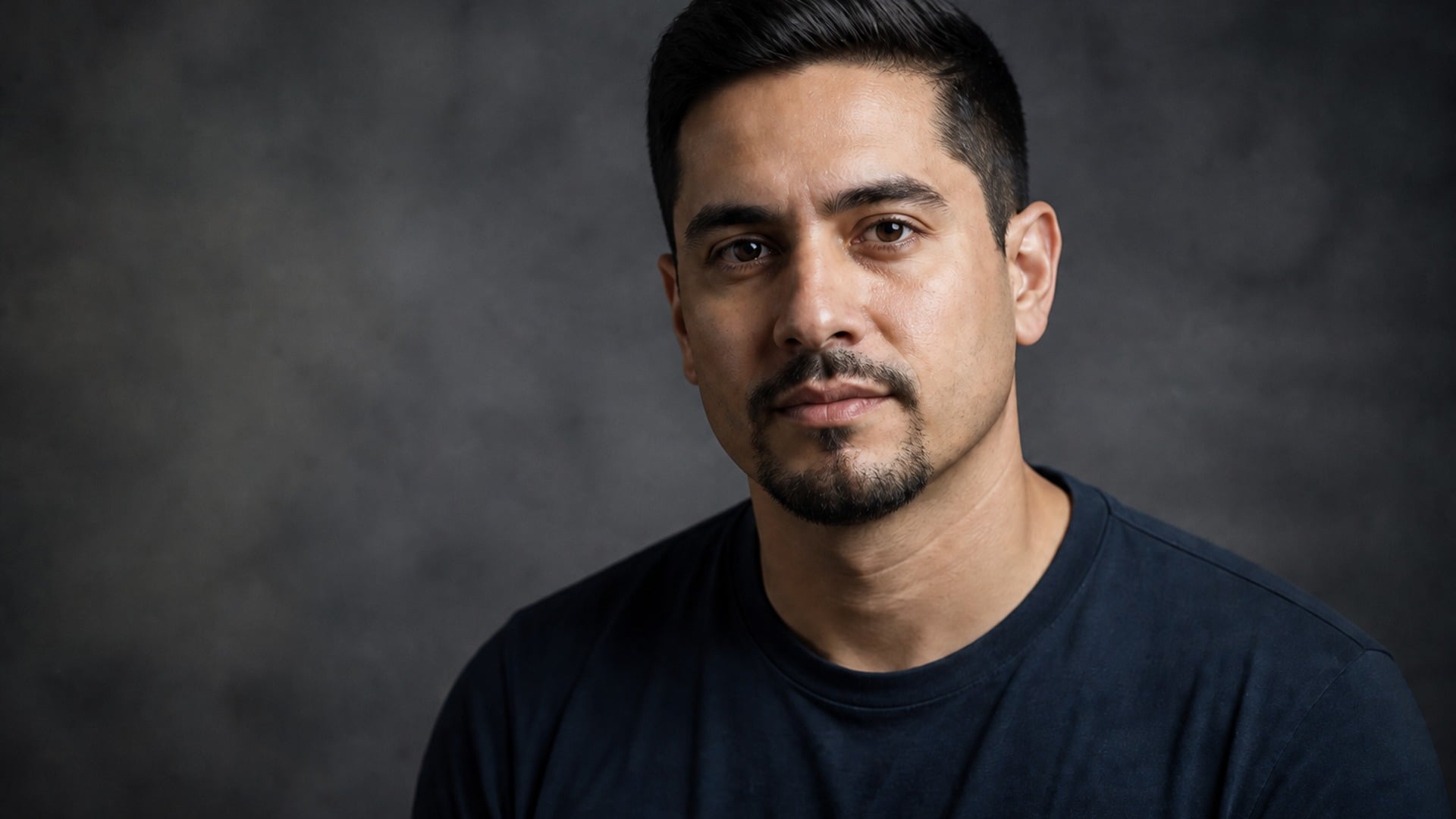
Your expression, eyes, head hair, skin tone, clothing, background, framing and lighting all come straight from the source photo. The edit is confined to facial hair, so when you add beard to photo results they still read as the same photograph — not a new portrait of a similar person — which is what makes the preview worth trusting.
Try it nowThe beard filter is built for one narrow job: putting facial hair on a portrait you already have, without rewriting the rest of the frame. Each capability below aims at a preview that still reads like a photograph, so you can trust the comparison when you decide what to grow or trim next.
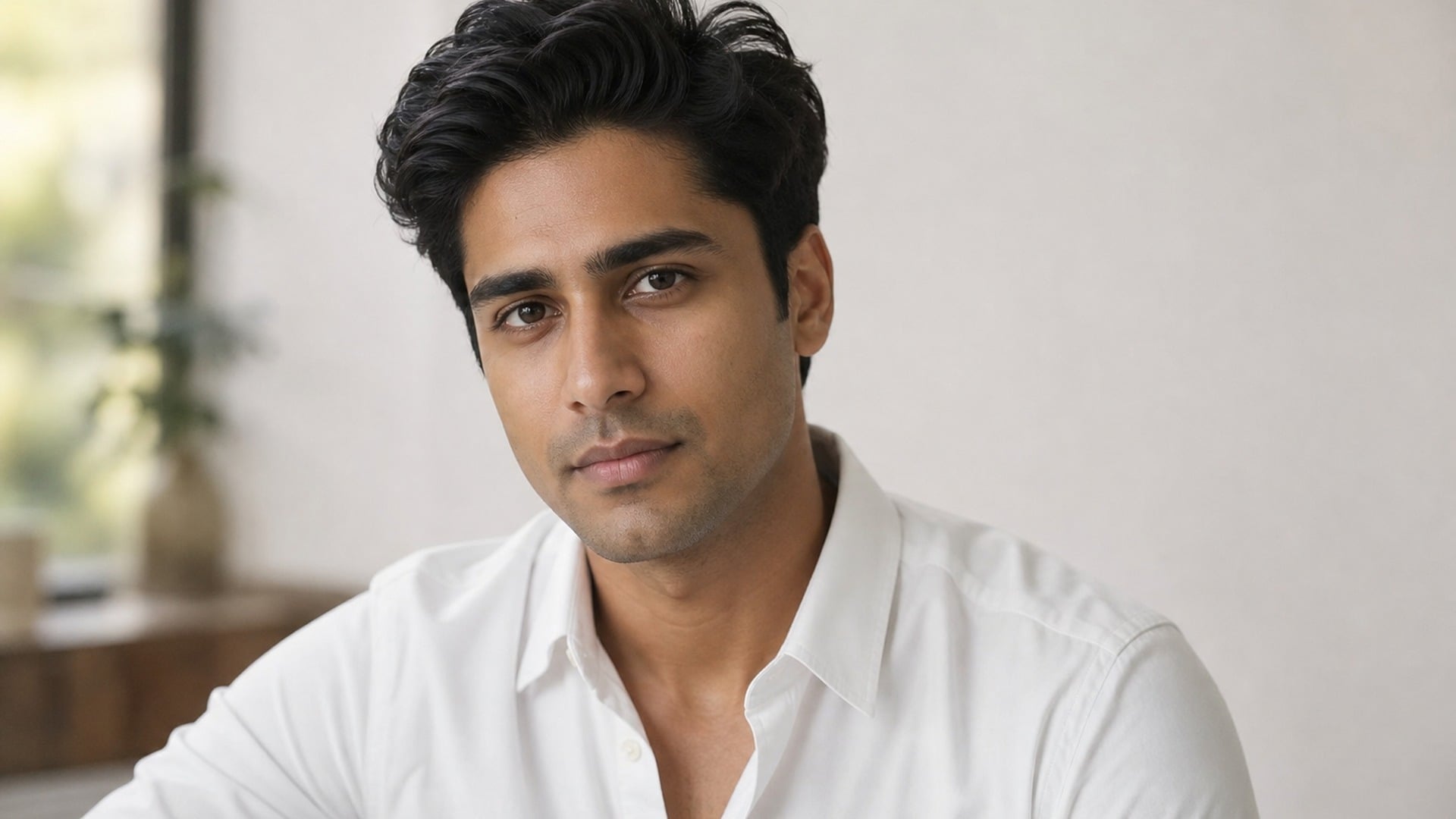
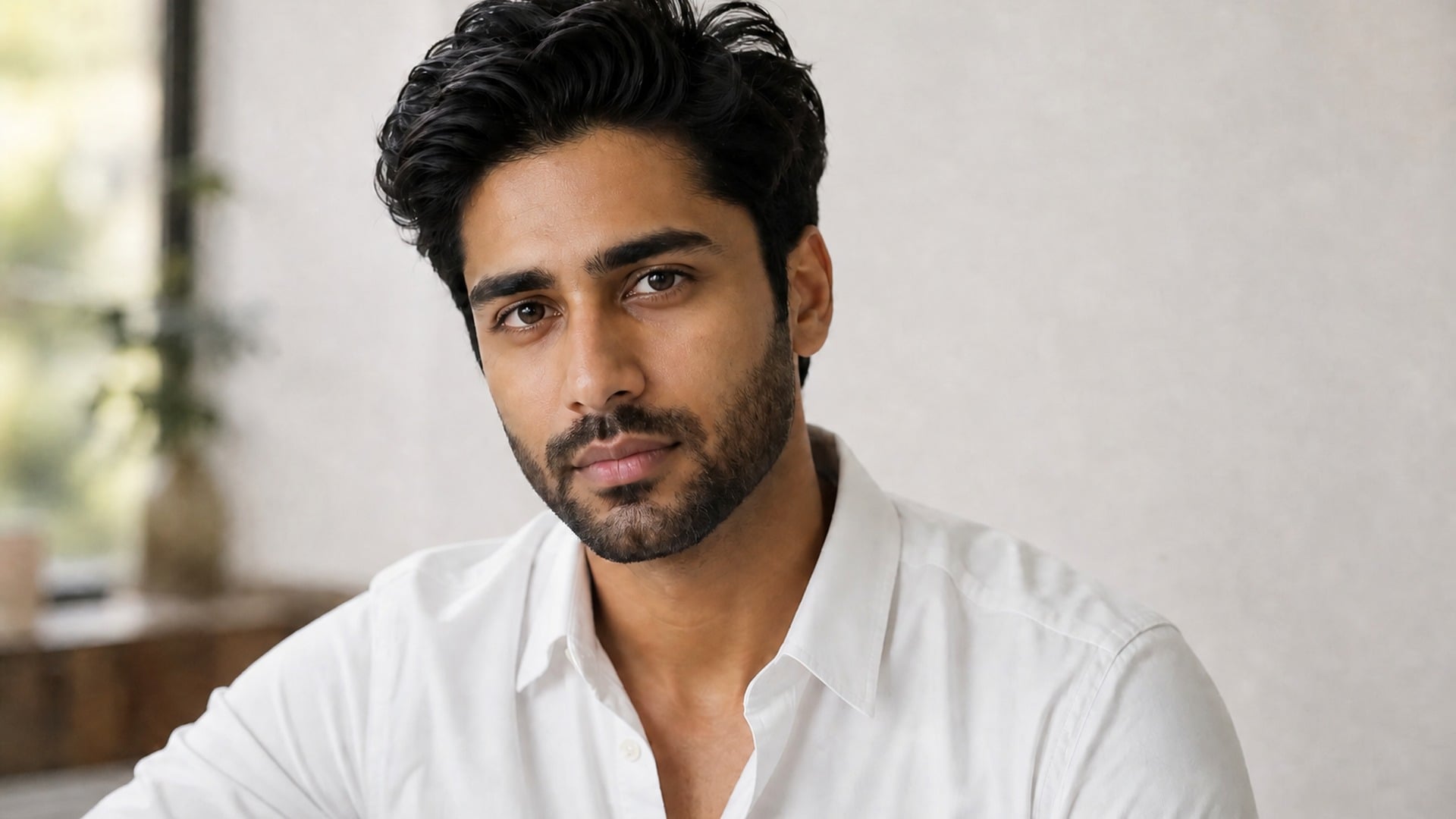
Beard color and coarseness are matched to the hair you already have, which is what keeps the result from looking borrowed from another face. Ask for gray streaks, a darker tone than your head hair, or a salt-and-pepper finish in the description when you want to override the default match and steer the look yourself.
Try it now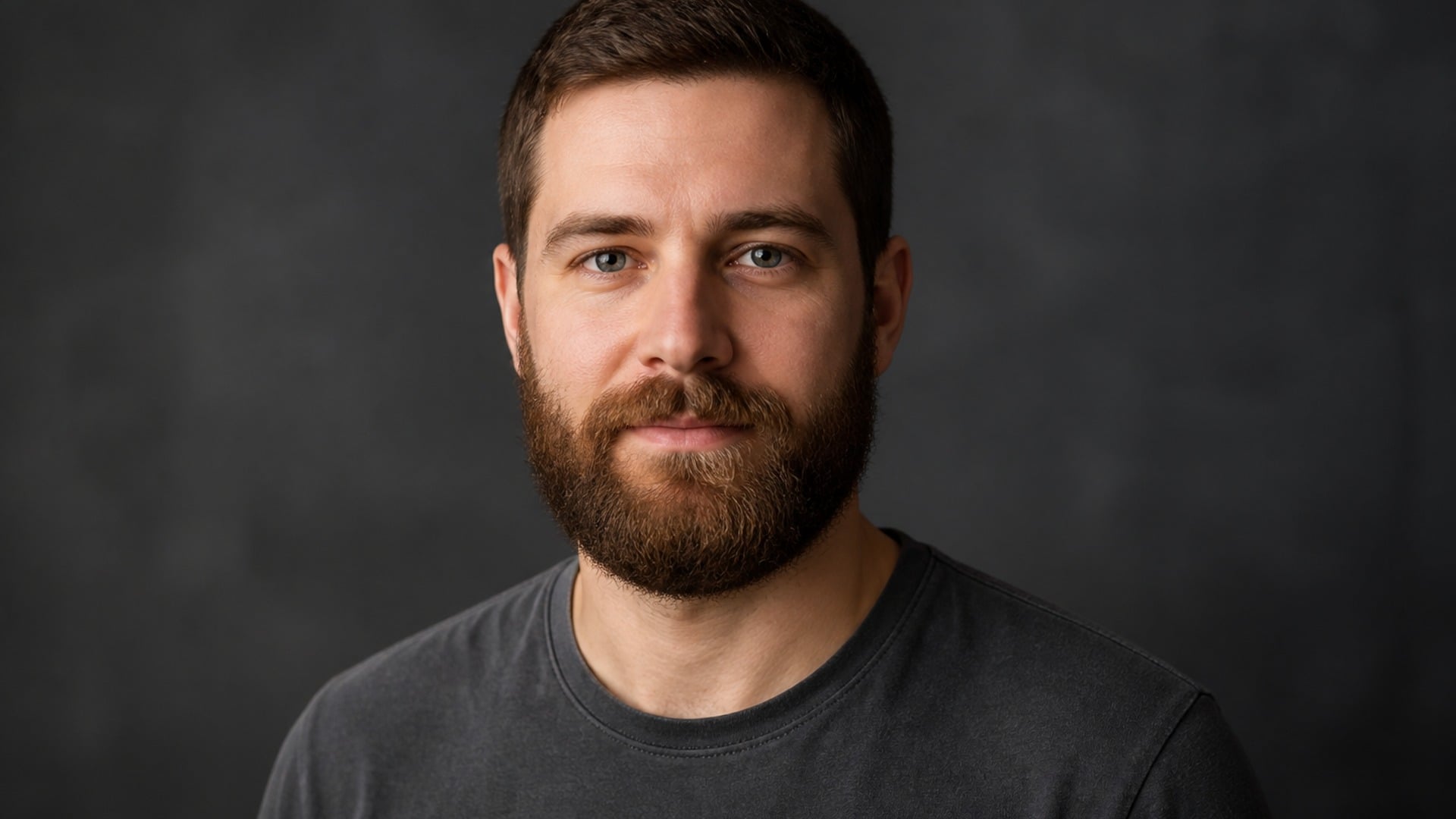
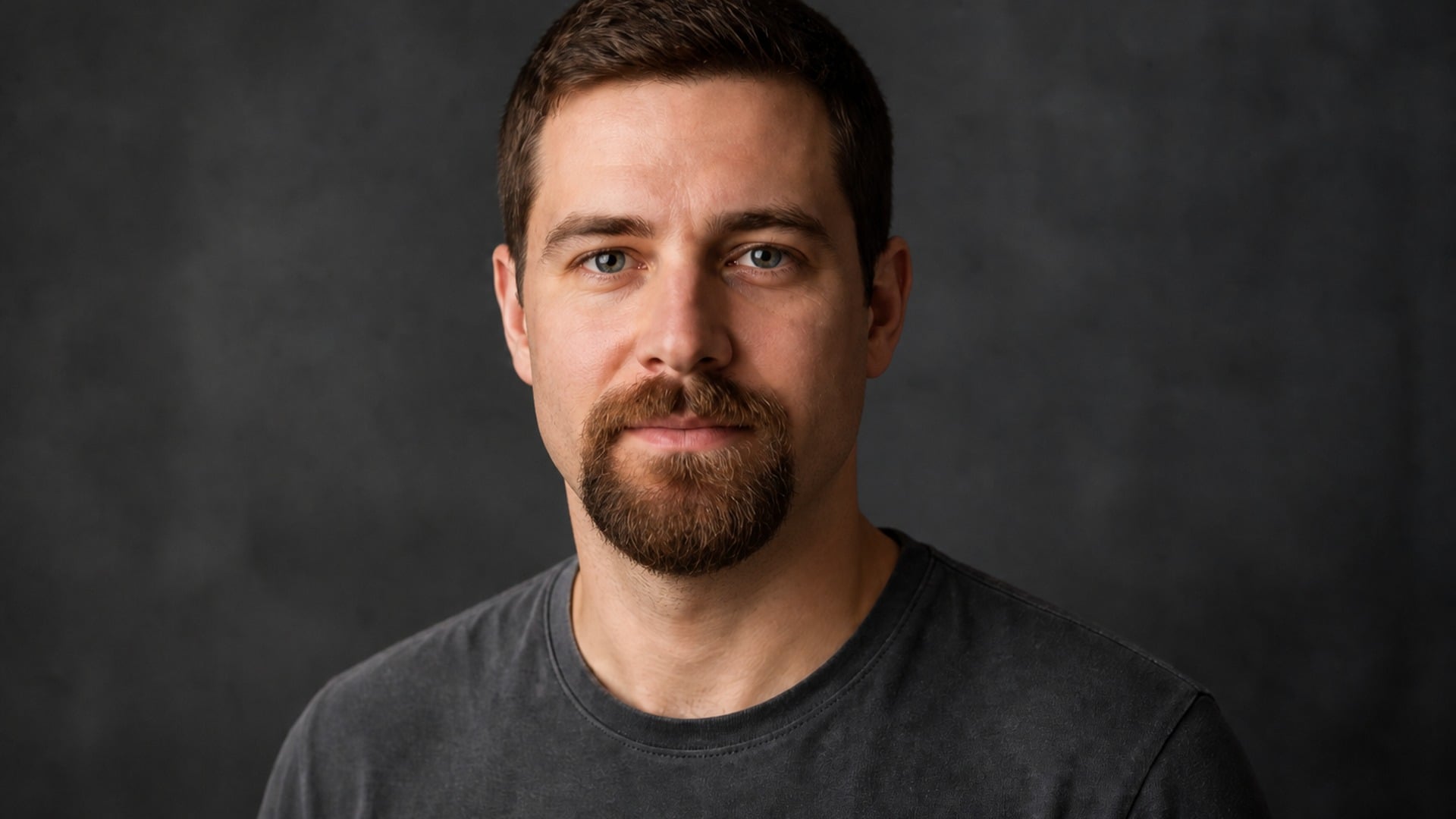
If you already have a beard, the requested look reshapes what is there instead of layering new hair on top of it. That makes the tool useful for choosing your next trim — Full beard into Goatee, or a tidy Chin strap — not only for going from clean-shaven to bearded for the first time on a single portrait.
Try it now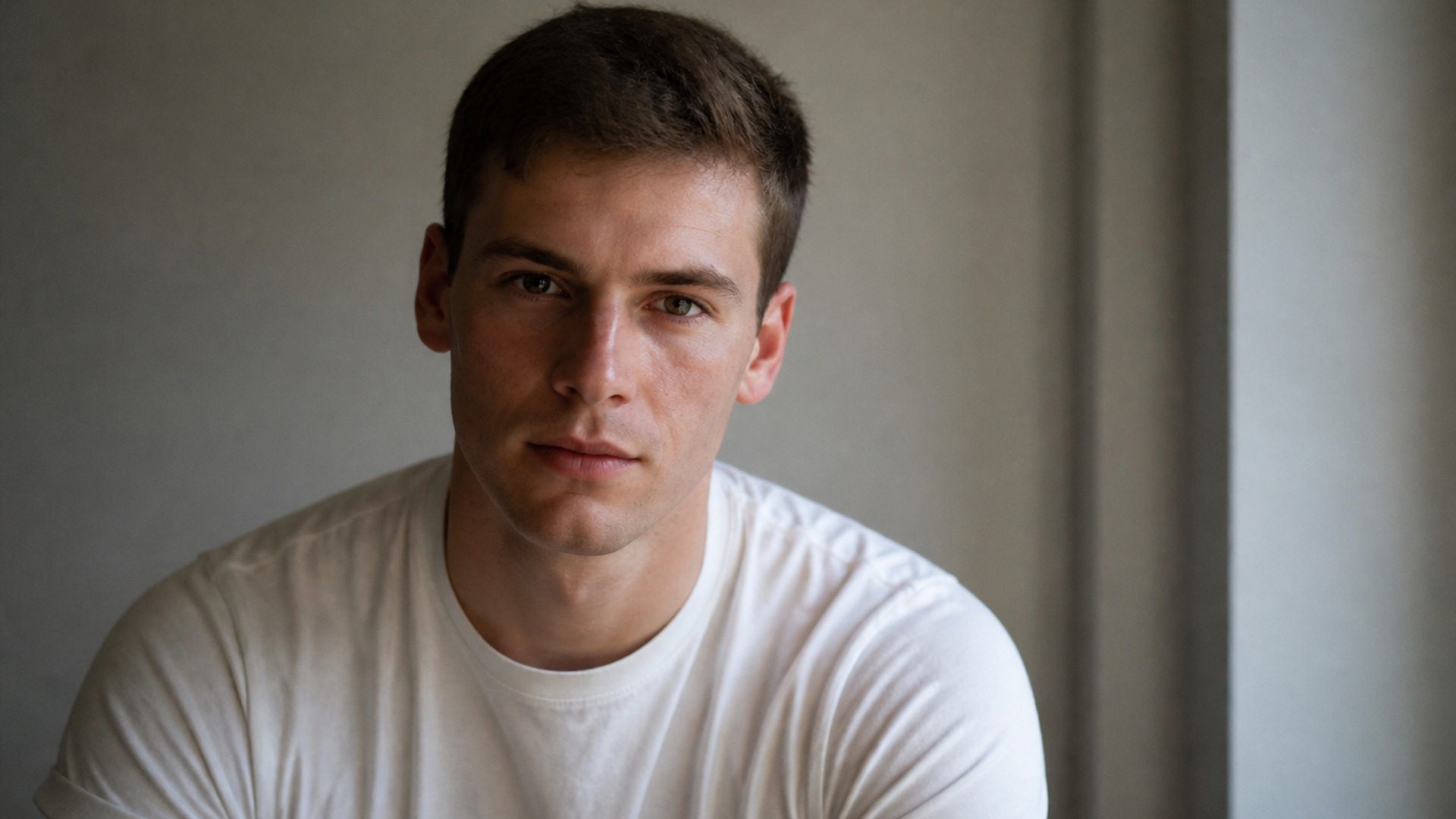
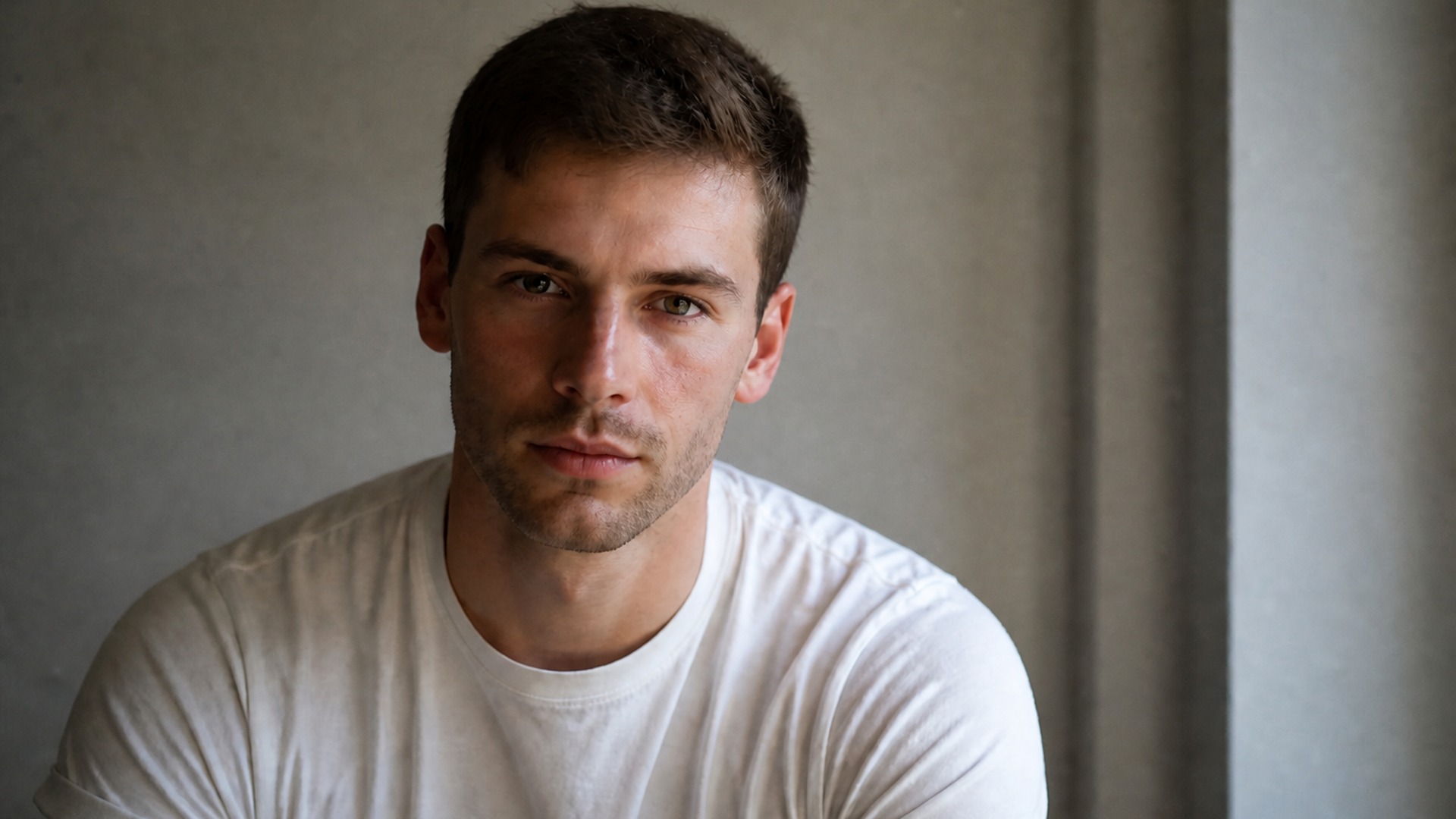
Look chips cover the overall shape; the description covers everything else. Length, density, how tidy the edges are, whether a Mustache connects to the cheeks — the more specific you are, the closer the first run lands to what you had in mind, so you spend fewer credits chasing a vague brief.
Try it now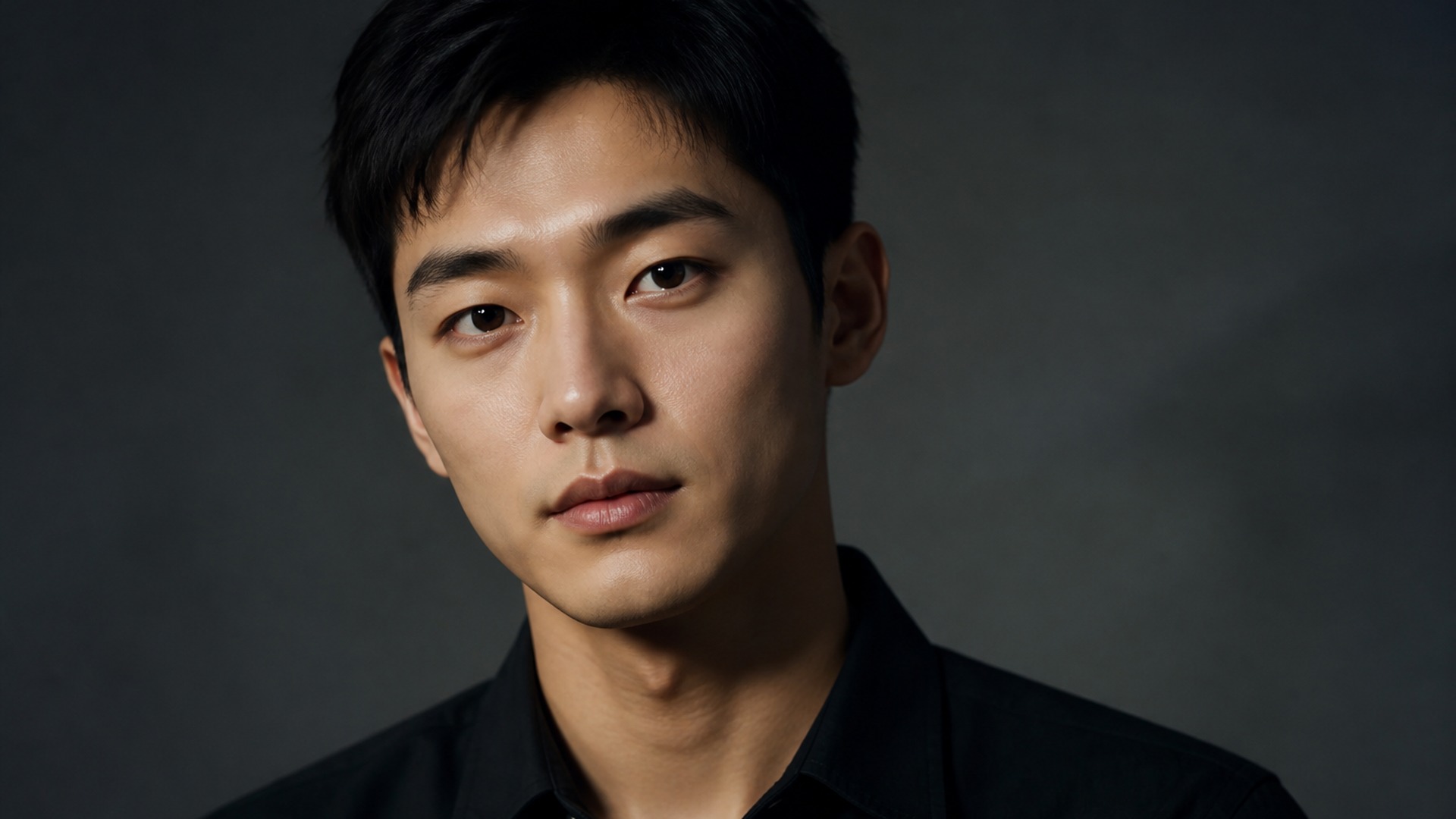
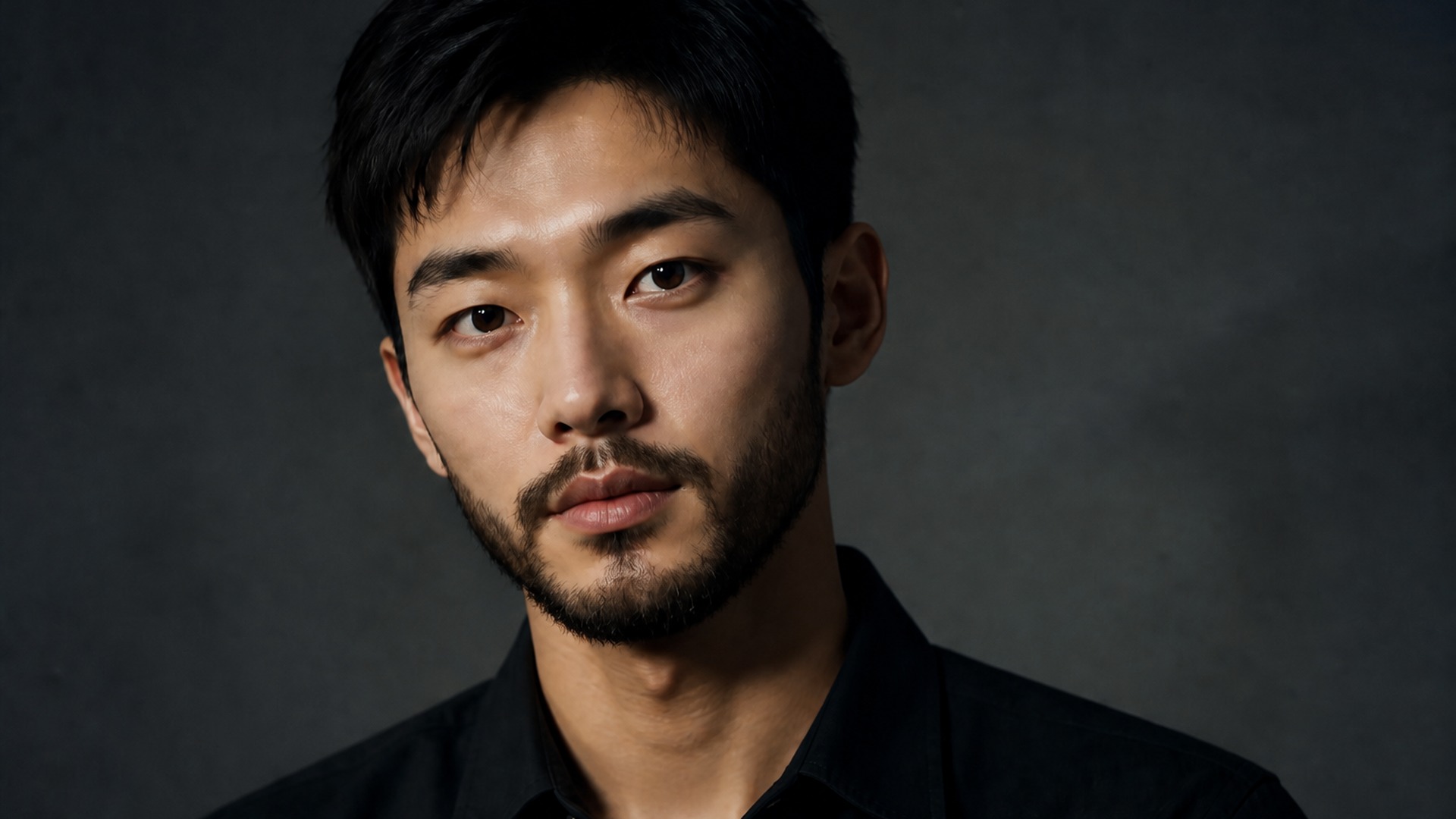
There is no render-style switch to set. The beard arrives in the same visual language as your upload — the same lens character, lighting and colour grade — so the only thing that changed between the two files is the facial hair. That is what makes the preview worth showing your barber.
Try it nowFacial hair changes how the whole face reads, so it helps to see it beside the alternatives. Keep going in Viralkey Studio to try a shorter cut or a shaved finish on the same photo.
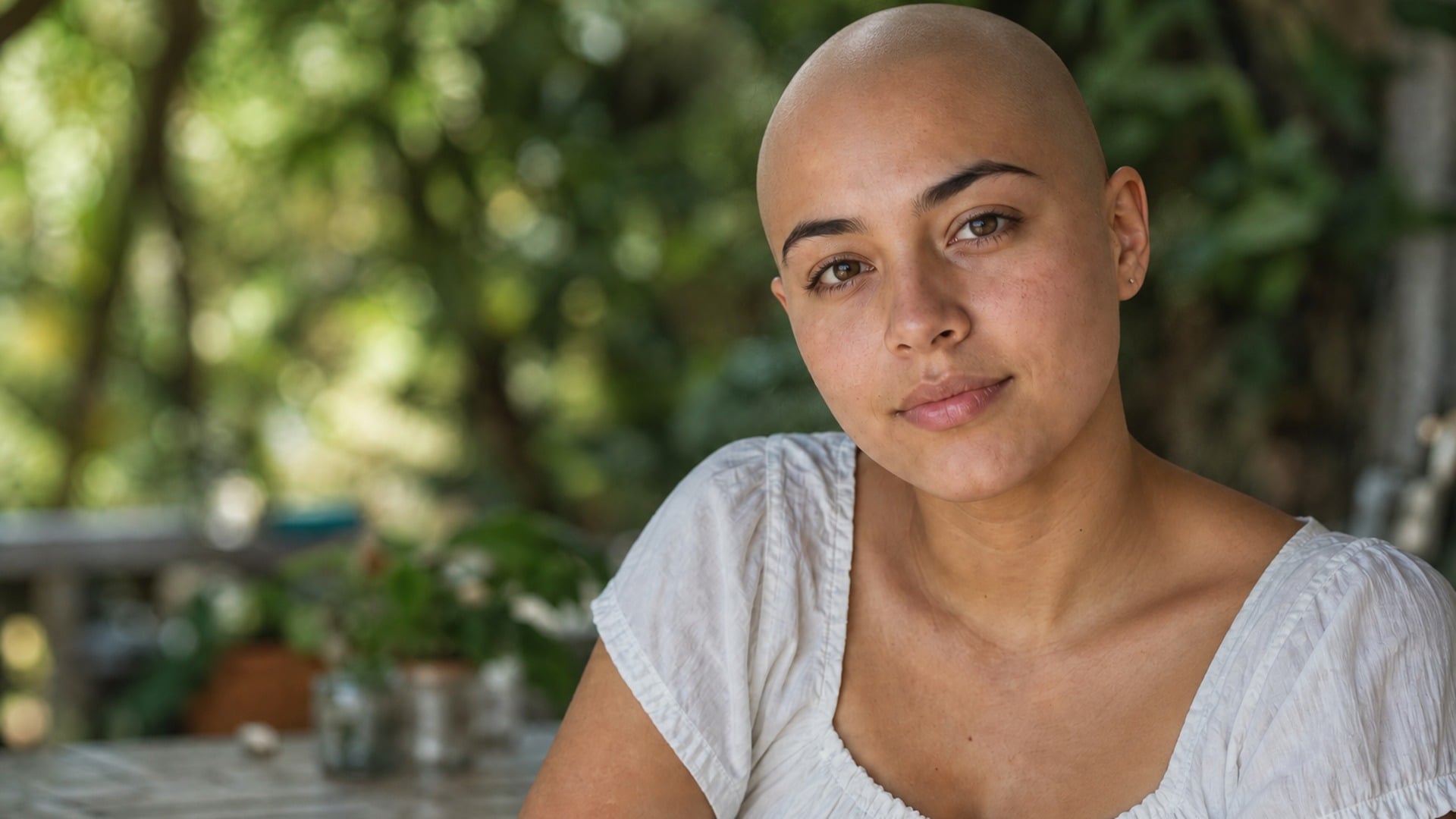
See yourself with a shaved head — face, pose and light stay put.
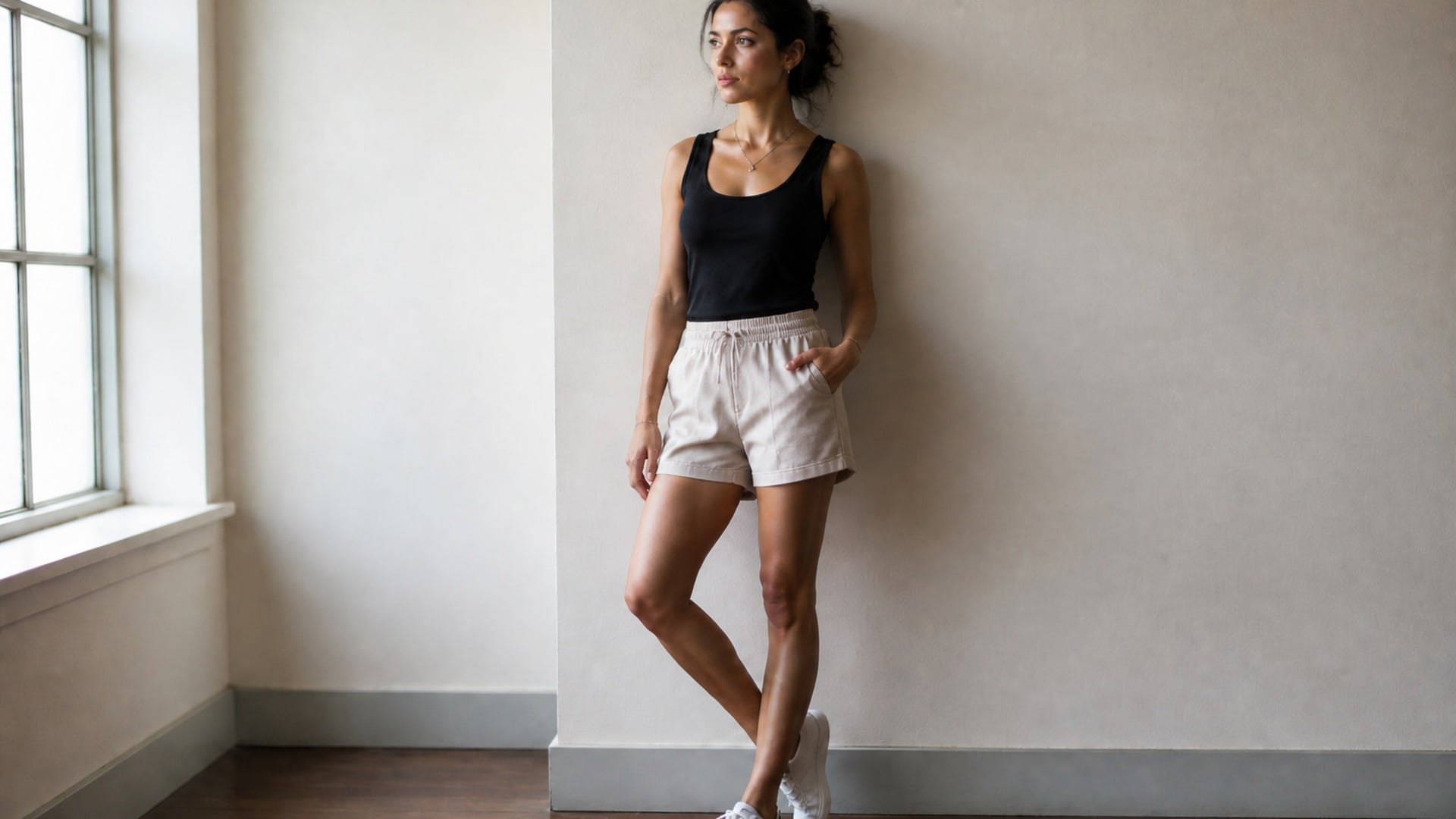
Slim the full body or just the face, with the background left straight.
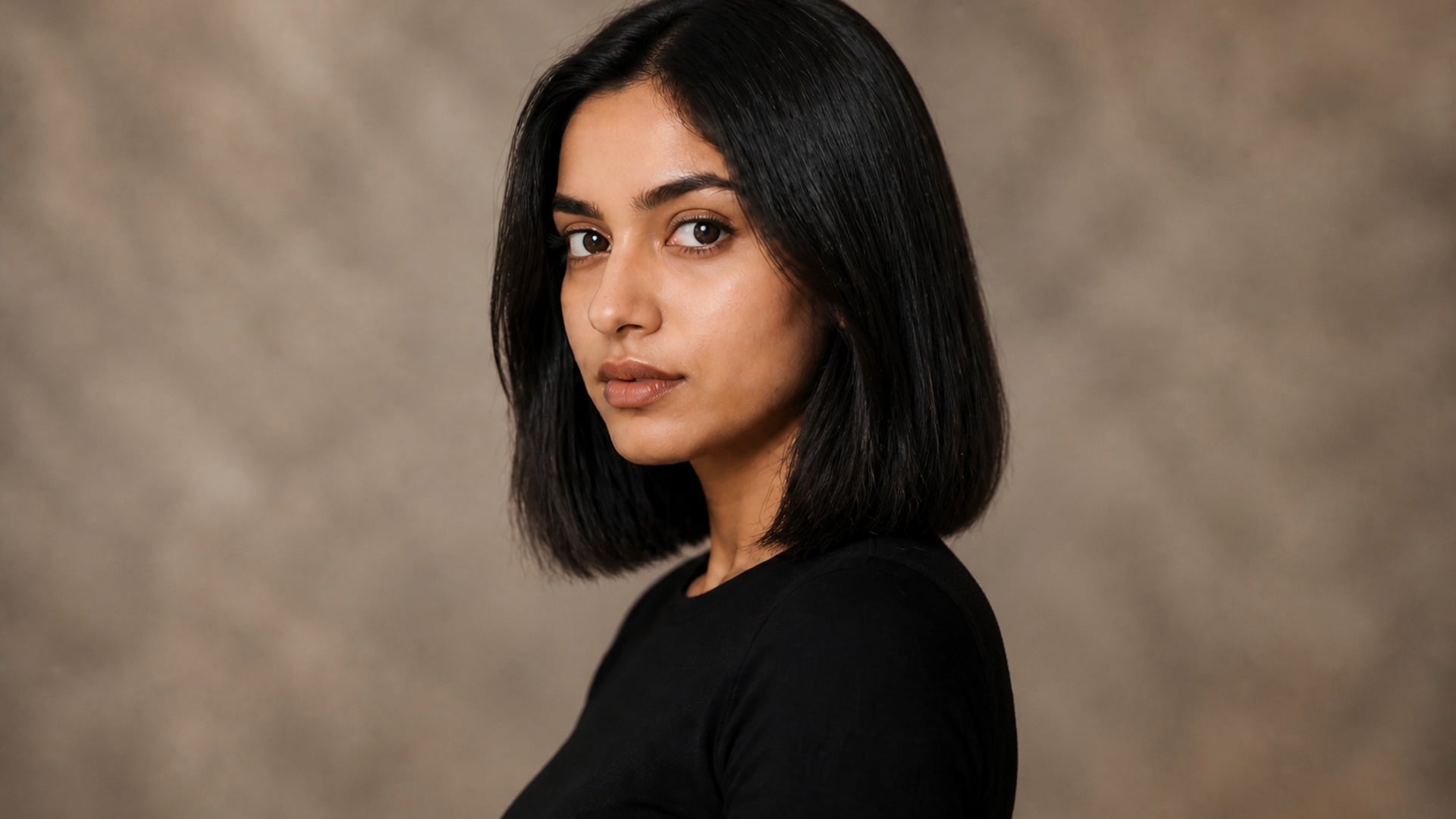
Preview a pixie, bob or crop before the scissors — your color, your texture.
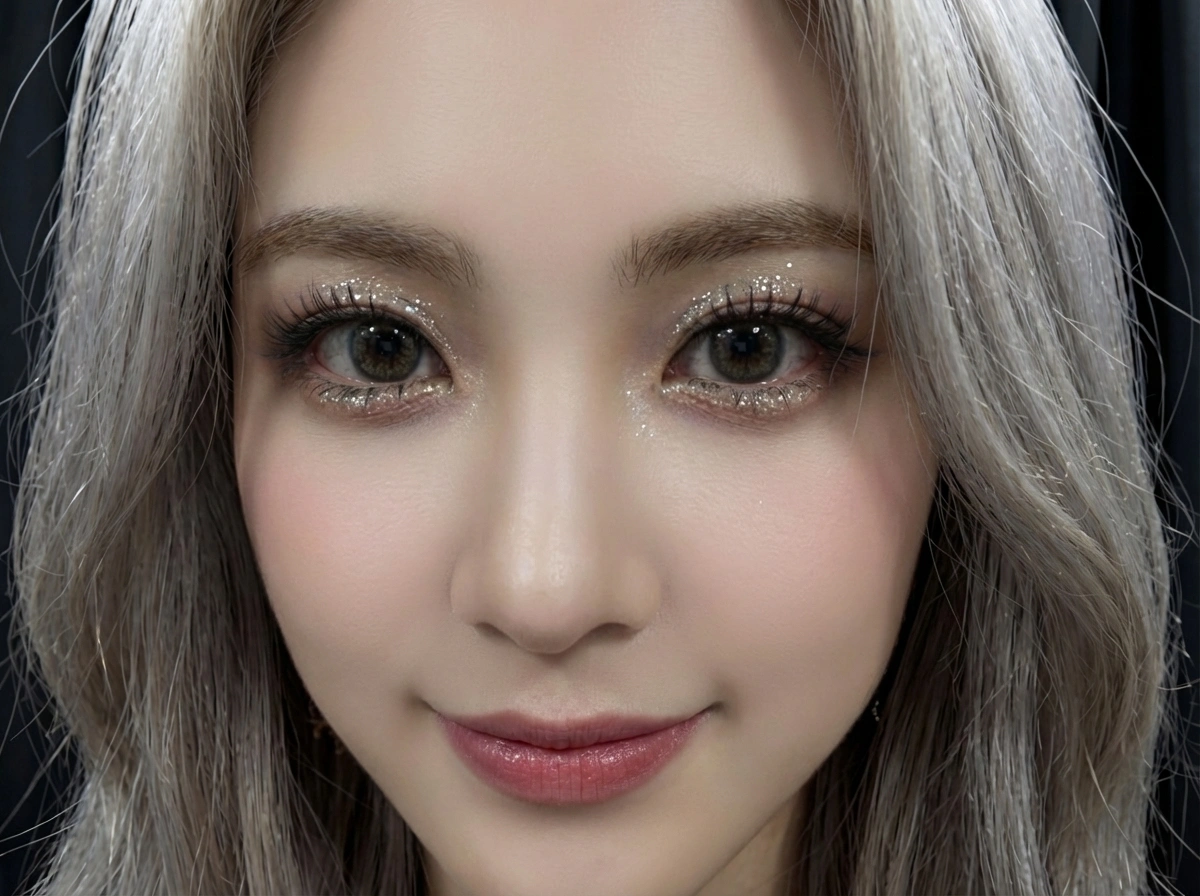
AI face smooth for any selfie — retouched in seconds, still looks like you.
Explore leading models for AI video, image generation, editing, and cinematic storytelling.

Create Wan 3.0 clips on Viralkey: native 1080p, 2–30 seconds, start/end frames, up to 20 mixed references, and audio generated with the picture.

Create cinematic MiniMax H3 clips on Viralkey: native 2K, up to 15 seconds, text-to-video, start/end frames, and up to nine reference images.

Generate short HD clips on Viralkey with start/end frame direction and up to 50 reference images. Built for music video scenes and performer shots.

Create cinematic Seedance 2.0 clips on Viralkey: native 4K, start/end frames, up to nine reference images, and built-in audio with lip-sync.
People open this tool when facial hair is on the table and imagination is not enough. Whether you need a personal decision, a barbershop reference, or a character variant for a creative still, the value is seeing the beard on the real face already in the frame.
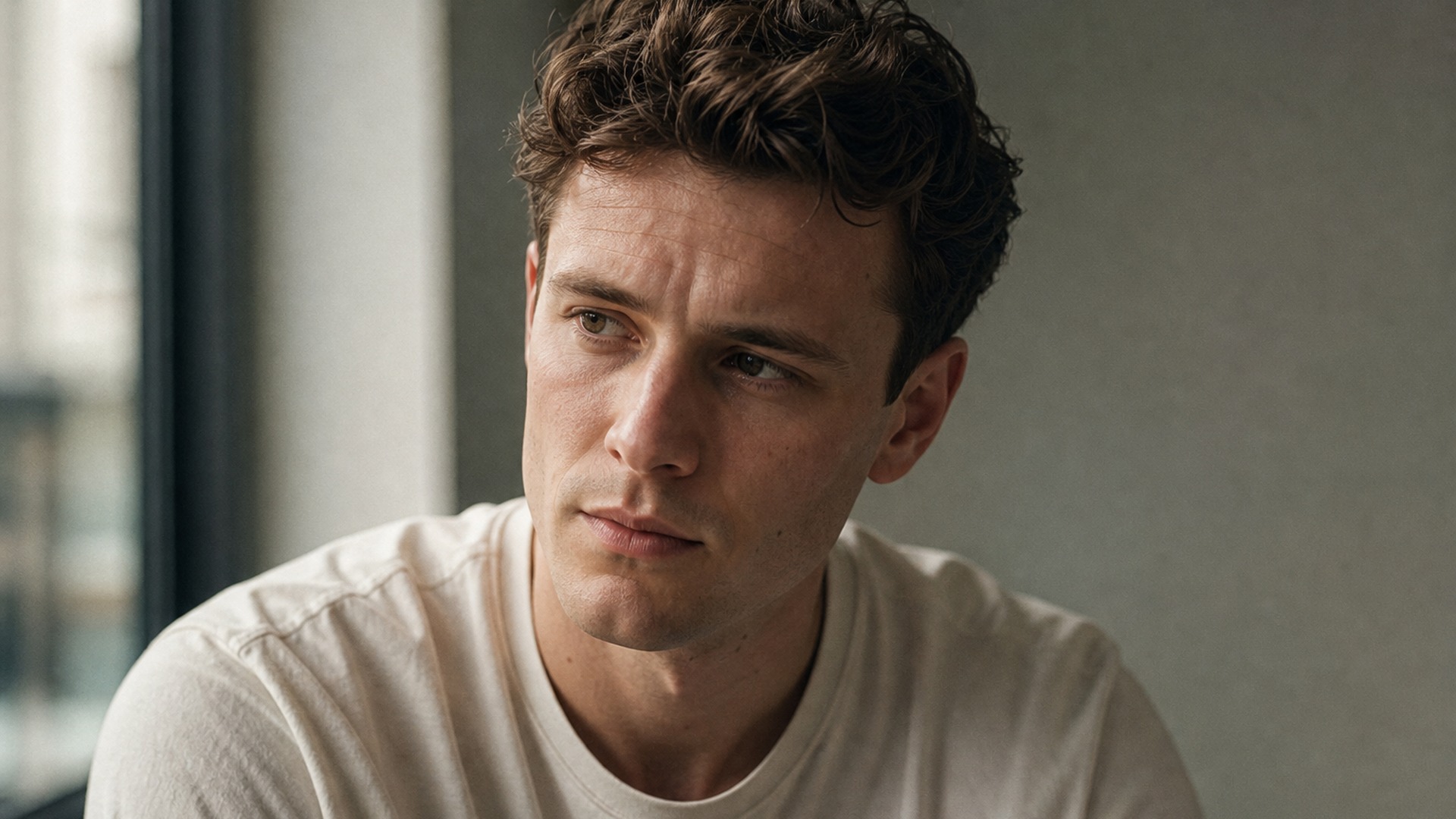
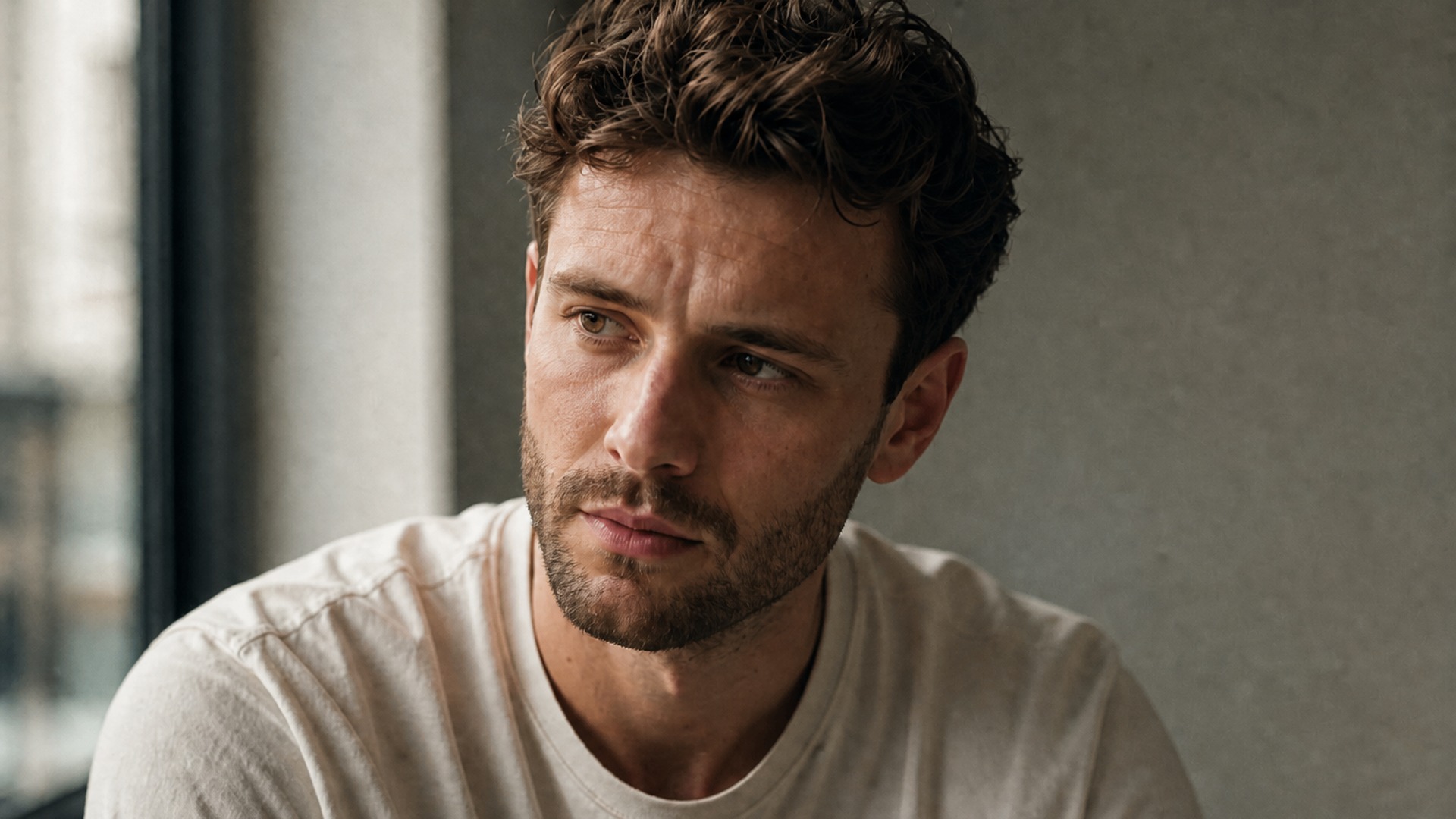
The most common path is simple: you are considering facial hair and want proof on your own features first. When you add beard to photo previews, you answer the question a stock image never will — whether the look suits your jawline, your everyday expression, and the way you actually look under normal light before weeks of awkward growth.
Try it now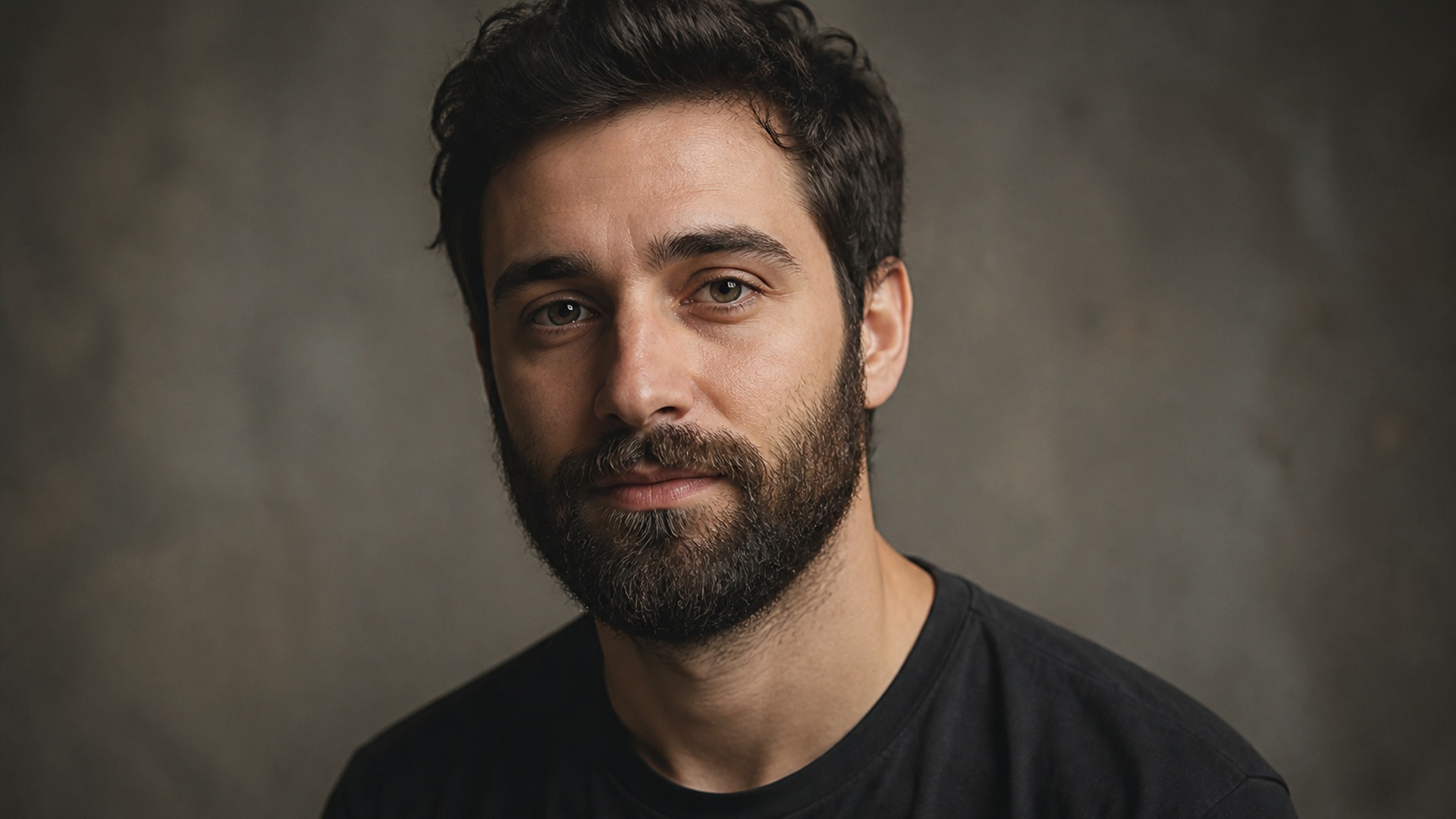
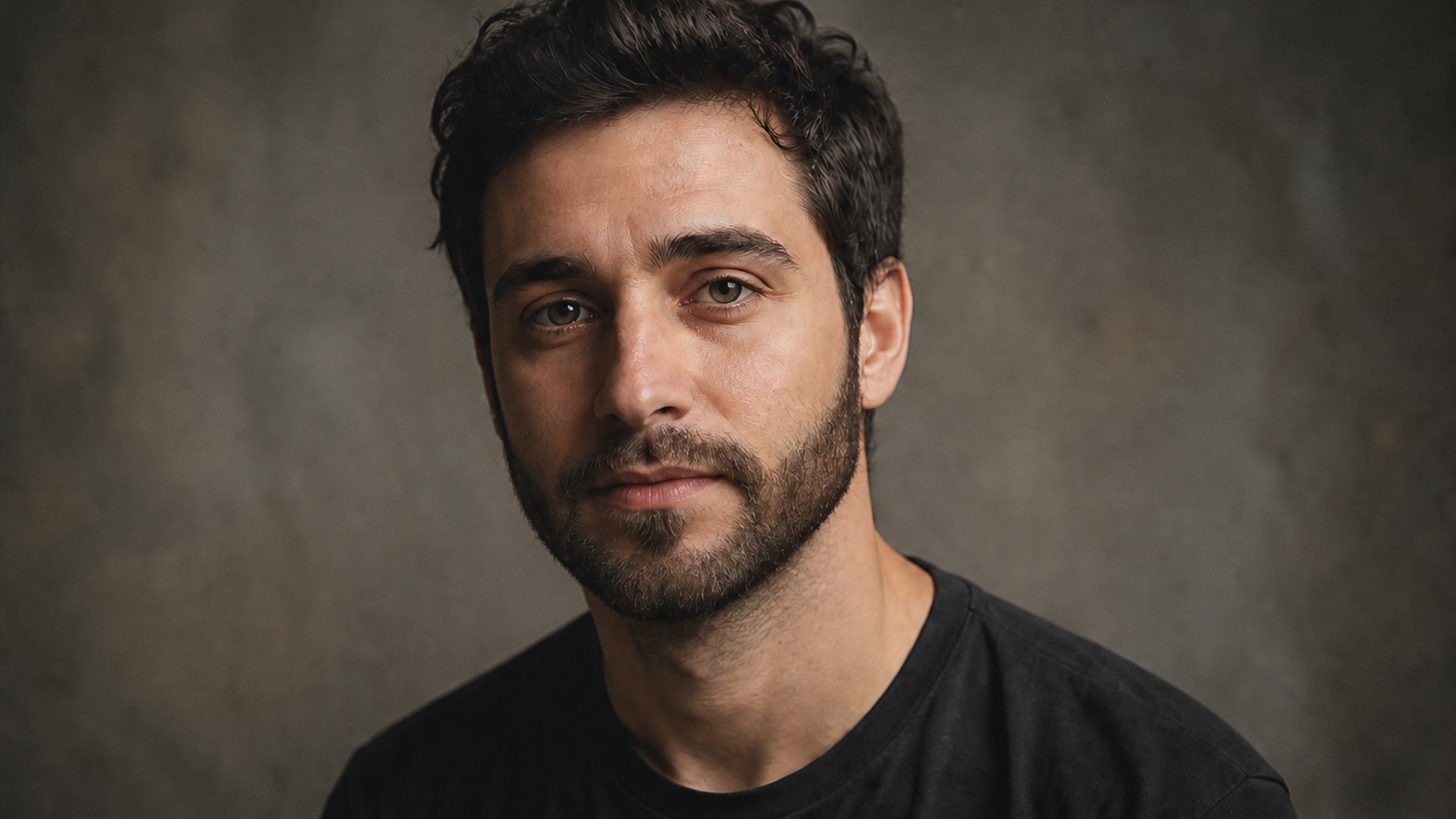
If you already have a beard, the question is usually shape rather than existence. Running your current photo through Goatee or Chin strap shows what you would give up before the clippers make that decision permanent, so the appointment becomes a confirmation instead of a gamble on vague words like tidy or boxed.
Try it now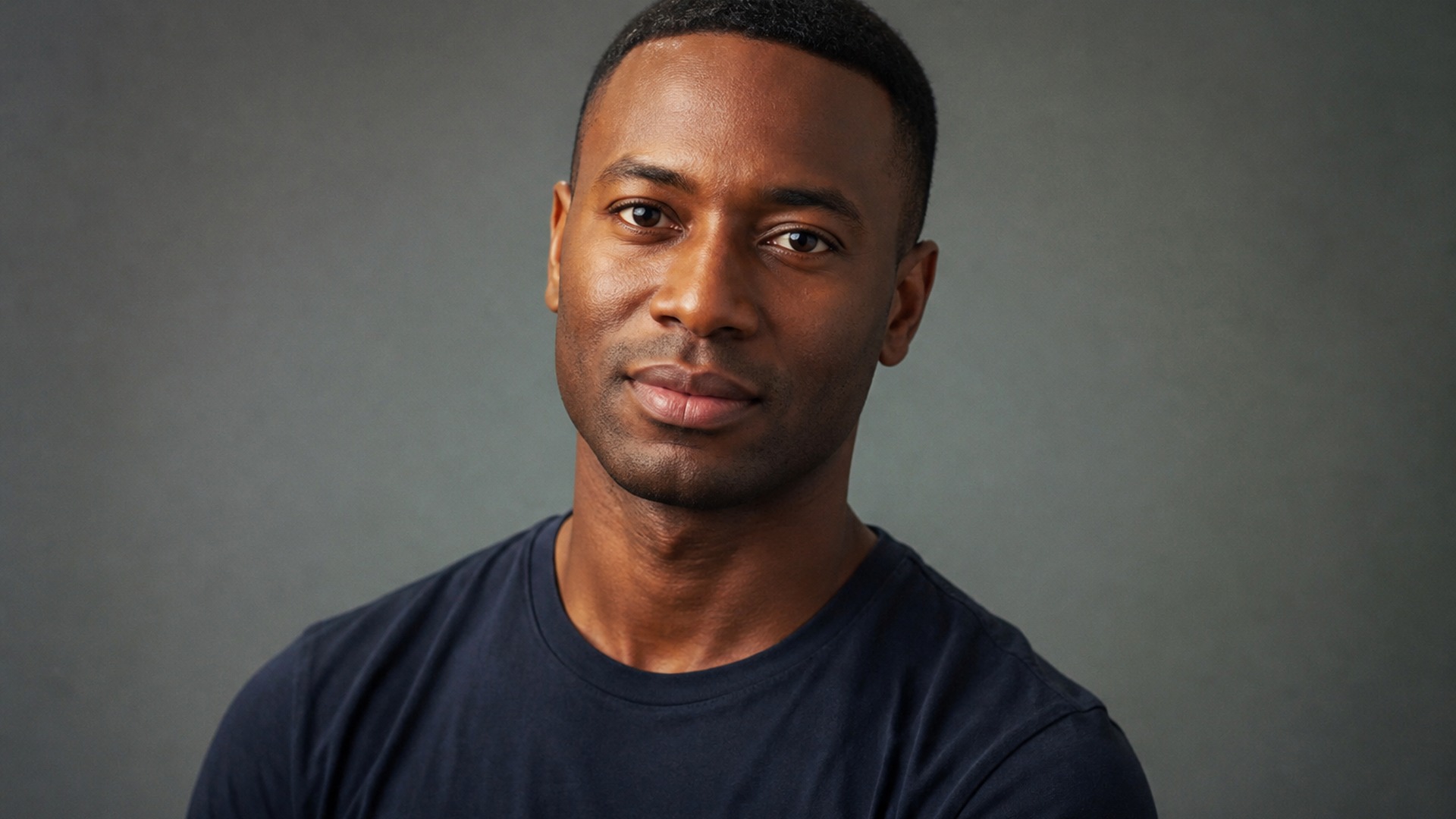
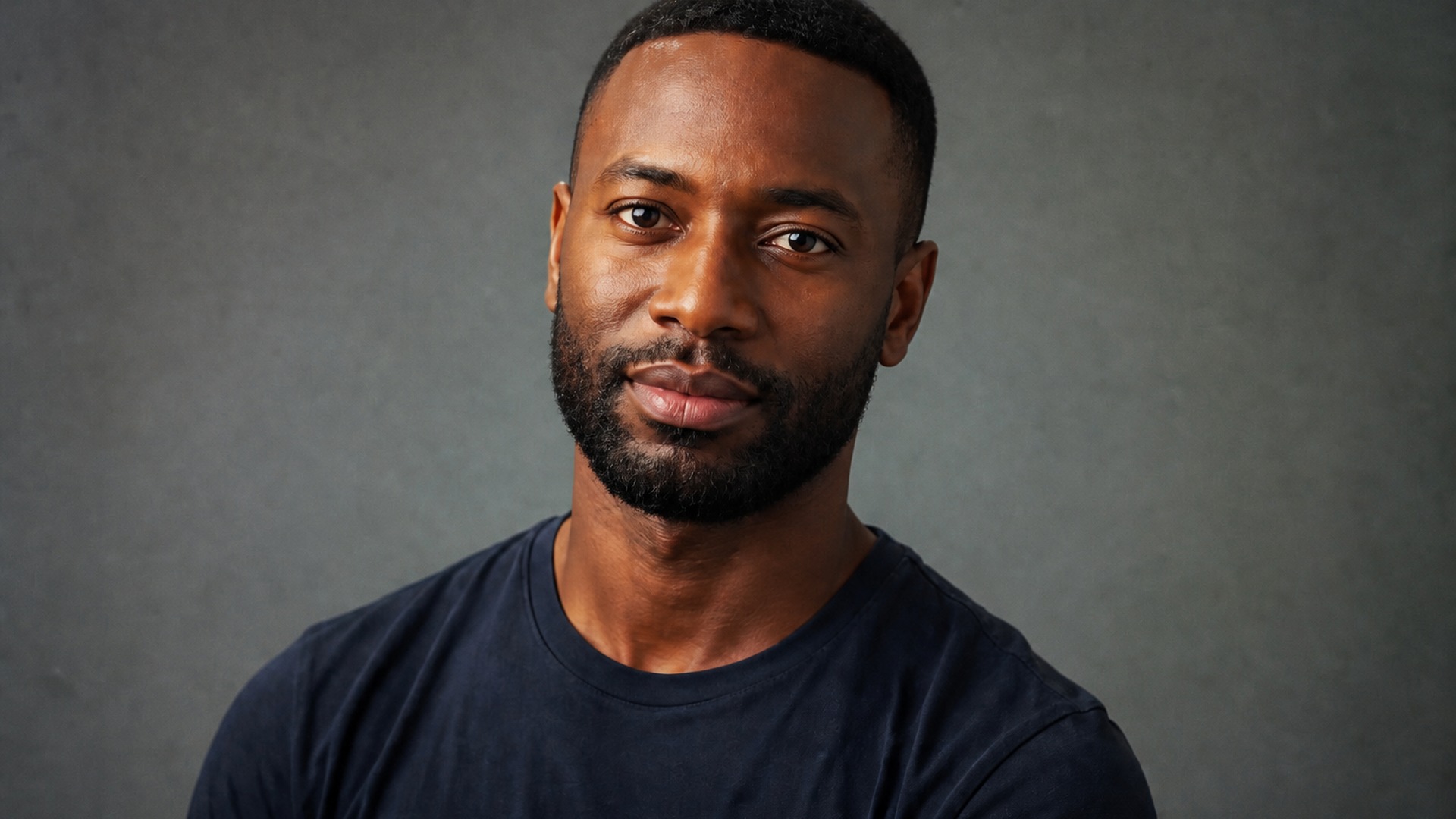
Bring the picture to the appointment instead of negotiating with vague descriptions. An image of Full beard or Stubble on your own face removes the translation gap, so you and your barber are aiming at the same silhouette before the first pass starts. Less guessing, clearer finish, fewer follow-up corrections.
Try it now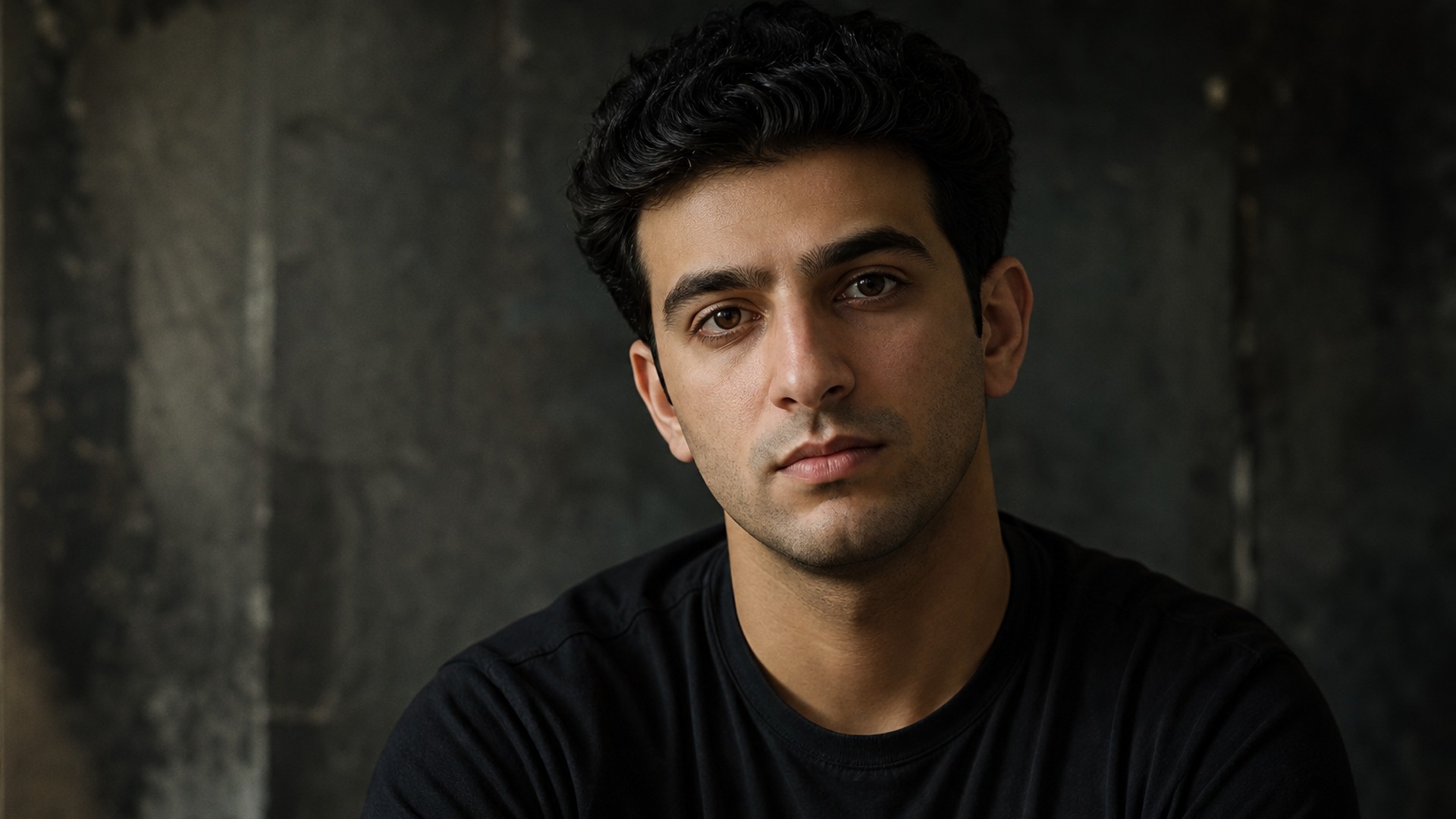
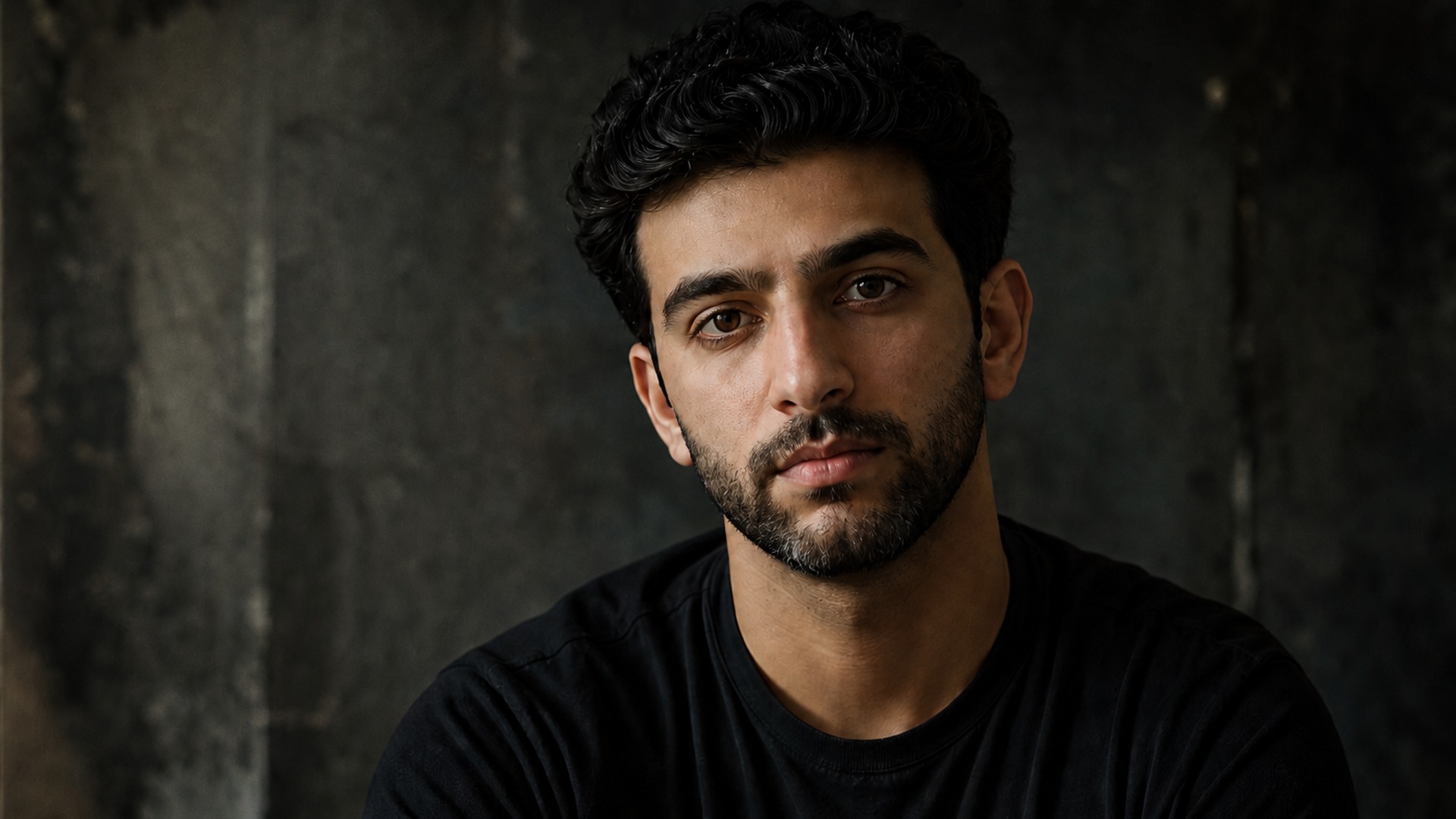
Creators use facial-hair edits to age a character up, build variants of the same face, or produce before-and-after posts from a single shoot. Same subject, same setup, different beard — useful when a brief asks for variety and you still need the original pose and lighting intact for continuity across the set.
Try it nowNotes from creators who used this tool on real work.
Edmund Radcliffe
Account executiveI had been putting off growing one for a year.
Saw Full beard on my own jaw and booked the clippers the same week.
Valeria Herrera
RetoucherThe edges thin along the cheek like real hair instead of stopping on a drawn line.
That detail sold me.
Sakura Maeda
FounderI already had a beard and just wanted Goatee before committing.
Saved me a bad month of regrowth.
Warren Pennington
Concept artistAsked for gray streaks and got them.
Aging a character used to eat a whole afternoon of painting.
Damian Navarro
Wedding photographerMy expression survived the edit, which sounds obvious until you try filters that rewrite the whole face.
Kohei Nakamura
Brand designerRan Full beard and Stubble off one selfie.
My group chat picked for me before I booked anything.
Cameron Stratton
PodcasterShowed my barber the picture and we skipped the vague tidy-versus-boxed debate entirely.
Malcolm Havelock
Costume designerStubble looked like stubble, not a gray shadow painted on.
Harder trick than it sounds.
Cordelia Ashby
Content strategistUsed it for a cover mock-up.
Same model, three eras of facial hair, no reshoot required.
Add Beard to Photo on Viralkey is a studio edit that puts facial hair on a portrait so you can preview a beard on the same face. You upload one source photo, choose a look such as Full beard or Stubble, and receive an image that keeps expression, head hair, background and lighting from the original. It is a facial-hair-only preview for grooming decisions and creative stills — not a face swap and not a brand-new person generated from scratch.
Turn your ideas into reality with AI. Generate, refine, and innovate — creation starts here.