Text-led portrait motion
TextAdult portrait in a softly lit studio, subject turns gently toward the camera, static camera, one short continuous action.
Write one adult scene or choose a reference image, add a clear action, and create a short clip with the camera direction you specify. You can also open NSFW Studio, or continue with NSFW AI Video Generator, AI Text to Video NSFW, and NSFW AI Video.
An NSFW video generator is most useful when you give it one short shot to build. Define the adult subject, location, action and camera movement. Start from text if the model may invent the appearance; use an authorized still when the opening composition matters. Viralkey carries the brief to the video mode of NSFW Studio, where the current model and output settings determine the run. Continue in NSFW Studio, or open NSFW AI Video Generator and AI Text to Video NSFW.
Write one adult scene or choose a reference image, add a clear action, and create a short clip with the camera direction you specify.
A written shot can establish the whole scene. A reference still provides a visible starting composition when the subject and framing should follow a source.
Create Your Video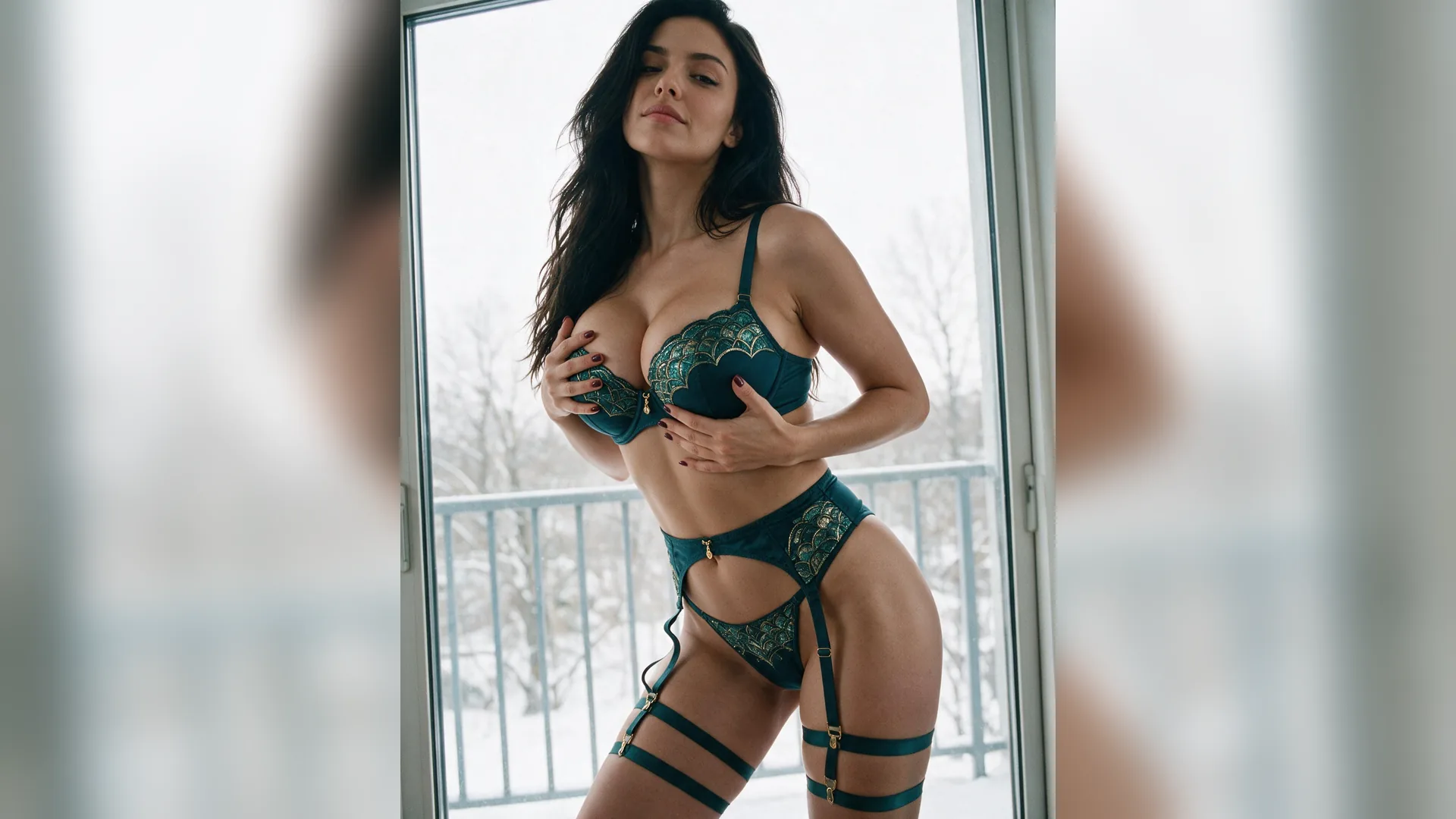
Describe what the subject does and how the camera moves in separate phrases. Begin with a restrained motion so changes are easy to evaluate.
Create Your Video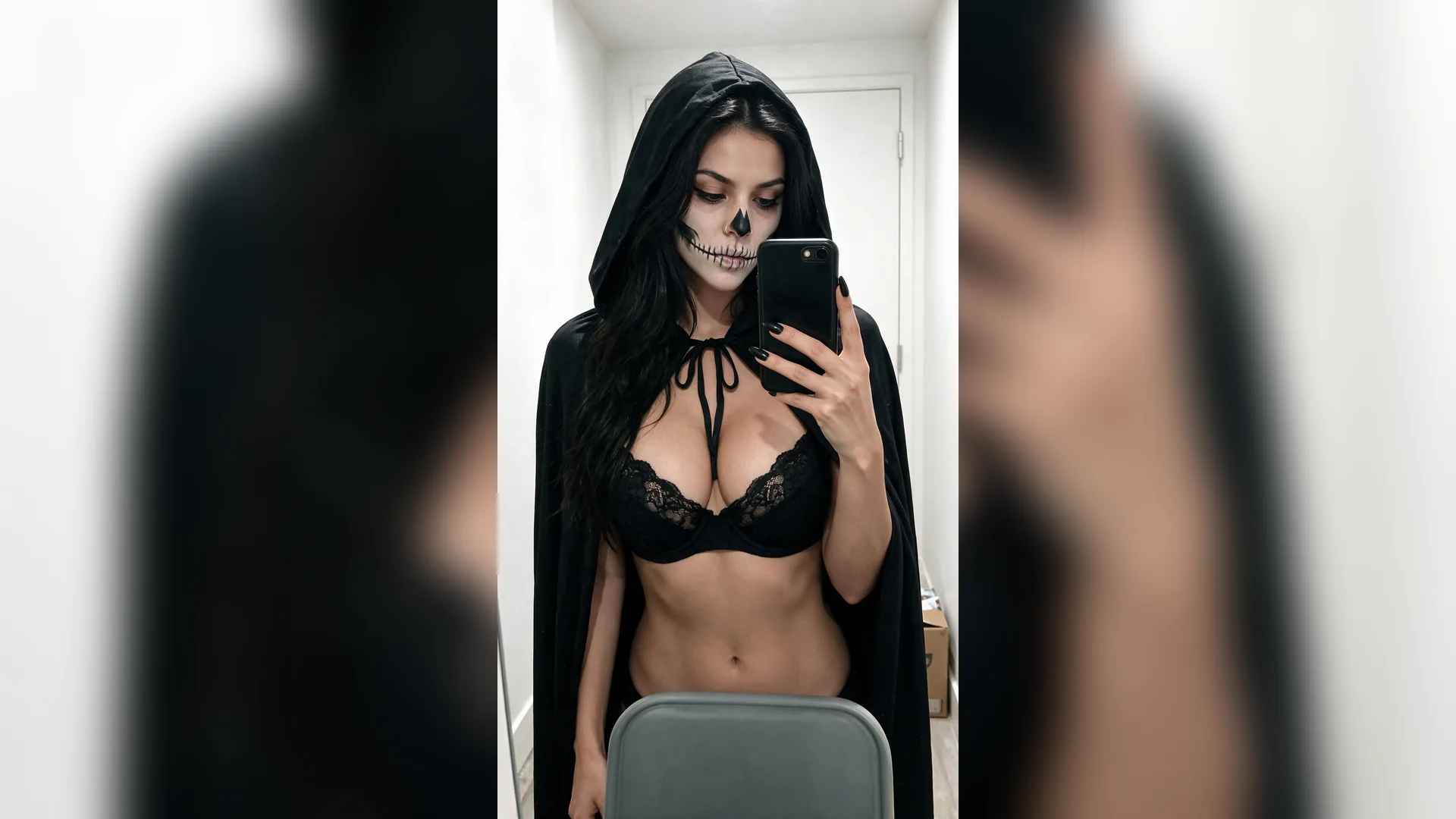
Inspect opening, middle and final frames for changing faces, clothing, hands and background. A good opening frame is not enough to judge the result.
Create Your VideoName an adult subject, one setting and one visible action. Add a single camera instruction or start with a static camera.
Continue with text or an authorized reference. Check the available model, length, resolution, audio and current cost in NSFW Studio.
Watch the whole clip, identify the first moment that fails and revise that motion or camera phrase for a focused new version.
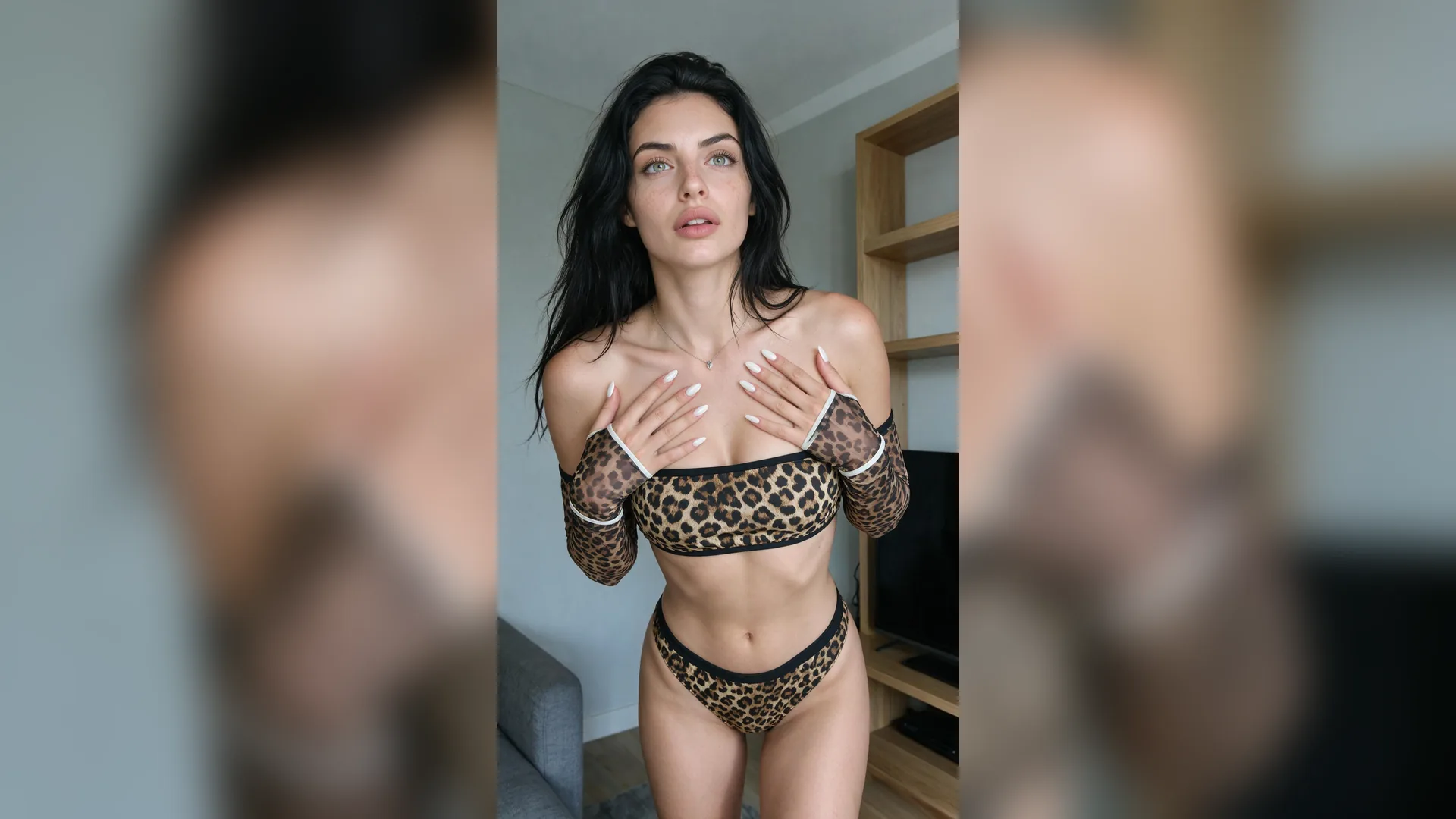
Text gives room to invent the visual scene. An image is useful when the starting subject, clothing or framing should follow a source. Choose that role before adding several movements that may conflict with the visible posture.
Create Your Video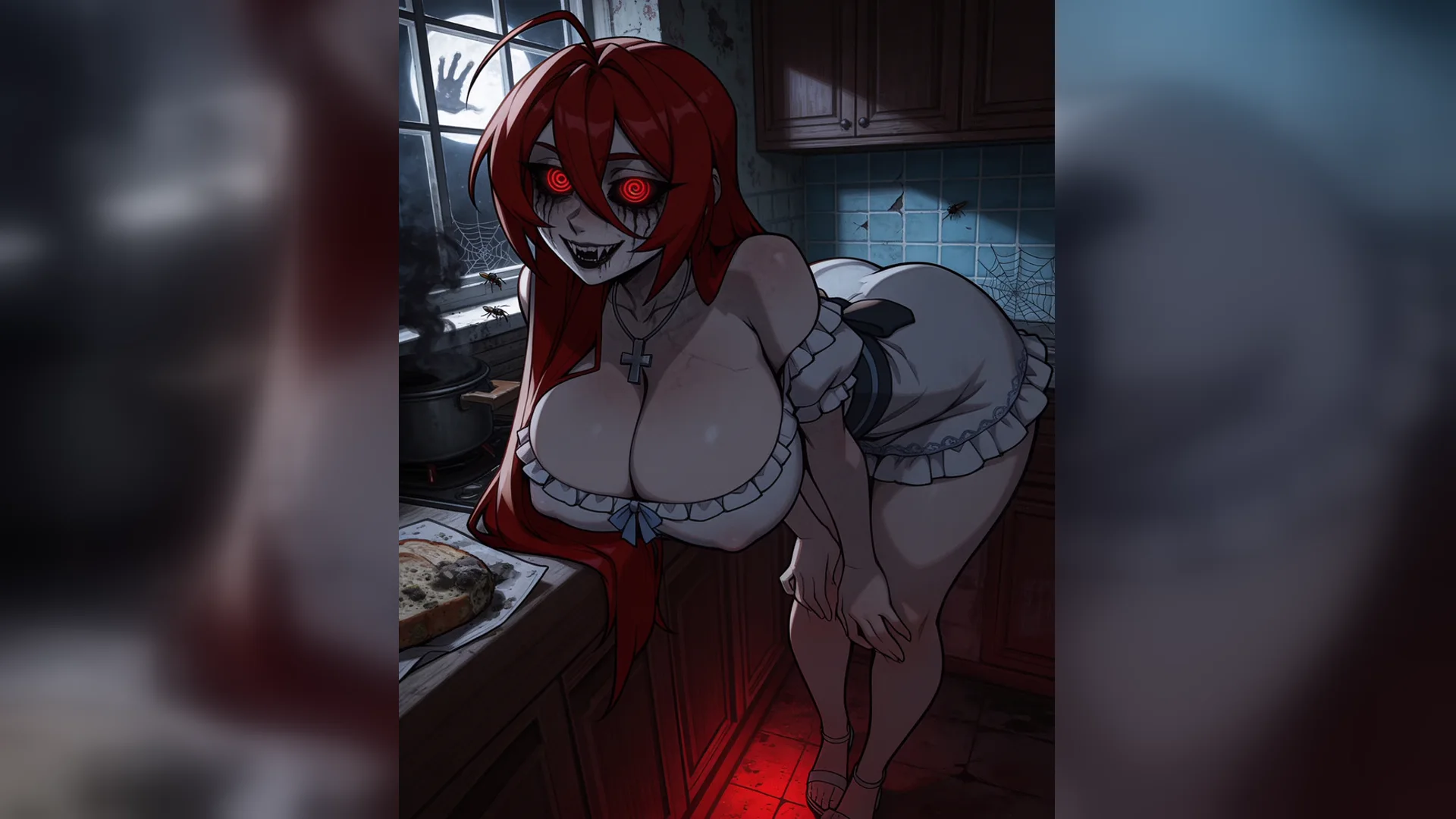
A simple shot lets you inspect motion without evaluating a long sequence at once. Longer stories are assembled from separately planned and reviewed clips; this entry does not promise a finished movie in a single generation.
Create Your Video
If identity drifts midway through the clip, simplify the action or camera motion. Keep the prompt and source otherwise steady, then compare the same opening, middle and end points in the next result.
Create Your VideoUse these examples to prepare nsfw video generator with clear inputs, framing and a focused review.
Text-led portrait motion
TextAdult portrait in a softly lit studio, subject turns gently toward the camera, static camera, one short continuous action.
Still-led motion
ImageUse one authorized adult reference still, preserve the opening crop and ask for a small motion supported by the visible posture.
Restrained camera
CameraChoose a static camera or one simple push instead of several competing movement instructions.
Continuity checkpoints
ReviewCompare the face, hands, outfit and background in the opening, middle and final frames.
Output settings
SettingsRead the duration, resolution and audio options actually offered by the current Studio model before submitting.
Focused retest
IterationKeep the successful scene and source, then replace only the action or camera phrase that failed.
It is an AI workflow that creates a short adult clip from a written scene, a reference image or both. The input describes one shot and its motion.
Start from a written scene or a still image, add motion and camera direction, and review the clip before you share it.