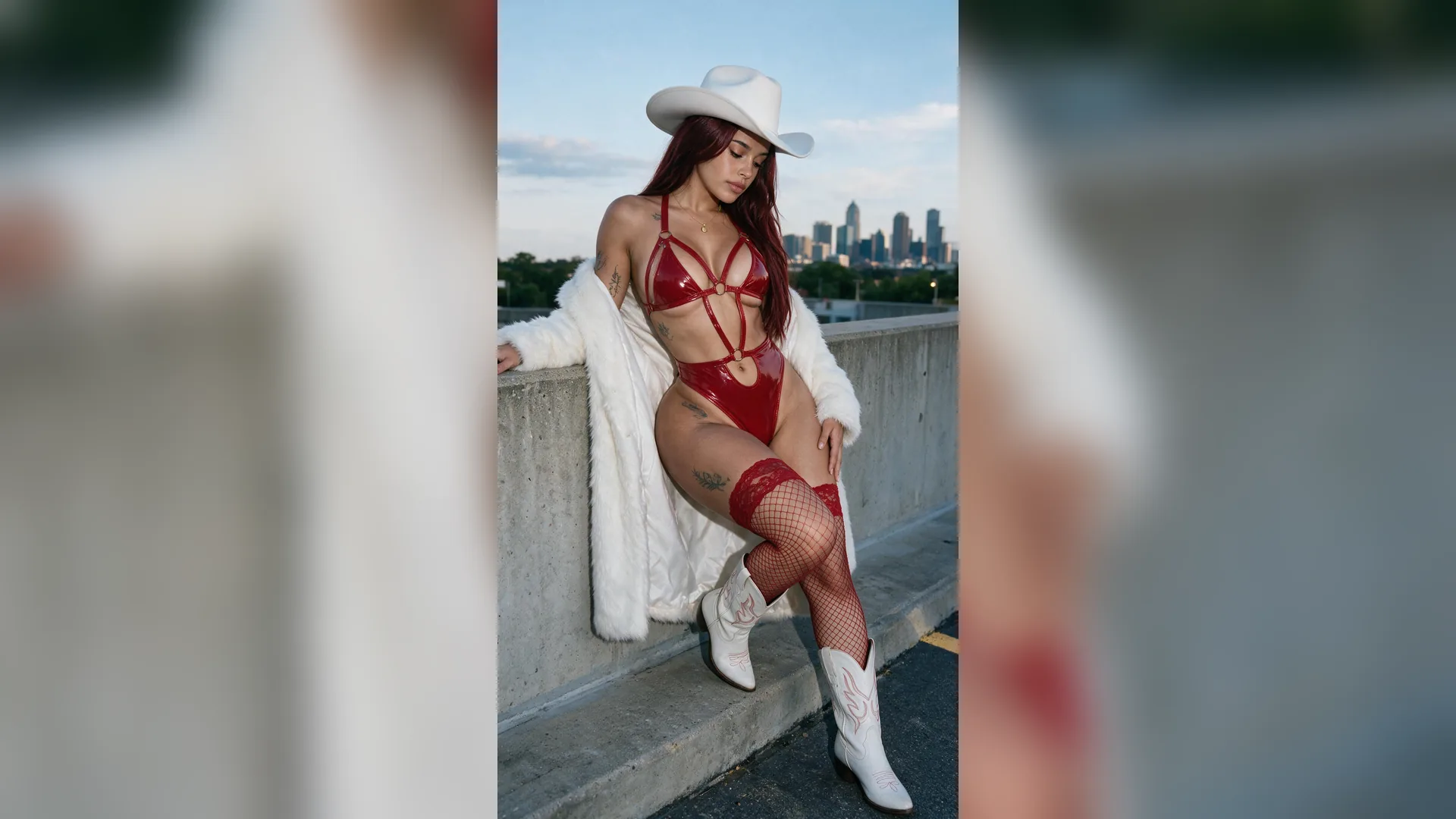
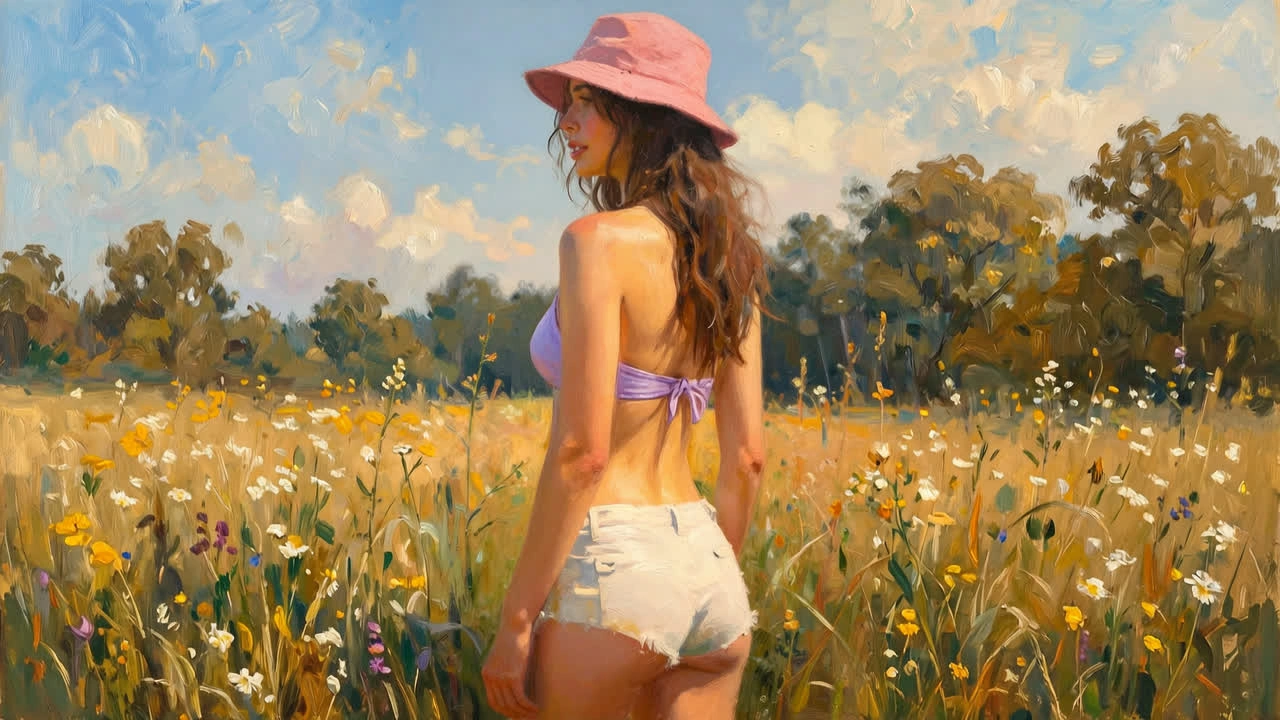
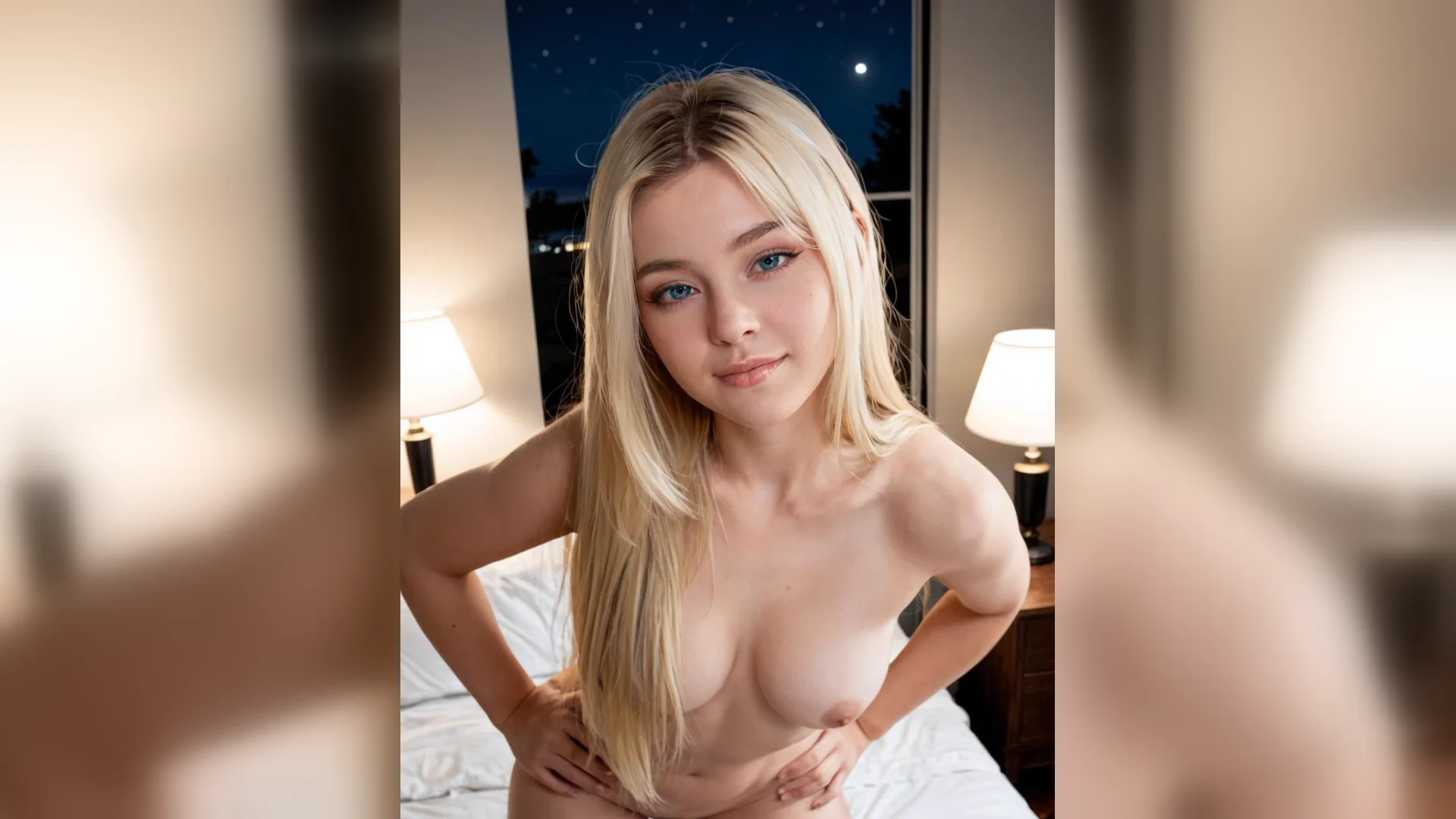
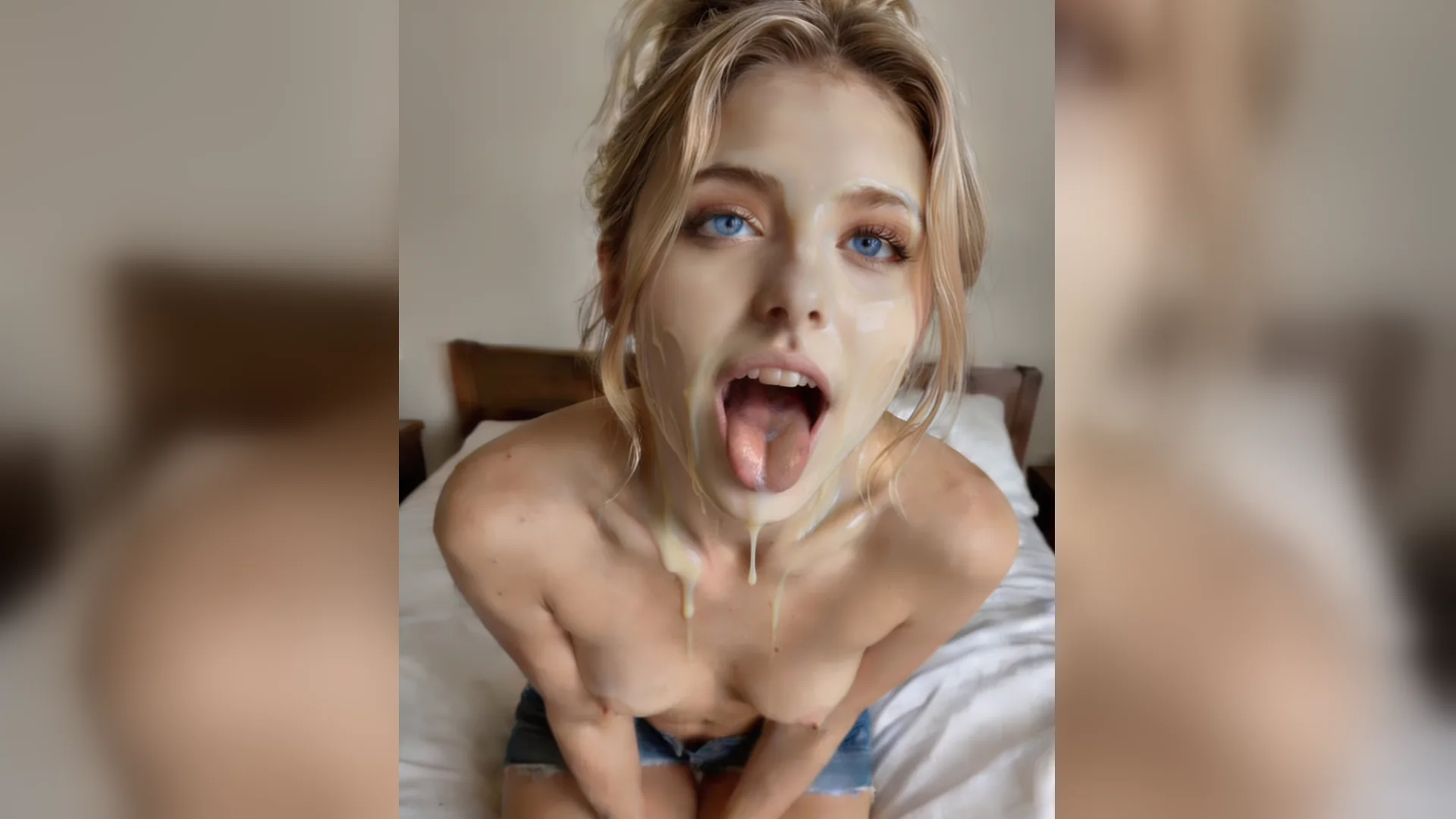
Pencil portrait study
PromptA fictional adult character in a casual outfit, three-quarter portrait view, soft pencil shading, plain background and consistent light from one side.
Write an NSFW drawing brief with a clothed adult character, a clear composition and your preferred pencil, ink or painted look, then create an illustration to review. You can also open NSFW Studio, or continue with AI 3D Porn, Anime AI Porn, and NSFW AI Image Generator.
NSFW drawing searches often need a usable illustration brief rather than a generic image description. Specify the fictional adult character and setting, then explain the camera framing, line treatment, shading and visual style you want. Keep those decisions consistent so the result reads like one drawing. Viralkey prepares the brief for image mode in NSFW Studio. You receive an AI-rendered image to review, not an editable canvas with brush tools or separate drawing layers. A simpler first study makes style revisions easier to compare. Continue in NSFW Studio, or open AI 3D Porn and Anime AI Porn.
Write an NSFW drawing brief with a clothed adult character, a clear composition and your preferred pencil, ink or painted look, then create an illustration to review.
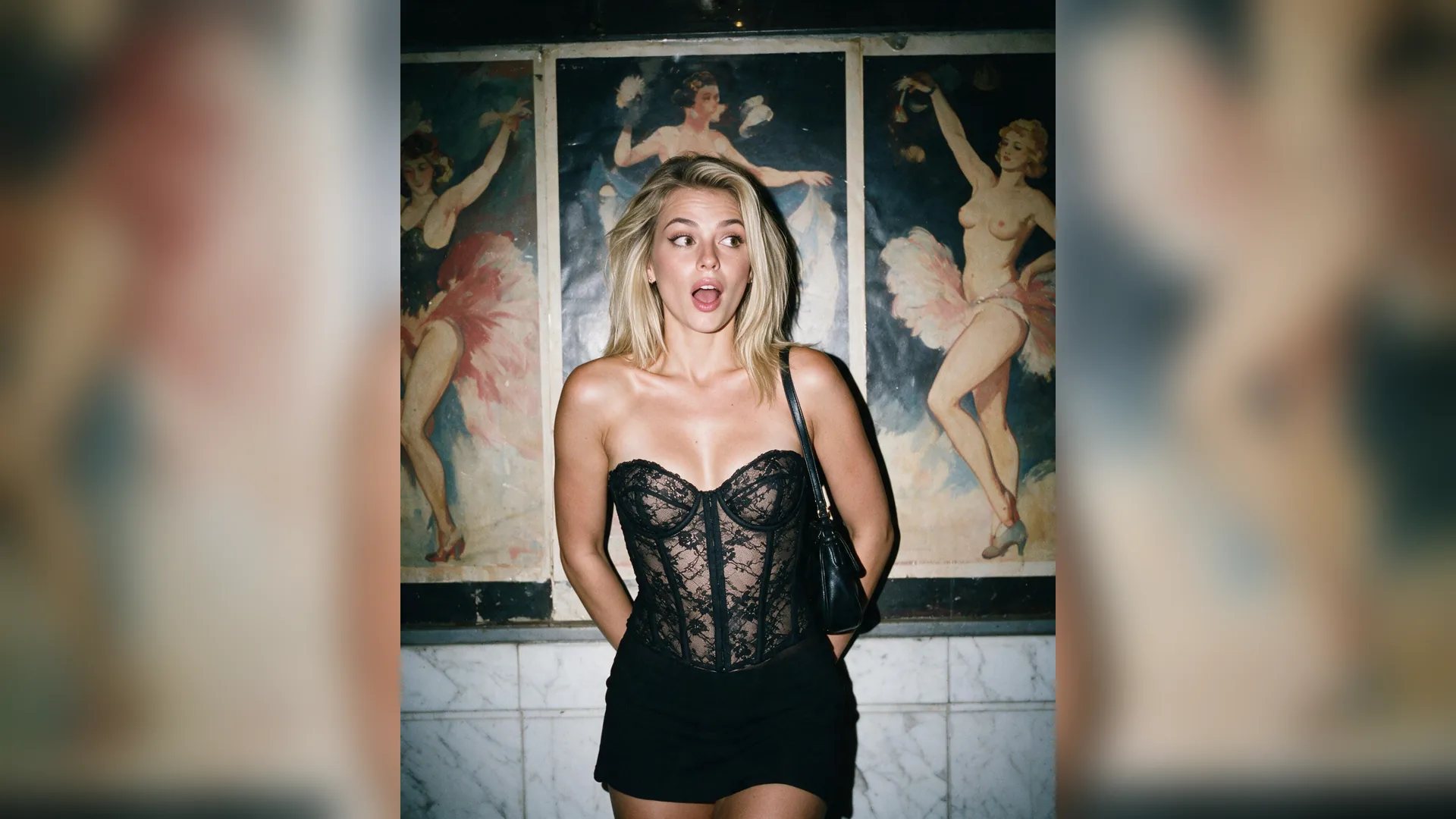
Name the visual look, such as pencil shading, an ink illustration or a painted character study. Add how the lines and background should read instead of combining several incompatible styles in one brief.
Generate Image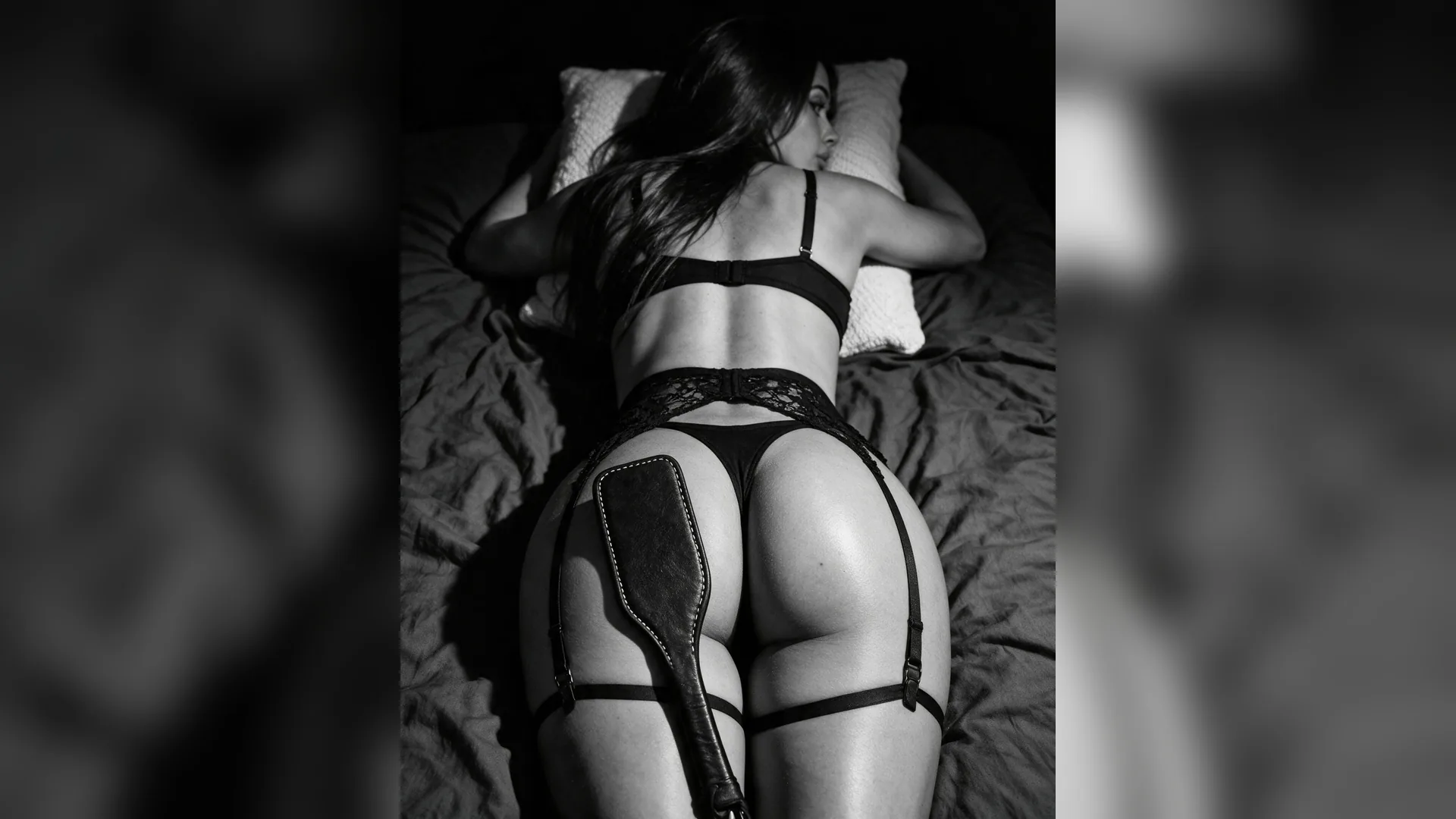
Choose the camera view and image crop before asking for surface detail. A clear arrangement and a quiet setting help the drawing communicate the character without becoming a collection of unrelated effects.
Generate Image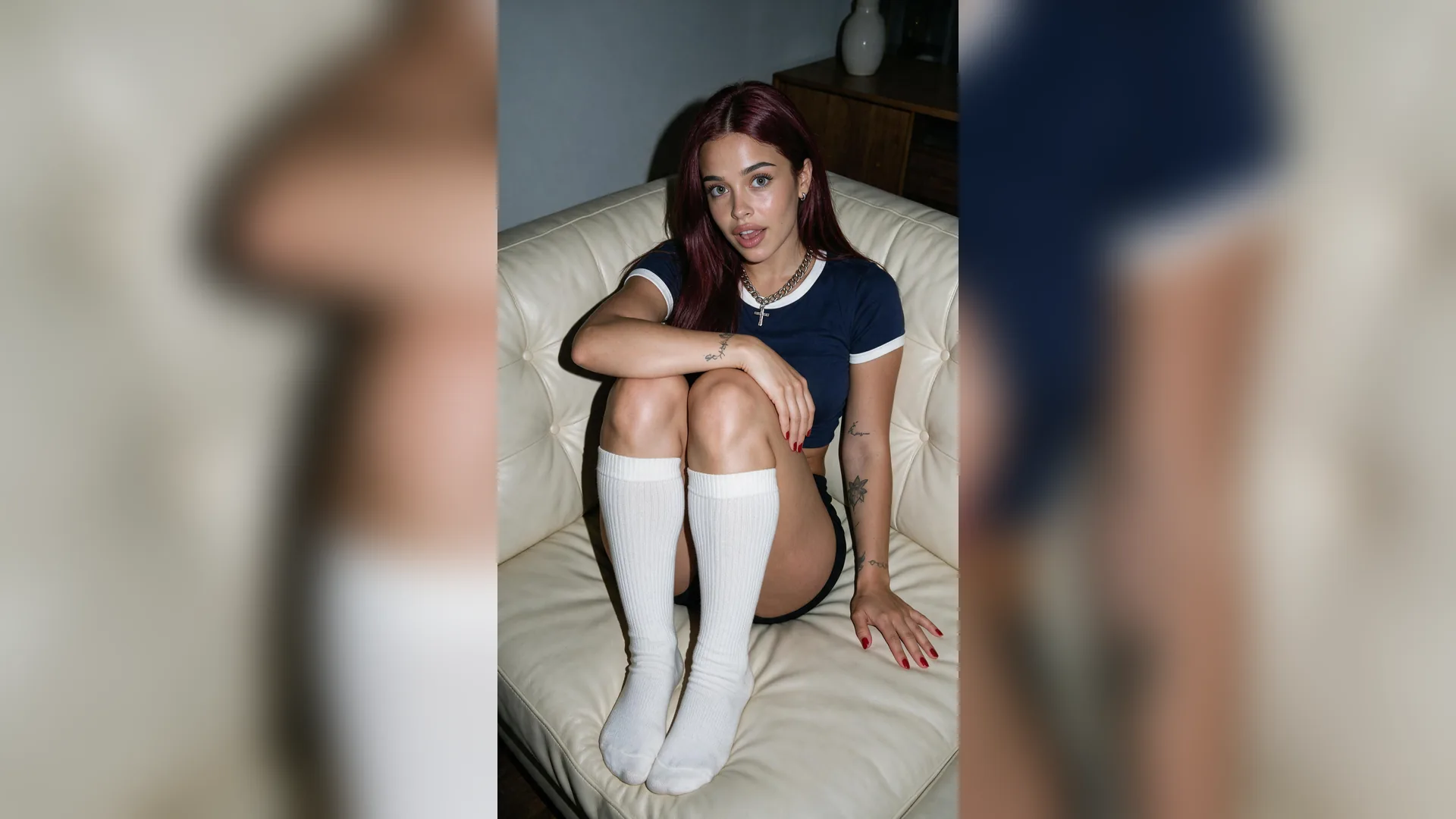
Check line consistency, the relationship between light and shading, and the readability of the whole image. A polished face does not compensate for a background or rendering treatment that conflicts with the drawing.
Generate ImageDescribe an adult-character illustration study with one everyday adult-character scene and a clear visual goal. Keep appearance, setting and camera framing in separate sentences. Use a source image only when it helps communicate the specific information the written brief needs.
Continue in the existing image mode of NSFW Studio. Check the current model and the output options shown there, including format, resolution. Read the displayed cost and review the input before explicitly submitting the generation.
Review composition, line treatment, shading and consistency of the drawing style in the complete image. Keep the parts that already work, then change one instruction for the next version. A focused revision makes it easier to judge whether the new output solves the actual composition question.
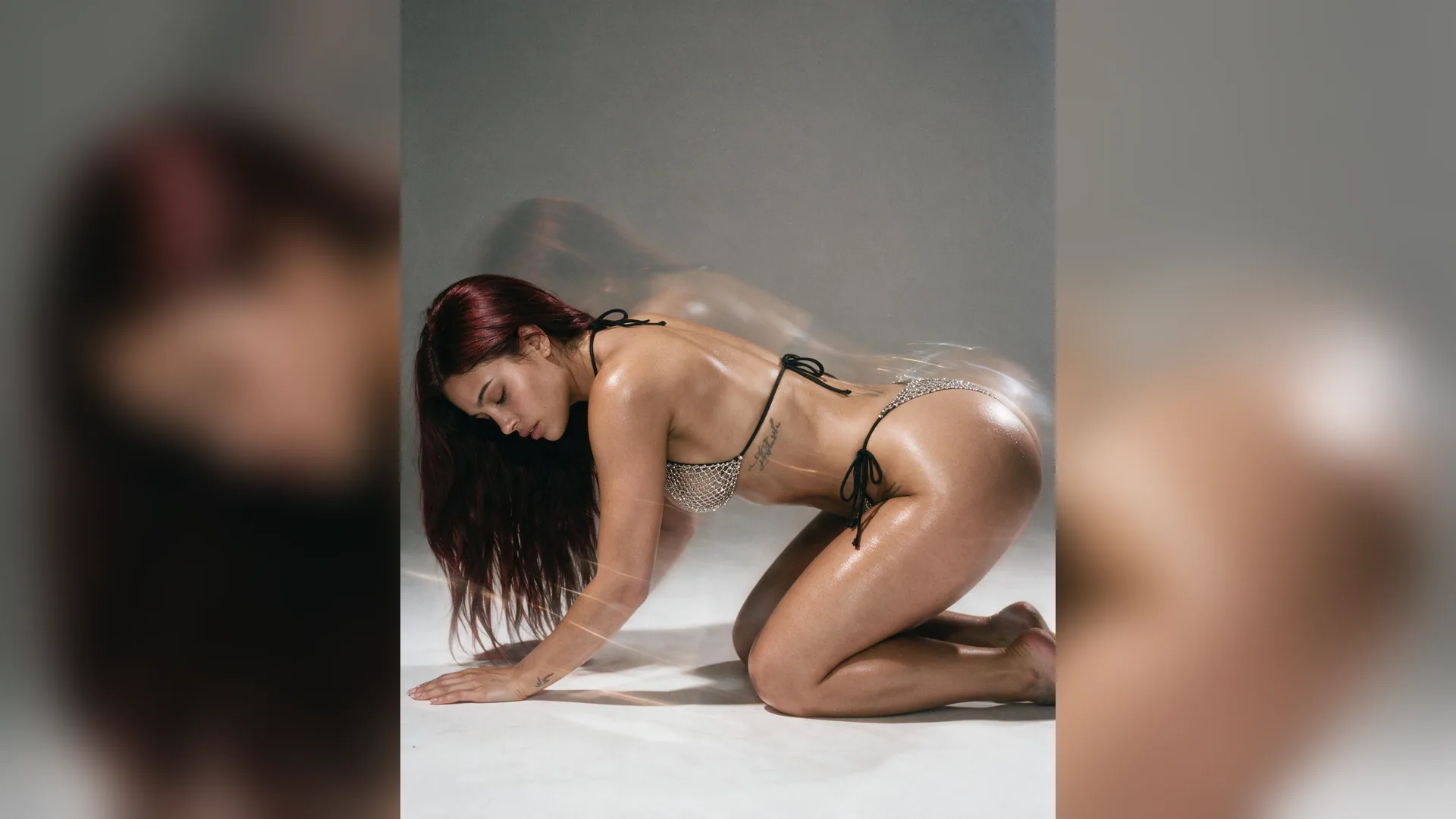
Describe the adult character, clothing and setting first. Then add image framing, light and the drawing treatment. These are parts of the written brief, not editable file layers. Keeping the decisions separate makes it easier to revise the style without losing a successful composition.
Generate Image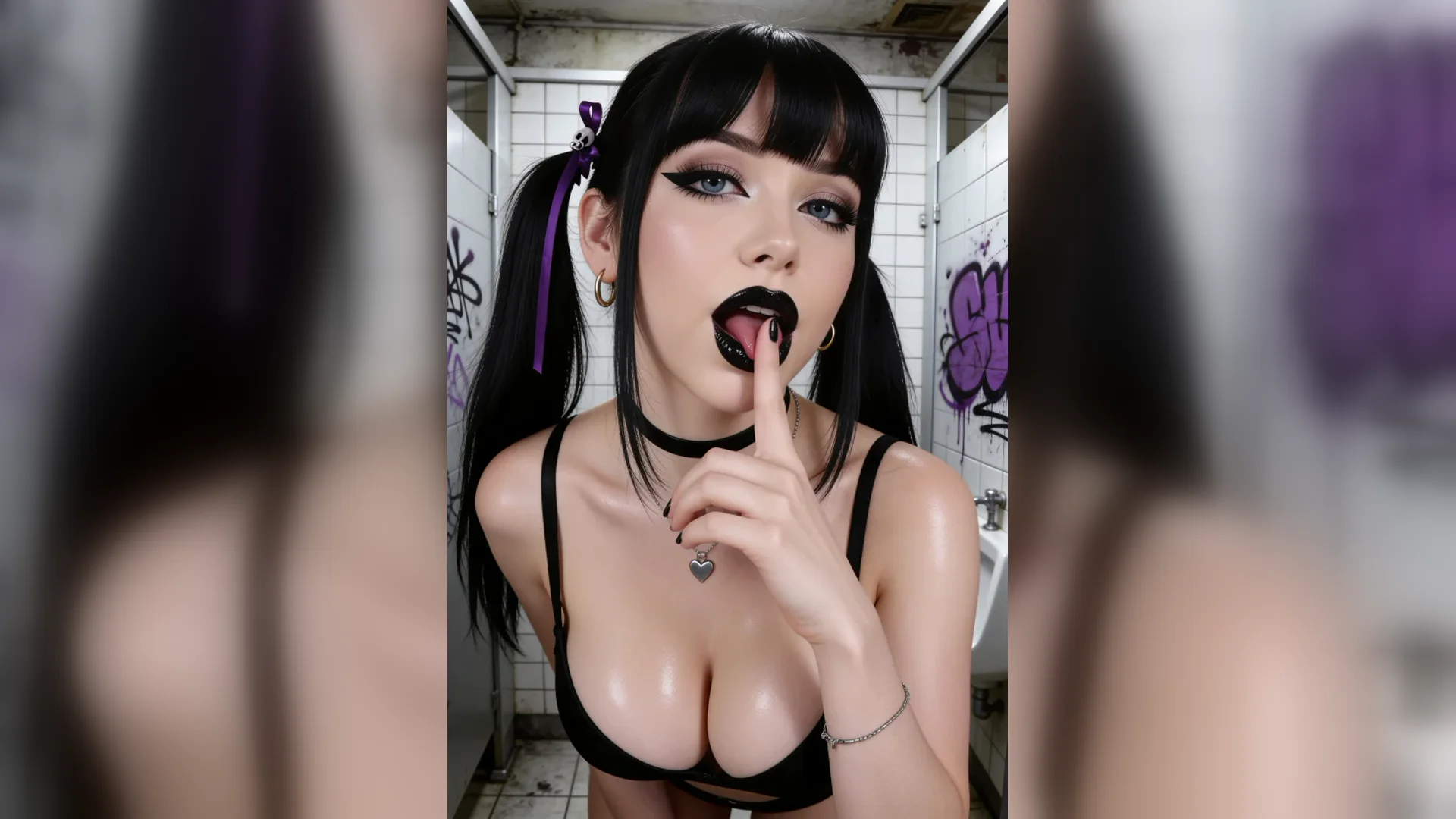
A useful pencil brief mentions the softness of the shading and the simplicity of the background. An ink brief can describe clean line treatment and deliberate areas of contrast. A painted study can name a coherent palette and lighting direction. Choose one treatment for the first version.
Generate Image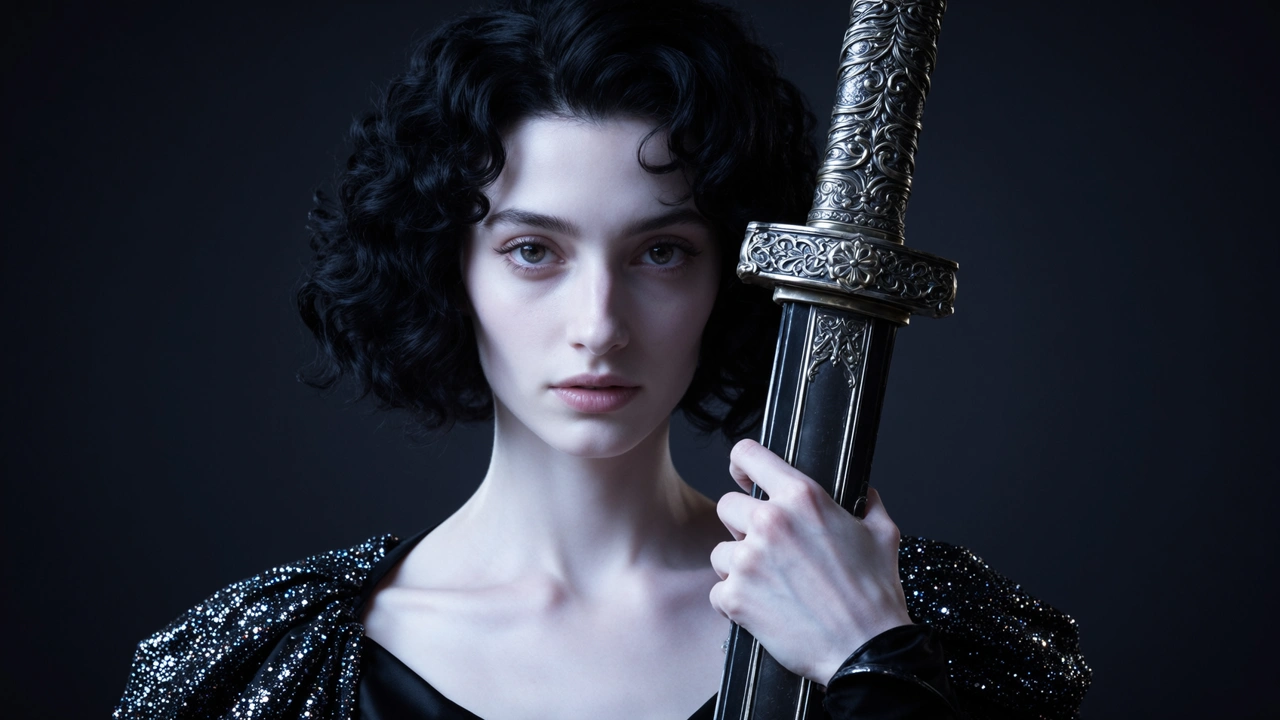
This workflow generates a rendered image. It does not provide a layered drawing file, vector paths or live brush controls. Use the result as an illustration or visual study, then continue in a separate drawing application if your project needs editable strokes or a detailed manual paint-over.
Generate ImageUse these examples to prepare an adult-character illustration study. Adapt the fictional character and everyday setting to your intended composition, keep one clear visual direction, and review the generated result before choosing the next change.
Pencil portrait study
PromptA fictional adult character in a casual outfit, three-quarter portrait view, soft pencil shading, plain background and consistent light from one side.
Ink character illustration
PromptA clothed fictional adult character in a simple room, clear portrait framing, clean ink line treatment, controlled contrast and a quiet background.
Painted scene study
PromptAn everyday adult-character portrait in a small studio, a coherent muted palette, soft directional light and a painted illustration look.
Keep one treatment
StyleChoose pencil, ink or paint for the first version. Compare a separate version if you want to change the drawing treatment.
Read the background too
ReviewCheck that the setting and shading follow the same visual style as the character. Simplify details that interrupt the illustration.
Change the style, keep the frame
RevisionRetain the successful character description and image crop. Replace only the line-treatment or shading instruction in the next brief.
NSFW drawing on this page is an adult-character illustration workflow. You describe the composition and drawing treatment in text, then review the AI-rendered image as a portrait, illustration or visual study.
Use your prompt and optional reference to create or edit a still image. Check the current studio options and credits before submitting.