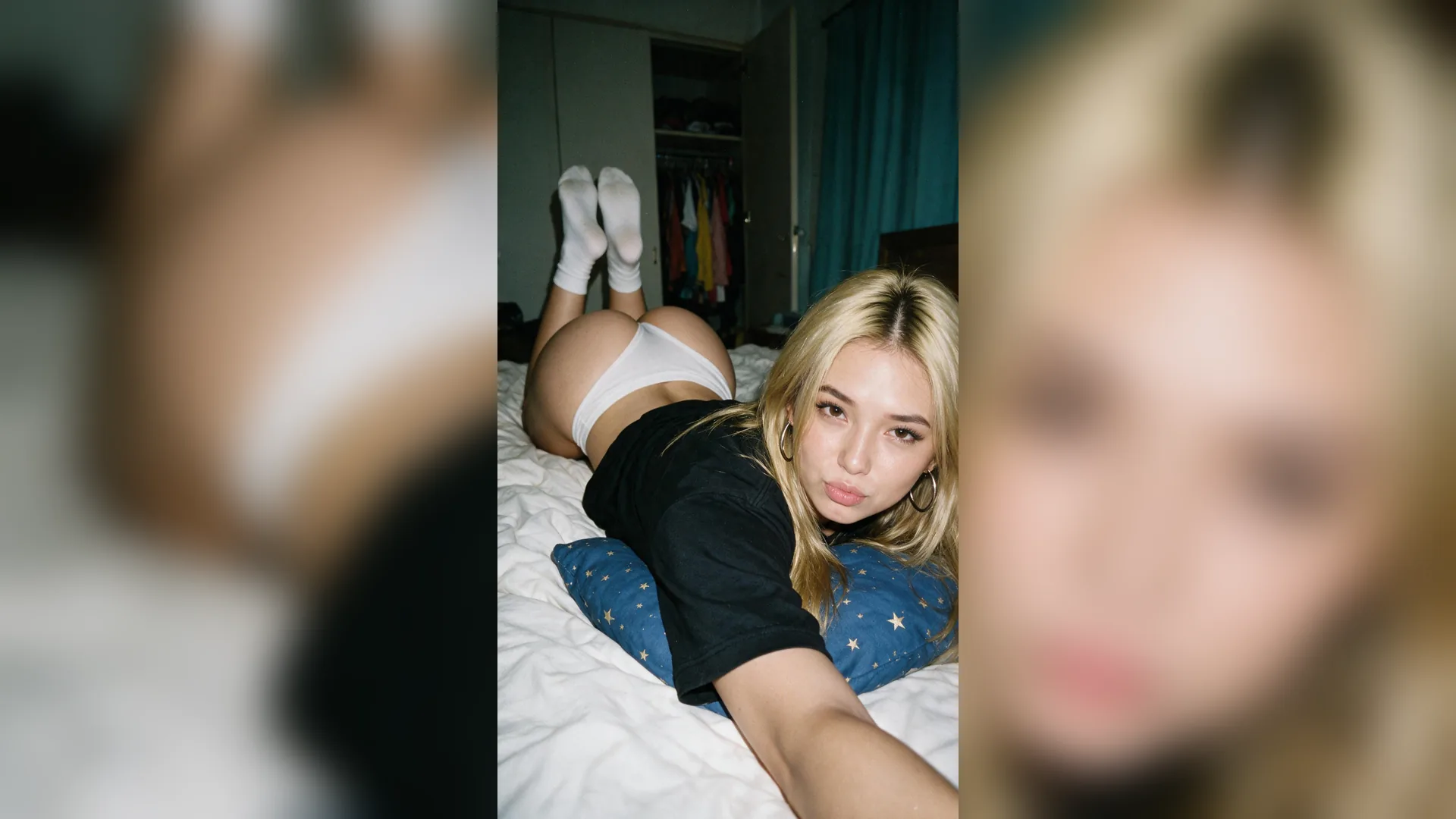
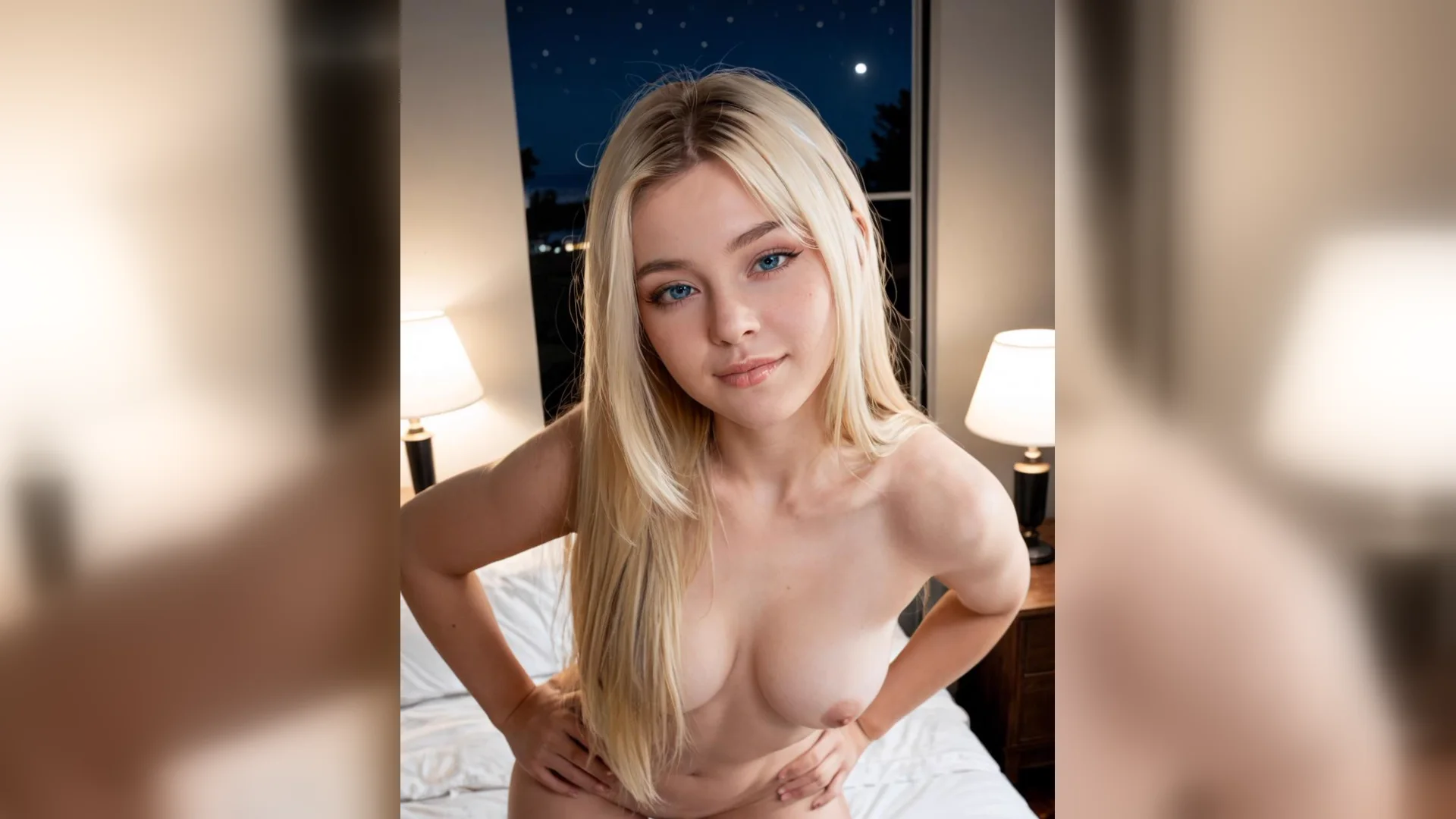
Portrait example
PromptAdult woman in her late twenties, silk robe, seated beside a window, waist-up frame, soft light from the left, natural-color portrait photography.
Write an adult subject, outfit and scene, choose framing and light, then generate and improve an image by changing one visible instruction at a time. You can also open NSFW Studio, or continue with NSFW AI Prompts, NSFW AI Image Generator, and NSFW AI Image Editor.
To generate NSFW AI images, turn the idea into a visual brief before choosing settings. Describe the adult subject, outfit, setting, framing, light and style in that order. Add a reference only when appearance or composition should follow a particular source. The steps here use Viralkey’s existing image Studio, where you inspect the current model options and cost before generating. Continue in NSFW Studio, or open NSFW AI Prompts and NSFW AI Image Generator.
Write an adult subject, outfit and scene, choose framing and light, then generate and improve an image by changing one visible instruction at a time.
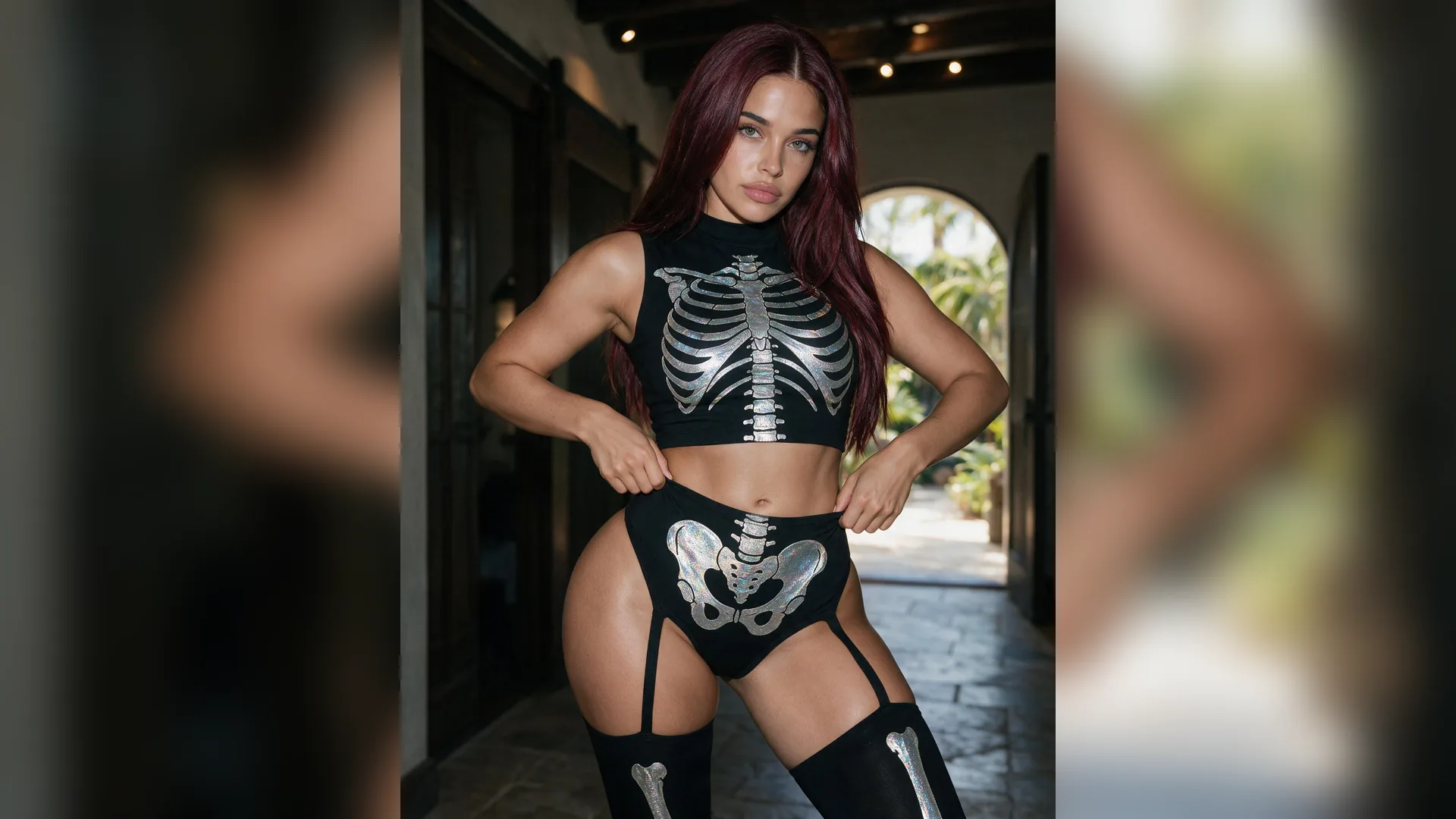
Give each phrase a job: subject, outfit, setting, framing, light or style. Remove repeated adjectives that do not change anything visible in the image.
Generate Image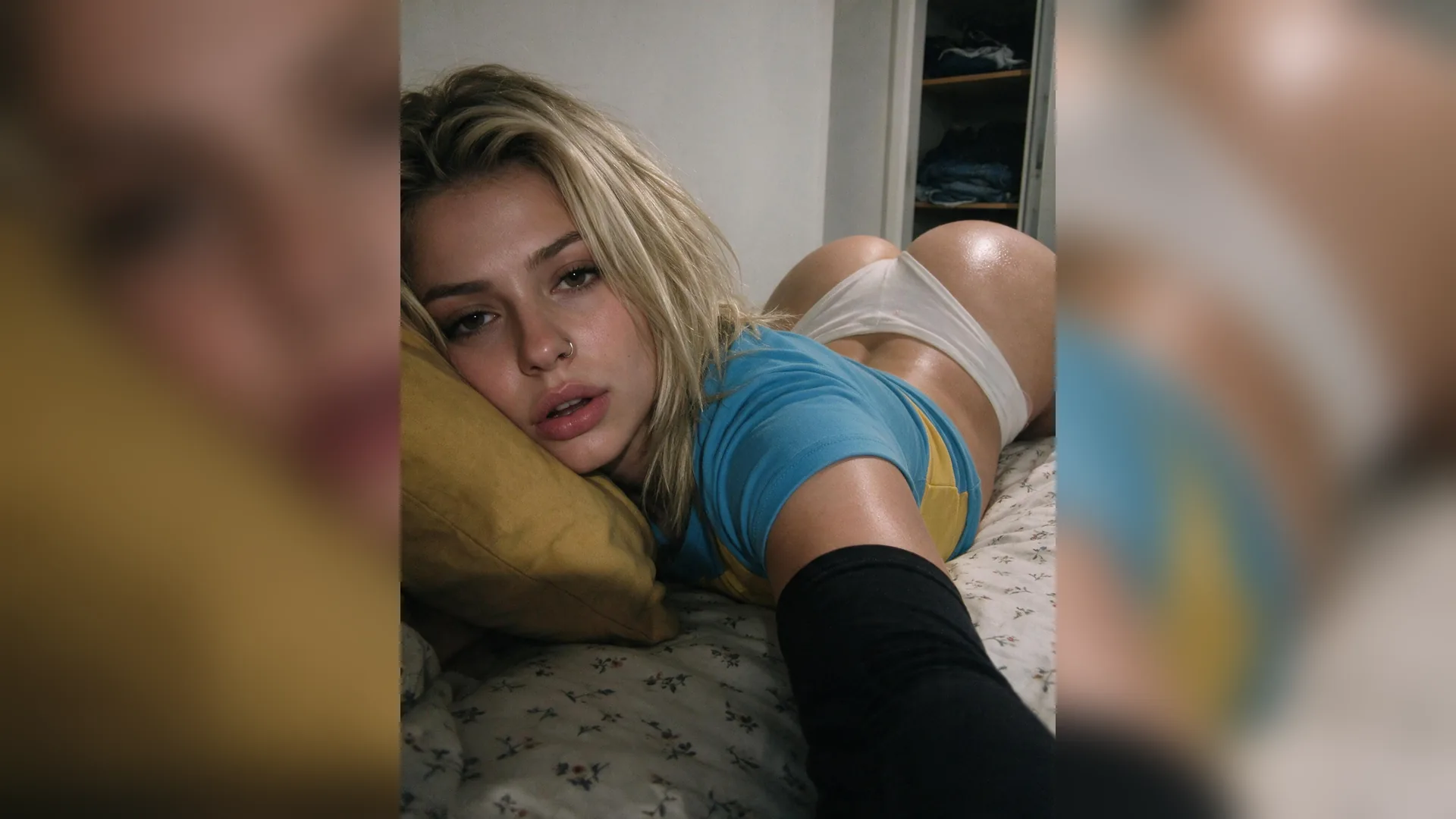
An image may guide posture, face, composition or palette. Specify which of those matters so the source does not compete with the visual style you describe.
Generate Image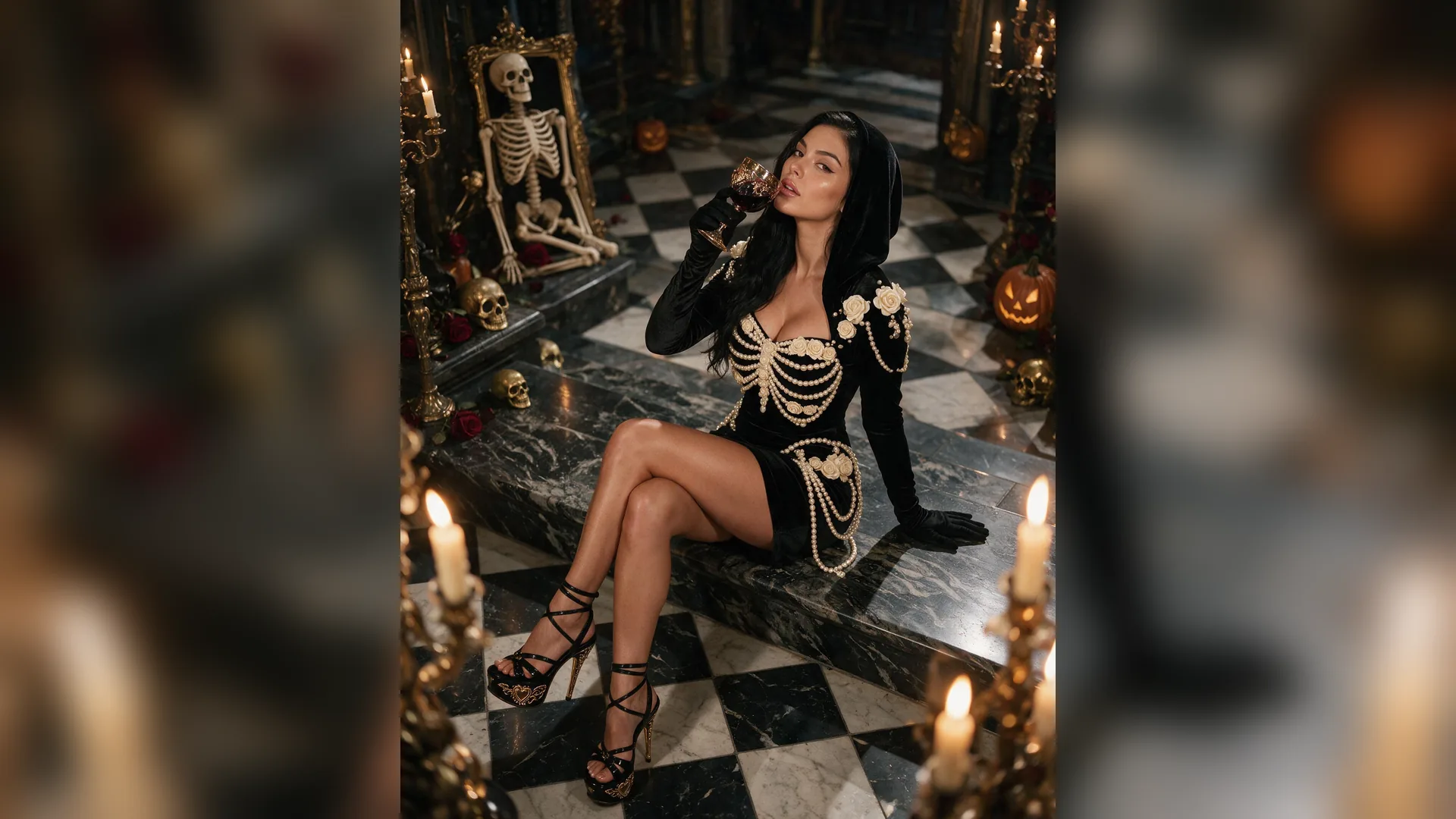
Identify whether the failed result comes from subject placement, framing, lighting or style. Change that phrase and keep the successful instructions unchanged.
Generate ImageDescribe an adult subject, clothing, scene, camera distance, light and medium. Use one coherent composition for the first test.
Add an optional authorized reference and open the Studio draft. Review the actual image model, aspect ratio, resolution and credit cost.
Review the full image for hands, posture, clothing and style. Save a usable result or revise one clear instruction for another version.
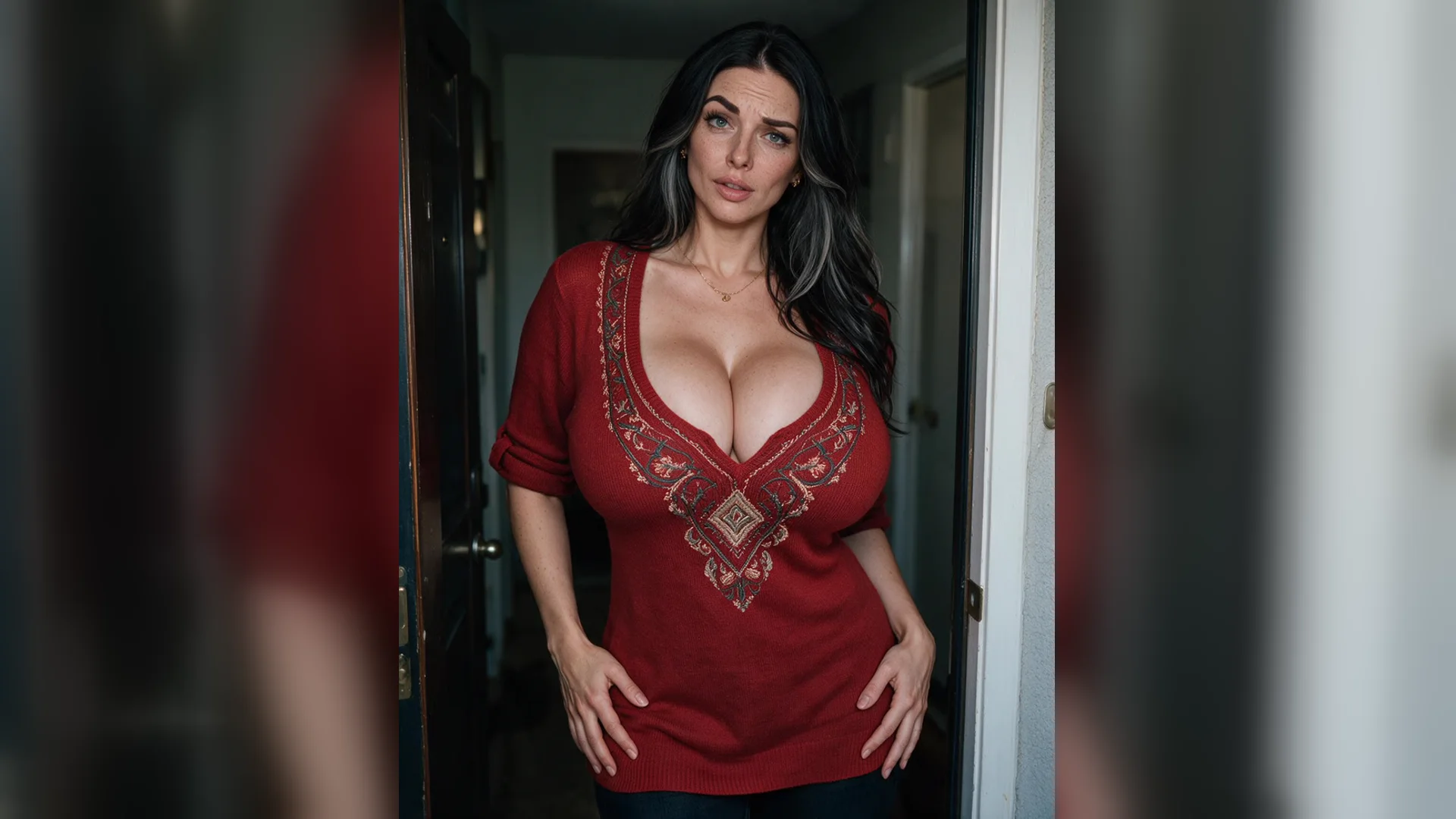
A brief such as an adult portrait in a silk robe, seated by a window, soft side light and a waist-up frame assigns visible choices. A long string of vague quality words is harder to compare when the result misses the intended composition.
Generate Image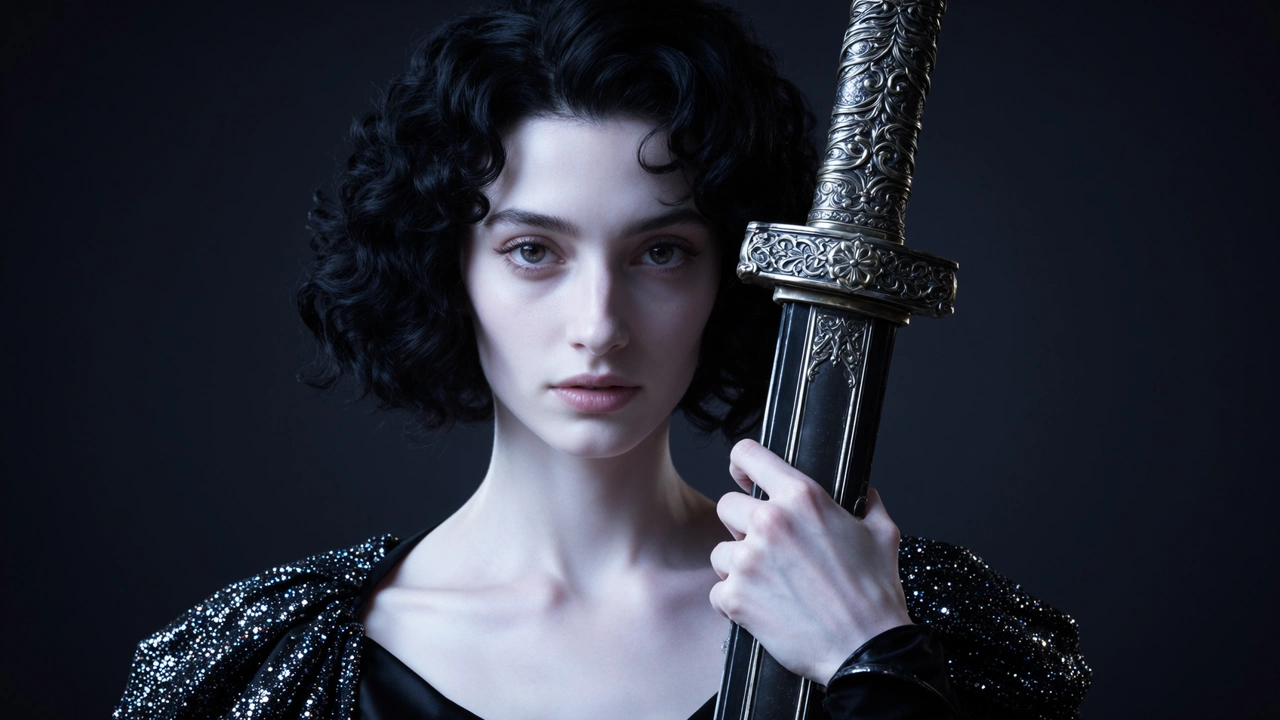
Text alone works for an invented subject or style. Choose an authorized source when posture, appearance or crop must follow a visible guide. The landing input is built around one primary reference; put secondary constraints in text.
Generate Image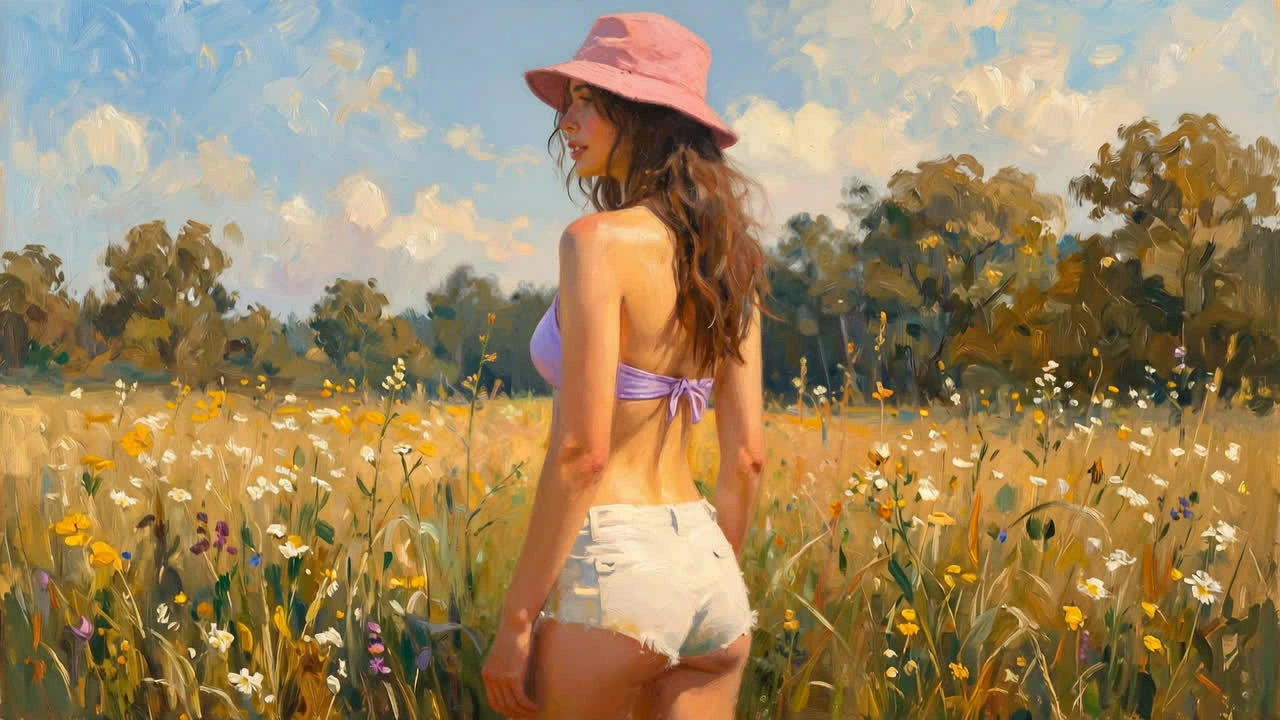
Keep the adult subject and framing steady, then test one lighting or style change. If anatomy is wrong, clarify the affected hand or support relationship before replacing the whole scene. Each new run uses the current Studio price.
Generate ImageUse these examples to prepare how to generate nsfw ai images with clear inputs, framing and a focused review.
Portrait example
PromptAdult woman in her late twenties, silk robe, seated beside a window, waist-up frame, soft light from the left, natural-color portrait photography.
Male study example
PromptAdult man in an open linen shirt, relaxed seated posture, hands visible, neutral studio background, broad side light, waist-up portrait.
Illustration example
StyleAdult fantasy character in a fitted costume, three-quarter view, clean linework, restrained palette and soft rim light.
Reference instruction
ReferenceUse the source for posture and framing; describe clothing, lighting and visual medium separately in the prompt.
Full-image review
ReviewCheck the hands, support, clothing edges and background before deciding whether the generated image meets the brief.
Focused next version
IterationChange one phrase that controls something visible. Keep the rest steady so the next image explains the effect of that revision.
Write an adult visual brief, optionally add an authorized reference, open NSFW Studio, review settings and cost, and explicitly generate. Inspect the finished image before saving or revising it.
Use your prompt and optional reference to create or edit a still image. Check the current studio options and credits before submitting.