

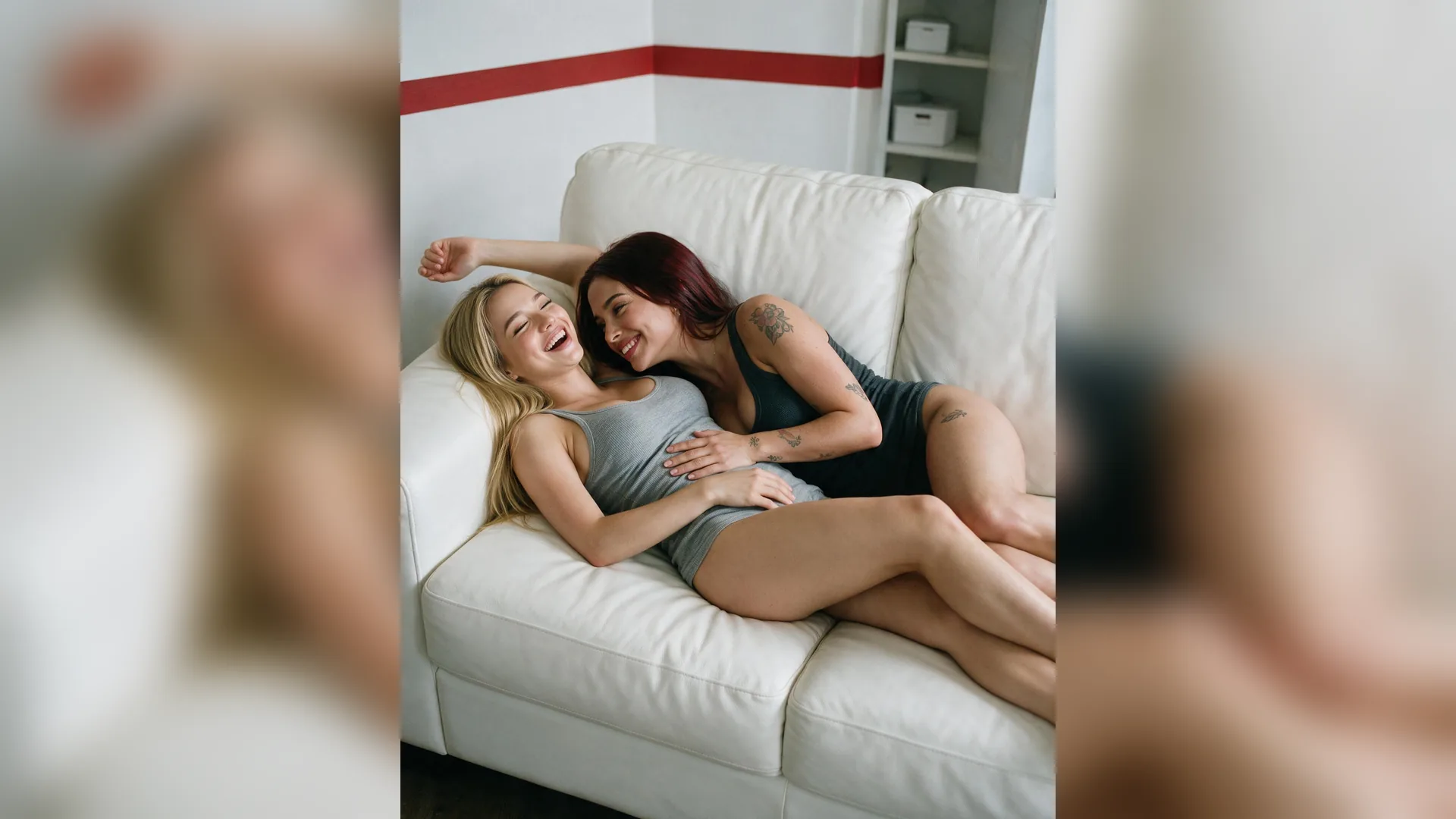

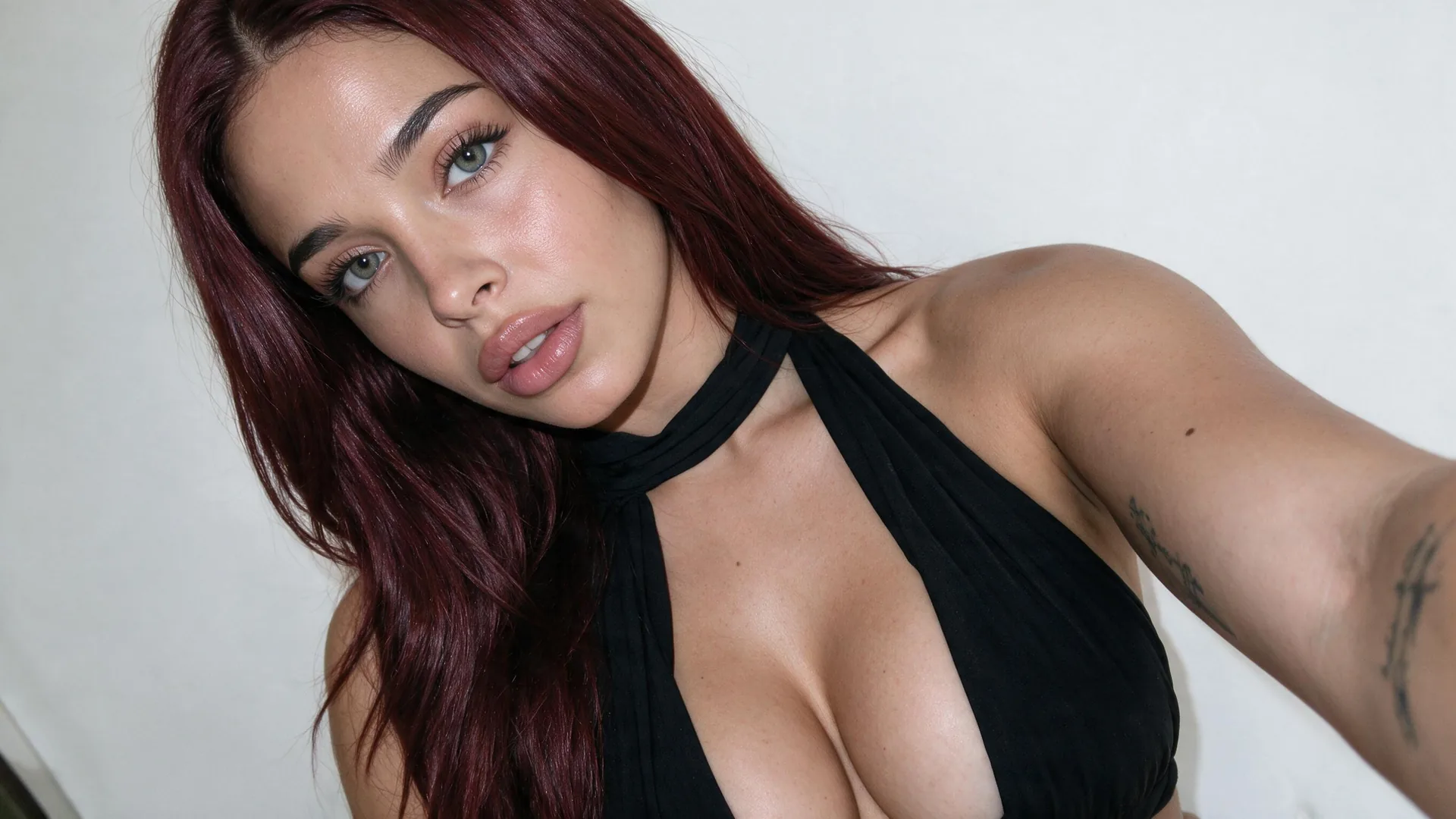
Upload Clear Reference Faces
Input QualityPick photos where neither partner's face is heavily blurred or covered by sunglasses so facial likeness stays accurate.
Turn dim, cluttered phone snapshots into cohesive romantic portraits with Viralkey Agent. Upload a joint photo or two solo shots to apply aesthetic couple picture presets, clean up passersby, and keep both faces natural. Powered by Viralkey Agent · Explore AI Virtual Try On Wedding Veil Photo · AI Selfie Generator · Animate Photo Online AI
Describe your couple photo edit, background change, or mood
Most couple photos taken on the go suffer from harsh shadows, distracting strangers, or flat smartphone colors, and traditional retouching tools struggle to keep two people's facial expressions consistent without hours of manual masking or hiring a retoucher. Upload one shared snapshot or two individual Reference portraits below, choose a romantic aesthetic and cleanup level, and let Viralkey Agent act as your romantic couple photo editor ai—transforming everyday frames into golden sunset, vintage film, Parisian cafe, or snowy editorial keepsakes. Run tailored briefs inside Viralkey Agent or explore model-based creation in the AI Image Generator · Related workflows: AI Virtual Try On Wedding Veil Photo · AI Selfie Generator · Animate Photo Online AI
Turn dim, cluttered phone snapshots into cohesive romantic portraits with Viralkey Agent. Upload a joint photo or two solo shots to apply aesthetic couple picture presets, clean up passersby, and keep both faces natural.

Preserves natural skin texture, smiles, and facial proportions for both partners simultaneously—whether starting from one joint photo or merging two separate solo portraits.
Generate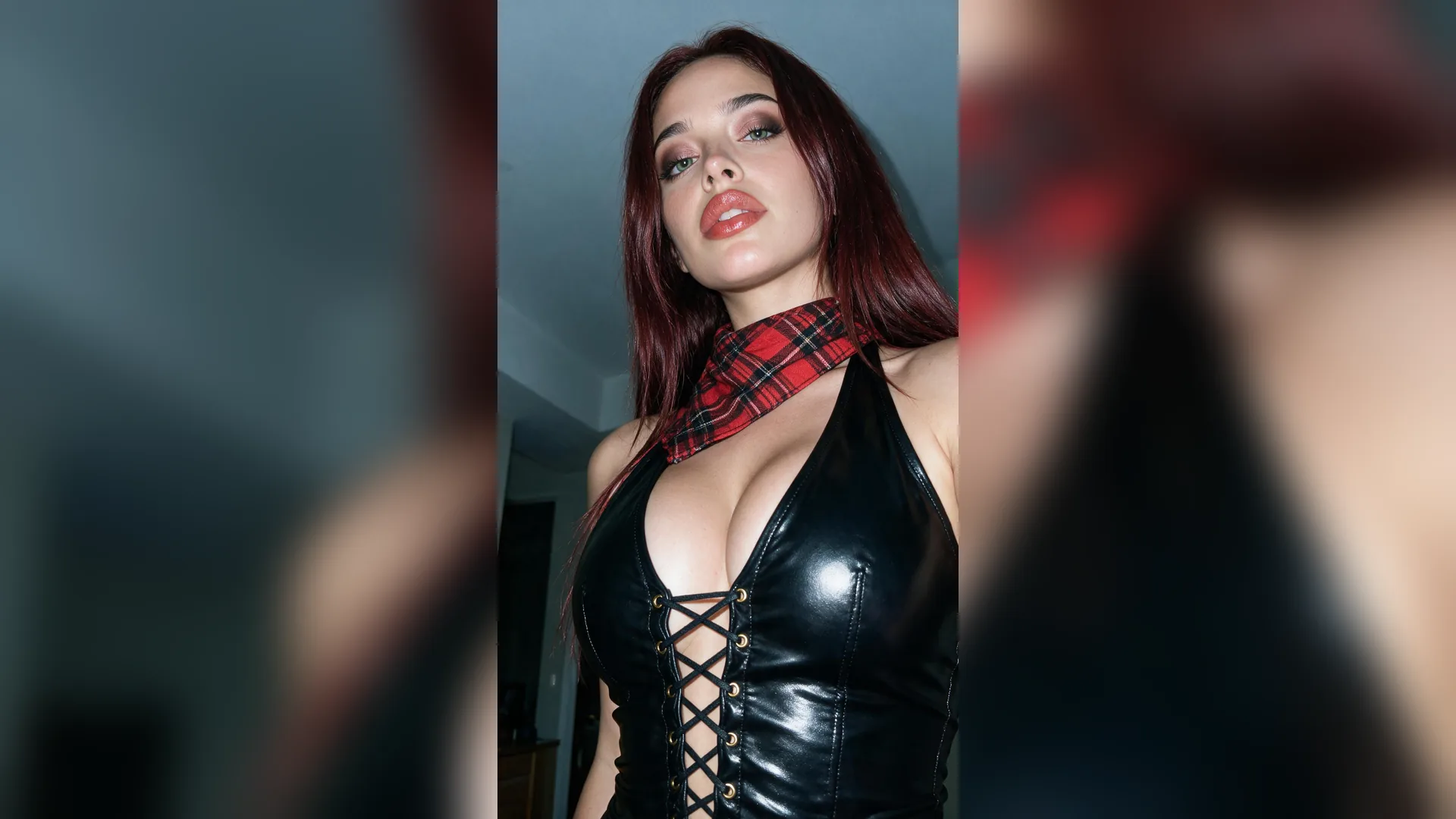
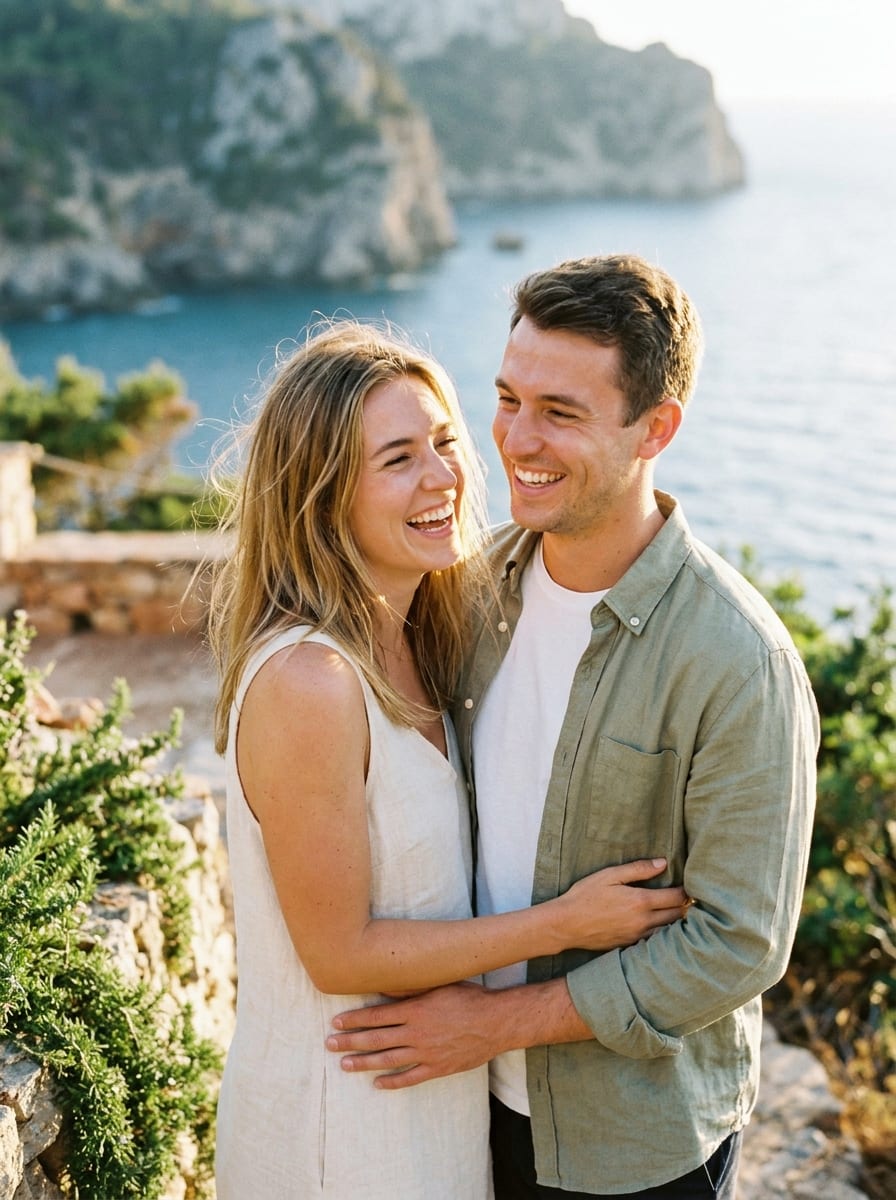
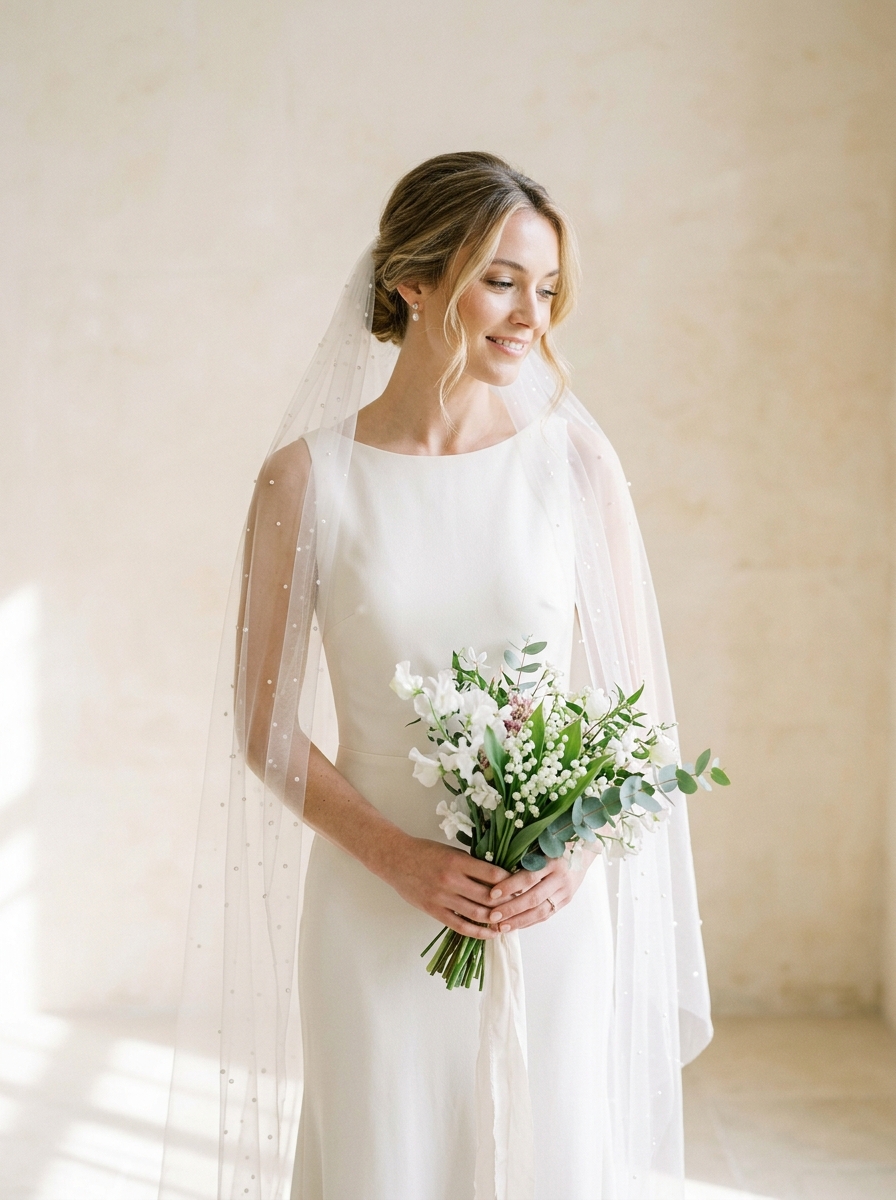
Apply aesthetic couple picture presets including 35mm vintage film, retro Polaroid warmth, golden coastal sunset, cozy French cafe light, bridal glow, or crisp winter snowfall.
Generate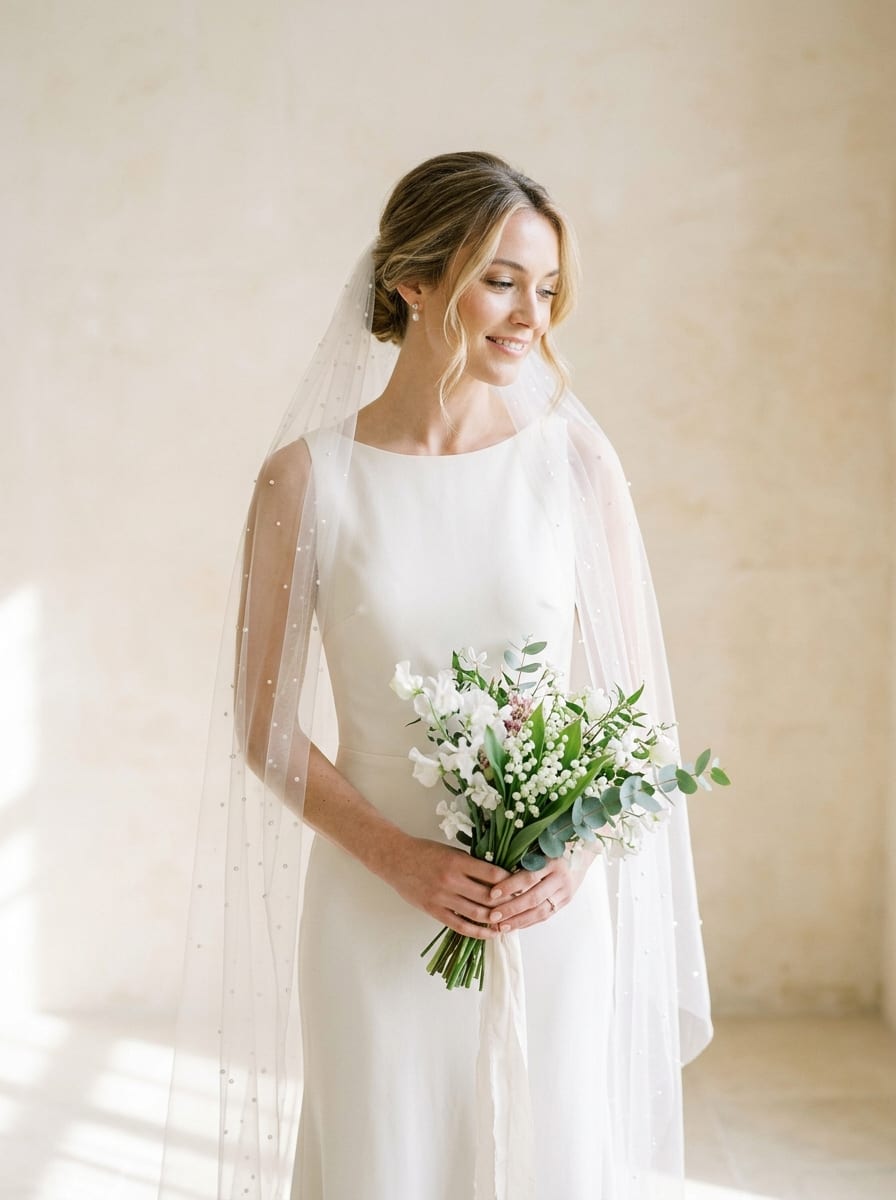
Change background couple photo ai scenes seamlessly by erasing tourist crowds, parked cars, and messy indoor clutter while matching directional light and depth of field.
GeneratePick a scene aesthetic such as Vintage 35mm Film & Polaroid or Golden Hour Beach Sunset, set your background cleanup mode, and select the lighting balance you want.
Drag and drop a dual snapshot—or two separate single-person portraits—into the Reference upload slot and describe any outfit, framing, or Polaroid details in the prompt box.
Press Generate to pass your Reference images and style brief into Viralkey Agent, then review your edited couple portrait or ask for gentle tonal tweaks in chat.
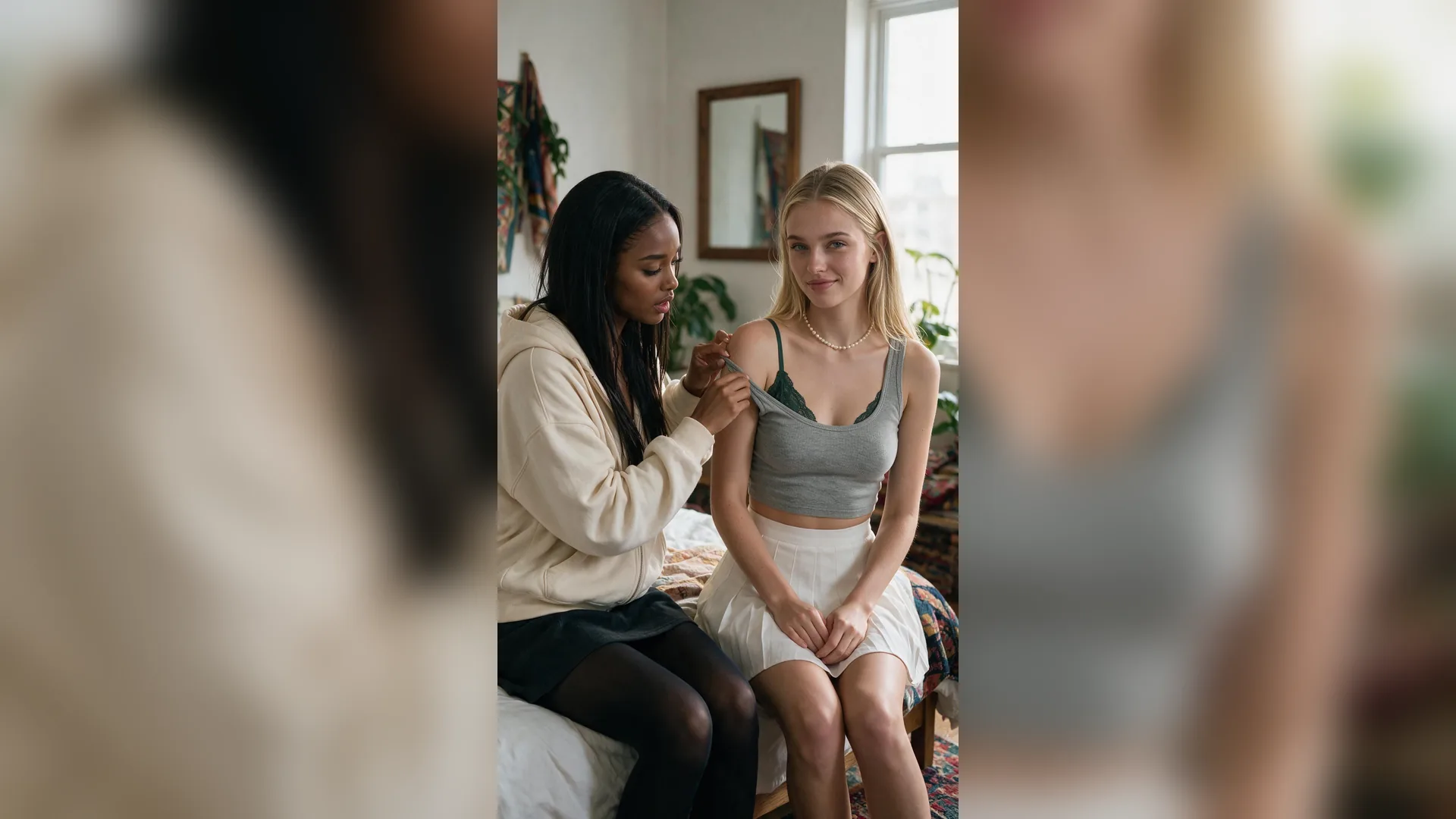
Missing a great photo together from a trip—or only have separate solo selfies in different lighting? Drop two individual photos into the Reference slot and let our ai couple portrait generator compose both partners naturally into one cohesive seaside, cafe, or winter frame.
Generate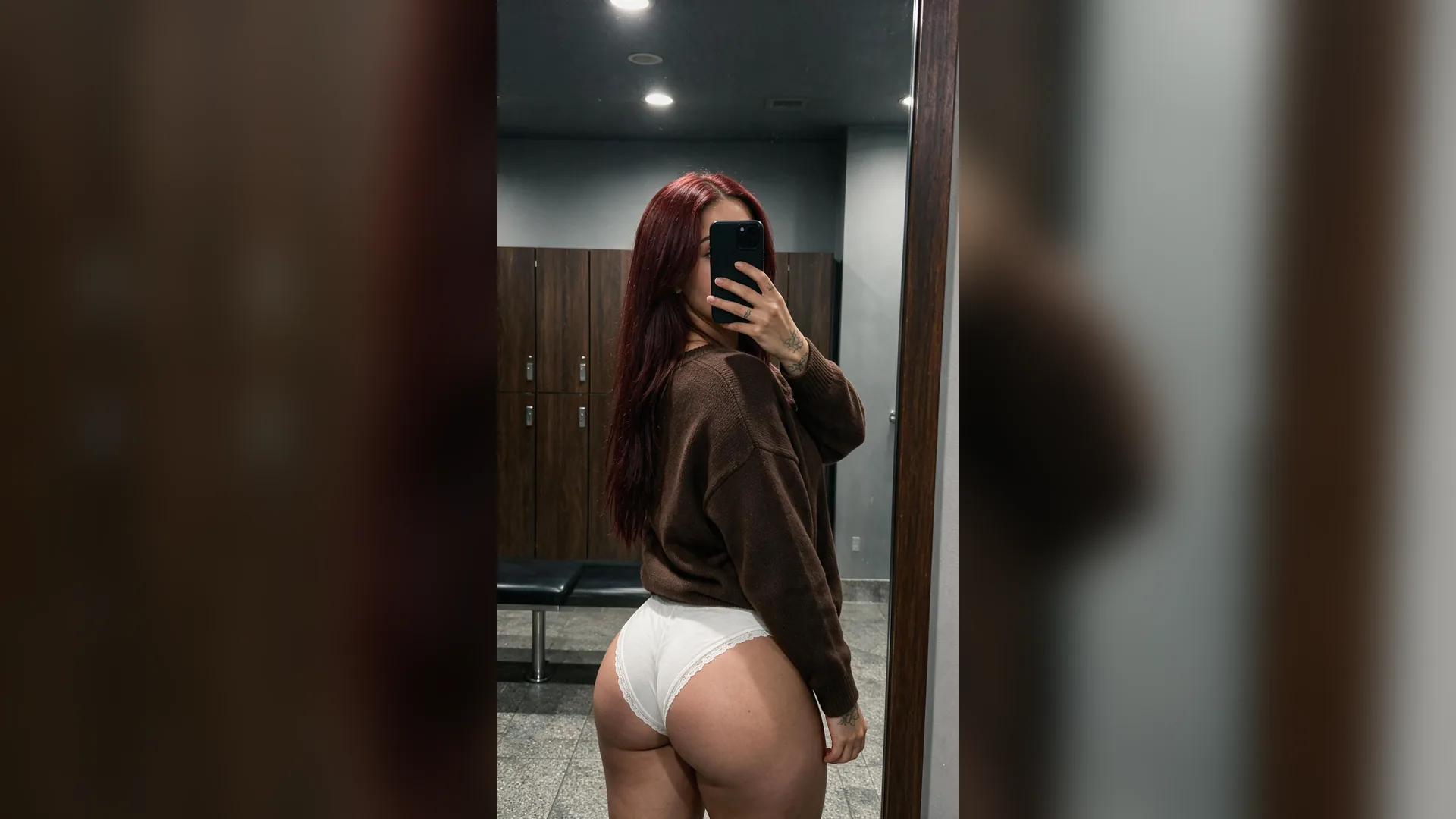
Over-smoothed filters make candid moments look artificial. Viralkey Agent removes stray photobombers, power lines, and harsh overhead glare while keeping candid laughter, hair strands, and authentic grain intact.
Generate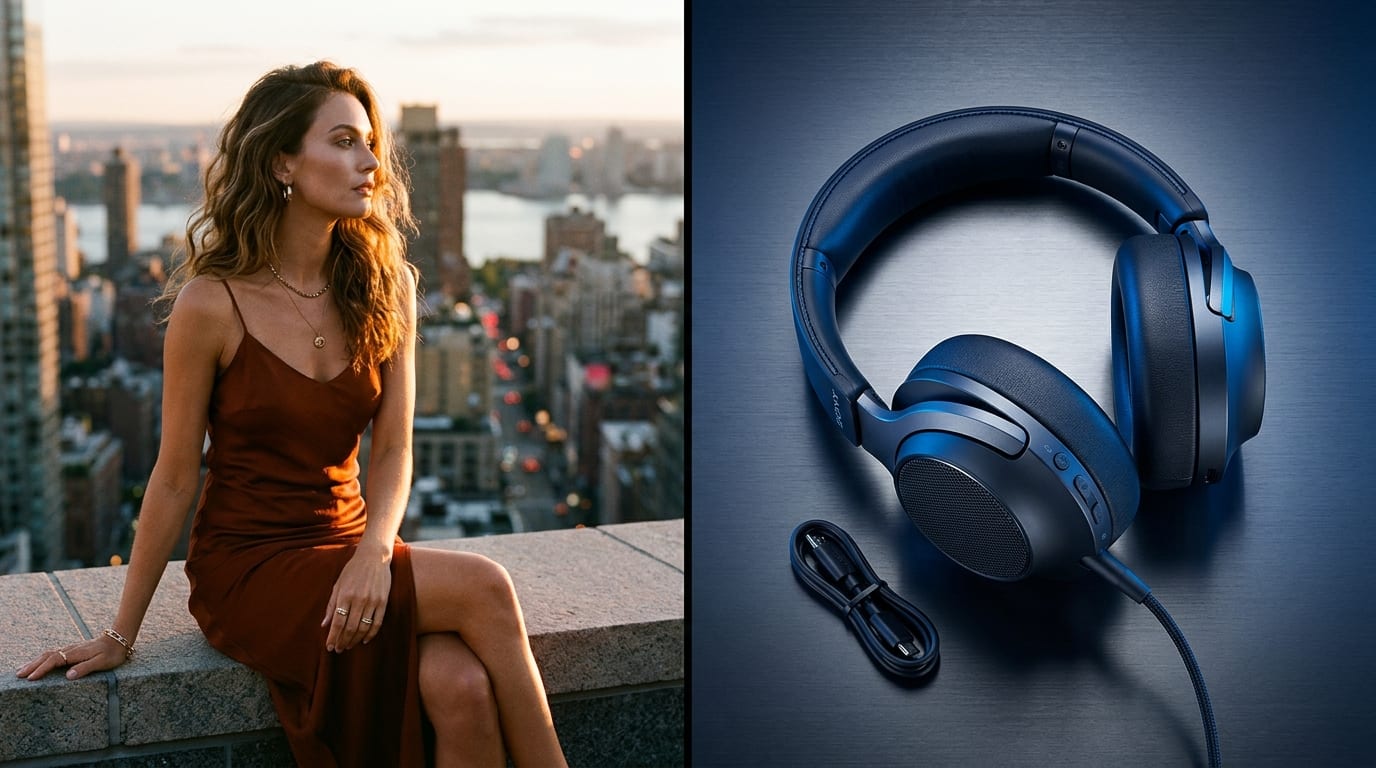
Once Viralkey Agent delivers your first retouched edit, reply in the same conversation to try a warm Polaroid border, soften sunset flare, or adapt the framing for vertical Stories and square keepsake prints.
GenerateGet crisp, true-to-life couple edits with minimal rework by starting with clean inputs and clear mood cues.
Upload Clear Reference Faces
Input QualityPick photos where neither partner's face is heavily blurred or covered by sunglasses so facial likeness stays accurate.
Match Pose Angles When Merging
Dual PortraitsWhen combining two solo Reference photos, choose shots taken from similar eye-level angles for natural proportions.
Keep Original Scene When Sentimental
Cleanup ModeFor meaningful trip memories, select passerby removal instead of full background replacement to preserve authentic context.
Pair Film Grain With Warm Light
Color Harmony35mm film and Polaroid aesthetics shine with amber highlights, gentle halation, and slightly lifted shadows.
Specify Framing for Your Destination
Aspect RatioMention vertical 4:5 for Instagram feeds, 9:16 for lock-screen wallpapers, or 3:2 horizontal for printed frames.
Iterate Gently in Agent Chat
RefinementIf one partner looks slightly dim or too contrasted, ask Viralkey Agent to balance exposure locally without redoing the scene.
Upload your couple snapshot—or two solo portraits—into the Reference slot, pick a preset style and background cleanup level, and click Generate. Viralkey Agent opens with your structured prompt ready to retouch lighting, color, and scene cohesion while keeping both faces recognizable.
Choose your options above, optionally attach reference media, and send your formatted prompt directly to Viralkey Agent.