

Shoot at Eye Level
ReferencePhotos taken down at your pet's eye level preserve snout proportions far better than top-down snapshots.
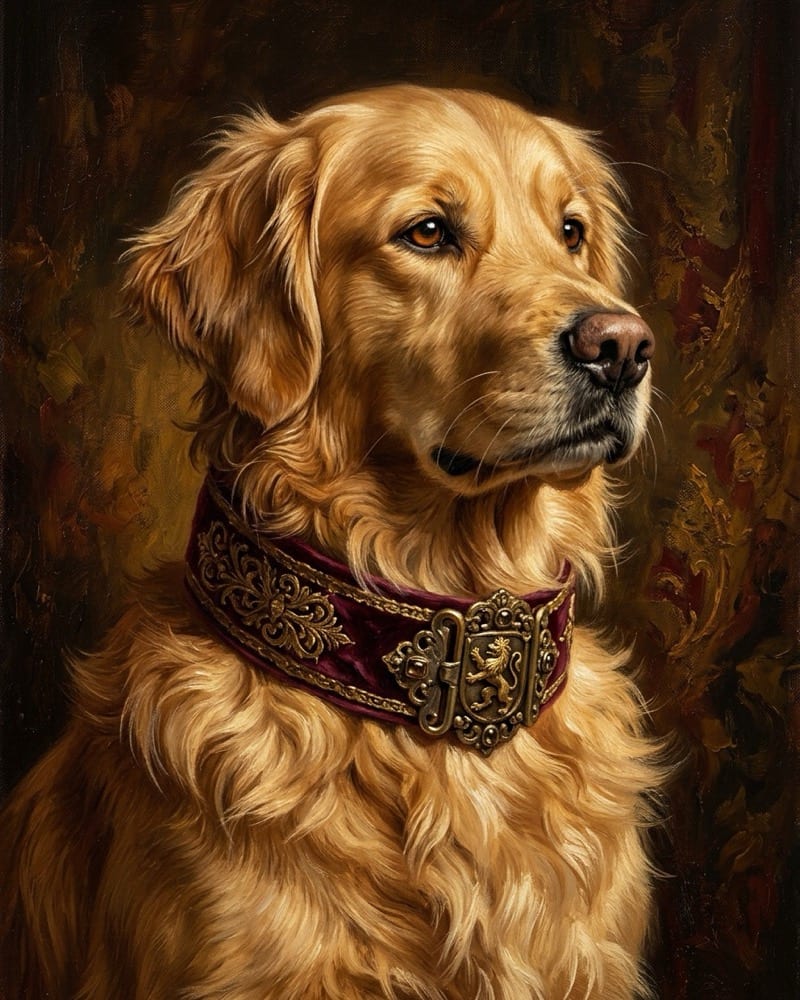
Turn everyday dog and cat photos into regal oil paintings, 3D animated portraits, or watercolor keepsakes that preserve your pet's real fur markings inside Viralkey Agent. Powered by Viralkey Agent · Explore AI Selfie Generator · Anime AI Generator · AI Wallpaper Generator
Describe your pet, outfit, or portrait mood
Generic filters wash out subtle snout patches, ear shapes, and eye color—making the final portrait look like a random dog or cat. Upload your pet's photo into the Reference slot, choose Royal Oil Painting, 3D Animated Character, or Japanese Watercolor below, and let Viralkey Agent render print-ready portraits and wallpapers. Run tailored briefs inside Viralkey Agent or explore model-based creation in the AI Image Generator · Related workflows: AI Selfie Generator · Anime AI Generator · AI Wallpaper Generator
Turn everyday dog and cat photos into regal oil paintings, 3D animated portraits, or watercolor keepsakes that preserve your pet's real fur markings inside Viralkey Agent.
Reference-guided generation keeps unique facial markings, brindle coats, whisker structure, and collar details recognizable.
Generate
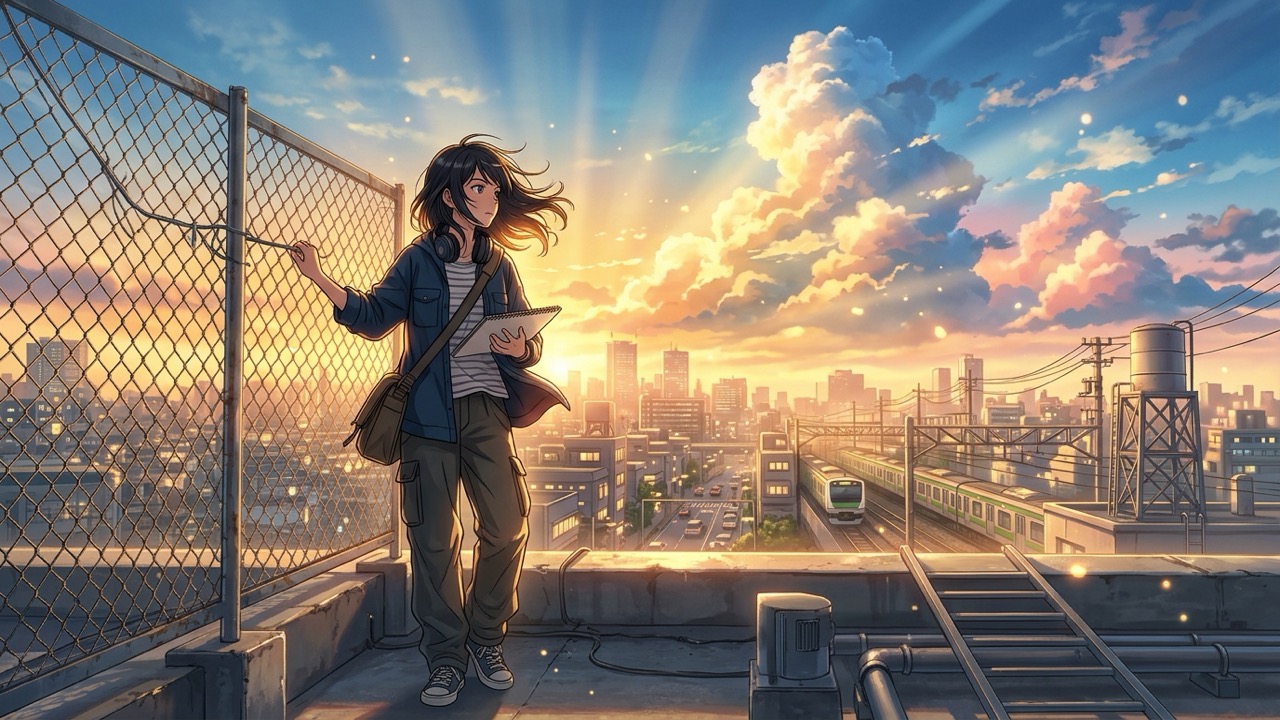
Switch effortlessly between Renaissance Royal Oil, Pixar-inspired 3D Animation, Soft Japanese Watercolor, and Neon Cyberpunk.
Generate
Output crisp 1:1 social profile avatars, 4:5 Instagram posts, or 9:16 lock-screen wallpapers tailored for pet creator accounts.
GenerateDrop a clear, well-lit smartphone photo of your dog or cat into the Reference slot so Agent can study their face and coat.
Choose Royal Oil Portrait, 3D Animated, Japanese Watercolor, or Neon Cyberpunk, then pick 1:1 Avatar, 4:5 Feed, or 9:16 Wallpaper.
Click Generate to run the portrait in Agent, then ask for custom outfits, seasonal hats, or matching animated pet clips.
Even if your original photo was snapped in dim living-room light, Agent re-lights the portrait with classical chiaroscuro brushstrokes or vibrant 3D studio rim lighting.
Generate
Pet accounts thrive on themed series—turn one photo into a regal Renaissance duke, an autumn watercolor card, and a futuristic cyberpunk mascot.
Generate
Once your portrait renders inside the Agent chat, follow up immediately to animate a subtle head tilt, blinking eyes, or wagging tail for Reels and TikTok.
GenerateGet unmistakable likeness and gallery-grade textures on your very first run.
Shoot at Eye Level
ReferencePhotos taken down at your pet's eye level preserve snout proportions far better than top-down snapshots.
Keep Eyes Sharp
LightingNatural window catchlights in the eyes help Agent render soulful expressions in oil and 3D styles.
Note Unique Patches
PromptingMention small details like 'white chest blaze' or 'one floppy ear' in the prompt box to reinforce fidelity.
Match Ratio to Use
FramingUse 1:1 for social profile pictures, 4:5 for Instagram feed carousels, and 9:16 for phone wallpapers.
Start Classic, Then Remix
WorkflowLock a clean portrait first in Agent, then ask for seasonal holiday outfits or funny props in chat.
Animate for Shorts
VideoFollow up in Agent to turn your favorite royal oil painting into a subtle blinking, breathing loop.
Yes. New Viralkey accounts receive starter credits so you can upload a pet photo via Reference and test portrait styles inside Agent before choosing a plan.
Choose your options above, optionally attach reference media, and send your formatted prompt directly to Viralkey Agent.