

Right-Side Alignment
LayoutAlways position key titles and logos on the right half of the banner to clear the circular profile photo.
Generate sleek, executive LinkedIn background banners with safe-zone avatar alignment in Viralkey Agent. Powered by Viralkey Agent · Explore Banner Maker · Twitter Header Maker · YouTube Profile Picture
Enter your professional headline, specialty, or tagline
Your LinkedIn profile header is the first visual handshake with recruiters, clients, and partners. Configure your industry aesthetic, headline alignment, and color palette below—and optionally attach your company logo to the Reference slot—so Viralkey Agent creates sophisticated background banners tailored for career impact. Run tailored briefs inside Viralkey Agent or explore model-based creation in the AI Image Generator · Related workflows: Banner Maker · Twitter Header Maker · YouTube Profile Picture
Generate sleek, executive LinkedIn background banners with safe-zone avatar alignment in Viralkey Agent.
Leaves the lower-left profile picture area completely clear to prevent awkward overlap on mobile and desktop.
Generate
Select tailored aesthetics for SaaS technology, venture capital, management consulting, or creative direction.
Generate
Engineered strictly to LinkedIn's official 4:1 banner specifications for razor-sharp rendering on Retina displays.
GenerateDrop your company logo, personal brand colors, or resume summary into the composer Reference slot.
Choose between tech SaaS, executive corporate, or creative studio aesthetics with right-aligned headlines.
Click Generate to create custom LinkedIn background banner options ready to upload to your profile.
A generic blue background banner signals disinterest. A custom header communicating your focus area builds immediate credibility within 3 seconds of a visit.
Generate
LinkedIn shifts the profile picture position dramatically between smartphone apps and wide desktop screens. Agent balances focal elements so your banner looks balanced everywhere.
Generate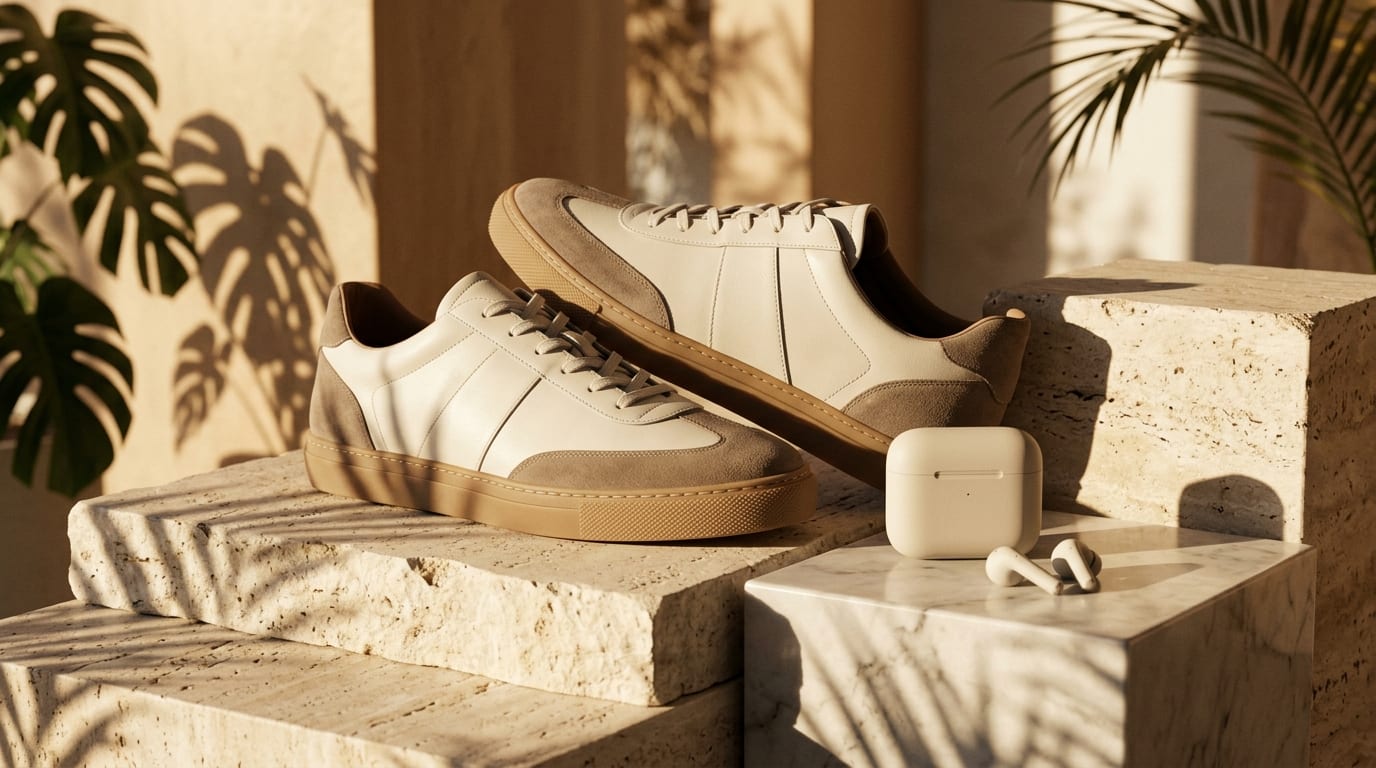
Equip entire sales and executive teams with matching, on-brand LinkedIn banners that showcase company mission while highlighting personal leadership roles.
GenerateMaximize profile visit retention and professional conversion rates.
Right-Side Alignment
LayoutAlways position key titles and logos on the right half of the banner to clear the circular profile photo.
Subtle Value Statement
CopyKeep taglines under 8 words (e.g., 'Scaling B2B SaaS revenue from $1M to $20M') for instant reader comprehension.
Sophisticated Palette
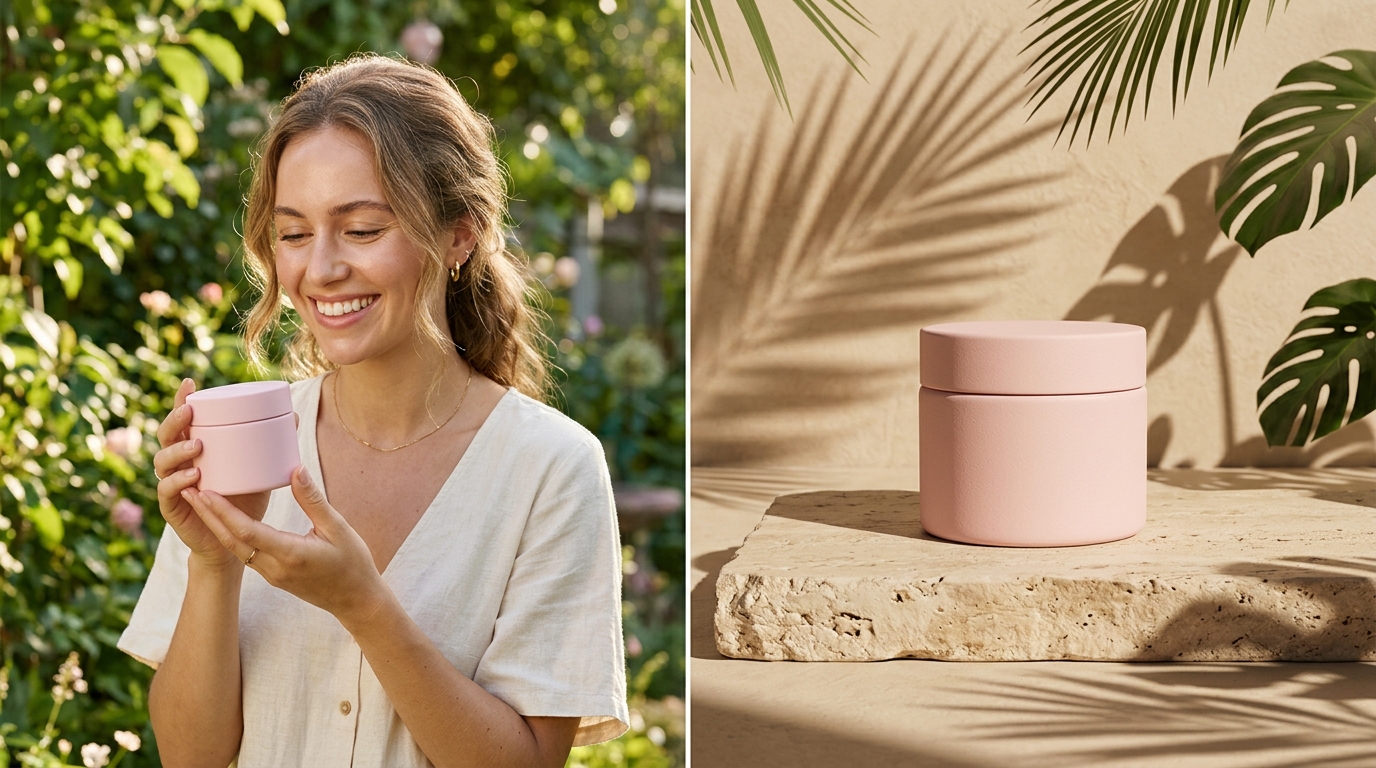
ColorUse muted corporate tones like slate graphite, deep navy, or warm travertine stone to project executive maturity.
Avoid Cluttered Icons
ClaritySkip long rows of social media icons; focus exclusively on your primary value proposition and company mark.
High-End Architectural Depth
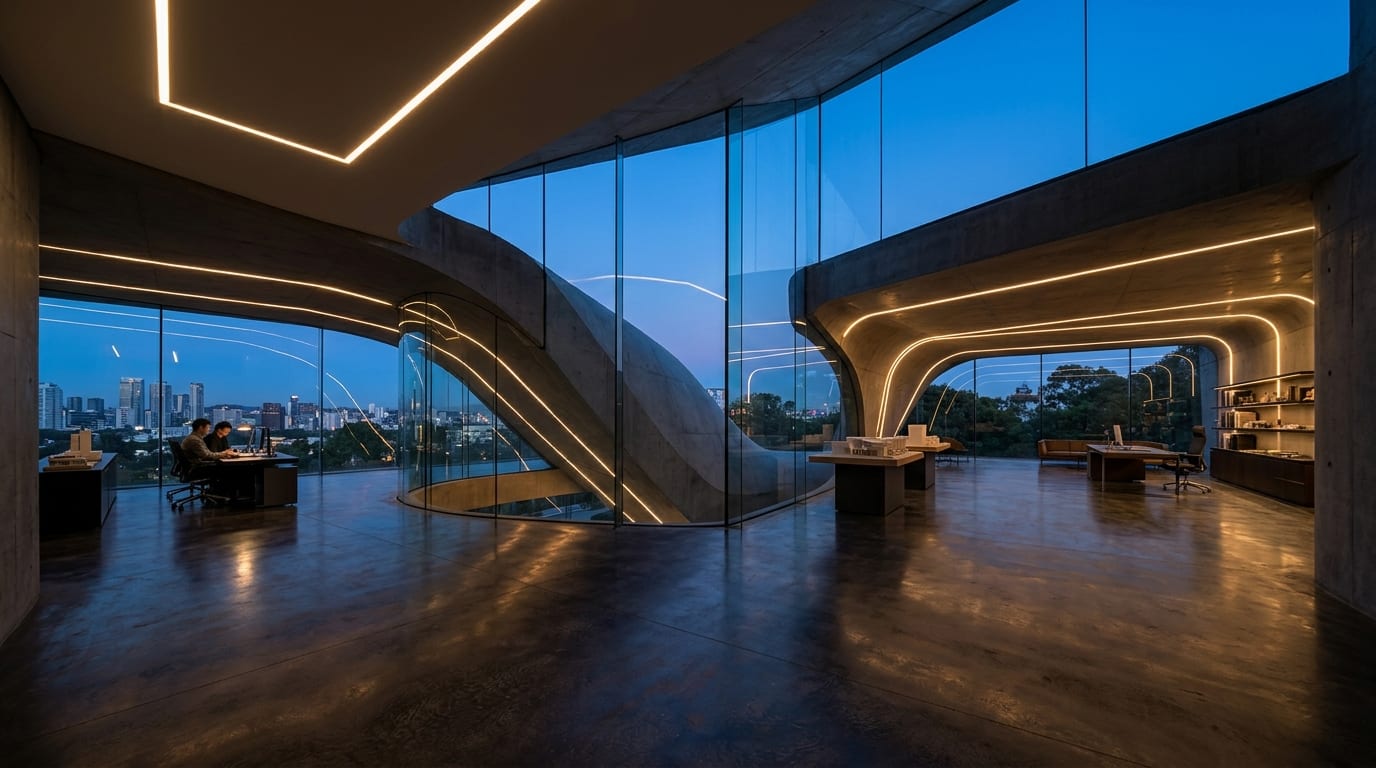
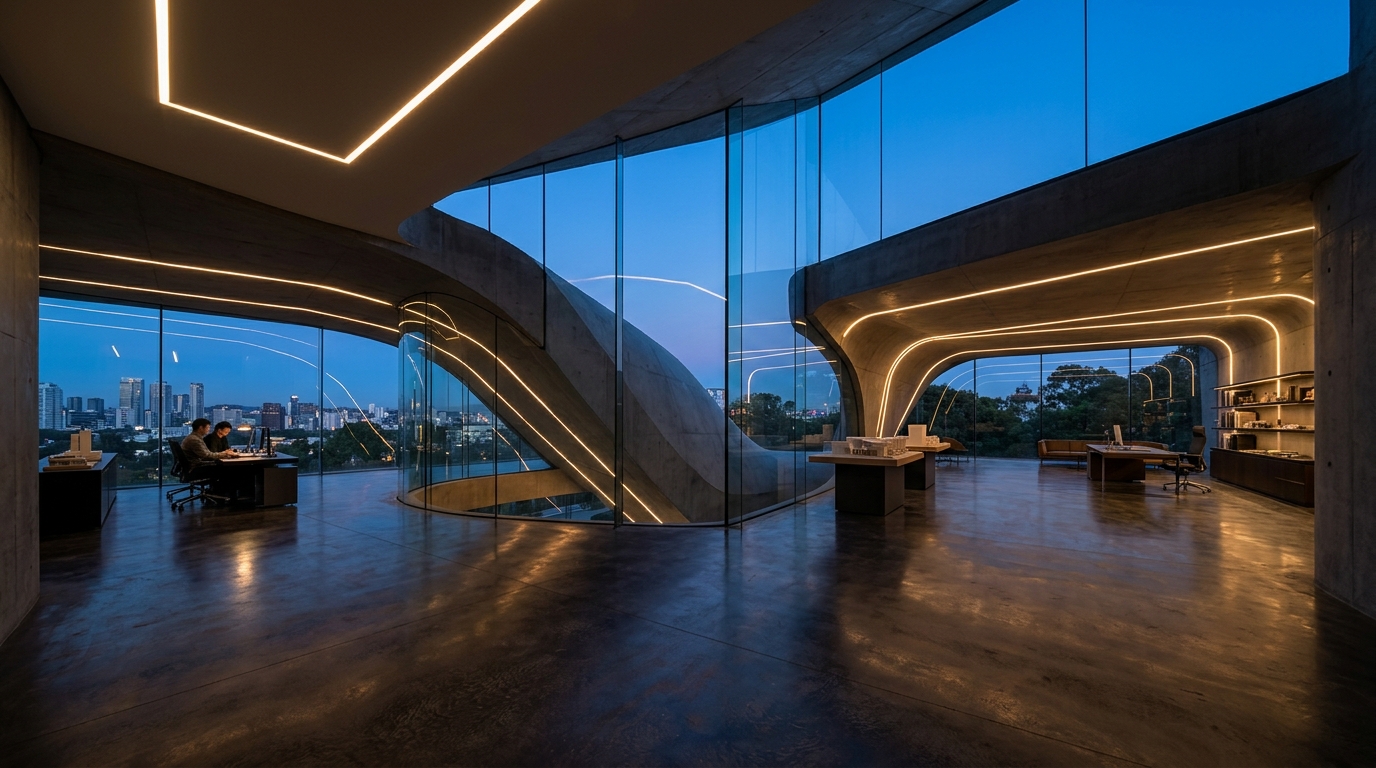
ImageryAbstract architectural lines and soft linear lighting create premium atmosphere without distracting from text.
Mobile App Preview Check
VerificationAlways inspect your banner on the LinkedIn mobile app to confirm zero text clipping behind the avatar frame.
The official recommended dimension for a personal LinkedIn background banner is 1584 pixels wide by 396 pixels tall (4:1 ratio).
Choose your options above, optionally attach reference media, and send your formatted prompt directly to Viralkey Agent.