

Protect Bottom-Left Corner
Safe ZoneAlways leave the lower-left 25% completely clear where X anchors your circular profile photo.
Generate crisp 1500x500 white and minimalist off-white X (Twitter) headers with subtle surface texture and avatar-safe layout spacing inside Viralkey Agent. Powered by Viralkey Agent · Explore Twitter Header Maker · Twitter Post Generator · LinkedIn Background Banner
Describe your minimalist white X header finish or tagline
Uploading a flat raw white JPEG often triggers harsh social compression banding, while unaligned text gets hidden under your bottom-left X profile circle. Pick a crisp white surface finish, safe-zone layout, and optional brand logo Reference below so Viralkey Agent outputs a balanced 1500x500 header. Run tailored briefs inside Viralkey Agent or explore model-based creation in the AI Image Generator · Related workflows: Twitter Header Maker · Twitter Post Generator · LinkedIn Background Banner
Generate crisp 1500x500 white and minimalist off-white X (Twitter) headers with subtle surface texture and avatar-safe layout spacing inside Viralkey Agent.
Formatted natively for X's 3:1 desktop and mobile header crop so top and bottom edges stay sharp without unintended stretching.
Generate
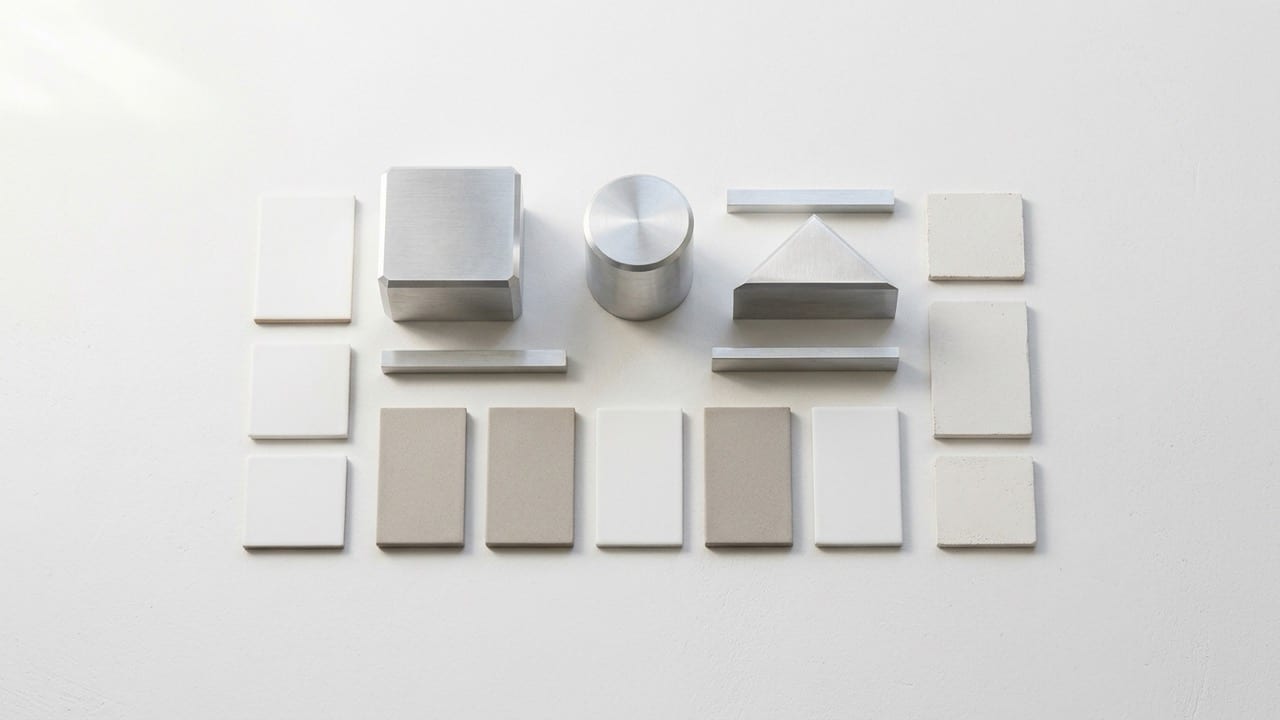
Choose Pure Crisp White, Warm Cotton Paper Grain, or Architectural Sunlight Gradient to resist flat JPEG compression artifacts.
Generate
Places minimal brand marks or one-line taglines cleanly on the right two-thirds so your profile photo never overlaps key details.
GenerateSelect Pure Crisp White, Warm Paper Grain, or Soft Architectural Gradient, then choose Clean Blank Canvas or Avatar-Safe Right Tagline.
Drop a minimal SVG/PNG logo into the Reference slot or type a brief founder tagline in the prompt box.
Agent creates a clean 3:1 header you can download as-is or adjust tonal warmth in chat.
Social CDNs aggressively re-compress solid single-color headers, often turning crisp white into blotchy off-gray. Subtle paper fiber or architectural plaster light keeps your header clean and editorial.
Generate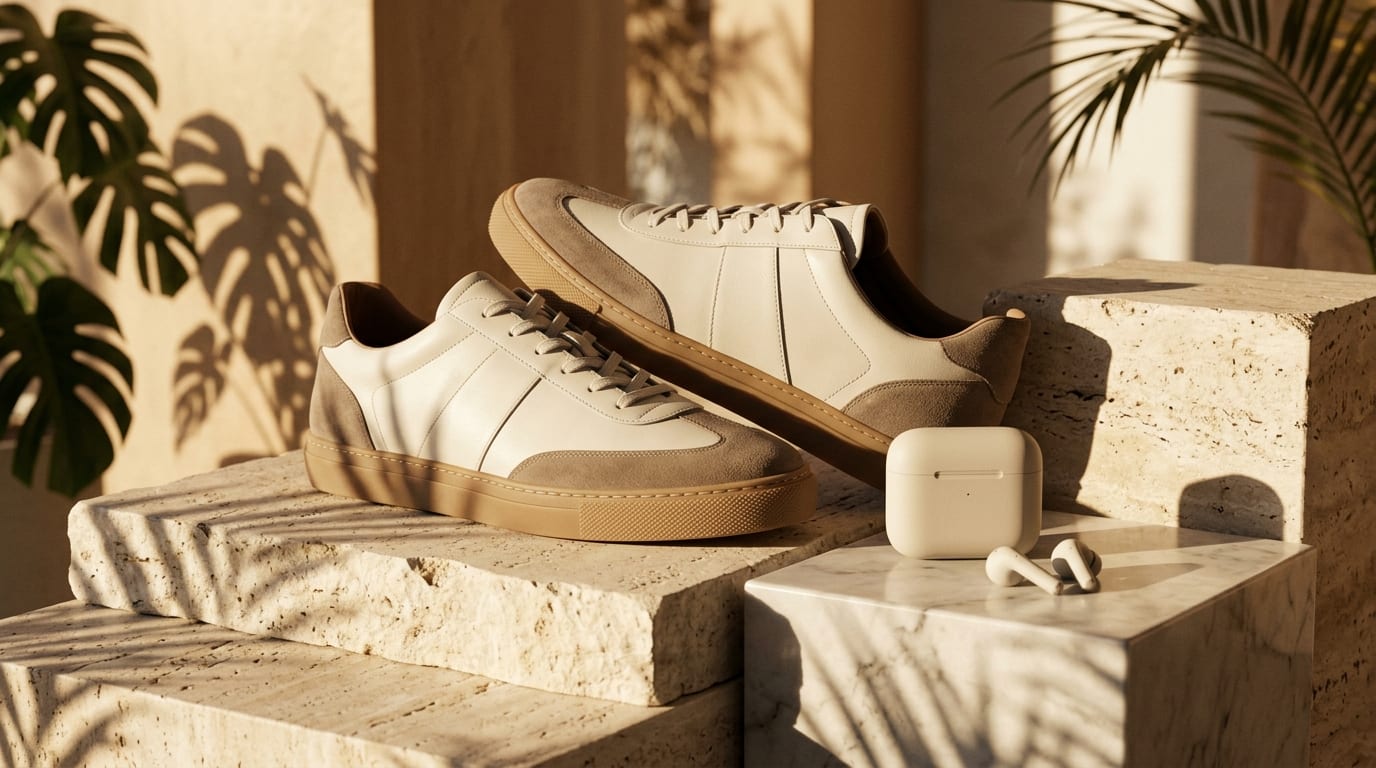
X trims slightly differently between desktop widescreen and mobile app views. Keeping margins open ensures zero awkward cropping on smaller screens.
Generate
Once your blank white X header looks sharp, ask Agent in the same thread to generate a matching minimalist LinkedIn background or clean quote card.
GenerateKeep your X profile crisp, spacious, and immune to awkward mobile cropping.
Protect Bottom-Left Corner
Safe ZoneAlways leave the lower-left 25% completely clear where X anchors your circular profile photo.
Add Subtle Micro-Grain
CompressionFine architectural plaster or cotton paper texture prevents ugly JPEG compression banding.
Contrast With Your Avatar
HierarchyA crisp white header makes dark, colorful, or monochrome founder avatars pop immediately in profile previews.
Keep Top & Bottom Margins
Mobile CropLeave generous padding around edges so top navigation bars on iOS and Android never clip accents.
One Visual Idea Only
MinimalismEither keep the banner purely atmospheric or include one clean 3-word positioning line on the right.
Sync Across Channels
BrandingAsk Agent to adapt the same white architectural backdrop for your 1584x396 LinkedIn cover.
X recommends 1500x500 pixels (a 3:1 aspect ratio) for profile headers. Selecting our X Header preset formats your output cleanly for that 3:1 frame.
Choose your options above, optionally attach reference media, and send your formatted prompt directly to Viralkey Agent.