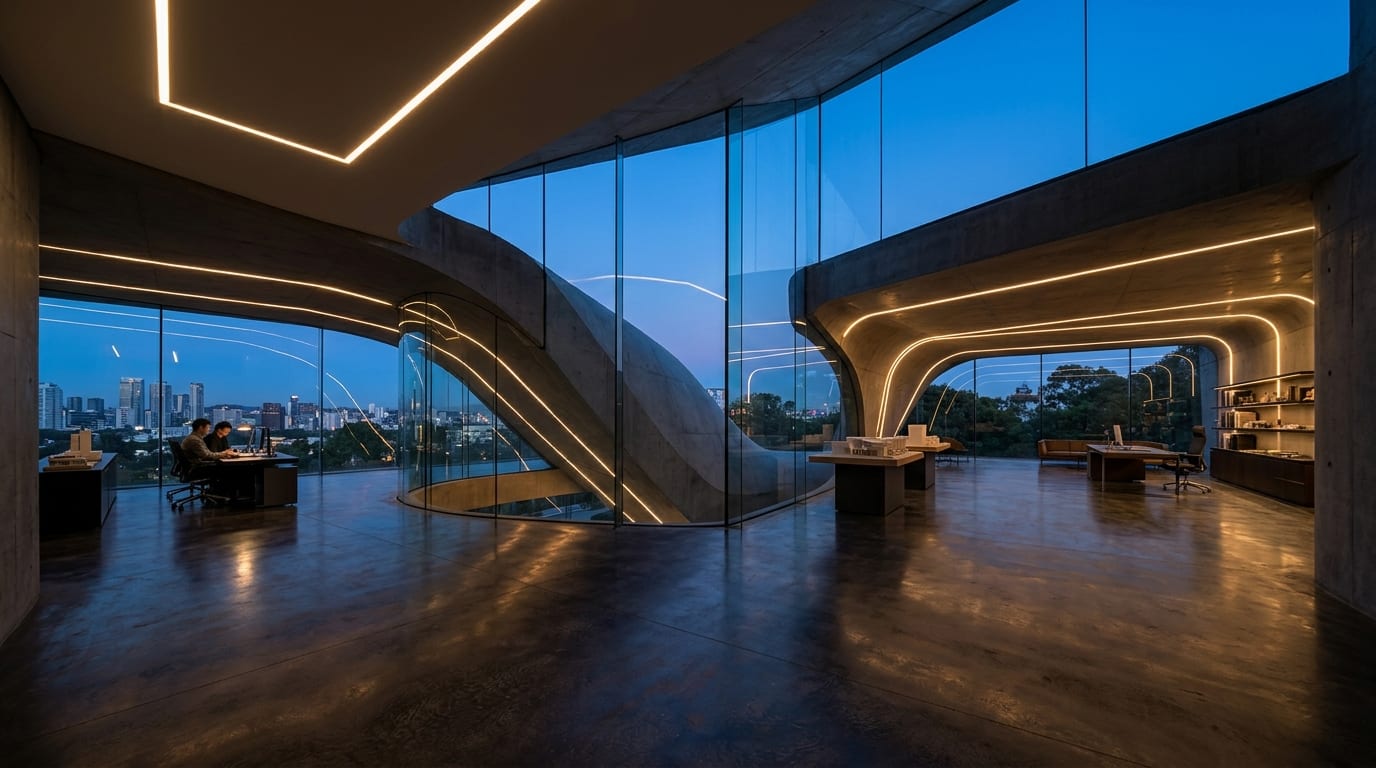


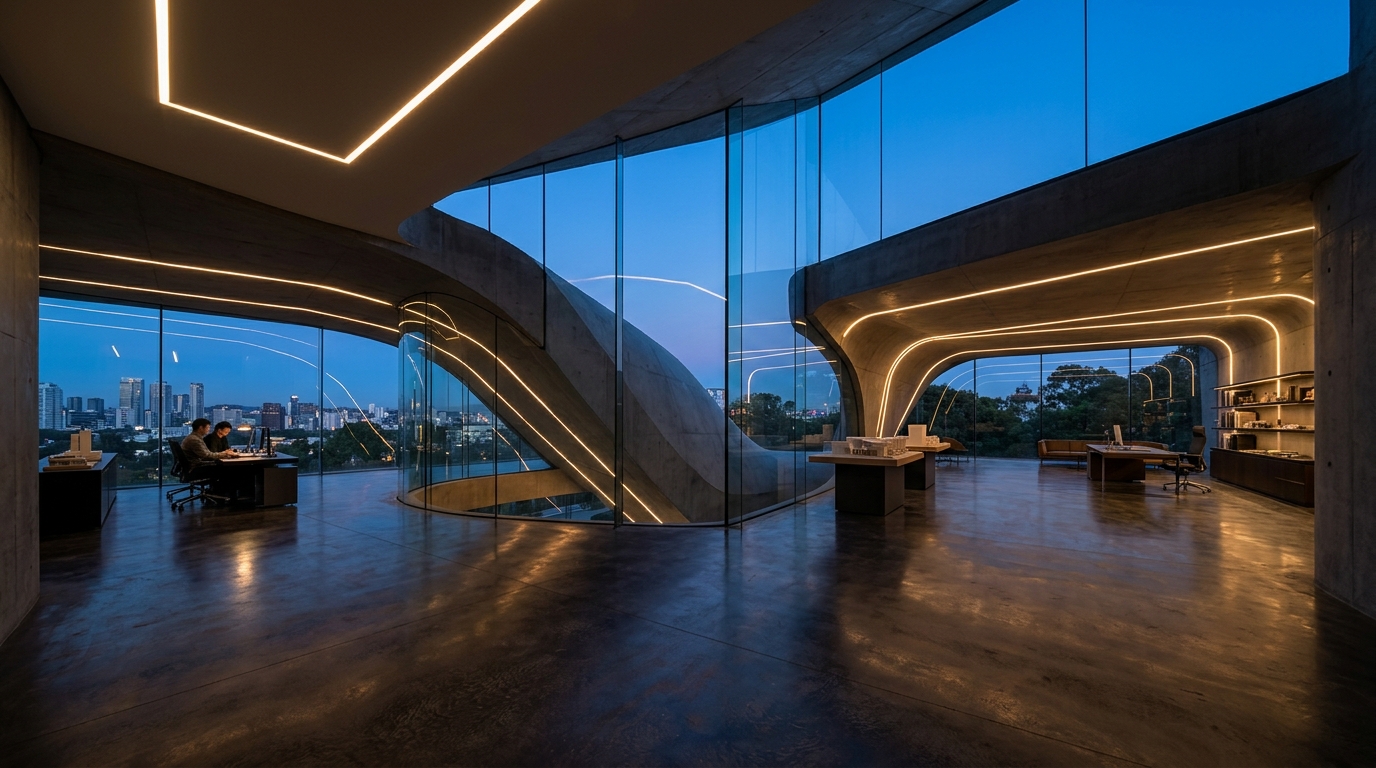
Founder Conversion Header
SaaS & IndieUse Dark Tech Gradient + Keep Left Clear to spotlight a short one-line promise on the right two-thirds.
Compose high-contrast 1500×500 X (Twitter) profile banners with avatar safe zones and custom typography briefs inside Viralkey Agent. Powered by Viralkey Agent · Explore Twitter Post Generator · AI Bio Generator · AI Describe Image
What should your X / Twitter header communicate?
Great Twitter headers leave clean breathing room on the lower-left where your profile picture sits across desktop and mobile crops. Configure your banner theme, safe-zone layout, and color direction below, and let Agent build the visual brief or image directly. Run tailored briefs inside Viralkey Agent or explore model-based creation in the AI Image Generator · Related workflows: Twitter Post Generator · AI Bio Generator · AI Describe Image
Compose high-contrast 1500×500 X (Twitter) profile banners with avatar safe zones and custom typography briefs inside Viralkey Agent.
Prompts Agent to keep key subjects, slogans, or product visuals out of the lower-left profile overlap zone across 3:1 desktop and mobile views.
Generate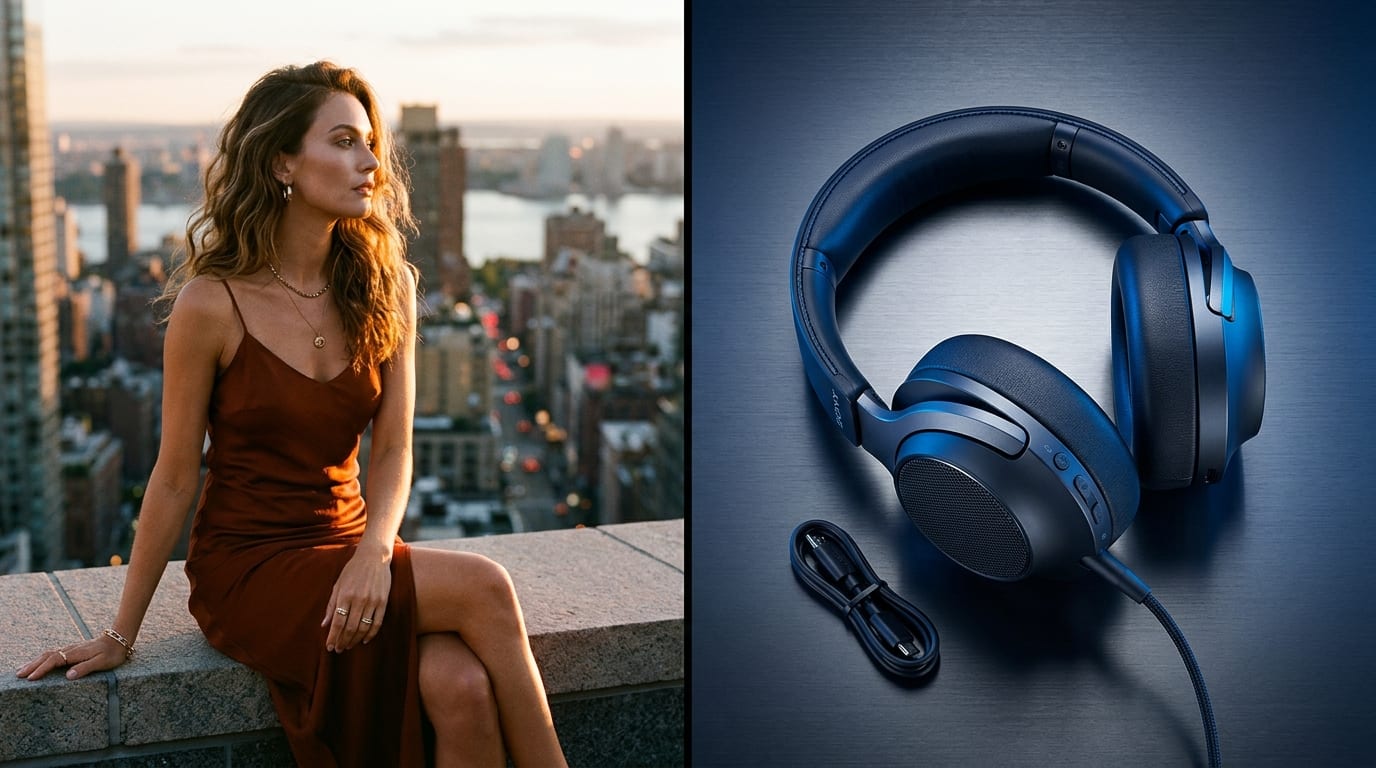
Attach a product cutout, wordmark, or portrait photo so Agent aligns your 1500×500 banner palette with your existing visual identity.
Generate
Optionally ask Agent to refine your tagline right inside the header brief or pair it with a matching pinned X post.
GenerateType what you build or share on X—SaaS founder tools, AI studio visuals, newsletter promise, or personal minimalist aesthetic.
Drop a PNG/JPG mark or hero shot into the Reference slot so colors and visual motifs carry seamlessly into the header.
Click Generate to launch a structured 1500×500 (3:1) composition workflow ready for quick revisions.
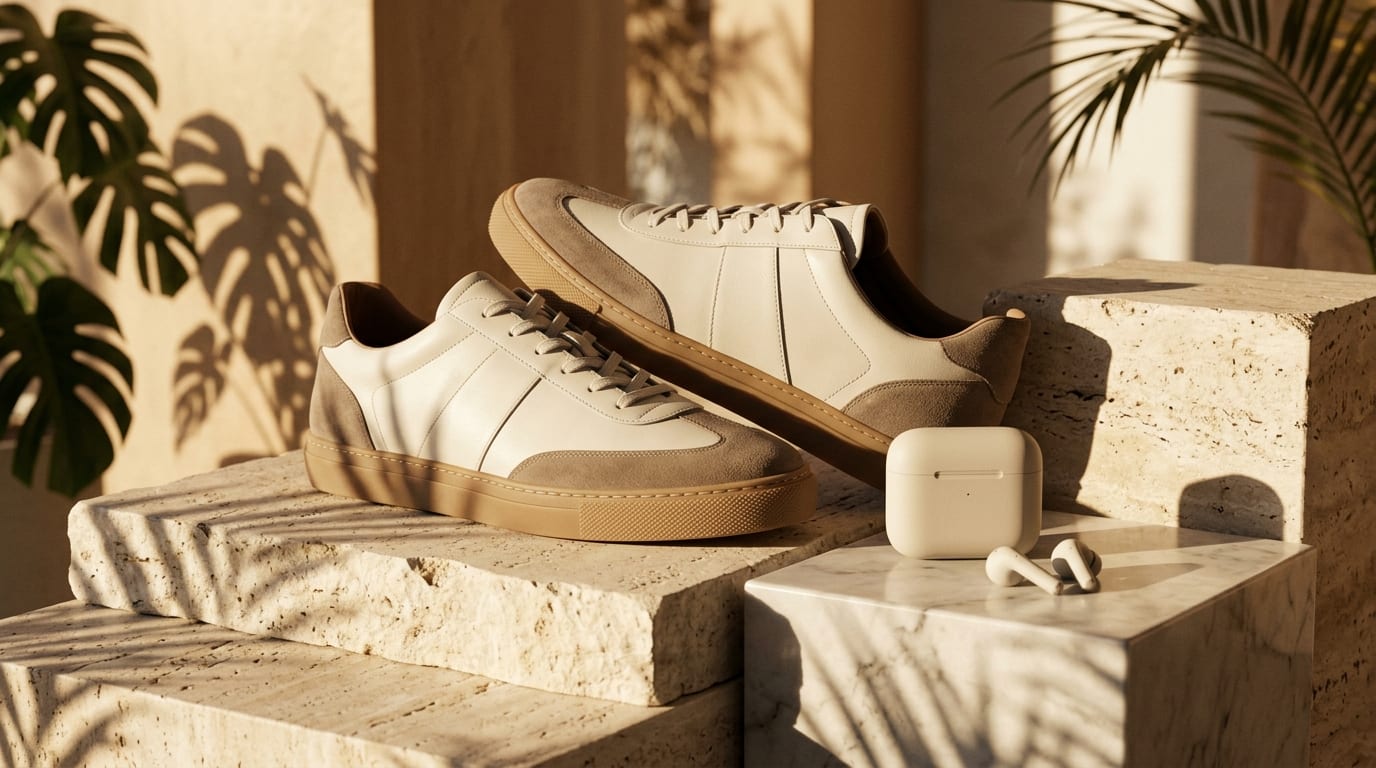
When someone clicks your handle from a viral reply, your header banner and bio work together as a landing page above the fold. Selecting Keep Left Clear or Focus Right Third prevents vital text from disappearing under the avatar circle.
Generate
Launch a Dark Tech Gradient banner for developer products, Swiss Minimalist framing for writers and newsletters, or Creator Lifestyle collage visuals for visual storytellers.
Generate
After Agent designs your header concept, use the same workspace—or jump to our AI Bio Generator and Twitter Post Generator—to keep your entire X profile cohesive.
GenerateKeep 1500x500 profile banners readable around mobile crops and avatar overlap.
Founder Conversion Header
SaaS & IndieUse Dark Tech Gradient + Keep Left Clear to spotlight a short one-line promise on the right two-thirds.
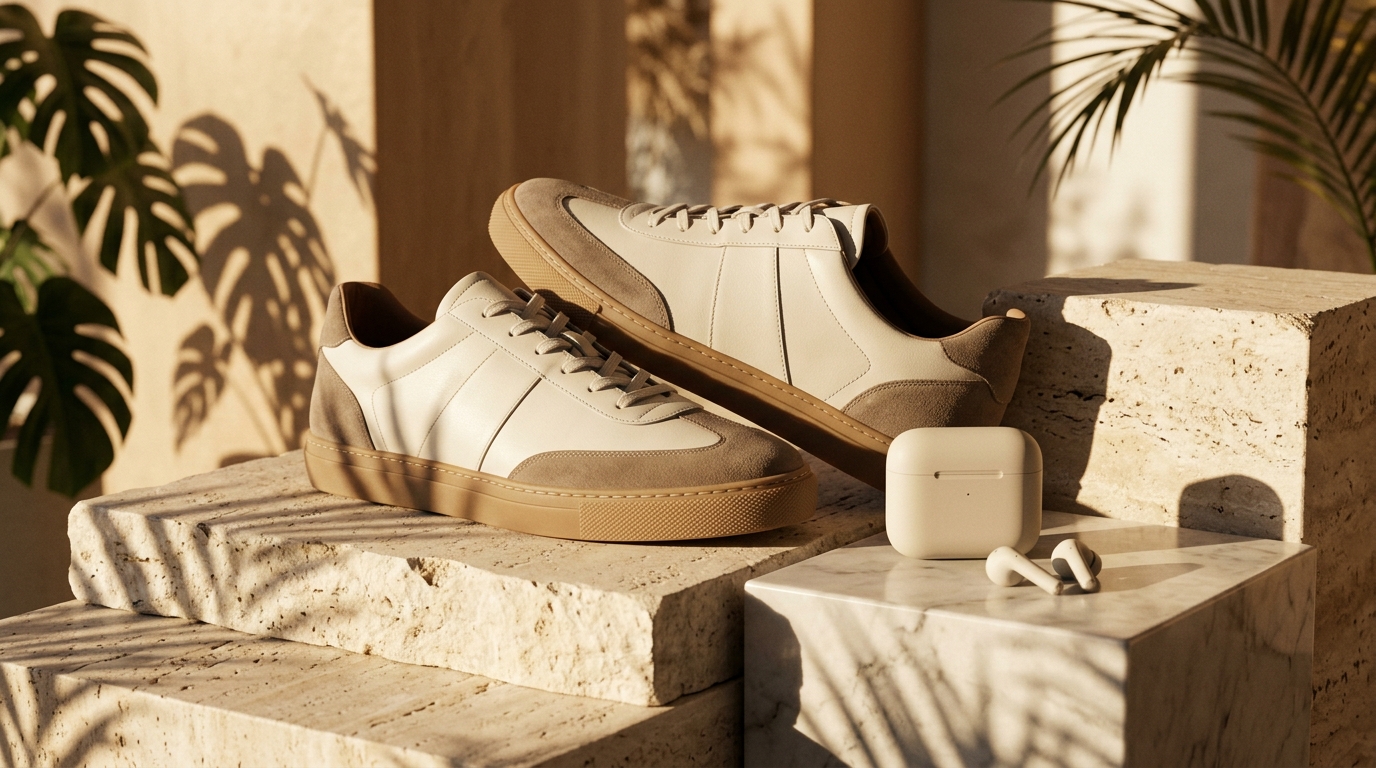
Minimalist Creator Identity
Swiss MinimalistHigh-contrast dark or paper tones frame clean portraits without clashing with pinned media cards.
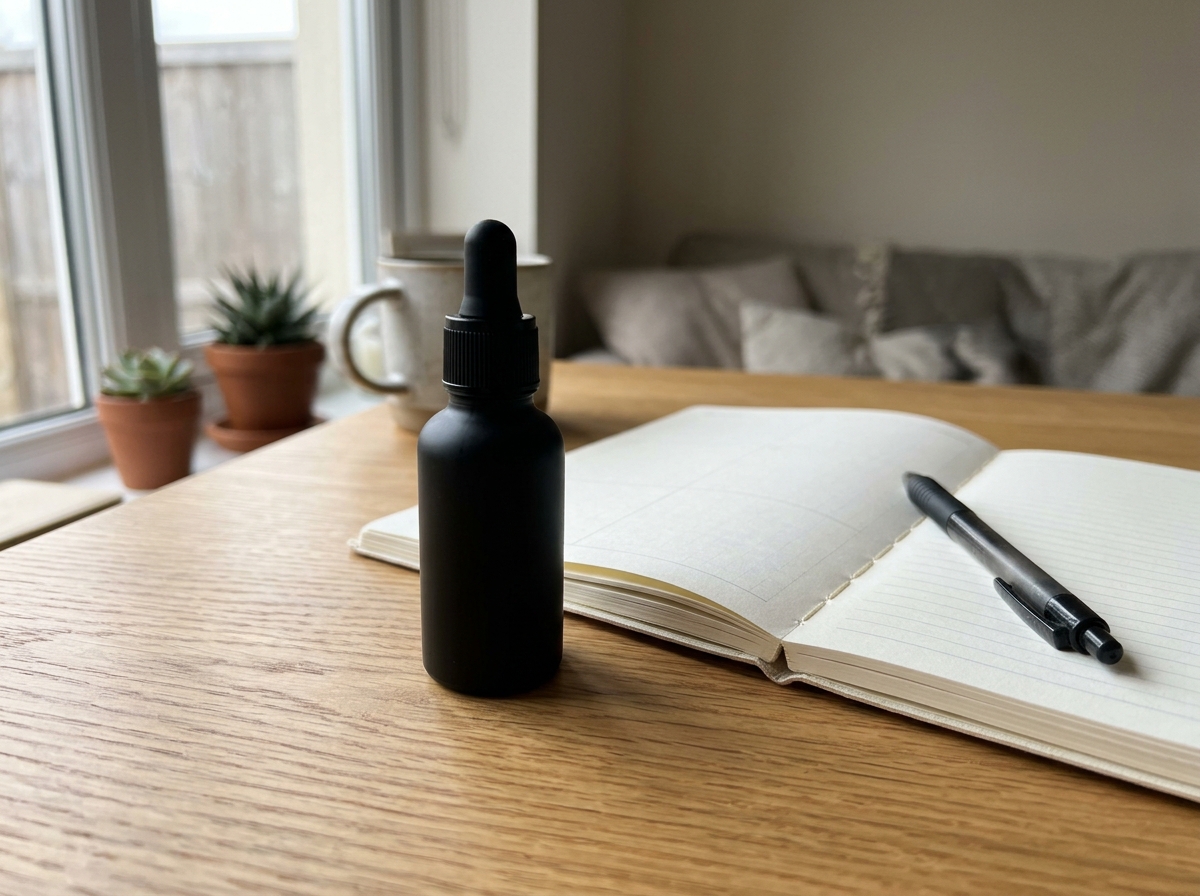
Newsletter Value Prop
Writers & AnalystsSelect Full-Bleed Center or Bold Typography so mobile X profile visitors immediately grasp why to follow.
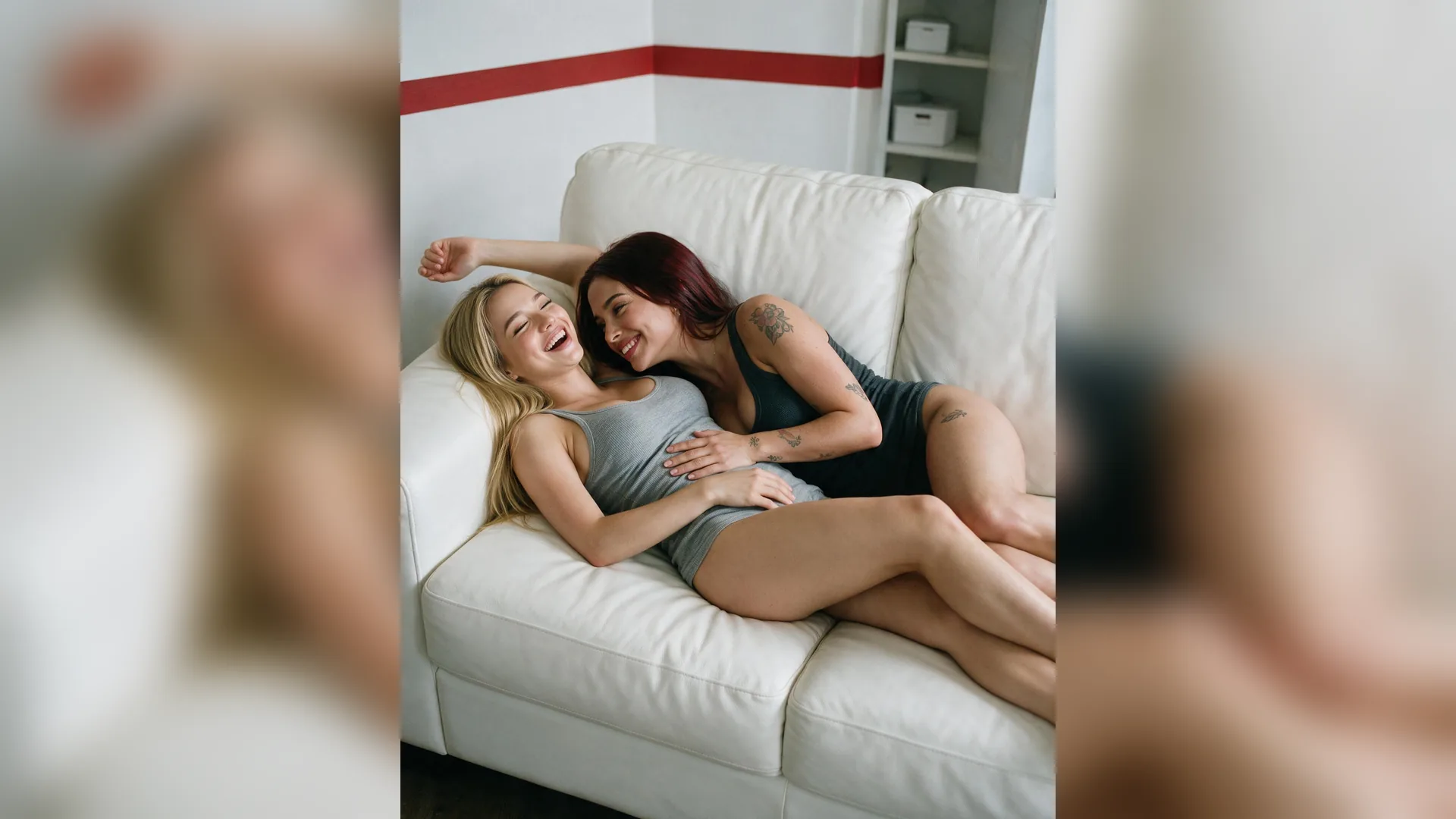
Visual Showcase Strip
Studios & ArtistsAttach 1–2 signature pieces and pick Creator Lifestyle to hint at your portfolio inside the 3:1 frame.
Palette Synchronization
Brand KitUpload your app icon or hero screenshot so banner gradients echo your product interface.
Full Profile Refresh
Cross-Tool FlowFollow up in Agent or visit our Twitter Post Generator to draft a pinned intro post matching your new banner.
Your prompt targets X's recommended 1500×500 pixel (3:1 wide) banner proportions—or 16:9 Alternate when needed—with desktop and mobile crop safety built in.
Choose your options above, optionally attach reference media, and send your formatted prompt directly to Viralkey Agent.