

Test at 48px Circle Crop
LegibilityKeep central icons bold and centered so circular TikTok, X, and YouTube avatars never clip key strokes.
Generate distinctive 1:1 brand marks, YouTube channel icons, and startup emblems from your brand name, industry, and optional sketch Reference inside Viralkey Agent. Powered by Viralkey Agent · Explore Banner Maker · YouTube Profile Picture · Twitch Banner Maker
Enter brand name, niche, and symbol ideas
Generic icon templates make new channels and DTC brands look identical, while agency retainers take weeks. Enter your brand name, industry, and aesthetic direction below—or drop a rough sketch into the Reference slot—so Viralkey Agent crafts crisp, high-contrast 1:1 logos ready for profile avatars and headers. Run tailored briefs inside Viralkey Agent or explore model-based creation in the AI Image Generator · Related workflows: Banner Maker · YouTube Profile Picture · Twitch Banner Maker
Generate distinctive 1:1 brand marks, YouTube channel icons, and startup emblems from your brand name, industry, and optional sketch Reference inside Viralkey Agent.
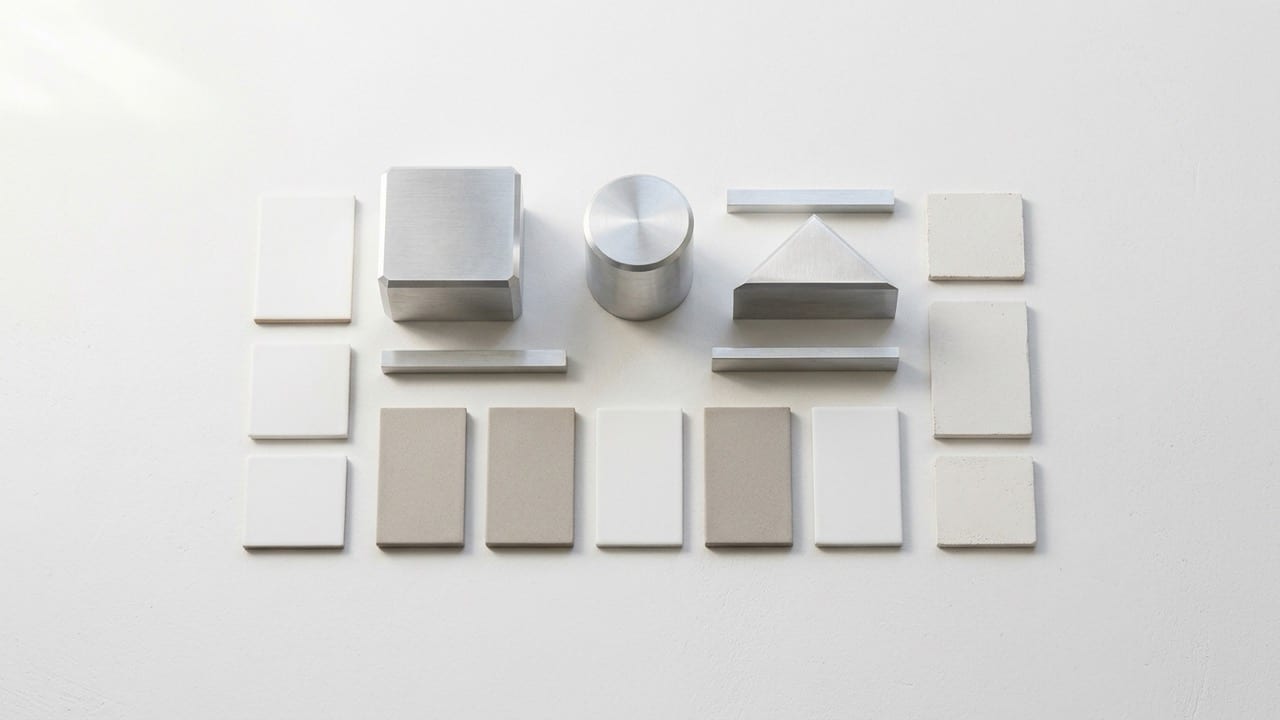
Prioritizes bold silhouettes and balanced negative space so your mark stays unmistakable even inside tiny circular YouTube or TikTok avatars.
Generate
Tones iconography specifically for Tech & SaaS, Beauty & DTC, Gaming & Esports, or Podcast & Creator brands instead of generic clip art.
Generate
Attach a rough napkin doodle or moodboard image via the Reference slot to steer symmetry, color palette, and emblem geometry.
GenerateType your brand or channel name, tagline, and visual motifs—or drop an existing rough sketch into the Reference slot.
Pick your niche, select Minimalist Geometric, Neon Esports Emblem, or Vintage Heritage Badge, and keep 1:1 Avatar framing.
Agent produces logo concepts you can iterate in chat, adjust colorways for, or expand into matching channel banners.
Whether you need a YouTube channel logo generator AI workflow or a gaming clan emblem, clean two-tone geometry reads far better at 48px mobile size than cluttered illustrations.
Generate
Test minimalist geometric monograms alongside bold editorial wordmarks in seconds, comparing contrast on both light and dark backgrounds inside the Agent chat.
Generate
Once you lock a favorite emblem, ask Viralkey Agent in the same thread to place that mark onto matching X headers, YouTube banners, and product mockups.
GenerateKeep these principles in mind so your AI-generated mark scales cleanly everywhere.
Test at 48px Circle Crop
LegibilityKeep central icons bold and centered so circular TikTok, X, and YouTube avatars never clip key strokes.
Limit to Two Core Colors
PalettePair one strong primary tone with a crisp neutral background for instant recognition across light and dark feeds.
Avoid Tiny Taglines
TypographySave long slogans for your banner header; keep the 1:1 logo focused on an initial monogram or short brand name.
Request Flat Solid Backdrop
ContrastSpecify a solid matte background so the mark stays easy to drop onto packaging, decks, and profile cards.
Ask for Dark & Light Pairs
VersatilityFollow up in Agent chat to generate an inverted colorway for dark-mode headers and thumbnails.
Clearance Before Registering
LegalAlways verify trademark availability in your region before filing formal brand registrations.
It combines your brand name, industry context, selected style direction, and any attached sketch in the Reference slot into a structured design brief sent directly to Viralkey Agent.
Choose your options above, optionally attach reference media, and send your formatted prompt directly to Viralkey Agent.