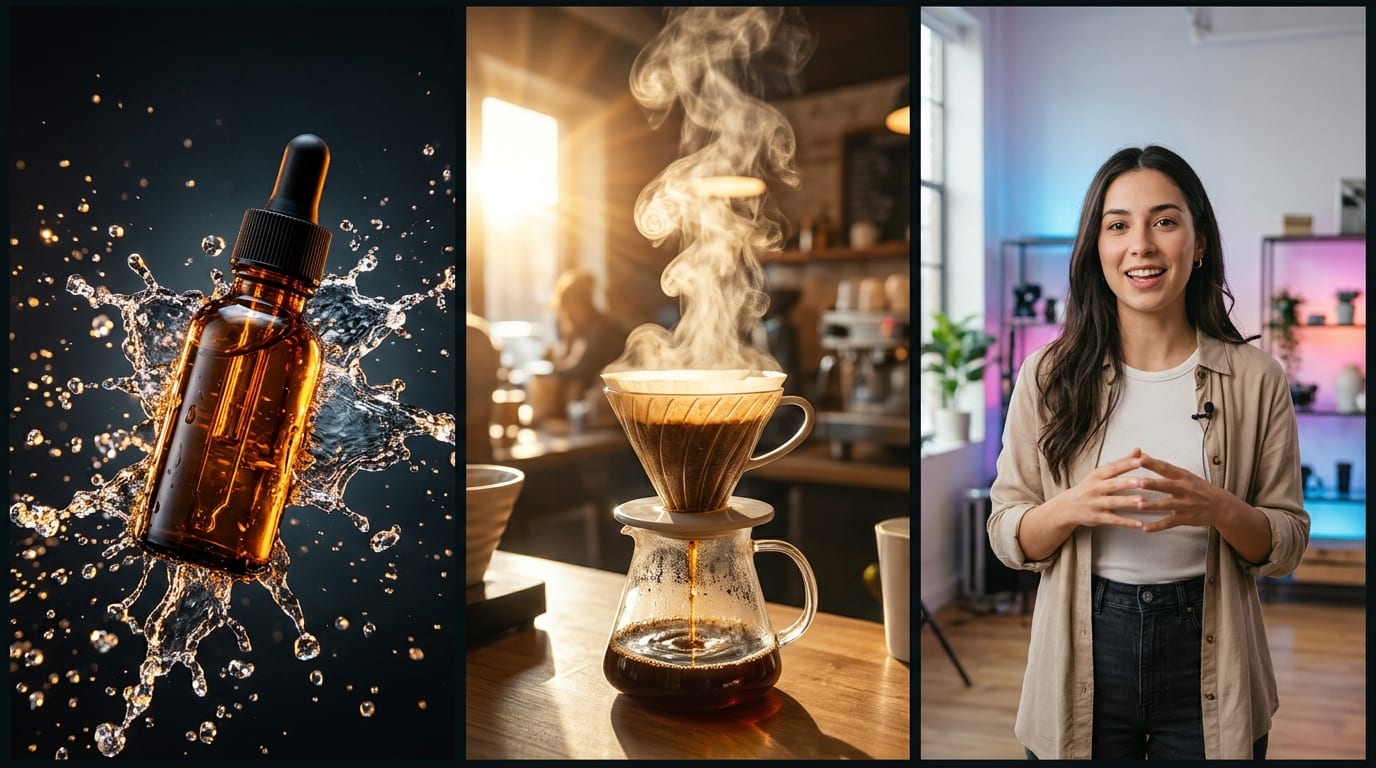





Portrait Cinemagraphs
Creators & AvatarsUse Natural Expression + Blink with Smooth 5s Loop for crisp blinking and subtle atmosphere without facial drift.
Turn portraits, product photos, and static artwork into fluid, cinematic short clips by choosing motion style, camera move, and loop feel in Viralkey Agent. Powered by Viralkey Agent · Explore AI Selfie Generator · AI Describe Image · AI Caption Generator
What should move inside the photo?
Upload a still frame, select how much movement the subject should show—subtle breathing, swaying fabric, pouring steam, or sweeping drone parallax—and let Viralkey Agent turn your still asset and motion spec into an animated video clip. Send briefs straight into Viralkey Agent or jump to Image to Video and Text to Video · Related workflows: AI Selfie Generator · AI Describe Image · AI Caption Generator
Turn portraits, product photos, and static artwork into fluid, cinematic short clips by choosing motion style, camera move, and loop feel in Viralkey Agent.
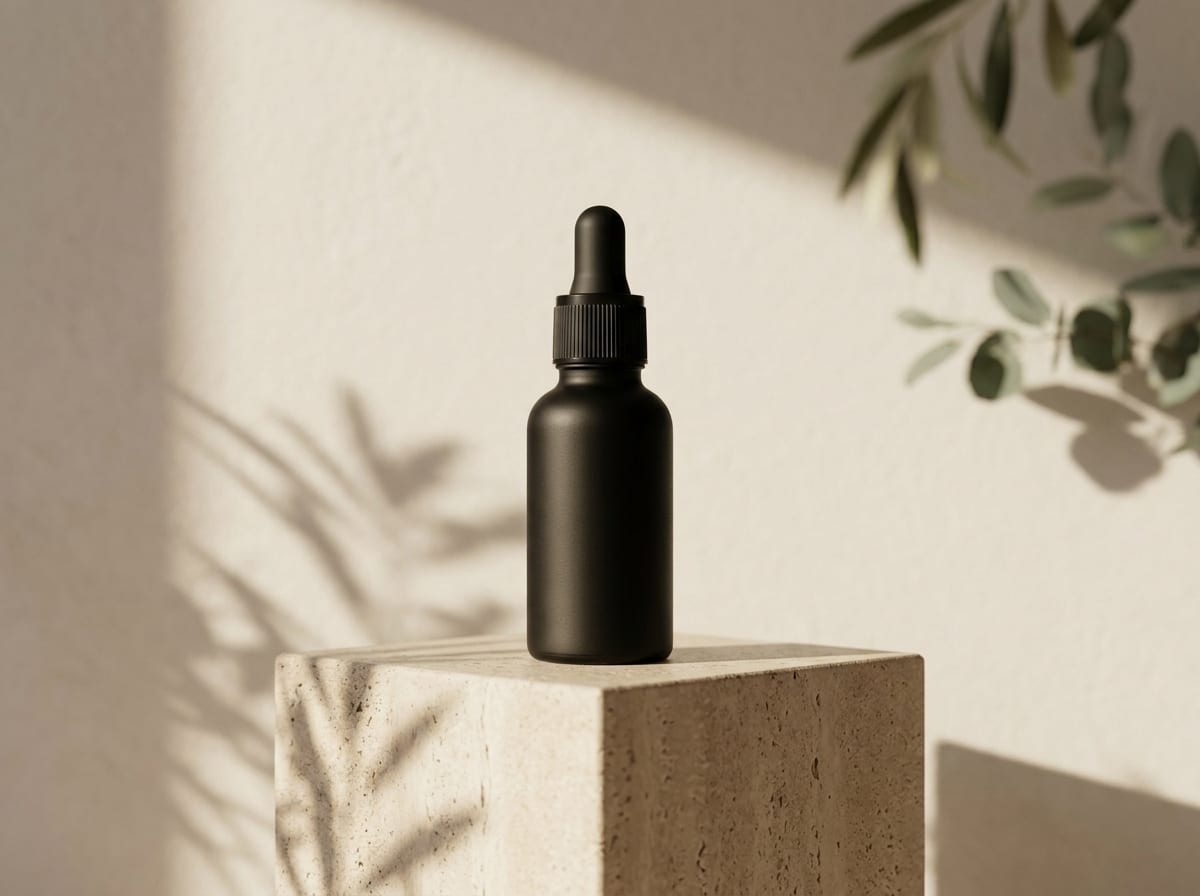
Guides Agent toward natural blinks, hair movement, steam drift, or foliage sway without distorting faces or warping edges.
Generate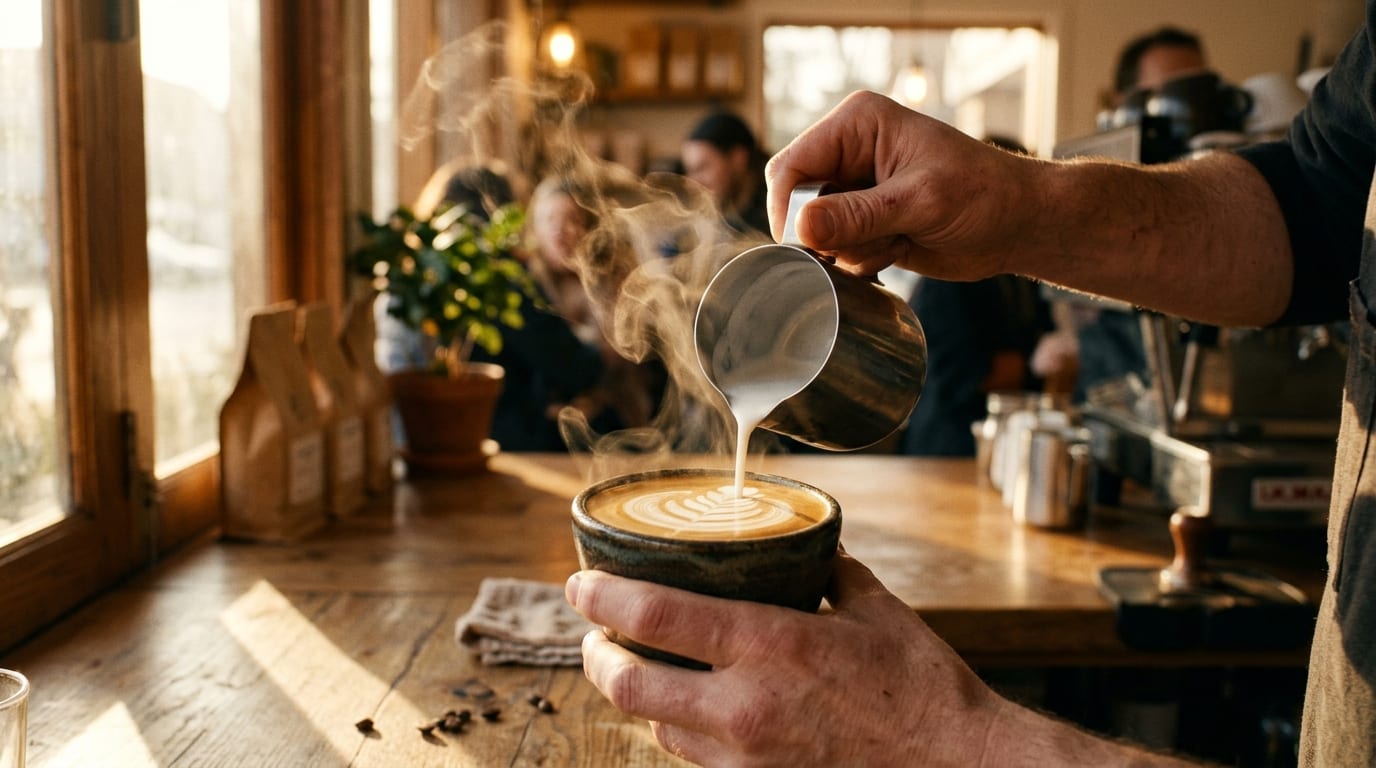
Choose static tripod poise, smooth dolly-in intimacy, crisp orbit sweeps, or drone-style pullback to match Reels and Shorts pacing.
Generate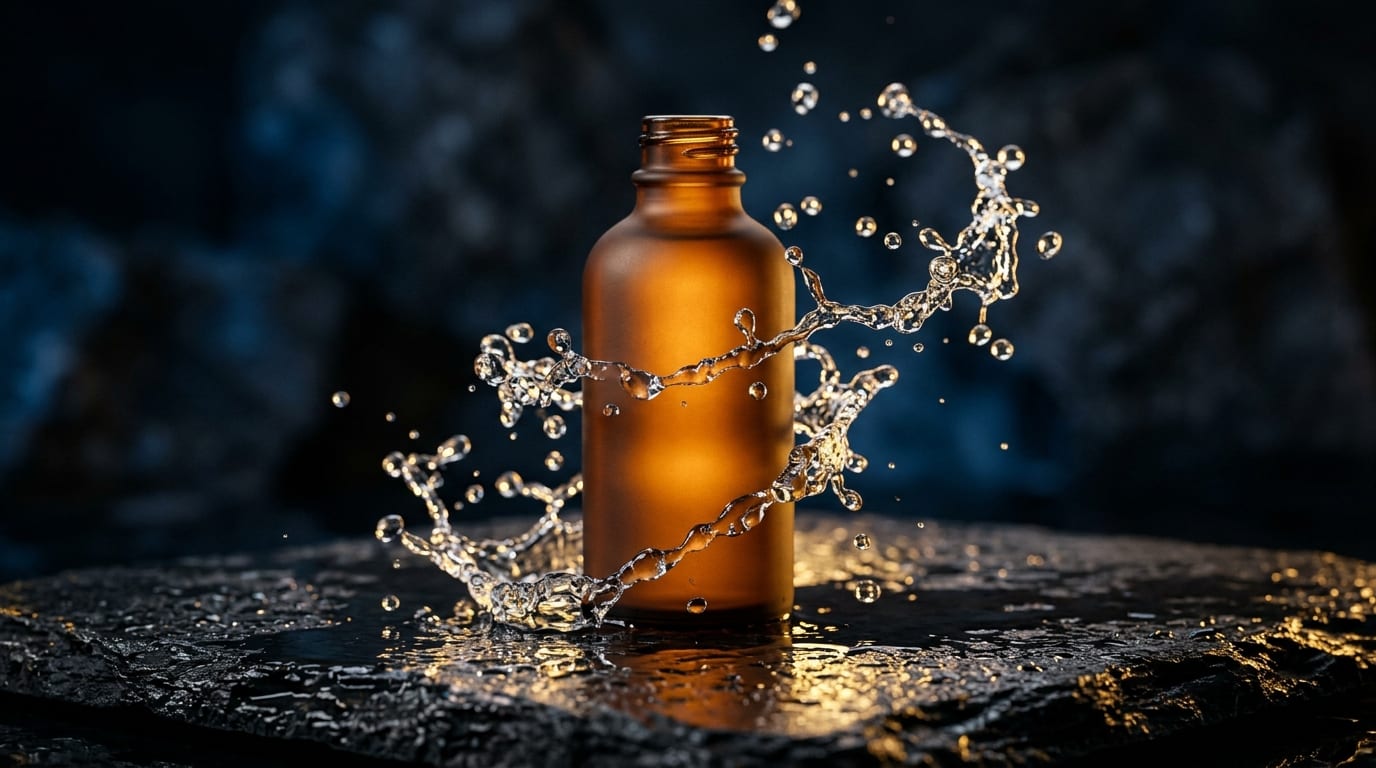
If the first pass moves too fast or shifts framing, tweak pacing or camera direction directly inside your open Agent chat thread.
GenerateUpload a sharp portrait, product shot, landscape, or illustration via the Reference slot or drag-and-drop right inside the form.
Match Slow Cinema Push-In, Natural Expression + Blink, Hair / Fabric Breeze, or Gentle Parallax Orbit with Match Photo, 9:16 Vertical Reel, or 16:9 Landscape.
Click Generate to send your photo and choreography instructions straight into Viralkey Agent.
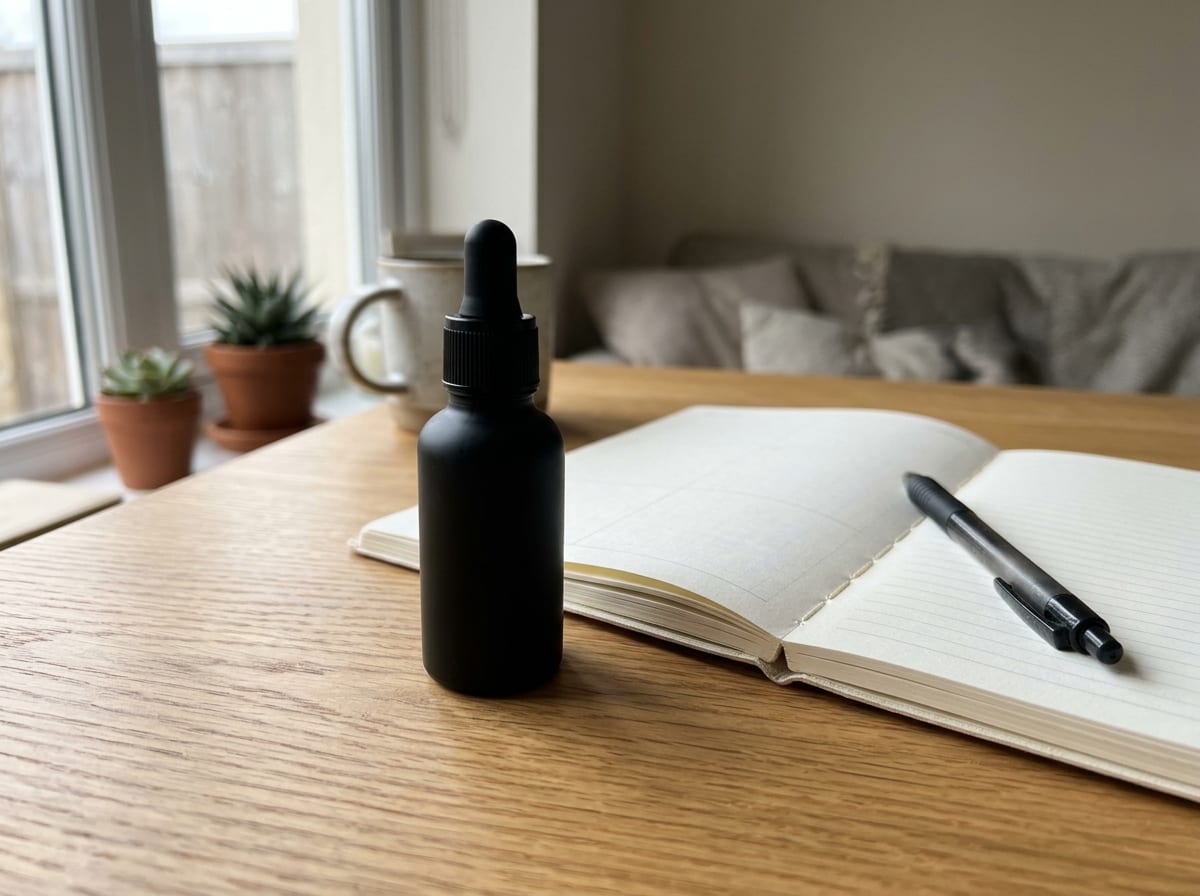
Prompting 'animate this' leaves too much ambiguity. Specifying Natural Expression + Blink paired with Slow Cinema Push-In keeps facial structure locked while adding lifelike depth.
Generate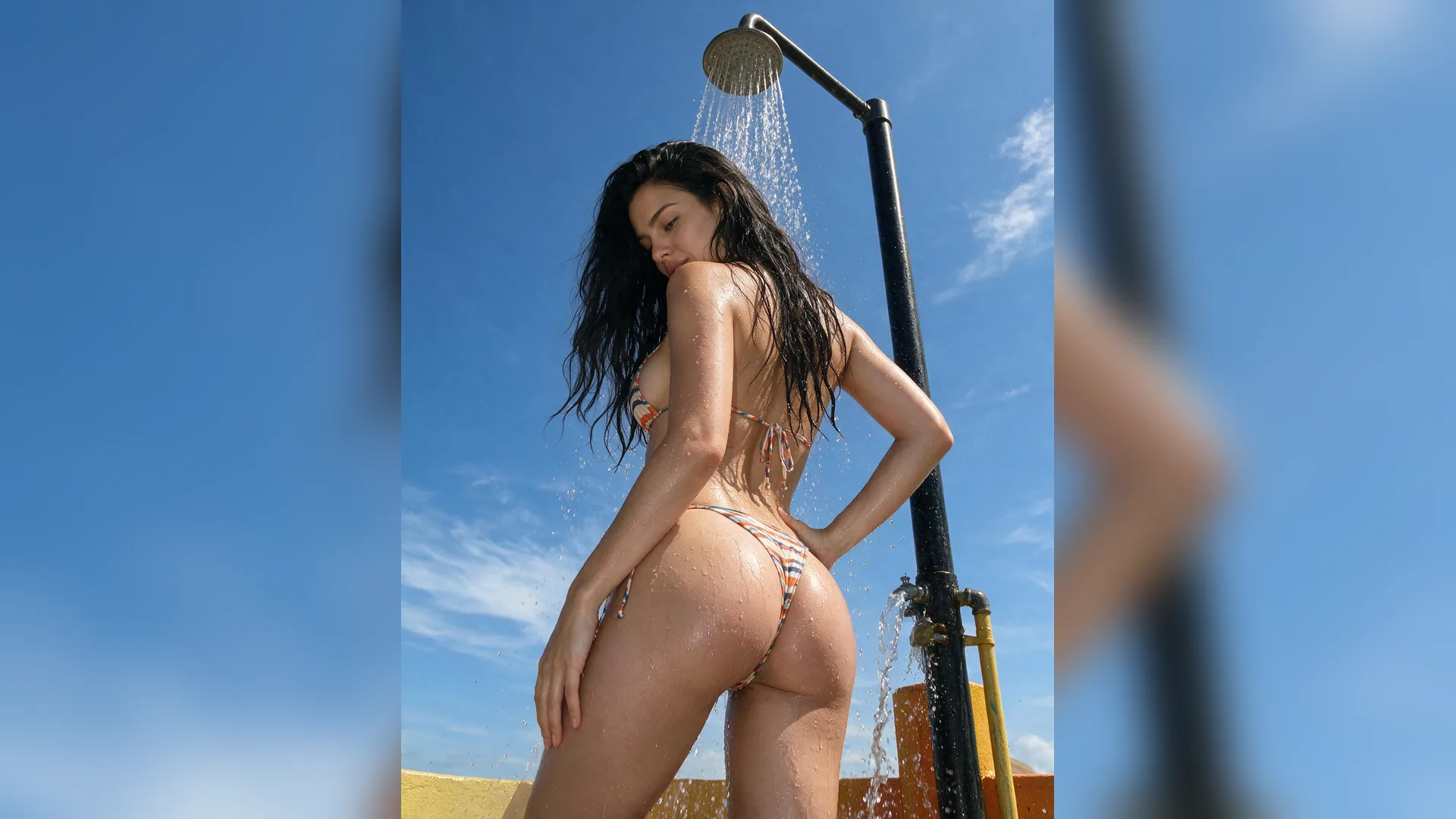
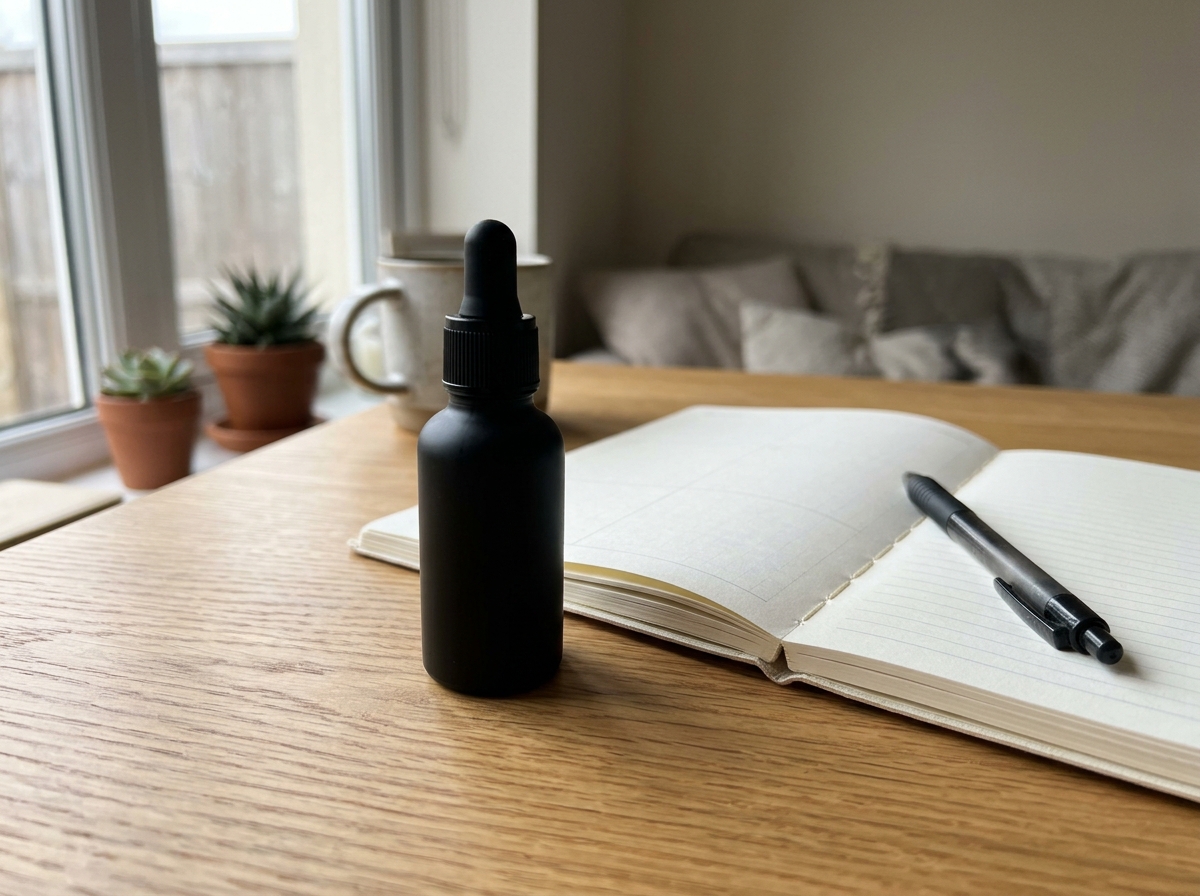
Drop an ecommerce flat-lay or skincare studio shot into the composer, choose Gentle Parallax Orbit + 9:16 Vertical Reel, and get motion assets suitable for paid social tests.
Generate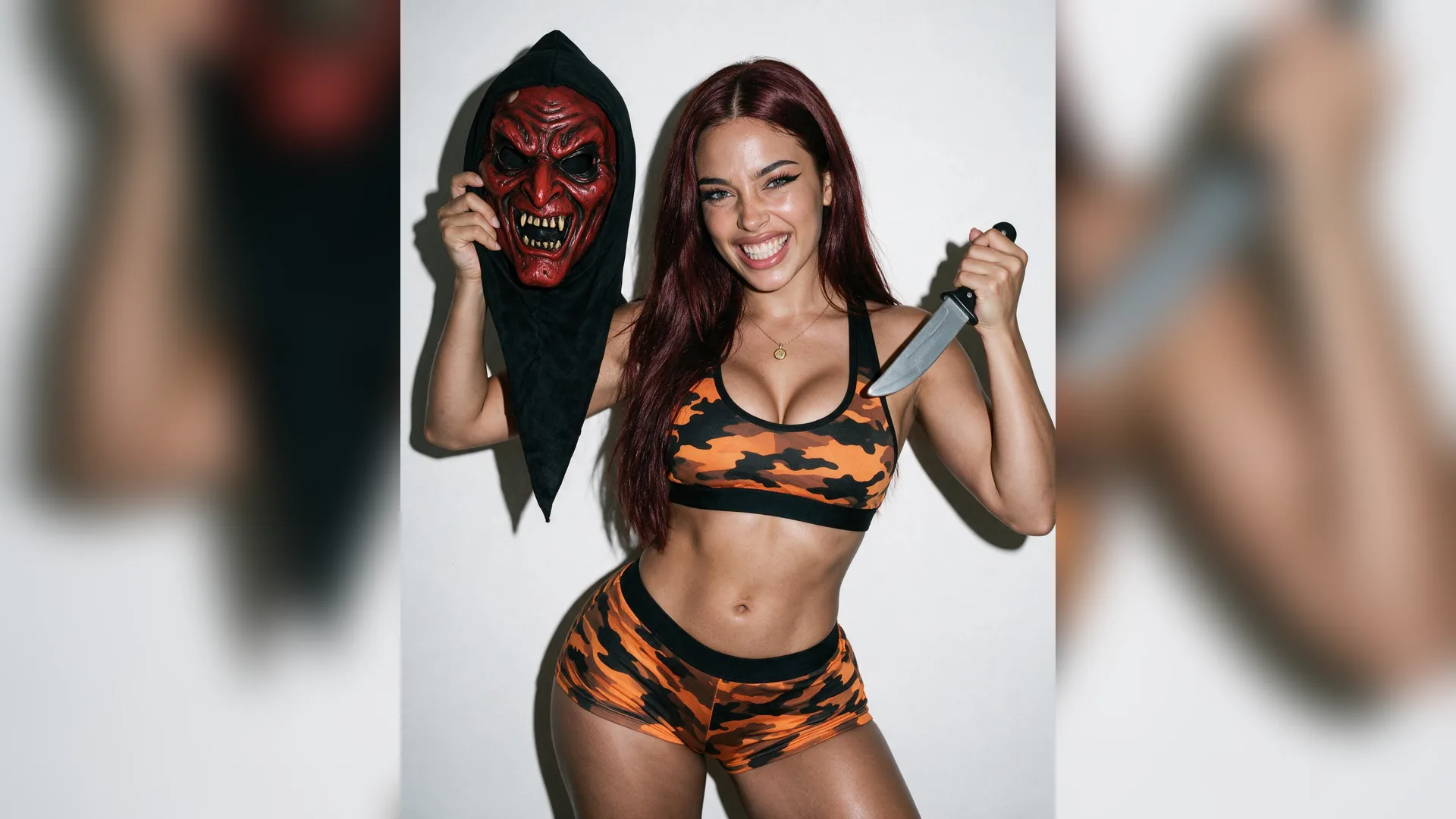
Once your animated clip renders in Agent, keep building in the same workspace—add matching hook captions or jump to /image-to-video for direct studio timeline control.
GenerateMatch camera movement and subtle subject motion cues to keep faces and products distortion-free.
Portrait Cinemagraphs
Creators & AvatarsUse Natural Expression + Blink with Smooth 5s Loop for crisp blinking and subtle atmosphere without facial drift.
Ecommerce Studio Reveals
Product AdsPair Gentle Parallax Orbit with Match Photo or 9:16 Vertical Reel to give flat skincare or beverage stills luxury shelf presence.
Seamless Loop Backgrounds
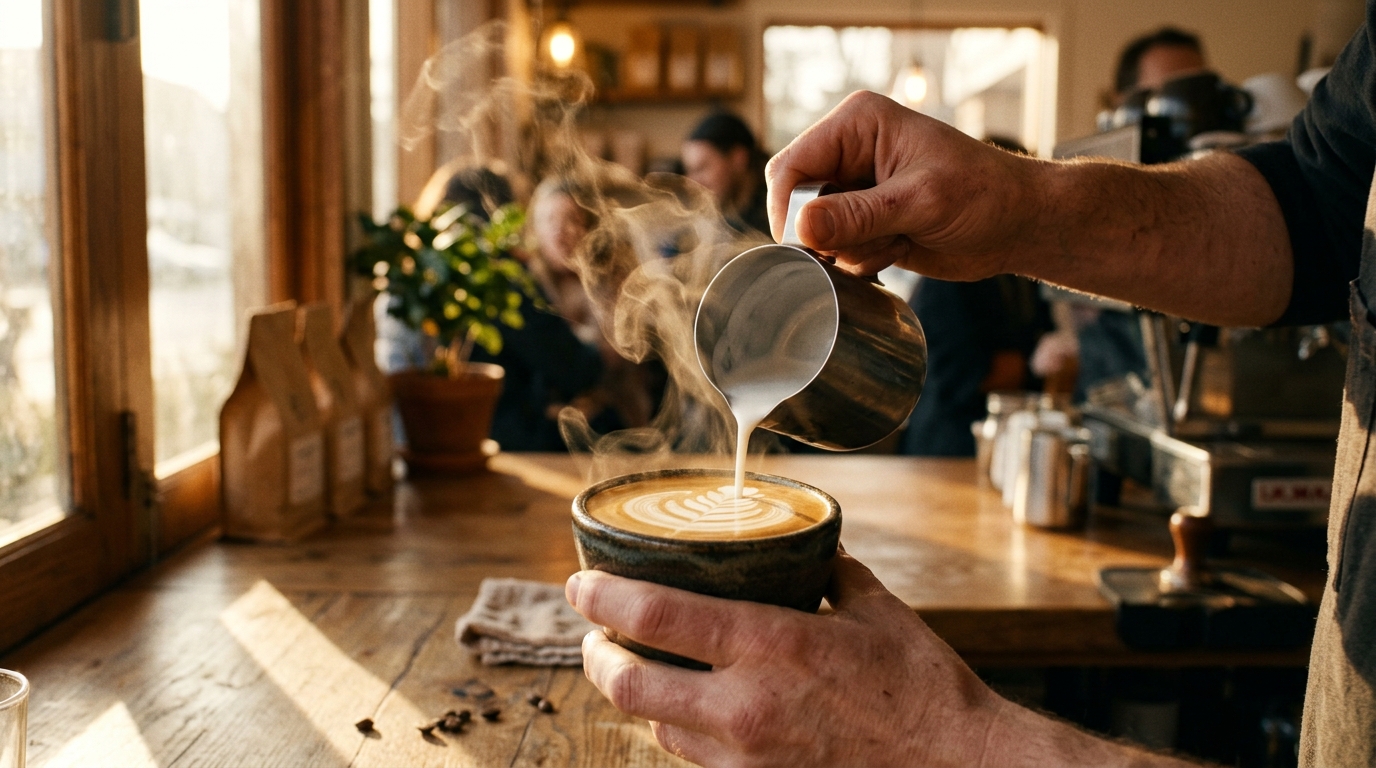
Reels & StoriesPick Smooth 5s Loop and ask for continuous coffee steam, clouds, or neon reflections.
Environmental Depth
Travel & ArchitectureSelect Slow Cinema Push-In + 16:9 Landscape to emphasize layered mountain ridges or skyline depth.
Motion Prompt Precision
Quality ControlSpecify what should stay still ('camera steady on subject eyes') alongside what moves ('soft foliage sway').
Post-Animation Captions
DistributionRight inside the Agent chat after video output, ask for 3 hook captions matching your newly animated clip.
New Viralkey accounts come with starter credits so you can test photo-to-video animation flows online before selecting a credit plan or top-up.
Choose your options above, optionally attach reference media, and send your formatted prompt directly to Viralkey Agent.