





Immediate Reaction Hook
TimingStart the reaction motion immediately in frame one so viewers understand the emotional joke within 500 milliseconds.
Animate still images into expressive, seamless reaction loop GIFs and short meme clips with Viralkey Agent. Powered by Viralkey Agent · Explore AI Meme Generator · Animate Photo Online AI · TikTok Video Transcript
Describe the character reaction or comedic motion
Moving reaction GIFs capture attention on Twitter/X, Discord, and Slack far more effectively than static pictures. Choose your animation motion, duration pacing, and caption placement below—and upload your base image to the Reference slot—so Viralkey Agent generates seamless, looping GIF memes that hook viewers instantly. Send briefs straight into Viralkey Agent or jump to AI Video and Text to Video · Related workflows: AI Meme Generator · Animate Photo Online AI · TikTok Video Transcript
Animate still images into expressive, seamless reaction loop GIFs and short meme clips with Viralkey Agent.
Transforms static facial expressions into dramatic push-in zooms, disbelief head shakes, and celebratory loops.
Generate
Ensures beginning and end frames blend smoothly without jarring cuts, creating endless looping reaction clips.
Generate
Exports compact, high-frame-rate animated clips optimized for Discord stickers, Twitter/X replies, and Reddit posts.
GenerateAttach a photo of yourself, a character, or a pet via the Reference slot, or describe a dynamic comedic scene.
Pick dramatic push-in zooms, slow head turns, or high-energy celebration pops with snappy 2-second timing.
Click Generate to create smooth animated GIF meme loops ready to share across community chats in Agent.
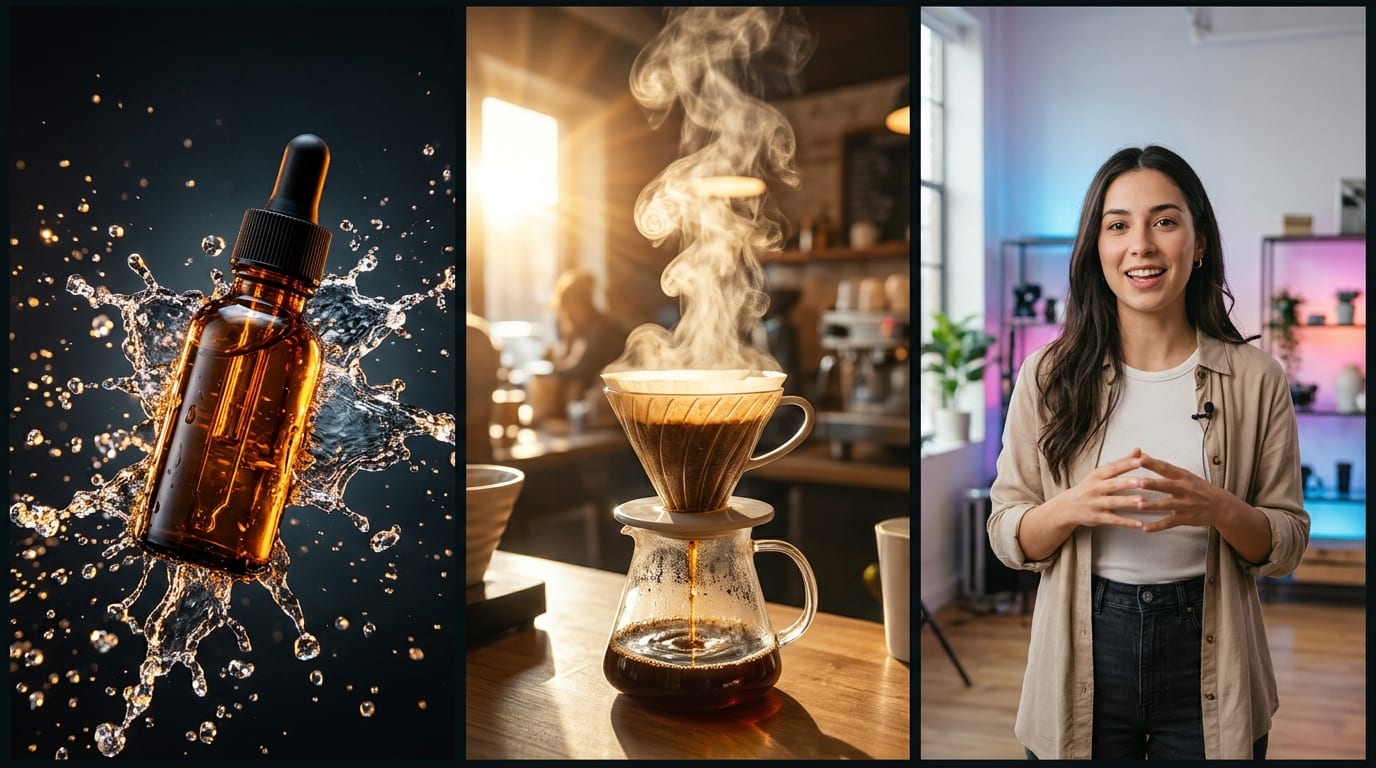
A well-timed, custom reaction GIF often becomes the highest-upvoted reply in viral Twitter/X and Reddit threads.
Generate
Energize online creator communities by generating custom animated server emotes and reaction GIFs tailored to your channel culture.
Generate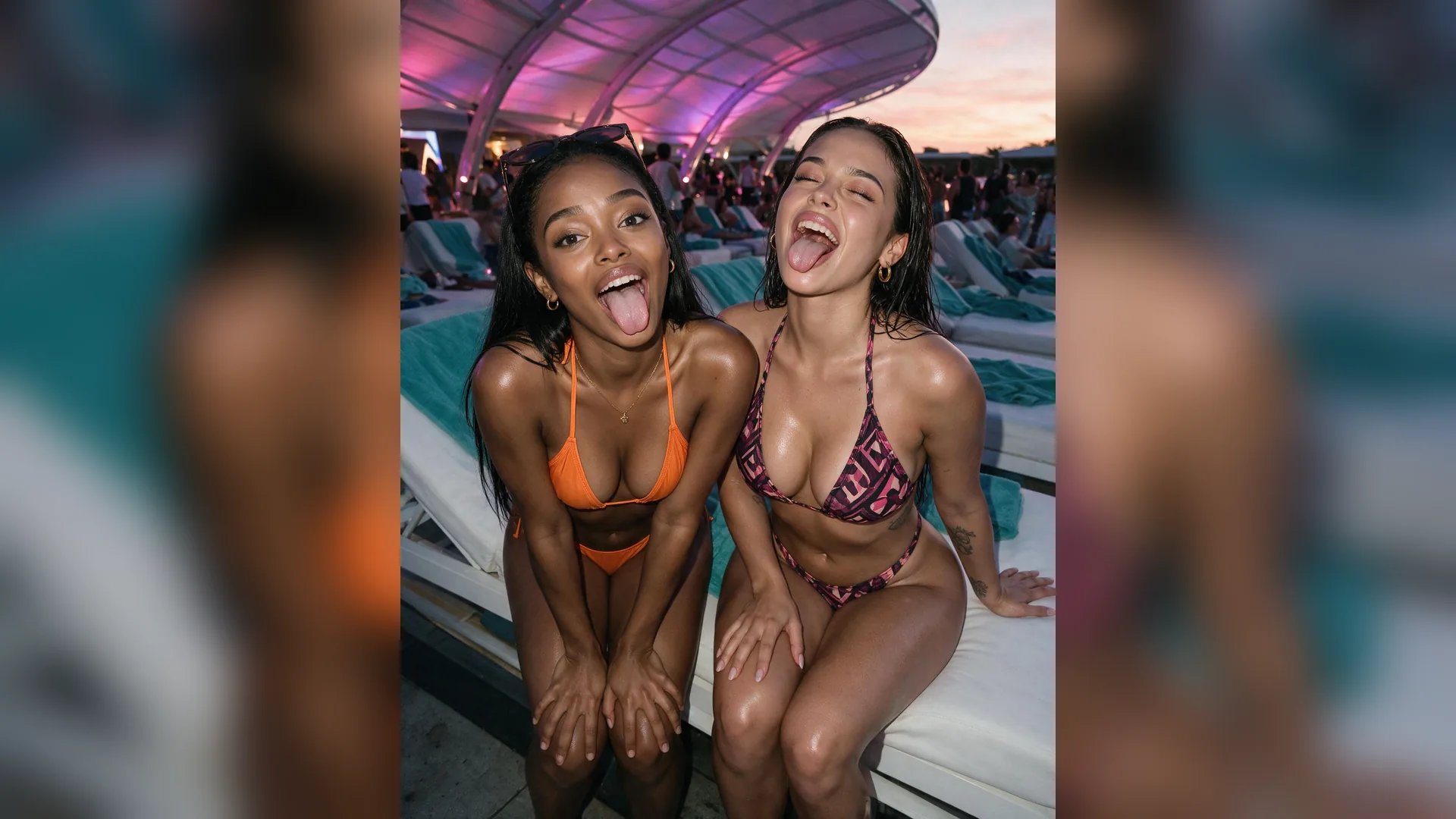
Embed animated micro-clips into customer emails and promotional social announcements to break up walls of static text.
GenerateMaximize emotional punch and loop smoothness for viral social reactions.
Immediate Reaction Hook
TimingStart the reaction motion immediately in frame one so viewers understand the emotional joke within 500 milliseconds.
Smooth Reverse Transitions
LoopingUse subtle pendulum easing so the animation reverses or resets naturally without abrupt optical flashes.
High Facial Contrast
VisibilityEnsure facial features and eye direction stand out clearly against background scenery for readability at small chat sizes.
Punchy Yellow Subtitles
StylingClassic yellow font with a thin black stroke provides the highest legibility across both dark and light UI themes.
File Size Economy
OptimizationKeep durations under 3 seconds to ensure rapid loading and smooth playback on mobile chat connections.
Universal Emotion Range
ResonanceFocus on high-utility emotions: disbelief, sudden realization, celebratory hype, and quiet exhaustion.
Yes. Upload portrait photos, illustrations, or screenshots via the Reference slot; Agent animates expressions and camera movement.
Choose your options above, optionally attach reference media, and send your formatted prompt directly to Viralkey Agent.