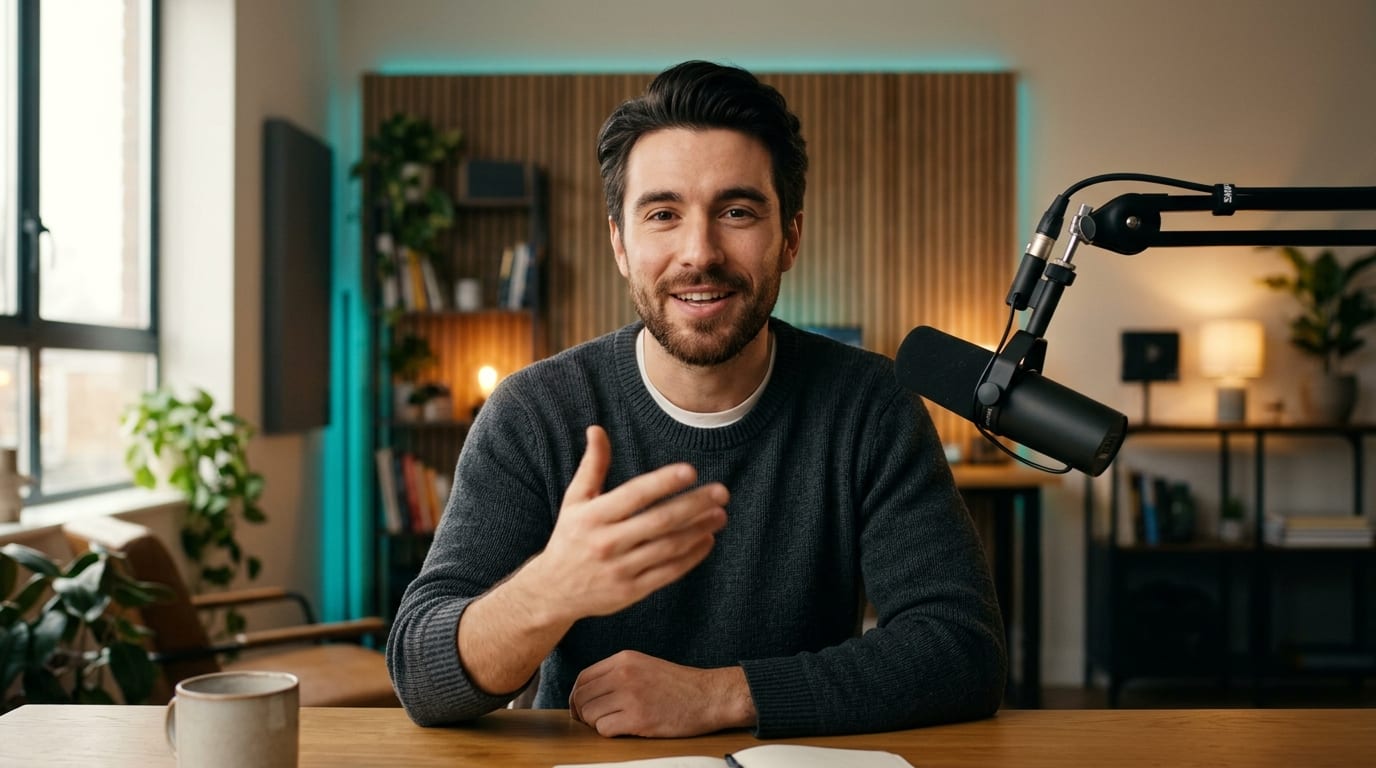







Clear Target Portrait
ReferenceUse an uncropped head-and-shoulders photo facing forward in soft, shadow-free lighting.
Swap faces in talking-head clips, trend videos, or product demos while keeping natural facial expressions, lighting, and framing aligned inside Viralkey Agent. Powered by Viralkey Agent · Explore Animate Photo Online AI · AI Selfie Generator · GIF Meme Maker
Describe which face to replace and desired realism
Reshooting an entire ad or trend clip just to test a new creator persona wastes studio days, while crude face-swap apps flicker around the jawline and glasses. Attach your source clip and target face photo in the Reference slot below, pick your clip type and blend settings, and launch the workflow in Viralkey Agent. Send briefs straight into Viralkey Agent or jump to AI Video and Text to Video · Related workflows: Animate Photo Online AI · AI Selfie Generator · GIF Meme Maker
Swap faces in talking-head clips, trend videos, or product demos while keeping natural facial expressions, lighting, and framing aligned inside Viralkey Agent.
Retains original blinks, eyebrow movement, and speech motion from the source video while mapping the new facial identity.
Generate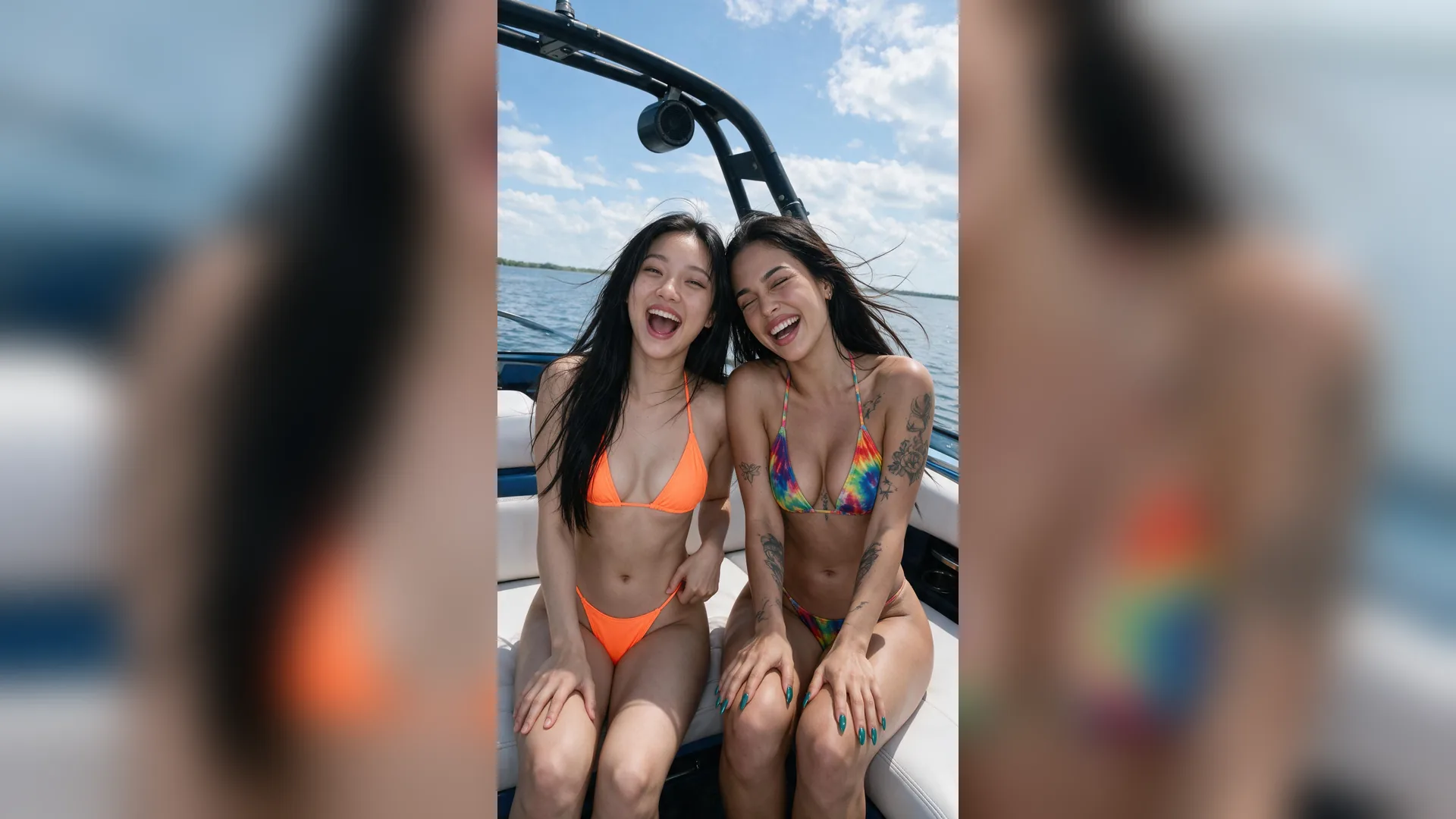
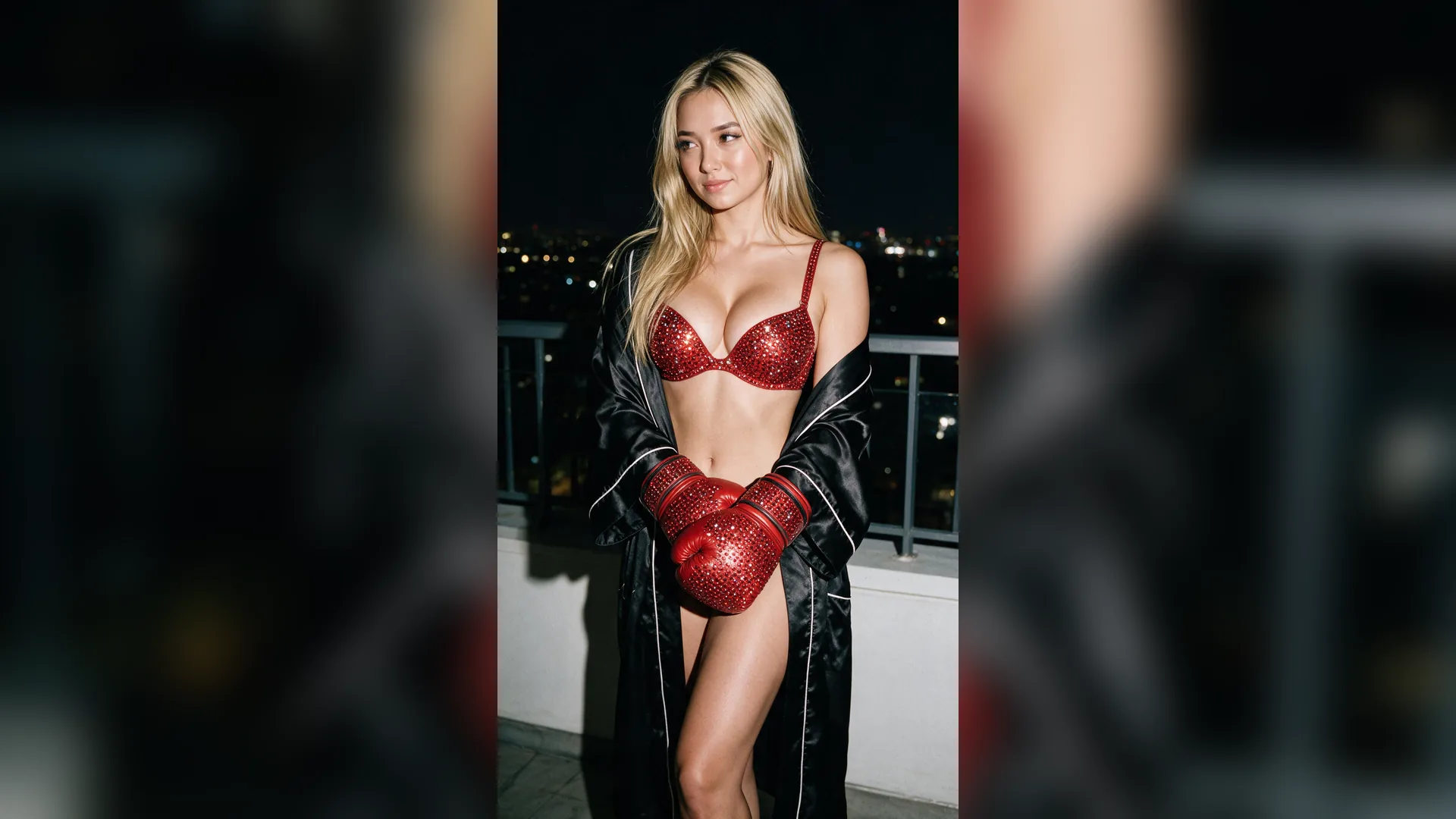
Balances warm/cool color casts and soft jawline feathering so the swapped presenter blends naturally into the scene.
Generate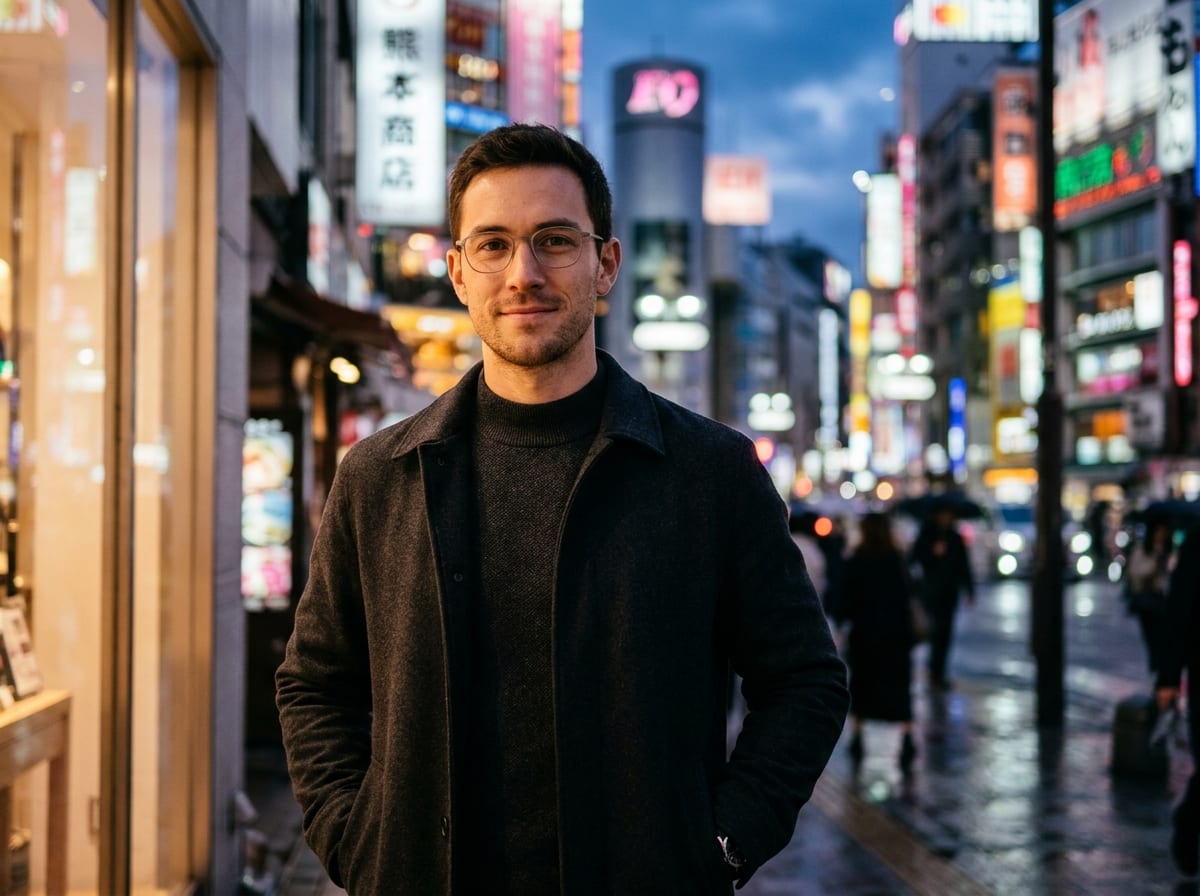
Test multiple AI influencer personas on a single winning hook or remix comedy and movie-parody clips in minutes.
GenerateUpload both your base video clip and a clear, front-lit face photo into the Reference upload slot.
Select Talking-Head & UGC, Dance & Trend, Meme & Reaction, or Product Demo, plus lighting lock and aspect ratio.
Agent executes the face-swap brief using your uploads and lets you refine contrast or framing in the same thread.
Performance marketers can pair one proven product demonstration clip with different AI presenter personas to refresh ad fatigue across TikTok and Meta Reels.
Generate
Choosing Natural Lighting Match instructs Agent to respect soft hair strands, rim lighting, and natural skin texture rather than flattening the face.
Generate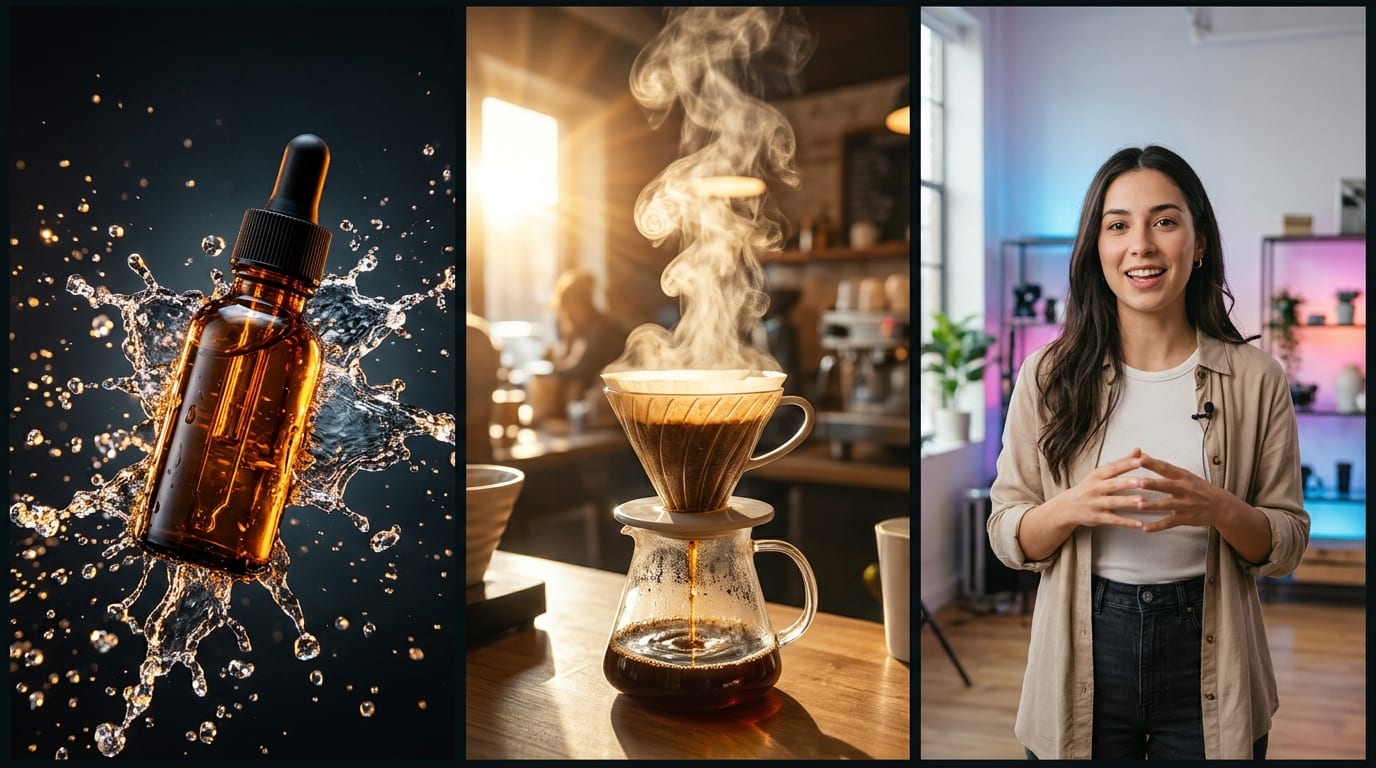
Always use your own portraits, licensed talent, or original AI character faces from AI Influencer Studio—never impersonate private individuals without consent.
GeneratePrep your source clip and portrait Reference so every frame blends seamlessly.
Clear Target Portrait
ReferenceUse an uncropped head-and-shoulders photo facing forward in soft, shadow-free lighting.
Avoid Face Occlusion
Source ClipClips where hands, mugs, or microphones don't cross directly over the eyes produce steadier tracks.
Match Approximate Angle
GeometryPairing a similar head tilt and focal length makes cheekbones and hairlines align naturally.
Name the Subject Clearly
Multi-PersonIf two people appear in the clip, tell Agent explicitly which person receives the attached face.
Use Synthetic Talent
UGC AdsCreate a consistent virtual presenter in AI Influencer Studio for repeatable commercial campaigns.
Verify Rights First
EthicsOnly swap faces you own or have explicit creator/talent permission to use.
Yes. New Viralkey accounts receive starter credits so you can test AI video face swapping with your uploaded clip and Reference portrait before upgrading.
Choose your options above, optionally attach reference media, and send your formatted prompt directly to Viralkey Agent.