





Character Limits per Line
ReadabilityCap mobile subtitles at 32 characters per line so text remains easily readable on vertical smartphone screens.
Translate spoken dialogue, on-screen subtitles, and captions across languages with Viralkey Agent. Powered by Viralkey Agent · Explore Subtitle Translator · TikTok Translator · Video to SRT
Describe your video context or paste spoken lines
Reaching international viewers requires natural translation that respects video pacing and cultural idioms. Select your target language, subtitle formatting, and delivery mode below—and optionally attach your video clip—so Viralkey Agent translates your message accurately. Send briefs straight into Viralkey Agent or jump to AI Video and Text to Video · Related workflows: Subtitle Translator · TikTok Translator · Video to SRT
Translate spoken dialogue, on-screen subtitles, and captions across languages with Viralkey Agent.

Upload your video via the Reference slot so Agent measures speaking cadence, natural pauses, and screen cuts before drafting translations.
Generate
Generate synchronized subtitle lines alongside a phonetic dubbing script designed for natural voiceover delivery.
Generate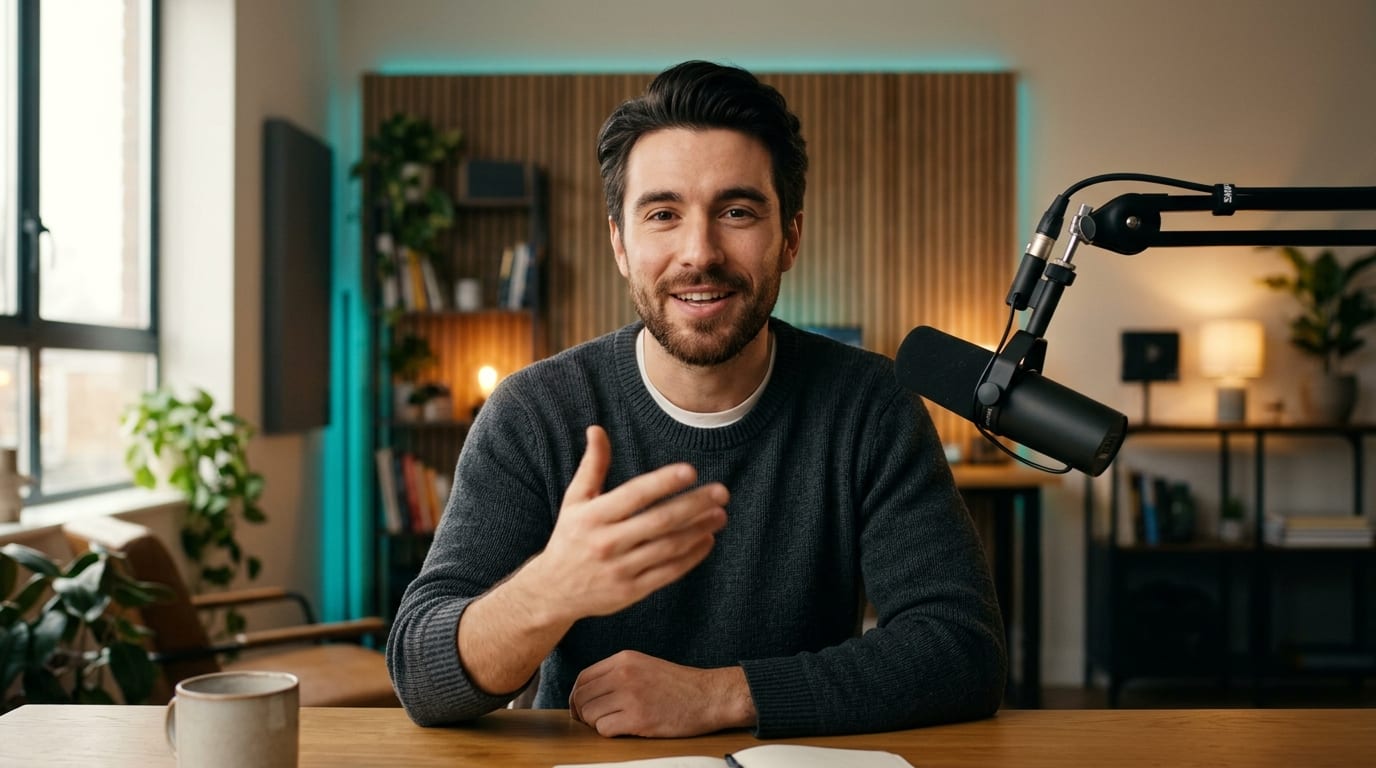
Formats translations to fit vertical TikTok and Reels feeds, landscape YouTube players, and multilingual caption files.
GenerateDrop your video cut into the Reference slot or type out the spoken lines in the composer prompt.
Choose target languages like Spanish, Japanese, or French along with strict timing or mobile-first caption constraints.
Click Generate to receive translated subtitle tracks, dubbing notes, and localized social hooks in Agent.

Direct machine translation often loses jokes and pacing. Viralkey Agent analyzes visual context to translate cultural idioms and colloquial phrases naturally.
Generate
German and Spanish translations often expand word counts. Agent trims unnecessary filler while preserving meaning to avoid subtitle crowding.
Generate
Translate your master video once and generate localized titles, description tags, and multi-language SRT captions in a single conversation.
GenerateOptimize localized subtitles and audio scripts for maximum viewer retention across borders.
Character Limits per Line
ReadabilityCap mobile subtitles at 32 characters per line so text remains easily readable on vertical smartphone screens.
Reading Speed Buffering
PacingEnsure each subtitle card displays for at least 1.2 seconds so audiences have sufficient time to read without missing action.
Idiom Localization
ContextInstruct Agent to translate the underlying intent rather than literal words when slang or cultural references occur.
Dual-Language Subtitles
EngagementStack source dialogue above the translated line for language learners and international community channels.
Accent-Aware Dubbing
AudioRequest regional dialect nuances such as Castilian versus Latin American Spanish to resonate with specific markets.
Social Title & Tag Pack
SEOPrompt Agent to provide 3 localized video titles and hashtags alongside the main translated transcript.
Yes. Attach your video clip via the Reference slot. Agent processes dialogue scenes and provides organized timecoded translations.
Choose your options above, optionally attach reference media, and send your formatted prompt directly to Viralkey Agent.