






Mic Proximity
AcousticsPosition microphones within 6 to 12 inches of speakers to minimize ambient room echo and room reverberation.
Convert voice memos, podcasts, and audio clips into clean, editable text using Viralkey Agent. Powered by Viralkey Agent · Explore MP3 Transcription · Transcribe a Video · MP4 to Transcript
Describe audio topic or add custom vocabulary hints
Turn spoken brainstorms, interviews, and audio tracks into structured written documents without tedious typing. Configure your audio content type, formatting style, and terminology focus below—and attach your recording to the Reference slot—so Viralkey Agent transcribes your audio effortlessly. Send briefs straight into Viralkey Agent or jump to AI Video and Text to Video · Related workflows: MP3 Transcription · Transcribe a Video · MP4 to Transcript
Convert voice memos, podcasts, and audio clips into clean, editable text using Viralkey Agent.
Accepts MP3, WAV, M4A, and AAC voice recordings directly through the Reference upload slot.
Generate
Accurately identifies technical terms, brand names, and creator terminology across industries.
Generate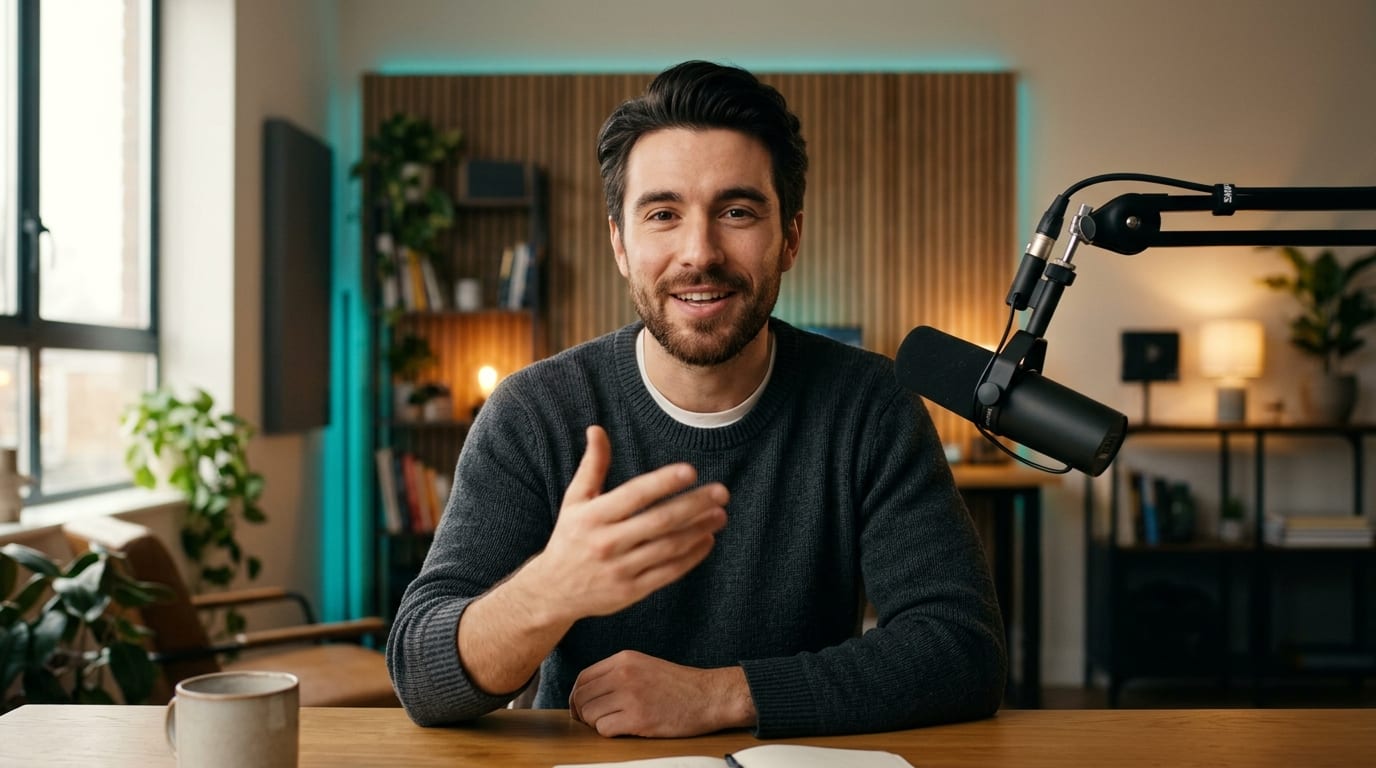
Outputs structured headings, bullet points, and action items alongside complete verbatim transcripts.
GenerateUpload your podcast audio, interview track, or phone voice memo into the composer Reference area.
Choose between structured meeting notes, continuous reading prose, or timecoded dialogue blocks.
Click Generate to send your audio file and instructions directly to Agent for rapid transcription.
Spoken brainstorms are full of brilliant ideas buried in rambling sentences. Viralkey Agent extracts the core concepts while providing organized transcripts.
Generate
Publish complete show notes and quote cards alongside podcast episodes to increase web traffic and accessibility for your listener community.
Generate
Transcribe client calls, design critiques, and team standups into structured action items ready to paste into documentation hubs.
GenerateMaximize audio transcription clarity and accelerate editorial workflows.
Mic Proximity
AcousticsPosition microphones within 6 to 12 inches of speakers to minimize ambient room echo and room reverberation.
Speaker Introductions
DiarizationHave speakers state their names at the start of multi-person recordings to assist automated speaker labeling.
Glossary Prompting
AccuracyInclude unusual acronyms or proper nouns in the composer prompt box to ensure flawless brand spelling.
Bullet Summaries
ReviewRequest an opening 3-bullet summary above long transcripts to accelerate reading and information retrieval.
Action Item Extraction
ProductivityPrompt Agent to extract all task commitments, deadlines, and assigned names into a separate closing checklist.
Audio Normalization
VolumeEnsure both conversation participants speak at comparable volume levels to avoid quiet speech dropouts.
You can upload MP3, WAV, M4A, FLAC, OGG, and standard mobile voice memo recordings via the Reference slot.
Choose your options above, optionally attach reference media, and send your formatted prompt directly to Viralkey Agent.