
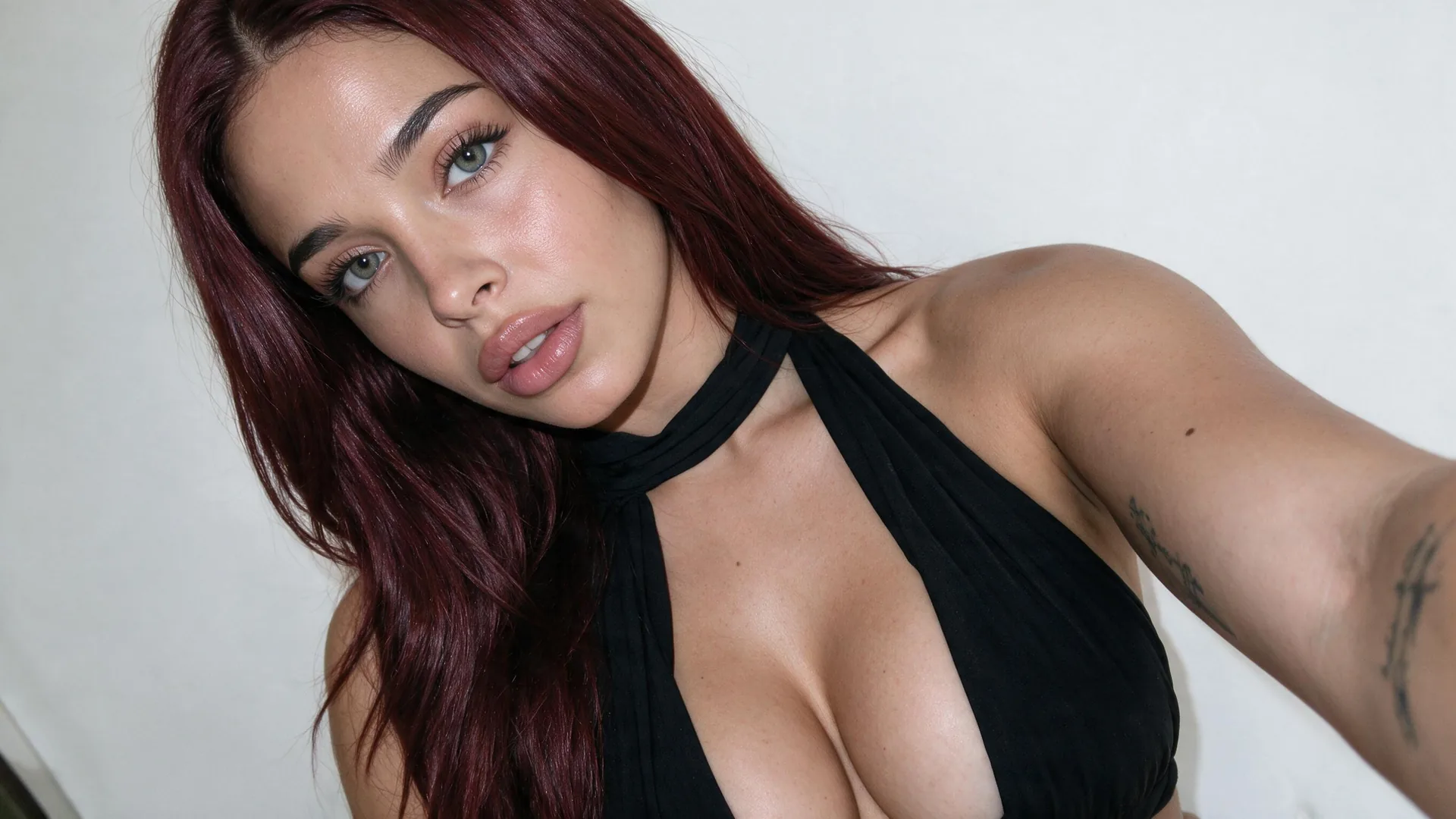
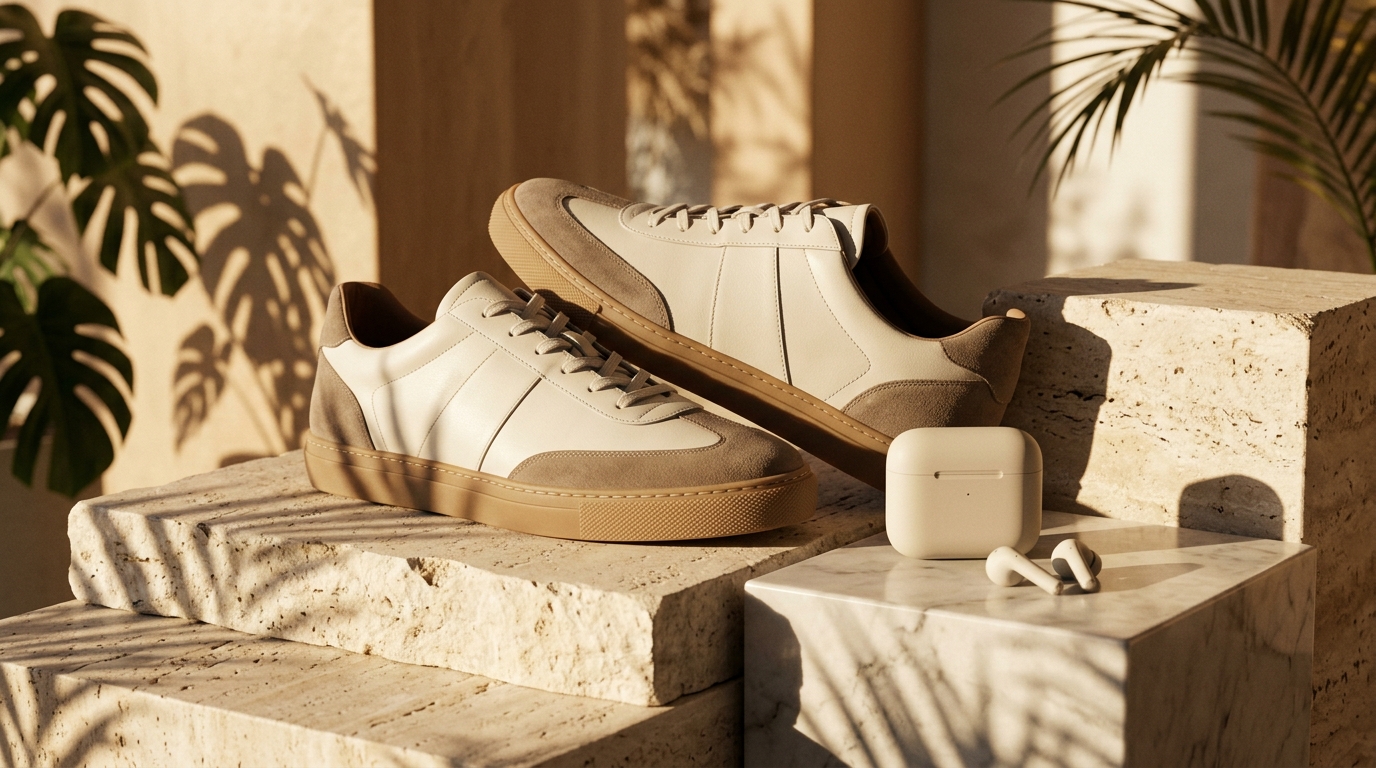
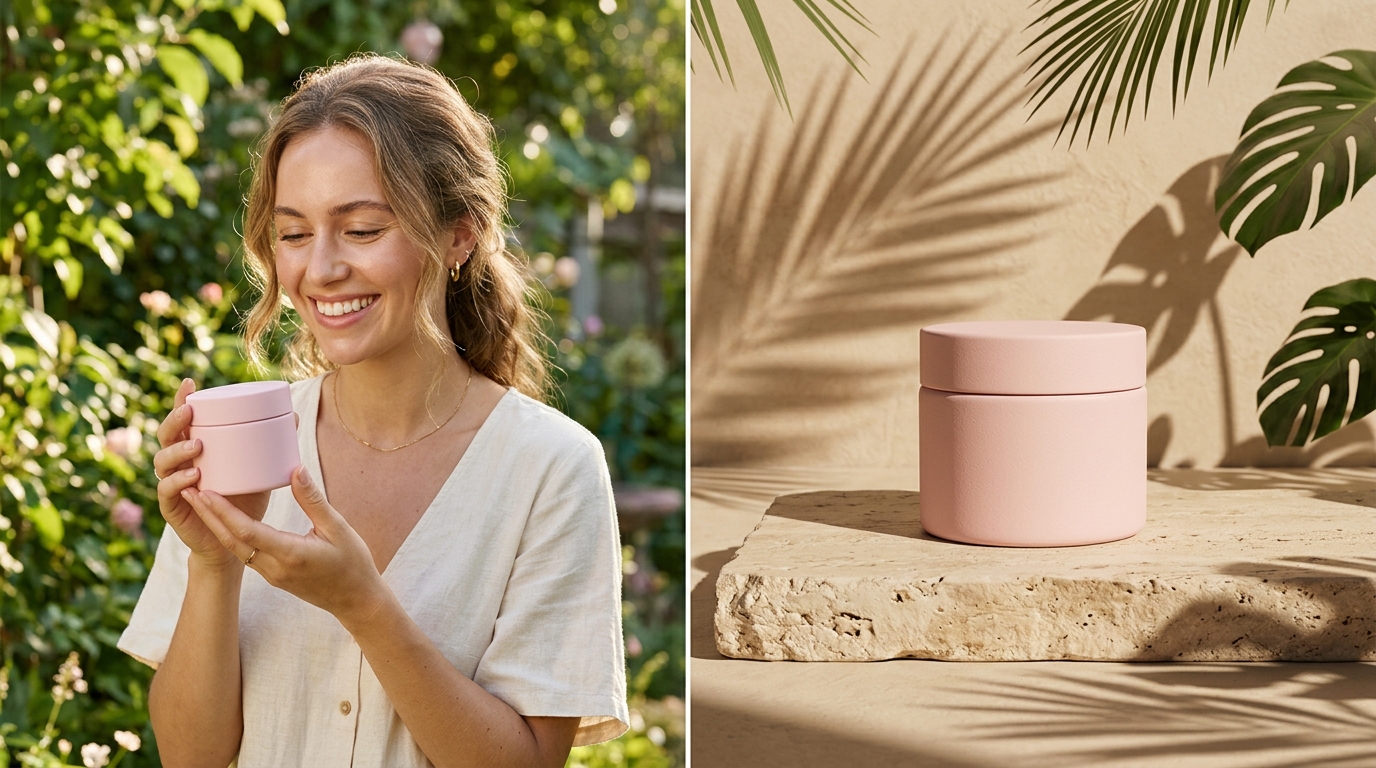
Handheld Lifestyle Shots
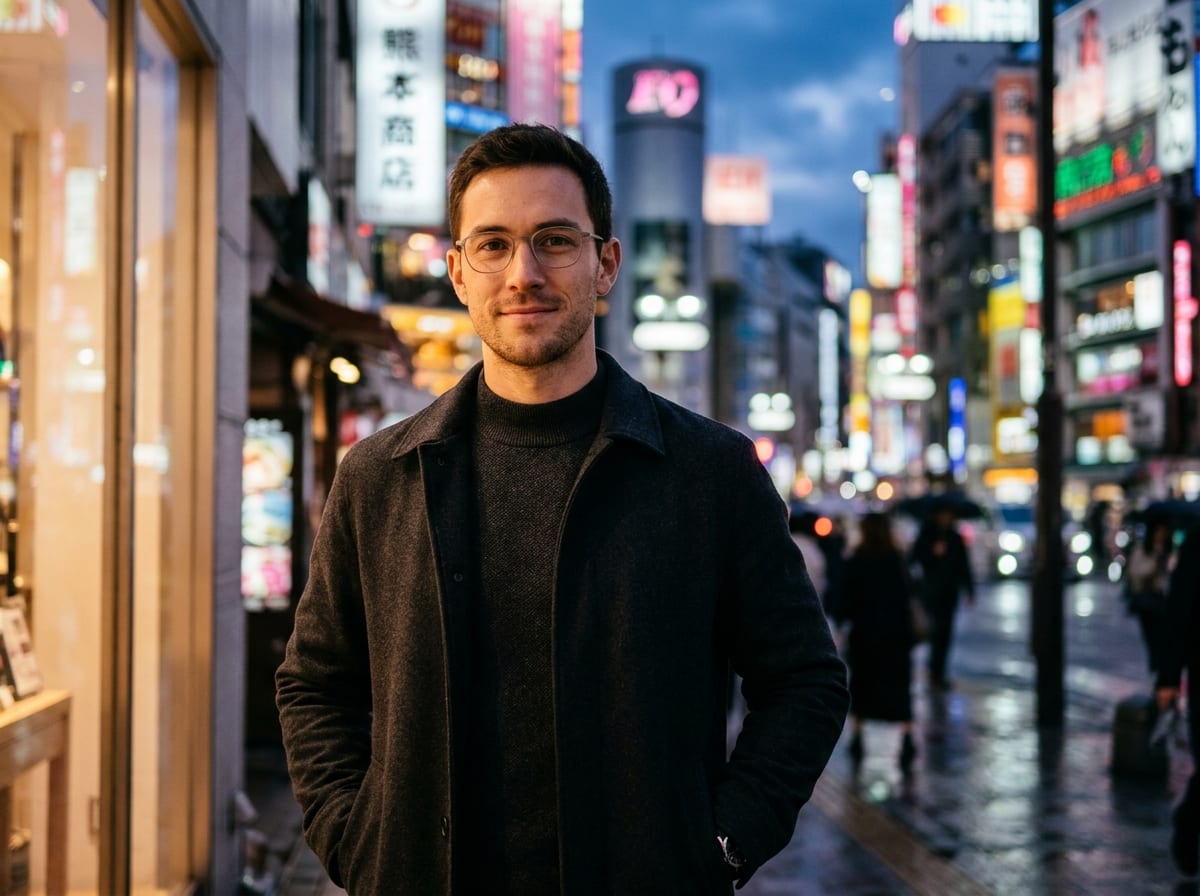
Social ProfilesPair Golden Hour Glow with Arm-Length Selfie and rooftop or coffee shop details for approachable personal-brand visuals.
Set your look, lighting, and framing options or attach a face reference to craft natural, high-realism AI selfies inside Viralkey Agent. Powered by Viralkey Agent · Explore Animate Photo Online AI · AI Describe Image · Instagram Bio Generator
Describe your look, setting, and lighting
Instead of wrestling with long prompt templates from scratch, pick your visual style, camera framing, and lighting mood in the form below. Viralkey Agent packages your selections—and optional reference selfie—into a tailored portrait generation request. Run tailored briefs inside Viralkey Agent or explore model-based creation in the AI Image Generator · Related workflows: Animate Photo Online AI · AI Describe Image · Instagram Bio Generator
Set your look, lighting, and framing options or attach a face reference to craft natural, high-realism AI selfies inside Viralkey Agent.

Form presets guide Agent toward authentic smartphone framing, subtle 35mm texture, or clean editorial portraits instead of plastic airbrushed faces.
Generate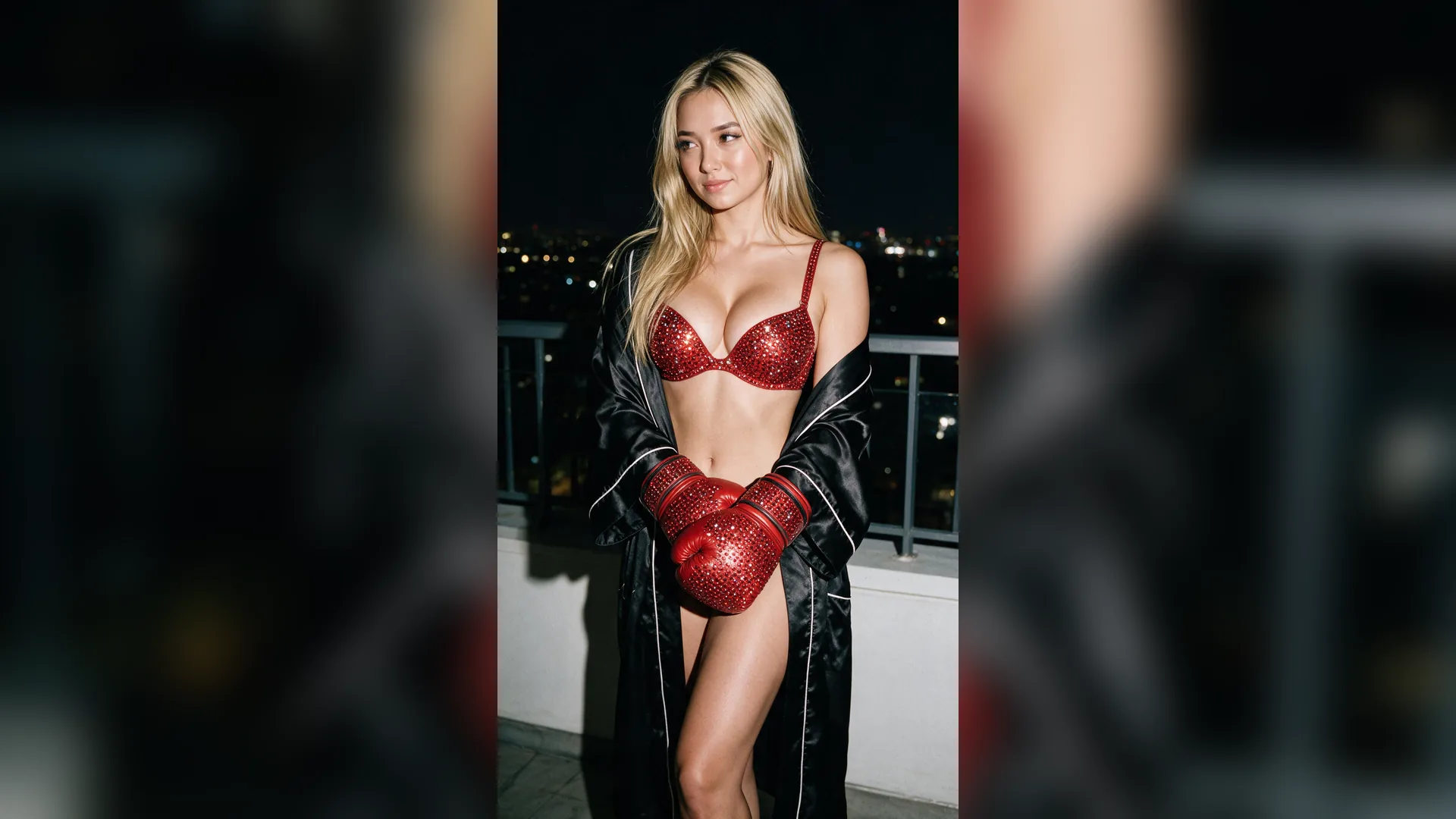
Upload a clear reference portrait via the Reference slot so Agent can anchor facial identity, hairstyle, or vibe while changing outfits and backdrops.
Generate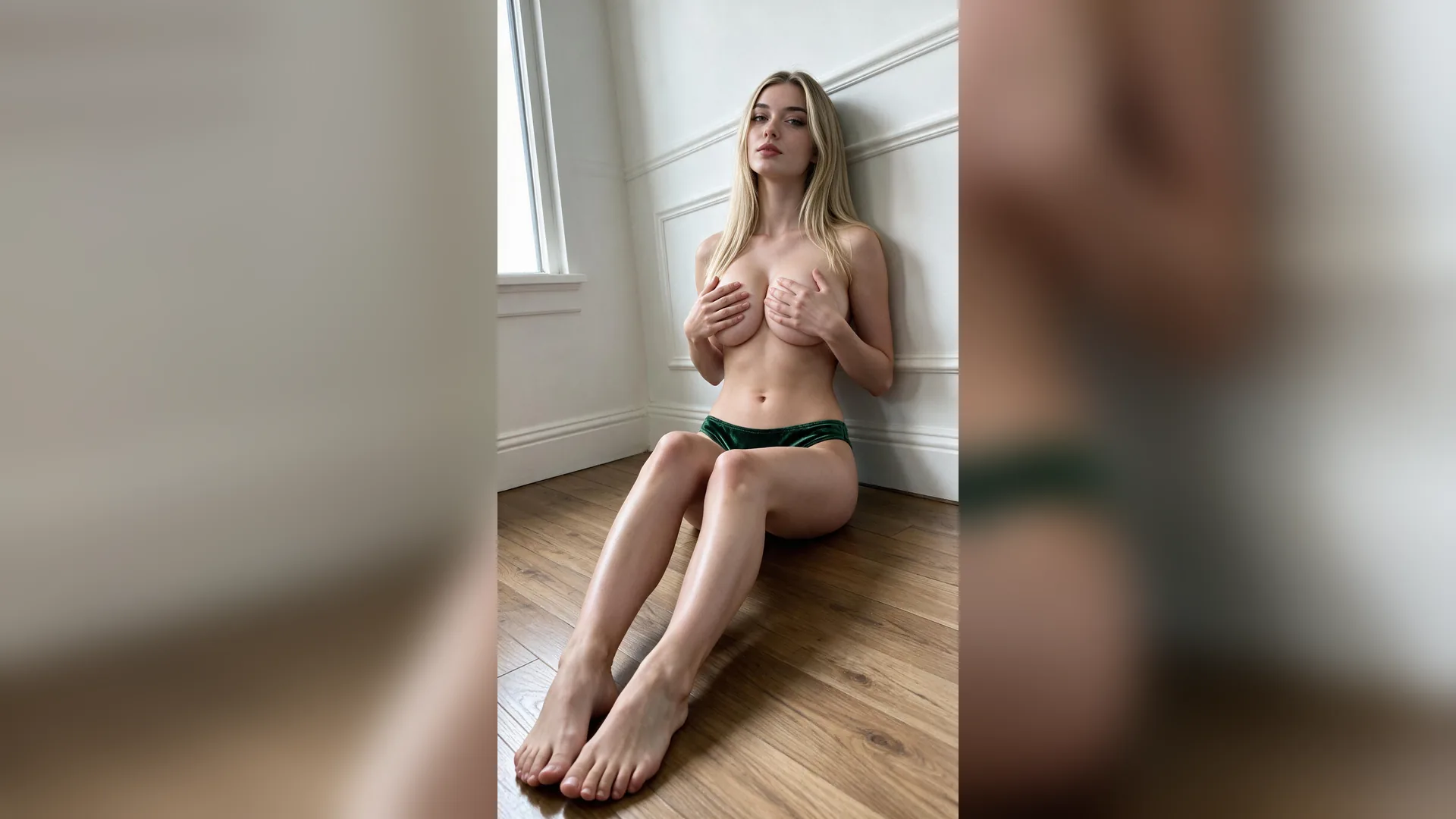
Once Agent delivers your initial selfie draft, adjust jacket colors, cafe backgrounds, or golden-hour warmth with short follow-up replies.
GenerateDrop a well-lit front or three-quarter portrait into the composer if you want identity guidance across new settings.
Combine Candid 35mm, Golden Hour Glow, Clean Studio Portrait, or Direct Flash Night with Arm-Length Selfie, Mirror Selfie, or Close-Up Portrait.
Hit Generate to open the chat workspace with your visual brief and uploaded photo sent automatically.
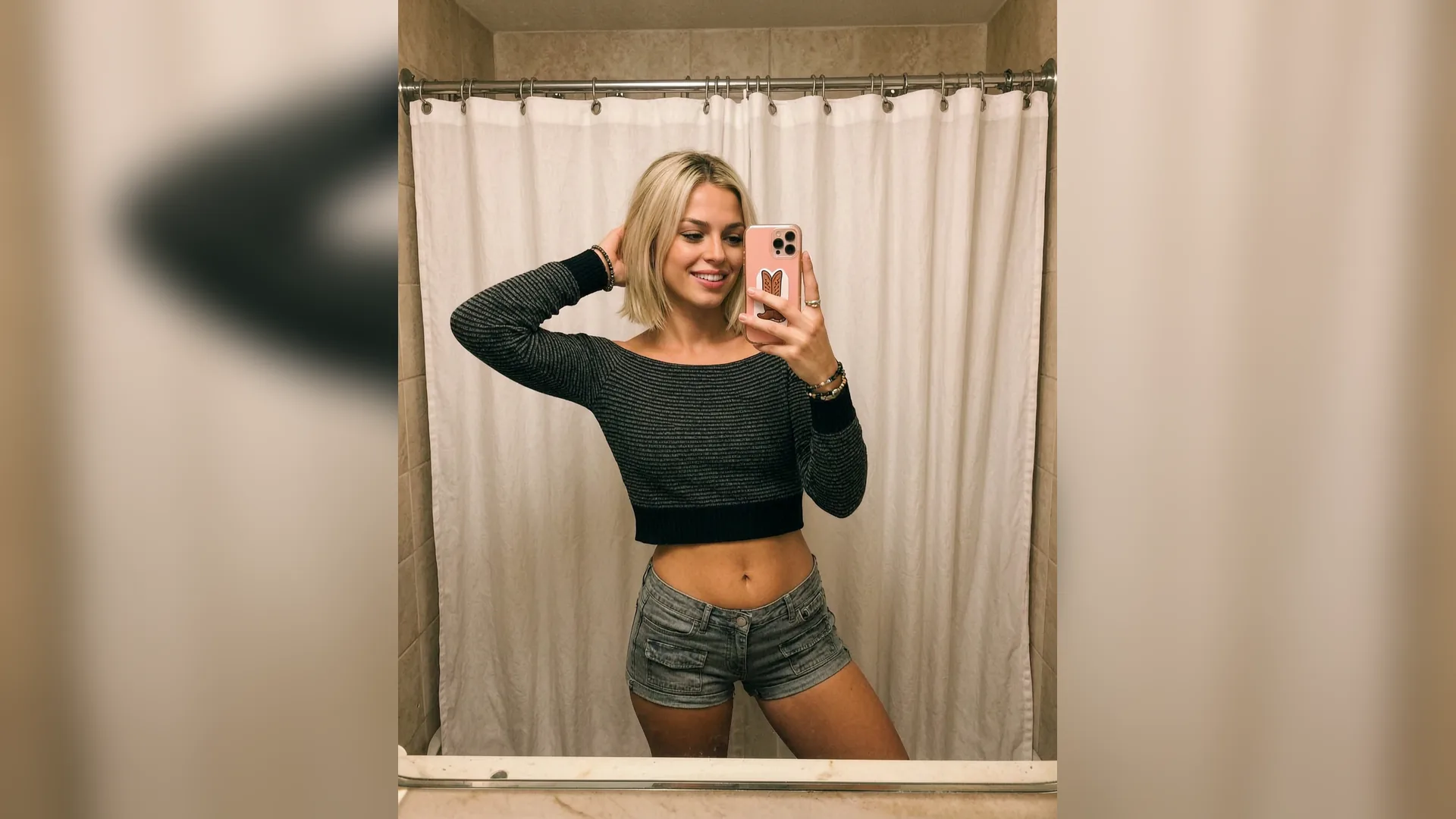
Small wording changes—mirror framing vs. handheld close-up, golden-hour warmth vs. studio key light—dramatically change portrait believability. Our option chips bake proven photography cues directly into your Agent prompt.
Generate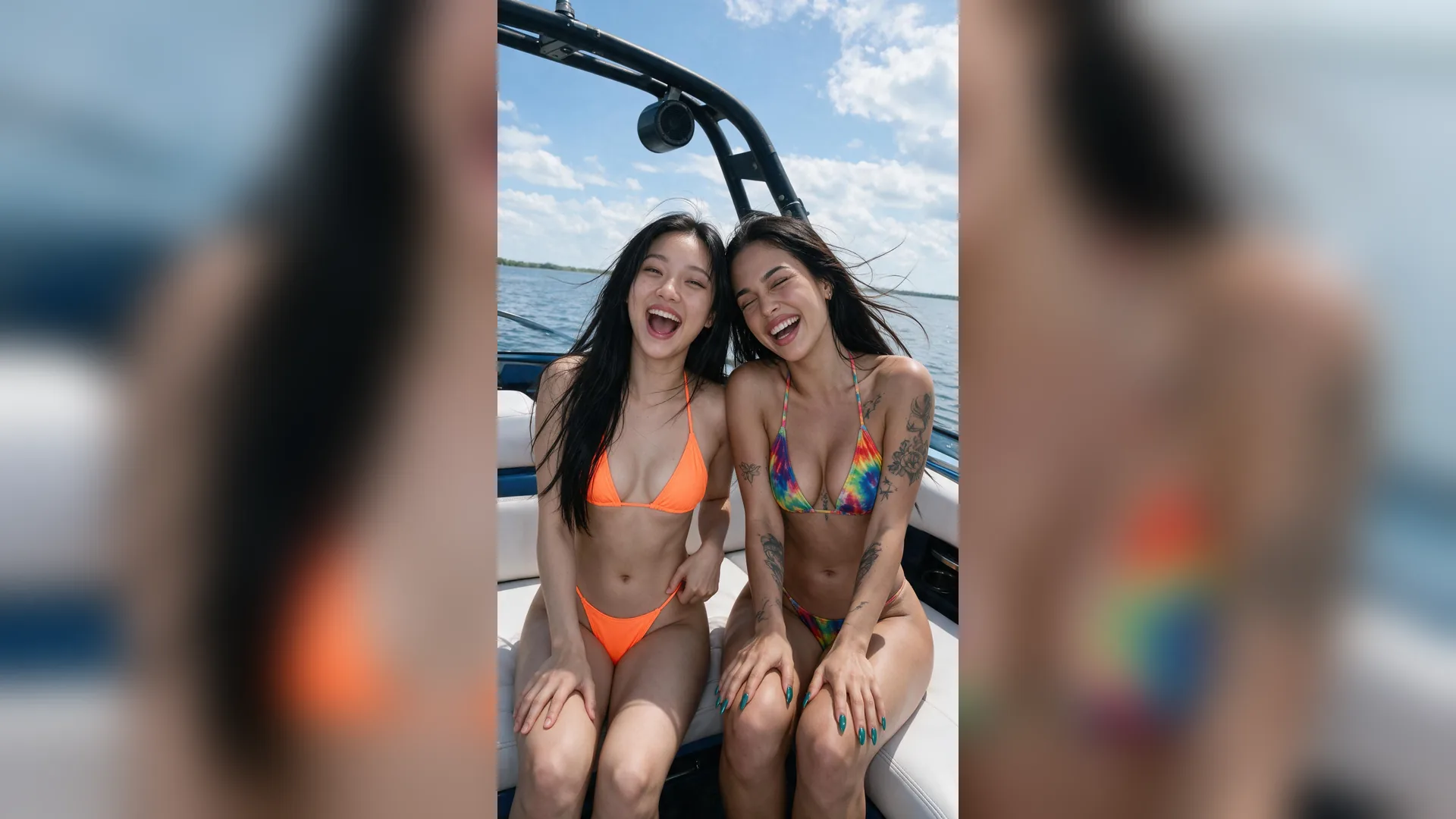
Use Clean Studio Portrait with 1:1 Avatar for crisp profile photos, or switch to Direct Flash Night and 9:16 Story / TikTok when refreshing highlight covers and reels.
Generate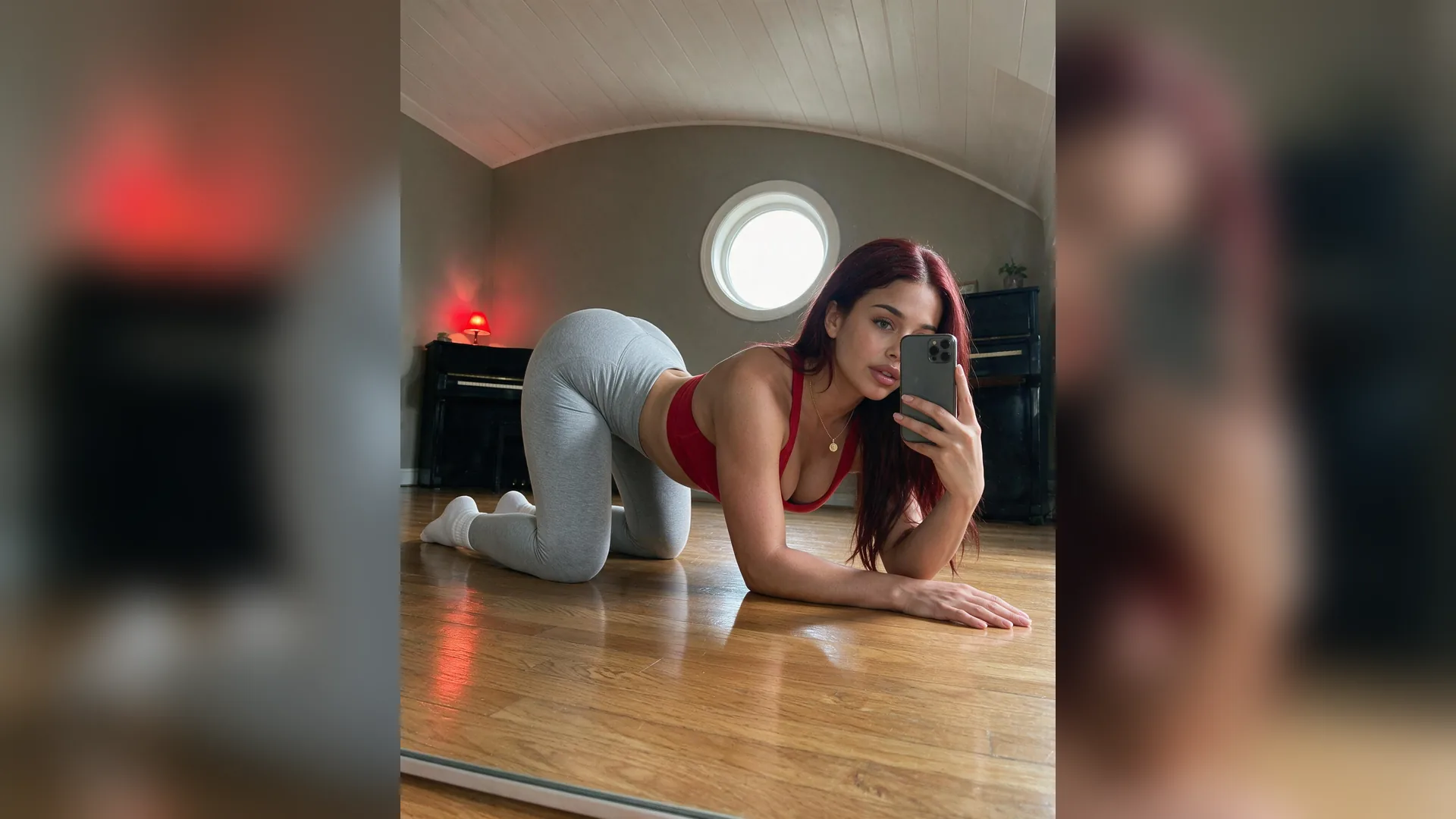
Need a tighter crop for a circular profile icon or a 4:5 Instagram feed variation to animate later? Ask Agent inside the open thread without starting over.
GeneratePair natural framing options with lighting cues to get believable AI portraits inside Agent.
Handheld Lifestyle Shots
Social ProfilesPair Golden Hour Glow with Arm-Length Selfie and rooftop or coffee shop details for approachable personal-brand visuals.
Clean Creator Headshots
Avatars & PressCombine Clean Studio Portrait with Close-Up Portrait and 1:1 Avatar to get sharp eye catchlights and balanced neutral skin tones.
Direct-Flash Film Vibes
Editorial FeedsUse Direct Flash Night or Candid 35mm to add tactile film grain and crisp evening street contrast.
Mirror Outfit Checks
Fashion & UGCSelect Mirror Selfie and describe mirror frame material plus outfit textures for realistic style lookbooks.
Identity Anchoring
Reference FlowAttach a front-facing portrait via the Reference slot so Agent preserves facial proportions while testing new lighting.
Motion Handoff
Video UpgradeTurn a finished AI selfie into subtle blink-and-smile motion by pairing with our Animate Photo workflow.
No. You can generate original character portraits purely from text and parameter selections, or attach a reference photo if you want identity-guided styling.
Choose your options above, optionally attach reference media, and send your formatted prompt directly to Viralkey Agent.