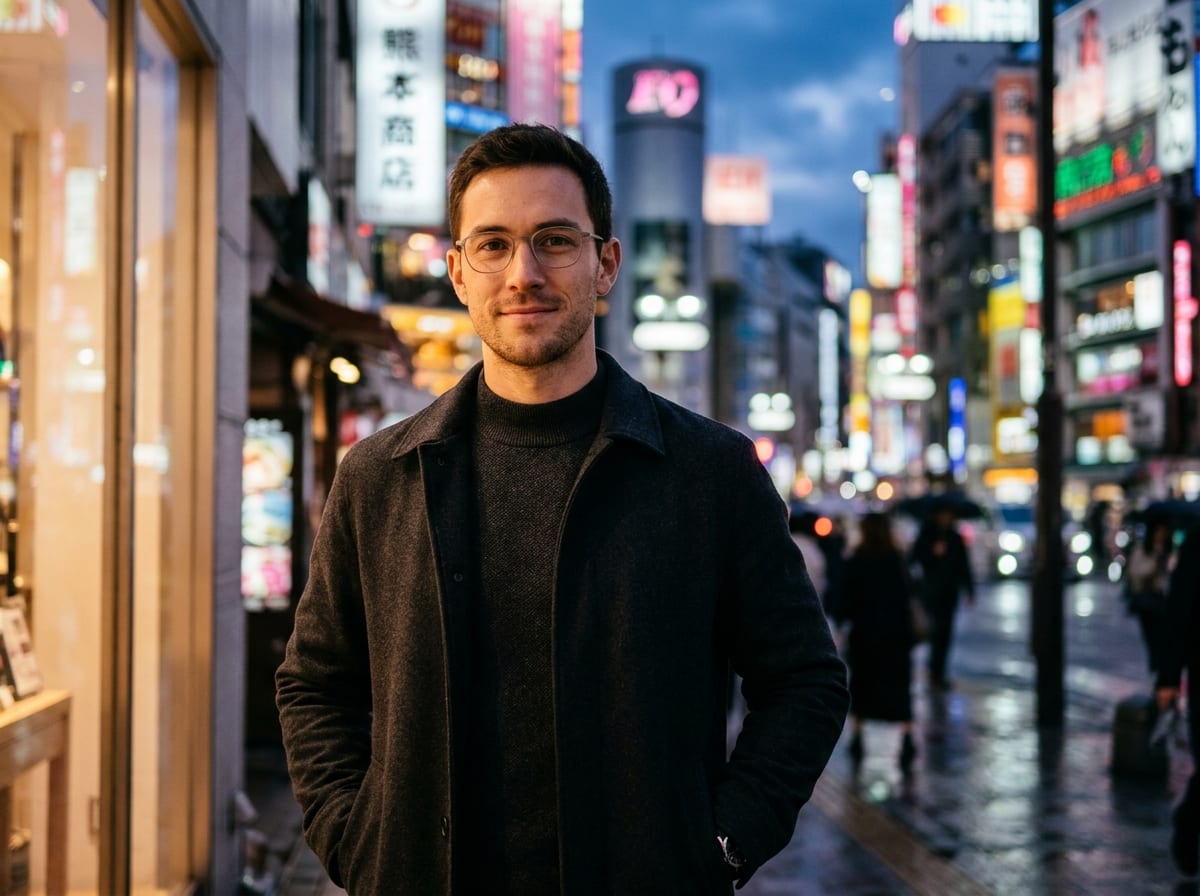

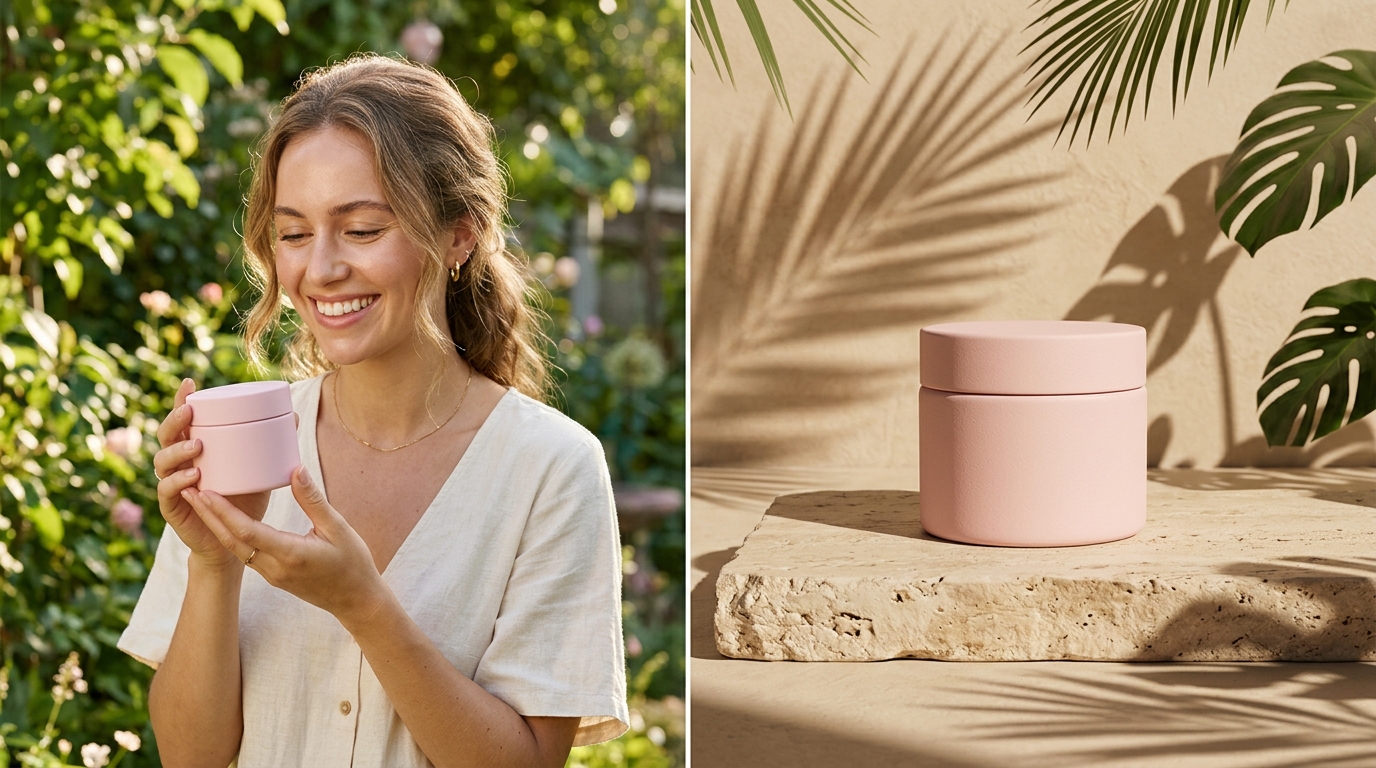


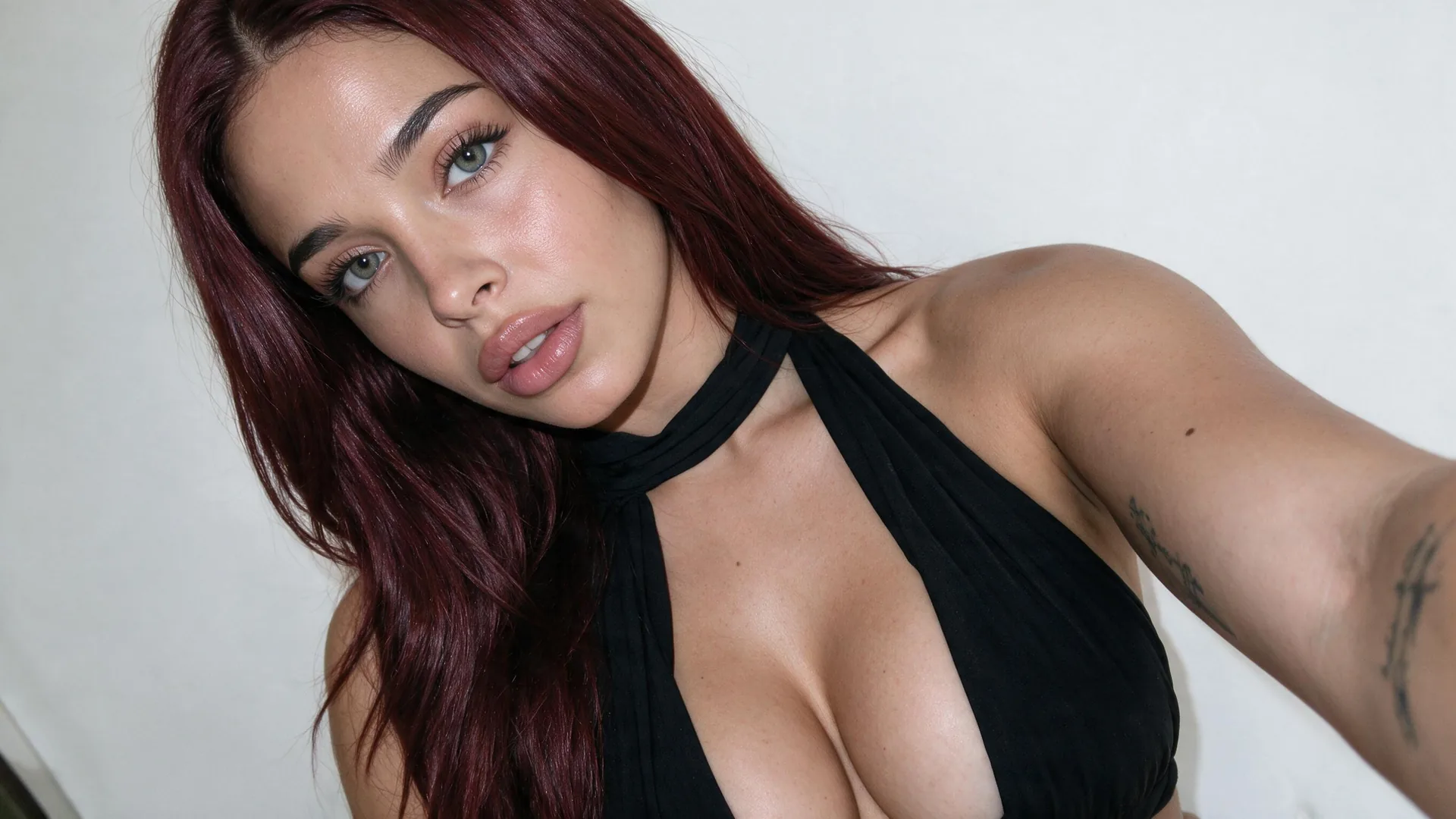
Tight Headshot Framing
FramingEnsure the face occupies at least 60% of the circular frame so facial expressions remain clear on mobile screens.
Craft high-contrast, circular-framed YouTube avatars and channel icons that stand out on mobile feeds. Powered by Viralkey Agent · Explore AI Selfie Generator · Banner Maker · Twitch Banner Maker
Describe creator persona or expression details
Your YouTube channel icon is visible on every search result, recommendation feed, and comment thread. Select your visual character style, lighting mood, and composition framing below—and optionally attach a selfie to the Reference slot—so Viralkey Agent crafts an unmistakable channel avatar. Run tailored briefs inside Viralkey Agent or explore model-based creation in the AI Image Generator · Related workflows: AI Selfie Generator · Banner Maker · Twitch Banner Maker
Craft high-contrast, circular-framed YouTube avatars and channel icons that stand out on mobile feeds.

Composes facial features and visual emblems strictly within circular boundaries to eliminate awkward edge cuts.
Generate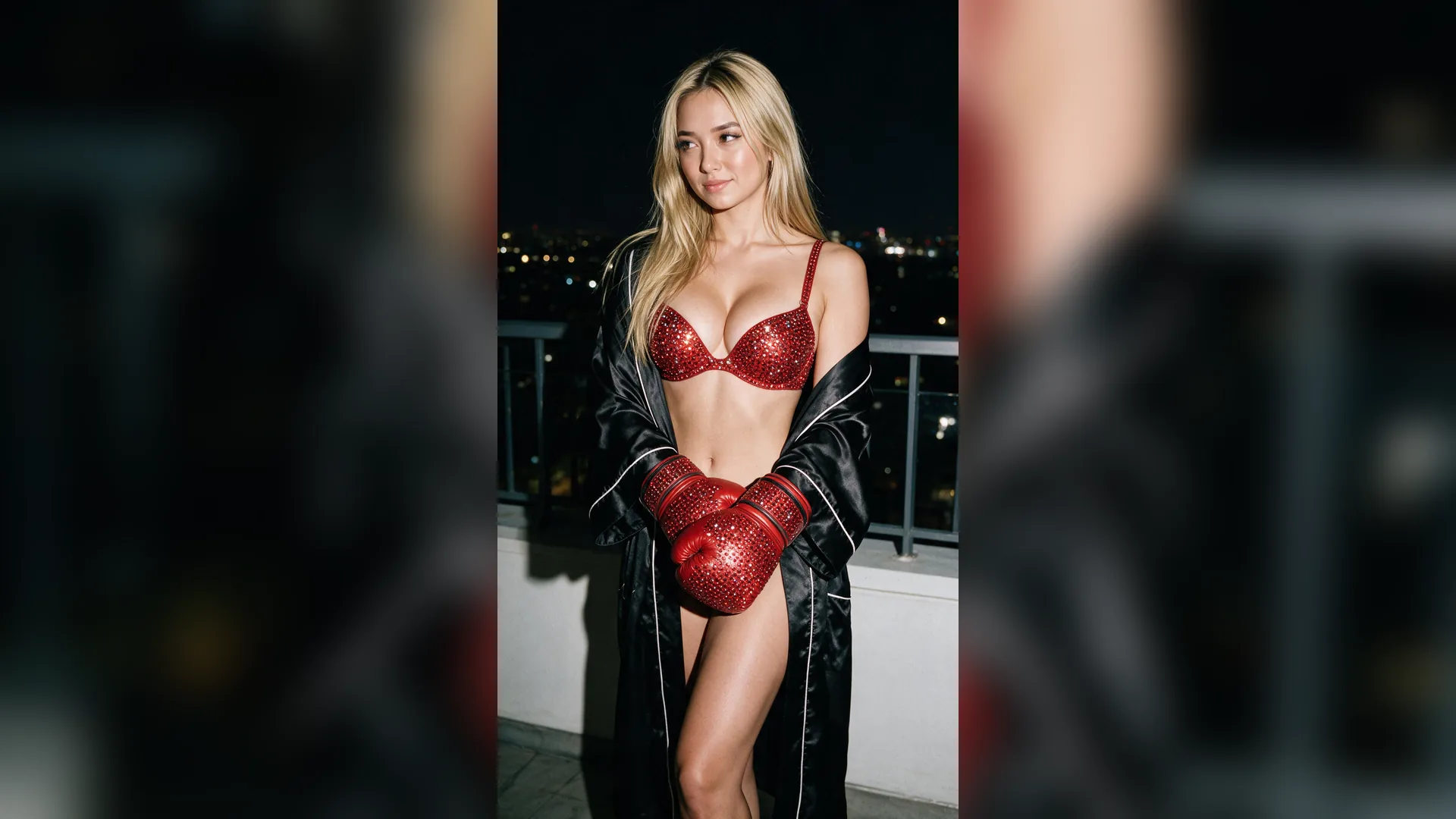
Applies vibrant contrast and directional edge lighting that pops sharply even at tiny 36px mobile comment sizes.
Generate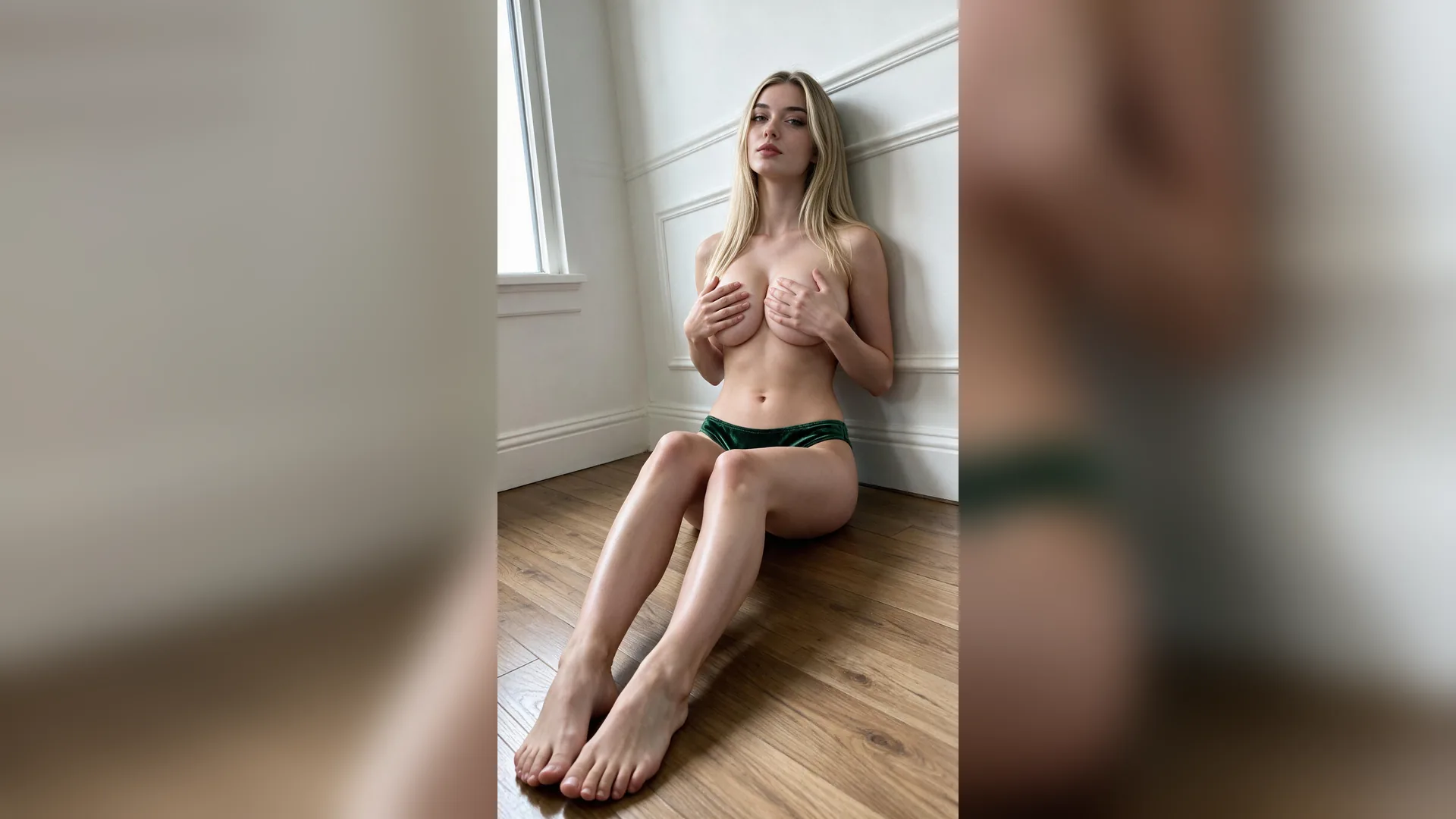
Seamlessly render photorealistic cinematic portraits, stylized 3D digital avatars, or bold graphic illustrated pop art.
GenerateDrop a clear face photo into the composer Reference slot, or describe your channel mascot or creative persona.
Choose cinematic portrait, 3D animated creator, or illustrated pop art with high-contrast rim lighting.
Click Generate to produce circular-ready channel profile pictures ready to set on your YouTube channel.
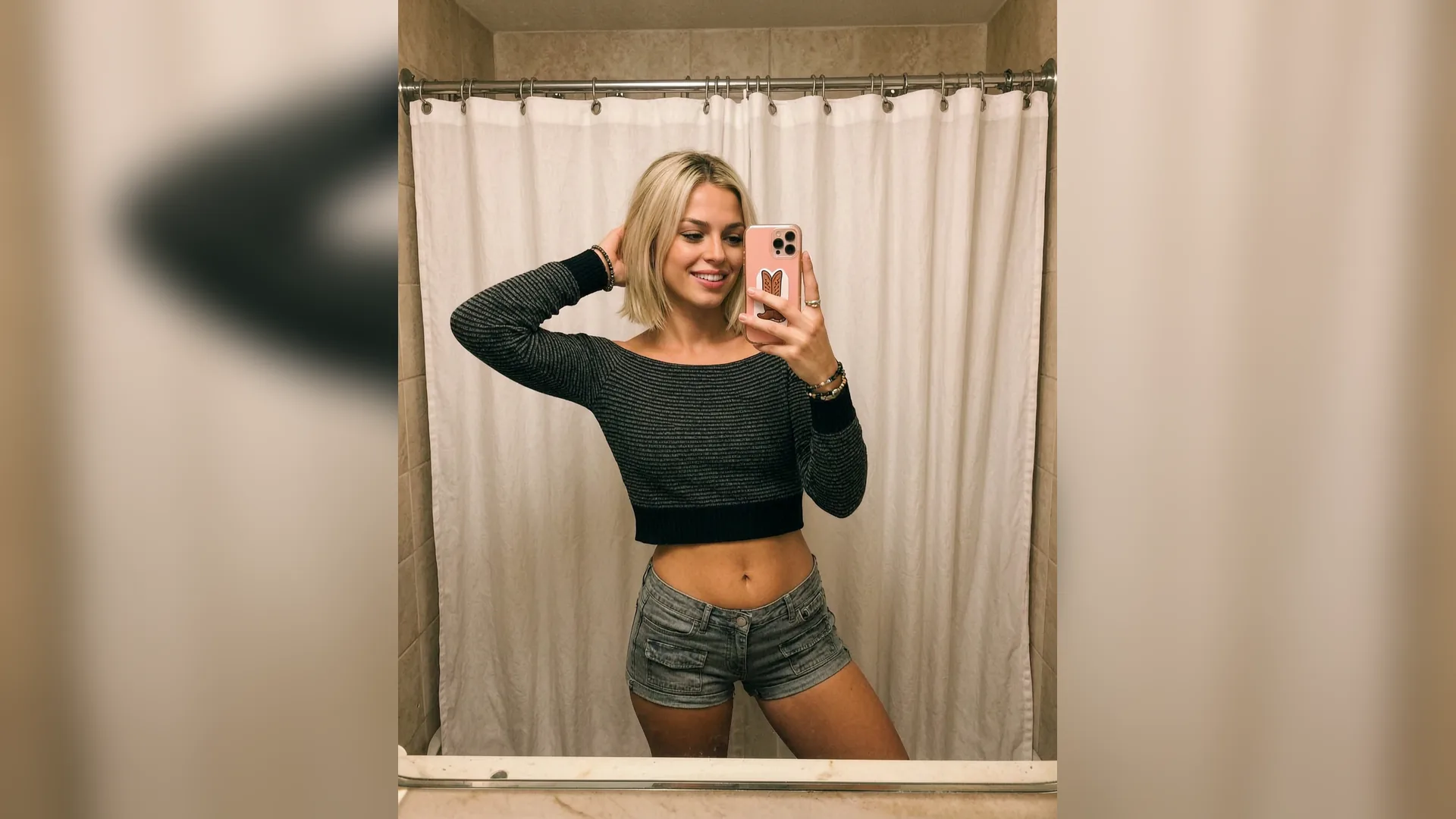
When viewers scroll YouTube search results, a vibrant, expressive profile icon captures peripheral attention faster than plain thumbnails.
Generate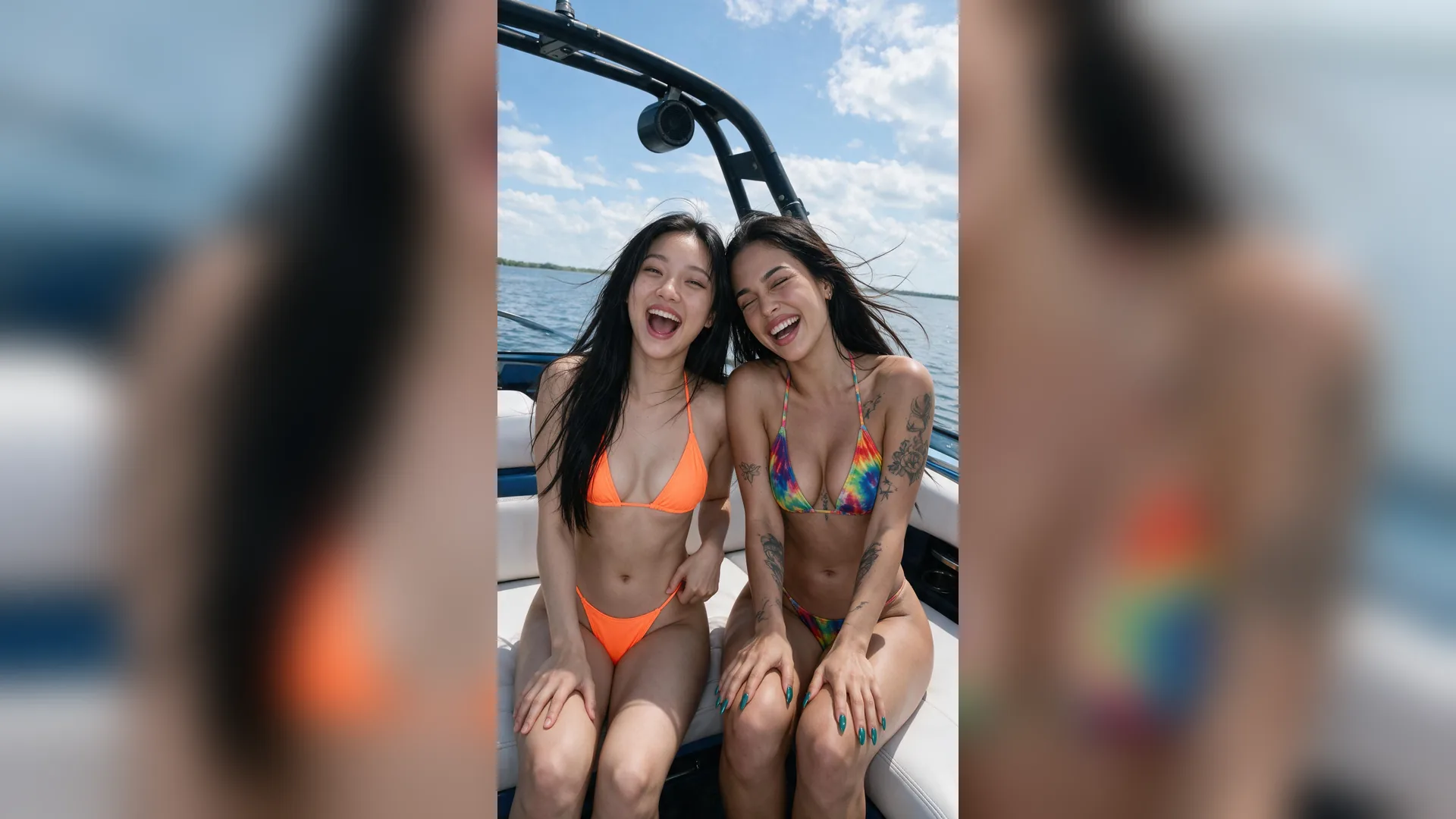
Top creator comments earn thousands of thumbs-up. Having a high-contrast avatar guarantees your profile name is remembered across viral threads.
Generate
Upload a casual selfie to the Reference slot and let Agent restyle your features into stylized 3D or cinematic portraits while keeping your likeness intact.
GenerateMaximize avatar legibility and creator brand recognition across YouTube feeds.
Tight Headshot Framing
FramingEnsure the face occupies at least 60% of the circular frame so facial expressions remain clear on mobile screens.
Edge Contrast Pop
LightingIncorporate a subtle rim light or bright silhouette glow separating dark hair from dark background textures.
High Saturation Accents
ColorUse one vivid, saturated color (such as cyan, orange, or electric purple) in the backdrop or clothing to draw eyes.
Uncluttered Backgrounds
SimplicityAvoid busy real-world background clutter; smooth studio gradients or soft bokeh preserve subject clarity.
Expressive Eyeline
ConnectionHave the avatar gaze directly into the camera lens to create an immediate emotional connection with viewers.
Banner Synergy
BrandingEnsure your profile picture color palette complements the primary tones of your YouTube channel banner art.
YouTube recommends an 800x800 pixel square image that gets cropped automatically into a circle on profile pages and feeds.
Choose your options above, optionally attach reference media, and send your formatted prompt directly to Viralkey Agent.