

Specify Linework Weight
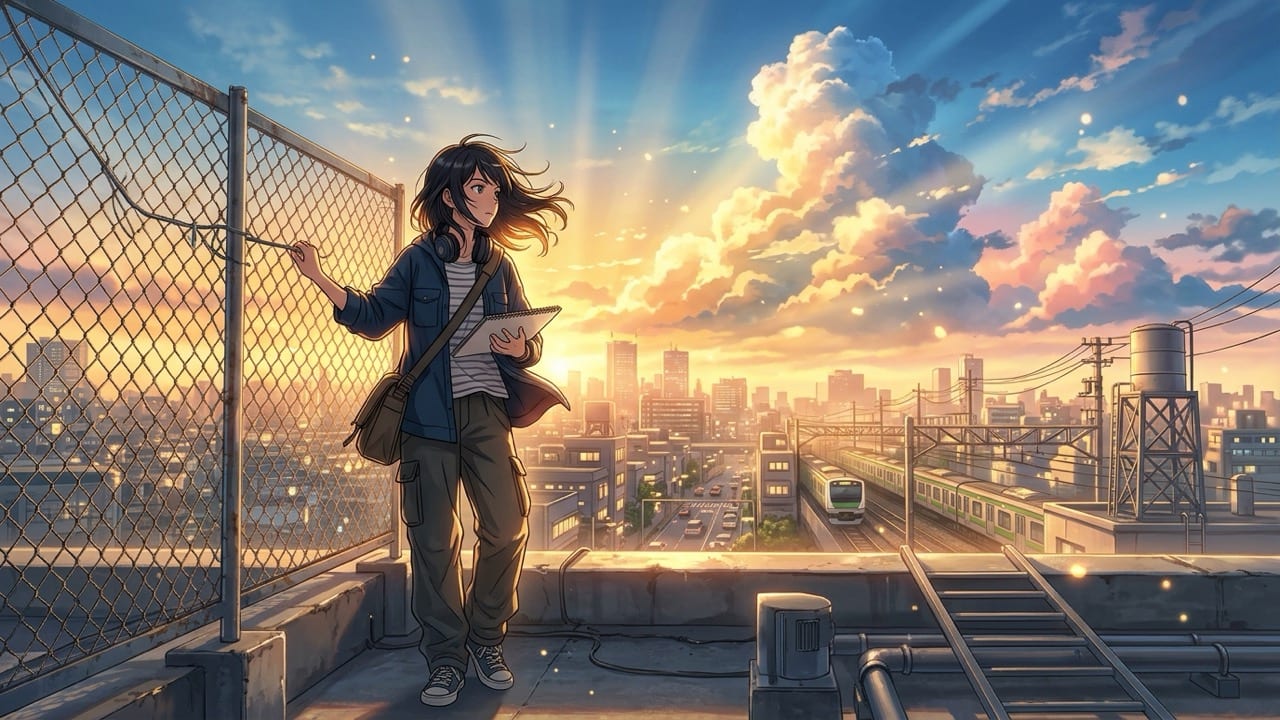
StyleContrast '90s hand-painted cel grain' with 'ultra-clean modern theatrical linework' to control era and mood.
Generate original anime characters, scenic 16:9 wallpapers, or photo-to-anime avatars in 90s retro cel, modern theatrical, or chibi styles inside Viralkey Agent. Powered by Viralkey Agent · Explore AI Selfie Generator · AI Wallpaper Generator · AI Pet Portrait Generator
Describe your anime character, scene, or restyle goal
Installing local checkpoints, LoRAs, and node pipelines takes hours before you ever draw a single character. Pick your anime school, framing ratio, and input mode below—and optionally drop a selfie or sketch into the Reference slot—so Viralkey Agent renders crisp, cohesive anime art in seconds. Run tailored briefs inside Viralkey Agent or explore model-based creation in the AI Image Generator · Related workflows: AI Selfie Generator · AI Wallpaper Generator · AI Pet Portrait Generator
Generate original anime characters, scenic 16:9 wallpapers, or photo-to-anime avatars in 90s retro cel, modern theatrical, or chibi styles inside Viralkey Agent.
Choose cleanly between 90s Retro Cel Shading, Modern Theatrical Film Art, Painterly Fantasy Illustration, and Chibi Avatar styles.
Generate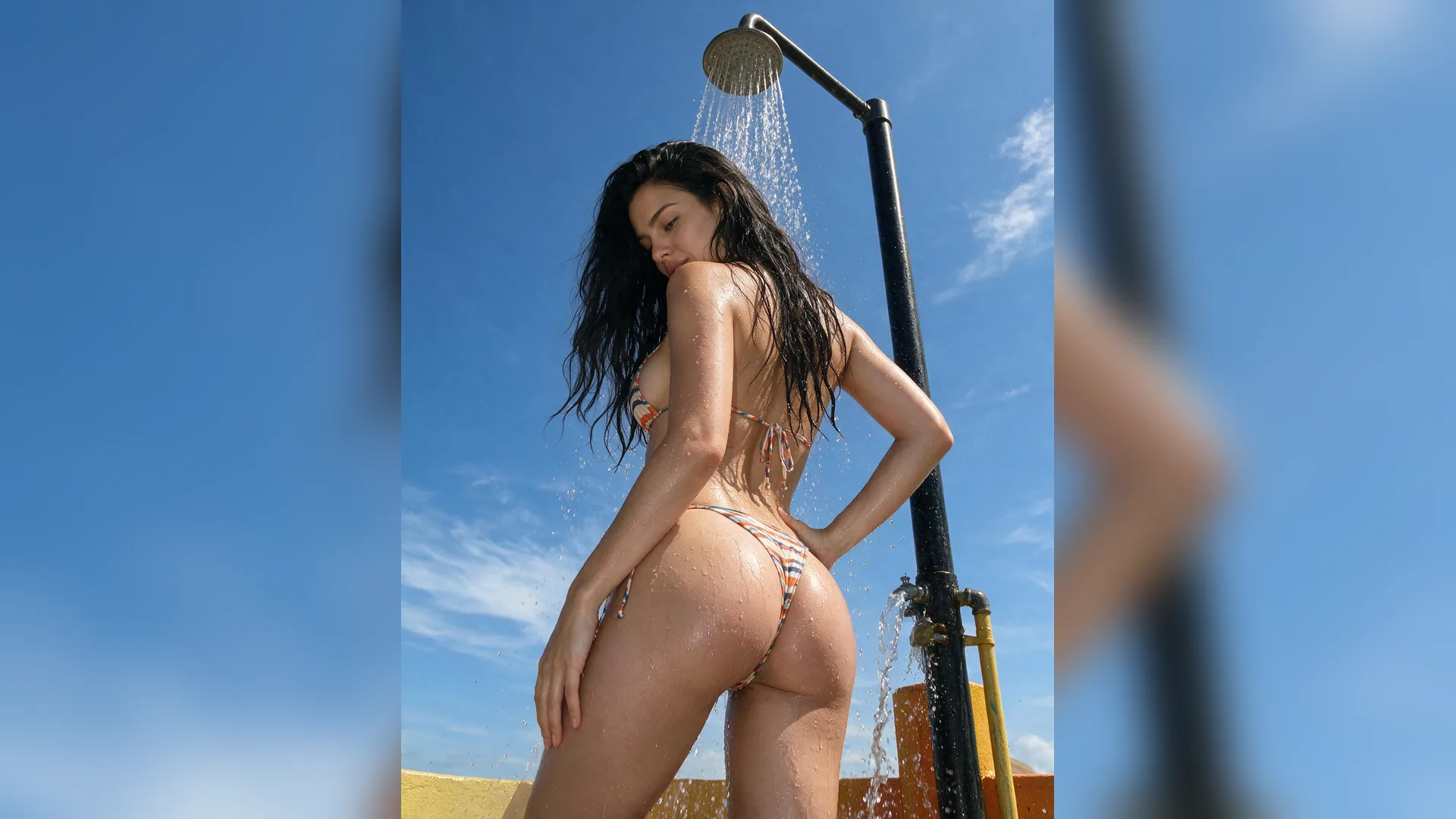
Attach a real portrait or rough pencil lineart in the Reference slot to convert poses, hairstyles, and outfits into clean anime linework.
Generate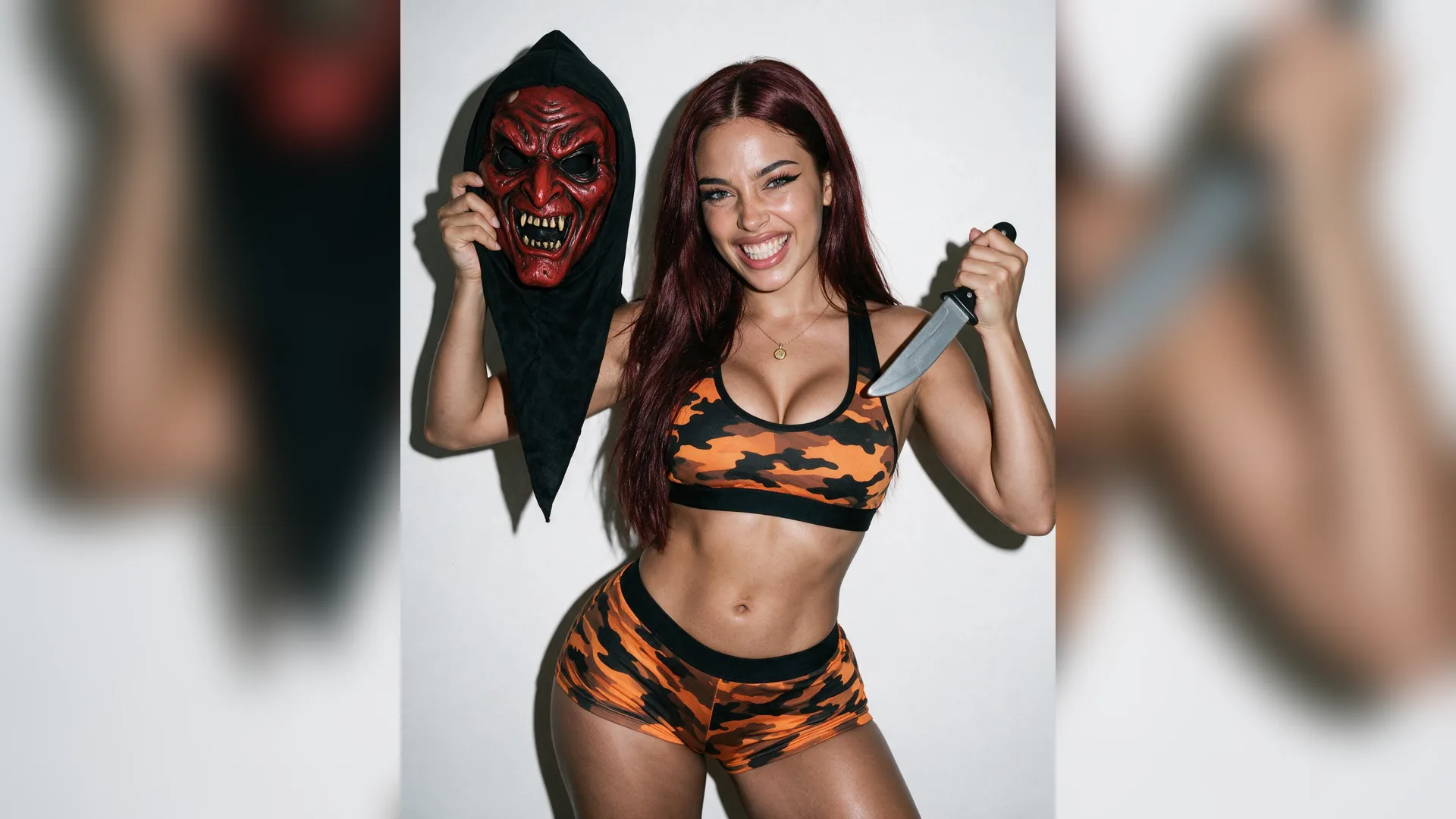
Generate 3:4 full-body OC character sheets, 16:9 scenic rooftop backdrops, or 1:1 profile icons from one workspace.
GenerateWrite hair color, outfit, pose, and lighting details—or upload a selfie or rough lineart sketch into the Reference upload slot.
Pick 90s Retro Cel, Modern Theatrical, Painterly Fantasy, or Chibi, and choose Character Sheet, Wallpaper, or Avatar framing.
Launch the brief in Agent, then request outfit variations, expression sheets, or animated hair-in-the-wind video loops.

Once you generate a character sheet you love, save or re-attach that frame in the Agent thread to place the exact same OC in cafés, train stations, or battle scenes.
Generate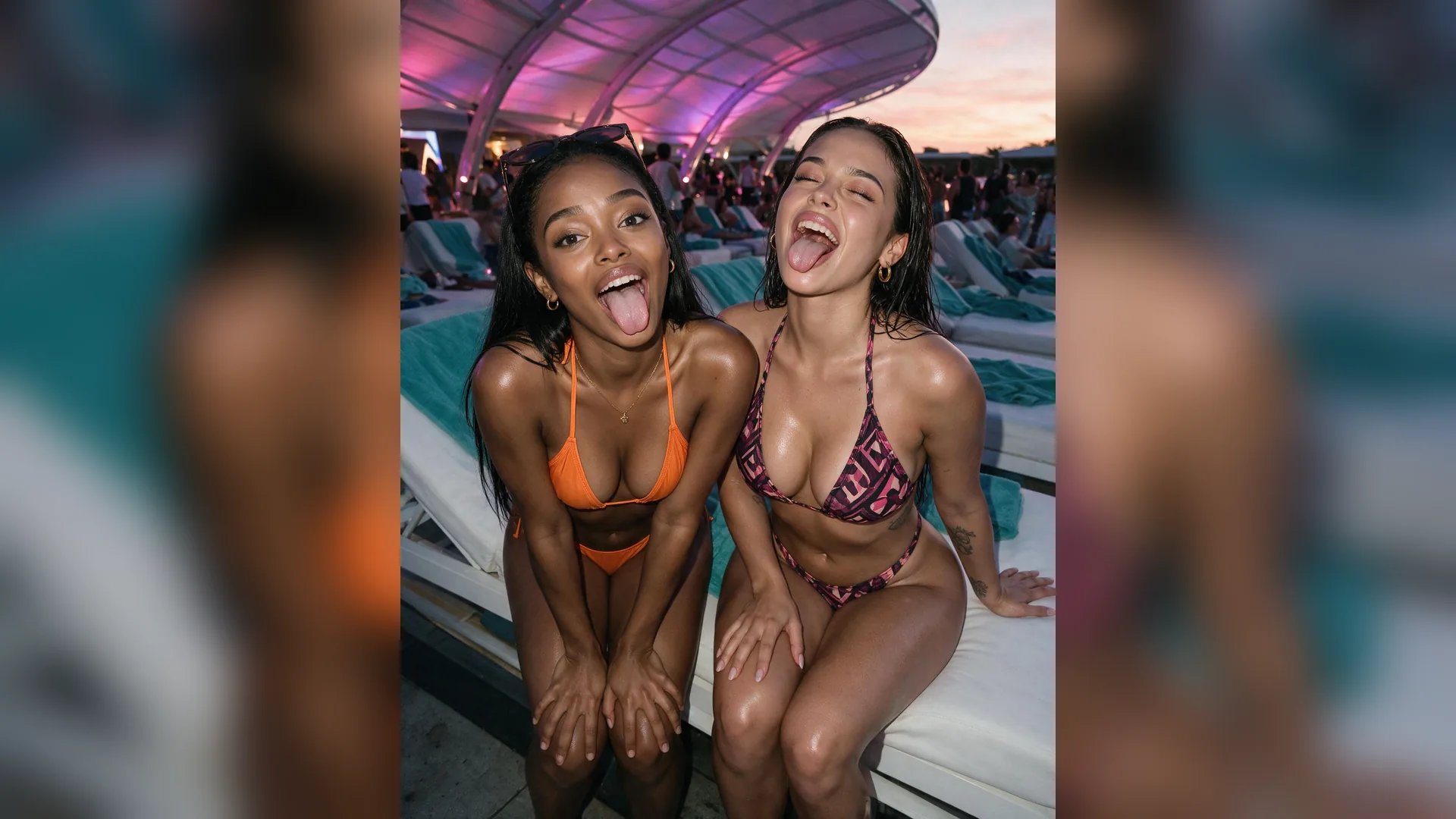
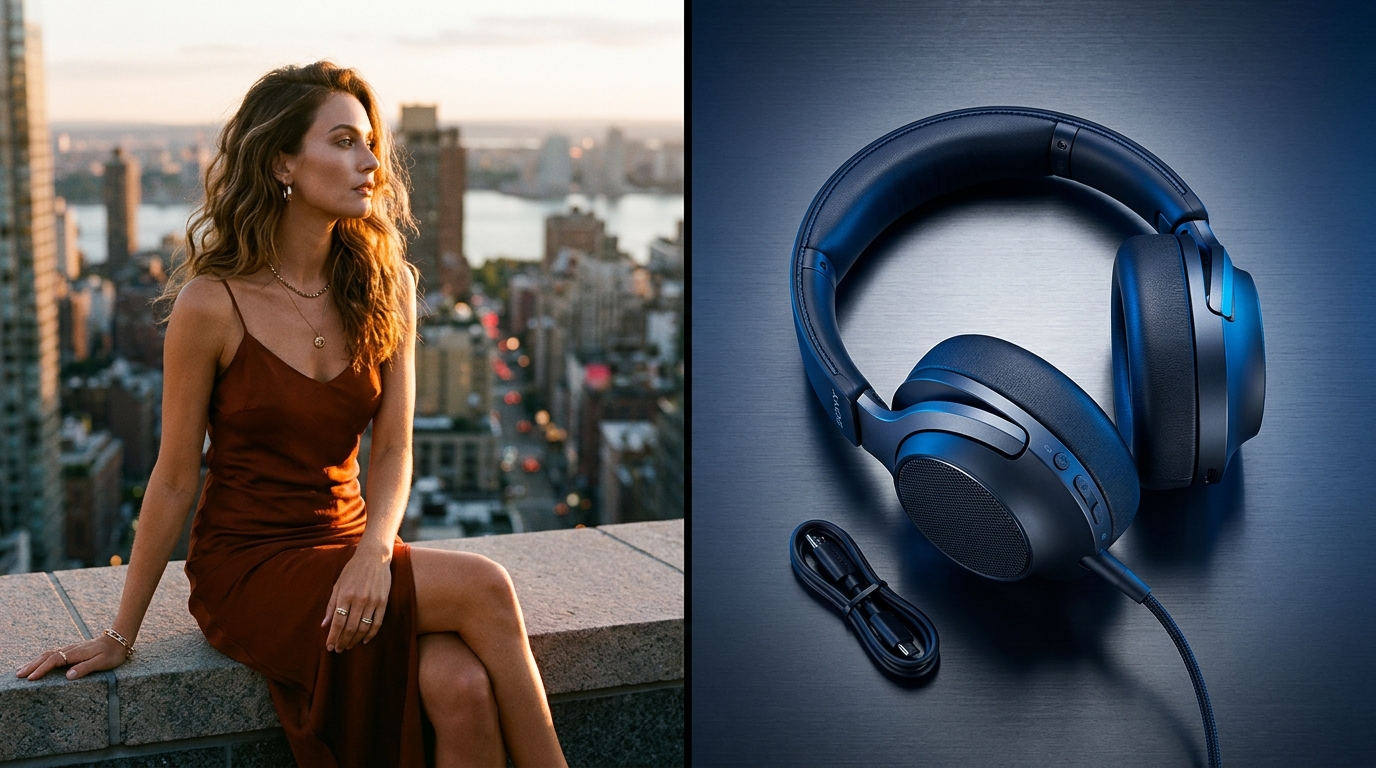
Switch to Photo-to-Anime Reference mode and attach your portrait so Agent translates glasses, hairstyles, and jacket colors into clean cel shading.
Generate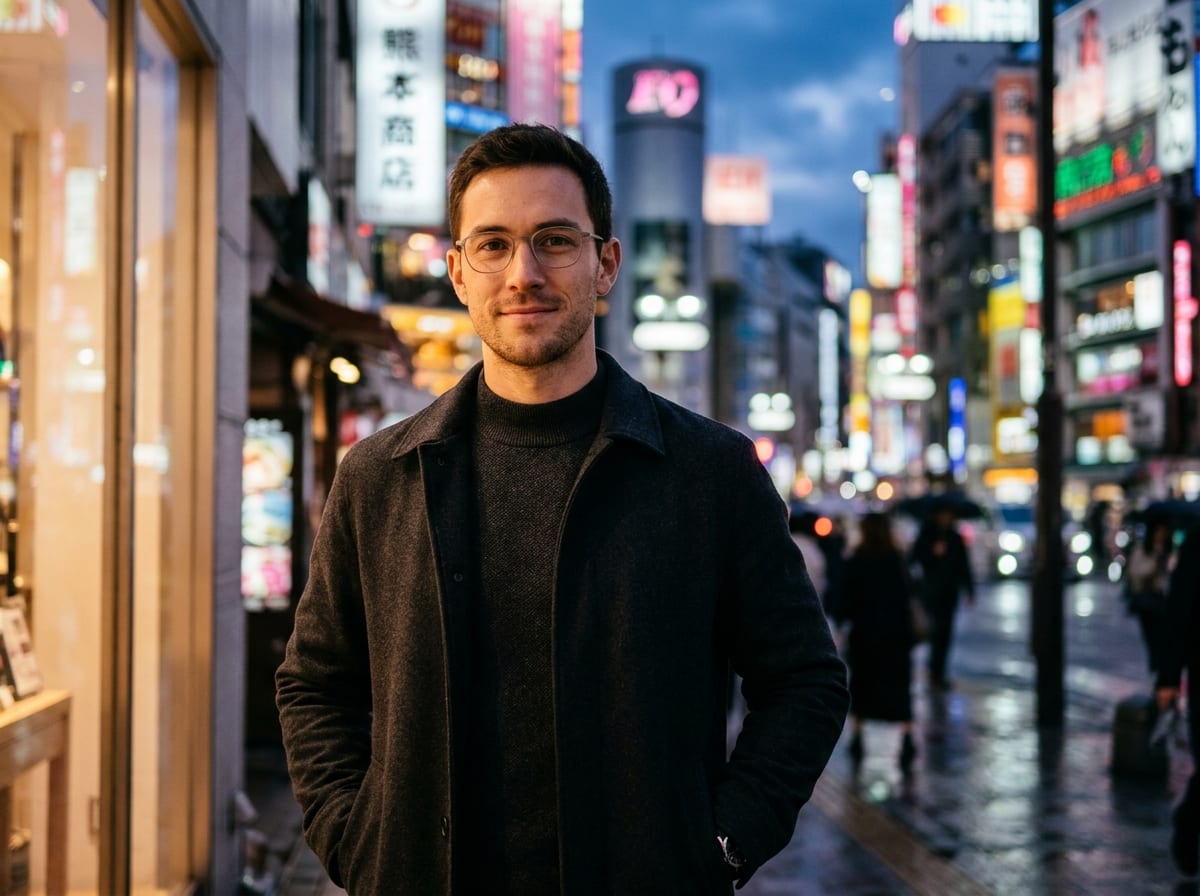
Ask Agent right inside the same conversation to animate drifting clouds, windblown hair, or glowing neon reflections for YouTube and TikTok backdrops.
GenerateDial in crisp linework, atmospheric skies, and consistent character traits.
Specify Linework Weight
StyleContrast '90s hand-painted cel grain' with 'ultra-clean modern theatrical linework' to control era and mood.
Anchor Clothing Details
OC DesignName 3 signature traits—like headphones, scarf color, and eye shape—so your character stays recognizable.
Use Atmospheric Lighting
SceneGolden-hour rim light, train window reflections, or neon rain add instant cinematic depth to anime backgrounds.
Clean Selfie Lighting
Photo-to-AnimeFront-lit portraits with uncluttered backgrounds translate cleanly into anime avatars without stray artifacts.
Build Multi-View Anchors
ConsistencyAsk Agent for a front and three-quarter view first before placing your OC into action scenes.
Loop for Lo-Fi Videos
VideoTurn 16:9 scenic anime frames into looping background visuals for music mixes and Reels.
Your selected anime school, framing ratio, prompt details, and optional Reference photo are packaged into a clear creative brief and run directly inside Viralkey Agent.
Choose your options above, optionally attach reference media, and send your formatted prompt directly to Viralkey Agent.