

Protect the Center Safe Zone
Circle CropKeep your face or brand mark inside the inner 75% circle so Discord, X, and Instagram rings never clip important details.
Create refined rainbow and Progress Pride avatars with luminous outer halos, gradient backdrops, and artistic filters inside Viralkey Agent—an aesthetic pride icon maker built to keep every facial detail sharp. Powered by Viralkey Agent · Explore PFP for TikTok · YouTube Profile Picture · Anime AI Generator
Describe your Pride flag colors, lighting mood, or style details
Generic sticker frames often look pixelated, clash with your lighting, and cover eyes or hair inside circular social crops. Pick a Pride color scheme, select an outer halo, backdrop gradient, or illustrated art filter, and drop your avatar into the Reference slot—our custom pride pfp creator sends everything straight to Viralkey Agent for clean 1:1 output. Run tailored briefs inside Viralkey Agent or explore model-based creation in the AI Image Generator · Related workflows: PFP for TikTok · YouTube Profile Picture · Anime AI Generator
Create refined rainbow and Progress Pride avatars with luminous outer halos, gradient backdrops, and artistic filters inside Viralkey Agent—an aesthetic pride icon maker built to keep every facial detail sharp.
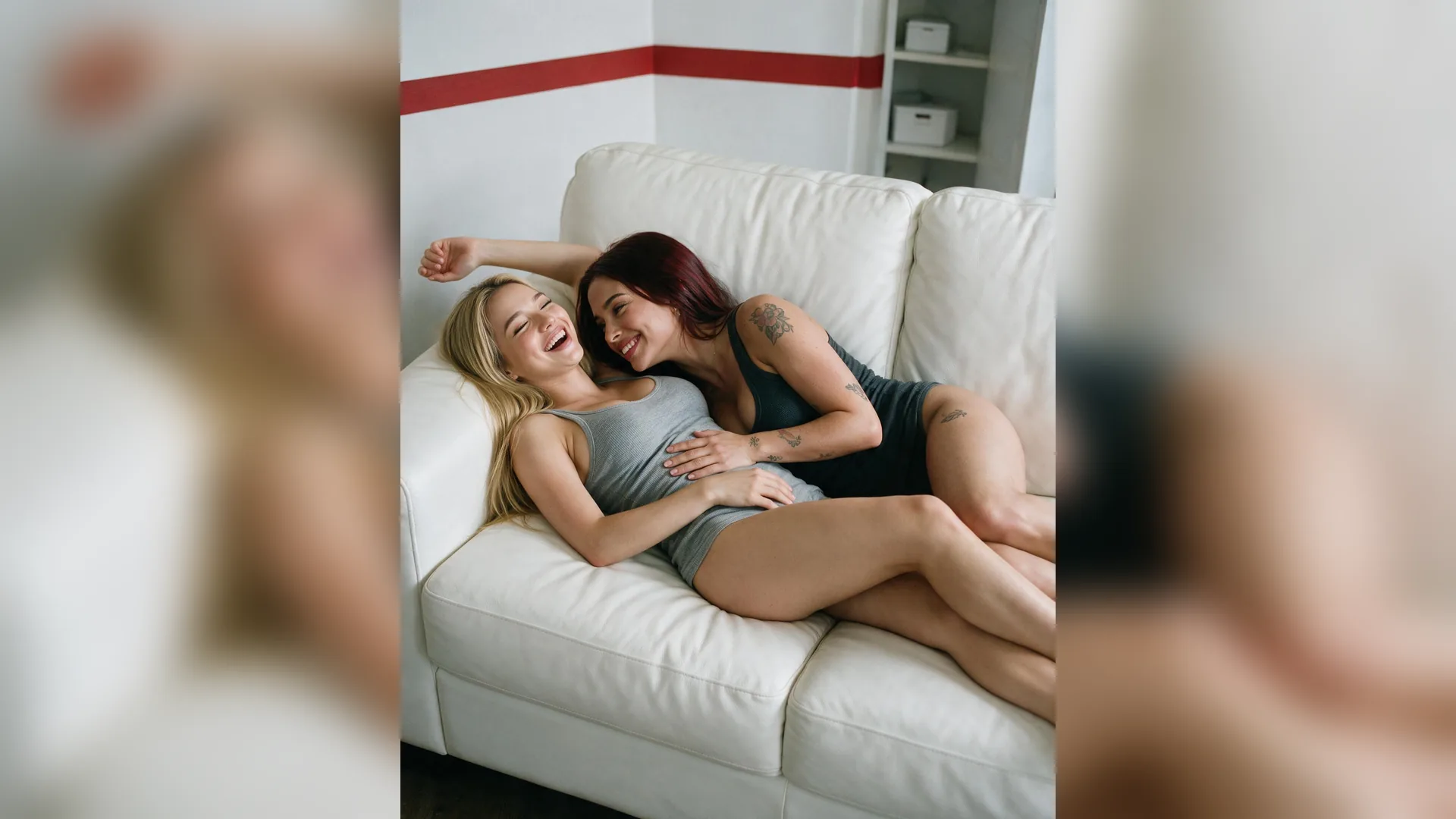
Choose Classic Rainbow, Progress & Pastel, or Neon Aura gradients with natural studio rim lighting instead of flat, pixelated clipart rings.
Generate
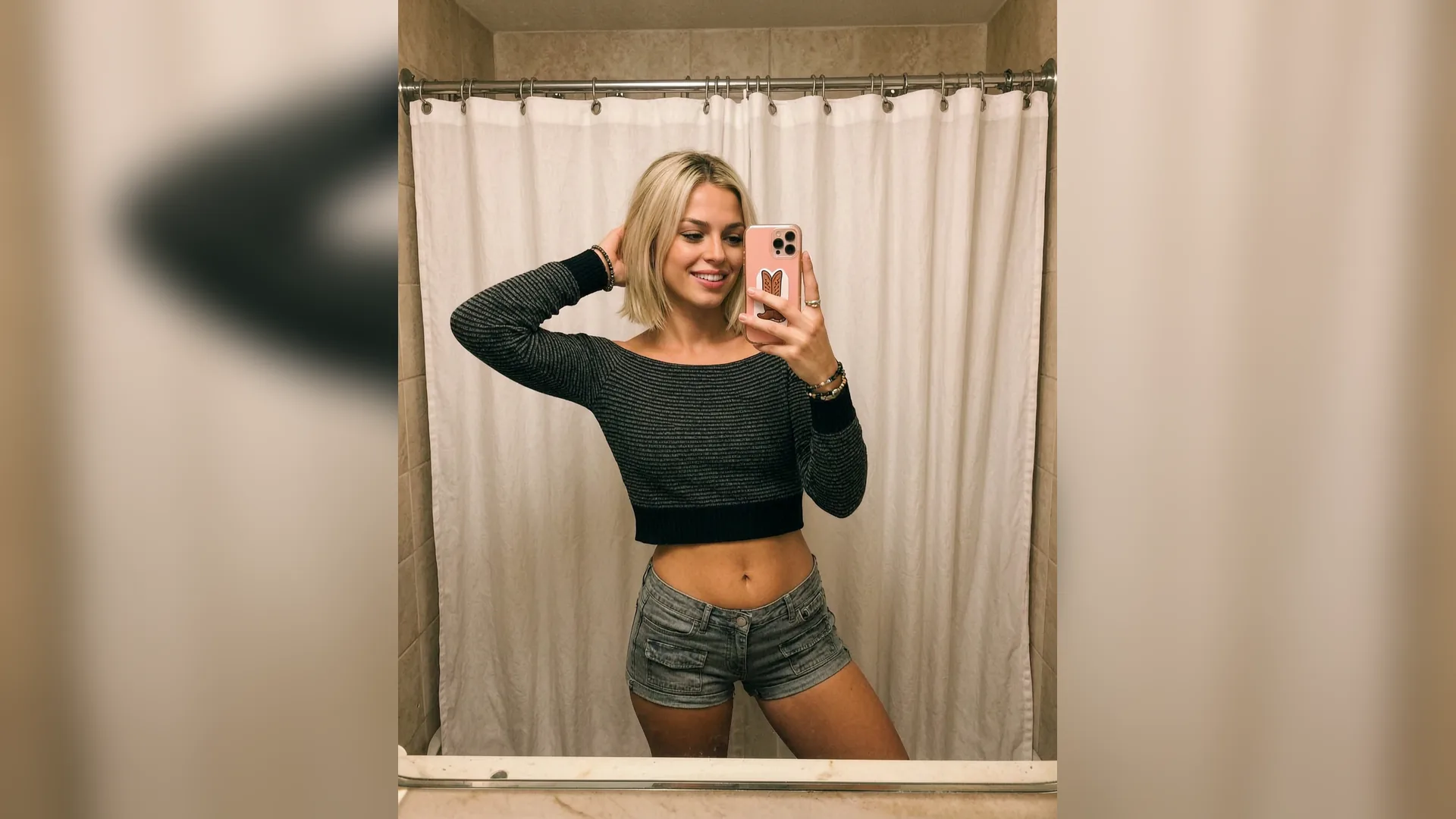
Applies Pride lighting around your silhouette, background, or edge halo so eyes, glasses, and fine hair details remain sharp and centered.
Generate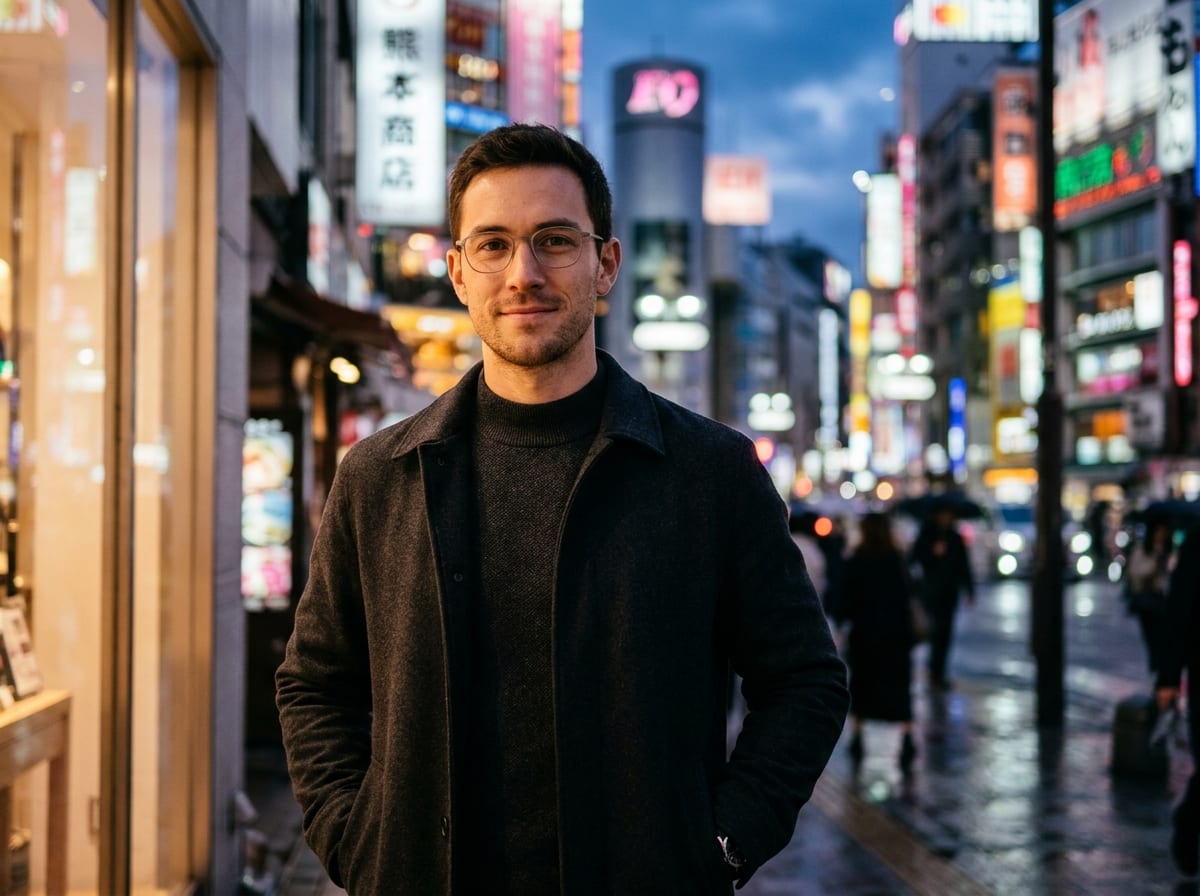
Works seamlessly with real headshots, anime OCs, 3D avatars, and minimalist brand logos uploaded to the Reference slot.
GenerateDrag and drop or upload your portrait photo, anime avatar, or brand icon into the Reference slot so Viralkey Agent preserves your likeness.
Select Classic Rainbow, Progress & Pastel, or Neon Aura, then choose Outer Halo Glow, Backdrop Gradient, or Illustrated Art Filter.
Hit Generate to launch Viralkey Agent with your 1:1 Pride PFP prompt, then preview, download, or tweak intensity in chat.
A great Pride avatar celebrates identity without sacrificing clarity. By separating the luminous Pride gradient into a background wash, soft outer aura, or cohesive illustrated filter, your expression stays crisp even at tiny 40px comment-thread sizes.
Generate
Brands and creator collectives often want Pride Month visuals that feel intentional and on-brand. Use Neon Aura Spectrum or muted Progress pastels alongside your uploaded emblem to keep brand geometry intact while showing authentic support.
Generate
Once your 1:1 square icon is ready, stay in the same Viralkey Agent thread to spin up matching X headers, Discord banners, or subtle campaign variations using the identical color palette.
GenerateSmall framing and lighting choices turn a quick Pride overlay into an avatar you will want to keep all year.
Protect the Center Safe Zone
Circle CropKeep your face or brand mark inside the inner 75% circle so Discord, X, and Instagram rings never clip important details.
Match Lighting to Your Photo
Color HarmonyMatch warm sunlight portraits with pastel or classic Pride hues, and pair studio-lit shots with sleek neon spectrum rims.
Start With a Clean Reference
Source QualityUpload a high-resolution headshot or PNG logo into the Reference slot for crisp edges after social platform compression.
Prefer Light Over Heavy Borders
Editorial PolishSoft gradient halos and subtle rim light read as intentional art direction compared to harsh solid-stripe sticker rings.
Test Light and Dark Feeds
Contrast CheckCheck how your Pride gradient reads on both dark-mode Discord feeds and white LinkedIn profile cards before exporting.
Specify Your Exact Flag Palette
Custom FlagsNeed trans, bi, pan, non-binary, or Progress Pride chevrons? Name the exact flag colors in your prompt for tailored palettes.
Instead of slapping an opaque ring over your headshot, Viralkey Agent places luminous color gradients behind your subject or along a clean 1:1 outer edge so eyes, hair, and facial contours stay completely unobstructed.
Choose your options above, optionally attach reference media, and send your formatted prompt directly to Viralkey Agent.