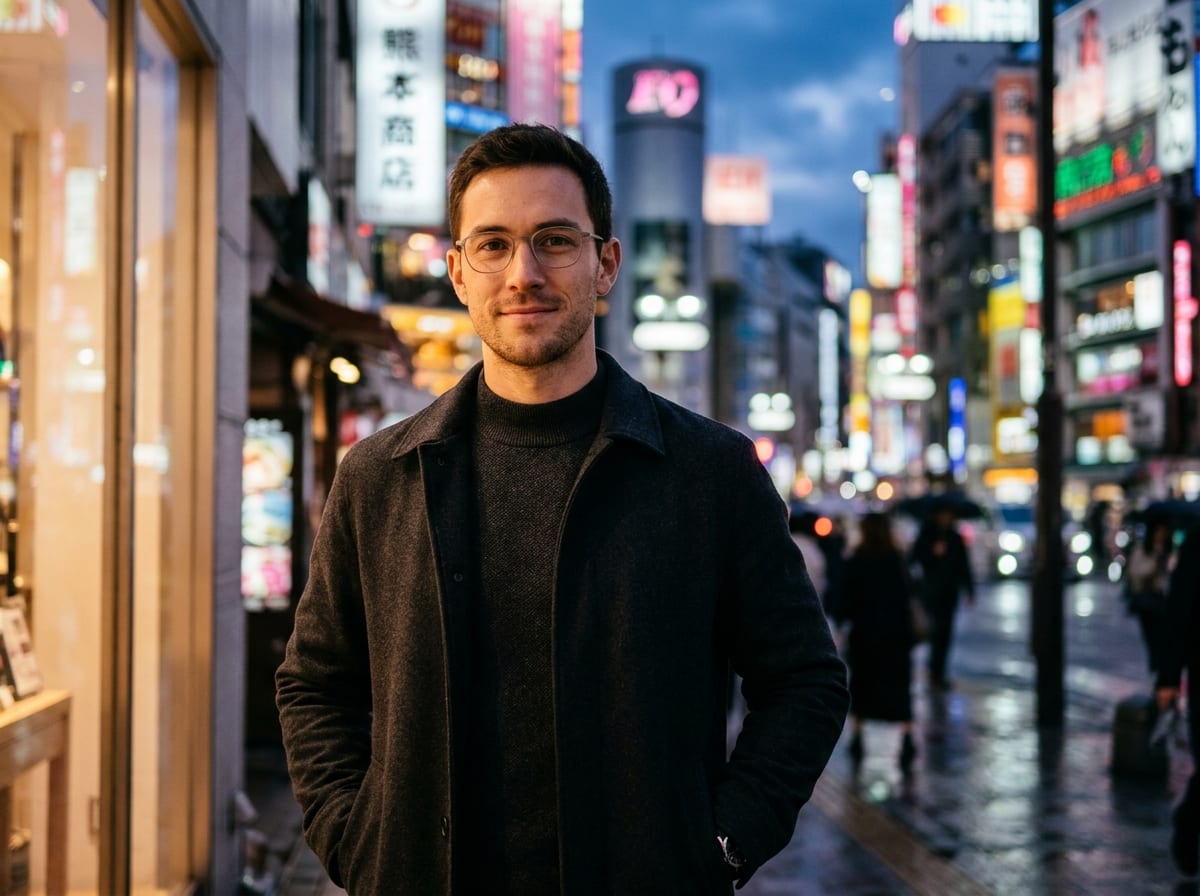

Leave 15% Edge Breathing Room
Circle Safe ZoneTikTok masks corners off a 1:1 square, so keep eyes, hats, headphones, and logos cleanly inside the central circle.
Use this cool TikTok profile picture generator inside Viralkey Agent to craft high-contrast 1:1 avatars framed for TikTok's circular crop. Upload a selfie or pet in Reference—or prompt from scratch—to build an original profile look. Powered by Viralkey Agent · Explore YouTube Profile Picture · Pride PFP Maker · AI Selfie Generator
Describe your TikTok PFP subject, vibe, or custom details
Standard camera-roll photos often look dim when shrunk into a For You feed circle, lose half a chin or ear to the round edge, or blend in like recycled internet avatars. Pick a 3D blind-box toy, Japanese anime, Y2K neon, film portrait, or minimalist icon aesthetic PFP for TikTok, set circle-safe framing and main colors, and optionally attach a selfie or pet in Reference before clicking Generate. Run tailored briefs inside Viralkey Agent or explore model-based creation in the AI Image Generator · Related workflows: YouTube Profile Picture · Pride PFP Maker · AI Selfie Generator
Use this cool TikTok profile picture generator inside Viralkey Agent to craft high-contrast 1:1 avatars framed for TikTok's circular crop. Upload a selfie or pet in Reference—or prompt from scratch—to build an original profile look.

Keeps eyes, faces, and mascot silhouettes centered inside TikTok's circular safe zone so edges never clip key details at feed scale.
Generate
Switch between a 3D avatar PFP for TikTok, cel-shaded Japanese anime, Y2K cyber neon, crisp film portraits, or clean minimalist icons.
Generate
Drop a selfie, pet photo, or character sketch into Reference and pair it with bright rim lighting that pops on dark and light feeds.
GenerateSelect a preset style such as 3D Blind-Box Toy, Japanese Anime, or Y2K Cyber Neon, then pick circle-safe framing and high-contrast colors.
Drag and drop a selfie, pet portrait, or mascot sketch into the Reference upload slot, or type film-portrait and minimal-icon details in the prompt box.
Click Generate to open Viralkey Agent with your 1:1 brief ready, then fine-tune lighting, accessories, or background contrast in chat.
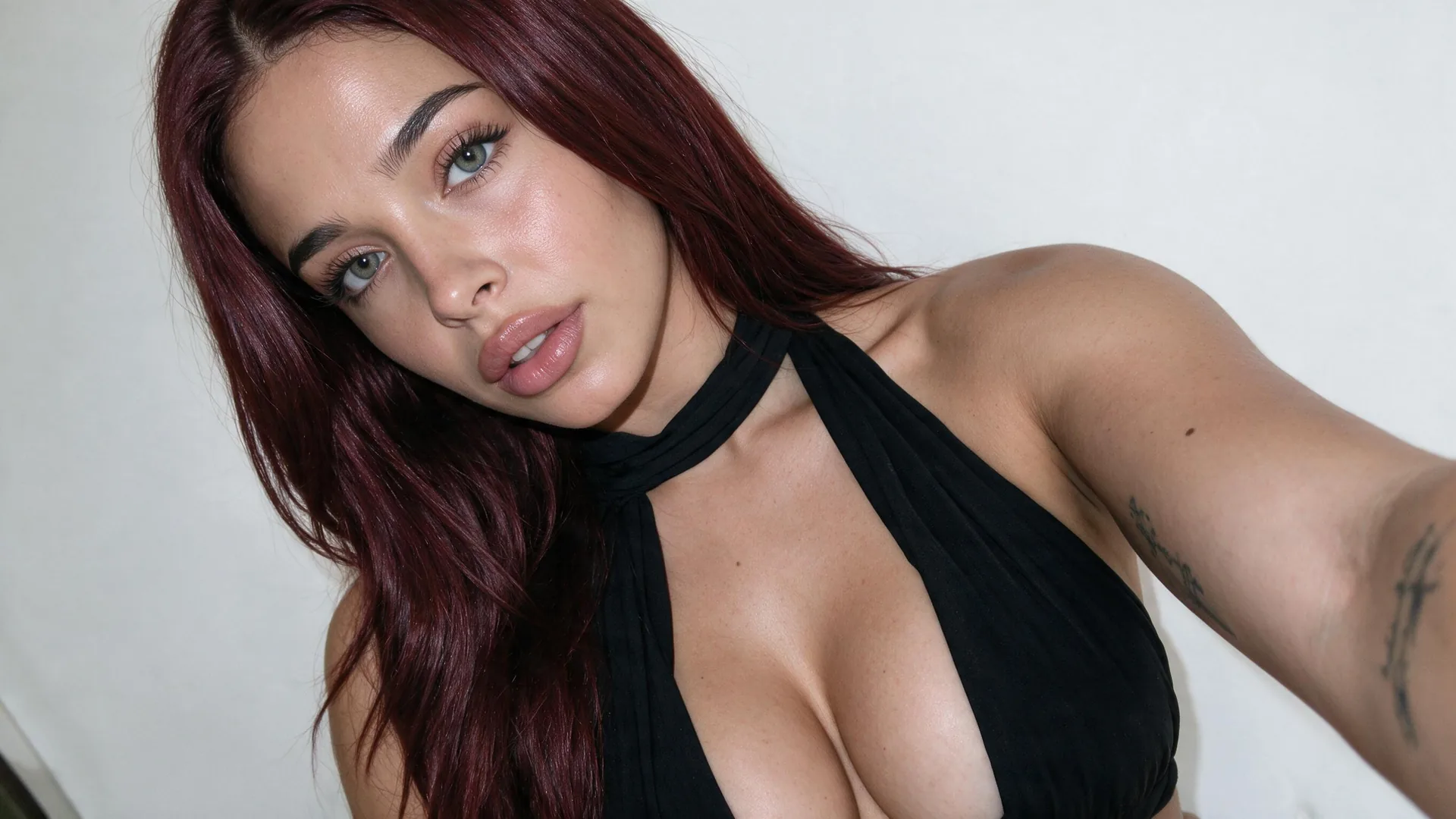
On the For You page, your TikTok PFP shrinks to a tiny circle next to fast-moving video. Clean subject-to-background separation, simplified silhouettes, and bright rim highlights help viewers recognize your account at a glance.
Generate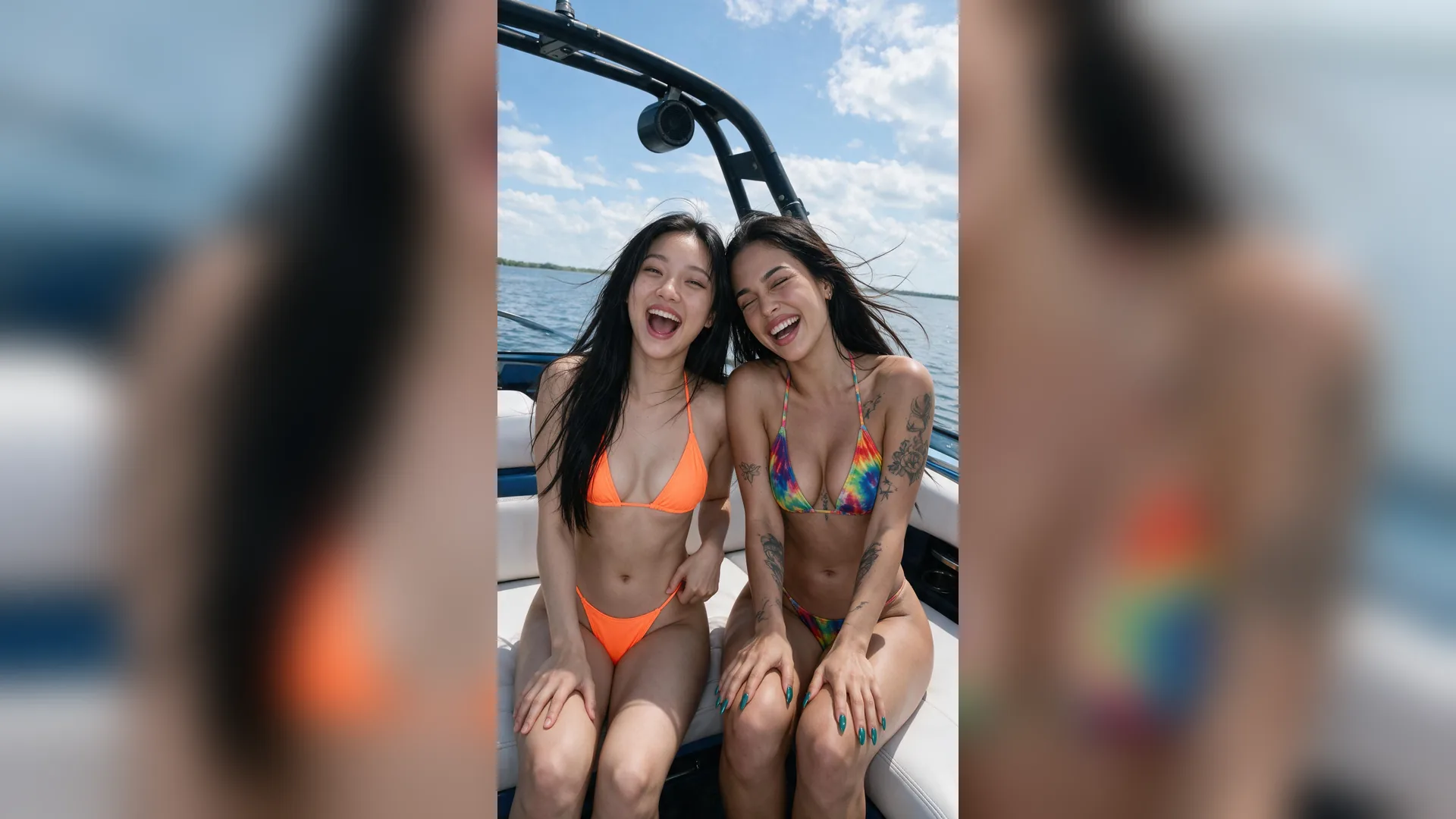
Instead of reusing the same public screenshots as thousands of profiles, use Viralkey Agent as an anime PFP maker TikTok audiences actually remember—turning your pose, glasses, headphones, or pet into original cel-shaded art.
Generate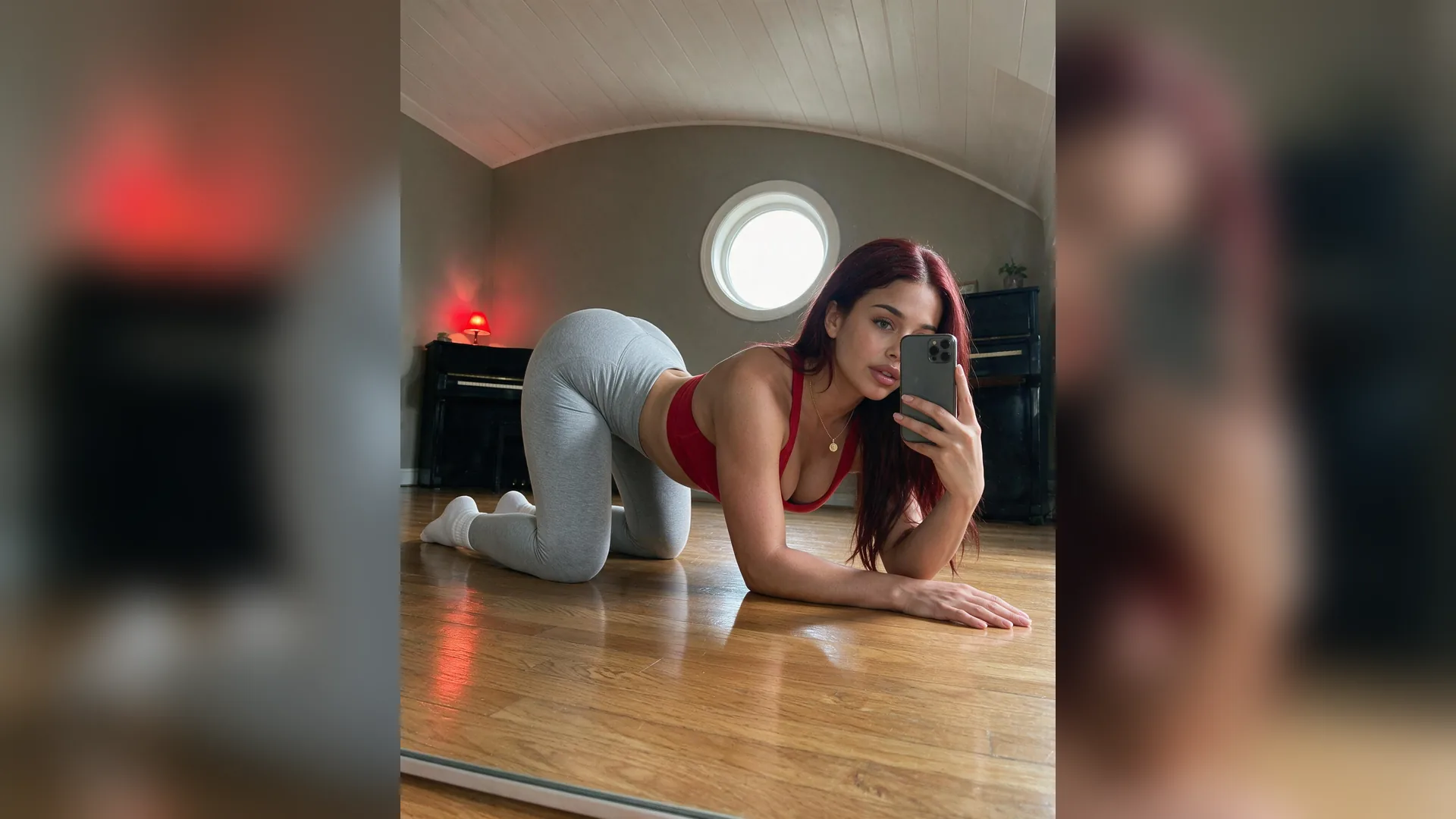
Whether you run a faceless gaming channel, beauty vlog, or pet page, lock in one signature palette and silhouette while refreshing outfits or seasonal themes inside the same Viralkey Agent thread.
GenerateMaximize clarity, personality, and instant recognition in every circular TikTok placement.
Leave 15% Edge Breathing Room
Circle Safe ZoneTikTok masks corners off a 1:1 square, so keep eyes, hats, headphones, and logos cleanly inside the central circle.
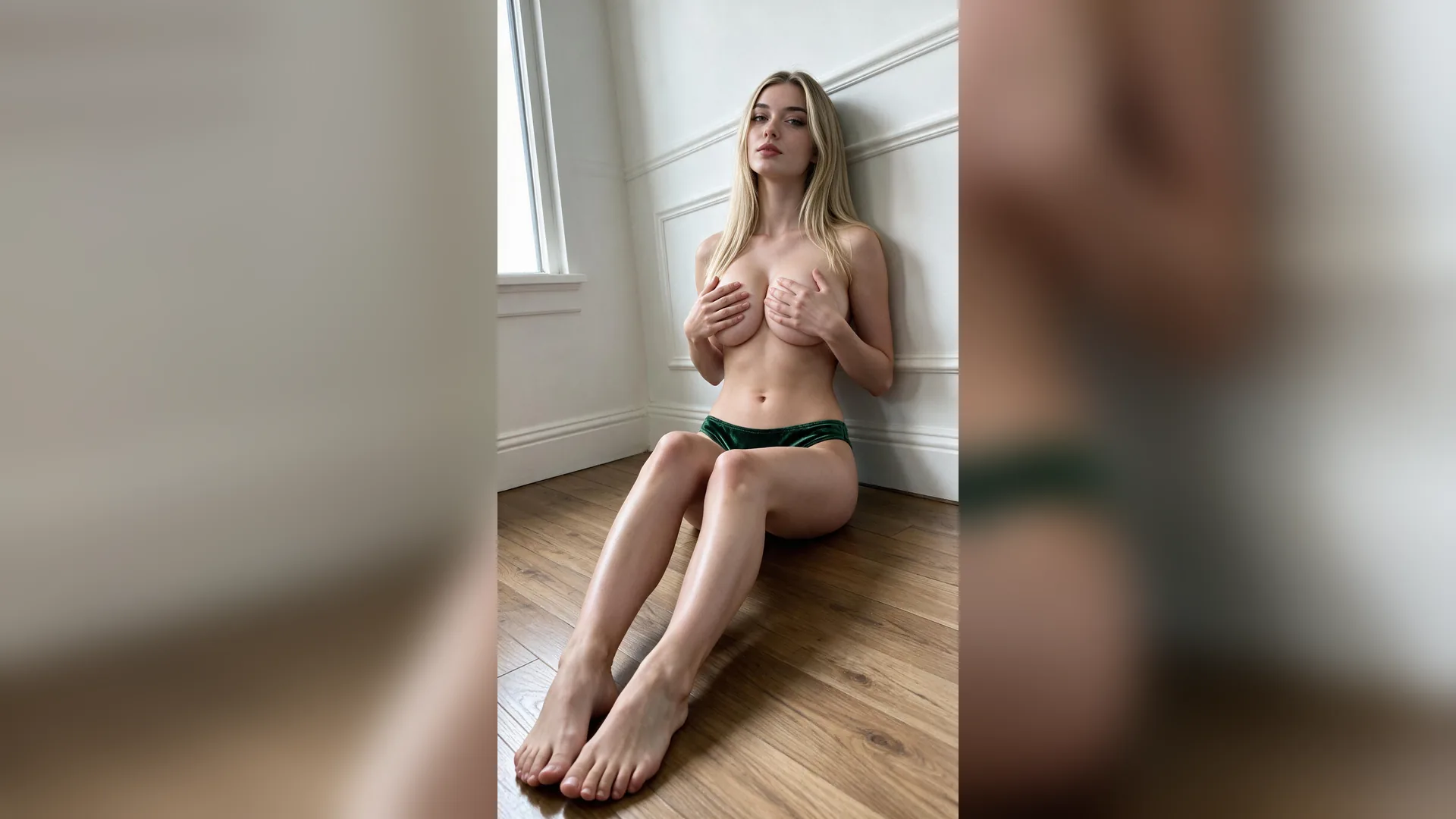
Separate Subject From Backdrop
High ContrastPair dark hair or outfits with a bright rim glow or soft pastel backdrop so your silhouette never melts into dark mode.
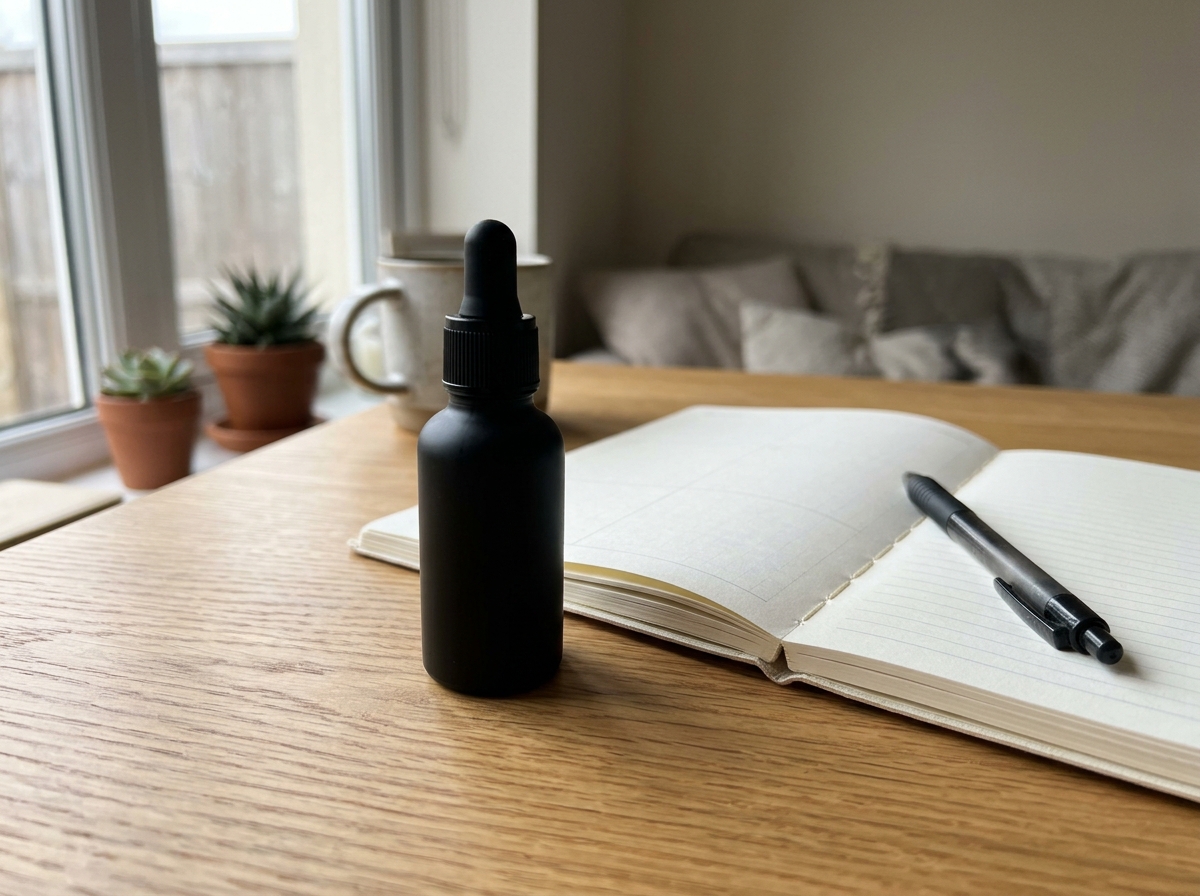
Design for 40px Thumbnails
Small ScaleBold shapes, clear expressions, and one focal subject read far better in the For You feed than busy wide shots.
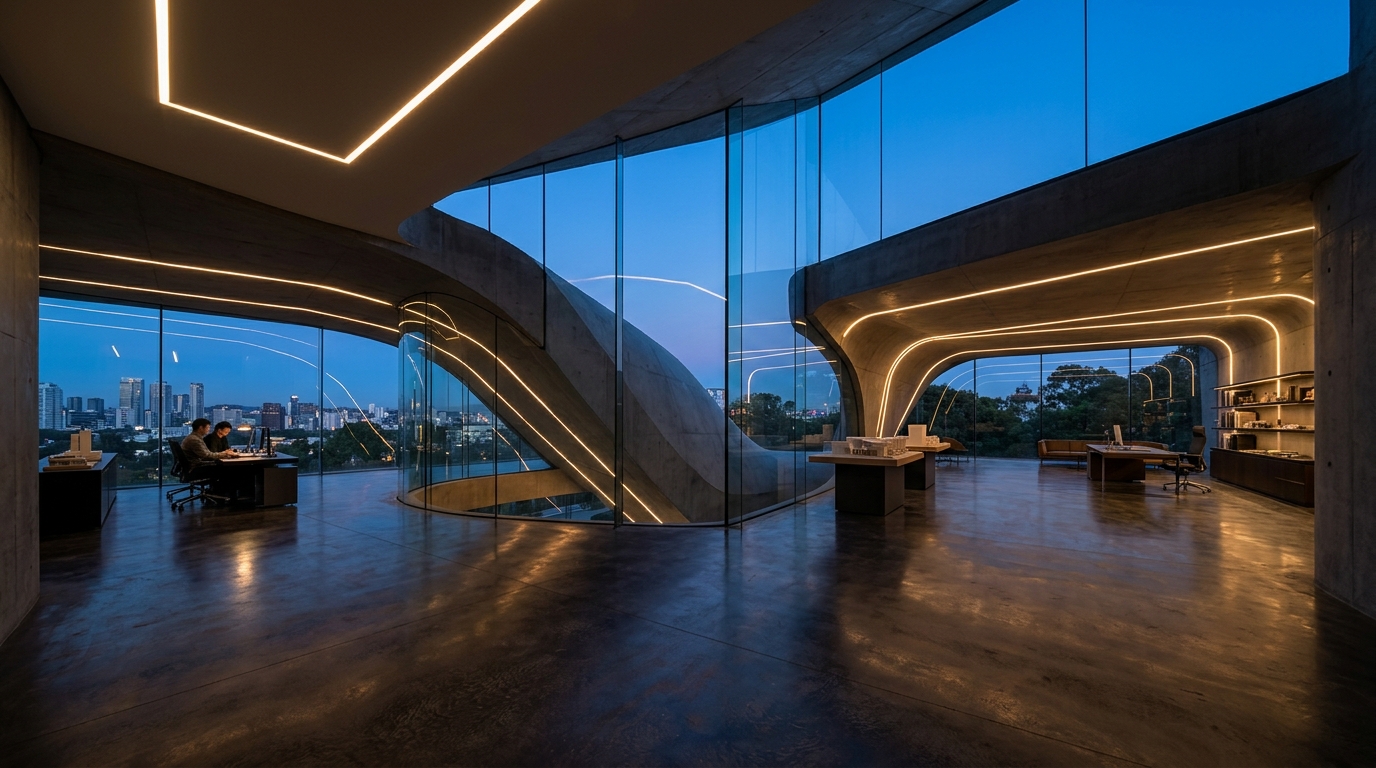
Match Your Niche Mood
Channel IdentityAlign 3D toy, anime, Y2K neon, or warm film-portrait styling with your video niche so profile visitors connect fast.
Skip Tiny Text Overlays
ReadabilityAvoid tiny handles or text blocks inside your PFP—they blur on mobile screens and distract from your face or mascot.
Use Clean Reference Inputs
Reference QualityWhen uploading a selfie or pet photo to Reference, choose an evenly lit, front-facing shot so Viralkey Agent captures likeness cleanly.
TikTok displays profile pictures inside a 1:1 square cropped into a circle, with a minimum upload size of 200x200 pixels. Generating a sharp 1:1 high-resolution image keeps your avatar crisp on mobile and desktop.
Choose your options above, optionally attach reference media, and send your formatted prompt directly to Viralkey Agent.