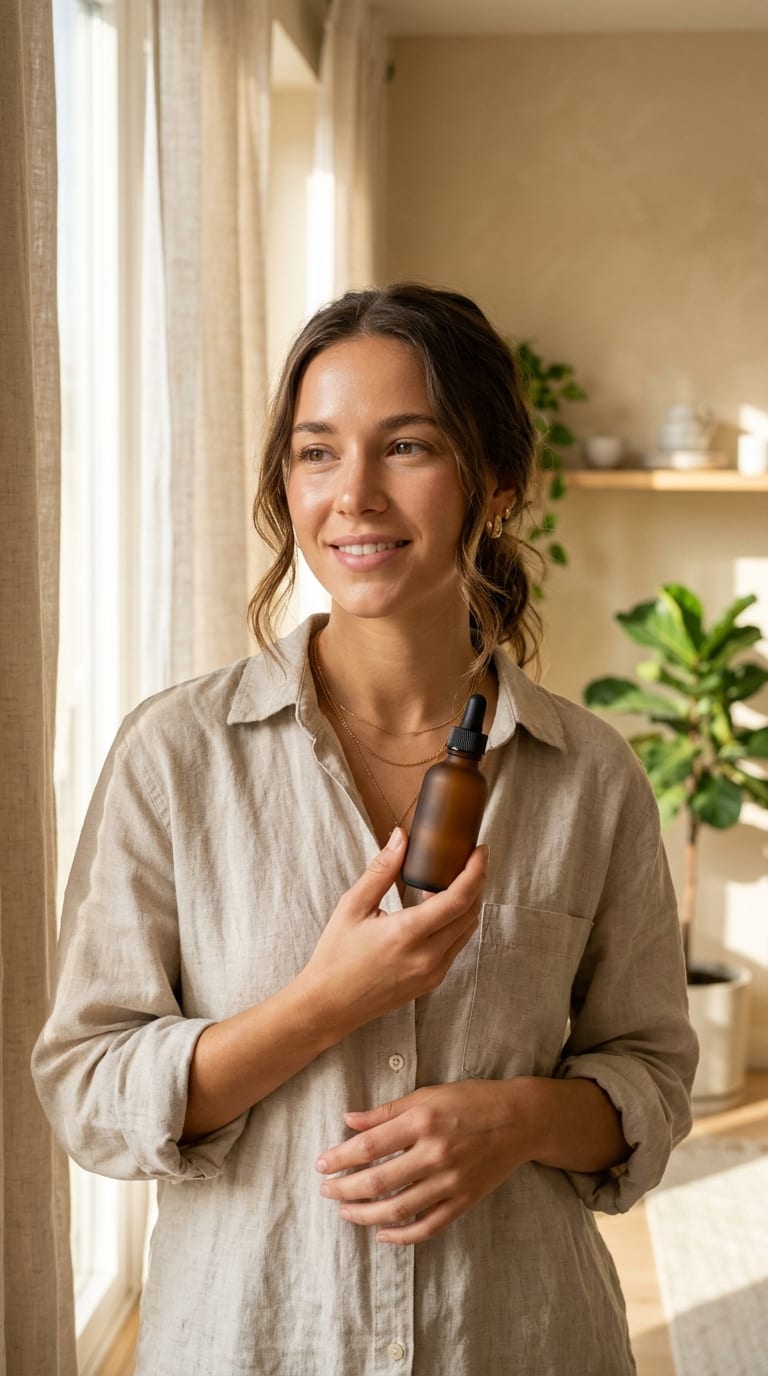




Anchor to One Visual Detail
Visual HookMention a specific color, prop, or candid expression in the prompt box so the caption feels unmistakably tied to your photo.
Turn any photo into five copy-ready social posts with Viralkey Agent—an AI caption for a picture that reads your outfit, lighting, mood, and scene details. Powered by Viralkey Agent · Explore AI Describe Image · AI Caption Generator · Instagram Hashtag Generator
Add photo context, inside jokes, or details you want highlighted
You finally nailed the shot for Instagram, X, or a TikTok photo dump, only to stall on what to write. Generic templates ignore what is actually happening in the frame and strip away your humor. Upload your image in the Reference slot, choose your platform, tone, and emoji density, and Viralkey Agent acts as an Instagram photo caption writer AI and funny picture caption maker—delivering five tailored caption options and relevant hashtags ready to copy. Run tailored briefs inside Viralkey Agent or explore model-based creation in the AI Image Generator · Related workflows: AI Describe Image · AI Caption Generator · Instagram Hashtag Generator
Turn any photo into five copy-ready social posts with Viralkey Agent—an AI caption for a picture that reads your outfit, lighting, mood, and scene details.
Drop your photo into the Reference slot so Viralkey Agent can generate caption from photo AI ideas anchored to real visual details—expressions, outfits, props, and lighting.
Generate
Switch seamlessly between Instagram carousel hooks, punchy X one-liners, and TikTok photo-dump captions, each delivered as five copy-ready variations with tags.
Generate
Dial in witty banter, sleek minimalism, atmospheric storytelling, or engagement questions alongside your preferred emoji level for good captions for a picture every time.
GenerateChoose Instagram, X, or TikTok format, select your writing voice—from witty banter to atmospheric minimal—and set how many emojis to include.
Drag and drop or upload your image into the Reference slot and add any extra backstory, inside joke, or location note in the prompt box.
Click Generate to open Viralkey Agent and receive five tailored captions with matching hashtags, or reply in chat to refine the punchline.
Most caption generators spit out vague one-liners that could fit any random selfie. By reading your uploaded image through the Reference slot, Viralkey Agent spots coffee cups, golden-hour shadows, street fits, and candid expressions so every line feels personal.
Generate
What lands on an Instagram carousel rarely hits the same on X or a TikTok photo mode post. Our instagram photo caption writer AI adapts line breaks, hook pacing, and tag volume to fit each feed without manual rewriting.
Generate
Instead of settling for one stiff draft, generate caption from photo AI outputs in sets of five—mixing dry humor, high-engagement questions, and understated mood lines so you can pick the winner in seconds or ask Agent to sharpen it further.
GenerateTurn visual moments into scroll-stopping social copy without sounding robotic.
Anchor to One Visual Detail
Visual HookMention a specific color, prop, or candid expression in the prompt box so the caption feels unmistakably tied to your photo.
Lead With the Punchline
First LineInstagram and TikTok truncate long captions quickly—put your sharpest hook or question in the first eight words.
Match Emoji Density to Tone
Emoji BalancePair sleek minimalist photos with zero or one subtle emoji, and save playful clusters for casual photo dumps.
Use Questions for Comments
EngagementSelect the Engagement Question tone when you want followers to vote on an outfit, guess a city, or share a hot take.
Trim Redundant Hashtags
Tag HygienePick three to five niche hashtags from the five generated sets instead of stuffing thirty broad tags at the bottom.
Add Brief Backstory Context
Prompt TipDrop a quick note like 'third coffee before 9 AM' or 'rainy Kyoto alley' in the prompt to sharpen humor and specificity.
Upload or drag your photo into the Reference slot, pick your target platform, tone, and emoji density, add optional context in the prompt box, and click Generate. Viralkey Agent inspects your image and returns five copy-ready captions with matching hashtags.
Choose your options above, optionally attach reference media, and send your formatted prompt directly to Viralkey Agent.