

Leave Headroom Above Crown
FramingChoose a portrait with space above your head and beside your shoulders so combs, hairpins, and cascading tulle folds drape cleanly.
Use Viralkey Agent as a virtual wedding veil try on app to test bridal veil styles on photo portraits—from cathedral trains to pearl and French short veils—with natural sheer lighting. Powered by Viralkey Agent · Explore AI Photo Editing for Couples · AI Selfie Generator · AI Image Combiner
Describe your bridal veil details or hair placement
Scheduling multiple bridal boutique fittings takes weeks, while manual Photoshop overlays often leave tulle edges looking stiff and flat. Upload your front-facing or half-body portrait to the Reference slot, choose a veil silhouette, tulle sheerness, and lighting preset below, then click Generate to add veil to wedding photo ai results seamlessly in Viralkey Agent. Run tailored briefs inside Viralkey Agent or explore model-based creation in the AI Image Generator · Related workflows: AI Photo Editing for Couples · AI Selfie Generator · AI Image Combiner
Use Viralkey Agent as a virtual wedding veil try on app to test bridal veil styles on photo portraits—from cathedral trains to pearl and French short veils—with natural sheer lighting.

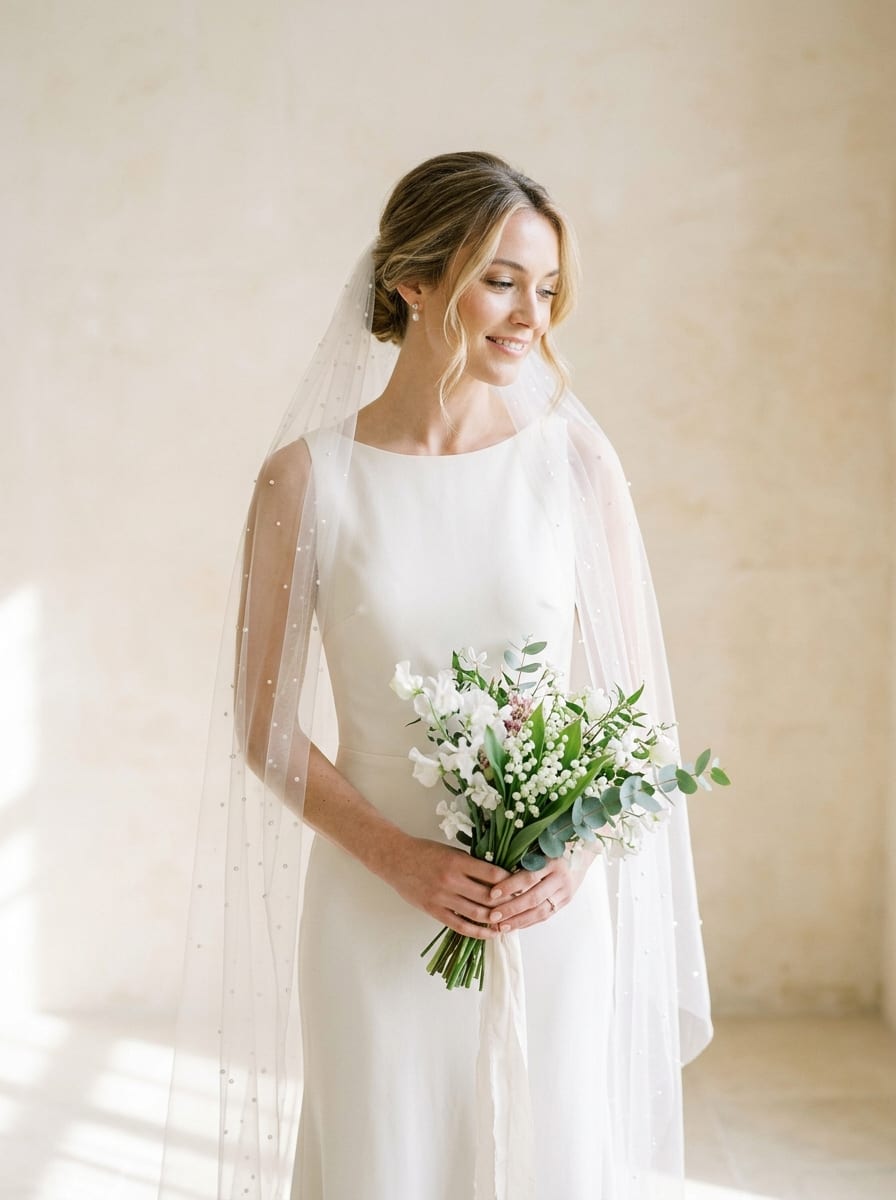
Switch effortlessly between sweeping cathedral trains, classic fingertip lengths, pearl-scattered tulle, and retro French short veils tailored to your gown neckline.
Generate
Acts as a precision wedding veil overlay editor ai workflow that preserves hair texture, shoulder contours, and skin tones beneath semi-transparent mesh and scalloped lace.
Generate
Built-in lighting presets harmonize rim glow, ambient bounce, and soft shadow falloff so your ai bridal veil generator preview fits either studio portraits or golden-hour frames.
GenerateDrag and drop or upload a clear front-facing, three-quarter, or half-body bridal portrait into the Reference slot so Viralkey Agent keeps your face, hairstyle, and dress intact.
Choose your preferred veil length, fabric translucency, and scene lighting preset, or describe custom pearl placement and comb height in the prompt box.
Click Generate to open Viralkey Agent with your tailored brief, compare veil variations side by side, and refine drape length or lighting in chat.
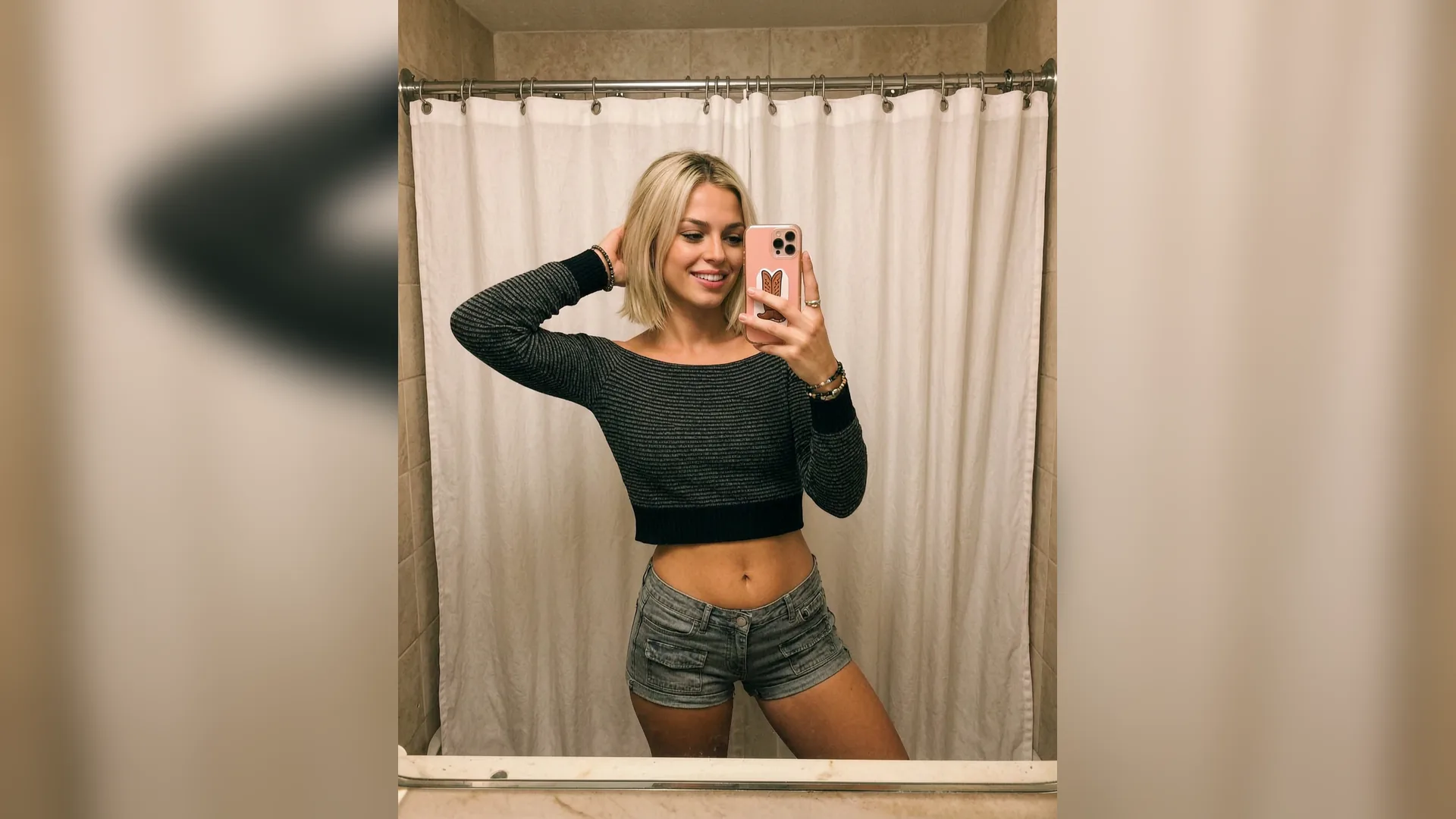
When you test bridal veil styles on photo references beforehand, you can narrow down cathedral, chapel, or fingertip proportions against your actual dress bodice before committing to custom orders or salon appointments.
Generate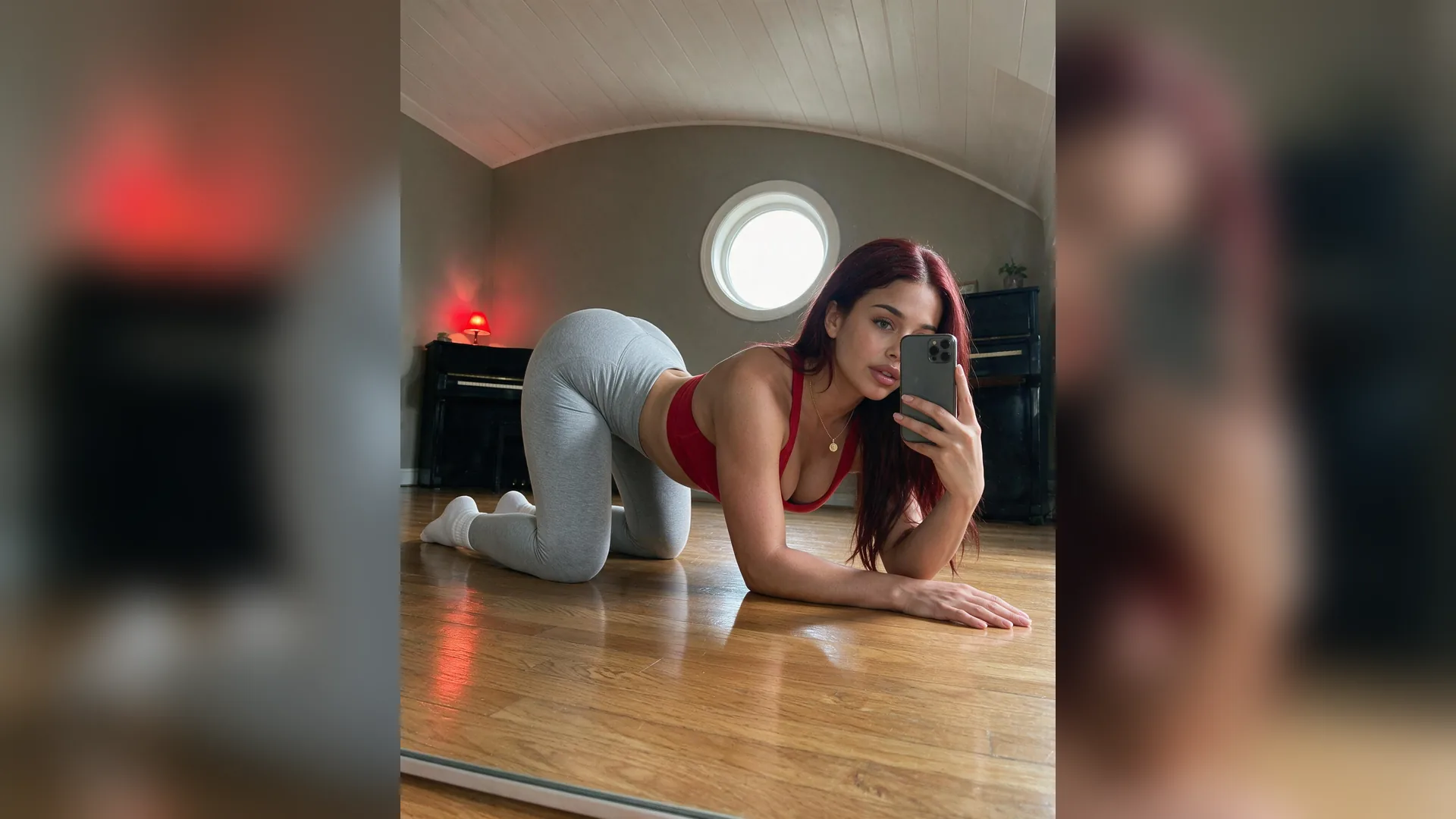
Unlike flat sticker overlays, this ai bridal veil generator approach renders subtle mesh folds, specular pearl highlights, and soft backlit edges that follow your head angle and ambient light.
Generate
Use Viralkey Agent as a fast wedding veil overlay editor ai workspace to generate clean visual mockups for wedding planners, custom lace ateliers, or pre-shoot moodboards in one thread.
GenerateFollow these framing and styling tips for natural, boutique-grade veil previews.
Leave Headroom Above Crown
FramingChoose a portrait with space above your head and beside your shoulders so combs, hairpins, and cascading tulle folds drape cleanly.
Match Veil To Neckline
ProportionsPair minimalist short or fingertip veils with detailed backs and beading, or try cathedral trains with clean satin gowns.
Pick Appropriate Sheerness
TranslucencySheer illusion tulle keeps earrings and collarbones visible, while layered silk tulle adds softer contrast against busy backgrounds.
Align With Hair Styling
PlacementMention whether you wear a low chignon, half-up curls, or sleek updo so Agent anchors the veil comb naturally.
Match Scene Light Direction
LightingSelect the lighting preset closest to your photo's key light so backlit tulle edges glow realistically without looking pasted.
Keep Dress Details Sharp
ReferenceUpload an unblurred high-resolution portrait into the Reference slot so lace bodices and facial features stay faithful.
Upload a clear front-facing or half-body portrait into the Reference slot, choose your veil style, fabric sheerness, and lighting environment, then click Generate. Viralkey Agent renders the veil draped naturally over your hair and shoulders.
Choose your options above, optionally attach reference media, and send your formatted prompt directly to Viralkey Agent.