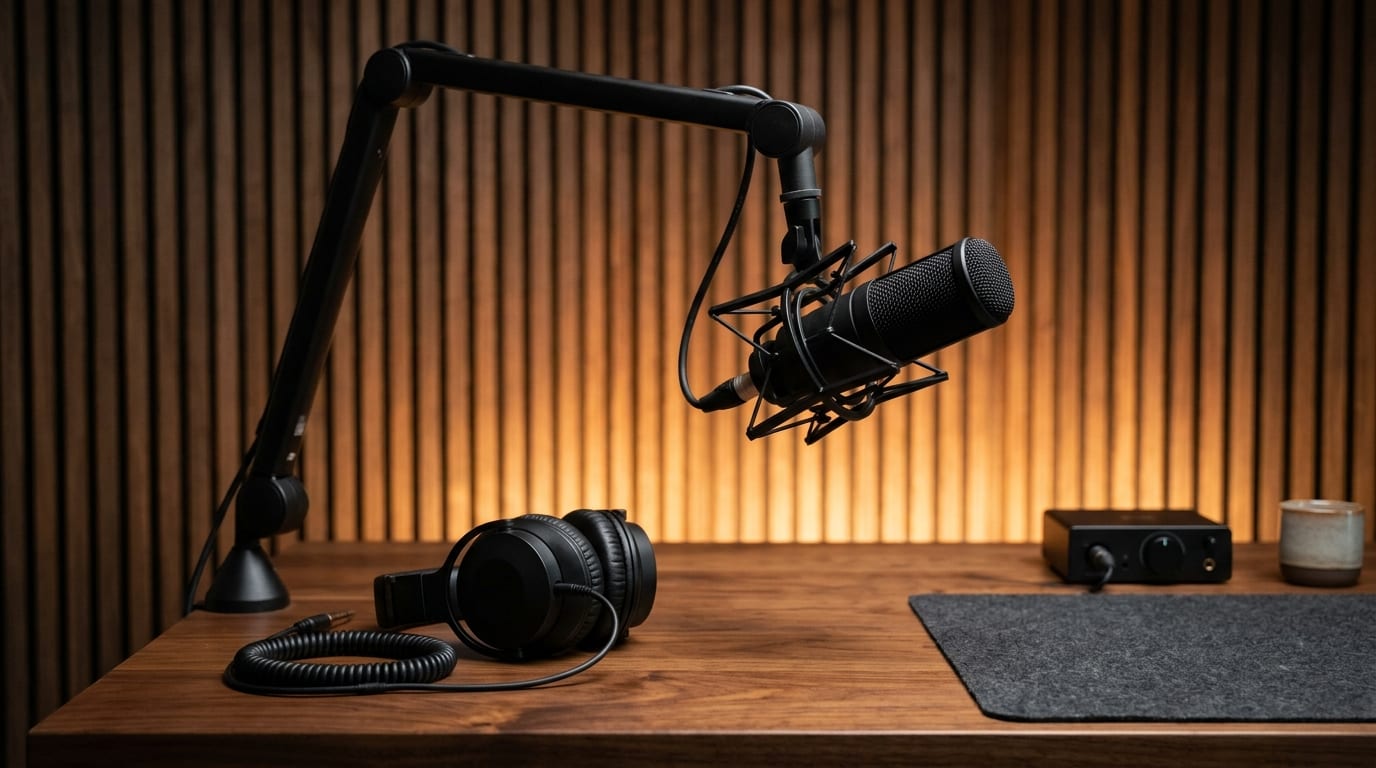







Speak in Clear Beats
PacingPause briefly between distinct ideas when recording so Viralkey Agent can segment hooks, proof points, and takeaways cleanly.
Turn recorded voice memos and spoken brainstorms into filler-free transcripts, filming scripts, and social posts inside Viralkey Agent—an online voice recorder and transcriber workflow built for fast publishing. Powered by Viralkey Agent · Explore Transcribe Audio to Text · Transcription and Translation · MP3 Transcription
Describe your recording context or paste raw voice notes
Founders, talking-head creators, and podcasters capture their best ideas in quick voice notes—then rarely revisit the audio because raw transcripts are packed with 'um,' 'uh,' and rambling false starts. Configure your recording scenario, filler-cleanup level, and output template below, drop your audio into the Reference slot or paste rough spoken notes, and click Generate so Viralkey Agent delivers audio memo to text AI cleanup whenever you record voice and convert to script drafts, storyboard cues, or publish-ready threads. Send briefs straight into Viralkey Agent or jump to AI Video and Text to Video · Related workflows: Transcribe Audio to Text · Transcription and Translation · MP3 Transcription
Turn recorded voice memos and spoken brainstorms into filler-free transcripts, filming scripts, and social posts inside Viralkey Agent—an online voice recorder and transcriber workflow built for fast publishing.
Automatically strips verbal tics like 'um,' 'uh,' false starts, and circular phrasing without flattening your natural founder or creator voice.
Generate
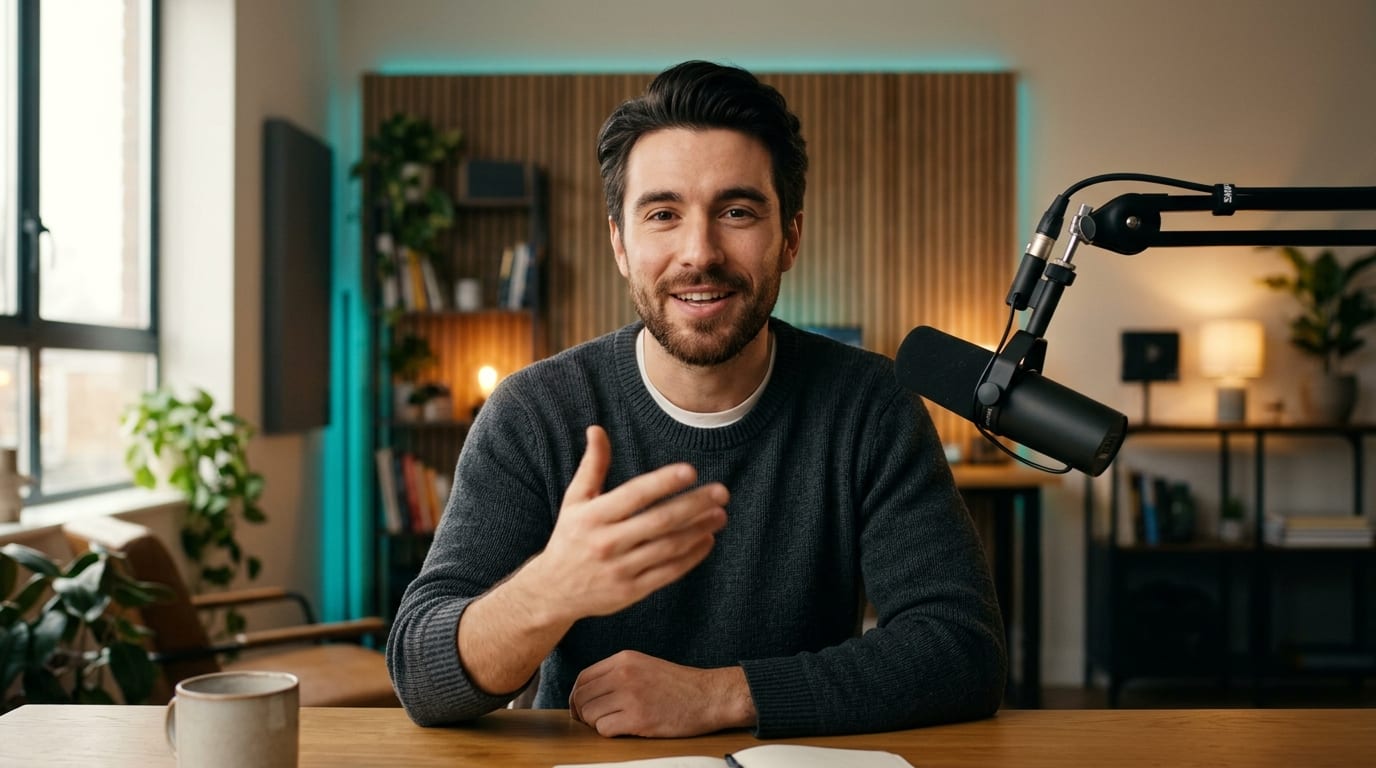
Converts raw spoken brain dumps directly into TikTok talking-head scripts, X threads, podcast outlines, or visual storyboard cues in one step.
Generate
Distills rambling meeting clips or solo walk-and-talk memos into scannable bullet summaries, decisions, and actionable next steps.
GenerateSelect a recording scenario, choose how aggressively to strip filler words, and pick your target output format such as a storyboard script or summary.
Drag and drop an exported voice memo, audio file, or video clip into the Reference slot, or paste raw dictated voice notes directly into the prompt box.
Click Generate to launch Viralkey Agent with your configured prompt and receive a clean transcript plus ready-to-use scripts, posts, or takeaways.

Standard speech-to-text tools dump every hesitation, repetition, and mid-sentence restart onto the page, forcing you to rewrite from scratch. Configuring cleanup intensity before clicking Generate removes verbal clutter while keeping the energy of your original thought.
Generate
Whether you record three-minute car thoughts for TikTok, outline a solo podcast episode, or summarize a founder sync, presets tailor the pacing, hook placement, and bullet structure to how you actually publish.
Generate
Beyond simple transcripts, this speech recorder with AI summary workflow turns spoken takeaways into storyboard beats, X threads, and action-item lists you can keep iterating on inside Viralkey Agent.
GenerateGet cleaner transcripts and stronger social scripts from every voice note you capture.
Speak in Clear Beats
PacingPause briefly between distinct ideas when recording so Viralkey Agent can segment hooks, proof points, and takeaways cleanly.
Upload Clear Recordings
Audio QualityRecord away from heavy wind or café echo whenever possible, or include brief context in the prompt box for domain jargon.
Name Target Platforms
Channel FitMention whether the final draft is for TikTok, Xiaohongshu, X, or a team doc so sentence length matches the channel.
Keep Your Cadence
Tone ControlChoose Light Polish or Clean Edit when you want the script to sound like your real speaking rhythm on camera.
Pair Lines With Visuals
Visual ScriptingSelect Clean Transcript + Storyboard Cues to get suggested on-screen text and visual cutaways alongside your spoken lines.
Batch Multi-Topic Memos
WorkflowDrop one multi-topic brainstorm recording into the Reference slot and ask Agent to split it into three separate short posts.
Upload an exported voice memo or audio clip into the Reference slot—or paste rough dictated text—and select Clean Edit or Tight Rewrite. Viralkey Agent strips 'um,' 'uh,' repeated words, and rambling tangents while preserving your core point.
Choose your options above, optionally attach reference media, and send your formatted prompt directly to Viralkey Agent.