

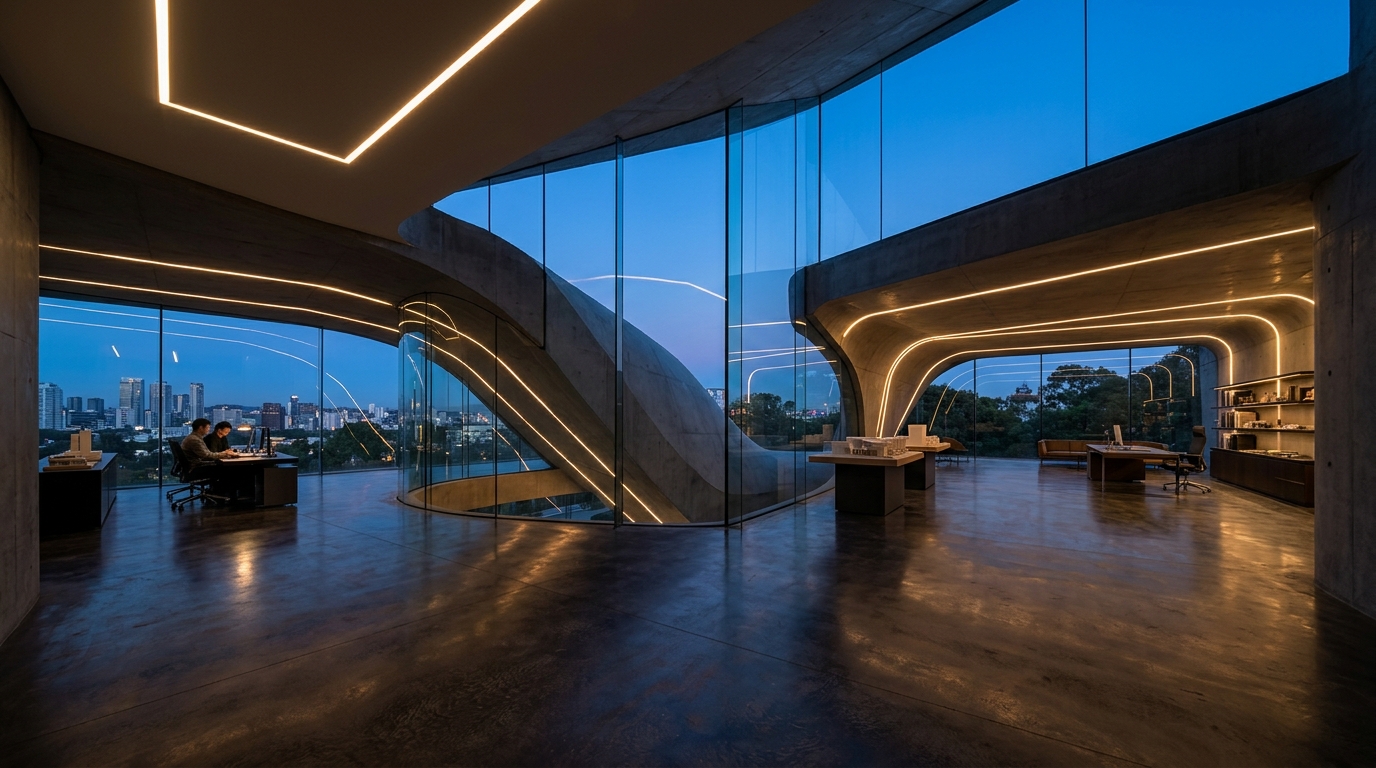
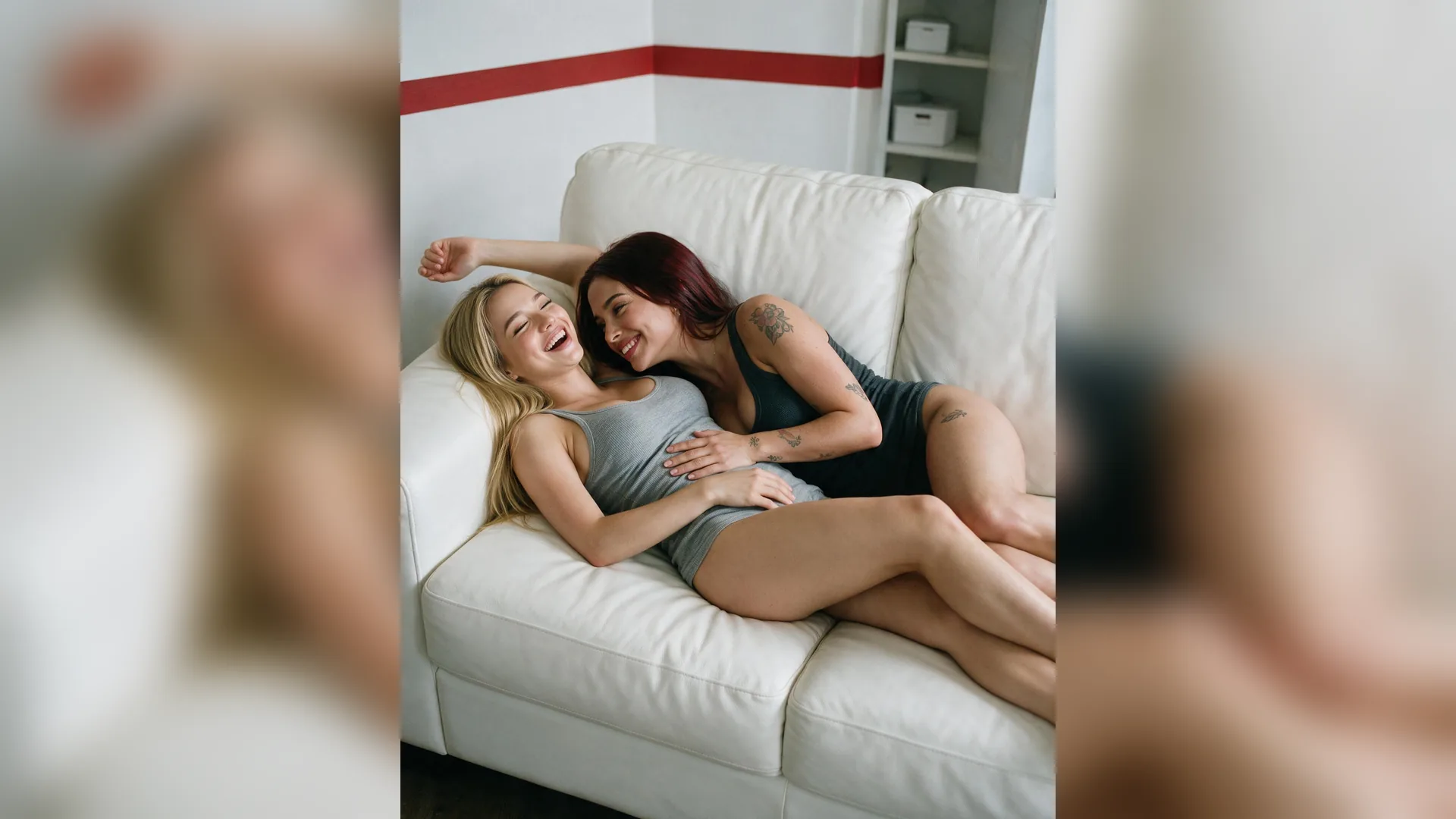

Never Stretch 9:16 Frames
Aspect RatioStretching a vertical screenshot to 16:9 warps faces and text instantly; always outpaint the background instead.
Turn vertical 9:16 Reels, Shorts, or square frames into crisp 1280×720 widescreen covers with Viralkey Agent. Use our Shorts to YouTube thumbnail resizer and 16:9 outpaint workflow to extend backgrounds without clipping heads or adding black bars. Powered by Viralkey Agent · Explore White Screen YouTube Banner · Banner Maker · TikTok Thumbnail Extractor
Describe how to extend your background or frame space for text
Cross-posting TikTok or Reels clips to YouTube often leaves you with only a 9:16 screenshot—forcing a painful choice between slicing off the top of your head, stretching faces out of proportion, or slapping on black bars that drag down click-through rate. Upload your source image into the Reference slot, pick a target ratio (1280×720, 2560×1440, or Shorts 9:16), choose natural background expansion or subject-left text framing, toggle sharpness enhancement, and click Generate to build a clean cover in Viralkey Agent. Run tailored briefs inside Viralkey Agent or explore model-based creation in the AI Image Generator · Related workflows: White Screen YouTube Banner · Banner Maker · TikTok Thumbnail Extractor
Turn vertical 9:16 Reels, Shorts, or square frames into crisp 1280×720 widescreen covers with Viralkey Agent. Use our Shorts to YouTube thumbnail resizer and 16:9 outpaint workflow to extend backgrounds without clipping heads or adding black bars.
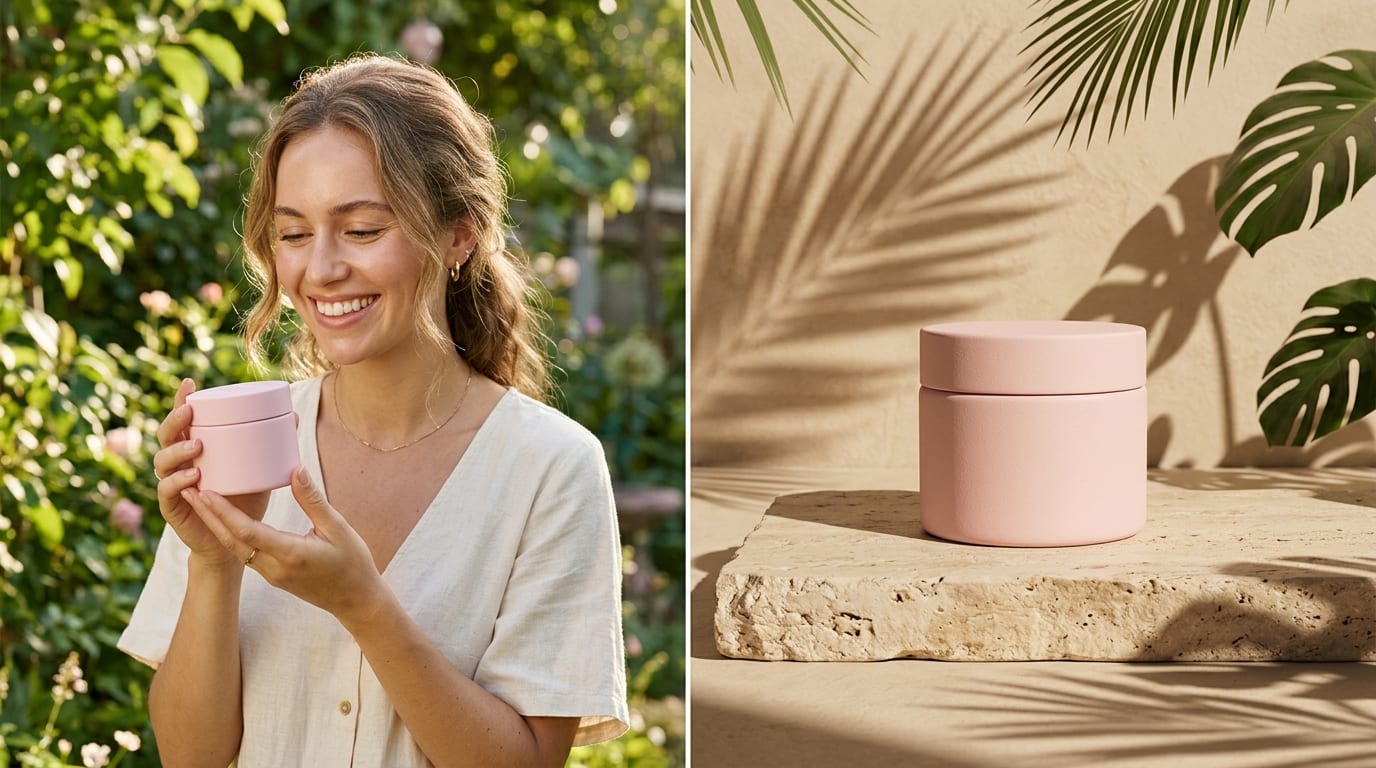
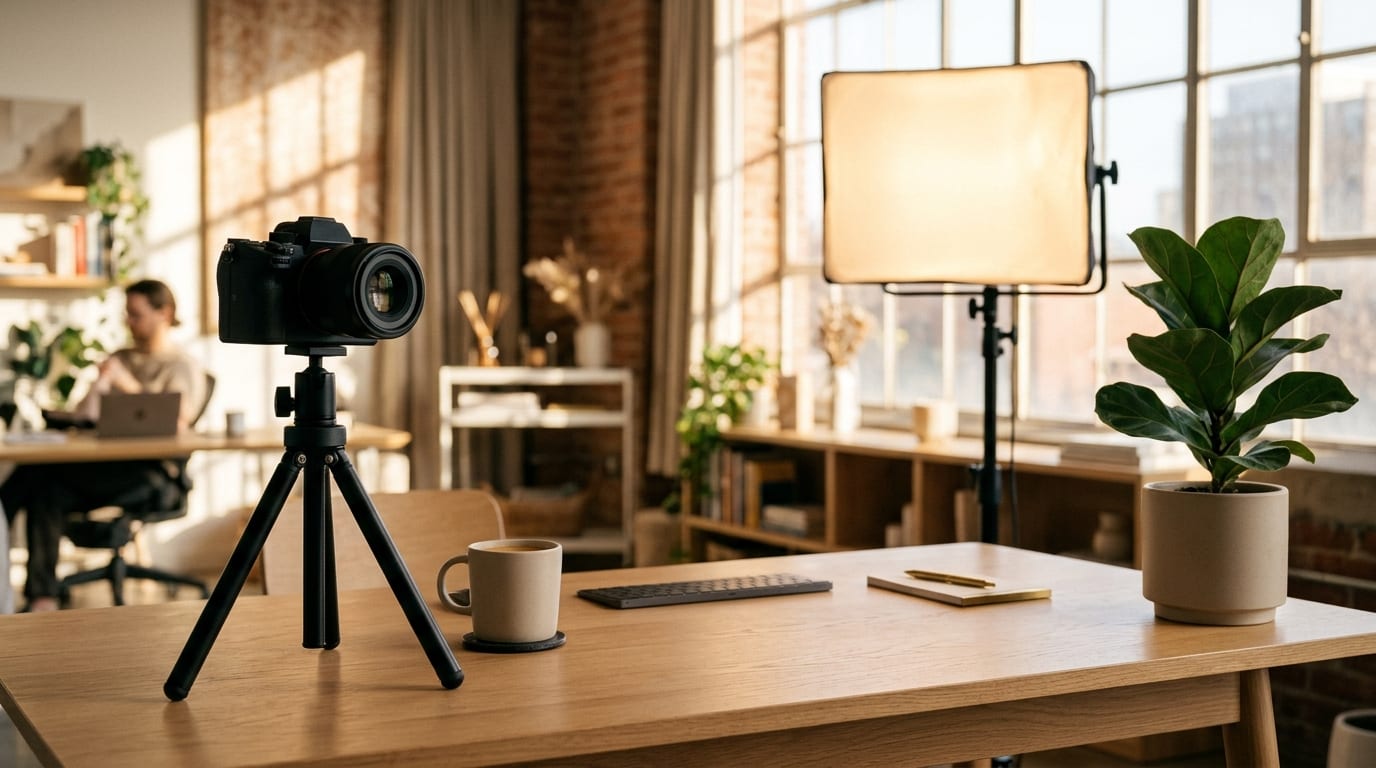
Uses smart 16:9 thumbnail outpaint logic to extend studio walls, street scenes, and lighting naturally instead of slicing faces or adding black pillarbox bars.
Generate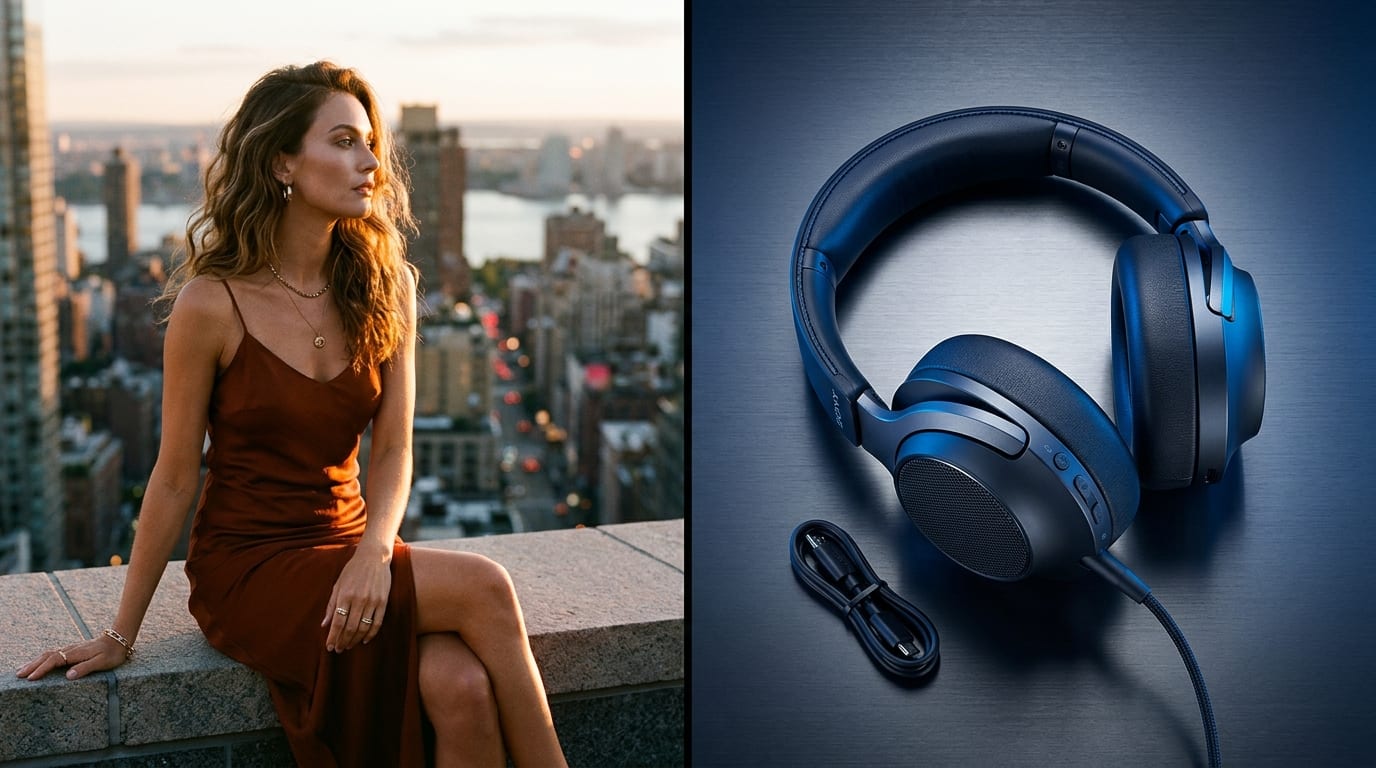
Switch seamlessly between YouTube 1280×720 (16:9), crisp 2560×1440 (2K), and Shorts 1080×1920 (9:16) with clean framing ready for compression under 2MB.
Generate
Shift your speaker cleanly to one side to reserve uncluttered negative space for bold thumbnail titles, paired with a crisp detail enhance toggle for small mobile feeds.
GenerateSelect YouTube 1280×720, 2560×1440, or Shorts 9:16, pick Natural Background Expand or Shift Subject Left, and set your Sharpness Enhancement option.
Drag and drop or upload your exported 9:16 frame, square photo, or video still into the Reference slot, and optionally describe the headline area or scene extensions.
Hit Generate to launch Viralkey Agent with your framing instructions, then download your 16:9 cover or refine lighting and text space in chat.
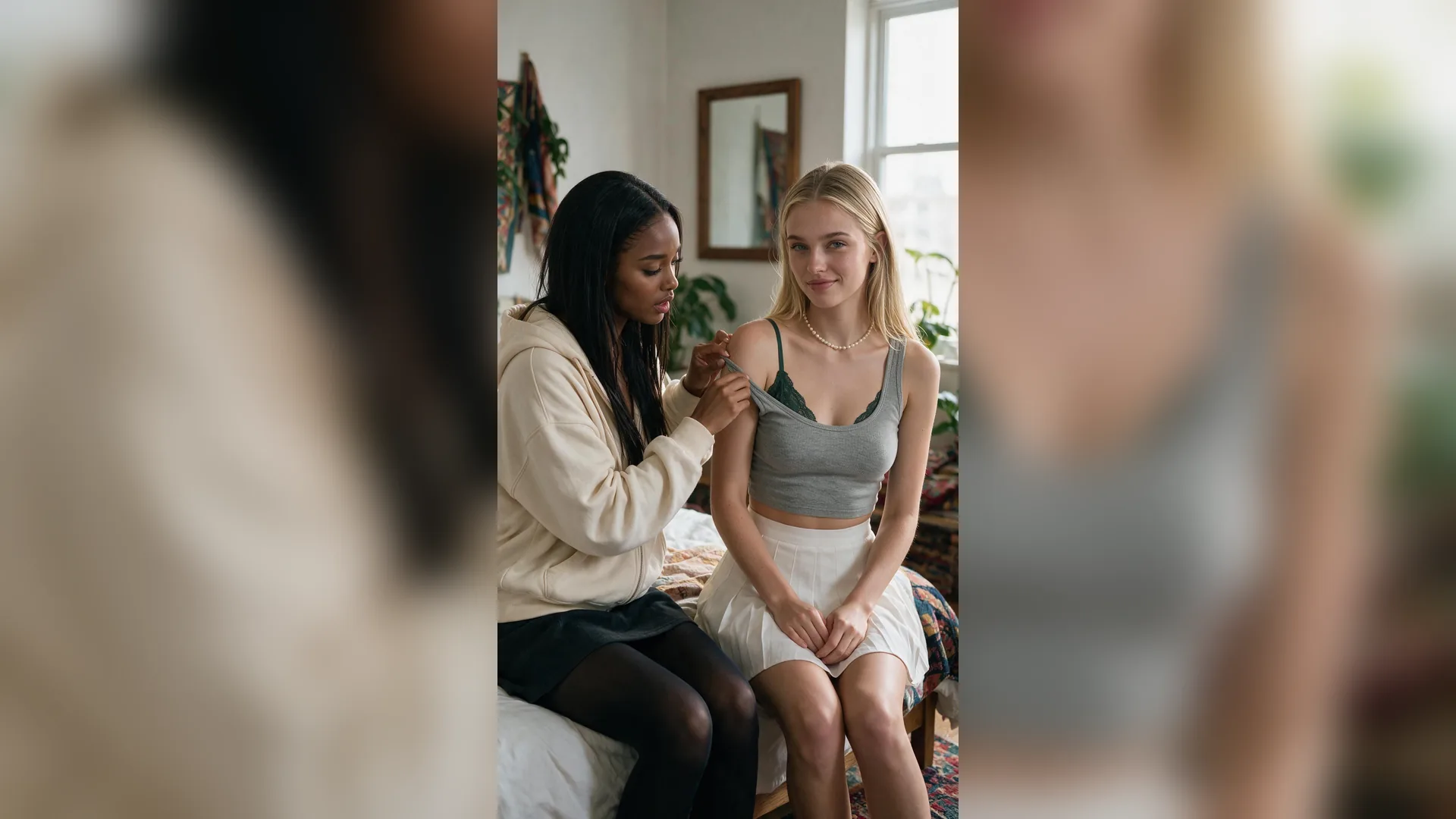
When you resize an image for a YouTube thumbnail 1280x720 frame by stretching or letterboxing, viewers spot the amateur framing immediately in Home and Suggested feeds. Natural scene expansion fills the full 16:9 canvas with matching depth, color, and perspective.
Generate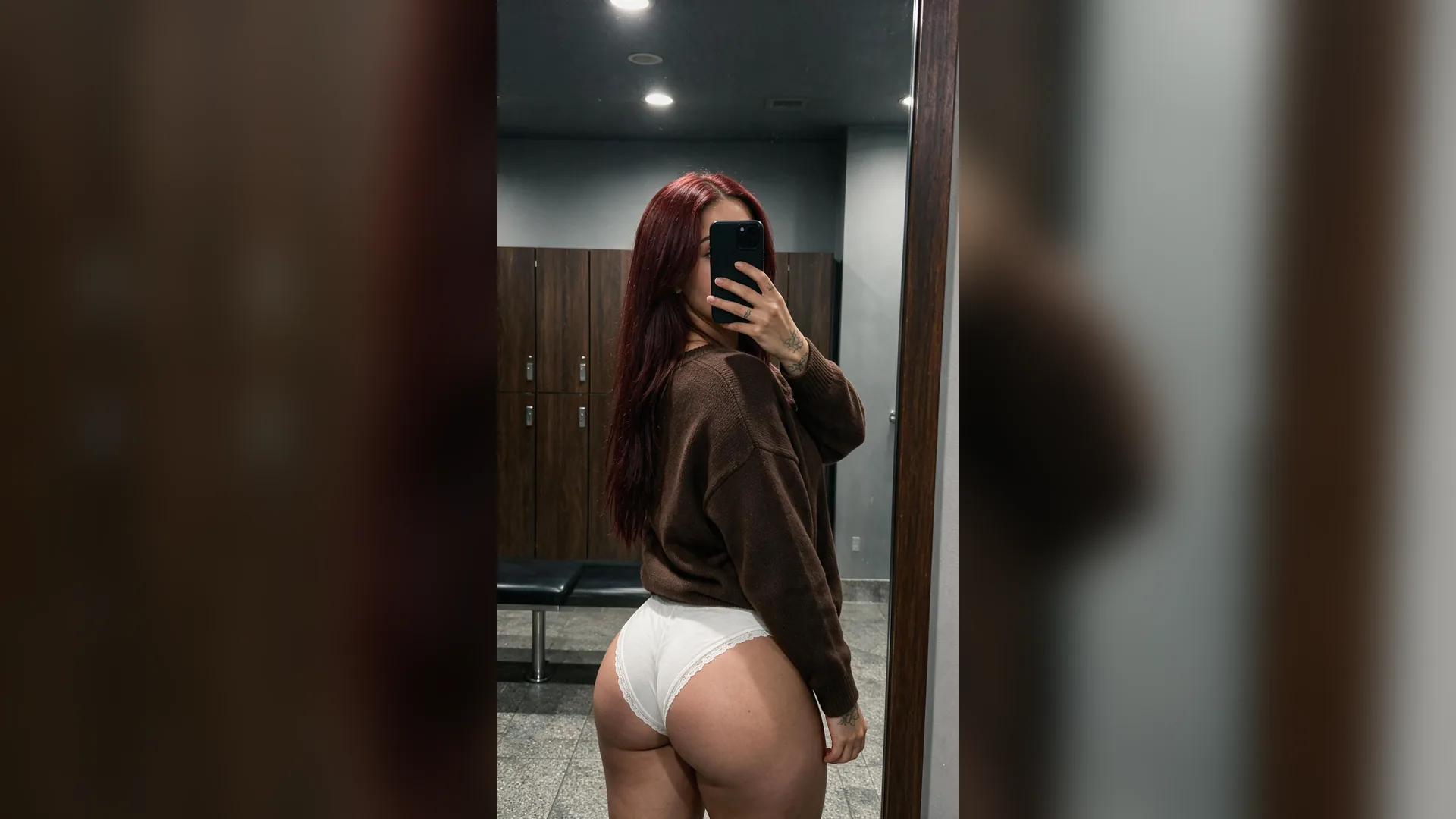
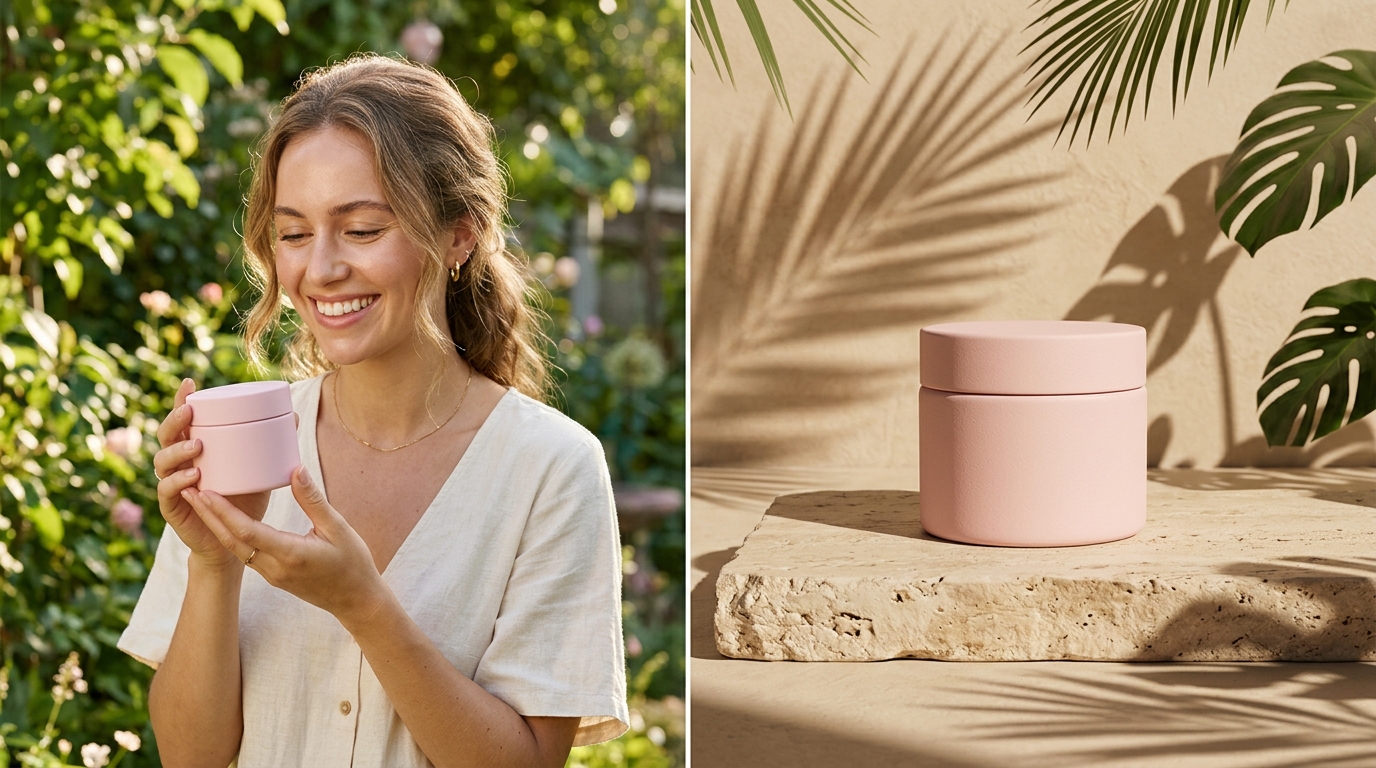
Great YouTube covers pair an expressive face with high-contrast text. Using Shift Subject Left or Right pushes your focal point out of the center so your hook typography stays legible without covering your subject.
Generate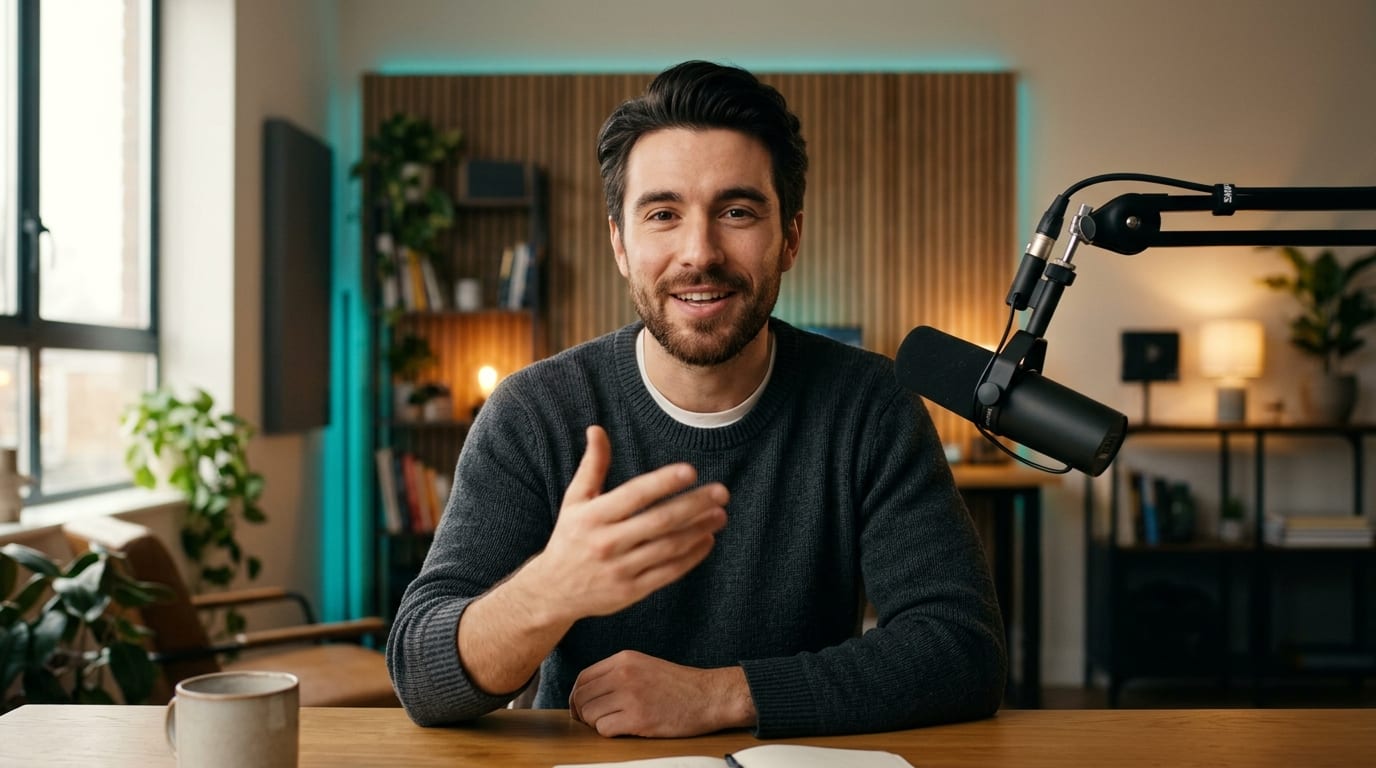
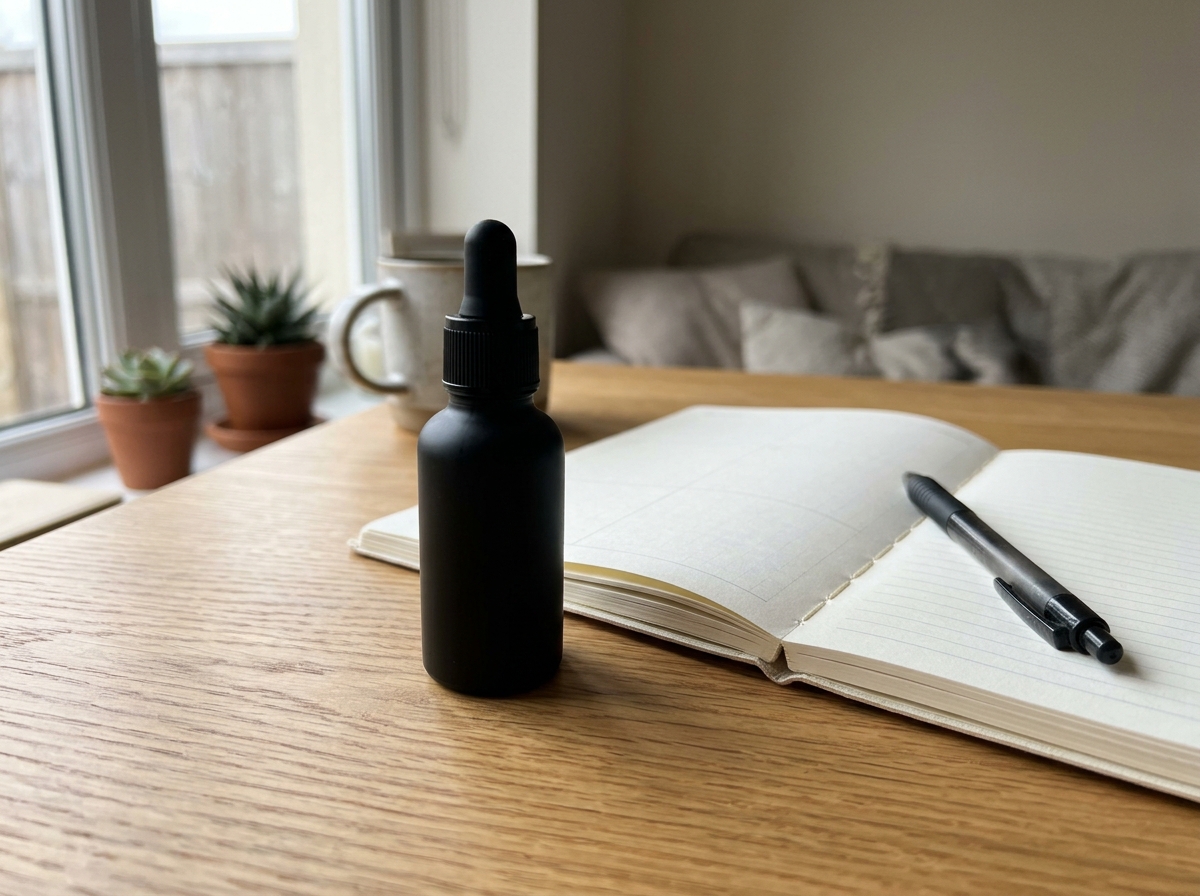
YouTube enforces a strict 2MB file ceiling alongside a 1280×720 minimum width. Turning on Crisp Detail Enhance keeps eyes, hair edges, and textures sharp even when you compress your YouTube thumbnail under 2MB as a final JPEG or PNG.
GenerateAvoid common crop, compression, and layout traps before publishing to YouTube.
Never Stretch 9:16 Frames
Aspect RatioStretching a vertical screenshot to 16:9 warps faces and text instantly; always outpaint the background instead.
Leave Bottom-Right Clear
Timestamp ZoneKeep important text and logos out of the lower-right corner where YouTube overlays the video duration badge.
Shift Subject for Headlines
Rule of ThirdsPlace your speaker on the left or right third so 2–4 word thumbnail hooks sit over clean negative space.
Check Mobile Feed Scale
SharpnessPreview your 1280×720 cover at tiny phone-feed size; Crisp Detail Enhance helps eyes and edges stay readable.
Watch the 2MB File Cap
File WeightYouTube rejects thumbnails over 2MB; export crisp 1280×720 JPEGs when rich photographic backgrounds bloat PNG size.
Match Source Lighting
CohesionDescribe your original room, studio color, or outdoor lighting in the prompt so extended edges blend seamlessly.
Upload your vertical or square still into the Reference slot, choose YouTube 1280×720 (16:9), and pick Natural Background Expand or Shift Subject Left. Viralkey Agent extends the surrounding scene horizontally so your subject stays intact.
Choose your options above, optionally attach reference media, and send your formatted prompt directly to Viralkey Agent.