




Design for the 3:4 Profile Grid
Grid SafeKeep headlines and key facial expressions inside the central 3:4 window so TikTok's 3-column profile grid never slices off words.
Extract thumbnail from TikTok video clips or frame screenshots, strip away right-side UI clutter, and restyle high-CTR 9:16 covers inside Viralkey Agent. Powered by Viralkey Agent · Explore YouTube Thumbnail Resizer · Remove TikTok Watermark Free · PFP for TikTok
Paste video notes, timestamp, or new cover headline text
Taking a manual phone screenshot of a TikTok video leaves you with soft compression blur and right-side like, comment, and caption overlays blocking the frame. Upload your exported clip or captured frame into the Reference slot below, pick your extraction mode and optional headline text, and click Generate so Viralkey Agent outputs a clean HD cover ready for TikTok, Reels, and Shorts. Send briefs straight into Viralkey Agent or jump to AI Video and Text to Video · Related workflows: YouTube Thumbnail Resizer · Remove TikTok Watermark Free · PFP for TikTok
Extract thumbnail from TikTok video clips or frame screenshots, strip away right-side UI clutter, and restyle high-CTR 9:16 covers inside Viralkey Agent.

Upload an exported clip or frame capture into Reference to isolate crisp keyframes free of motion blur and heavy mobile screenshot compression.
Generate
Functions as a clean TikTok thumbnail UI remover by erasing right-side engagement icons, captions, and progress bars while naturally reconstructing hidden areas.
Generate
Use the built-in TikTok video cover maker AI workflow to swap cluttered backgrounds and add unified 9:16 hook headlines for Reels and Shorts.
GenerateChoose Extract Clean Cover Frame, Remove UI Overlays, or Restyle 9:16 Title Cover, then pick your finish and output aspect ratio.
Drag and drop or upload your exported clip or frame screenshot into the Reference slot, and optionally enter your cover headline or timestamp notes.
Click Generate to open Viralkey Agent with your presets loaded, then download your clean HD cover or refine typography in chat.

Creators and social managers analyzing top-performing hooks or cross-posting vertical videos rarely want raw screenshots covered in engagement icons. Uploading your clip or screenshot into Reference lets Viralkey Agent reconstruct occluded pixels and deliver a clean frame for reference boards or fresh edits.
Generate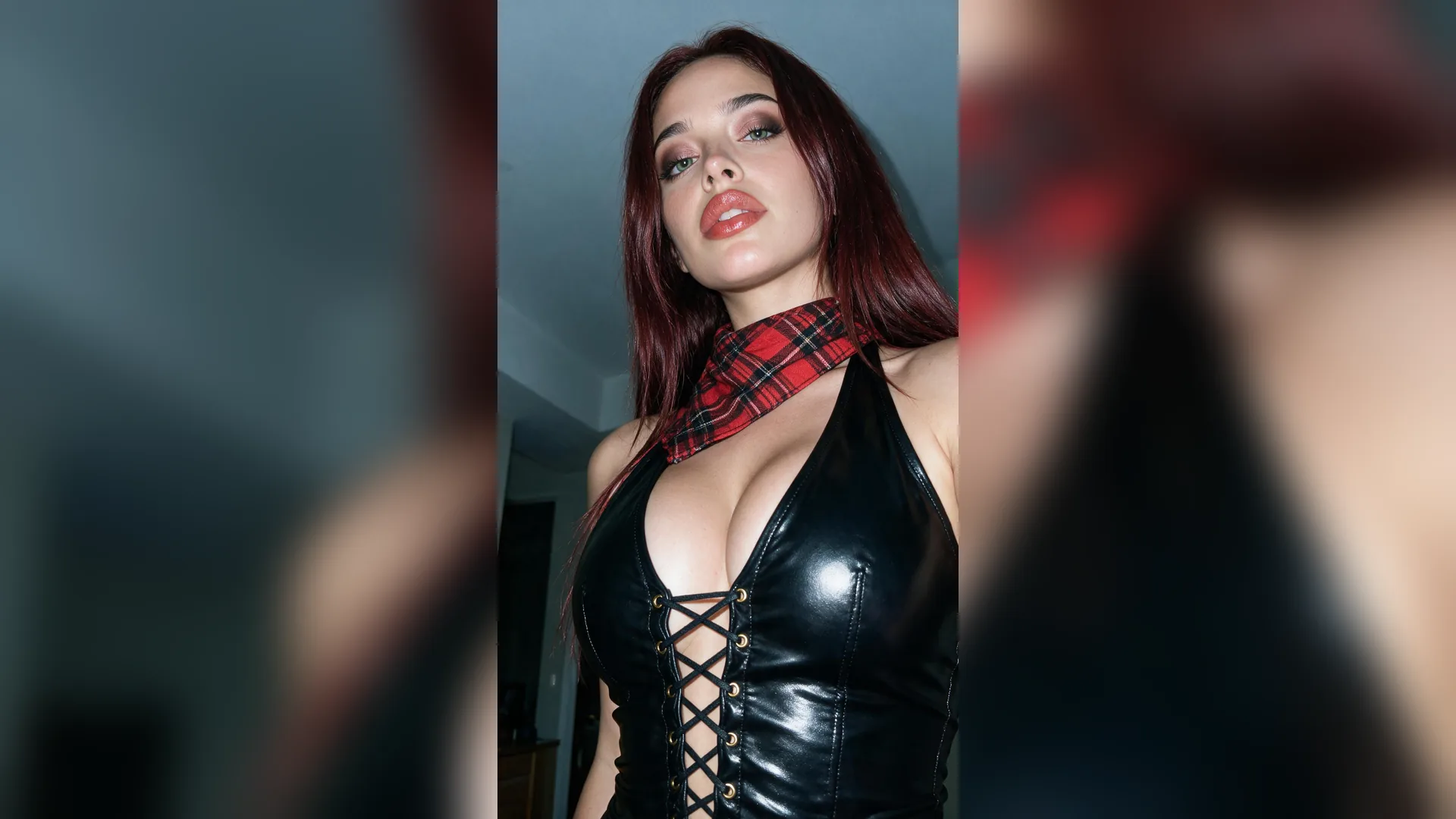
Once you grab TikTok frame for thumbnail prep, keep your workflow moving in the same thread. Swap cluttered room backgrounds, boost subject lighting, and apply a uniform brand title bar so every TikTok, Instagram Reel, and YouTube Short shares a cohesive visual identity.
Generate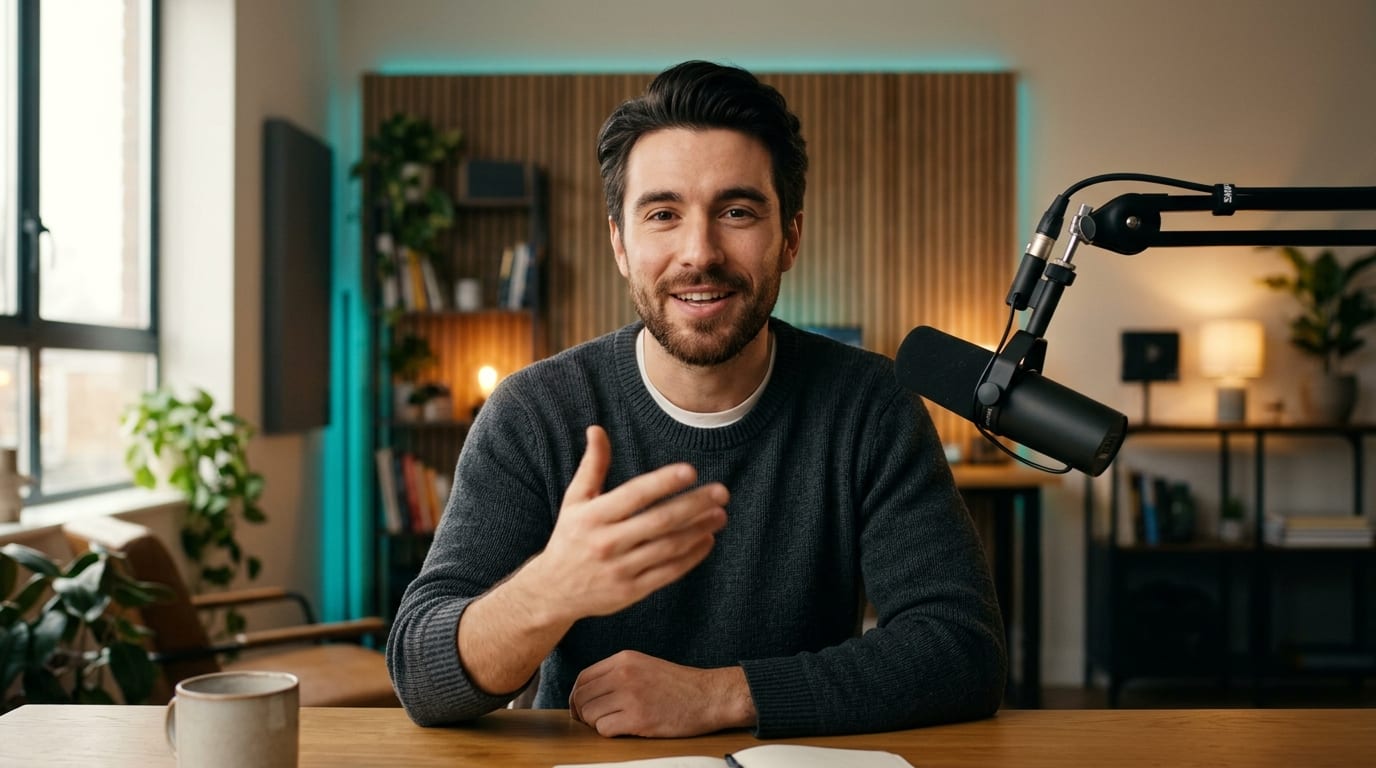
Need subtle variations for A/B testing or different series pillars? After clicking Generate, ask Viralkey Agent in chat to shift the headline color, re-frame for a 3:4 profile grid, or export a clean text-free master alongside your titled cover.
GenerateFollow these layout and cleanup principles so your extracted TikTok covers stay crisp across every short-form feed.
Design for the 3:4 Profile Grid
Grid SafeKeep headlines and key facial expressions inside the central 3:4 window so TikTok's 3-column profile grid never slices off words.
Start With Clean Source Frames
ResolutionUpload an exported video file or full-resolution frame grab instead of a compressed screen capture to give Agent maximum texture detail.
Strip Platform-Specific Icons
UI CleanupAlways clear away right-side heart, comment, and share icons before republishing to Instagram Reels or YouTube Shorts so feeds look native.
Keep Cover Titles Under 5 Words
CopywritingCap cover headlines at 3 to 5 high-impact words so mobile viewers can read the hook instantly while scrolling fast.
Boost Foreground-Background Pop
ContrastSeparate your subject from busy room or street backgrounds with subtle edge contrast or clean backdrop replacement.
Standardize Series Cover Templates
BrandingReuse one consistent font weight and accent color across your series so returning viewers recognize your content on sight.
Upload your exported TikTok video clip or screen recording into the Reference slot, choose Extract Clean Cover Frame, and describe the timestamp or visual moment you want. Viralkey Agent isolates a sharp keyframe and renders a crisp HD cover image ready for download.
Choose your options above, optionally attach reference media, and send your formatted prompt directly to Viralkey Agent.