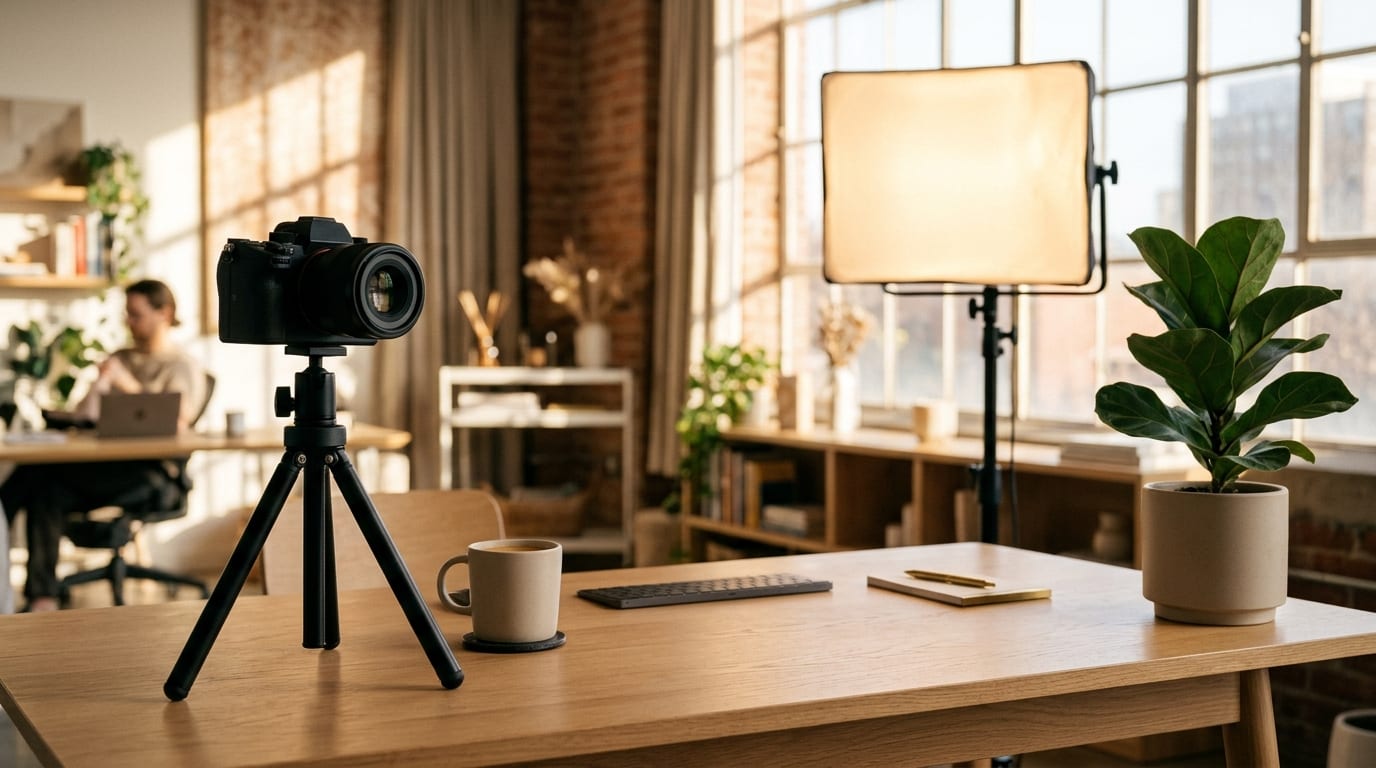





Keep Highlights Tight
DurationStick to 3 to 5 seconds for reactions and UI clicks so every frame stays crisp without triggering email or Slack upload caps.
Convert uploaded YouTube video clips and screen recordings into clean, looping animated GIFs with precise timestamp cuts, 1:1 or 9:16 crops, and dynamic captions inside Viralkey Agent. Powered by Viralkey Agent · Explore Twitter to GIF · Add Caption to GIF · GIF Meme Maker
Specify timestamps, crop focus, or caption text for your uploaded clip
Turning five seconds of a ten-minute video into a shareable loop should not mean launching bloated desktop timelines or settling for washed-out, grainy exports. Upload your recorded clip into the Reference slot, specify your exact timestamps, pick a 3s, 5s, or 10s preset, choose 16:9, 1:1, or 9:16 framing, and toggle captions so you can make high quality GIF from YouTube highlights ready for docs, social posts, and community threads. Send briefs straight into Viralkey Agent or jump to AI Video and Text to Video · Related workflows: Twitter to GIF · Add Caption to GIF · GIF Meme Maker
Convert uploaded YouTube video clips and screen recordings into clean, looping animated GIFs with precise timestamp cuts, 1:1 or 9:16 crops, and dynamic captions inside Viralkey Agent.

Set a 3s, 5s, or 10s preset window and pair it with exact start-to-end timestamps in your prompt so long tutorials shrink into crisp, seamless highlights.
Generate
Switch effortlessly between 16:9 original widescreen, 1:1 social square, and 9:16 vertical framing to fit docs, X posts, newsletters, or mobile feeds.
Generate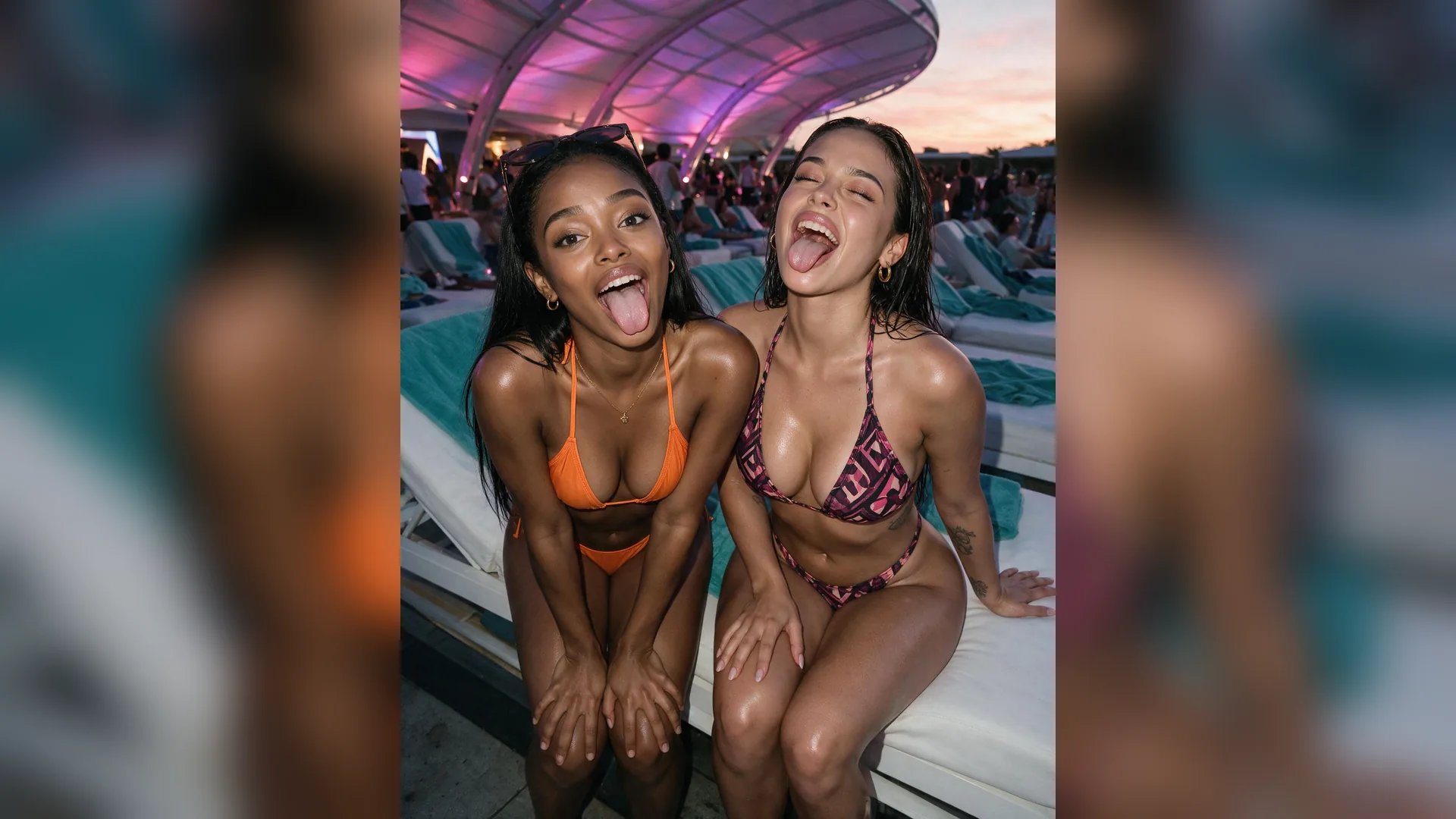
Toggle clean no-text loops, bold dynamic subtitles, or top callout banners with sharp typography and balanced color palettes that stay lightweight.
GenerateChoose 3s, 5s, or 10s duration, select 16:9, 1:1, or 9:16 framing, and toggle whether you want clean footage, bold subtitles, or a top callout banner.
Drag and drop or upload your exported video segment or screen recording into the Reference slot, then type your exact timestamp range and caption copy in the prompt box.
Hit Generate to open Viralkey Agent, export your clean looping GIF, or refine timing, crop centering, and text styling right in chat.

Help docs, onboarding emails, and product launch threads perform better when a single self-playing loop demonstrates the exact click or workflow. Cropping to 1:1 square or zooming tight in 16:9 keeps tiny interface labels readable while keeping file sizes fast to load.
Generate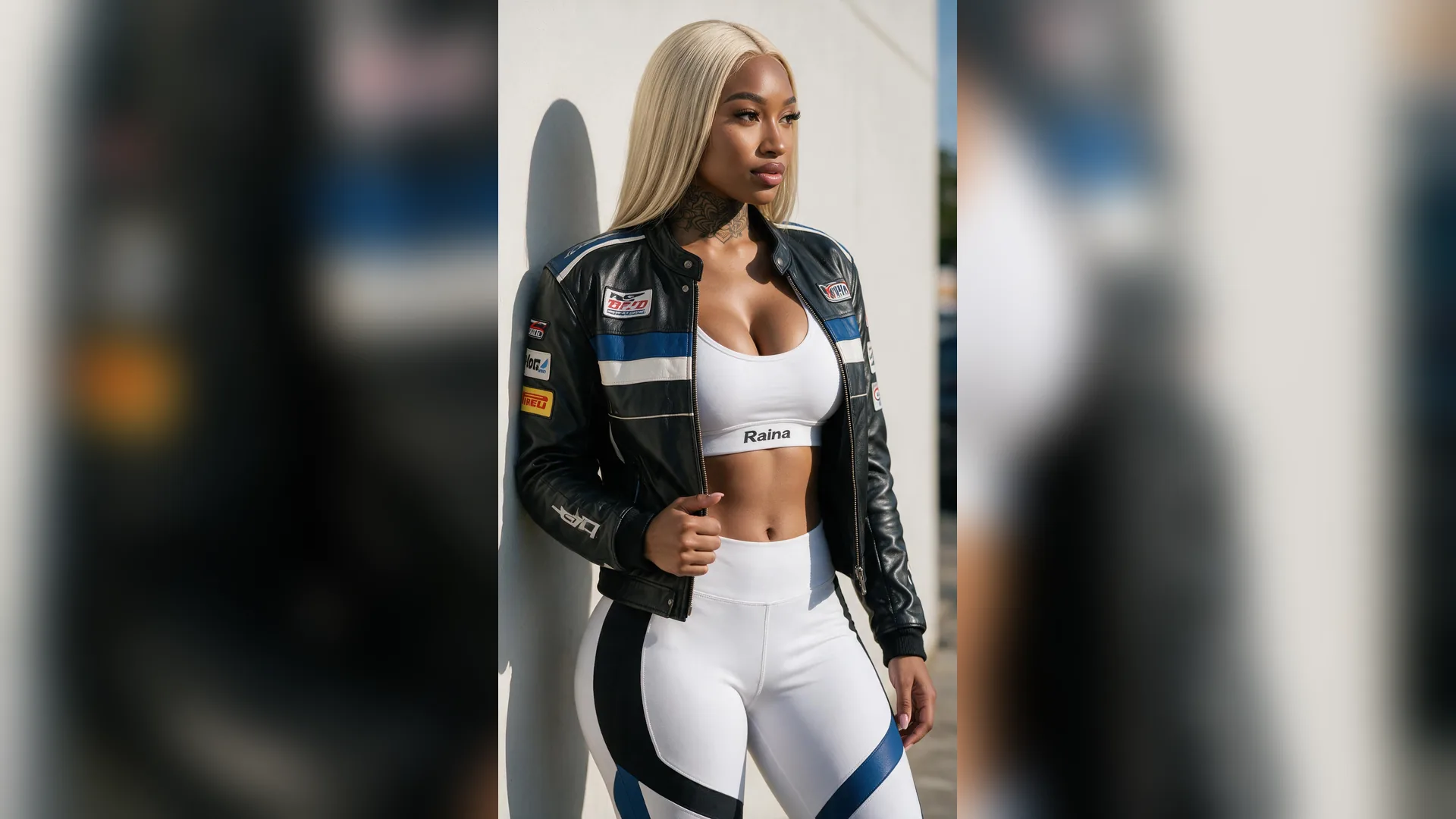
Whether you are clipping a creator podcast moment or a gaming highlight, reframing widescreen footage into 9:16 vertical or 1:1 square puts the expression or punchline front and center. Adding short subtitles lets muted feeds deliver the full joke instantly.
Generate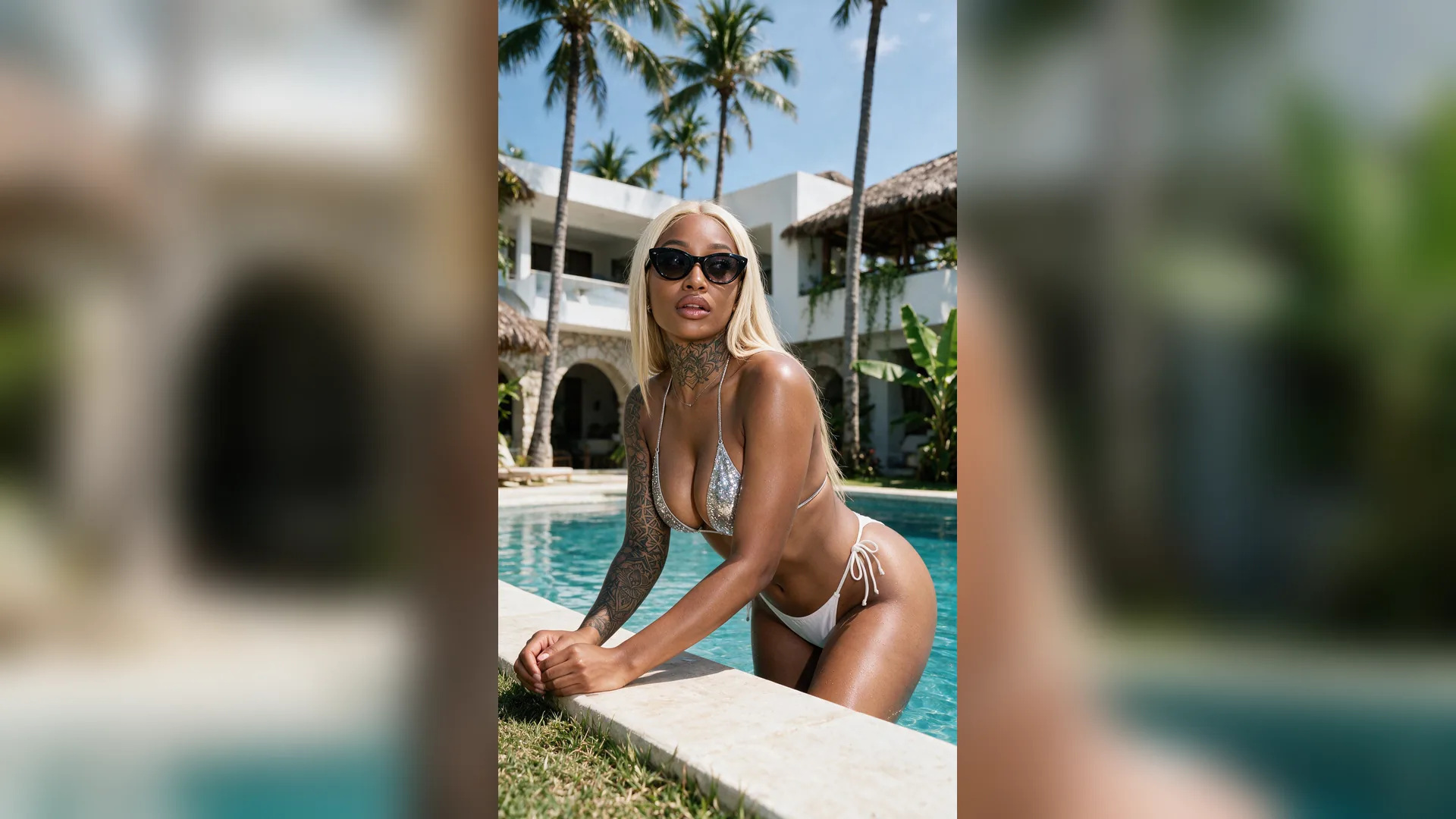
Standard converters often introduce speckled dithering or bloated multi-megabyte exports. By pairing concise 3s to 10s timestamp windows with clean color tuning in Viralkey Agent, you can turn any uploaded YouTube video to animated GIF assets that look sharp everywhere.
GenerateGet sharper motion, cleaner text, and smaller file sizes when converting video highlights into looping GIFs.
Keep Highlights Tight
DurationStick to 3 to 5 seconds for reactions and UI clicks so every frame stays crisp without triggering email or Slack upload caps.
Upload Sharp Source Footage
Source ClipDrop an MP4 segment or clean screen capture into the Reference slot instead of low-res re-exports so color palettes stay accurate.
Crop Around the Action
FramingUse 9:16 vertical or 1:1 square framing to zoom in on the cursor or speaker rather than forcing viewers to squint at a tiny 16:9 strip.
Write Scannable Subtitles
CaptionsKeep overlays to 4 to 7 words in high-contrast type so viewers grasp the takeaway on the very first loop.
Anchor the Loop Boundary
PacingBegin your timestamp window right before the key gesture or expression and end cleanly so the repeat feels intentional.
Balance FPS and Weight
File WeightAsk Viralkey Agent in follow-up chat to test a 15 fps or tighter-cropped variant if you need an even lighter embed for docs.
Upload your exported video file or screen recording into the Reference slot, then type your exact start and end window (such as 01:14 to 01:19) in the prompt box. Viralkey Agent isolates that segment and loops it cleanly without forcing you through a full timeline editor.
Choose your options above, optionally attach reference media, and send your formatted prompt directly to Viralkey Agent.