



Write How People Speak
CopywritingKeep sentences under 18 words and read your opening hook aloud once to catch awkward phrasing before generating.
Turn scripts into expressive, human-sounding narration without recording a single take. Choose a voice style, pacing speed, and emotion tag to generate a YouTube faceless video voice over or ad read inside Viralkey Agent. Powered by Viralkey Agent · Explore TikTok Voice Generator · YouTube Shorts Voice AI · AI Story Generator
Paste your narration script, language, and delivery cues
Built-in computer text-to-speech sounds flat and robotic, while hiring freelance voice talent for every script tweak quickly drains your budget. Paste your storyboard or narration script below—and optionally upload an audio clip or video cut into the Reference slot—so Viralkey Agent delivers a natural text to speech voice over with lifelike pauses, vocal emphasis, and ready-to-edit video pairing. Send briefs straight into Viralkey Agent or jump to AI Video and Text to Video · Related workflows: TikTok Voice Generator · YouTube Shorts Voice AI · AI Story Generator
Turn scripts into expressive, human-sounding narration without recording a single take. Choose a voice style, pacing speed, and emotion tag to generate a YouTube faceless video voice over or ad read inside Viralkey Agent.
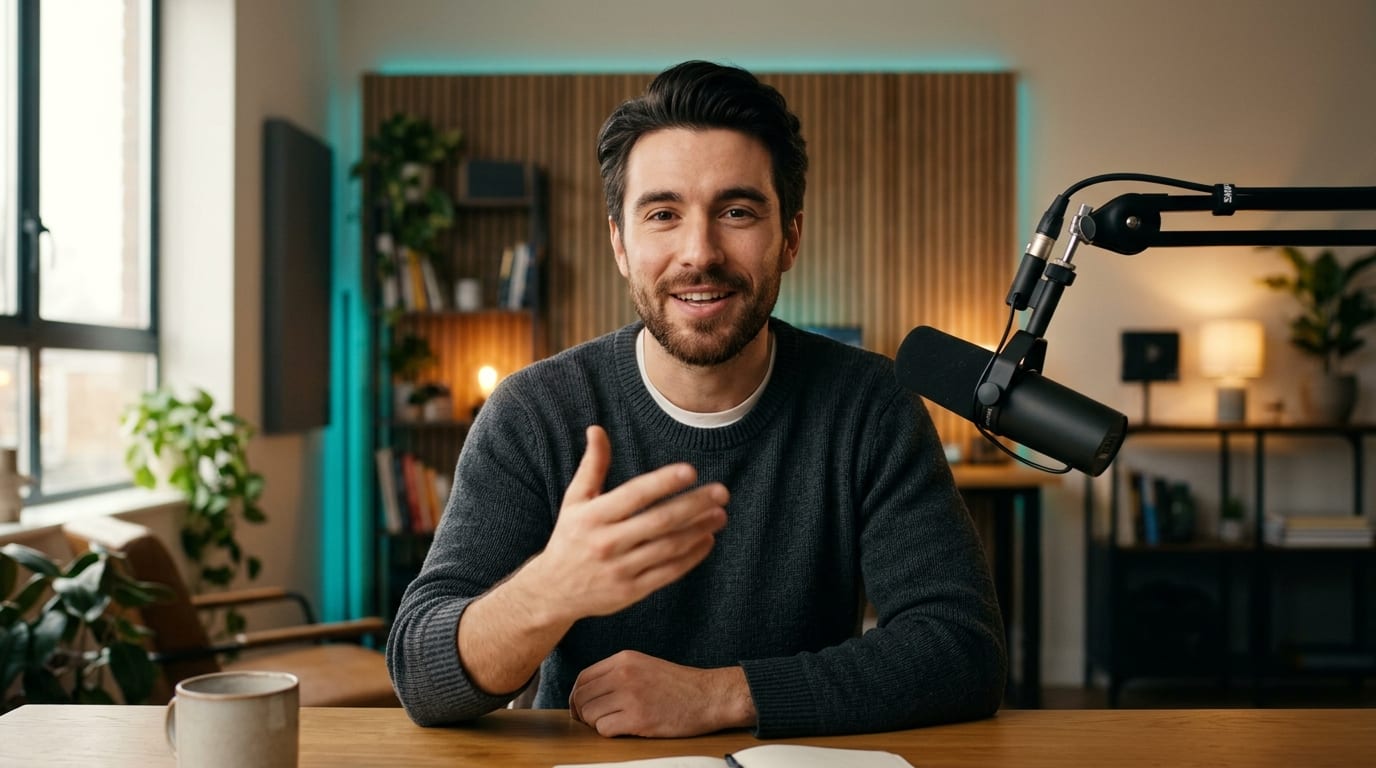
Dial in 0.9x measured, 1.0x natural, or 1.15x brisk pacing alongside conversational, upbeat, or calm emotion tags for realistic narration voice AI.
Generate
Switch seamlessly between US creator male, warm narrative female, and energetic ad or documentary voices in English and major global languages.
Generate
Built as a commercial script voiceover maker and faceless creator tool, letting you generate voiceovers and pair them with visuals in one Viralkey Agent chat.
GenerateSelect a US male host, warm female narrator, or ad and documentary voice, then choose your pacing multiplier and emotion tag.
Paste your script or storyboard lines in the prompt box, and optionally drag and drop a clip or audio sample into the Reference slot.
Hit Generate to launch Viralkey Agent, preview your expressive voiceover, and optionally assemble matching video scenes or captions.
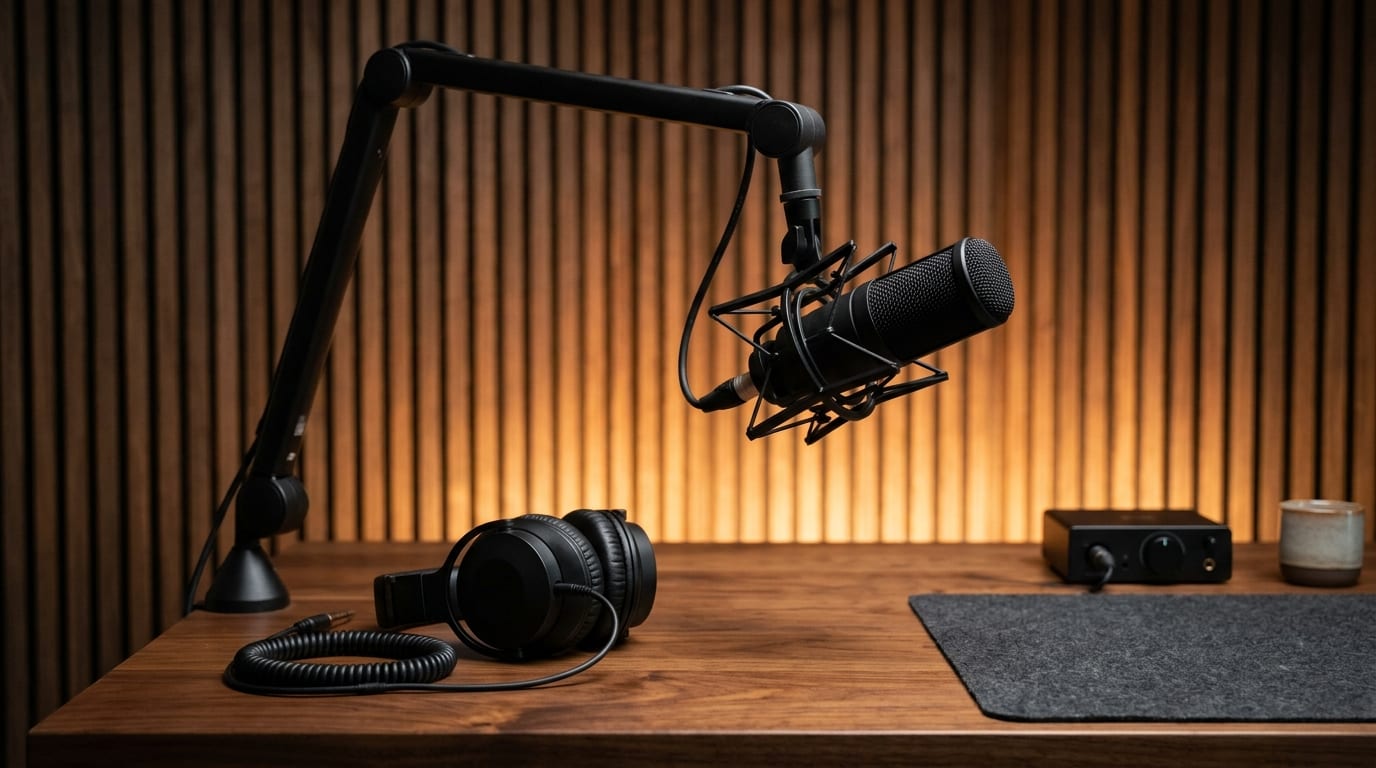
Running a YouTube faceless video voice over workflow means shipping consistently without setting up acoustic foam or re-recording noisy takes. Edit a single sentence in your script and regenerate clean narration in seconds.
Generate
Instead of monotone robotic reading, realistic narration voice AI respects commas, parenthetical cues, and product callouts so tutorials, explainers, and storytimes keep viewers watching.
Generate
Start inside Viralkey Agent as an AI voiceover generator free online workspace with starter credits, then ask in the same thread to layer subtitles, match clip pacing, or export a social-ready video cut.
GenerateSmall script adjustments help AI voices sound authentic, expressive, and ready for your final cut.
Write How People Speak
CopywritingKeep sentences under 18 words and read your opening hook aloud once to catch awkward phrasing before generating.
Punctuate for Breaths
PacingUse commas, em-dashes, and line breaks between storyboard beats so the voice pauses naturally between ideas.
Match Speed to Format
RetentionChoose 1.15x brisk pacing for short-form hooks and 0.9x–1.0x measured cadence for tutorials or essays.
Tag Emotion Intentionally
DeliveryPair product promos with Energetic Ad Promo, and save Documentary Calm for deep-dive stories or case studies.
Guide Brand Pronunciation
ClaritySpell tricky brand names or acronyms phonetically in your prompt if a first pass needs clearer pronunciation.
Sync With Reference Clips
WorkflowUpload your rough cut or product demo into the Reference slot so Viralkey Agent aligns vocal timing to your scenes.
Yes. New Viralkey accounts include starter credits so you can test scripts, compare male and female voice profiles, and preview natural narration inside Viralkey Agent before upgrading for higher-volume production.
Choose your options above, optionally attach reference media, and send your formatted prompt directly to Viralkey Agent.