JM
Jason Mitchell
Indie MusicianOne portrait plus my track — a performance-ready AI MV in 3 minutes.
Short-form for the next release finally keeps up.
A steady click, a clear pulse, and space to focus. Set your BPM, choose your beat, and make every practice count.
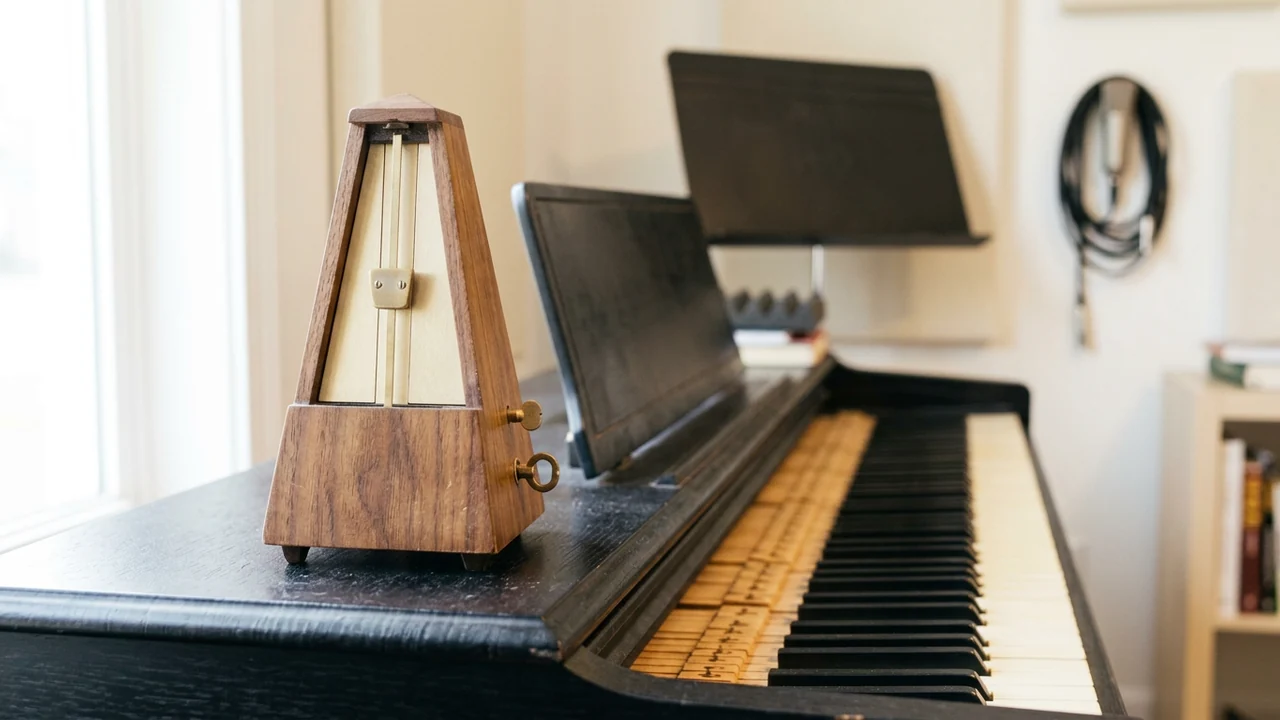
A metronome is more than a countdown. It gives your playing a steady reference so you can hear the space between the notes. Begin at a tempo you can play comfortably, then build speed without losing the groove.
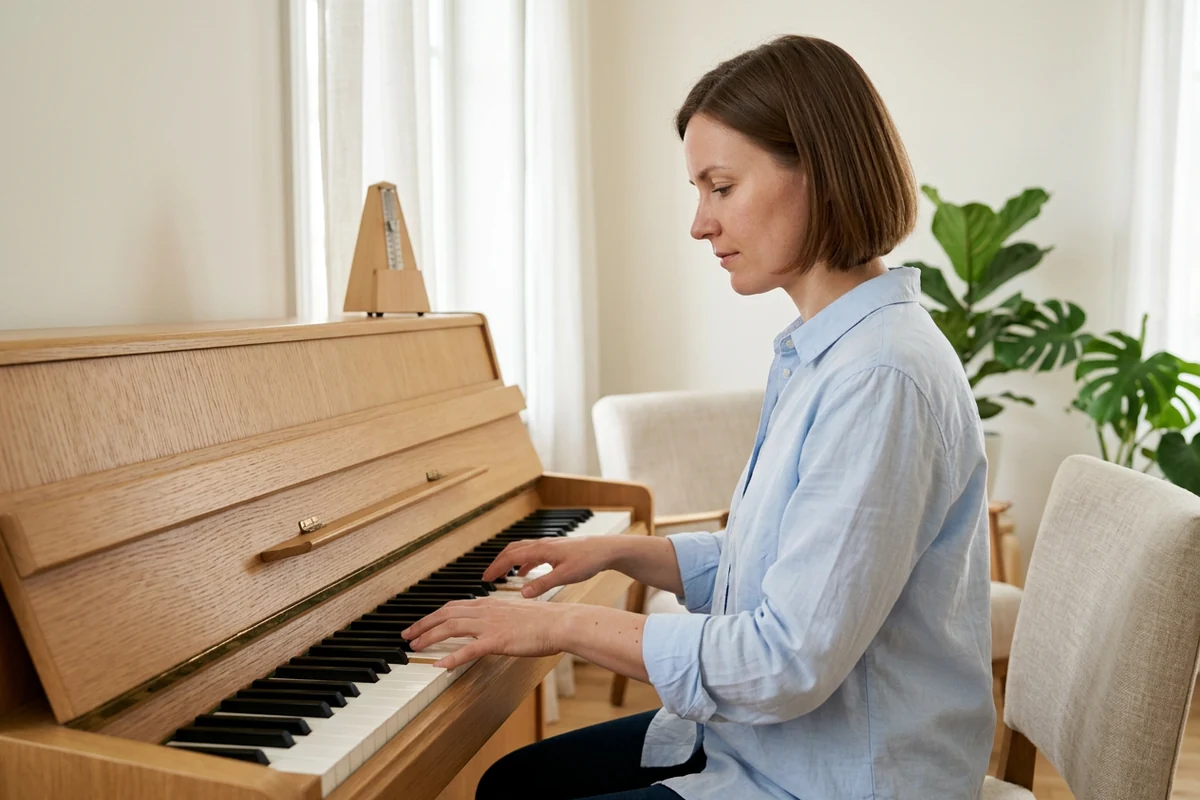
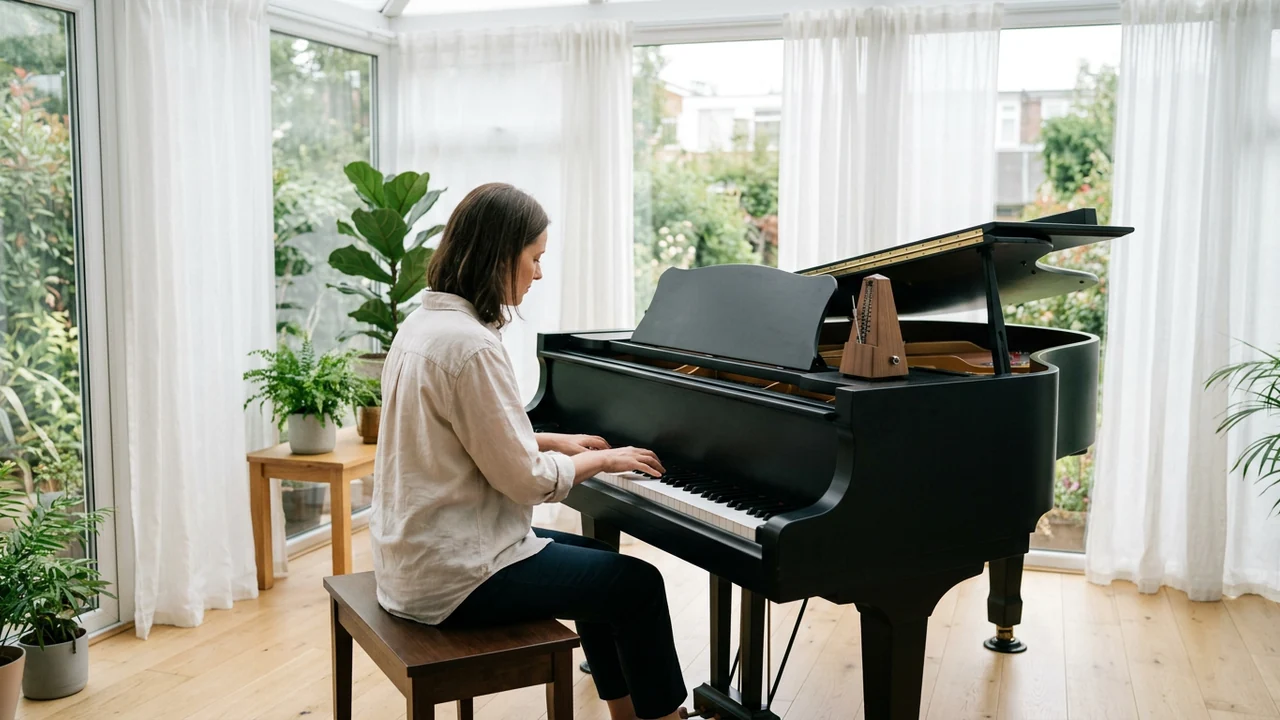
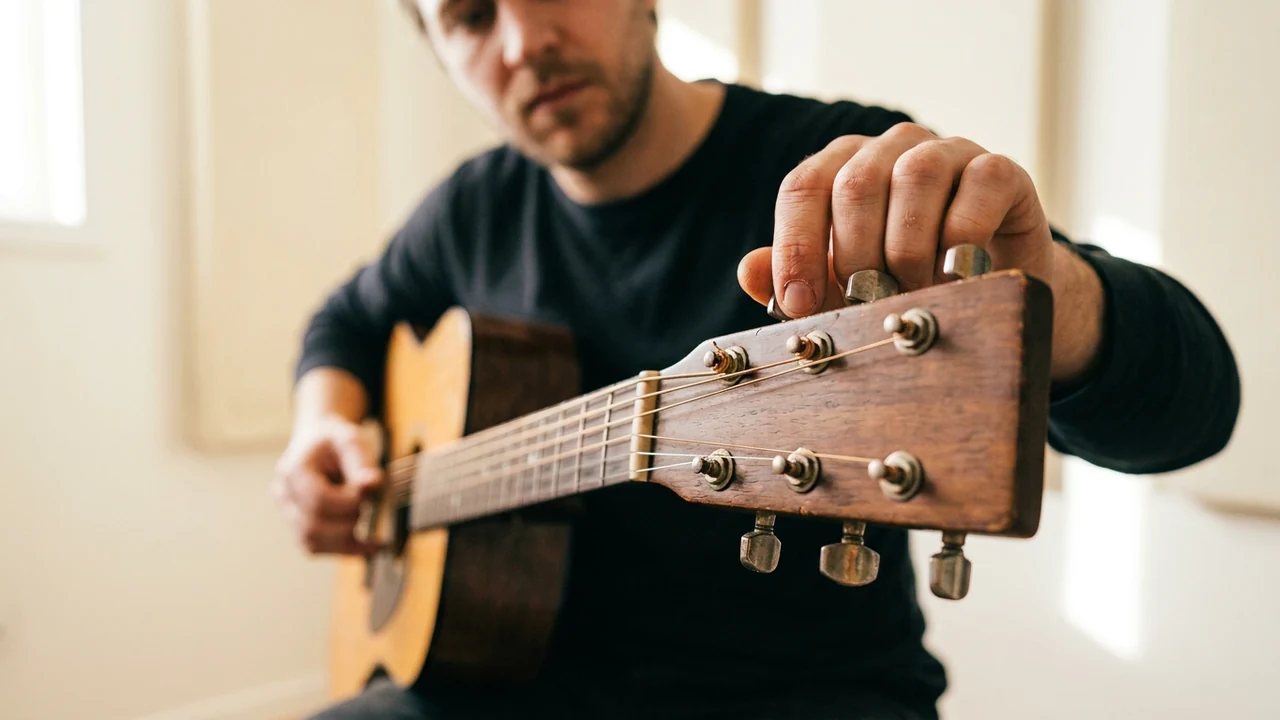
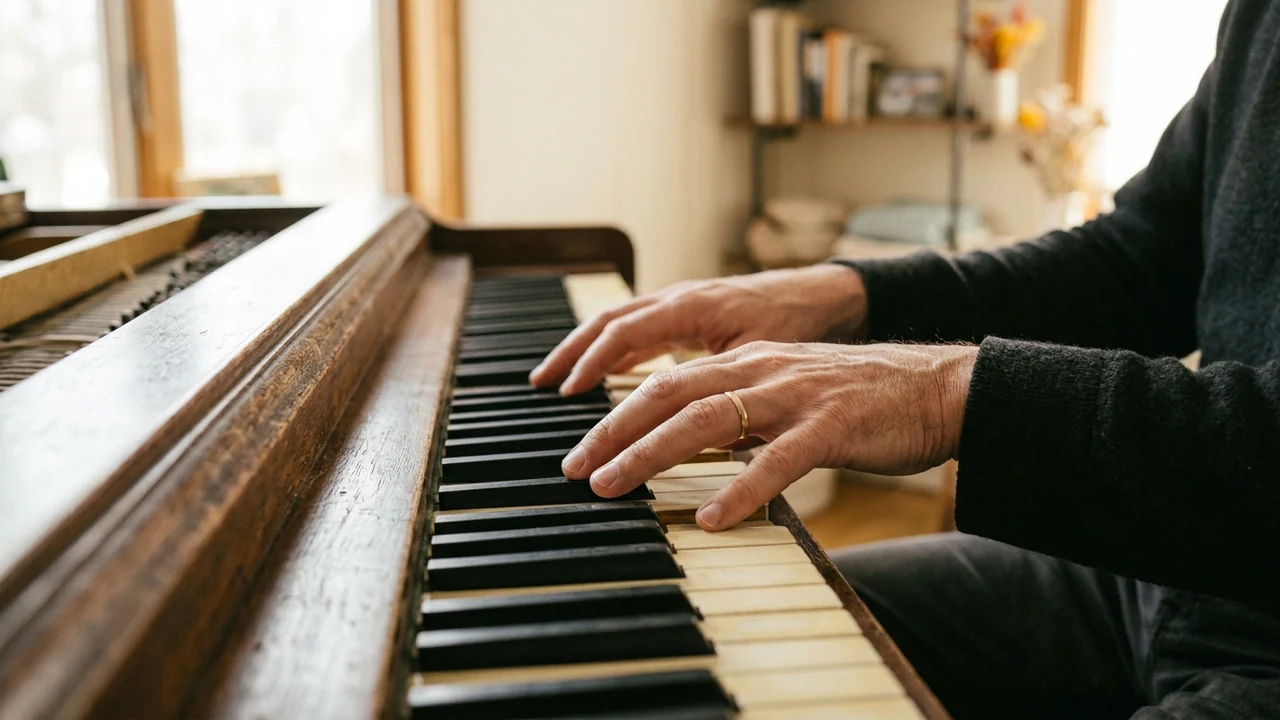
A difficult chord change or piano passage is easier to understand when you are not rushing through it. Choose a comfortable tempo on this free online metronome, and repeat a short section against the steady click. If you only know the song by ear, find its pulse first with the free BPM tapper, or estimate it from a file with the BPM finder. Listen for notes that arrive early or late, then make small adjustments to your fingering. Raise the BPM only when the movement feels relaxed and you can repeat it consistently.
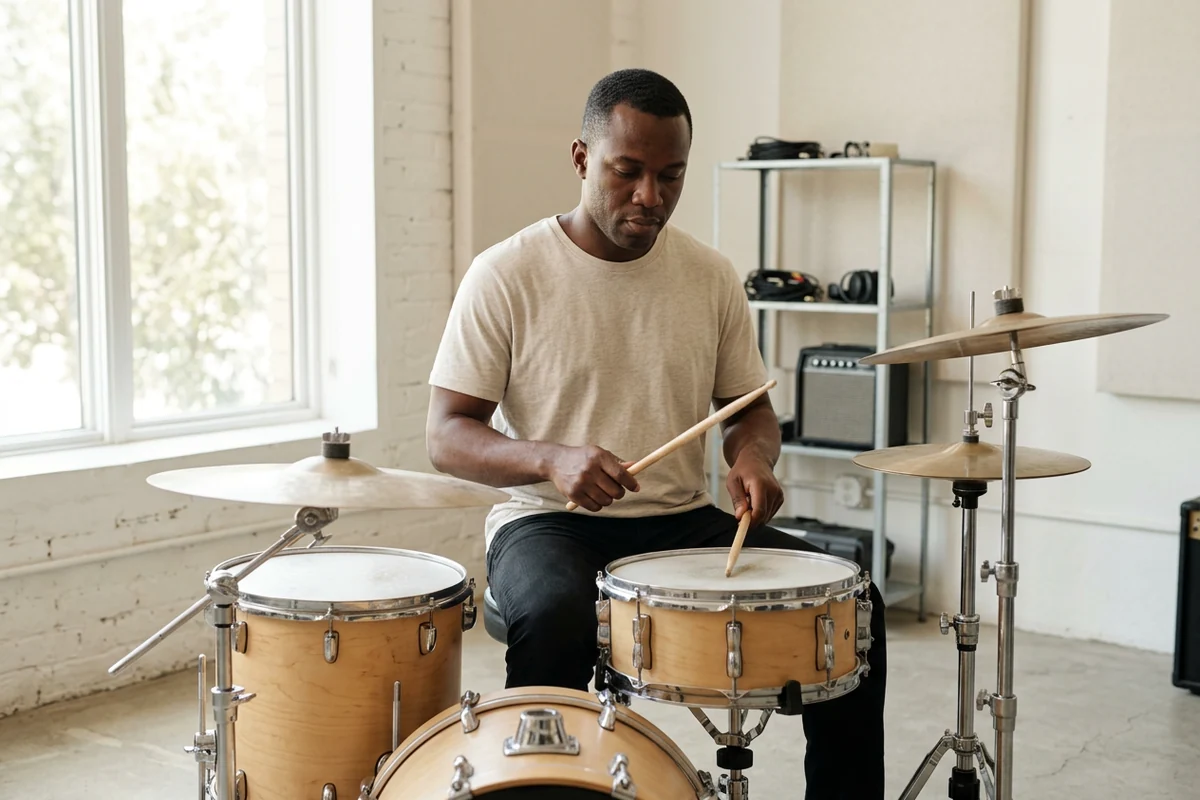
Practice a three-beat waltz or a four-beat groove with a clear accent on the first beat. Add subdivision clicks when you need help placing the notes between the main beats, then reduce them as the rhythm becomes familiar. When the groove feels ready, keep the same pulse in a music video template.
Choose a tempo from 20 to 300 beats per minute, or tap the rhythm you have in mind.
Set the beats per bar and clicks per beat. Accent the first beat to hear where each bar begins.
Start the click, relax into the pulse, and adjust the tempo as your playing settles.
A tempo or a pitch is rarely the only question. Stay on Viralkey to finish the next part of the same practice.
Hear a key, play a shape, or try a voicing in the browser before you take it back to your track.
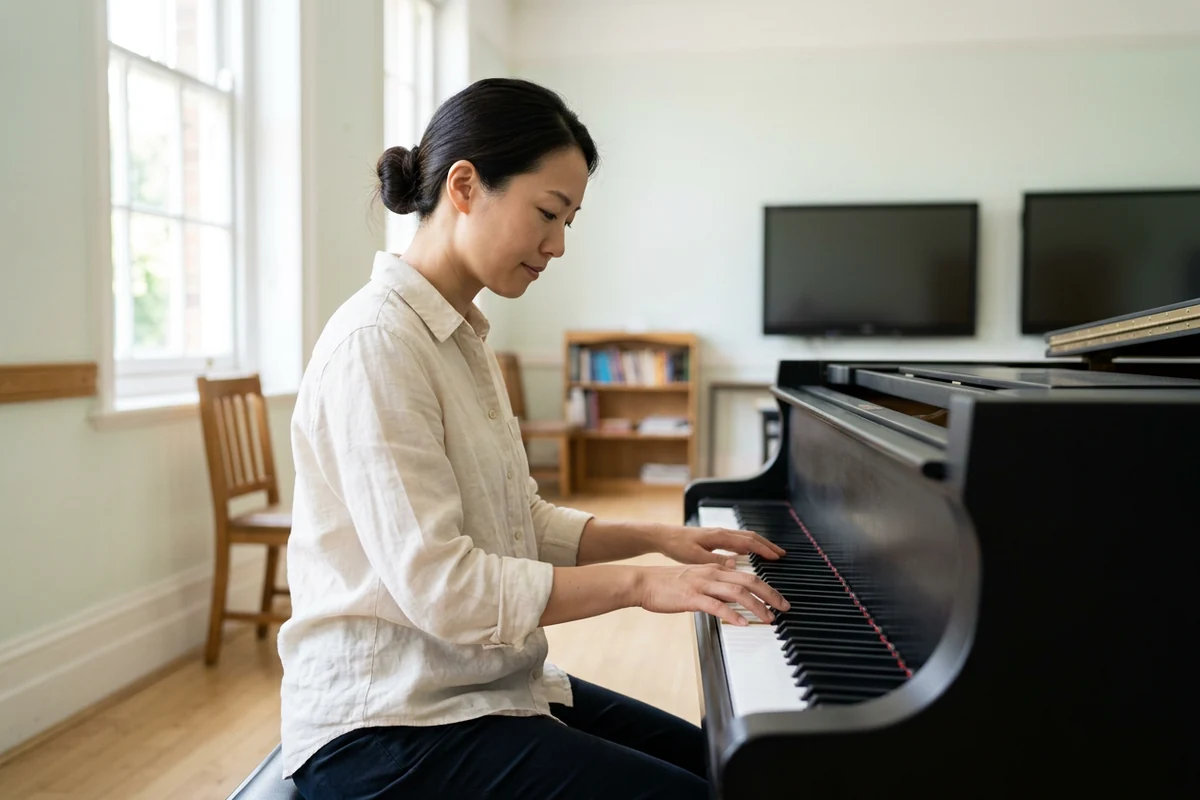
Explore key signatures, relative minor keys and diatonic chords. Hear scales and chords, free of credits.
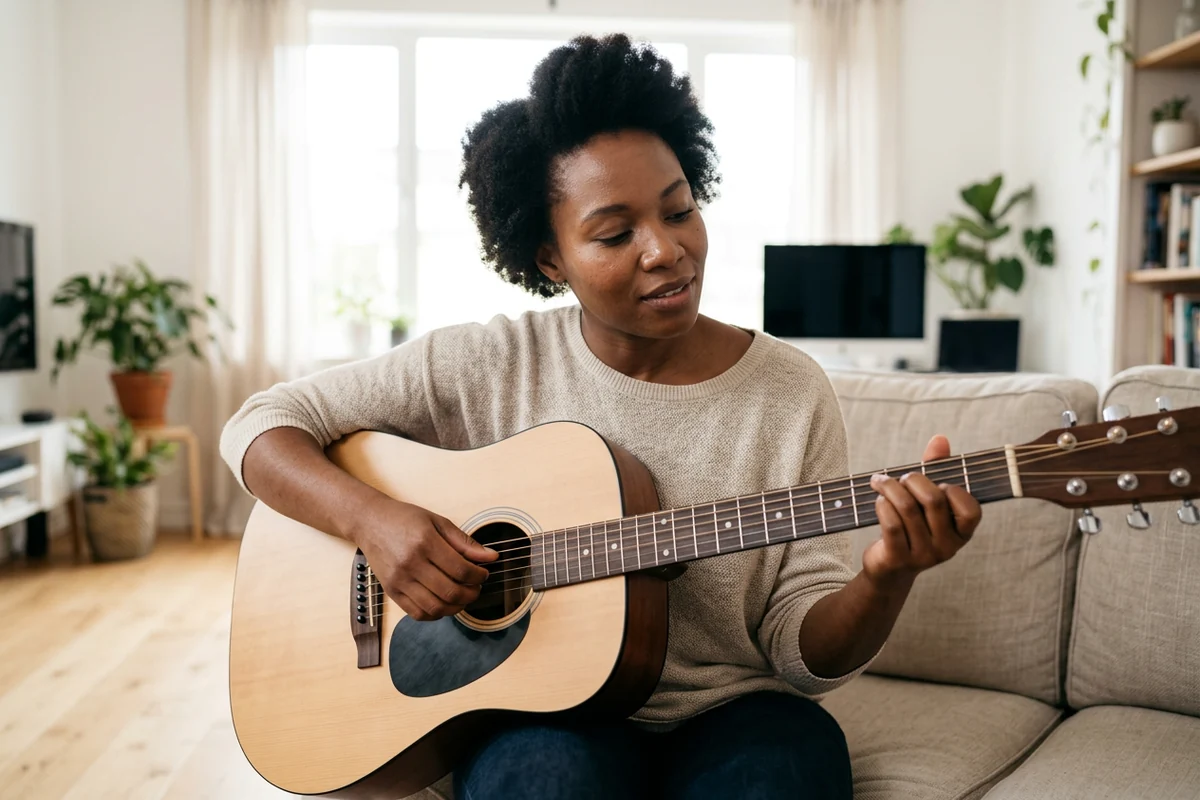
Hear chord progressions at your own tempo with block, strummed or arpeggiated playback. Playback is free and uses no credits.
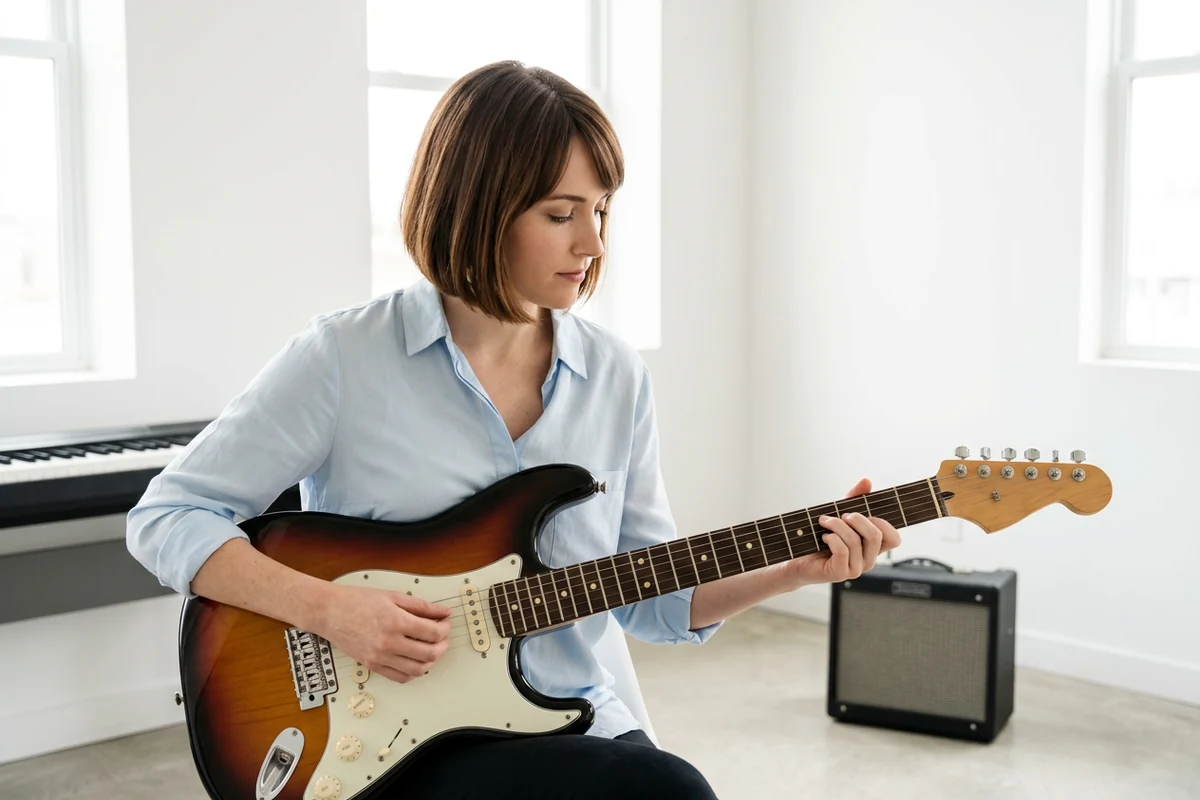
Explore guitar notes on an interactive fretboard with standard or Drop D tuning. Play browser-generated sounds for free.
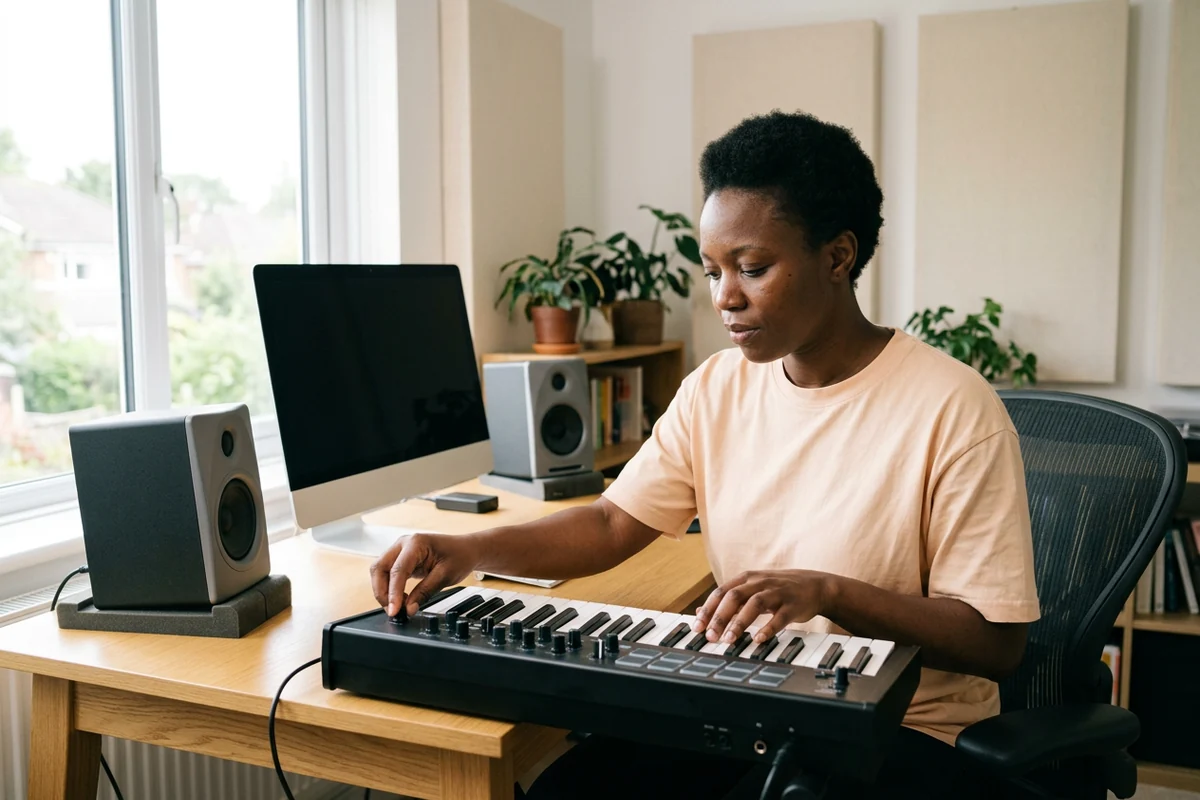
Play a browser synthesizer and explore oscillator waveforms, filter controls and ADSR. Make sound; no credits required.
Explore how creators turn photos and music into music videos with Viralkey.
Jason Mitchell
Indie MusicianOne portrait plus my track — a performance-ready AI MV in 3 minutes.
Short-form for the next release finally keeps up.
Grace Fox
Label ManagerSame face, different style — the team gets a new visual direction without reshooting or rebuilding the concept.
Emma White
Electronic MusicianUpload a song and AI builds around rhythm and emotion — drops and energy shifts land in the picture.
Mia Chen
ProducerNo shoot crew.
Upload the track and get a release-ready AI music video in minutes.
Diego Martins
MusicianLip-sync and expression actually feel like singing — not a mismatched face track.
Viewers feel the emotion land.
Hannah Parker
Label ManagerSame face across performance, story, and VFX, then 100+ styles on top — series posting finally scales.
Ravi Nair
YouTuberTikTok needs hooks and watch-through structure.
Viralkey clips can stop the scroll in the first seconds.
Yuki Lin
CreatorScenes and looks change, but the face stays the same — no face drift, consistent character at last.
Leo Santos
CreatorShip on release day: image to music video or song to music video — both modes cover what I need.
BPM means beats per minute. At 60 BPM there is one beat each second; at 120 BPM there are two. Subdivisions add extra clicks between those beats without changing the underlying BPM.
Set the BPM and beat pattern, then practice with a steady click.
Preview an example, choose a template, then follow its guide to add your photos and music. Audio tools are free; video generation uses credits.

A woman in an oversized graphic tee sings in the snack aisle of a late-night convenience store.
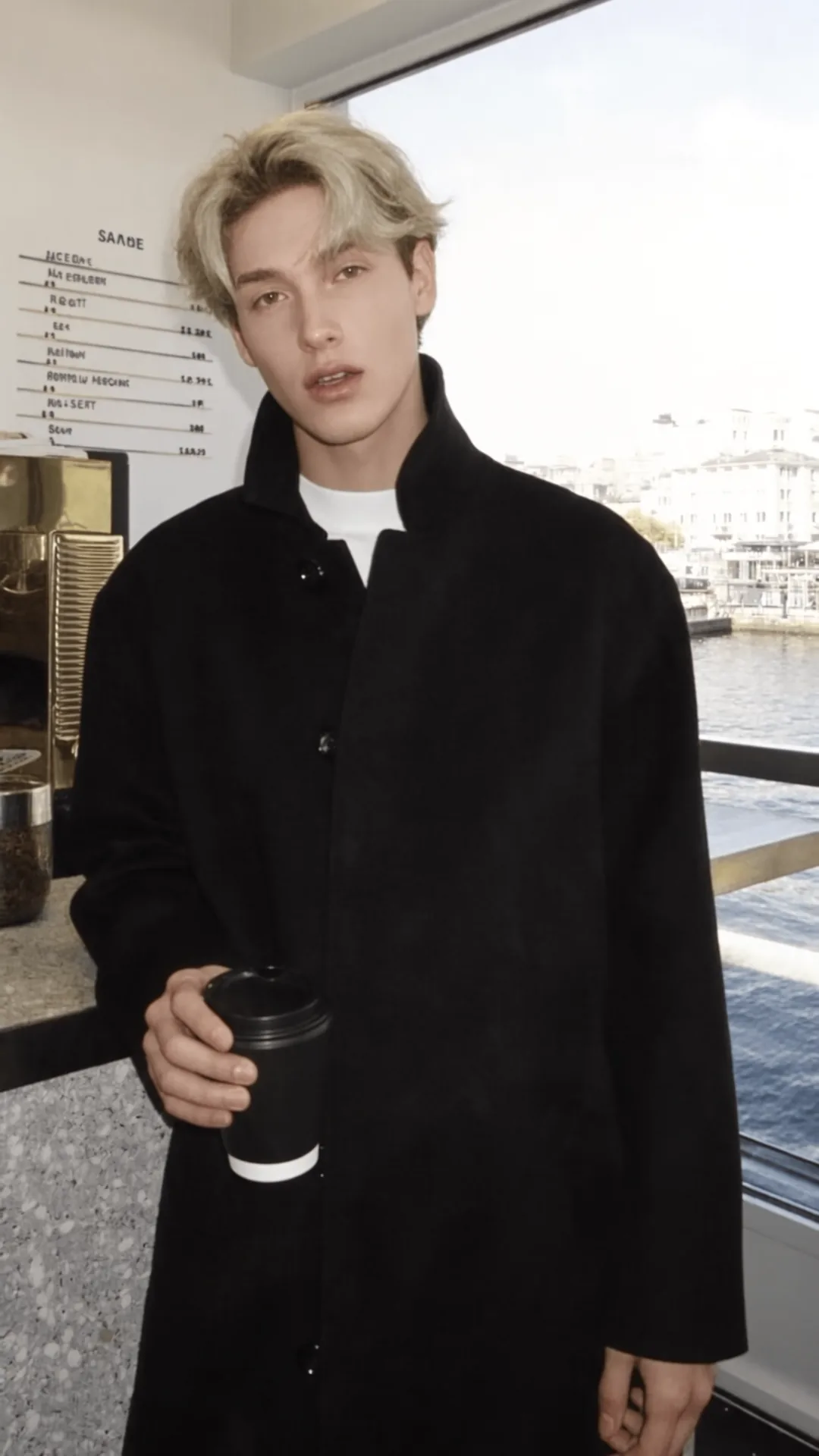
A man in a black wool coat sings by the window of a harbor cafe, takeaway coffee in hand.
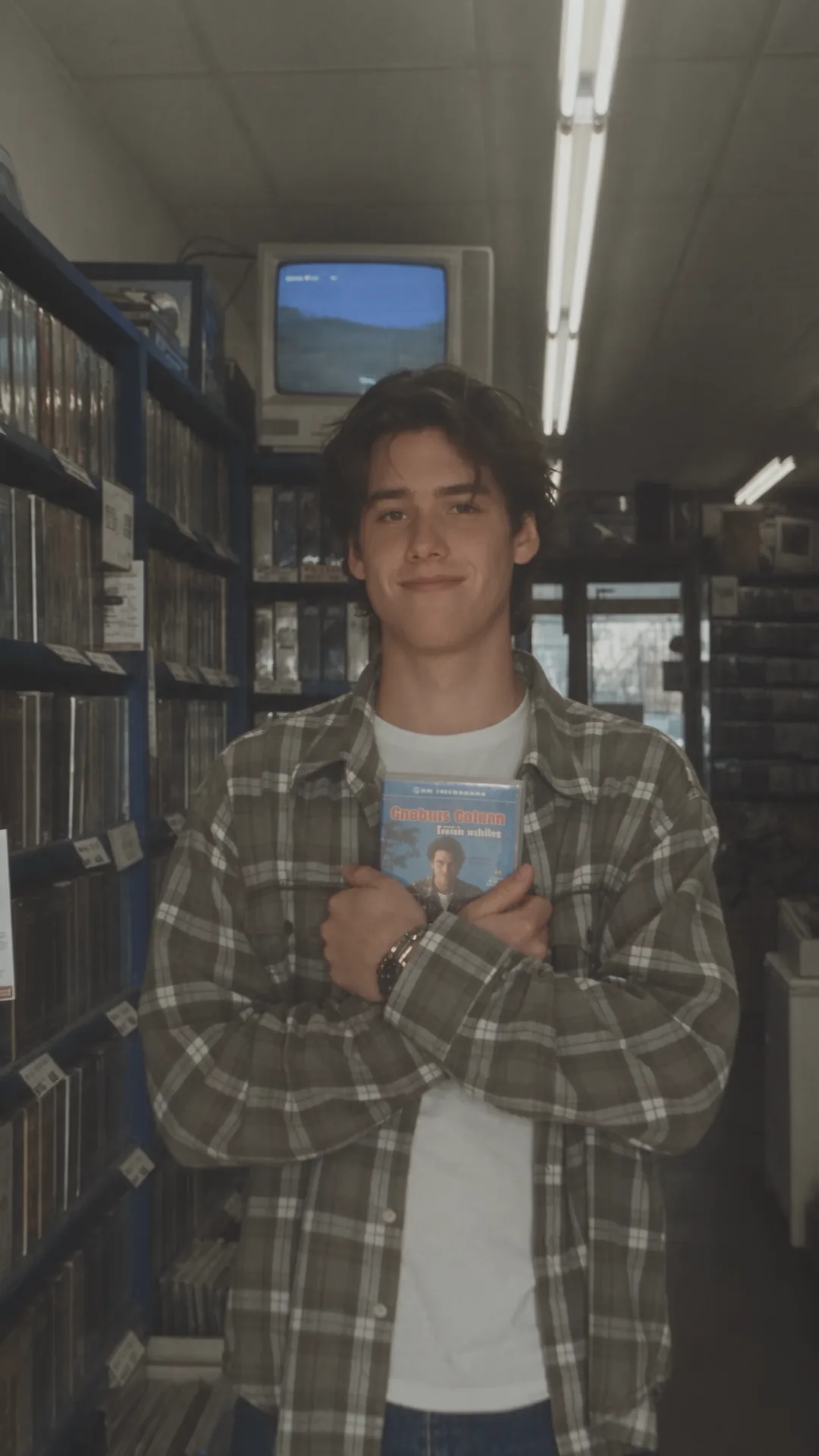
A man in a plaid flannel shirt sings in the aisle of an old video rental store.
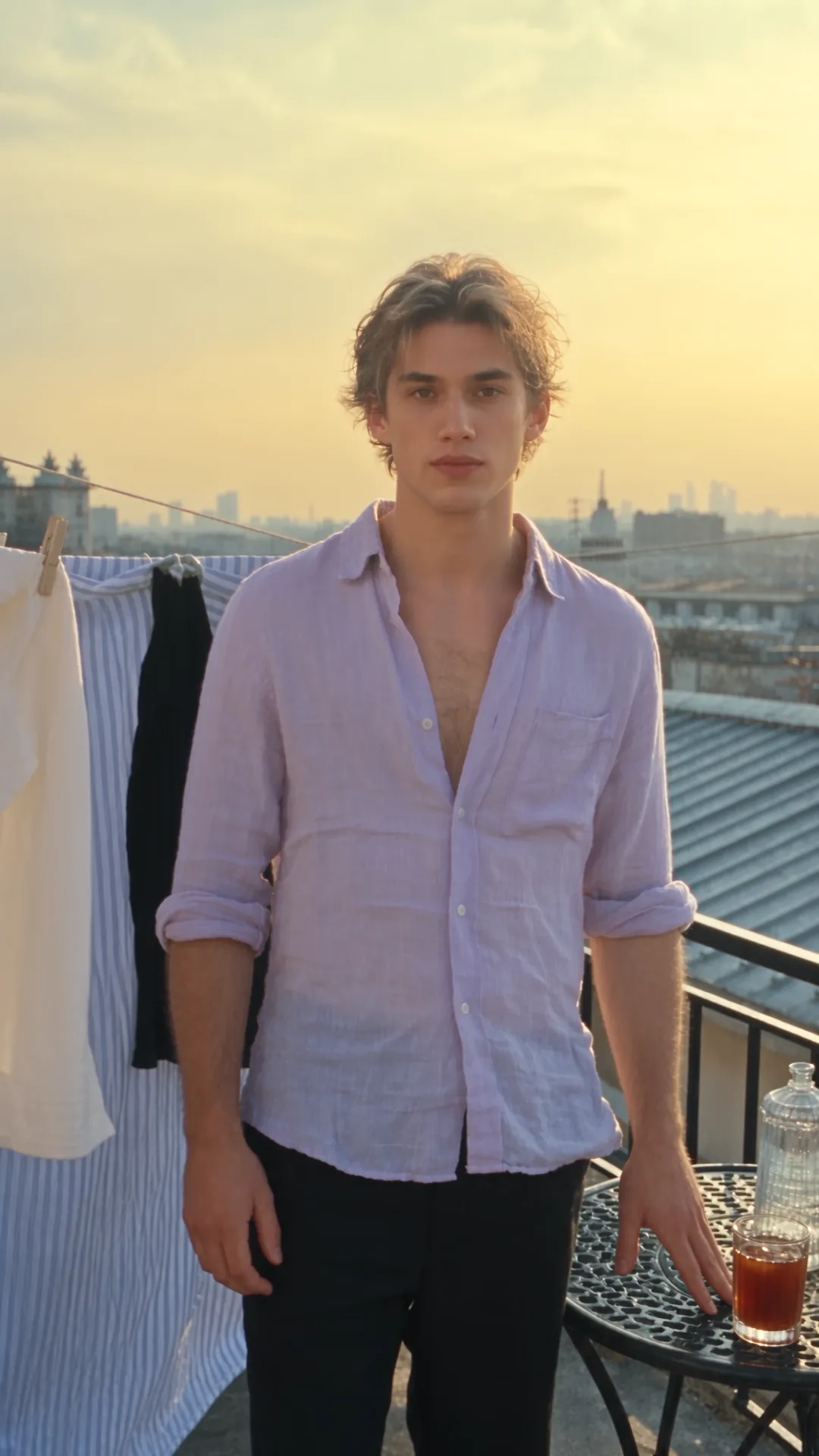
A man in a lavender linen shirt sings on a golden-hour rooftop, laundry drying on the line.